 ATDIGIT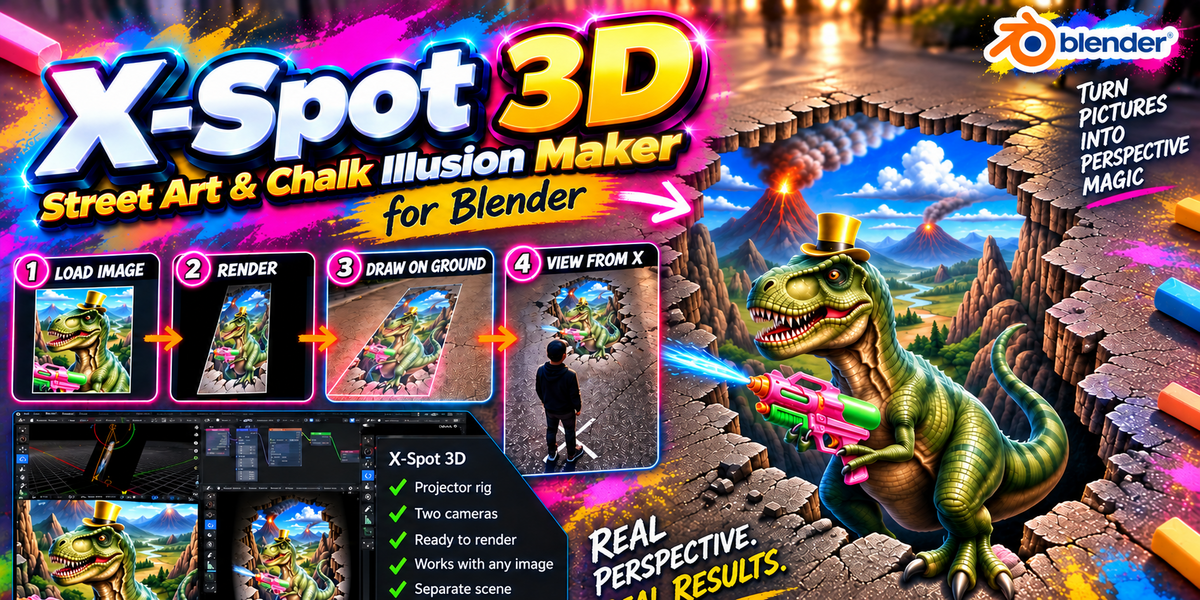


How do I report a problem?
Send your Blender version, OS, steps to reproduce and any error message.
Does it need internet or an API key?
No. X-Spot 3D works offline and uses the Cycles renderer that ships with Blender.
Which render do I draw on the ground?
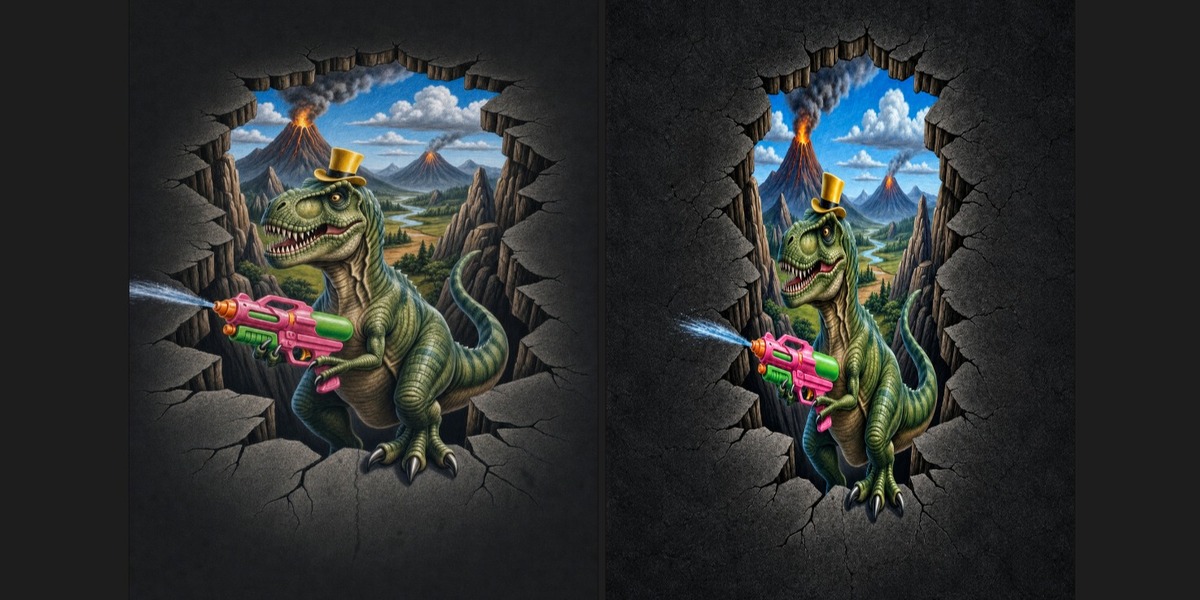
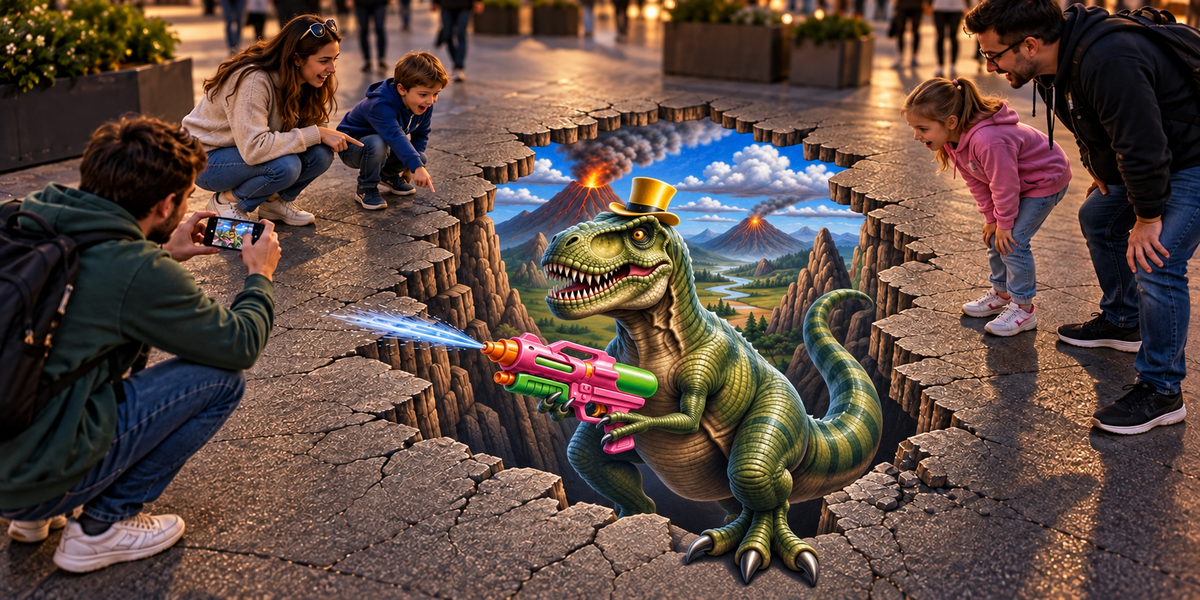
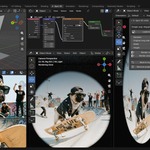
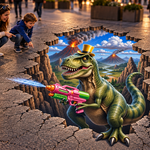
The anamorphic render from the Projected camera: the stretched picture. Seen from the viewing spot (the X) it looks undistorted.
Which picture do I use?
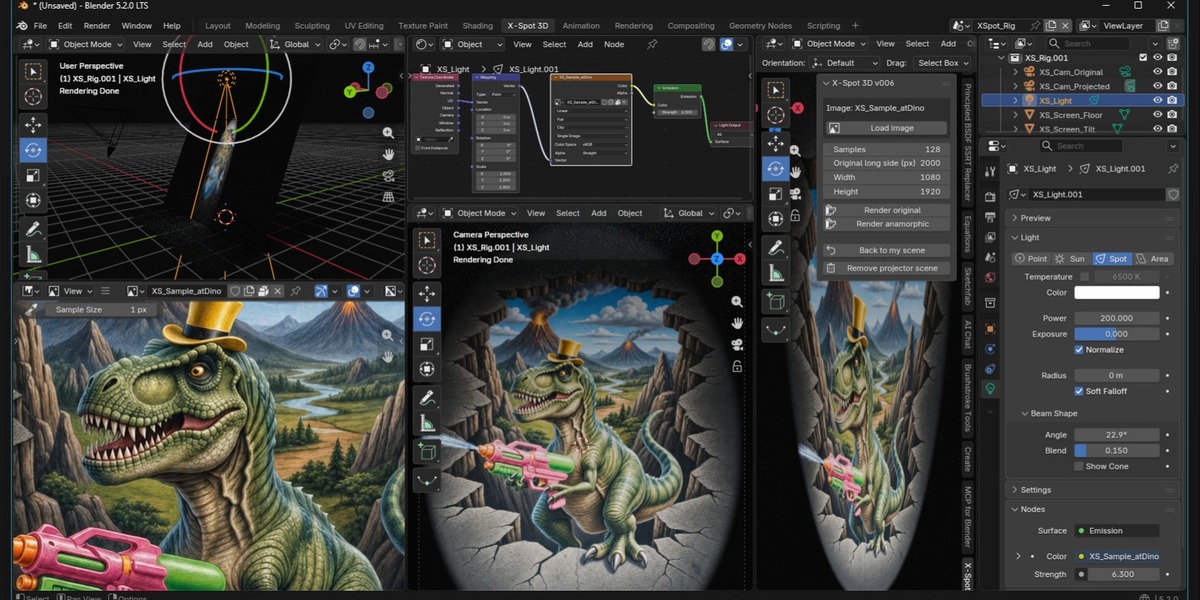
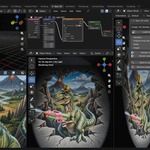
Any image. The light takes its proportions automatically. A sample picture is loaded at the start so you can see the result first.
Does it change my scene?
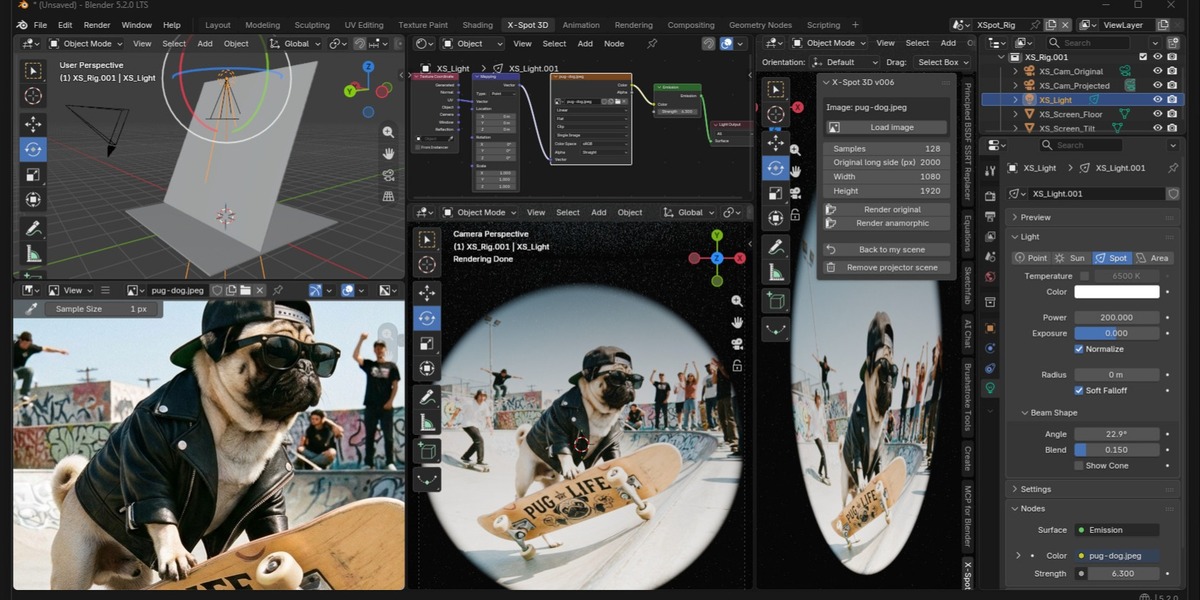
No. The rig is added as its own scene (XSpot_Rig) and its own workspace (X-Spot 3D). Use Back to my scene to return, and Remove projector scene to delete both.
Which Blender versions are supported?
Blender 5.0 or higher. Tested on Blender 5.0, 5.1 and 5.2.
The tab is missing after I installed it
Open Edit > Preferences > Get Extensions > Installed and tick X-Spot 3D. Turn on Auto-Save Preferences so the choice is kept.
Where is the panel inside the X-Spot 3D workspace?
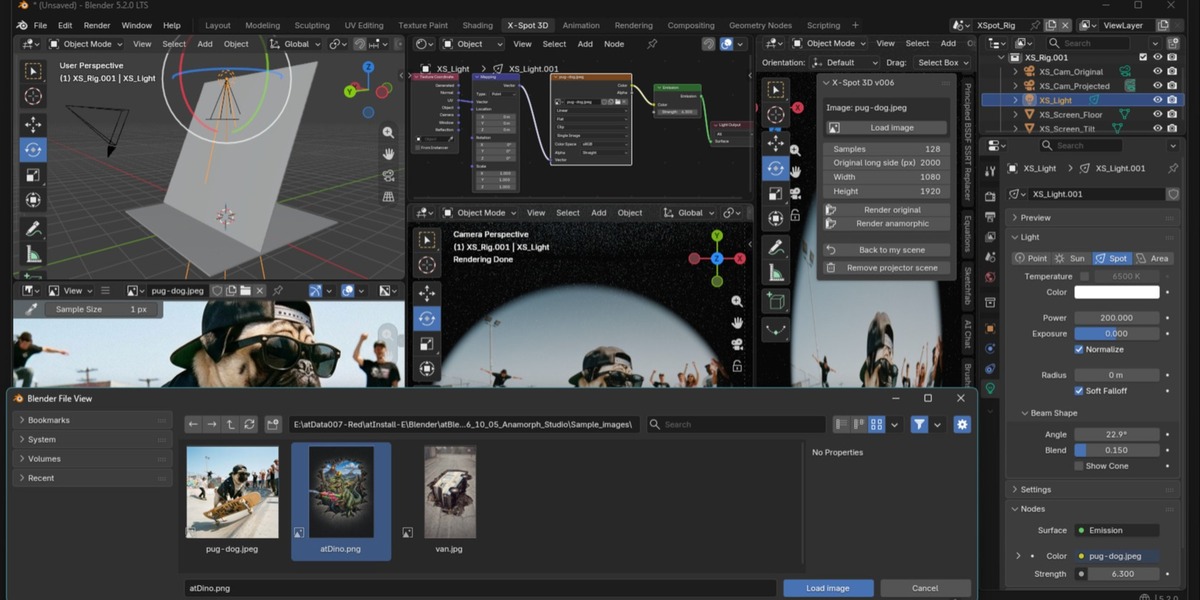
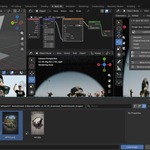
At the top of the Scene tab in the Properties editor (right side), and in the X-Spot 3D tab of the sidebar of the top-left 3D view. The sidebar opens by itself; if you closed it, press N with the mouse over that view.
Where do I find the panel?
In the 3D Viewport press N and open the X-Spot 3D tab.
What is X-Spot 3D?
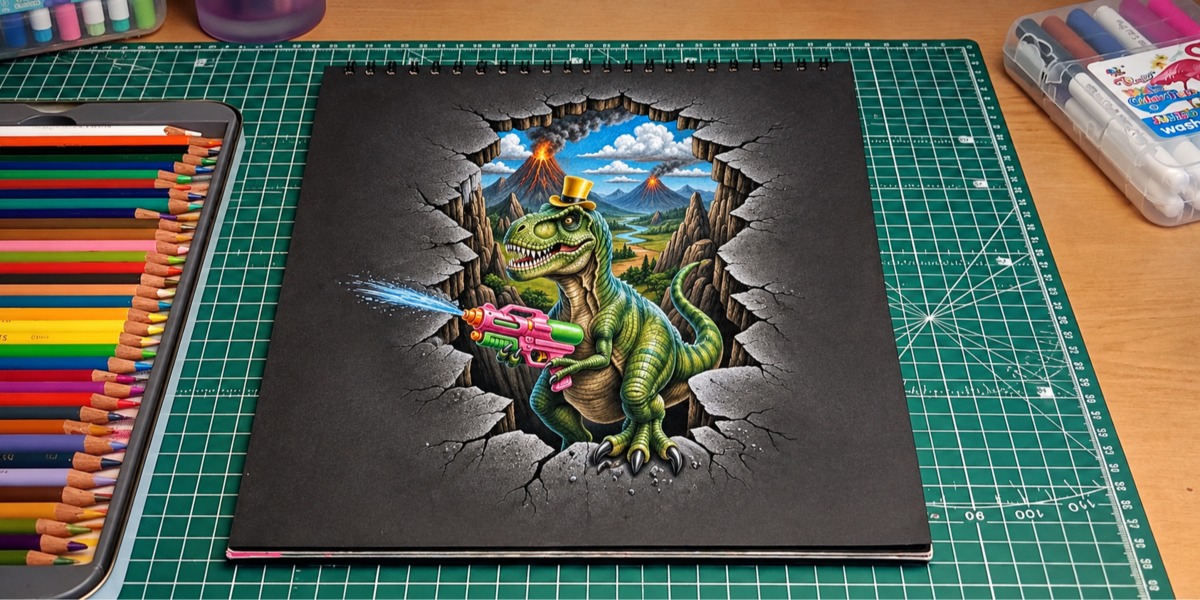
A Blender extension that builds an anamorphic projection rig for 3D street art. Load any image, render the original and the anamorphic view, and use the stretched picture as the base for pavement or chalk illusions.
$14.99
Have questions about this product?
Login to message
| Blender Extension Compatible | Yes |
| Dev Fund Contributor | |
| Published | about 7 hours ago |
| Blender Version | 5.0 - 5.2 |
| Extension Type | Add-on |
| Render Engine Used | Cycles |
| License | GPL |
Discover more products like this
sidewalk-art anamorphosis anamorphic 3d-pavement-art 3d-street-art Illusion perspective optical-illusion street-art Cycles chalk-art projection