 alastorv













Show what's inside.
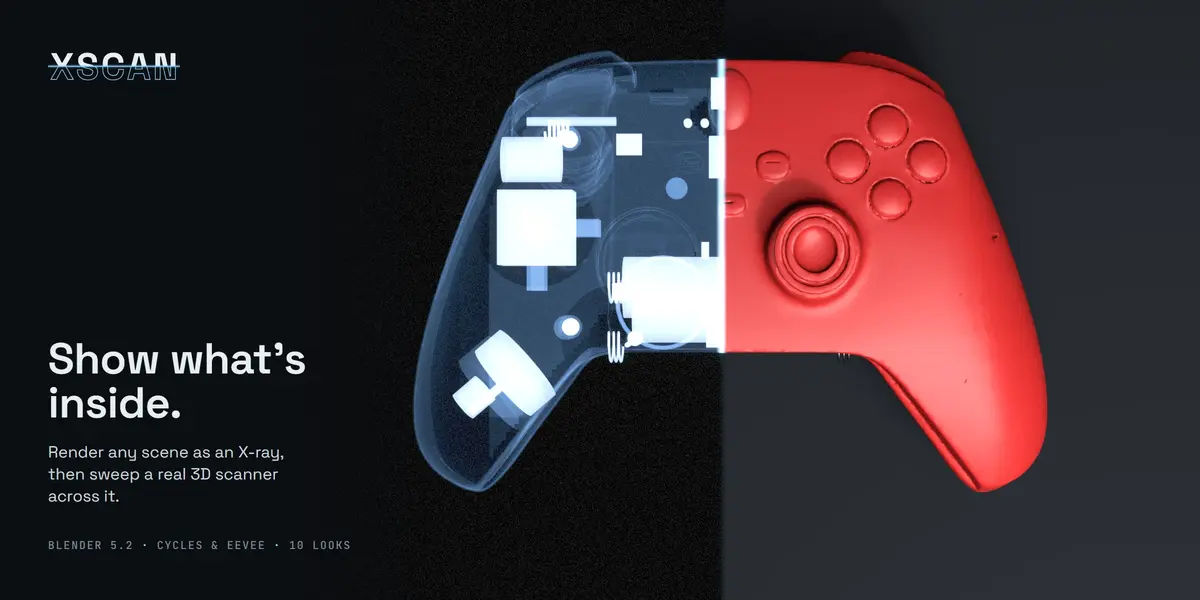
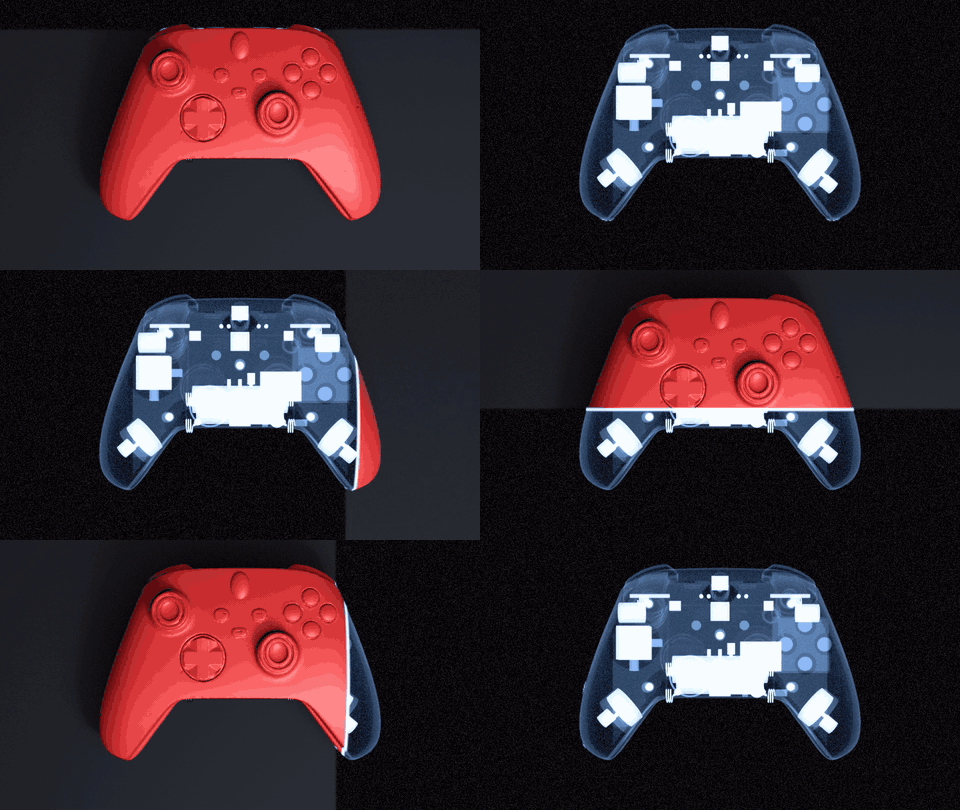
XScan turns any Blender scene into an X-ray, then sweeps a real 3D scanner across it: your normal render on one side, the X-ray on the other, a glowing scan line between them. Built for product commercials, tech explainers and motion design. It works in Cycles and EEVEE and never edits your materials.
One click to start
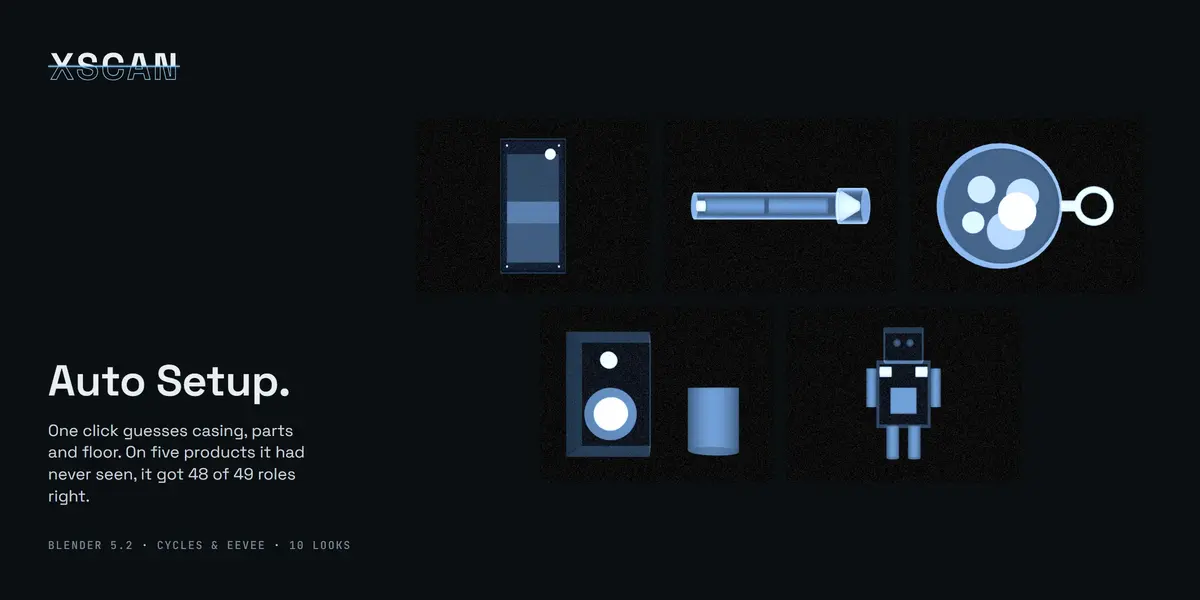
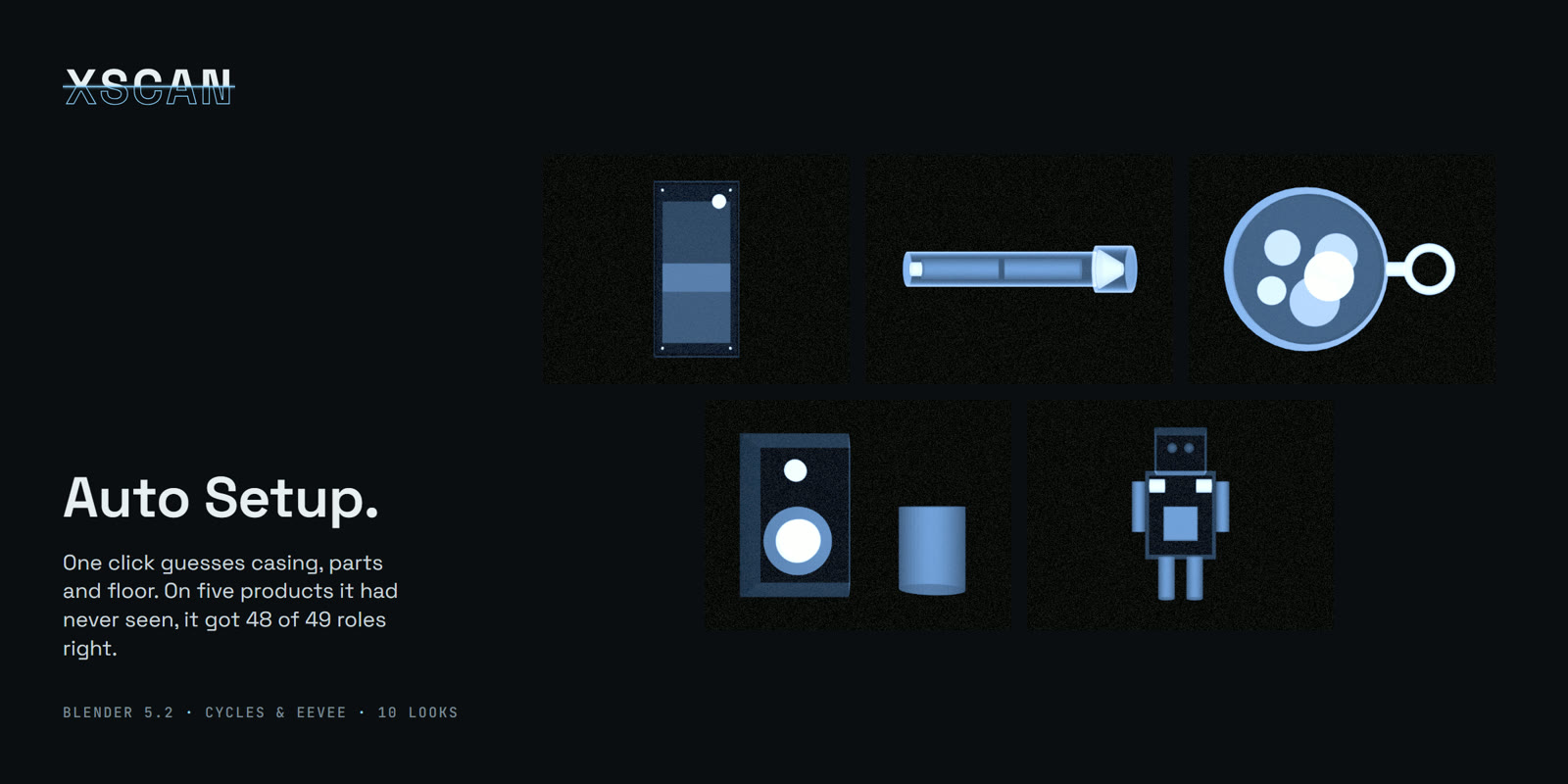
Auto Setup looks at your scene and decides what is the casing, what is inside and what is just the floor, then sets density from the materials (metal reads dense, glass and plastic light) and fits the scanner to your subject. In a blind test on five products it had never seen, it got 48 of 49 roles right. Every value stays editable.
A real 3D scan reveal
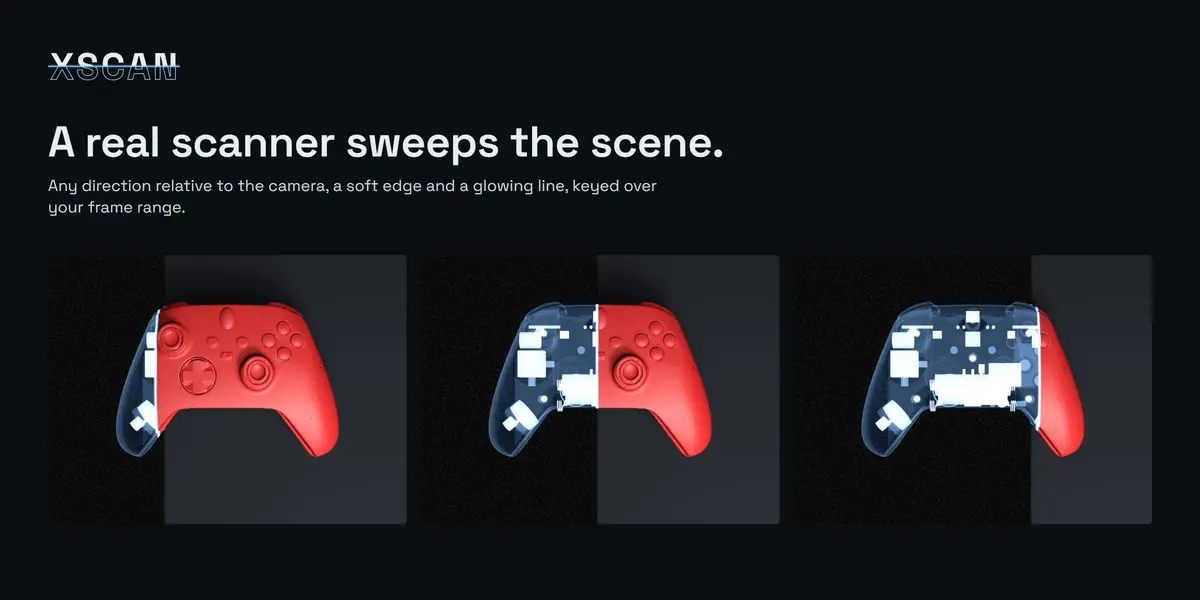
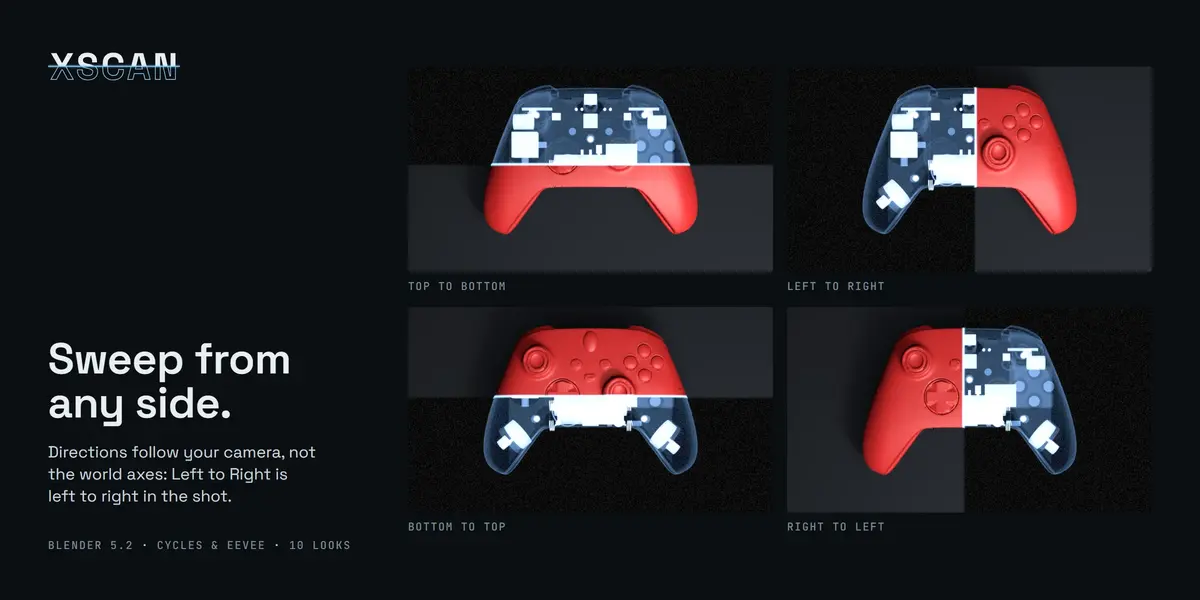
The scanner moves through your scene, not across the screen. Pick the direction relative to your camera: top to bottom, left to right, back to front and the reverse. Soft edge, glowing line, automatic or custom frame range.

Ten looks
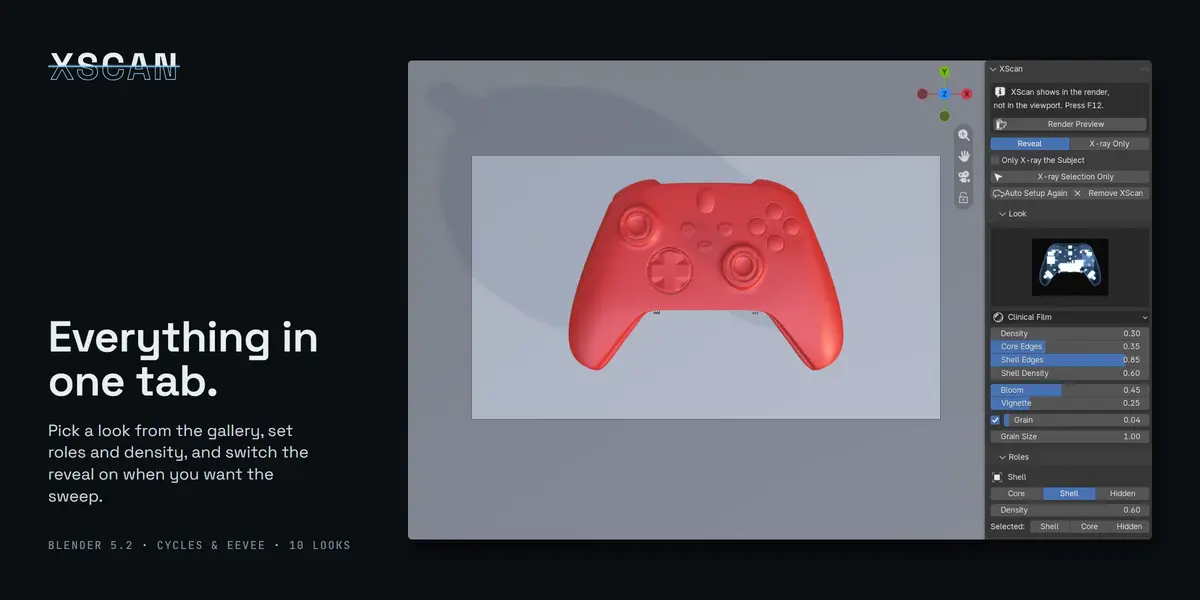
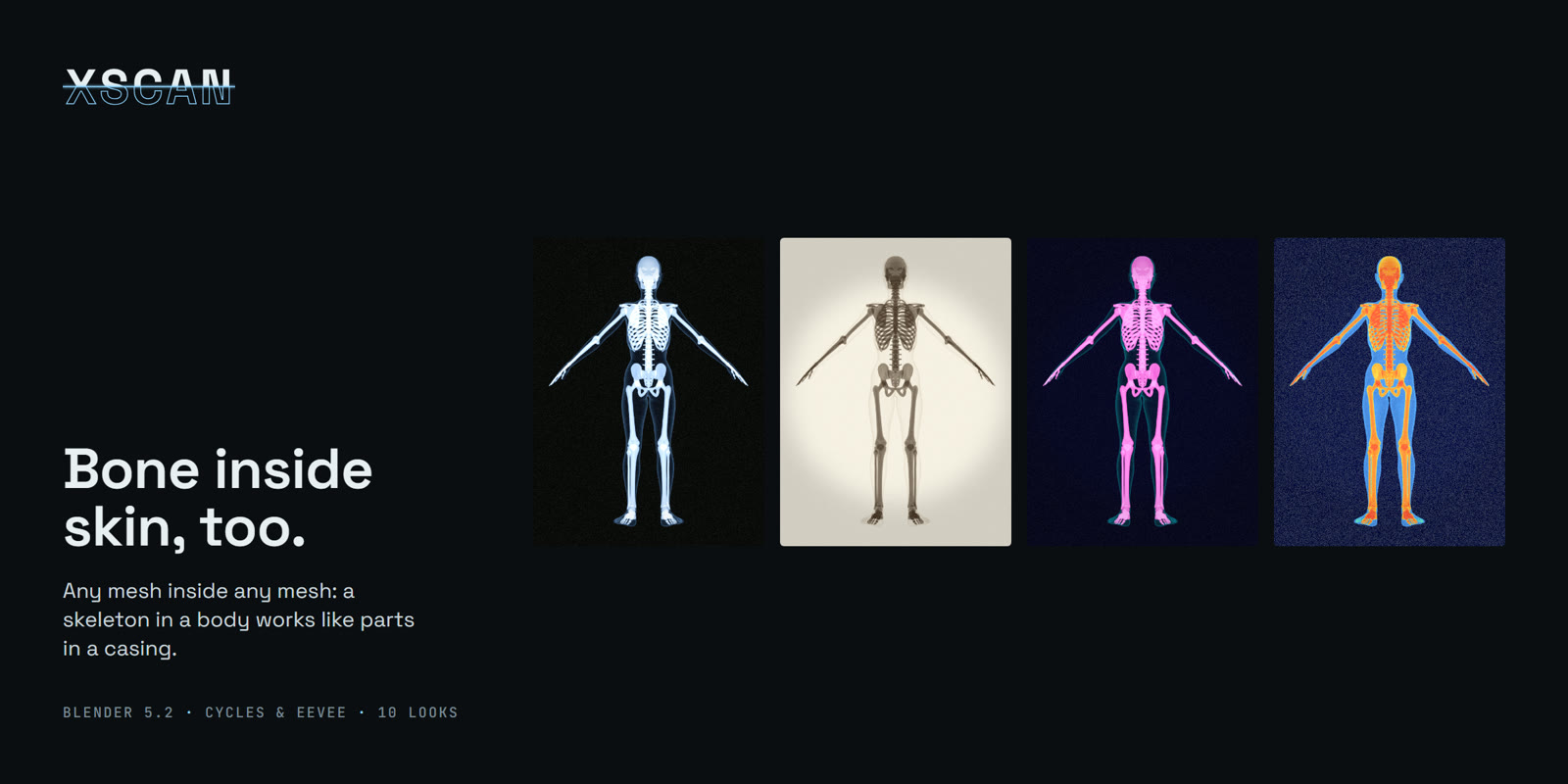
Clinical Film, Lightbox Positive, Phosphor Monitor, Thermal Density, Blueprint Ghost, Airport Security, Cyanotype, Night Vision, Negative Film and Dual-Energy. Pick them from a preview gallery in the panel; bloom, vignette and grain on each.


Every part has a role
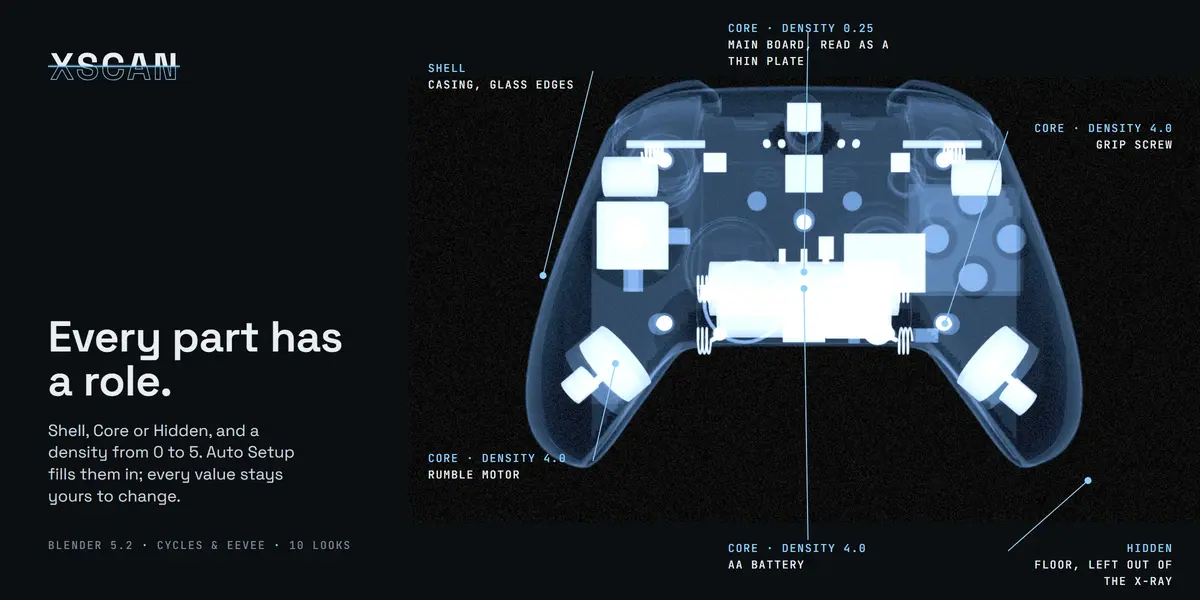
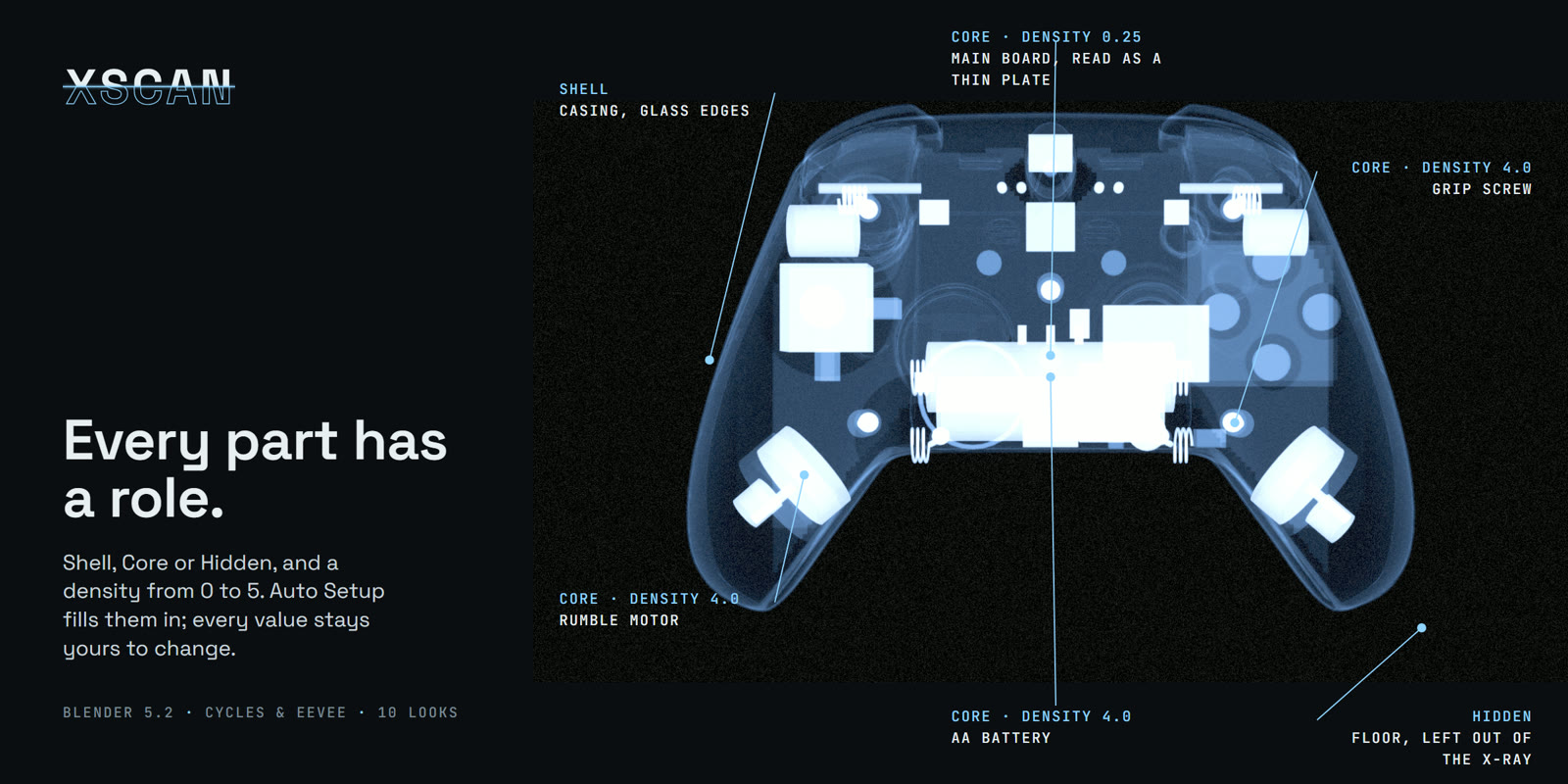
Every object is Shell (a glassy casing), Core (full density) or Hidden, with a density from 0 to 5, so screws and batteries read heavier than plastic and a thin board reads faint.
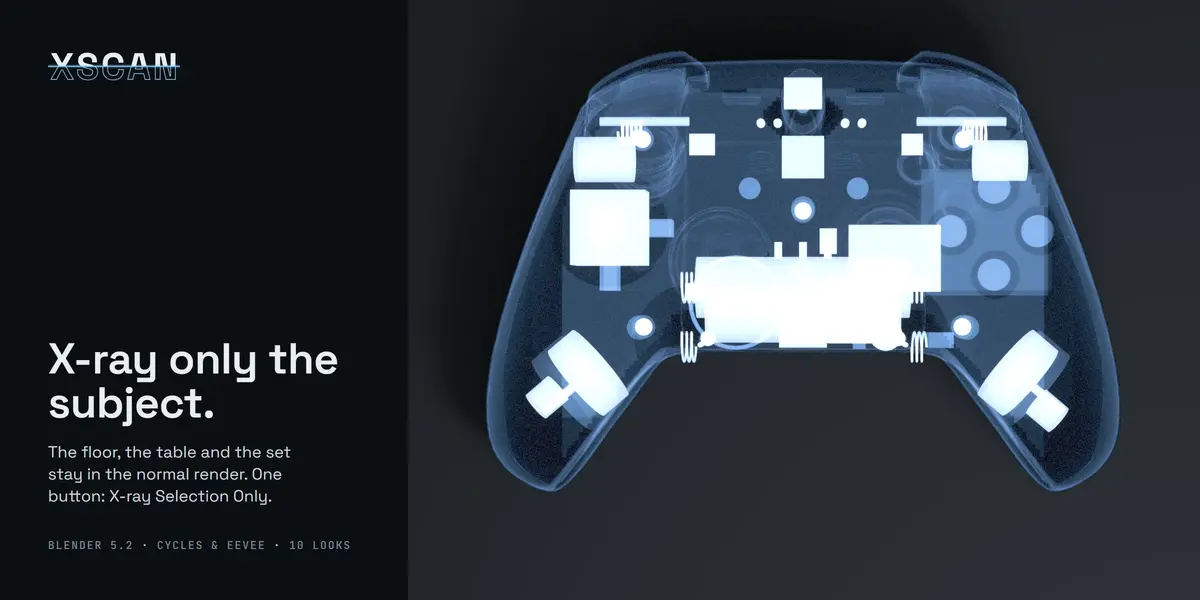
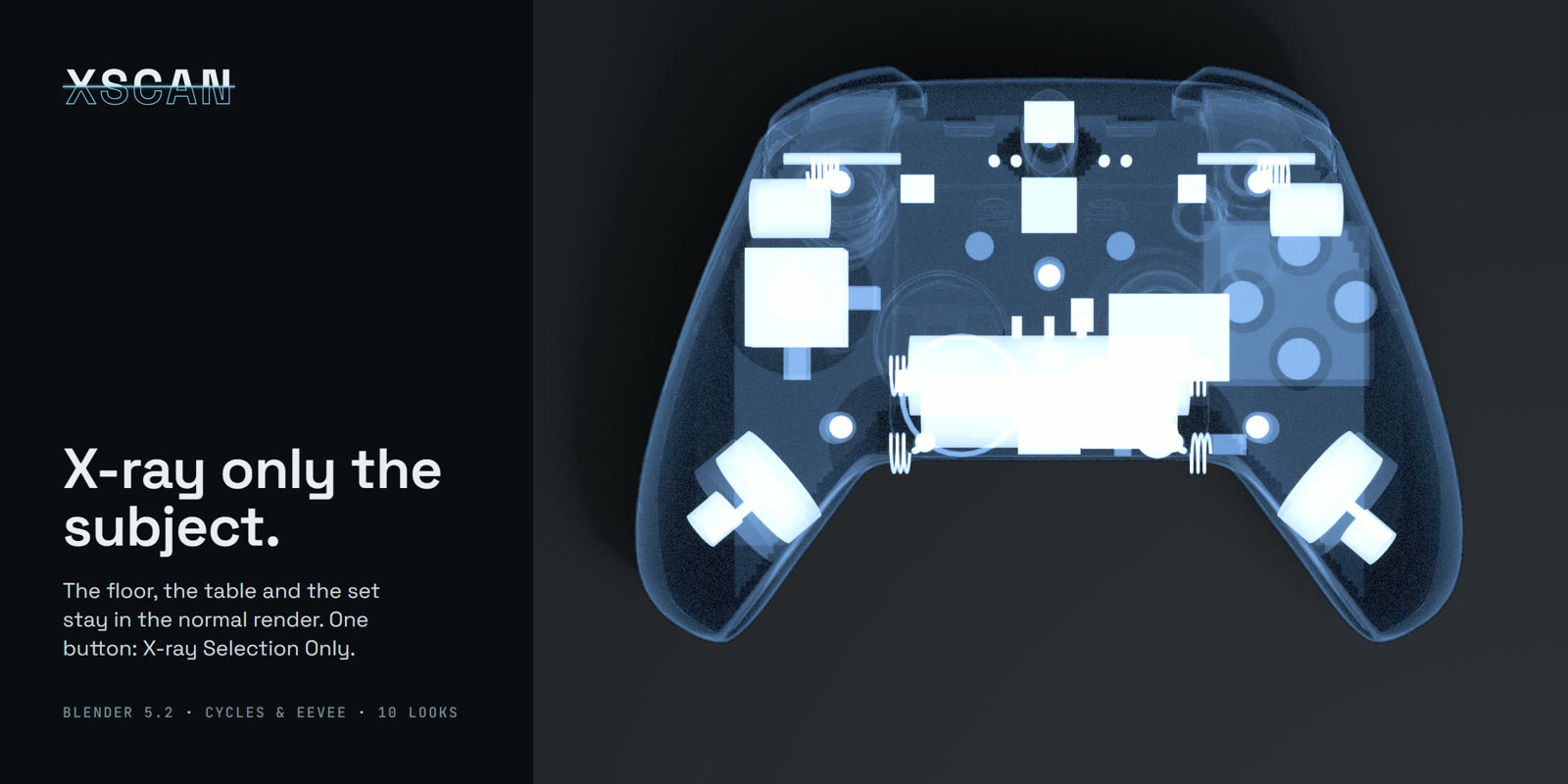
X-ray only the subject
One button, X-ray Selection Only, keeps the table, floor and set in the normal render and turns only your selection into an X-ray.
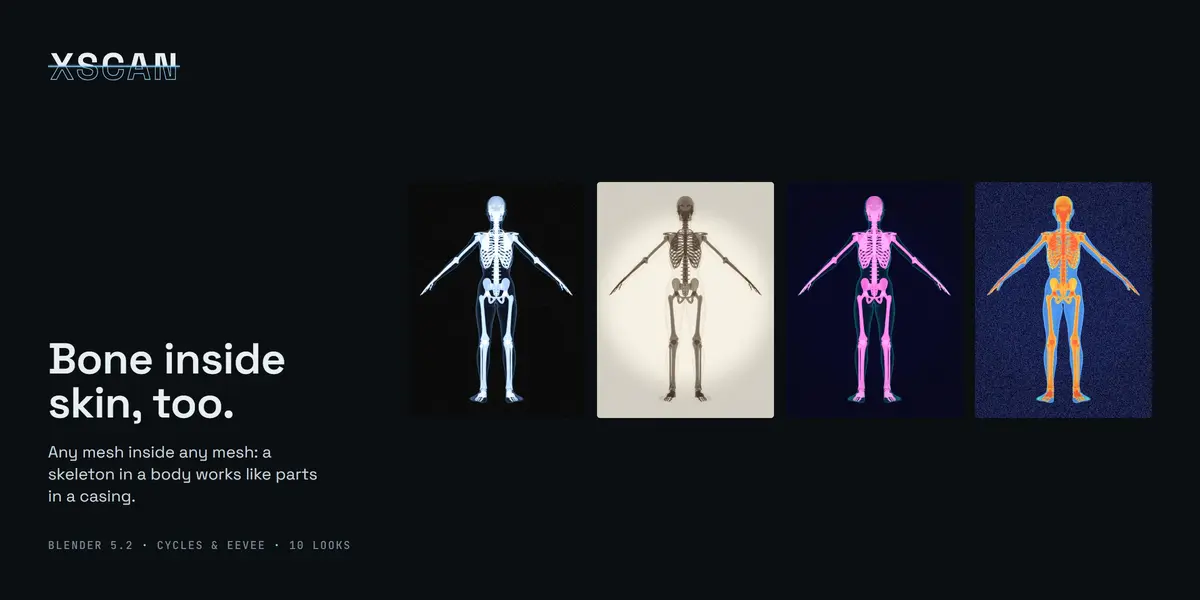
Any mesh inside any mesh
A skeleton in a body works like parts in a casing. Close in and the density reads like film: bone bright, soft tissue a glass outline.

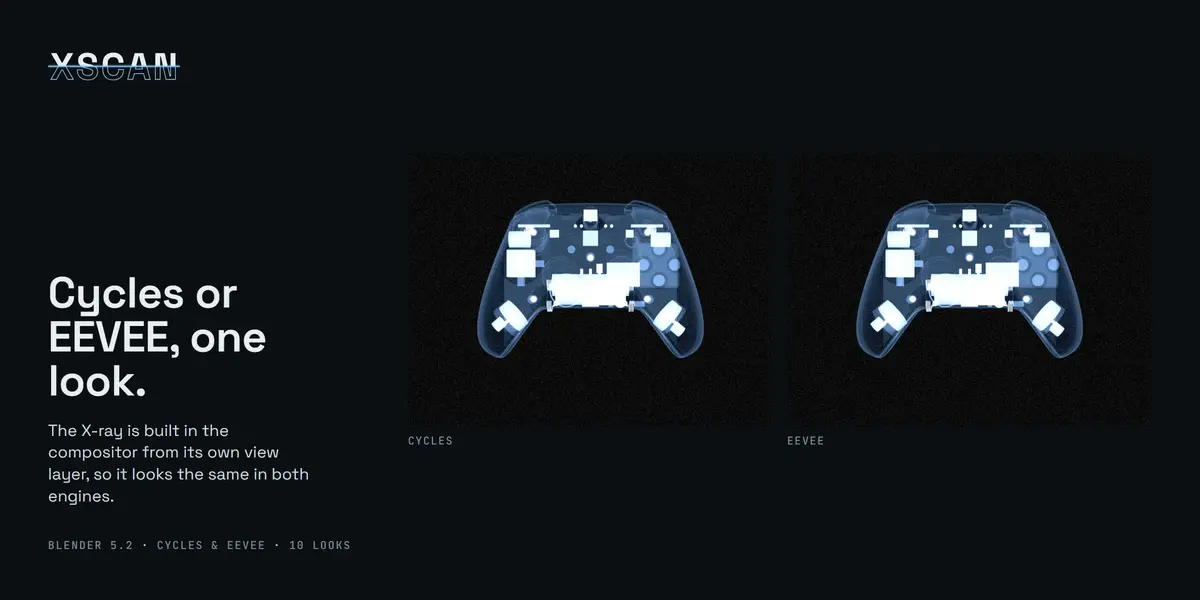
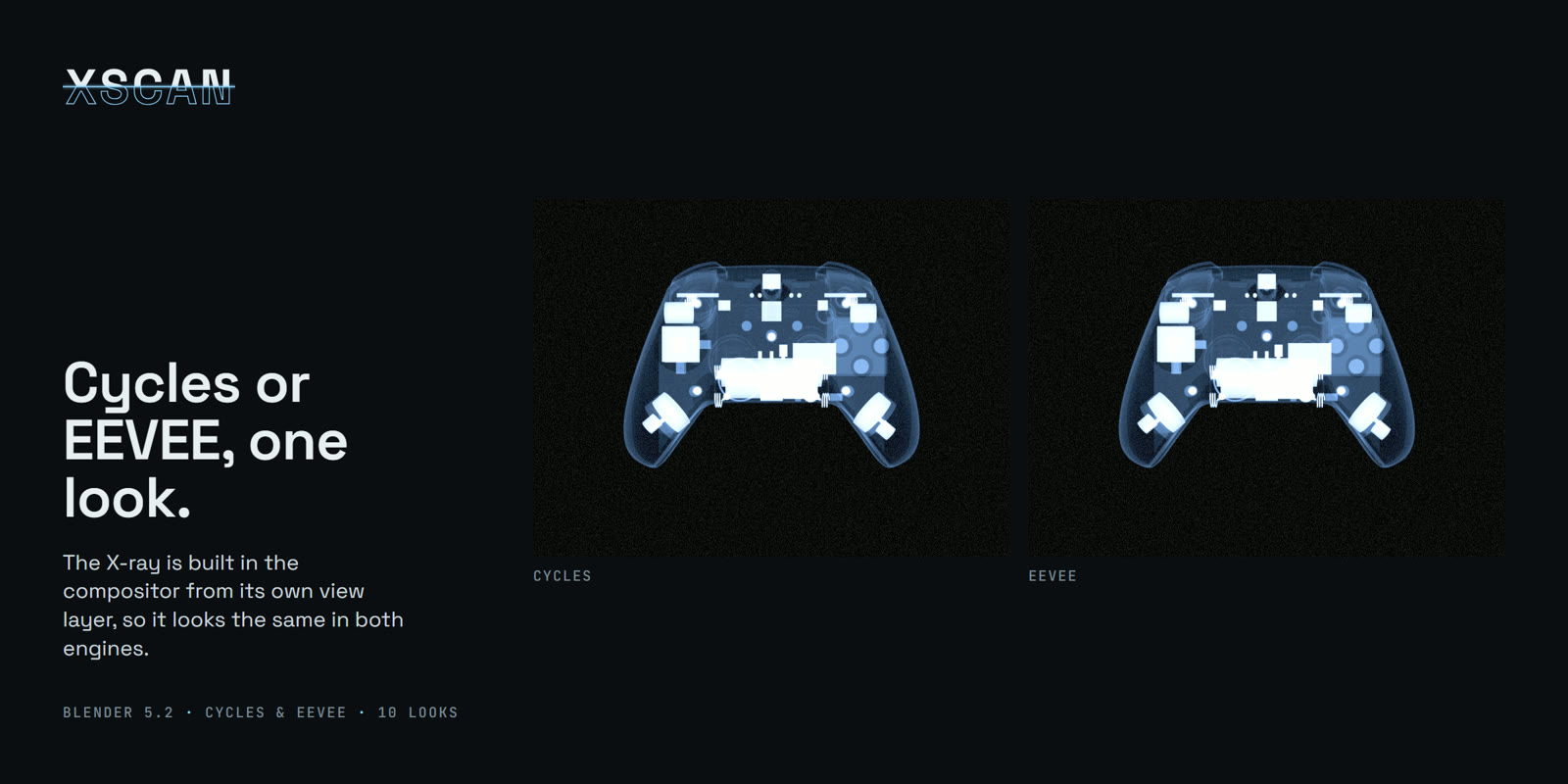
Cycles or EEVEE, one look
The X-ray is built in the compositor from its own view layer, so it looks the same in both engines.
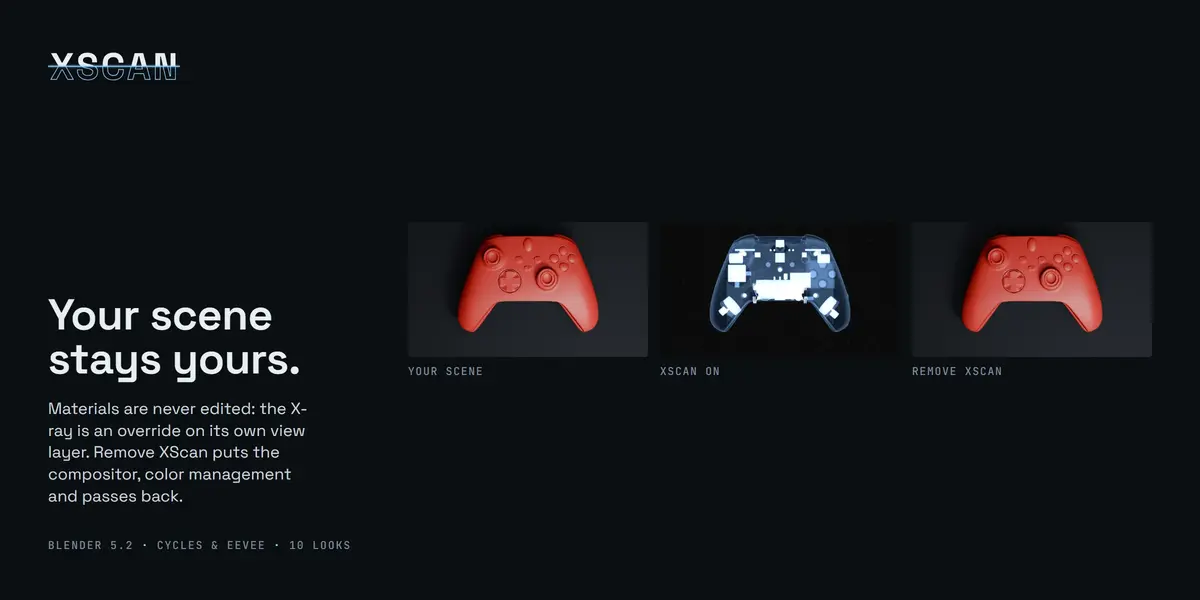
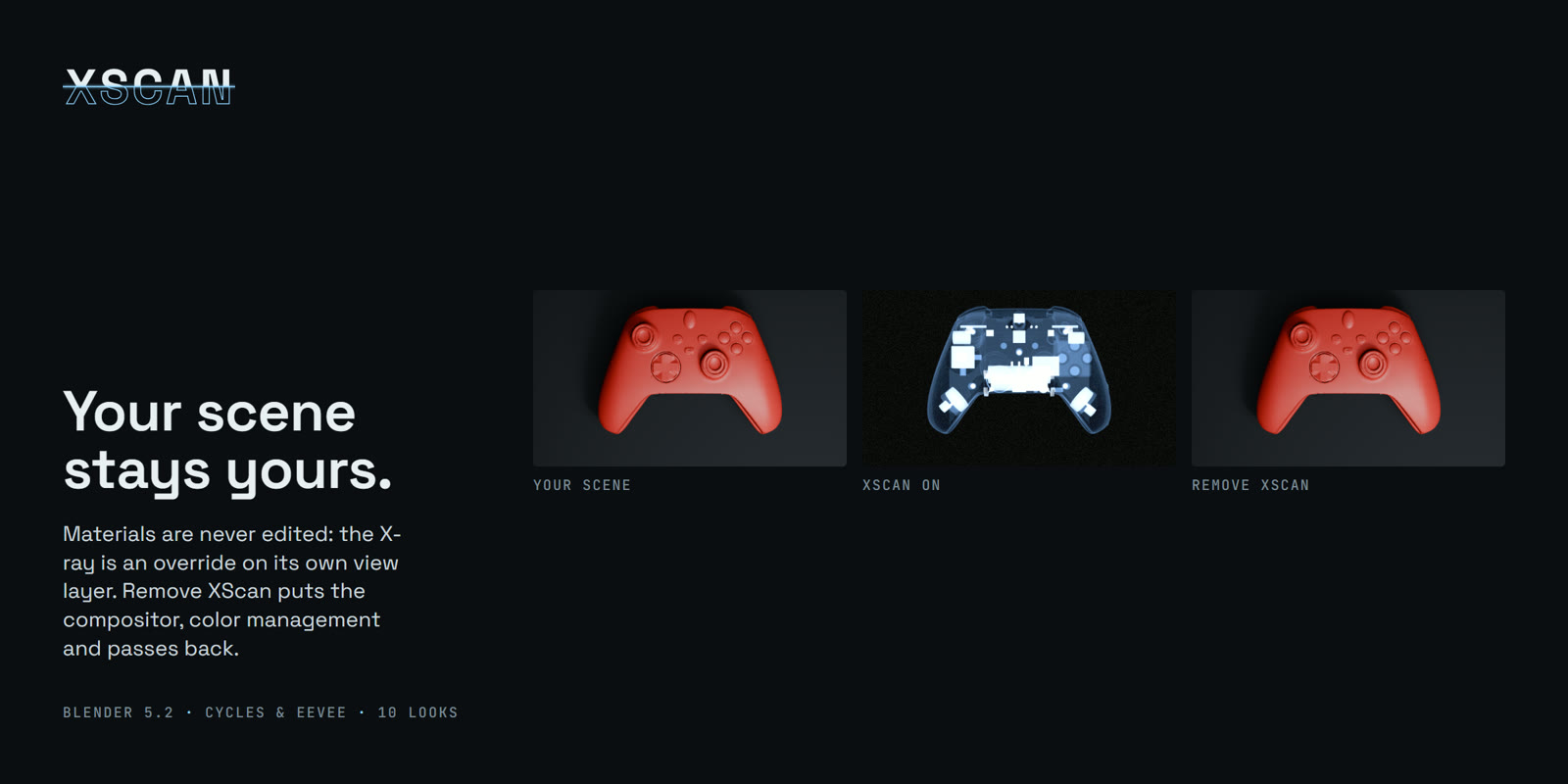
Your scene stays yours
Materials are never edited: the X-ray is an override on its own view layer. Remove XScan puts your compositor, color management and render passes back as they were.
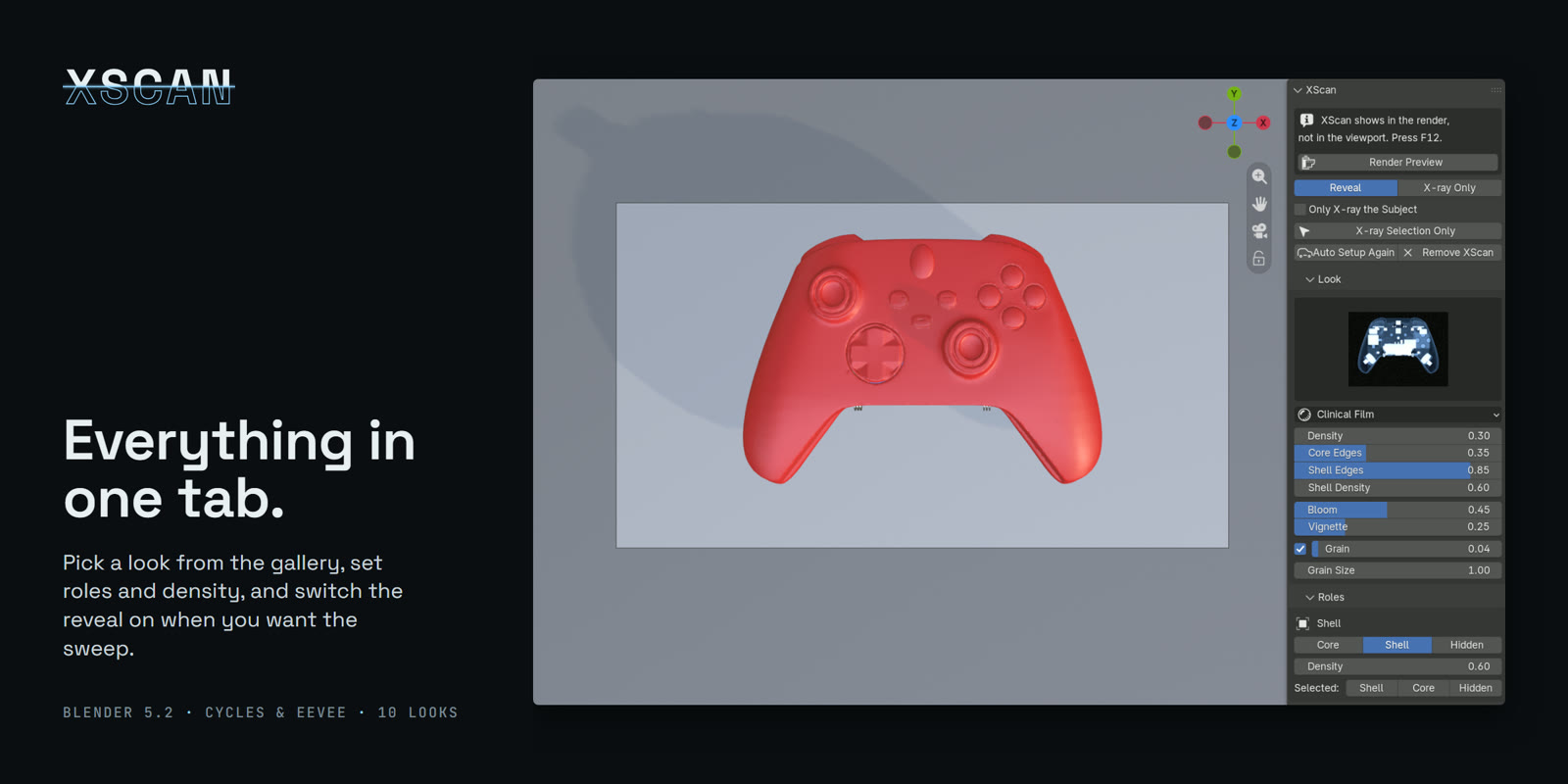
Everything in one tab
Pick a look from the gallery, set roles and density, and switch the reveal on when you want the sweep.
Good to know
- XScan is a render effect: press F12 (or Render Preview in the panel) to see it. The viewport keeps showing your normal scene.
- The reveal is off by default; switch to Reveal in the panel when you want the sweep.
- Requires Blender 5.2 or newer. Installs as a Blender extension (Edit > Preferences > Get Extensions > Install from Disk).
What's included
- The XScan extension (xscan-1.0.0.zip)
- A demo file with five products, already set up
- Read Me, install notes and changelog
Some store images show third-party models used under CC BY 4.0: base body by camilooh, skeleton by local.yany. They are not included in the download.