 Yoshiaki Tazaki



🛠️ YT-Tools for Blender
A powerful modeling extension inspired by Modo workflows.
(日本語の説明は下にあります)
YT-Tools is a Blender add-on designed to enhance the modeling workflow, especially for users familiar with Modo. It offers intuitive selection tools, slicing operators, falloff-based transforms, and various utilities to accelerate your modeling experience. Additionally, the external clipboard feature allows you to copy and paste mesh data between Modo and Blender.
---
✅ Requirements
Blender: Version 4.x, 5.0 or later (compatible with forks)
Platform: Windows / macOS
---
✨ Features Overview
🔹 Selection Tools
Convert Edges/Verts to Faces
Select Boundary: Selects edges between selected and unselected regions
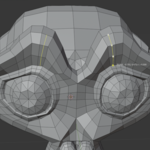
Contextual Select: Double-click to select loop, region, or similar
Loop / Direct Select: Modo-like loop selection storing element selection order in the selection history
Cycle Selection Mode: Space key to toggle between Face/Edge/Vertex
X-Ray Lasso Selection
🔹 Selection Sets
Save and restore complex selections by name. Allows undo-independent management of selected elements.
🔹 Primitives
- New Empty Mesh
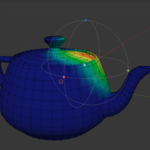
- Teapot
🔹 Mesh Editing
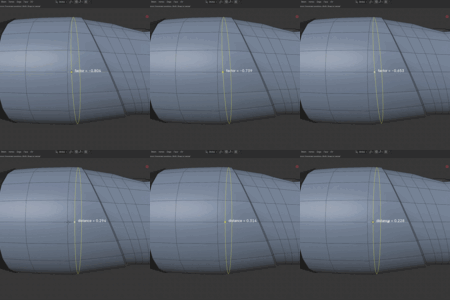
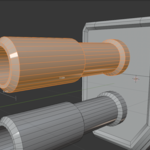
Loop Slice / Add Loop: Enhanced loop slicing with span ratio and curvature options
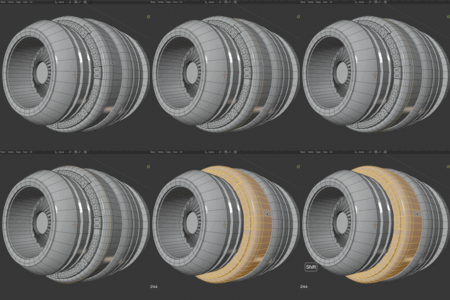
Polygon Slice / Edge Slice: Interactive slicing using handle gizmos
Merge (Symmetry-aware): Intelligent merge across axes
Delete Contextual: Context-aware delete for faces, edges, vertices
🔹 Transform Tools
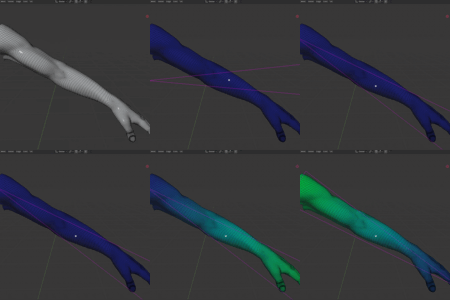
Linear / Radial Transform: Move/Scale/Rotate with linear or radial influence
Linear Weight: Assign vertex weights with distance-based falloff
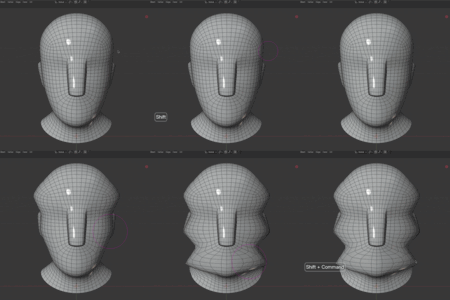
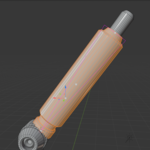
Bend Tool
Soft Drag
Smooth Brush
Absolute Scale
🔹 Additional Tools
Viewport Display Settings: Quick toggle for selection vs non-selection
Action Center: Auto-set pivot and orientation based on selection
Workplane: Temporary Top view alignment for precision editing
Statistics: Select based on custom mesh attributes
On-screen Info: Display transform values in viewport
Clipboard: Copy & Paste Face/Edge/Vert in Edit Mesh mode
-
External Clipboard: Exchange mesh data between Blender and Modo
Modo external clipboard kit and LightWave plug-in can be downloaded from Gumroad.
---
📦 Included Files
yt-tools.zip: Blender add-on
For support or bug reports,
🖼️ Preview
Add Loop
Double Click Selection
Polygon Slice
Edge Slice
Linear Transform
Radial Transform
Workplane
Statistics
Bend Tool
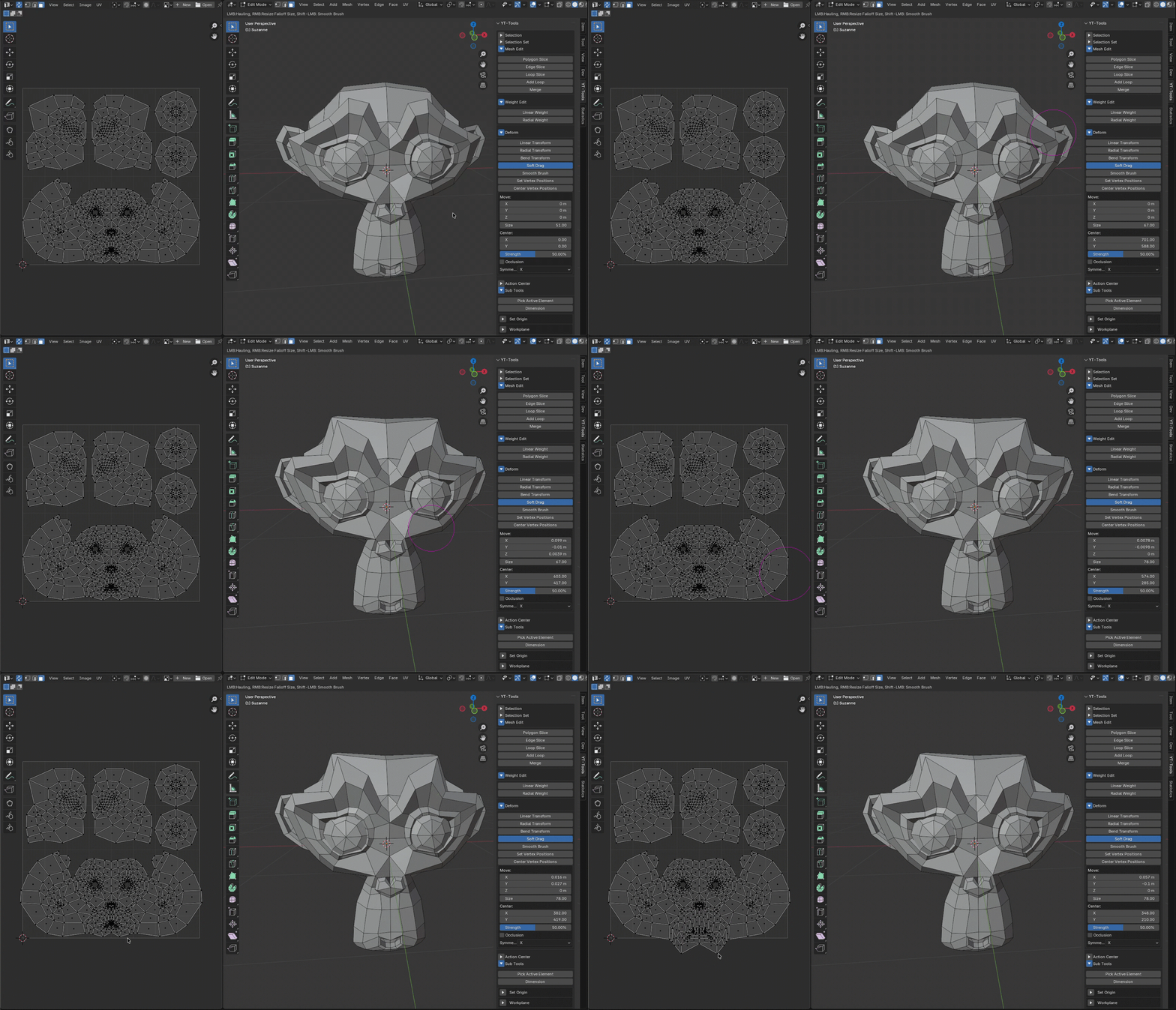
Soft Drag
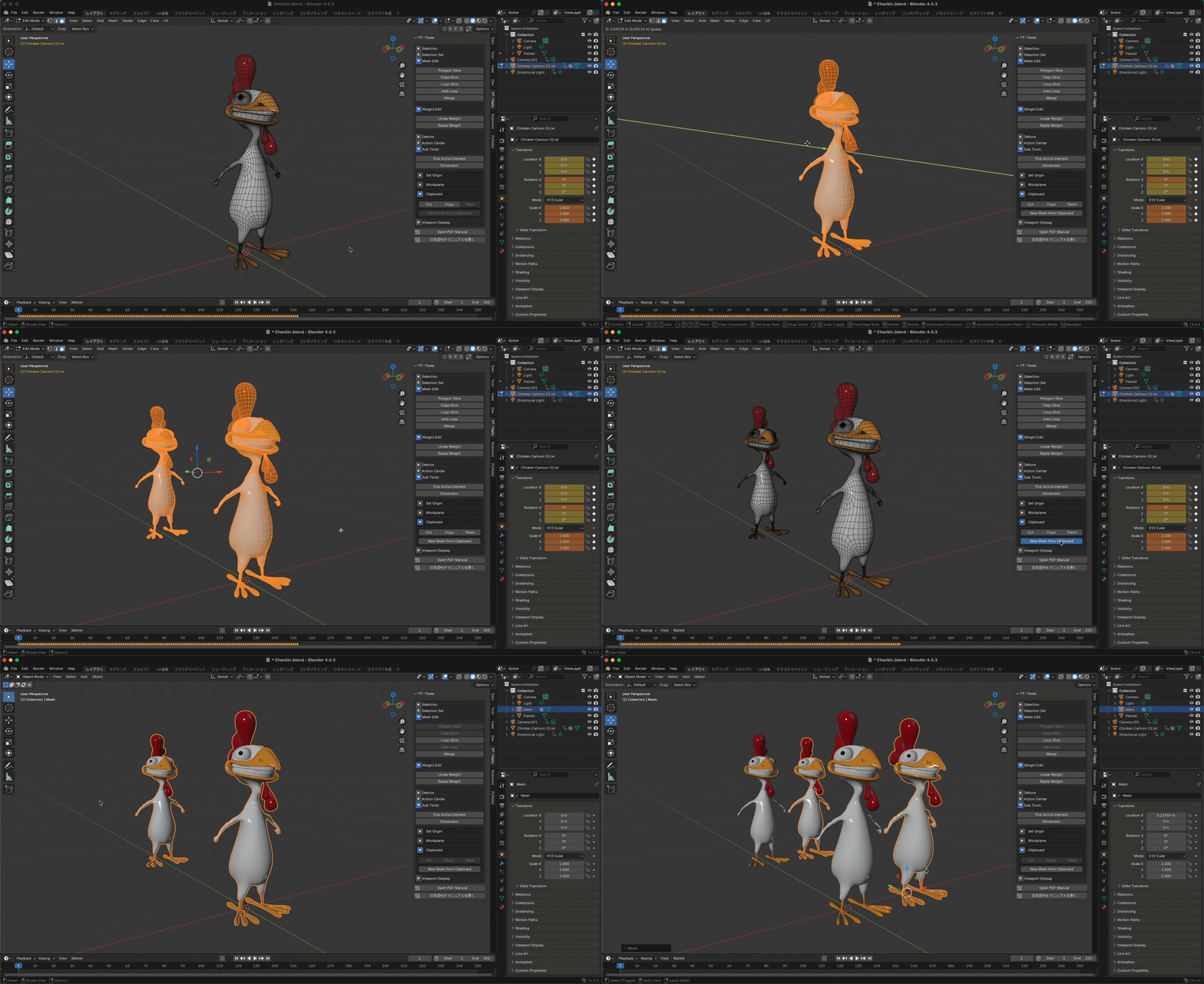
Clipboard
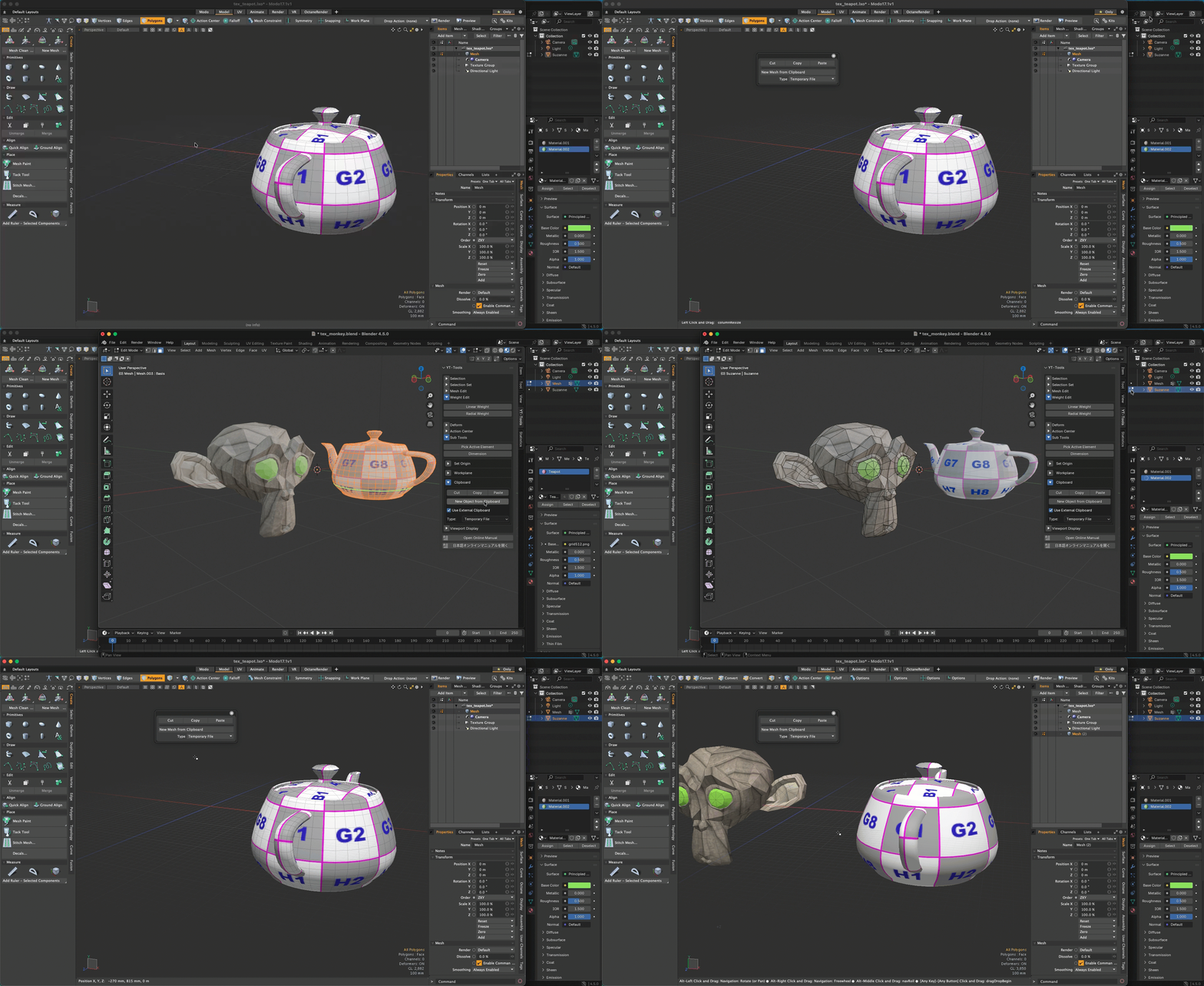
External Clipboard

Absolute Scale
---
🇯🇵 YT-Tools for Blender(日本語)
Modo風の操作感と高機能モデリング支援ツール
YT-Toolsは、BlenderにModoライクな操作性をもたらすアドオンです。選択、分割、トランスフォーム、表示など、モデリング作業を効率化する多彩な機能を搭載しています。また、外部クリップボード機能を使用することでModoとBlenderの間でメッシュデータのコピー&ペーストが可能になります。
---
✅ 対応環境
Blender対応バージョン:4.0以上(派生版含む)
対応OS:Windows / macOS
---
✨ 主な機能一覧
🔹 選択支援ツール
エッジ・頂点からFaceを自動選択
選択/非選択の境界エッジ自動抽出
ダブルクリックでループや面領域を選択
ループ選択・選択履歴の保存と復元
スペースキーでFace → Edge → Vertexを循環切替
🔹 選択セット
選択状態を名前付きで保存し、あとから復元可能。Undoとは異なる選択管理が可能です。
🔹 プリミティブ
- 新規に空のメッシュを作成
- ティーポット
🔹 モデリングツール
ループスライス:エッジを分割しながら形状保持
ポリゴンスライス:ハンドル操作で直感的に分割
シンメトリ対応マージ
選択モードに応じたスマートな削除
🔹 フォールオフ付き変形
リニア・ラディアルの影響範囲で移動・スケール・回転
距離に応じた頂点ウェイト設定
ベンドツール
ソフトドラッグ
スムースブラシ
🔹 その他ユーティリティ
ビューポート表示設定の一括変更
アクションセンター(選択に基づくPivot / Orientation自動設定)
作業平面(選択エレメントを一時的にTopビュー中心に一時的に設定)
統計選択パネル
ビュー左下にリアルタイム情報を表示
日本語UIに対応
-
クリップボード(面・エッジ・頂点のコピー&ペースト)
-
外部クリップボード(ModoとBlenderの間でメッシュデータを交換)
---
📦 同梱内容
yt-tools.zip:アドオン本体
サポートやバグ報告などは下記のフォームからお願いします