 Farax Creative
Rendered all night. Broken by morning.
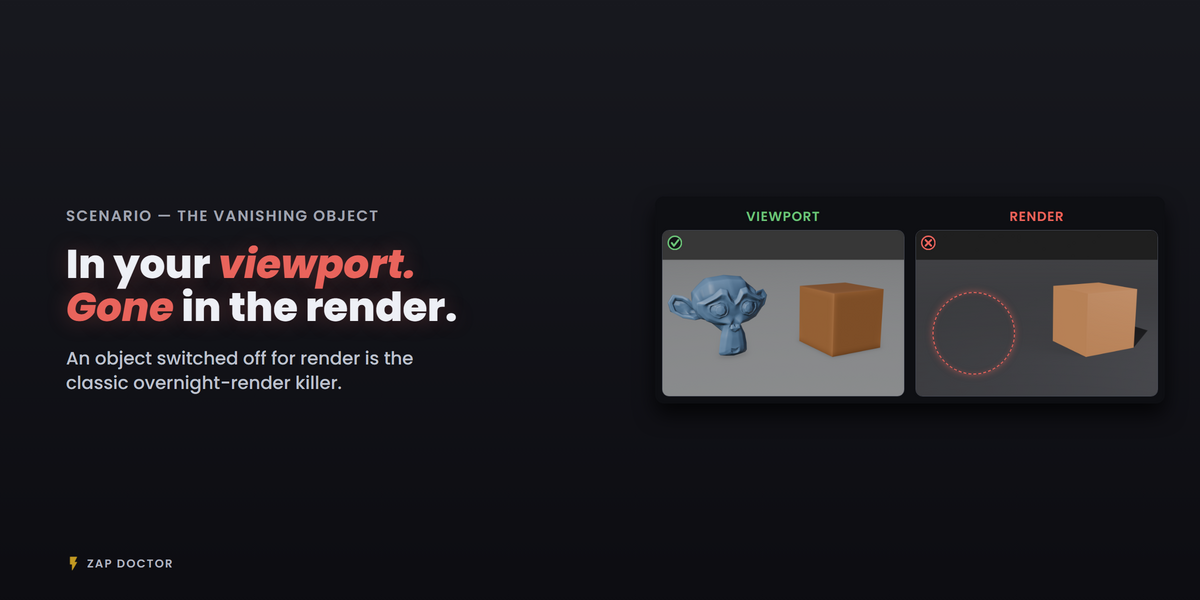
You queue an overnight render, go to bed, and wake up to a half-rendered frame. A missing texture. An empty output folder. The hero object that was switched off for render the whole time.
None of it was hard to spot. You just didn't look — because there are thirty things to check and no reason to suspect any of them.
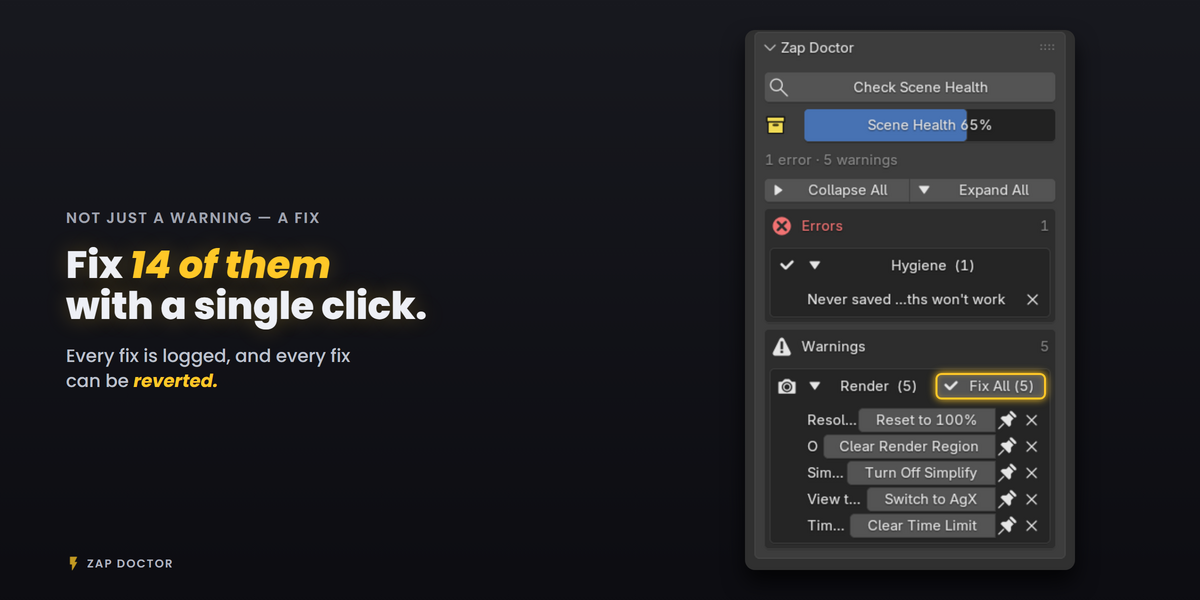
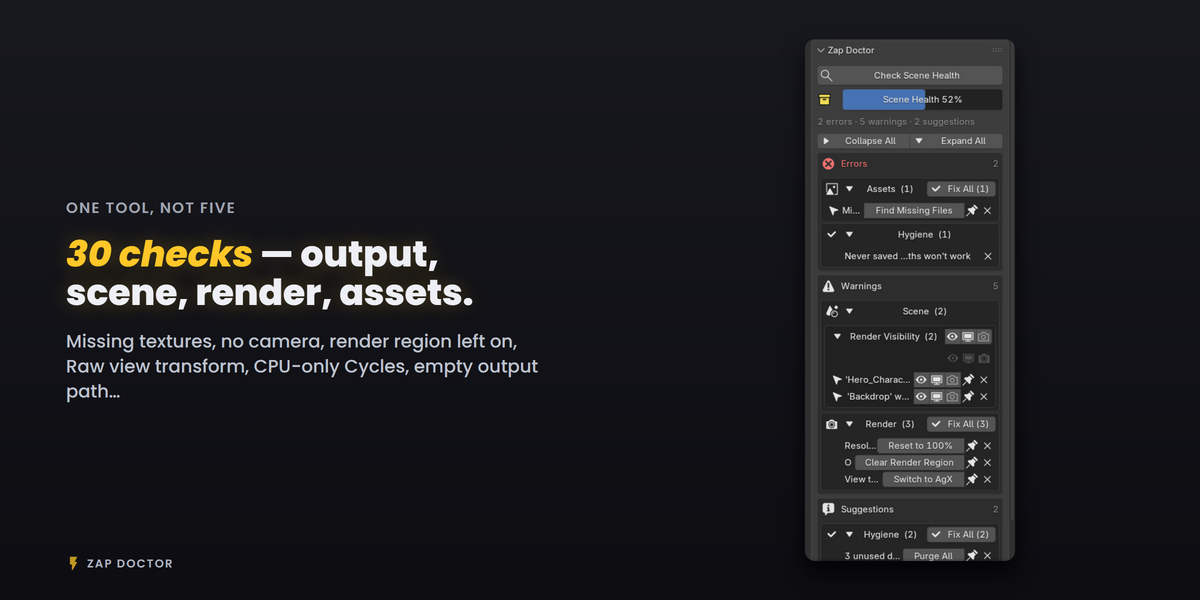
Zap Doctor looks for you. One click scans your scene for 30 mistakes that quietly ruin final renders, sorts them by severity, and fixes 14 of them on the spot.
What it catches
Output settings (6) — missing or read-only output folder, frames that would be overwritten, animation rendered straight to a video file, suspicious frame ranges, not enough disk space, output path never set
Scene state (7) — visible in viewport but disabled for render (and the reverse), no camera, unbaked simulations, a scene with no light and a black world, objects outside the camera's clip range
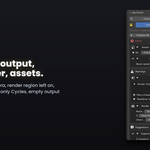
Render settings (11) — a render region left on, resolution stuck at 50%, Sequencer overriding your render, Raw view transform, transparent film with a format that can't carry alpha, CPU-only Cycles, a leftover time limit
Assets (3) — missing textures, broken linked libraries, image files that exist but are empty
File hygiene (3) — never-saved file, orphan datablocks, unused material slots
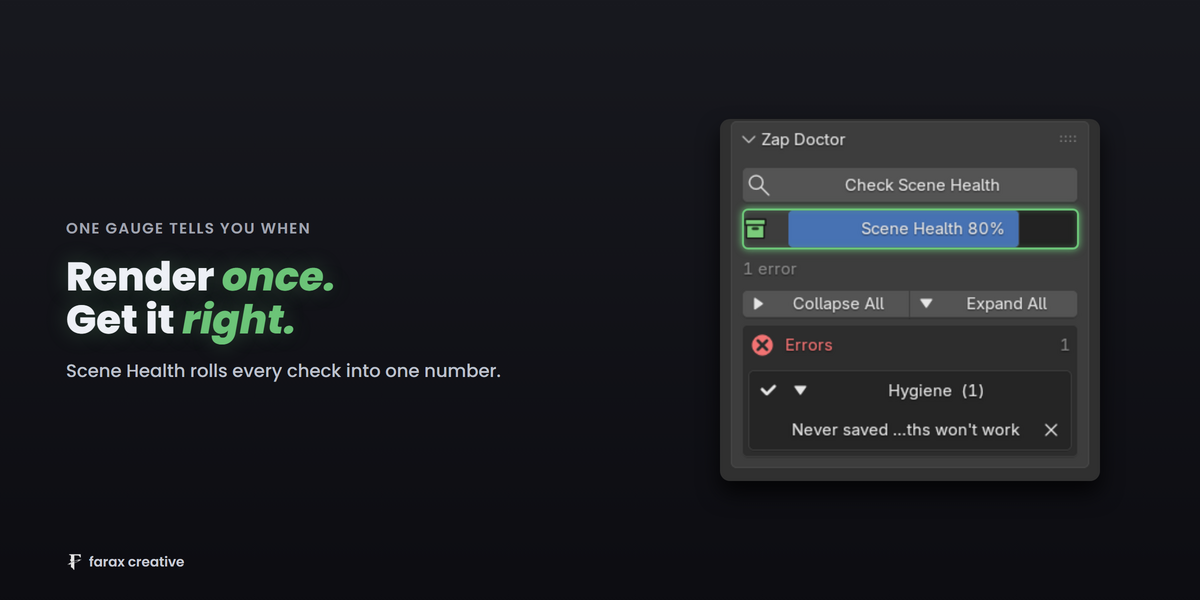
One gauge tells you when you're ready
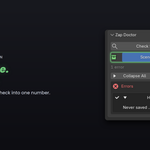
Scene Health rolls everything into a single number. Red means something will bite you. Green means render.
Safe enough for a render farm
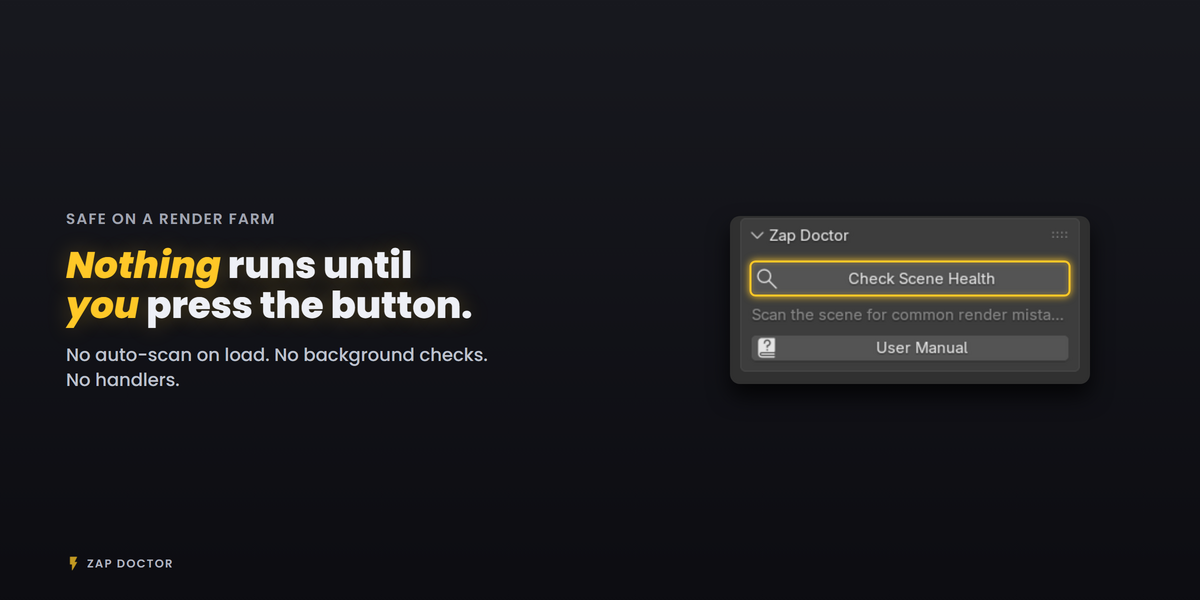
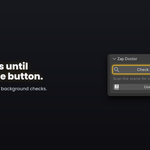
- Nothing runs on its own. No auto-scan on file load, no background checks, no polling — the one handler it registers does nothing but flag results as stale. It scans when you press the button and never otherwise.
- Every fix is logged. Recently Fixed shows what changed in one line, with a Revert button that undoes it properly.
- Ignore what doesn't apply. Dismiss an issue for one scan, or pin it to stay hidden. Turn off individual checks entirely in Preferences.
Requirements
Blender 4.3+ · Cycles and EEVEE · GPL-2.0-or-later · Tested on 4.3, 4.4, 4.5, 5.1 and 5.2
Install from the 3D Viewport sidebar (N) → Zap Doctor tab.