Zap Doctor — Render Preflight for Blender
 Farax Creative
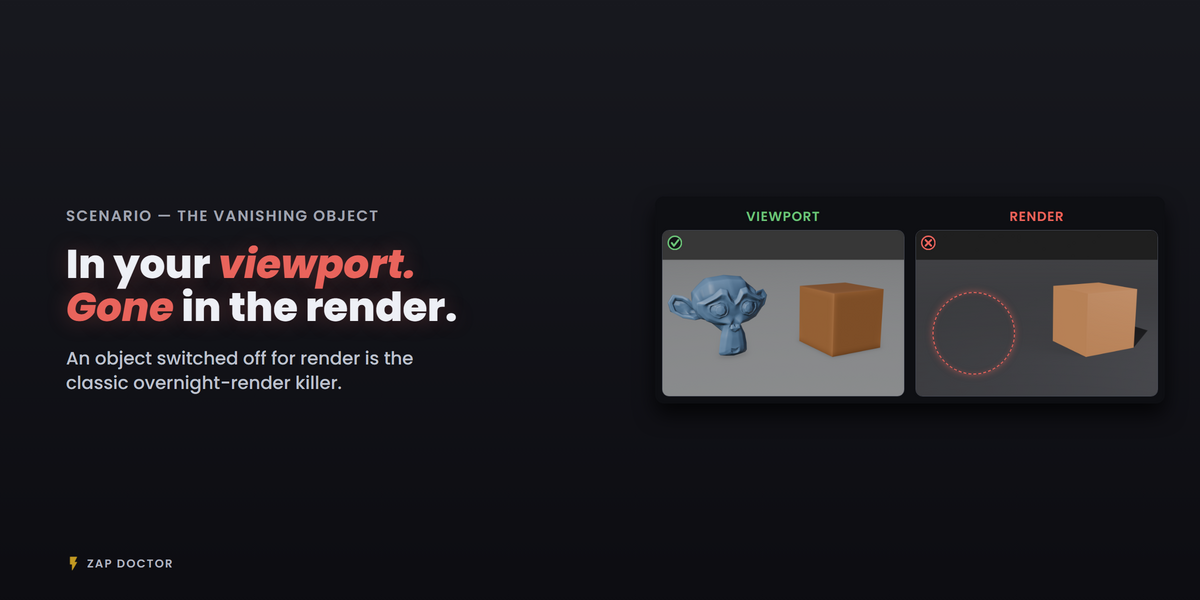

Install
- In Blender, open Edit > Preferences > Add-ons.
- Use the dropdown in the top right and choose Install from Disk…, then pick
zap_doctor-1.2.0.zip. - Zap Doctor enables itself. If it does not, tick the checkbox next to its name.
Buying through Superhive also lets you install and update Zap Doctor from Blender's own Extensions system: add the Superhive repository in Preferences > Get Extensions and your purchase appears there.
Using it
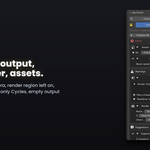
- Open the 3D Viewport sidebar (press N) and pick the Zap Doctor tab.
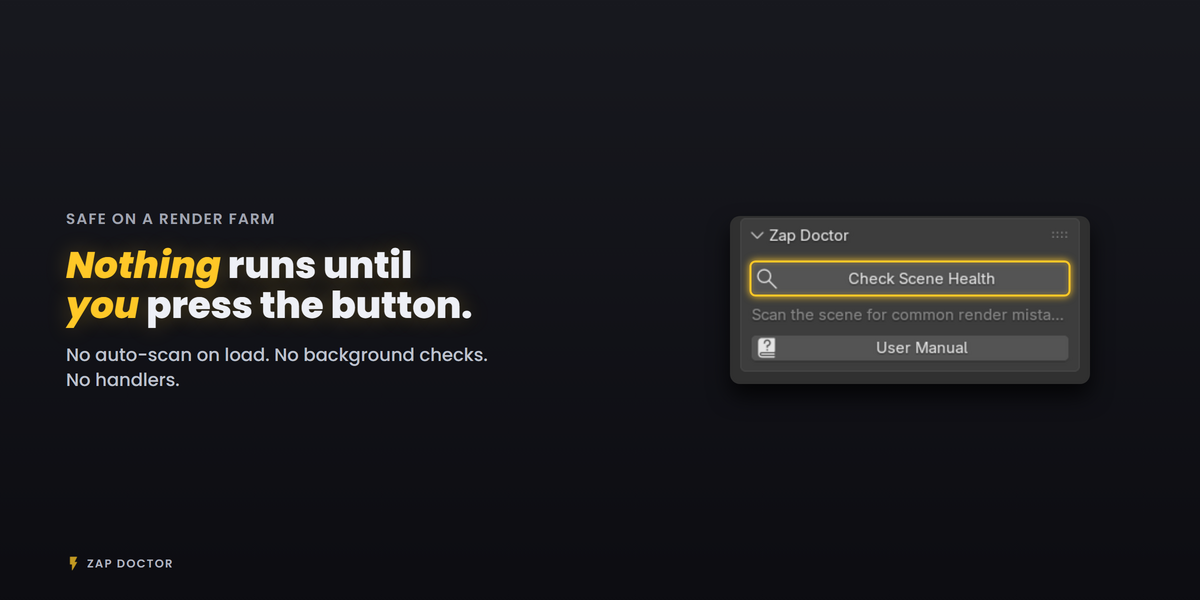
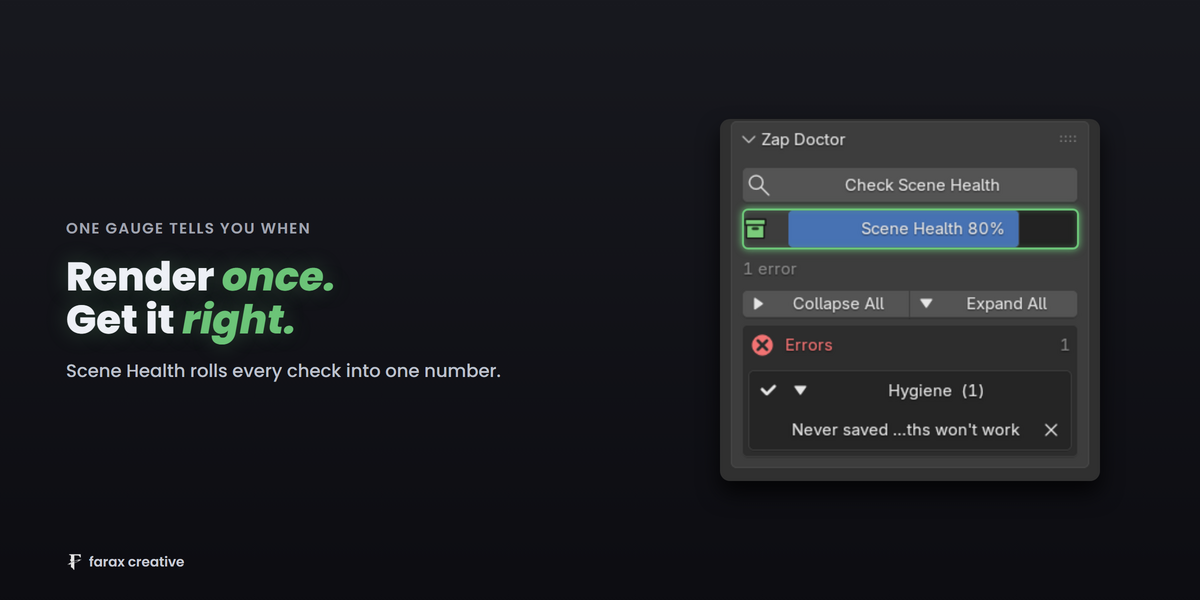
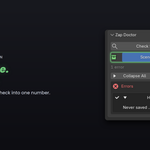
- Press Check Scene Health.
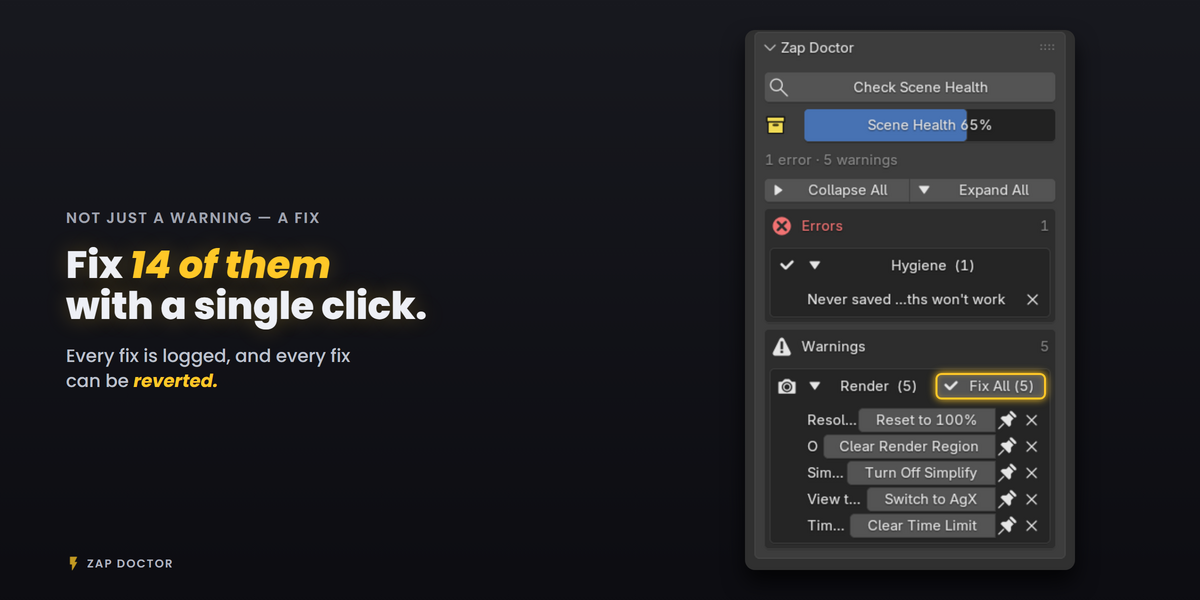
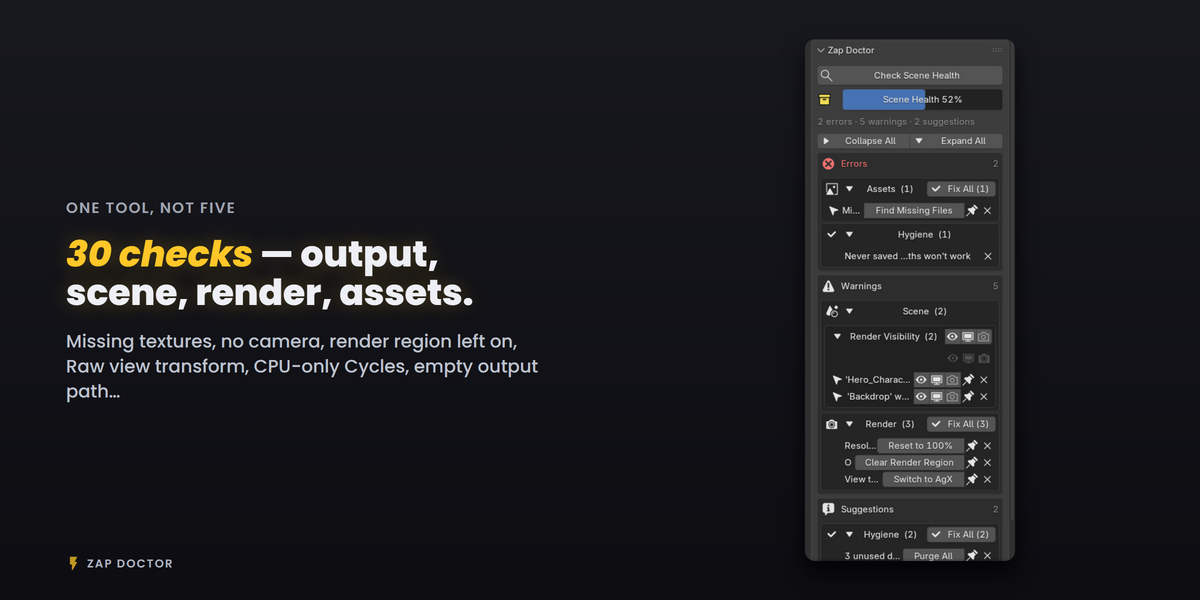
- Results are grouped Errors / Warnings / Suggestions. Press Fix on anything you want corrected, or Fix All on a whole group.
- X hides an issue for this scan only. The pin keeps it hidden on future scans too.
- Changed your mind? Recently Fixed lists every fix with a one-line summary and a Revert button.
- When Scene Health reads Ready to Render, render.
Preferences
Individual checks can be switched off in Preferences > Add-ons > Zap Doctor. The same screen clears everything you have permanently ignored.
Full manual
The complete manual — every check explained, with screen reference and common scenarios — is online in English, Korean, Spanish, Japanese and Portuguese:
https://farax-creative.github.io/docs/zap-doctor.html
Support
Email through the Superhive contact form with your Blender version and what the panel reported. Answered within 48 hours.
Have questions about this product?
Login to message
| Blender Extension Compatible | Yes |
| Published | 4 months ago |
| Blender Version | 4.3 - 5.2 |
| Extension Type | Add-on |
| Render Engine Used | Cycles, Eevee |
| License | GPL |
Discover more products like this
render checker scene cleanup missing textures Render Farm render settings preflight checklist Quality Control scene validation render error Troubleshooting Production Workflow