Zap Doctor — Render Preflight for Blender
 Farax Creative
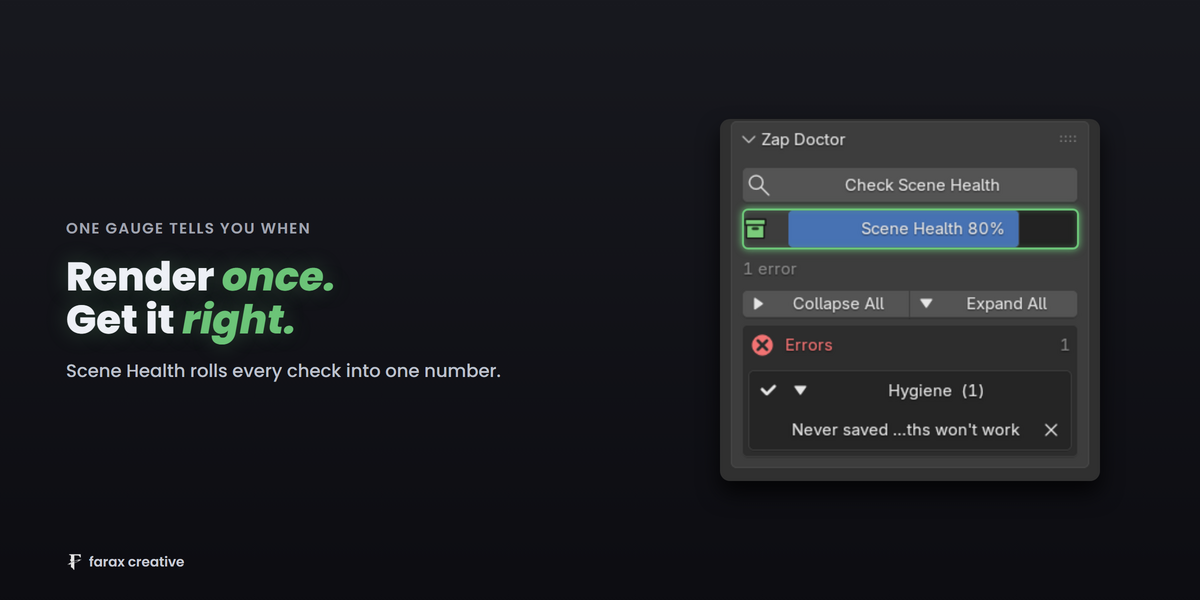
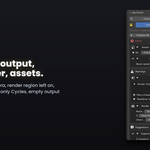

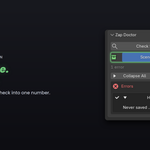
Blender 4.2 through 5.2. Every one of those builds — 4.2, 4.3, 4.4, 4.5, 5.1 and 5.2 — is run against the full test suite, not just the newest one. Cycles and EEVEE are both supported.
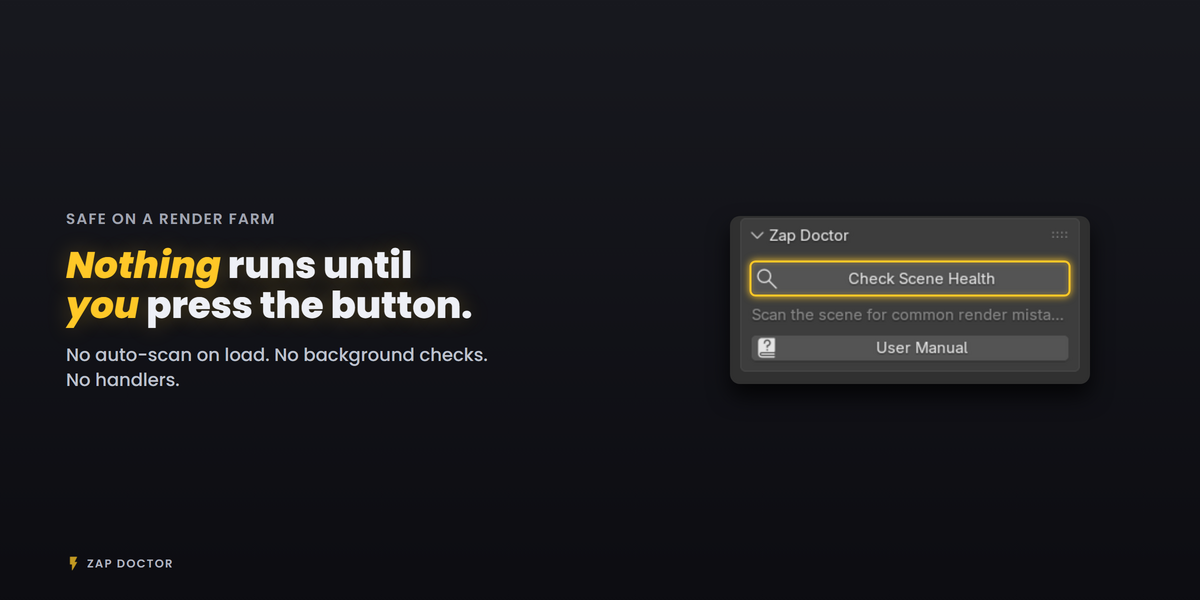
Yes, and that shaped how it is built. All of Zap Doctor's work happens inside the operator you trigger from the panel. Nothing is registered on file load, on depsgraph updates, or on render. A farm node that opens your .blend and renders it never executes a single check.
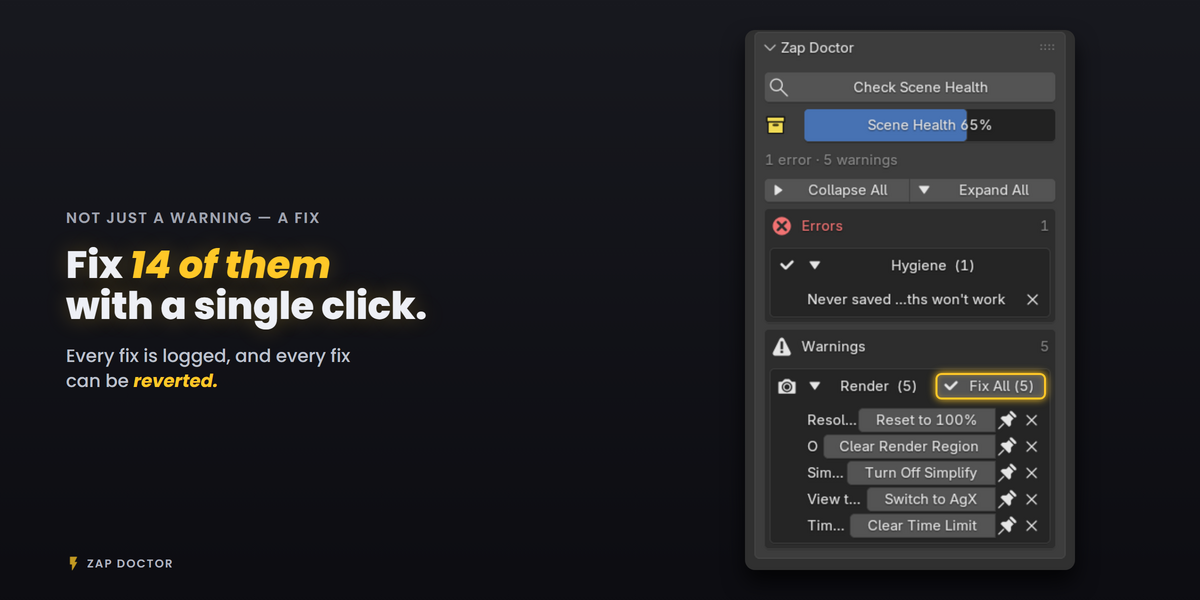
Press Revert next to it in the Recently Fixed list. Each fix records how to undo itself, so revert restores the previous value rather than guessing. If the object a fix touched has since been deleted, Zap Doctor says so instead of silently doing nothing.
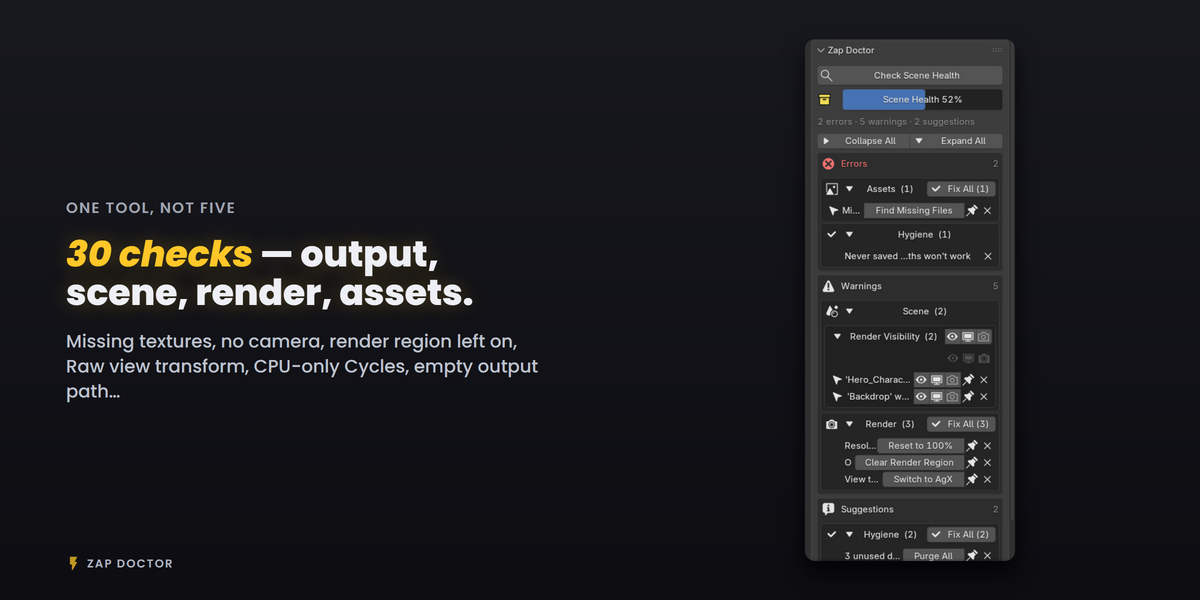
Checks you never want to see can be switched off entirely in Preferences > Add-ons > Zap Doctor.
No. Zap Doctor only scans when you press Check Scene Health, and only changes something when you press a Fix button. There is no scan on file load, no background checking and no handlers running while you work — a render farm node that never opens the panel never runs any of it.
Every fix is written to Recently Fixed with a one-line description of what changed, and a Revert button that undoes it.
Have questions about this product?
Login to message
| Blender Extension Compatible | Yes |
| Published | 4 months ago |
| Blender Version | 4.3 - 5.2 |
| Extension Type | Add-on |
| Render Engine Used | Cycles, Eevee |
| License | GPL |
Discover more products like this
preflight render error scene cleanup missing textures render checker checklist Render Farm scene validation Troubleshooting Quality Control Production Workflow render settings