Zap Viewer — Render History Inside Blender
 Farax Creative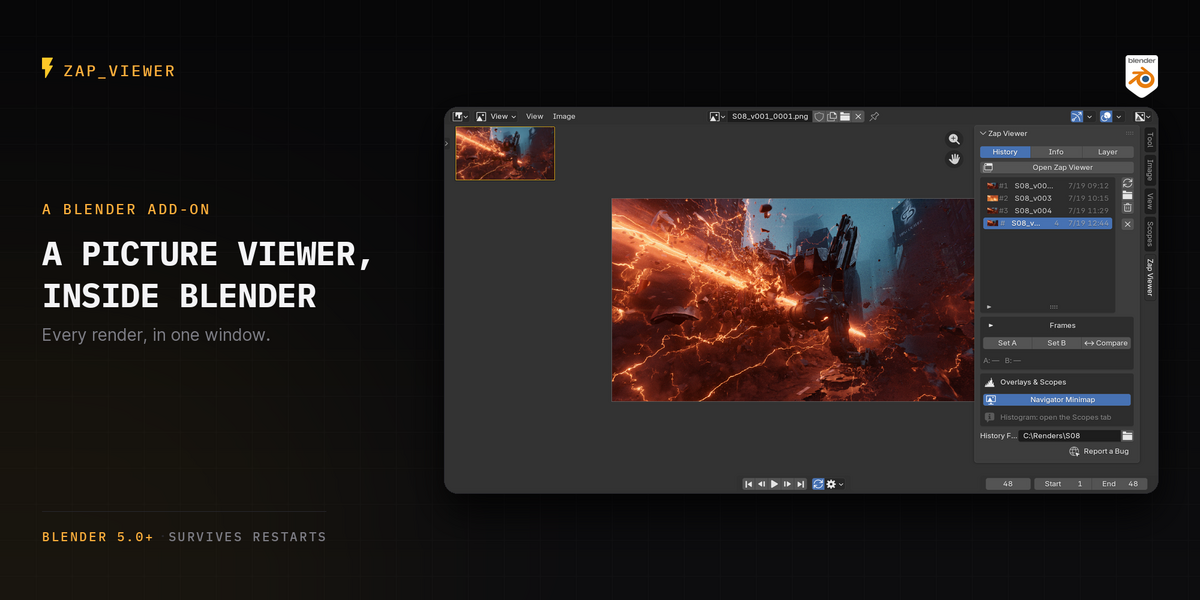



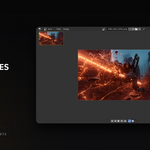
Choose where renders are kept, stop animations taking twice the disk, and let old test renders expire.

- Animation frames: copy, or point at them. Blender already wrote your animation to your output path. Keep a copy so nothing can overwrite it, or point at those frames and take no extra disk. An F12 still is always saved either way.
- Choose where the history lives. Beside the .blend, one folder away from your projects, a folder you pick — or packed inside the .blend itself, so the project travels as one file.
- Renders can expire. Off by default. Lock what you want to keep, and it only ever deletes files Zap Viewer wrote into its own folder — your own renders are dropped from the list, never from disk.
- A scrub track on the transport, plus reverse playback, an Open Folder button, and clearer Still / Sequence rows.
- Fixes: a still rendered with write_still produced no history entry at all; two renders in the same second could collide; zero-byte placeholder files counted as frames.
Nothing changes unless you change it — every new option ships off, so this update behaves exactly like v2.8.0 until you open the settings.
The release before v2.9.0, kept here so it stays available.
$19
Have questions about this product?
Login to message
| Blender Extension Compatible | Yes |
| Published | about 2 months ago |
| Blender Version | 5.0 - 5.2 |
| Extension Type | Add-on |
| Render Engine Used | Cycles, Eevee |
| License | GPL |
Discover more products like this
playback picture viewer ab compare render slots render time render output compare renders image viewer render review render viewer Image Sequence render history