 GreenJin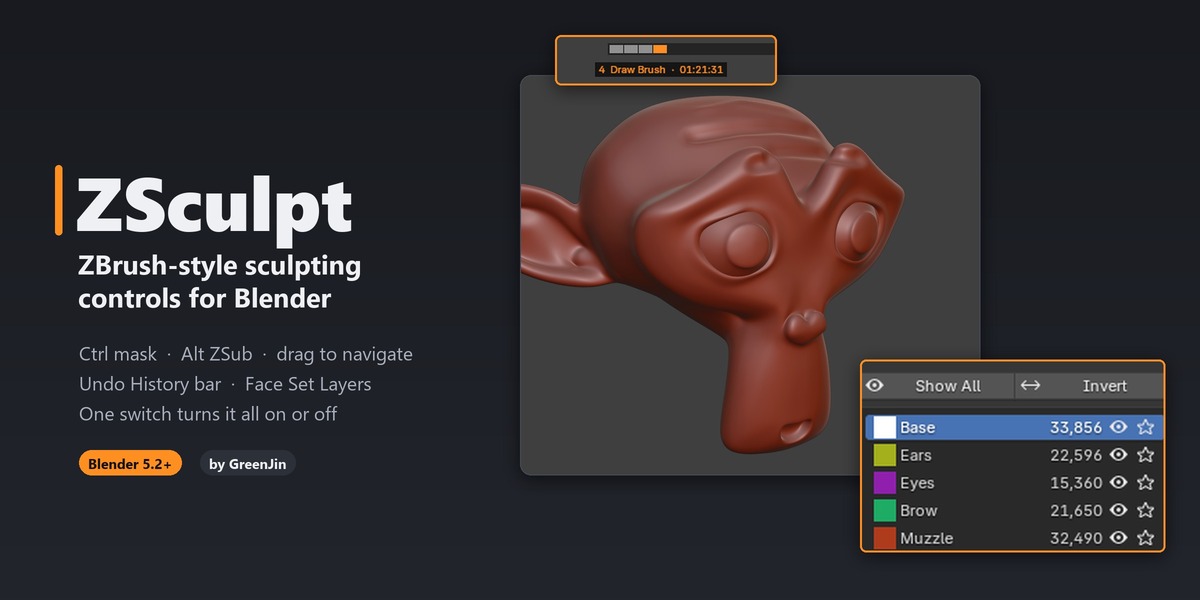
ZBrush controls for Blender's Sculpt Mode.
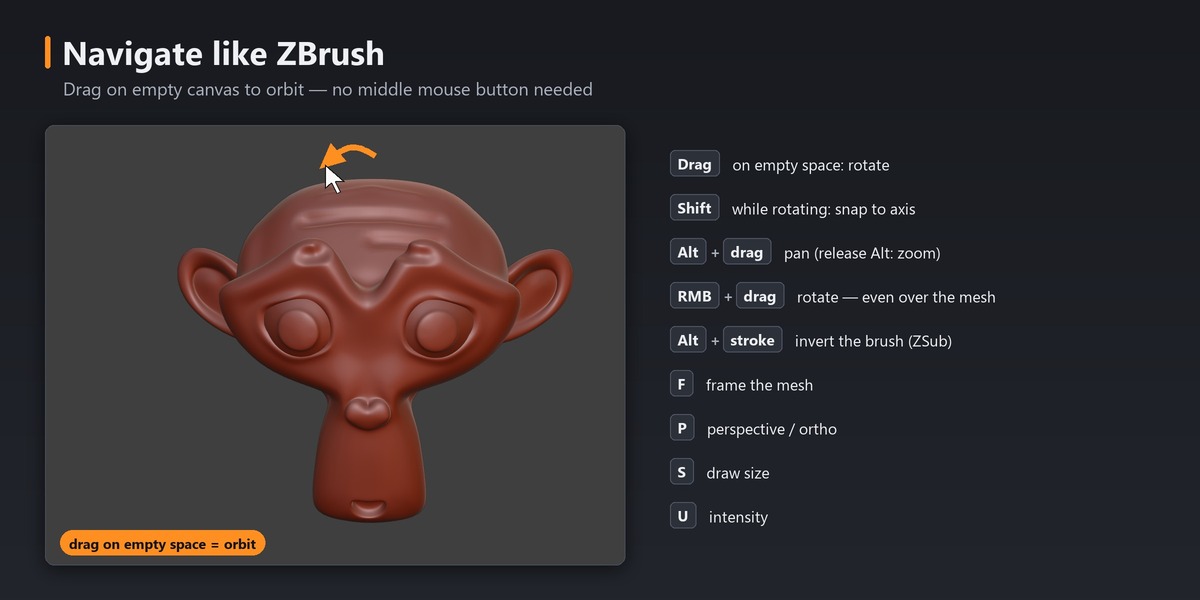
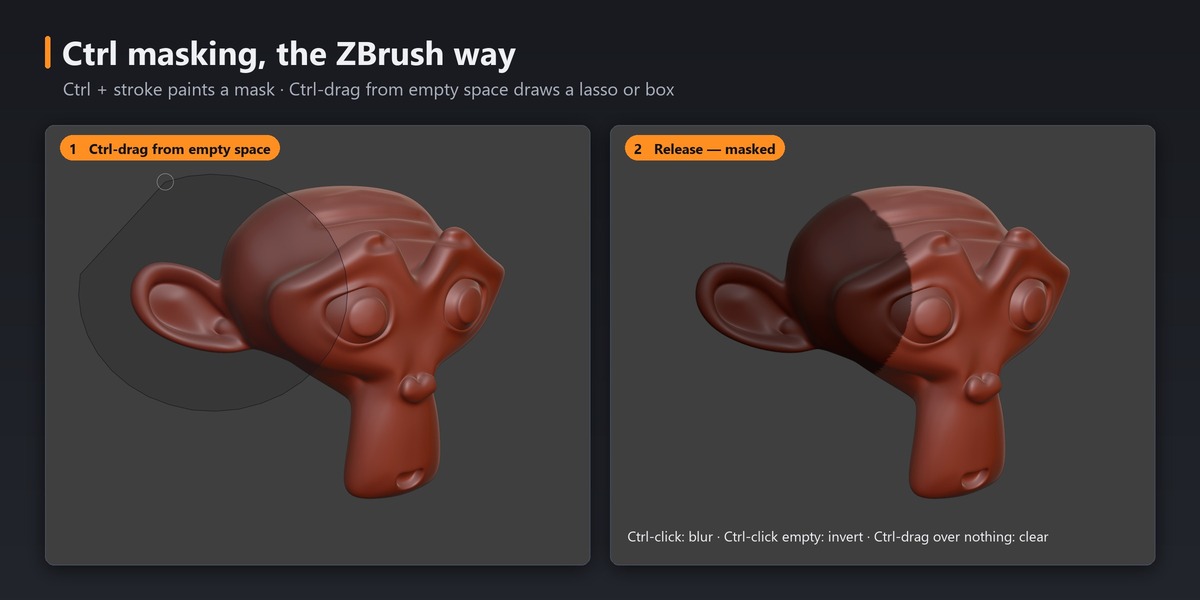
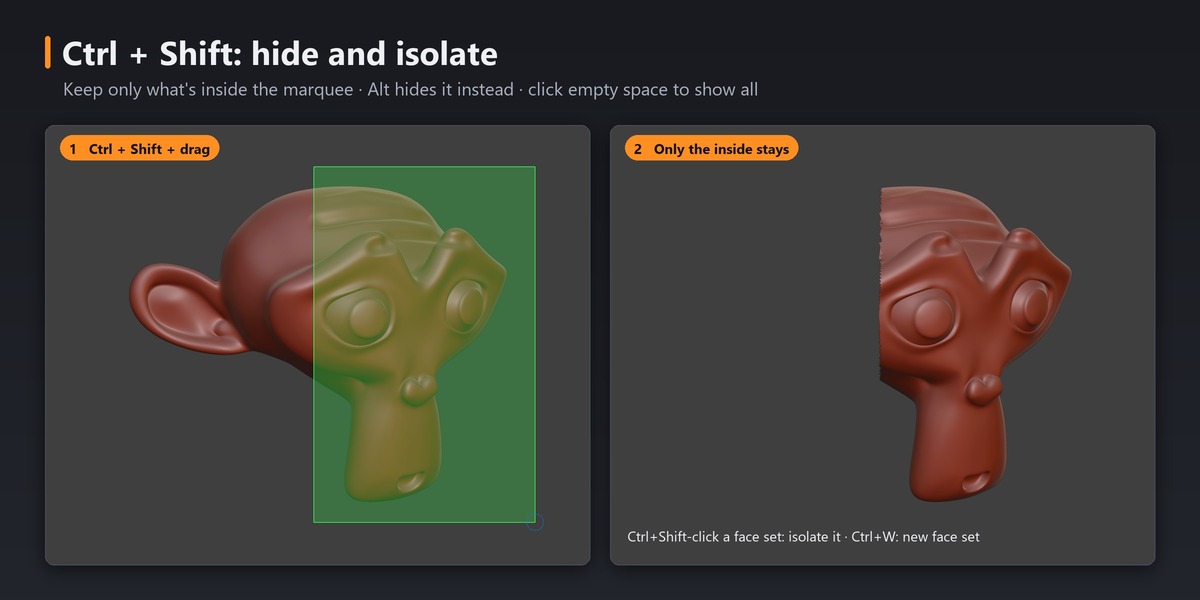
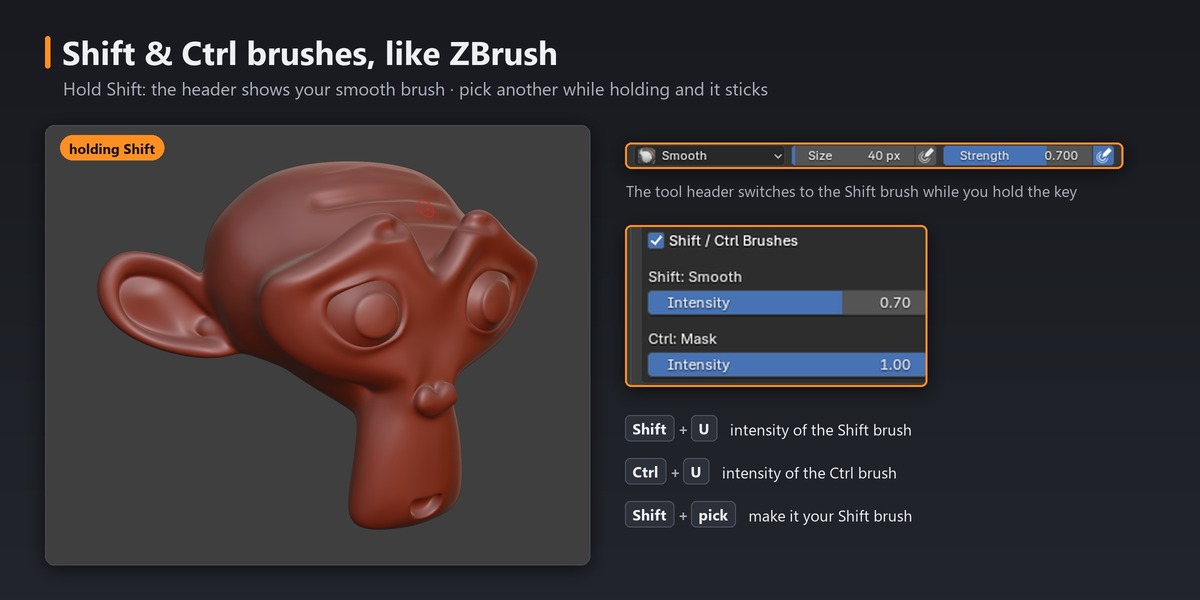
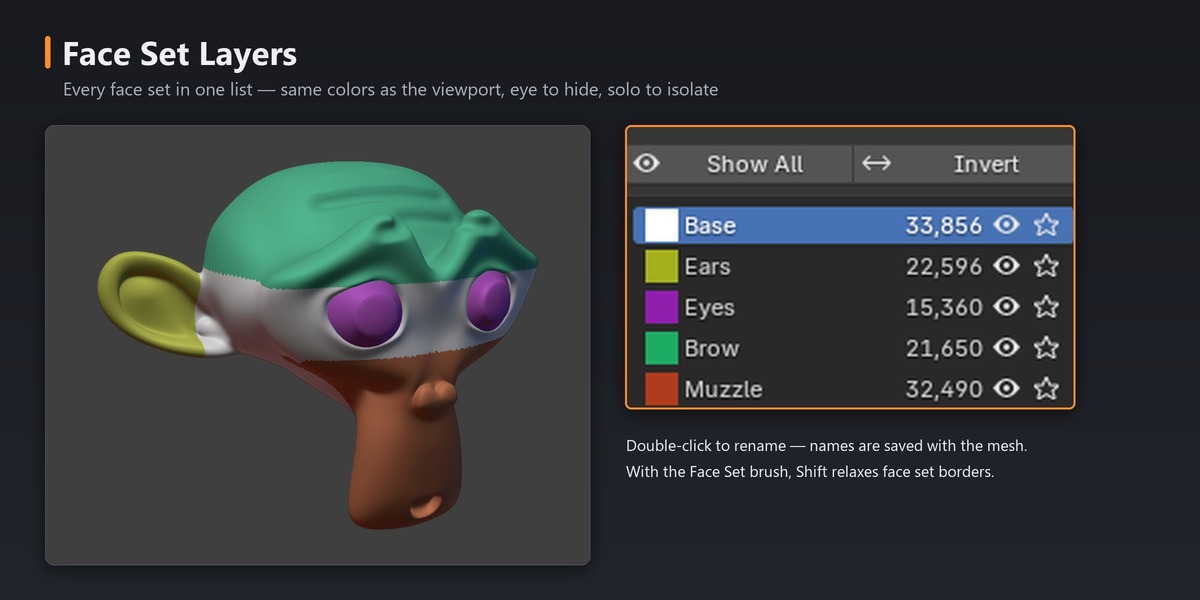
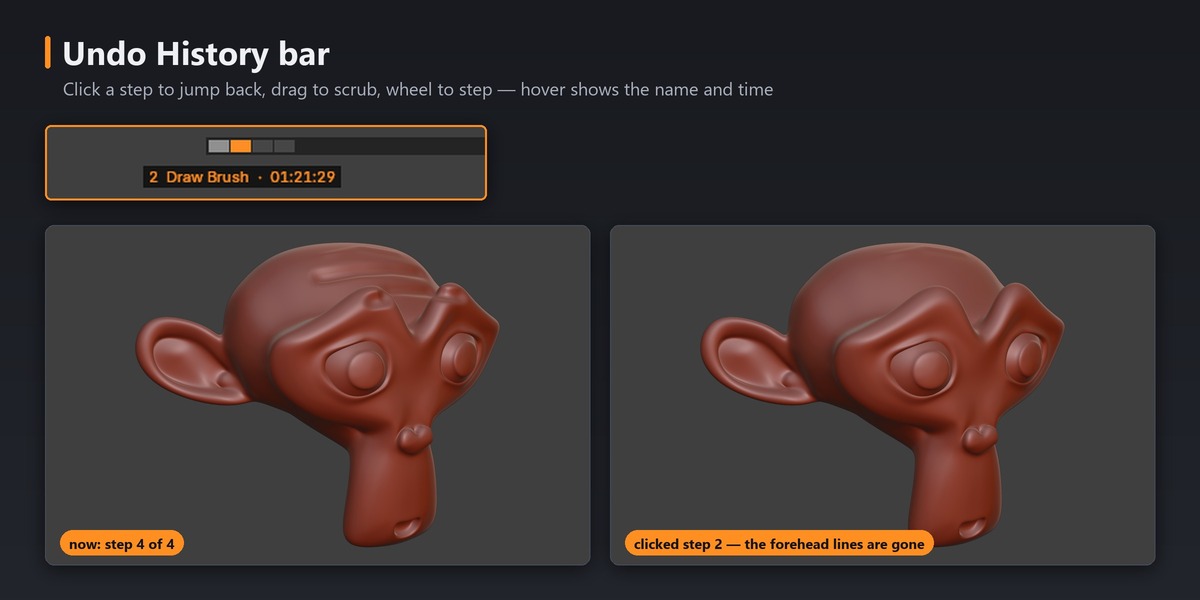
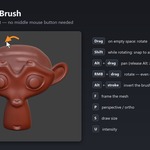
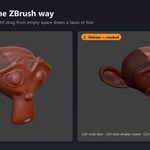
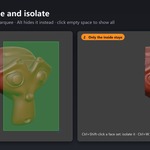
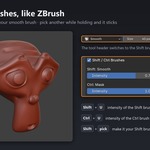
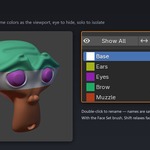
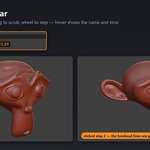
If you learned sculpting in ZBrush, Blender's Sculpt Mode keeps asking you to think twice. ZSculpt changes the controls so the habits you already have just work: drag empty space to orbit, Alt to carve, hold Shift to smooth, Ctrl to mask, Ctrl+Shift to hide and isolate. It adds a ZBrush-style Undo History bar and Face Set Layers, and Alt+click switches to another mesh like picking a SubTool.
Every group of shortcuts has its own checkbox in the Preferences, and one Enabled switch gives you Blender's defaults back at once. ZSculpt never edits your keymap: its keys live in Blender's add-on keymap, in Sculpt Mode only.
⚠ Mac users: the Undo History bar does not work on macOS.
Blender has no Python API for the undo list, so ZSculpt reads it with a safe, read-only method that exists only on Windows and Linux. On a Mac the bar stays hidden; every other feature works.
Requirements: Blender 5.2 or newer. Windows, macOS and Linux (the Undo History bar: Windows and Linux only).
ZBrush is a trademark of Maxon. ZSculpt is an independent add-on, not affiliated with or endorsed by Maxon.
