 codesignprojects
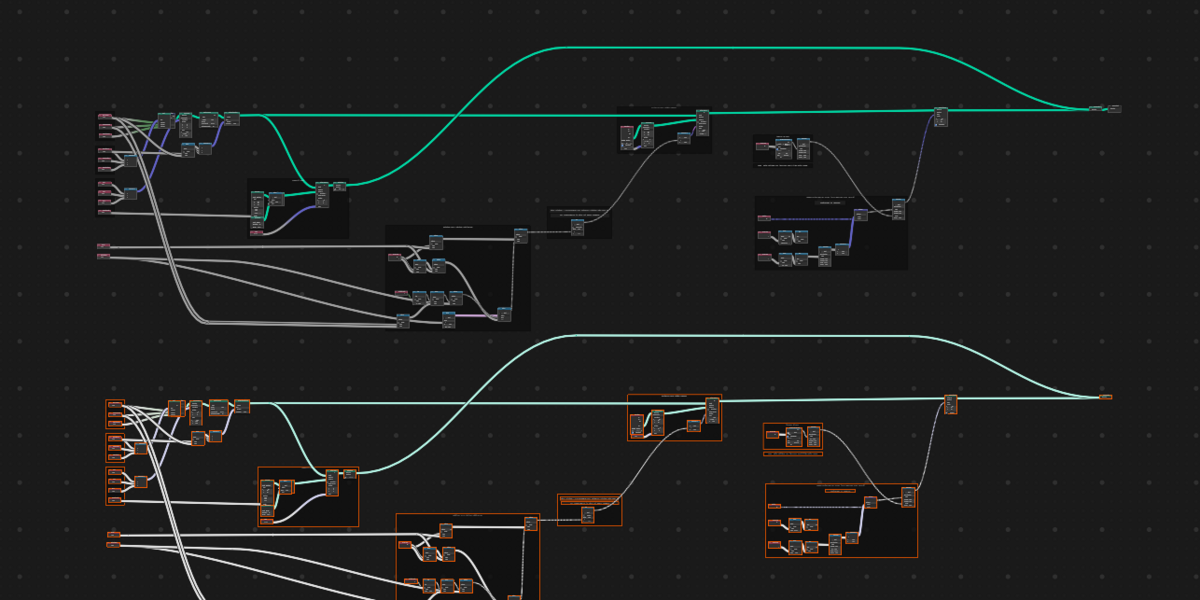
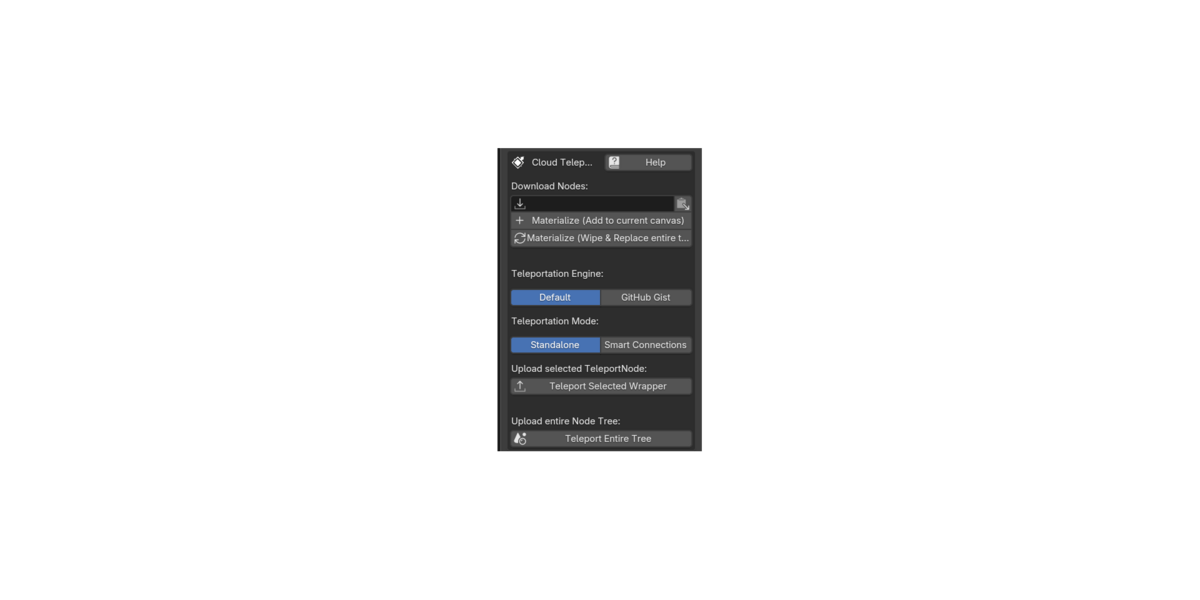
The Teleport Node Addon - Instant node sharing directly from and into the node editor
Sharing complex Blender node setups is often a tedious process involving saving .blend files, uploading them to file-sharing sites, navigating the append menu, or squinting at low-res screenshots to rebuild trees line-by-line.
The Teleport Node provides a frictionless, cloud-based solution. Think of it as a digital "shipping box" for your node editor. It allows you to package your selected nodes—or your entire workspace—and instantly send them across the internet using a simple shortcode. You select your nodes, add TeleportNode and click Teleport! Your nodes are now shared.
The goal is to make sharing and receiving Blender node groups instantly and directly in the node editor as fast and easy as sending a text message. You want to share a fix, a node group or a tree, a trick ? Just paste in the code, add the link to the addon or its free Receiver version, and that's it !
Video demo here !
NOTE - To only receive shared nodes, the free Receiver Edition is available here for anyone.
Features
- Instant Node Materialization: Sharing is effortless. Wrap your selected nodes into the TeleportNode, click "Teleport", and get the generated shortcode to share it online. Anyone with the addon can paste it directly into their node tree. With one click, your nodes will instantly materialize and snap directly to their mouse cursor!
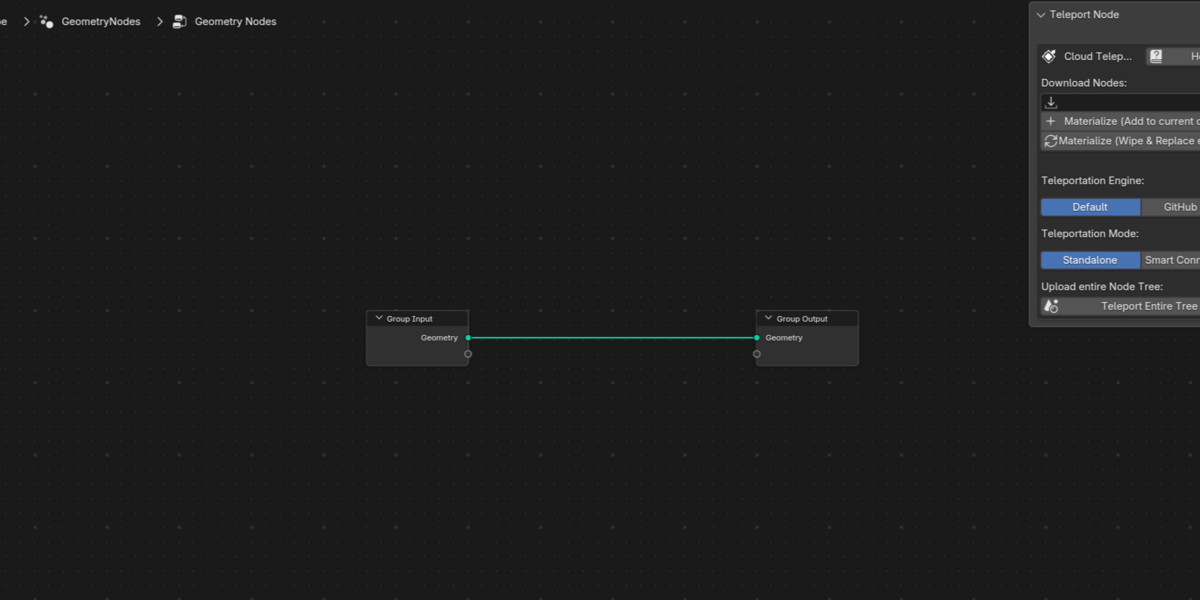
- Teleport Entire Trees: Want to share your whole node tree? Package and share it with a single click. The receiver can use the dedicated "Materialize Entire Tree" button to explicitly wipe a fresh canvas and securely paste your complete setup with layout preservation.
- Smart Connections Engine: When wrapping a group of nodes, the addon intelligently traces your routing and preserves incoming and outgoing wires, mapping them to automatically labeled interface dots on the borders of your materialized TeleportNode.
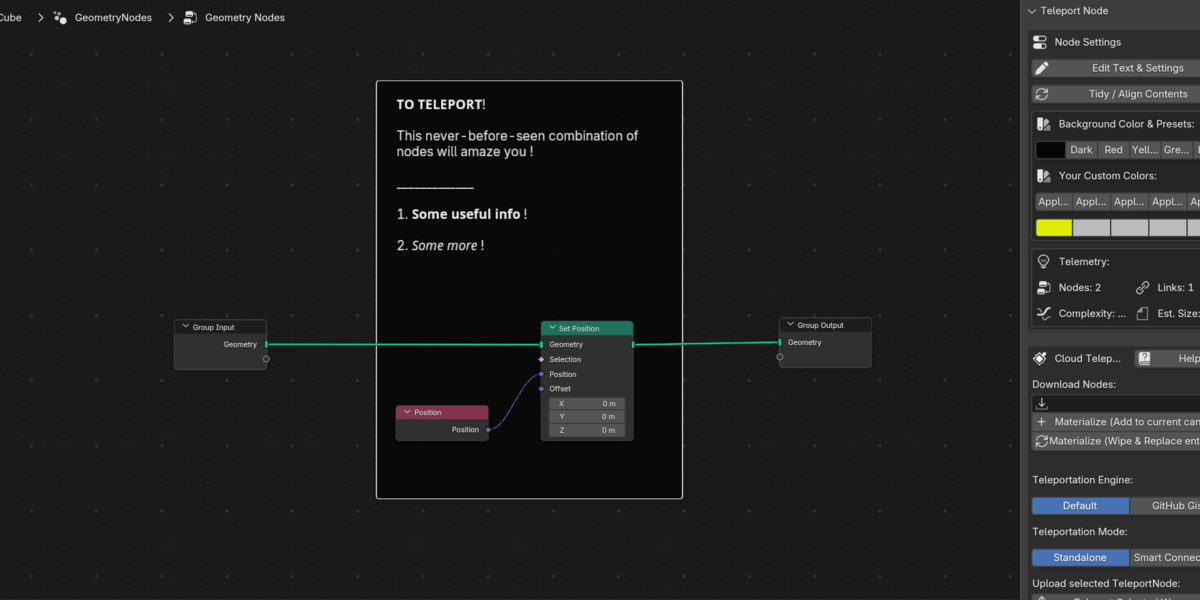
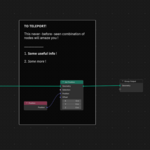
- Native Documentation & Comments: It doubles as a powerful comment node. Add multi-line rich text, bold/italic formatting, dividers, and clickable reference web links directly to your wrapper. Because it uses 100% native Blender elements, anyone who materializes your nodes can read your notes perfectly—even if they don't have the addon installed!
- Node package optimization:Keep your transfers lightning-fast. The addon automatically strips out unnecessary linked data, video, and audio files to ensure your "shipping box" stays as lightweight as possible.
- Blender version tracking: Never guess if a node setup will work. The addon automatically tracks the specific version of Blender used during the transfer, helping the receiver avoid compatibility issues or new nodes when importing.
- Smart Source Detection: The addon automatically detects the type of the node group or tree sent, be it Geometry Nodes, Shader editor or Compositor !
- Creator tag customization: Add your own, custom-formatted unique identifier automatically.
- Dual Cloud Engine: Choose the Default engine for lightning-fast, anonymous, registration-free sharing (codes expire after ~30 days, perfect for quick forum or Discord help). Or, securely link your free GitHub account for Permanent share codes (RECOMMENDED) stored directly in your own Gists. Shared codes using this engine will be permanent!
- TeleportLog: Tracking Teleports with thumbnail and sharecodes. Customizable auto-cleaning settings . Favorites are saved separately.
Enjoy !
---------------------------------------------------------------------------------------------
🎯 Who is Teleportnode for? (Use Cases)
The Solo Artist (Your Universal Cloud Clipboard)
Stop messing with the Append menu or cluttering your Asset Browser with "dummy" materials just to move loose nodes around. Treat Teleportnode as a cloud clipboard: copy a raw, ungrouped node tree from yesterday's .blend file and materialize it perfectly into today's project in seconds.
The Educator & Content Creator No more forcing your viewers to recreate massive trees from a blurry YouTube video or zip files. Drop a 6-digit shortcode in your video description, Patreon post, or course materials so your students can instantly snap your exact lesson setup to their cursor.
The Forum Troubleshooter Stop squinting at messy Discord or Reddit screenshots. When someone asks for help, instantly send the fixed node tree back to them. You can even use the Native Comments feature to write formatted text explaining exactly what you changed, right there in the node editor!
The Procedural Modeler & Technical Artist Share and preserve entire, raw workspaces with your team or community. Bypass Blender's native limitation that forces you to group nodes or attach them to objects just to save them. Keep your exact layout, flow, and framing perfectly intact across the internet.
---------------------------------------------------------------------------------------------
🚀 Teleport Node Addon - Release Notes
v1.152 - Teleport Log with Thumbnails
TeleportLog: Tracking Teleports with thumbnail and sharecodes. Customizable auto-cleaning settings ! (Default - Last 30 days, and max 50 items !) Favorites are saved separately. Other improvements.
v1.151 - Canvas Safety Guard
Duplicate Interface Warning: Added an intelligent pre-check to "Materialize (Add to current canvas)". If an incoming code contains a full node tree with Group Input/Output nodes, a safety dialog will alert you before dropping, preventing accidental duplicate interface clutter and guiding you to "Wipe & Replace" when appropriate!
v1.15 - The Universal Editor Update
Flawless Shader & Compositor Support: Completely overhauled the background packaging engine to fully support embedded Material Shader trees and Compositor trees.
Master NodeGroup Packaging: By upgrading to a highly advanced native grouping sequence, you can now teleport massive, deeply nested "Master NodeGroups" seamlessly across the internet without running into Blender's API restrictions.
Zero Data Loss: Repeat Zones, Simulation Zones, and custom UI sliders remain 100% perfectly preserved across every single node editor.
v1.14 - Smart Payloads & Safety Nets
Universal Deep-Stripping: The background engine now rigorously hunts down and strips heavy media dependencies (MP4s, 4K Textures, Sounds) from all teleport types (both 'Entire Tree' and standard Wrappers). This guarantees your generated share codes stay ultra-lightweight (< 1MB), even if heavy assets are hiding deep inside a nested sub-group!
Version Mismatch Detection: Teleport packages now invisibly record the sender's Blender version. If a receiver tries to materialize your code using an older, incompatible version of Blender, they will safely receive a polite warning popup alerting them of potential missing nodes.
Receiver Edition Auto-Detect: The free Receiver Edition UI has been streamlined. It now intelligently analyzes the length of your pasted code to automatically route it to the correct cloud engine (Default vs. GitHub)—no manual toggles needed!
v1.12 - UX Polish & Color Preservation
Custom Color Fix: Resolved a bug where clicking the "Tidy / Align Contents" button would accidentally overwrite your custom TeleportNode frame colors. Your custom frame aesthetics are now perfectly preserved!
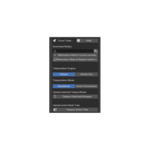
Clearer Materialization UI: Redesigned the Receiver panel UI. Download buttons are now stacked, full-width, and explicitly clear about their behavior (Materialize (Add to current canvas) vs Materialize (Wipe & Replace entire tree)).
Passive Marketing Integration: The Copy with Instructions button now explicitly invites the receiver to download the free Receiver Edition to materialize your code, making sharing frictionless for everyone.
Launch of the Receiver Edition: Officially spun off the free "Receiver Edition" (Lite Version), allowing anyone to effortlessly download and unpack your codes without needing to purchase the full Pro version.
---------------------------------------------------------------------------------------------
⚙️ How to Install
- Download the provided .zip file. (Note: You do not need to unzip it!)
- Open Blender and go to Edit > Preferences.
- Select the Add-ons tab on the left side.
- Click the Install... button in the top right corner.
- Locate and select the downloaded .zip file, then click Install Add-on.
- A new entry named Node: Teleport Node will appear. Check the small box next to it to enable the add-on.
- Open any Node Editor workspace, press Shift+A, and you will find your new Teleport Node ready to use!
🔄 How to Update to a Newer Version
- Because the Teleport Node uses 100% native Blender elements to build its shipping boxes, updating will never break your older project files or shared links! All existing wrapped nodes will remain perfectly intact.
- Download the newest version of the .zip file.
- Open Blender and go to Edit > Preferences > Add-ons.
- Search for "Teleport Node" and uncheck the box to disable the current version.
- Click Install... and select the newly downloaded .zip file. Blender will automatically overwrite the old files behind the scenes.
- Check the box to enable the add-on again. You are now running the latest version!
