50 Procedural Generators Addon V2
 Blender Procedural




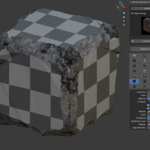

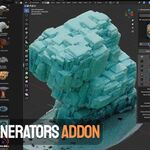
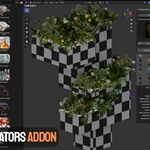

EASY INSTALLATION OF THE ADDON:
Install
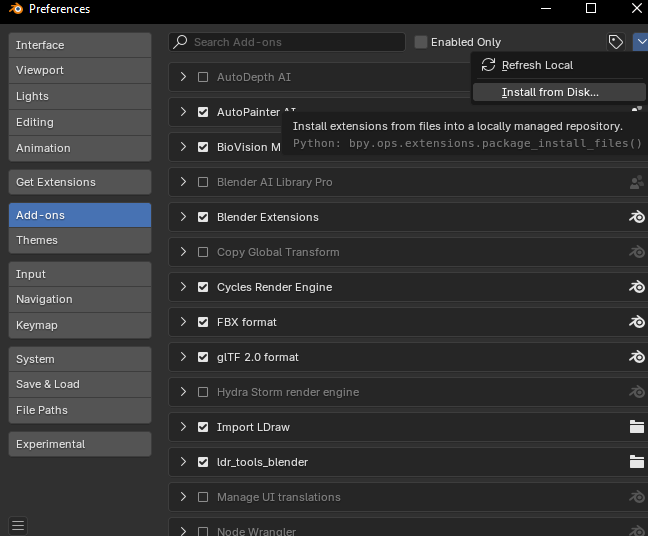
ultimate_generators_pack_v2_1.0.1.zip 1.83 GB
Then click:
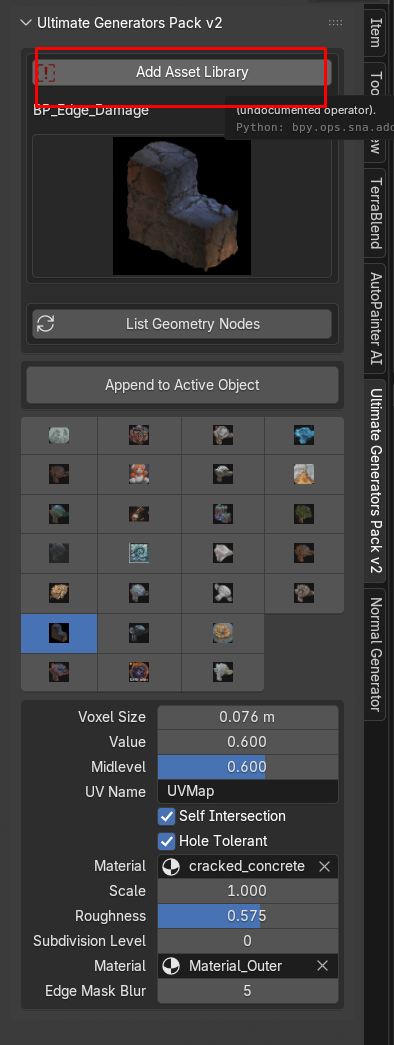
Installation & Setup
Follow these simple steps to add the 🔥 Ultimate Generators Bundle V2 +50 asset library into Blender.
- Unzip the Downloaded Package:
Locate the downloaded ZIP and extract it. You will get a folder named
UltimateGeneratorsBundleV2. - Open Blender Preferences:
In Blender, go to Edit → Preferences (Windows/Linux) or
Blender → Preferences (macOS). - Navigate to Asset Libraries:
In the Preferences window, select the File Paths tab, then scroll down to Asset Libraries. - Add New Library:
Click the + Add button. In the file browser, navigate to and select the
UltimateGeneratorsBundleV2folder, then click Accept. - Save Preferences:
At the bottom left of the Preferences window, click Save Preferences to keep your new asset library.
Usage Tips
- Open the Asset Browser (Shift+F1) to browse & drag‑and‑drop assets into your scene.
- Customize node setups by opening the node group in the Geometry Node Editor.
- Refer to the demo files included in the library for example scenes and settings.
Discover more products like this
city builder VFX generators simulation-nodes addon asset library Fluid-simulation blender asset library geometry nodes stylized effects Blender geometry nodes pack procedural simulation