 Andrew Luzhetskyi


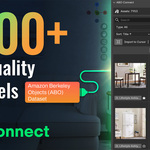
What if you had a key to unlock a library of nearly 8,000 free, high-quality 3D models?
🗝️
That's the reality of the Amazon Berkeley Objects (ABO) dataset - an incredible, professional-grade resource that has remained largely inaccessible to the average artist. Why? Because managing a 140GB local library just to find one chair is a workflow nightmare.
So I built ABO Connect to change that.
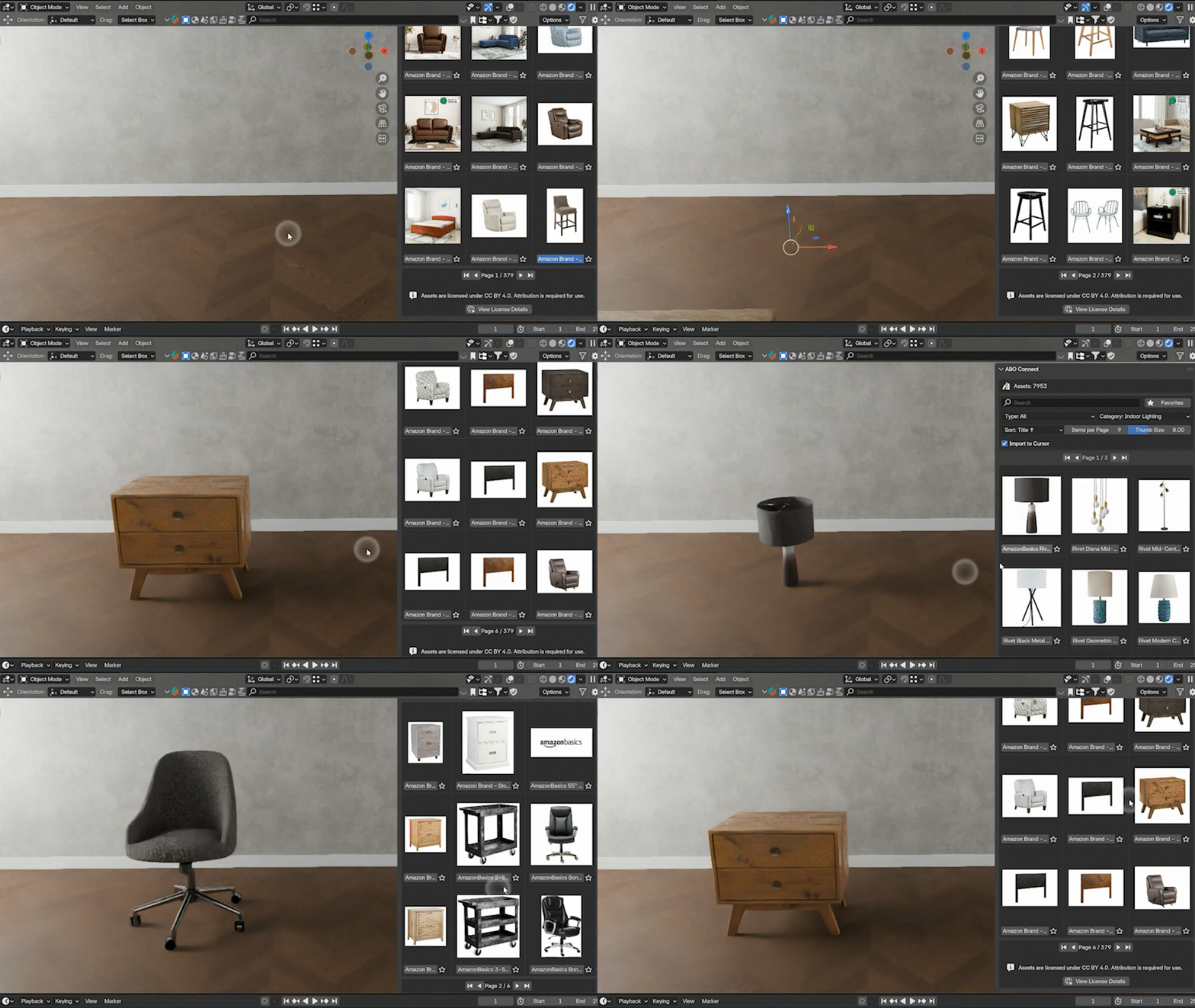
This addon is not another model pack; it's a lightweight and efficient 🔗 bridge that connects your Blender viewport directly to the entire ABO database. It makes browsing and importing from this massive library as simple and intuitive as a local asset browser, without the colossal storage footprint.
✨ A More Efficient Workflow Awaits
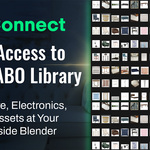
✅ Instant Access to 8,000+ Free AssetsFrom furniture and electronics to home goods and toys, find exactly what you need to bring your scenes to life. | 💾 A Smarter, On-Demand WorkflowSave disk space by downloading only what you need. Once imported, models are cached locally - giving you instant, offline access for future projects. |
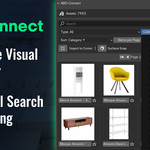
🎨 Intuitive Visual BrowserNo more guessing games! Clean, thumbnail-driven interface lets you see exactly what you're getting before you import. | 🔎 Powerful Search & FilteringQuickly find the perfect asset with robust search, sorting, and filtering by category or product type. |
Explore the Massive Collection
With over 8,000 assets at your fingertips, the possibilities are endless. The collage below displays less than 10% of the entire library! From everyday household items to unique decor, this is just a tiny glimpse of the vast, high-quality collection available to you.
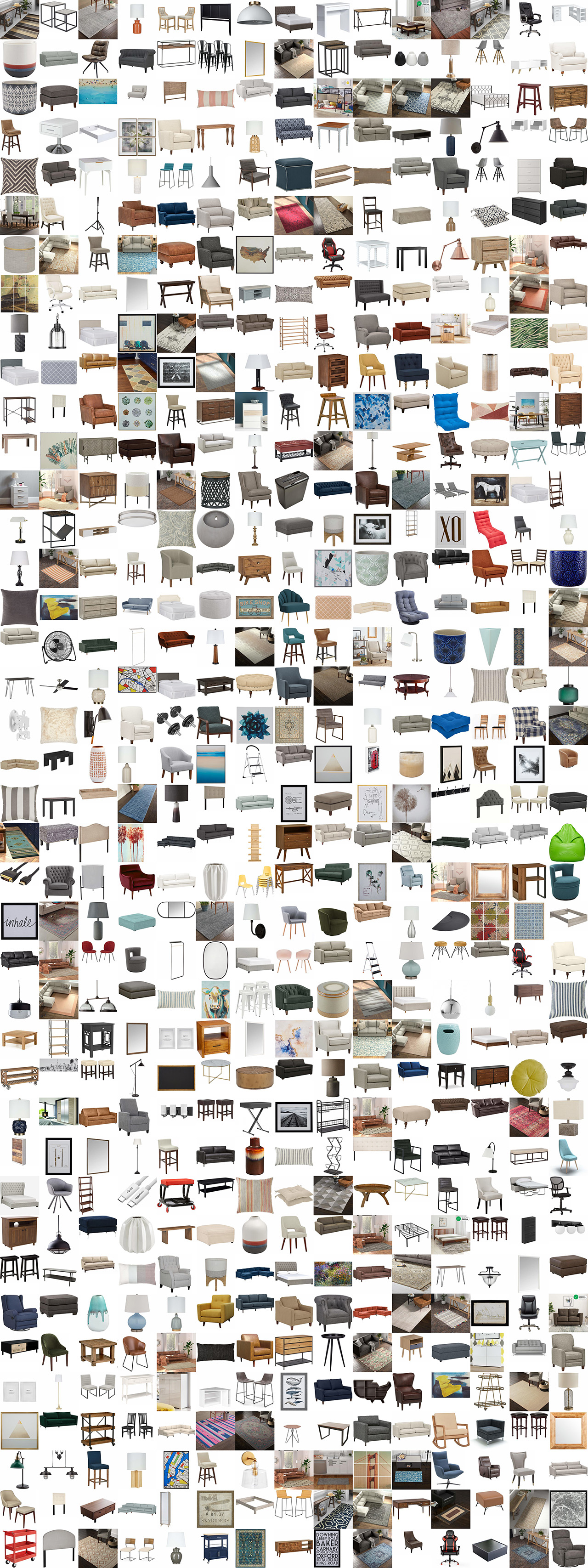
...and thousands more.
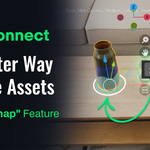
🎯 Drag, Drop, Aligned: The New Placement Workflow
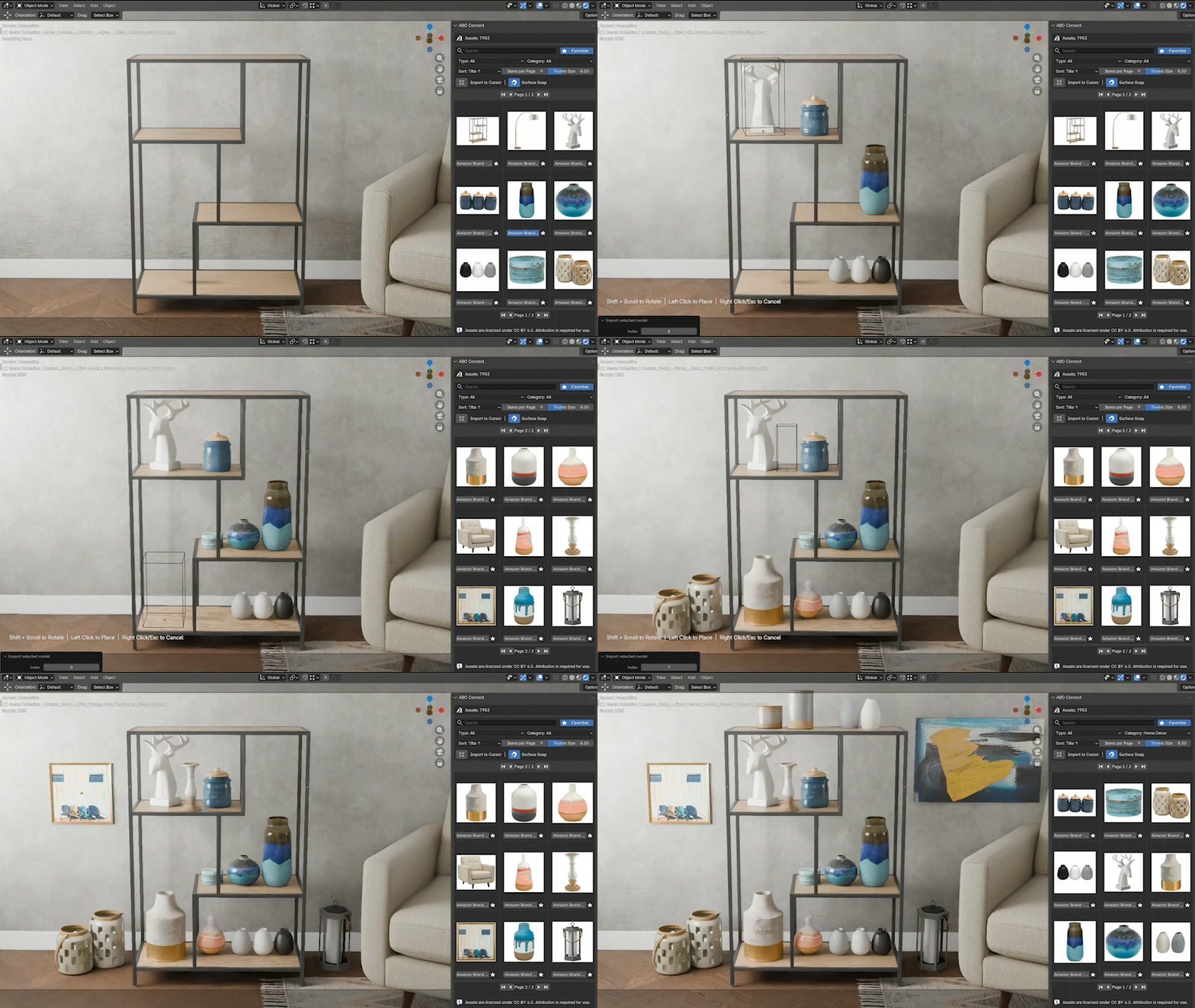
The standard workflow can be slow: import to world origin, find the object, drag it across your scene, rotate, and painstakingly align it. ABO Connect changes that with tools designed for speed.
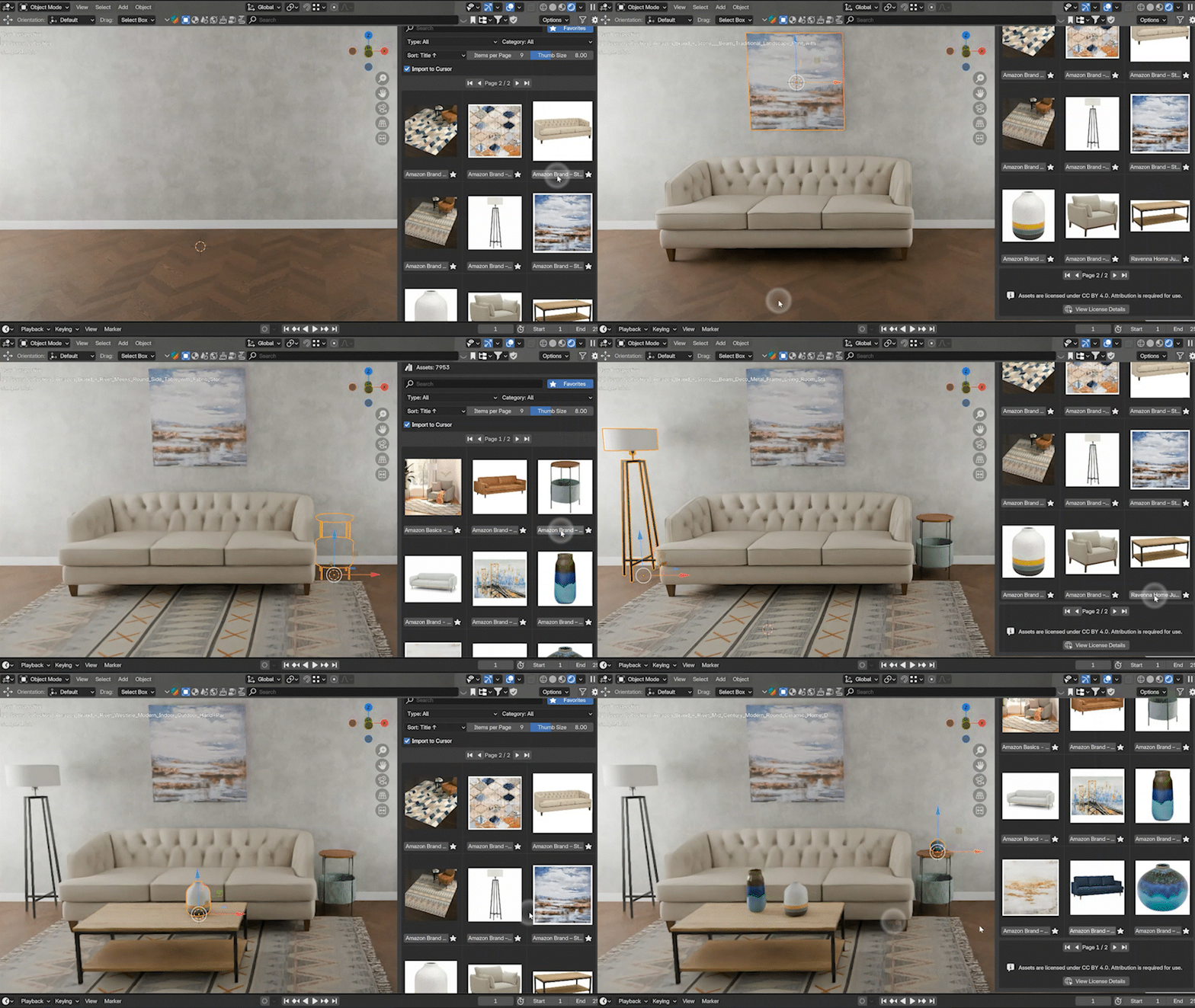
Who Is This For?Whether you're an archviz artist, 3D artist, or a hobbyist, ABO Connect provides the assets you need to work more efficiently and creatively. While professionally curated, paid asset libraries offer immense value and quality (and we love them!), I believe Blender users shouldn't miss out on this amazing, high-quality free resource. ABO Connect is the key to unlocking that potential. | Technical Details:
|
⚠️ Note on Internet Connection
ABO Connect requires an active internet connection to function. The addon connects to the public Amazon Berkeley Objects database (hosted on AWS S3) to download 3D models, metadata, and thumbnails directly into your Blender environment. No personal user data, files, or analytics are ever tracked or uploaded.
Commercial Use Ready: Every single model in the ABO dataset is provided under a CC-BY 4.0 license. This means they are completely free to use in both your personal and commercial projects!
*Attribution Requirement: Credit for the 3D models and images must be given to Amazon.com.
A Commitment to Your Workflow
While I've tested the addon thoroughly, the world of software can have unexpected quirks. If you encounter any issues, have a question, or have an idea for a new feature, I encourage you to reach out.
Your feedback is invaluable in helping me improve the tool for the entire Blender community.
Ready to integrate a massive new asset source into your workflow?
Let's Get Started!