Advanced Extrude
 Tachyon Studio
Advanced Extrude
Every release, newest first
Every release of the add-on, newest first. One package covers Blender 3.3 – 5.2: a modern extension on 4.2+, a classic add-on on 3.3 – 4.1.
| Item | Detail |
|---|---|
| Current version | 1.0.1 |
| Released | 21 September 2026 |
| Blender | 3.3 – 5.2 |
| Licence | GPL-3.0-or-later |
1.0.1 — 21 September 2026
Fixed
The corner handles are visible again on the Vulkan backend. On Blender set to Vulkan (Preferences ▸ System ▸ Backend), the coloured dots marking each corner did not appear, while OpenGL showed them normally. The tool itself worked throughout — only the dots were missing, so an edit could be made but not aimed.
The handles are drawn as GPU points, and the Vulkan backend ignores the requested point size for the shader the add-on used, which left every handle one pixel wide. They are now drawn with Blender's dedicated point shader, which honours the size on both backends. Nothing changes if you use OpenGL: the handles are drawn exactly as before.
Reported by a customer, and confirmed by measuring what actually reaches the screen on Blender 5.2 under both backends.
1.0.0 — First release
Blender's own extrude, held open for editing.
What it does





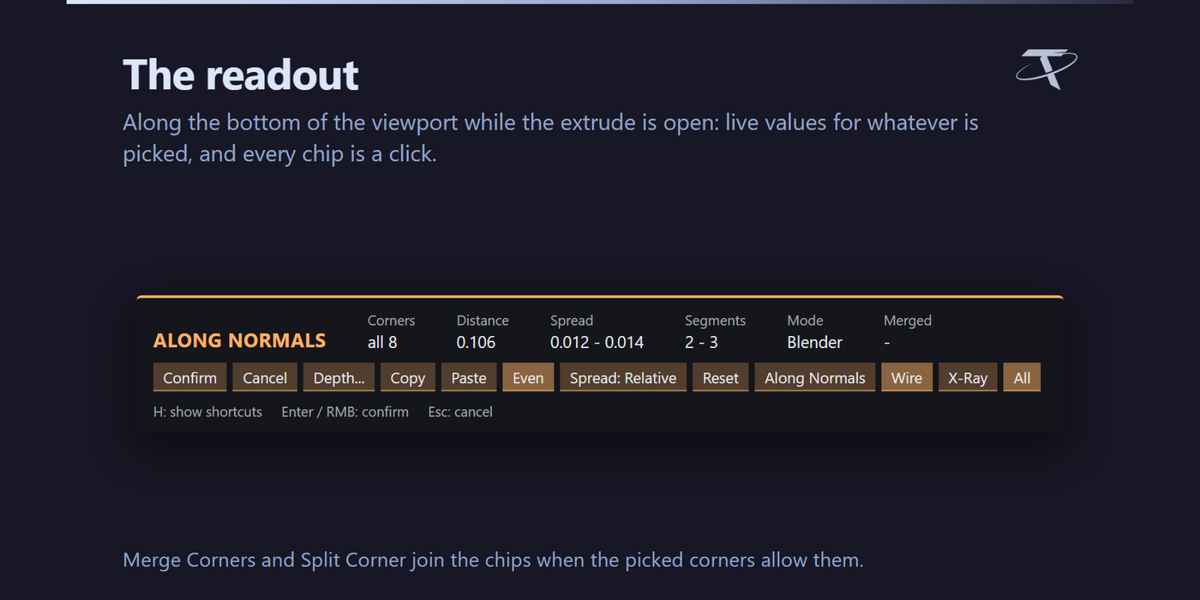
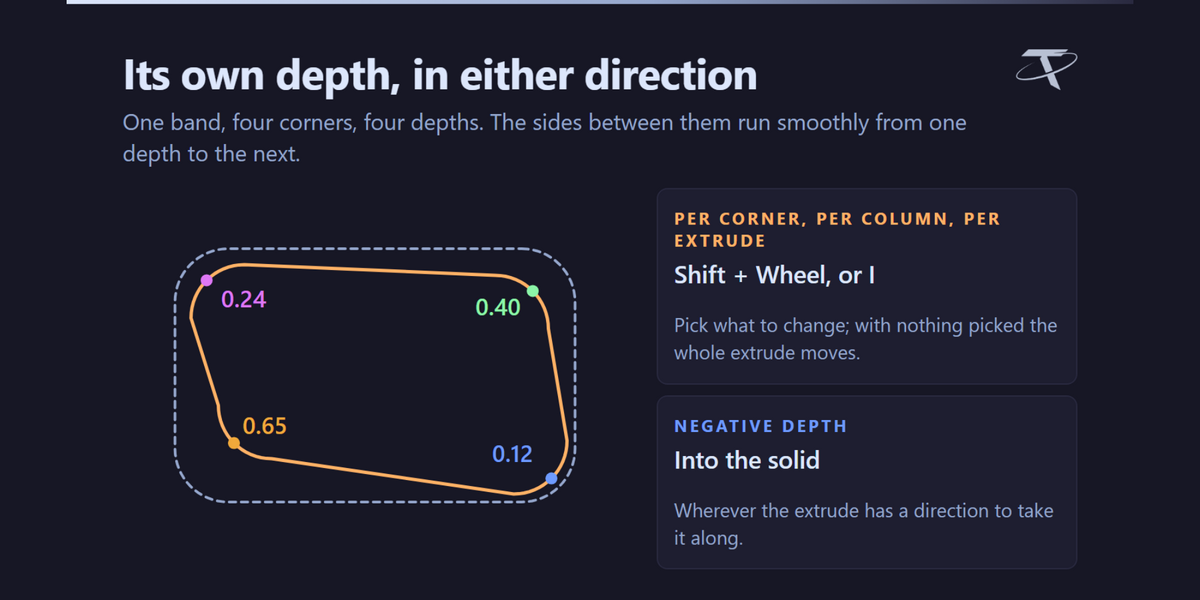
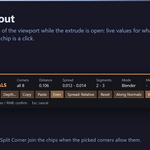
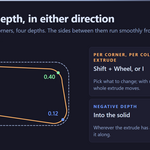
- The result starts exactly where Blender would put it, vertex for vertex, and then every corner becomes a handle with its own depth, width and vertex count — all live in the viewport before anything is committed.
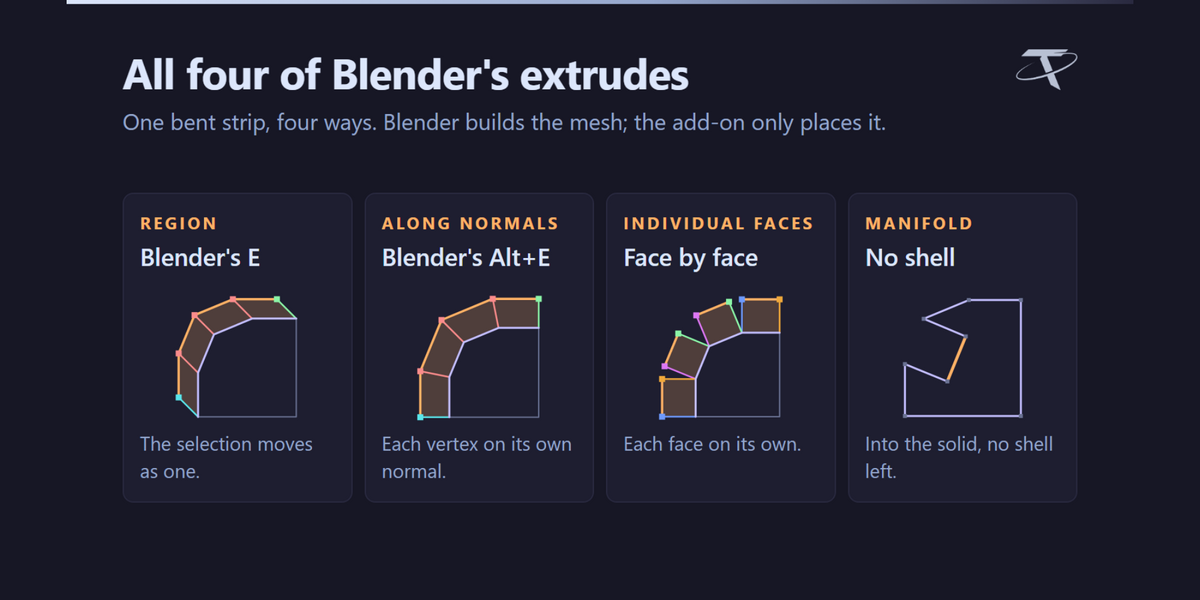
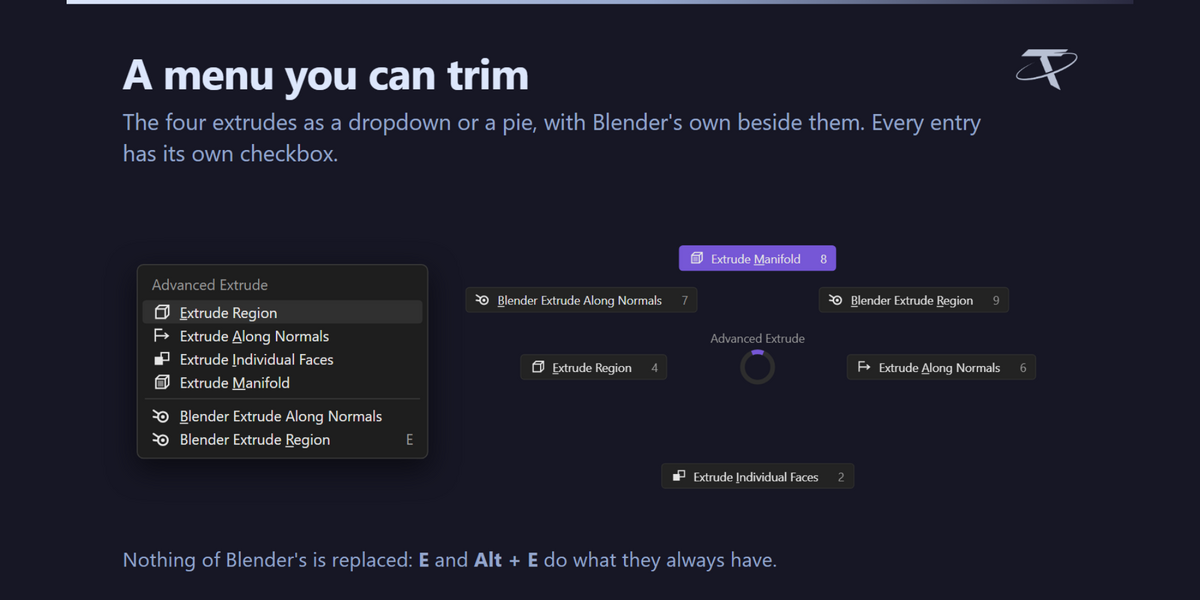
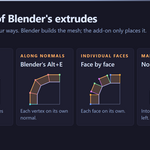
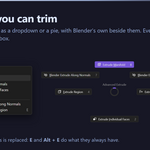
- All four kinds are covered: Region, Along Normals, Individual Faces and Manifold.
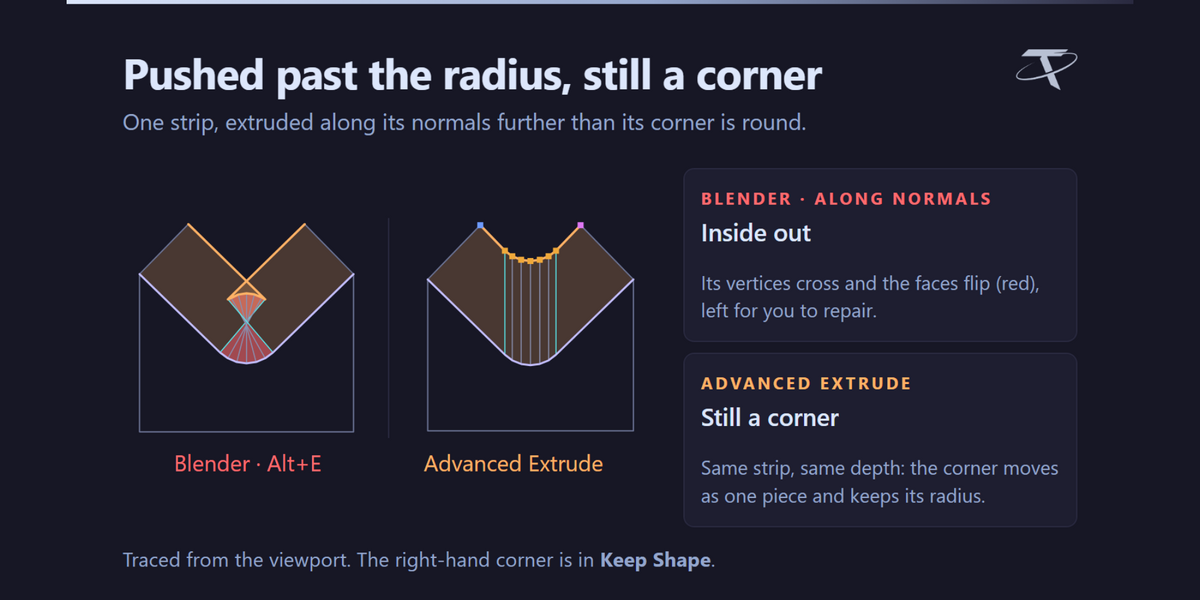
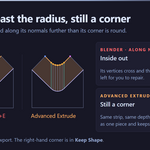
- Extrude Along Normals moves every vertex along its own normal, so around a rounded corner those normals converge and a band pushed in past the corner radius crosses itself and turns inside out. Here each corner is handled on its own, so the outline survives.


- A side — the stretch between two corners — has its own handle and its own depth.
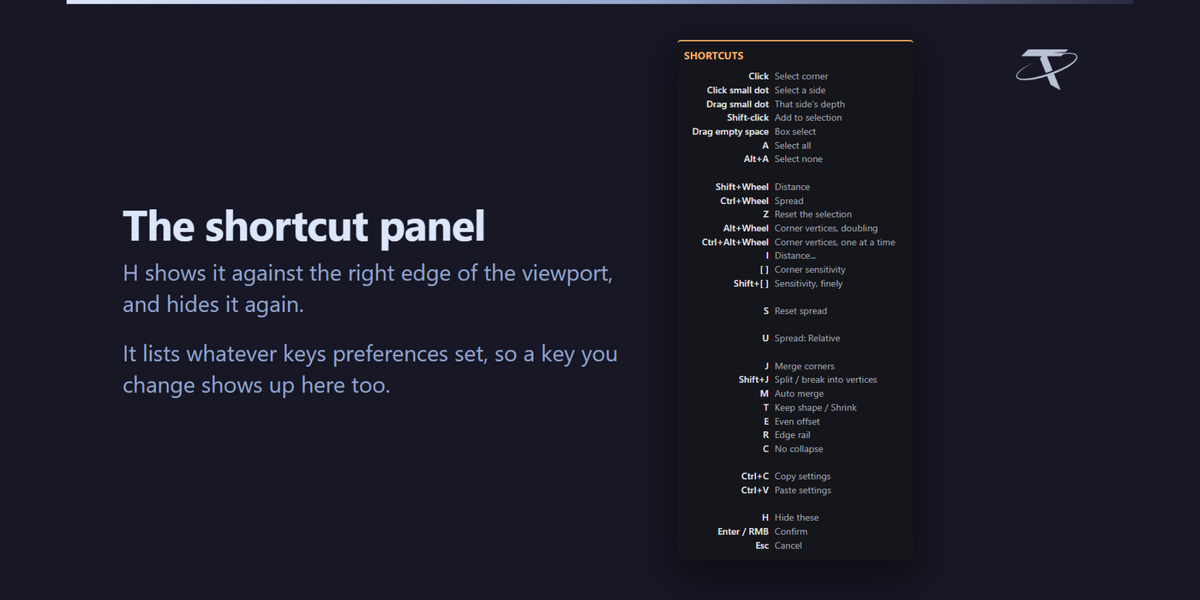

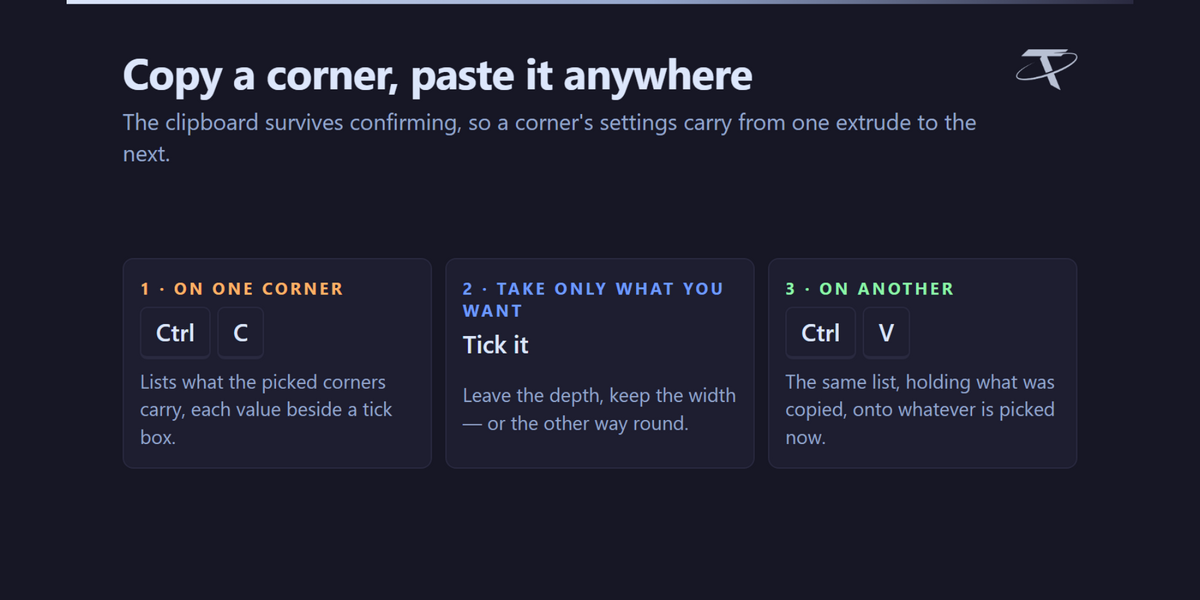
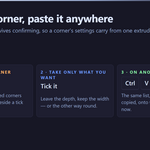
- Copy one corner's settings and paste them onto another.
- Distance brings corners in and out along the surface, never up and down.
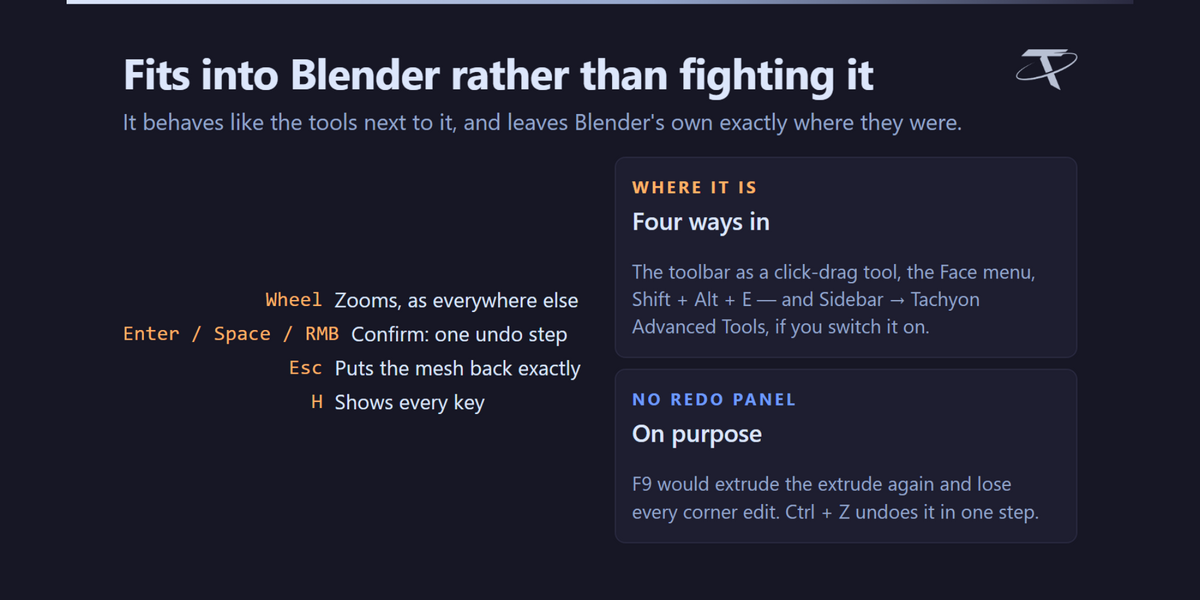
- Nothing is committed until you confirm, and Esc puts the mesh back exactly as it was.
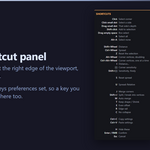
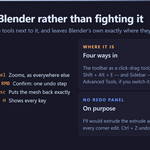
Pure Blender, and nothing to configure. No game engine, no external tool, and no network use of any kind: it opens no sockets, sends no telemetry and checks no licence. Blender's own Extrude is untouched and still on E.
A Blender add-on. It needs no engine, no external tool and no network access.
Advanced Extrude
Every release, newest first
Every release of the add-on, newest first. One package covers Blender 3.3 – 5.2: a modern extension on 4.2+, a classic add-on on 3.3 – 4.1.
| Item | Detail |
|---|---|
| Current version | 1.0.1 |
| Released | 21 September 2026 |
| Blender | 3.3 – 5.2 |
| Licence | GPL-3.0-or-later |
1.0.1 — 21 September 2026
Fixed
The corner handles are visible again on the Vulkan backend. On Blender set to Vulkan (Preferences ▸ System ▸ Backend), the coloured dots marking each corner did not appear, while OpenGL showed them normally. The tool itself worked throughout — only the dots were missing, so an edit could be made but not aimed.
The handles are drawn as GPU points, and the Vulkan backend ignores the requested point size for the shader the add-on used, which left every handle one pixel wide. They are now drawn with Blender's dedicated point shader, which honours the size on both backends. Nothing changes if you use OpenGL: the handles are drawn exactly as before.
Reported by a customer, and confirmed by measuring what actually reaches the screen on Blender 5.2 under both backends.
1.0.0 — First release
Blender's own extrude, held open for editing.
What it does
- The result starts exactly where Blender would put it, vertex for vertex, and then every corner becomes a handle with its own depth, width and vertex count — all live in the viewport before anything is committed.
- All four kinds are covered: Region, Along Normals, Individual Faces and Manifold.
- Extrude Along Normals moves every vertex along its own normal, so around a rounded corner those normals converge and a band pushed in past the corner radius crosses itself and turns inside out. Here each corner is handled on its own, so the outline survives.
- A side — the stretch between two corners — has its own handle and its own depth.
- Copy one corner's settings and paste them onto another.
- Distance brings corners in and out along the surface, never up and down.
- Nothing is committed until you confirm, and Esc puts the mesh back exactly as it was.
Pure Blender, and nothing to configure. No game engine, no external tool, and no network use of any kind: it opens no sockets, sends no telemetry and checks no licence. Blender's own Extrude is untouched and still on E.
A Blender add-on. It needs no engine, no external tool and no network access.
-
$7.49 $9.99
For 1 person (1 seat). Commercial use included.
-
$29.97 $39.96
For a team of up to 6 people (6 seats). Commercial use included.
-
$74.93 $99.90
For a studio of up to 20 people (20 seats). Commercial use included. Need more than 20 seats? Contact us directly.
 Included
Includes 12 months of
- Support from Tachyon Studio
- Product updates
Extend this product’s Support Period +12 months: 50% of product price
Have questions before purchasing?
Login to message
Discover more products like this
extrude extrude along normals extrude manifold bevel hard surface mesh editing modeling addon corners edit mode Workflow topology