Advanced Extrude
 Tachyon Studio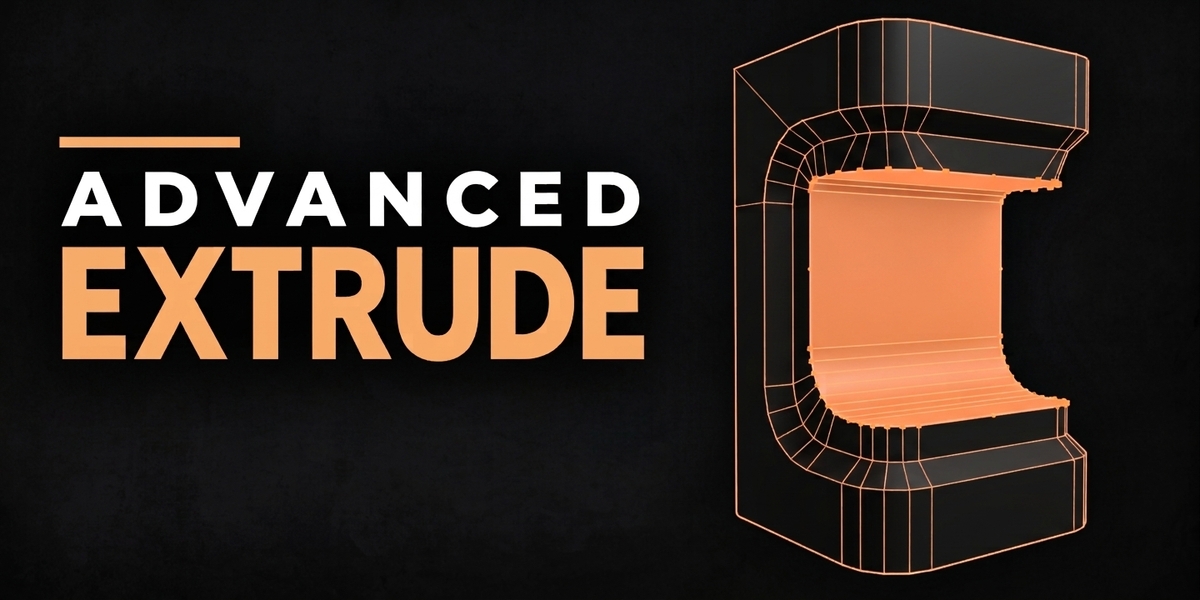
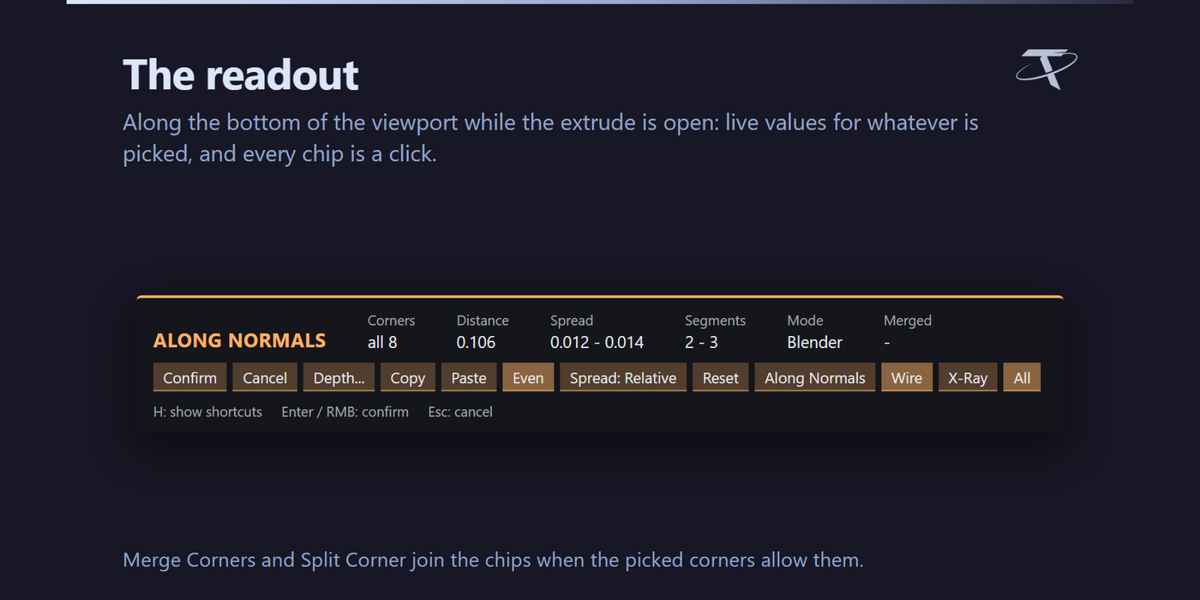
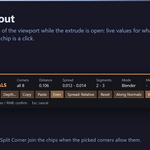
It gives you Blender's four extrudes with every corner of the result editable before you confirm. Select faces, press Shift + Alt + E, click once, and each corner of the outline becomes a handle: push it to its own depth, widen it, give it more vertices — all live, with nothing committed until you press Enter. And no corner can turn inside out, which is what Blender's Extrude Along Normals does to a rounded band pushed inward.
No. Blender's own are untouched and still on E and Alt + E. This is a separate tool on Shift + Alt + E, and Blender's Extrude Region and Extrude Along Normals also sit on the Shift + Alt + T menu, so you can reach either from one place.
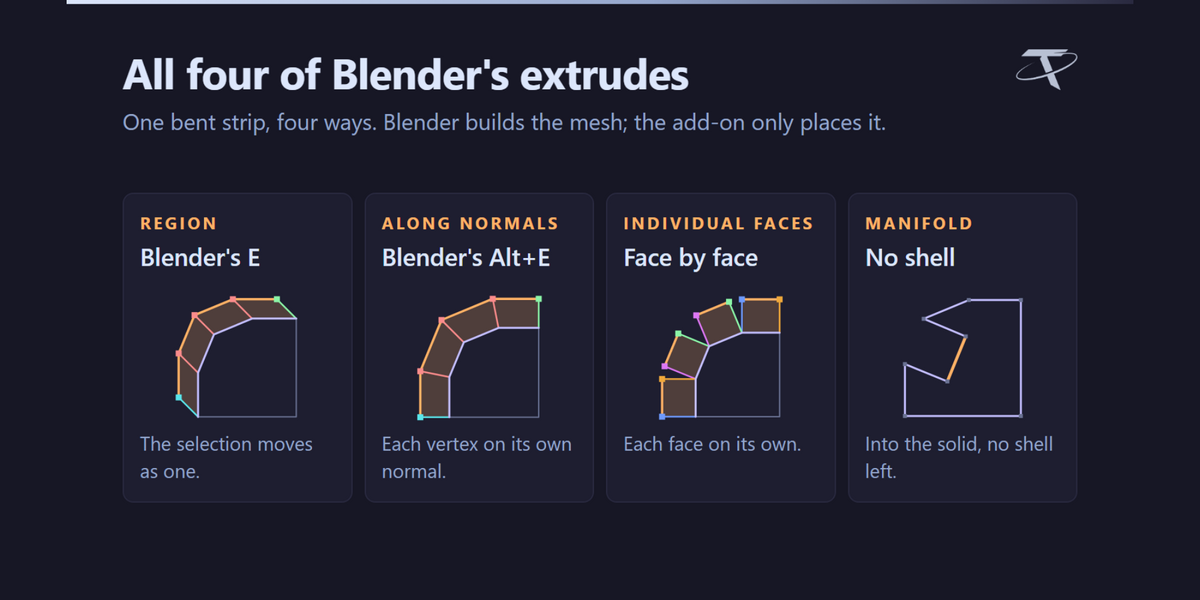
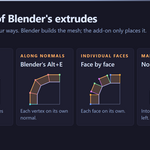
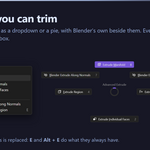
All four Blender has: Region, Along Normals, Individual Faces and Manifold. They open in the same editor, and you can switch between them from its chip without losing the corners you have set.
3.3 through 5.2, from one package. It installs as a modern extension on 4.2 and newer, and as a classic add-on on 3.3 – 4.1. One thing is declined on 3.3 specifically — see the question about that below.
Yes. There is no native code and nothing platform-specific in it.
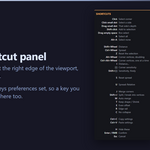
3D Viewport sidebar — press N — then the Unreal Tools tab, shared with the other Tachyon Studio add-ons when they are installed. The panel is optional: the tool is on the toolbar (T) right after Blender's Bevel tool, in the Face menu, and on its own shortcuts.
Tachyon Advanced Extrude, so it sits beside the other Tachyon Studio tools.
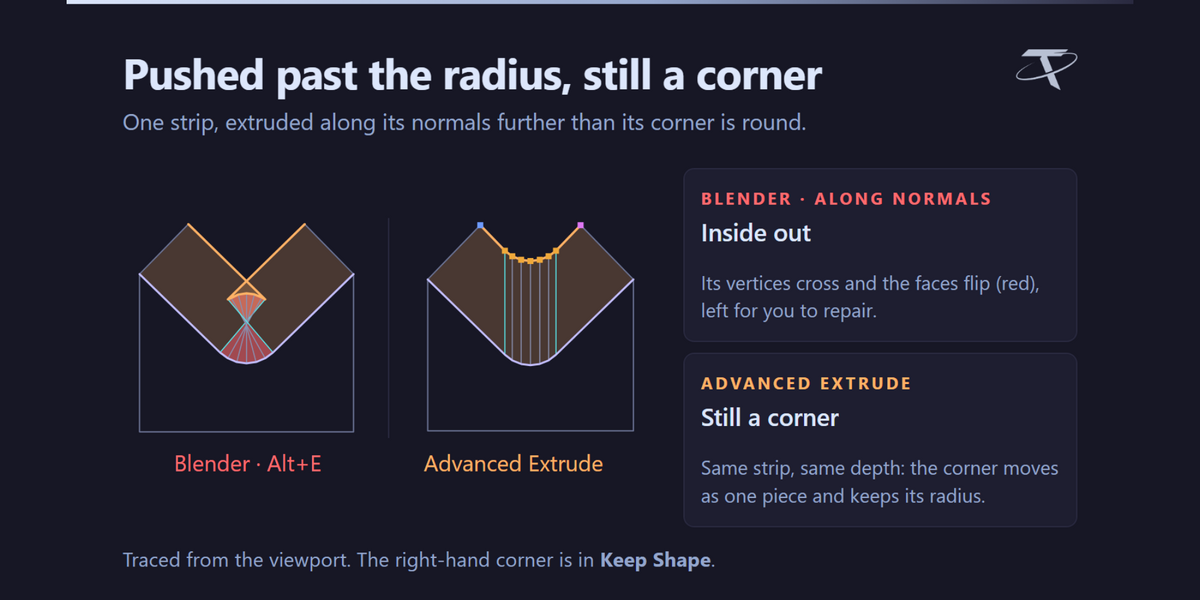
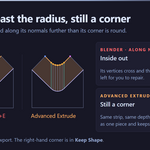
Every vertex moves along its own normal. Around a rounded corner those normals are not parallel — they converge toward the corner's centre — so as you push inward the corner's vertices close in on each other. Past the corner radius they cross, and the outline folds over itself. Here each corner is placed as a corner: in Shrink it keeps Blender's directions but stops just short of the crossing, and in Keep Shape it moves as one piece and keeps its radius.
Until you change something, yes — vertex for vertex. The topology, the walls and the attributes are made by Blender's own extrude; the add-on reads back where Blender placed every vertex and builds every control on top of that. So you are always editing a real extrude.
Shrink is Blender's own placement — which closes a rounded corner up as it goes deeper — stopped just short of the depth where the corner would cross itself. It is where the tool starts. Keep Shape gives the whole corner one direction, so it travels as a piece and keeps its radius at any depth. T swaps the picked corners between the two.

Each boundary of the selection is read in its own plane, and runs of vertices that turn together are grouped into corners. A stretch that keeps turning — a bevel strip between two sharp corners — is a corner too. If a corner is read as two, or missed, [ and ] change the sensitivity.

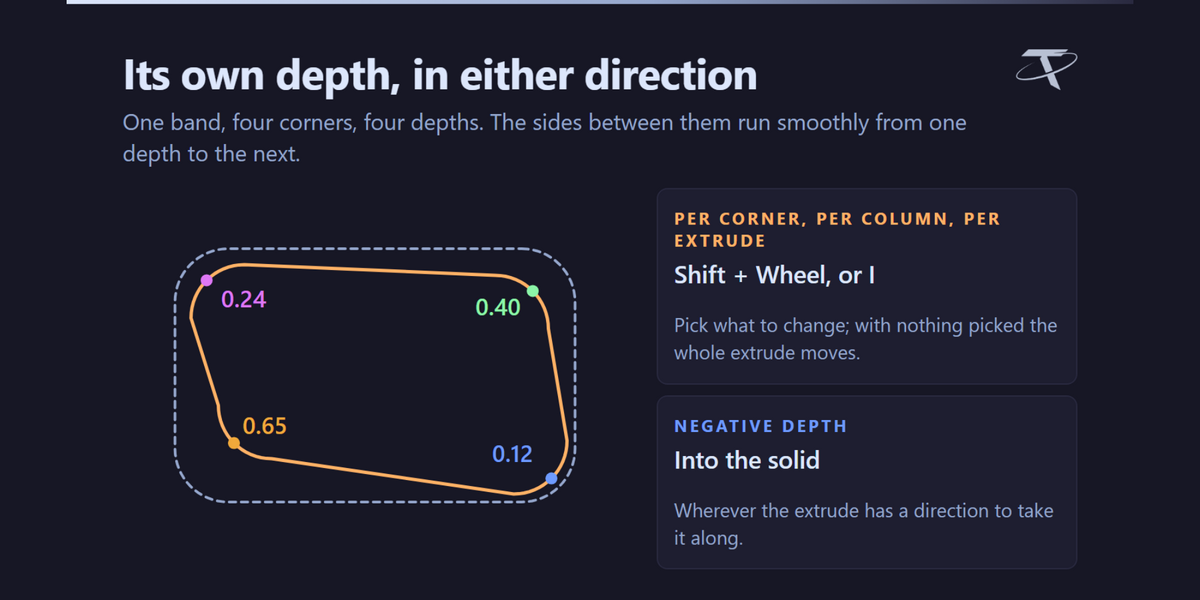

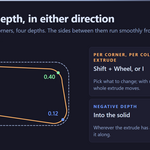
Yes. Pick a corner and use Shift + Wheel, or press I for an exact value. Each corner, each column and the whole extrude can carry its own depth, and the sides between corners run smoothly from one depth to the next.
Yes. A negative depth goes into the solid, wherever the extrude has a direction to take it along.

On a band — the wall round a shape — the same corner appears on the top ring and the bottom ring. Moving one without the other bends the wall, so they are linked as one column and an edit reaches both. Switch the Columns chip off to shape one end on its own.
The first press picks it. Press it again and drag to change it. That way picking a corner can never also take its depth or width with it.

It opens a corner out or tightens it — Ctrl + Wheel, or drag a picked corner. The corner's end vertices stay on the edges either side of it, each sliding along its own edge, and the corner spreads as one piece so both ends stop together when either runs out of room. Press the dot at one end of a rounded run and that end stays pinned.

No. Alt + Wheel doubles or halves them and Ctrl + Alt + Wheel steps one at a time, and the new vertices sweep round the corner's own arc with even chords — so the corner gets rounder, not just denser. It never leaves the mesh with more n-gons than it found.

J merges the picked corners into one; Shift + J splits it again or breaks a corner into its own vertices. Neither moves anything on the mesh — they change how the outline is grouped, and you shape it afterwards.

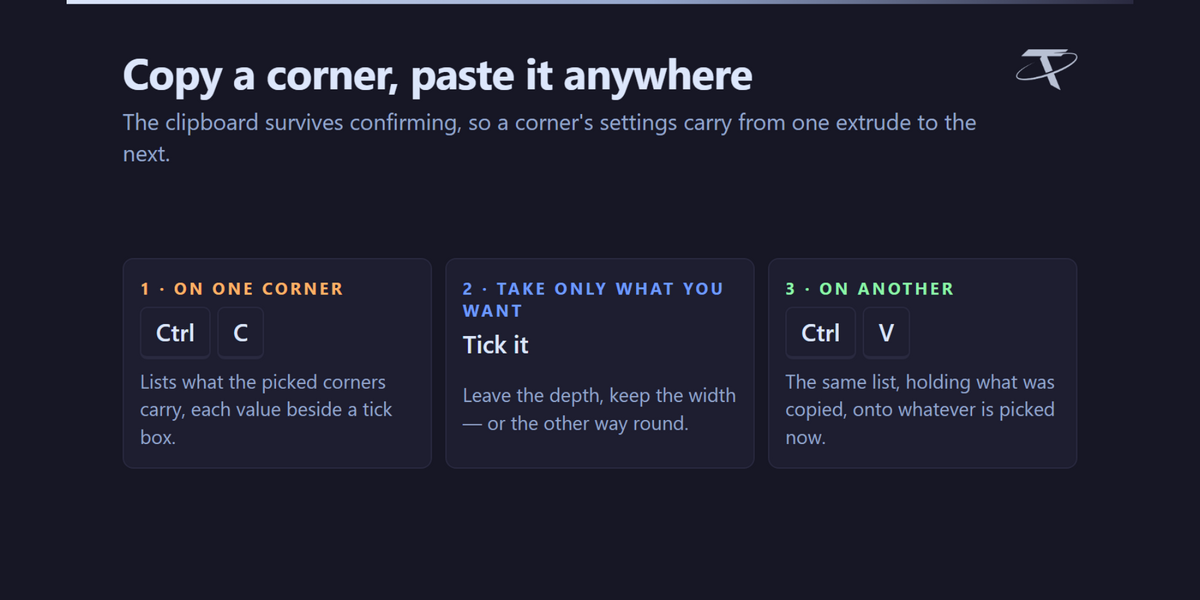
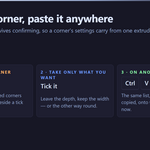
Yes. Ctrl + C lists what the picked corners carry, each with a tick box, and Ctrl + V applies what you ticked to whatever is picked now. The clipboard survives confirming, so settings carry from one extrude to the next.
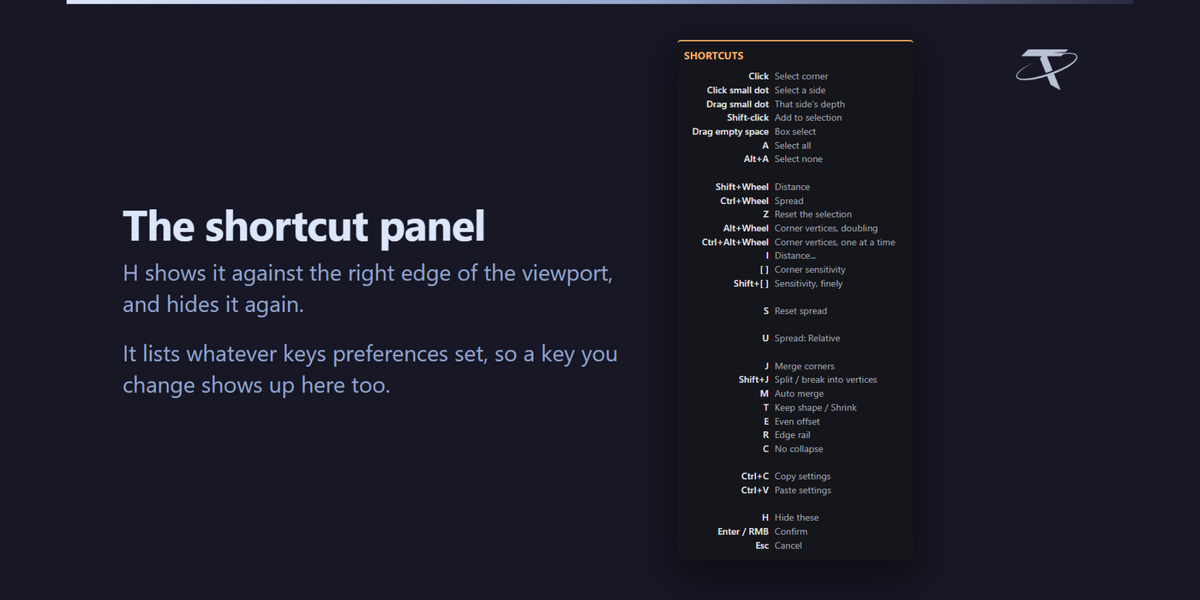
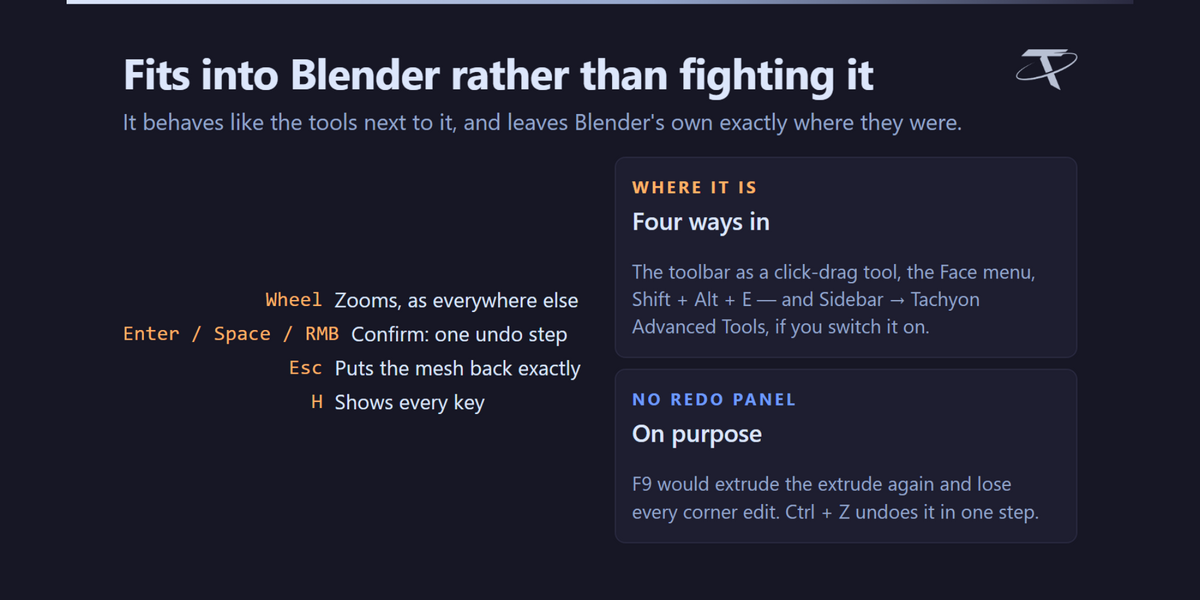
That is on purpose, so zooming works as it does everywhere else in Blender. Hold Shift for depth, Ctrl for spread and Alt for vertex count.
Yes. Shift + Alt + E and Shift + Alt + T are editable in the add-on preferences through Blender's own keymap editor, and every letter key inside the editor has its own setting there. Which of Ctrl and Alt carries spread and which carries vertex count can be swapped too.
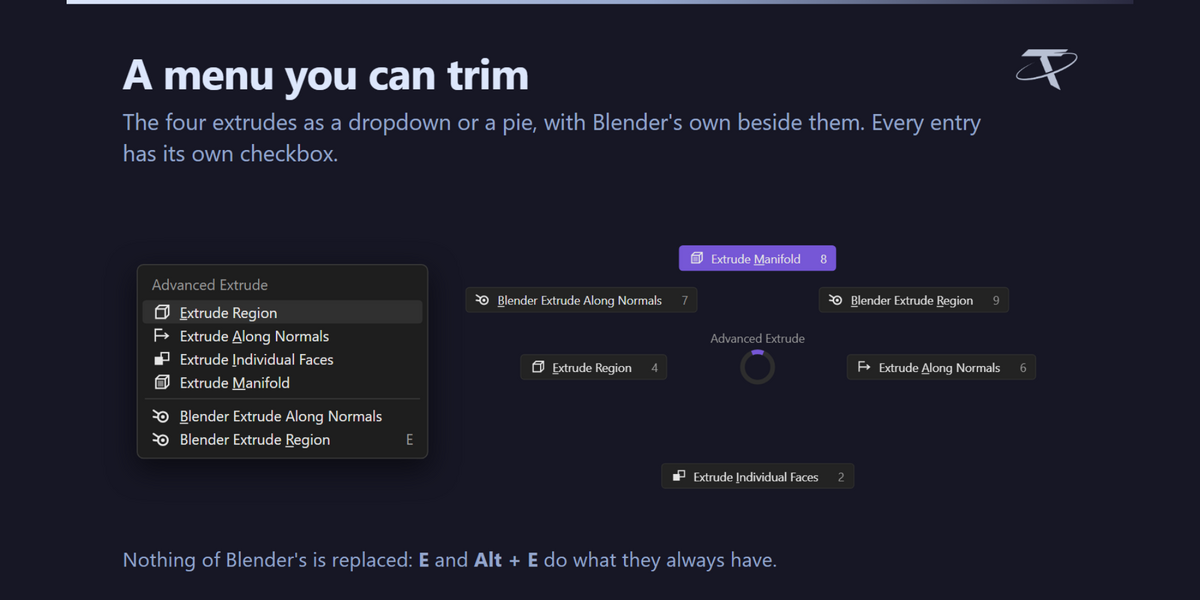
Yes. The Shift + Alt + T menu can be a pie or a dropdown, and each of its six entries has its own checkbox in preferences.
On Blender 3.3 changing a corner's vertex count is declined, with a message saying so. That build's bmesh is intermittently fatal at the Python teardown which follows those operations. 3.4 and newer have it.
The redo panel would run the extrude again on the mesh as it now stands — already extruded — and discard every per-corner edit. Ctrl + Z undoes the whole extrude in one step instead.
The moved copy gains the new vertices, but the original outline it was extruded from keeps its own, so the wall between them is bridged with triangles where the counts differ.
No. It opens no sockets, sends no telemetry and checks no licence. The Documentation and Discord buttons hand a URL to your browser and nothing more.
Its own preferences, saved by Blender, and a one-line marker in Blender's config folder recording which version last showed its welcome dialog, so a reinstall greets you again. Nothing else, nowhere else.
GPL-3.0-or-later, the same as Blender itself.
No. It is entirely standalone. It shares its sidebar tab with the other Tachyon Studio add-ons when they happen to be installed, and that is the whole of the relationship.
-
$9.99
For 1 person (1 seat). Commercial use included.
-
$39.96
For a team of up to 6 people (6 seats). Commercial use included.
-
$99.90
For a studio of up to 20 people (20 seats). Commercial use included. Need more than 20 seats? Contact us directly.
 Included
Includes 12 months of
- Support from Tachyon Studio
- Product updates
Extend this product’s Support Period +12 months: 50% of product price
Have questions before purchasing?
Login to message
Discover more products like this
hard surface corners edit mode extrude along normals mesh editing extrude topology Workflow addon extrude manifold modeling bevel