TACHYON STUDIO / MASKS COLLECTION

Advanced Masks Bundle
Every mask a game asset needs.
Masks in vertex color, across many meshes at once — and Painter-style RGB masks baked into a texture, layered and painted in Blender and put straight onto your materials. Both, for less than the two on their own.
2 separate add-ons. Install one or both — each is standalone, with its own card and sidebar tab, and they work side by side on the same asset.
Included in your bundle
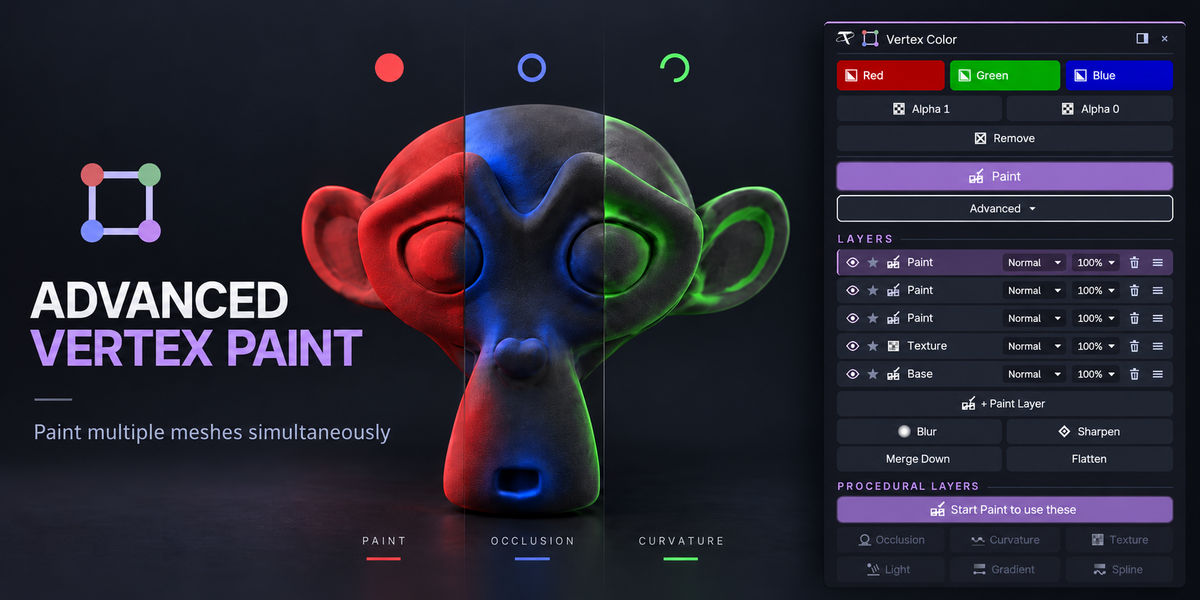
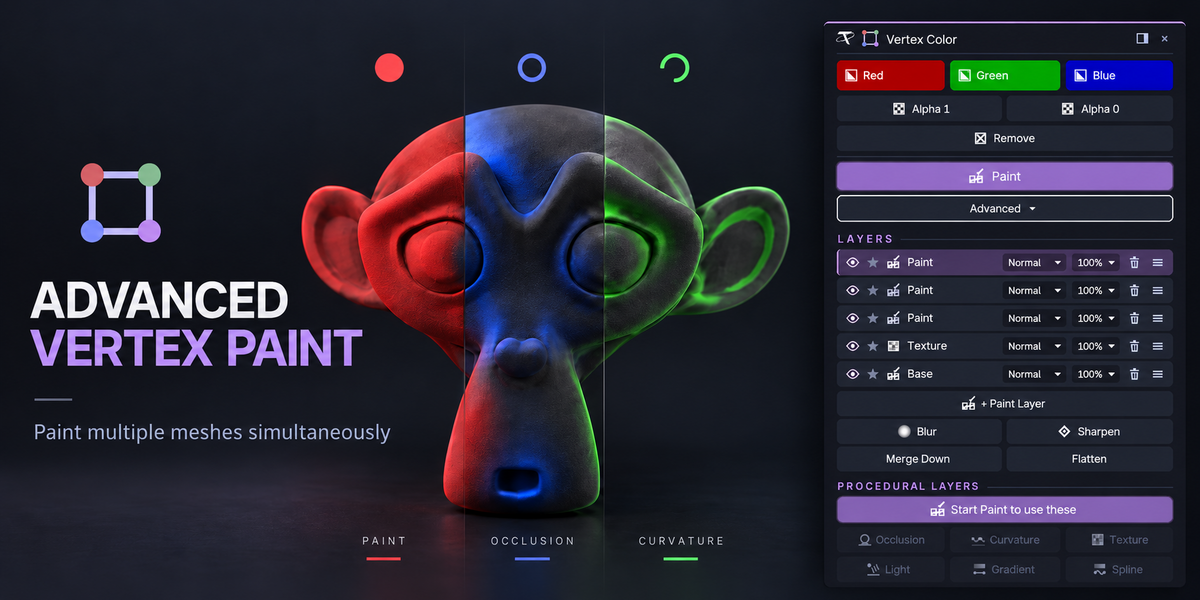

Vertex color for real work: fill and paint many meshes at once, with Photoshop-style layers and procedural occlusion, curvature, texture and light. The Pro edition.


Painter-style RGB masks: AO and curvature baked from the low poly, a red, green and blue layer stack on your own materials, and a round trip to Substance 3D Painter.
Two kinds of mask.
Vertex color when the mask should cost no UVs and no texture memory — modular kits, tiling and trim-sheet materials. A texture when it needs fine detail — hero assets, sharp edge wear and grunge. Many assets use both.
Check your setup
Windows, macOS or Linux · Blender 3.3–5.2.
Pure Blender: no network use, nothing to configure. Each add-on is one package — an extension on 4.2+, a classic add-on on 3.3–4.1. Substance 3D Painter is optional, for Send to Painter only.
⚠ Two add-ons, two zips, pure Blender. Each is one package for Blender 3.3 – 5.2 on Windows, macOS and Linux, with no network use of any kind. The bundle includes the Pro edition of Advanced Vertex Paint; if you have Basic installed, disable it first. Substance 3D Painter is optional and not included (Send to Painter tested with Painter 10.1 on Windows). Not affiliated with, endorsed by, or sponsored by Adobe.
TWO ADD-ONS, TWO KINDS OF MASK
Each is standalone, and they work side by side on the same asset — each in Individual, Team or Studio seats, both included.
MASKS IN VERTEX COLOR
Advanced Vertex Paint Pro
No UVs, no textures, nothing to bake.



●Red, Green and Blue fill, alpha and remove across every mesh you edit

●Paint every selected mesh at once, with every Vertex Paint brush




●Gradient and Spline, editable until you apply




●Photoshop-style layers: blend modes, opacity, eye and solo







●Procedural Occlusion, Curvature, Texture and Light layers
●Flatten into one color attribute for the engine
MASKS IN A TEXTURE
RGB Mask Master
Painter-style RGB masks, baked and layered.



●AO and curvature baked from the low poly in one click


●Red, green and blue layers with Painter-style masks




●One mask for a whole asset, or many assets on one map
●Hand painting with alphas and stencils, live bake preview


●Straight onto your materials, Trim Master ones too



●Confirm to one PNG, or Send to Painter and back
ADVANCED VERTEX PAINT PRO · MASKS IN VERTEX COLOR
RGB MASK MASTER · MASKS IN A TEXTURE
Tachyon Studio
Questions, bug reports and feature requests —
join the Discord.
GPL-3.0-or-later · Copyright 2026 Tachyon Studio.
 Tachyon Studio