BLENDER ADDON · GAME ENGINE
Unity Bridge
Send assets into your Unity project, sync updates and return exported assets to Blender. Reuse the editor and optionally automate import settings with the included companion script.
| Two-Way Bridge |
Live Auto Sync |
Unity Ready |
| ⚠ |
Before you buy: Unity is required and licensed separately by Unity Technologies. No Unity software or license is included. Windows only; macOS/Linux unsupported. Tachyon Studio is independent of Unity Technologies. |
THE ROUND-TRIP — ONE CLICK EACH WAY
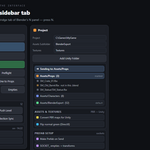
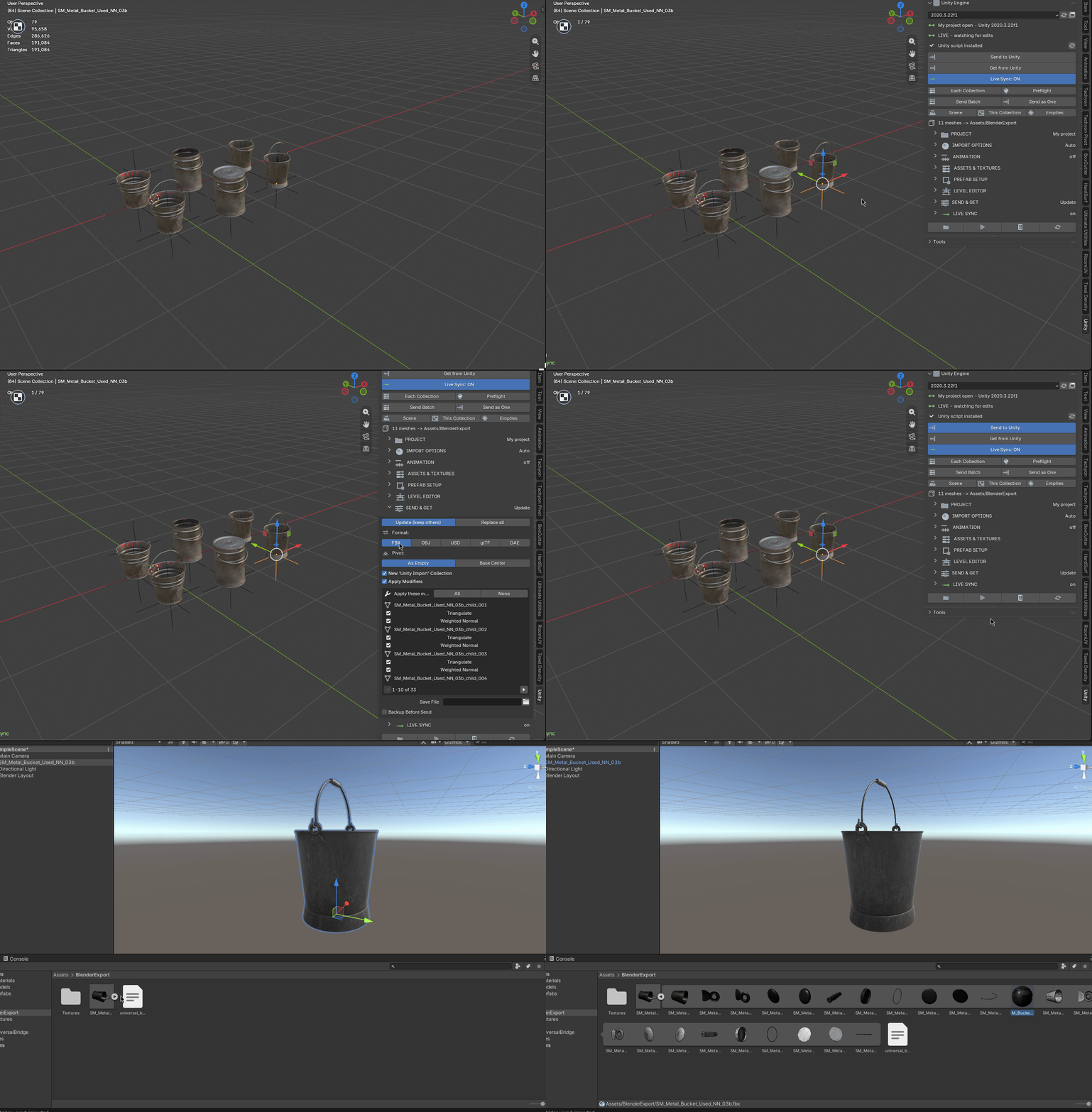
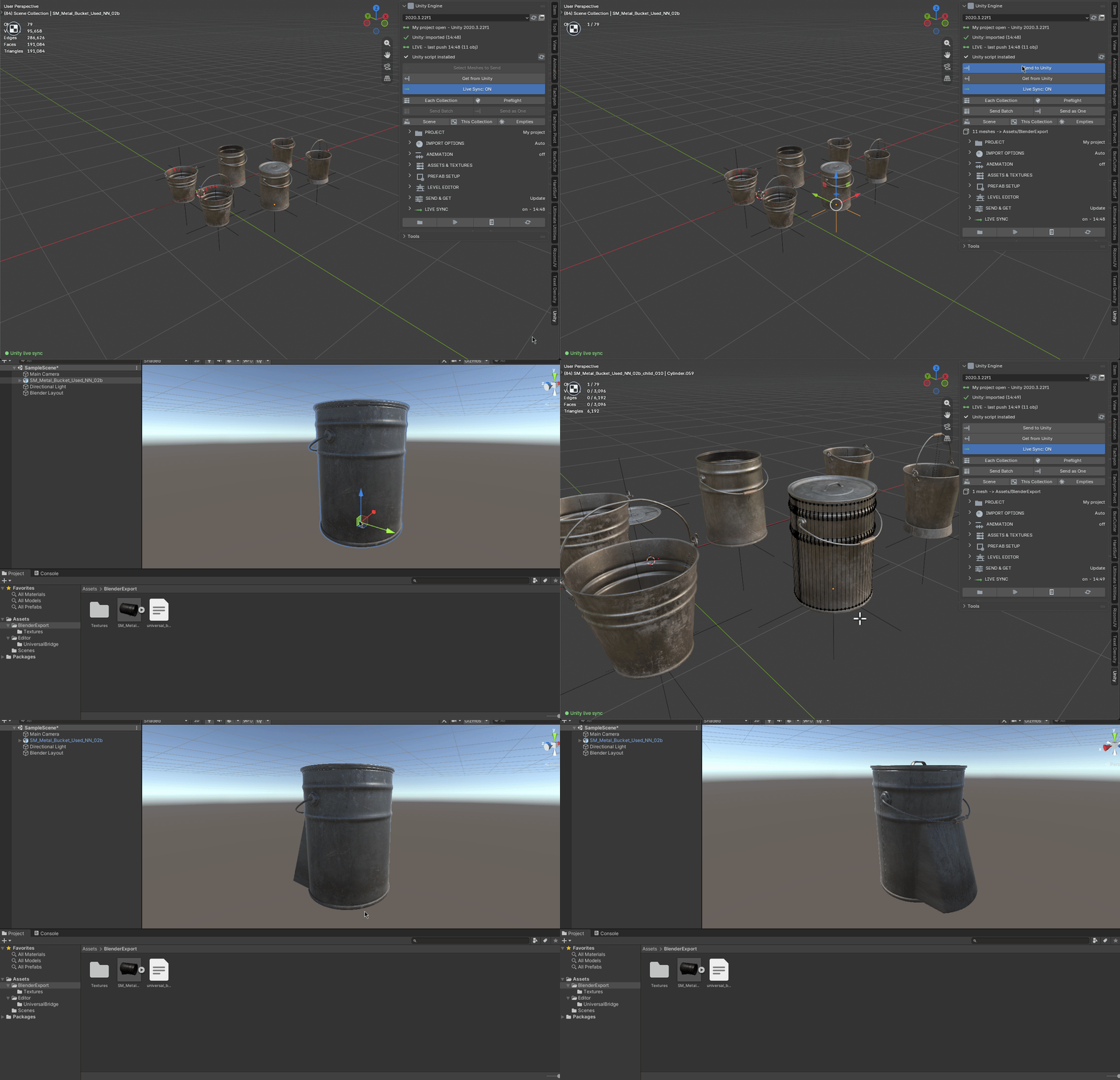
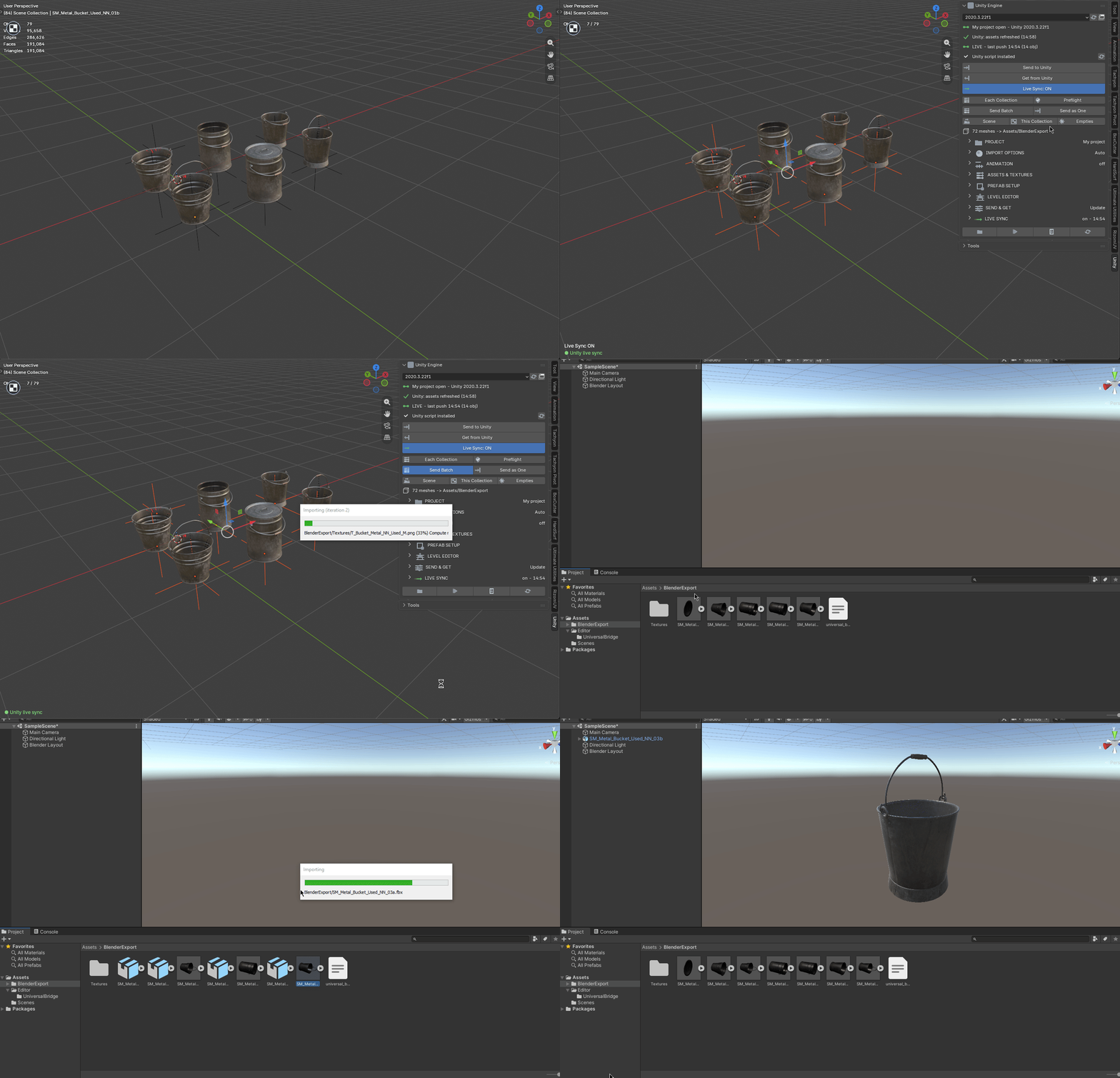
Send assets, work in Unity and return exported files to Blender.
|
BLENDER
1 · Send
Selected meshes open in Unity.
|
UNITY
2 · Work
Do your thing — auto or by hand.
|
BLENDER
3 · Get
The result lands back in Blender.
|
THE INTERFACE
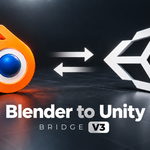
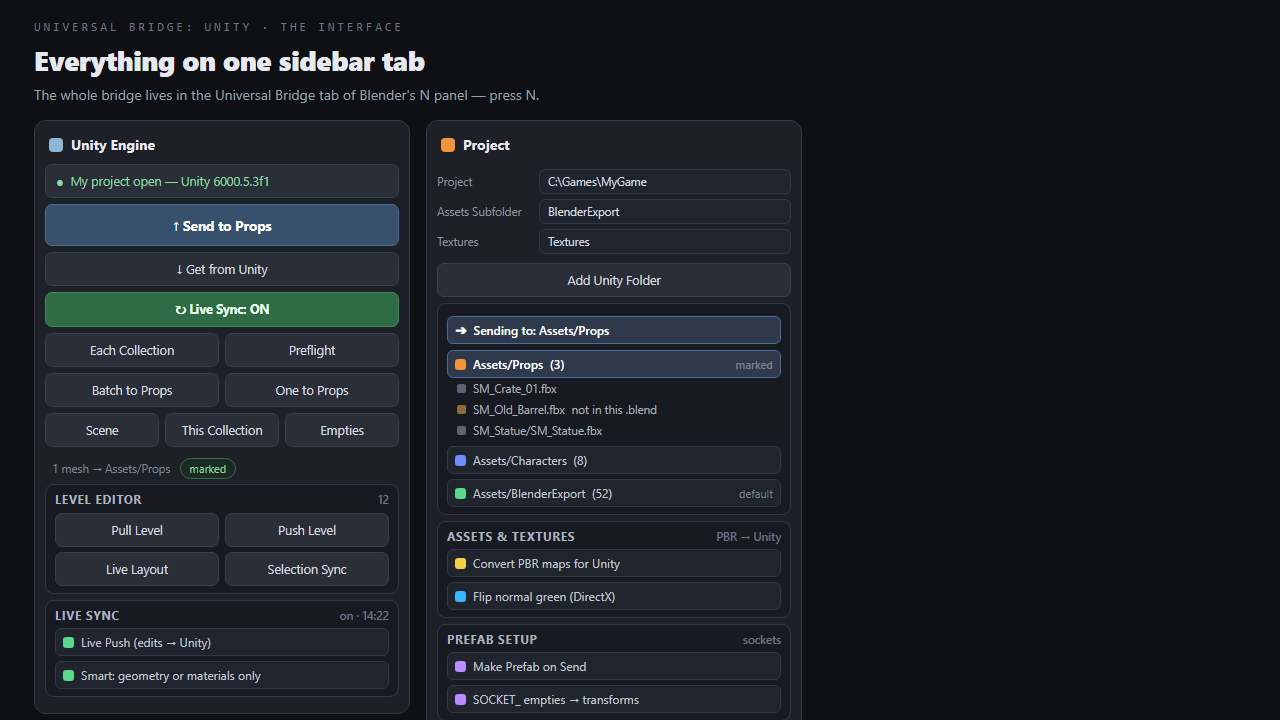
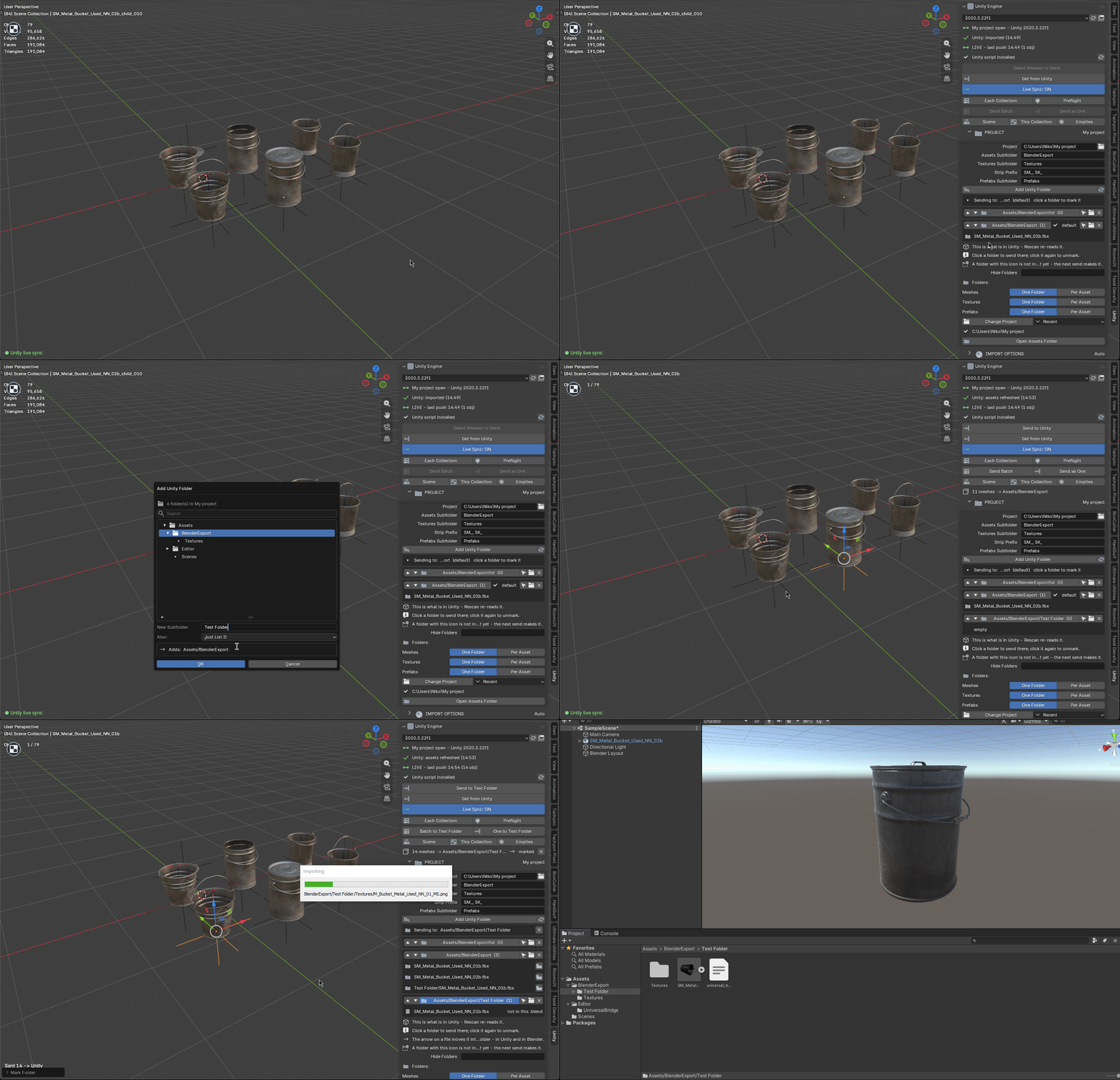
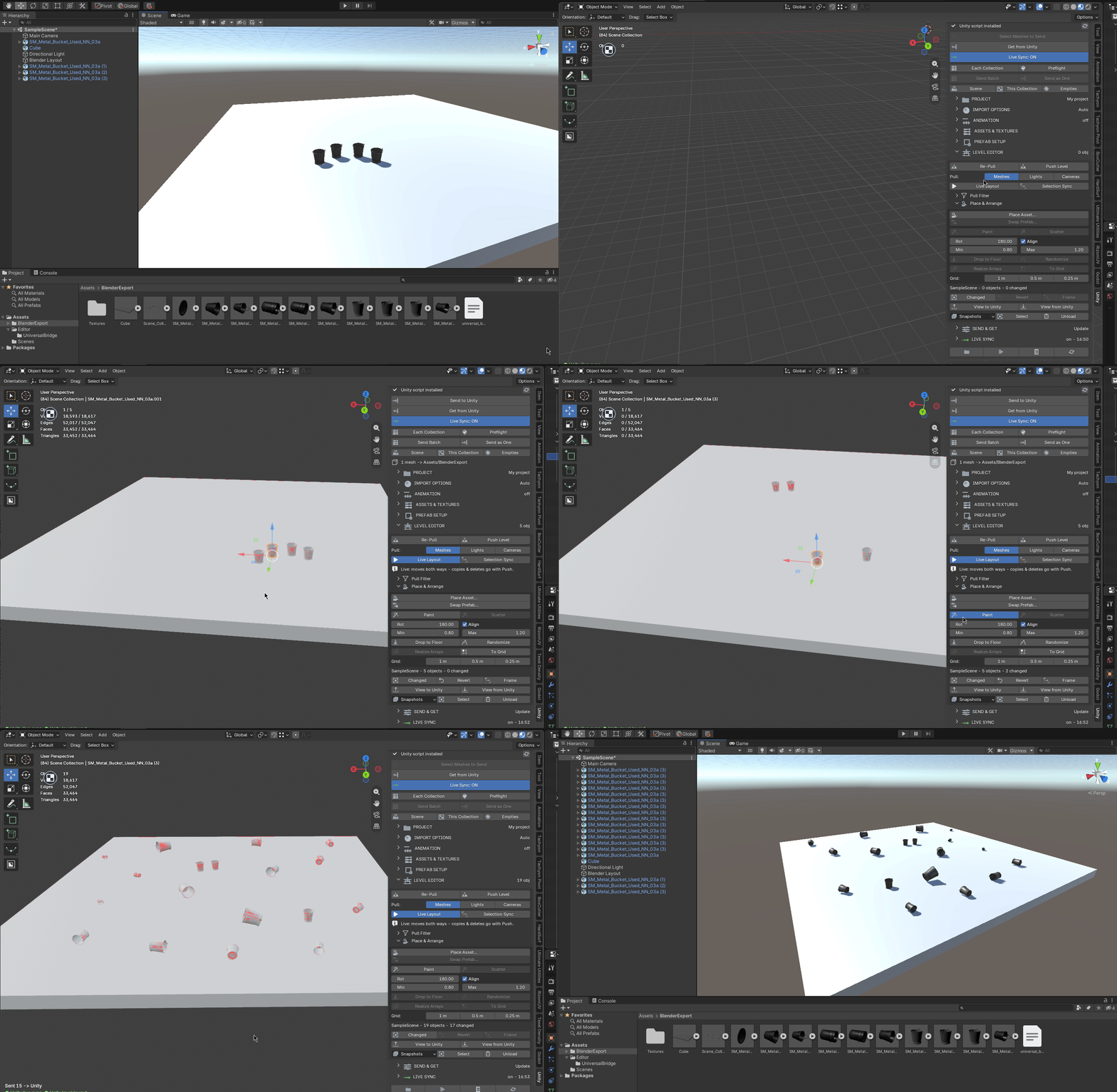
Everything lives on one Universal Bridge tab in the sidebar — press N.
EVERYTHING IT DOES
Everything in one sidebar tab
|
Send to Unity
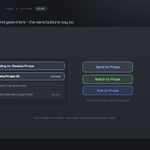
Send FBX, OBJ, USD, glTF or DAE to your project; reuse or launch the chosen Unity editor.
|
Live Sync, and it is smart
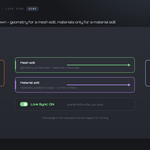
Sync geometry and material edits separately after a short delay, with an active-status badge.
|
|
Get from Unity
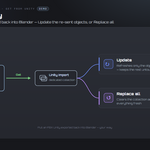
Return Unity-exported FBX to a dedicated collection; update matching objects or replace the import.
|
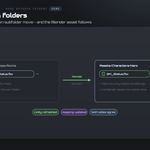
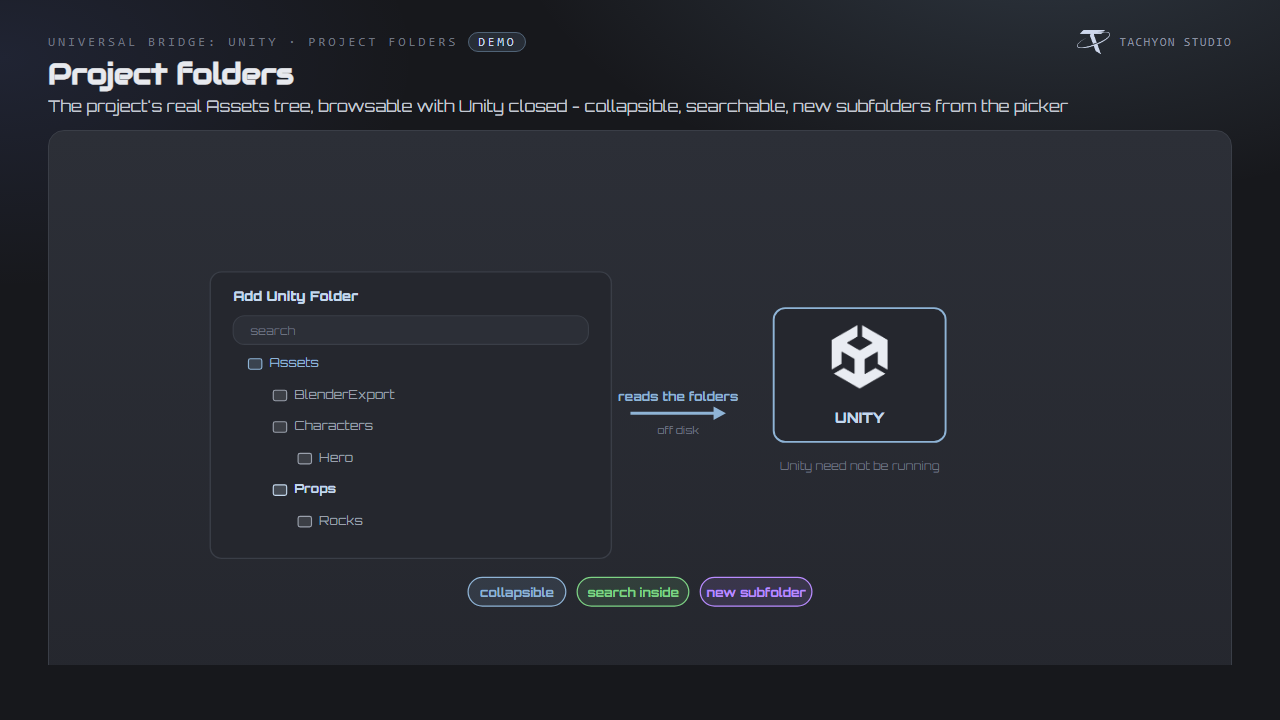
Project folders, mirrored
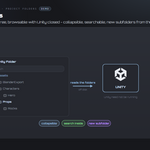
Browse, search and create folders in the real Assets tree, even with Unity closed.
|
|
Mark a folder, send there
Mark a destination folder or use the asset, collection and default folder fallbacks.
|
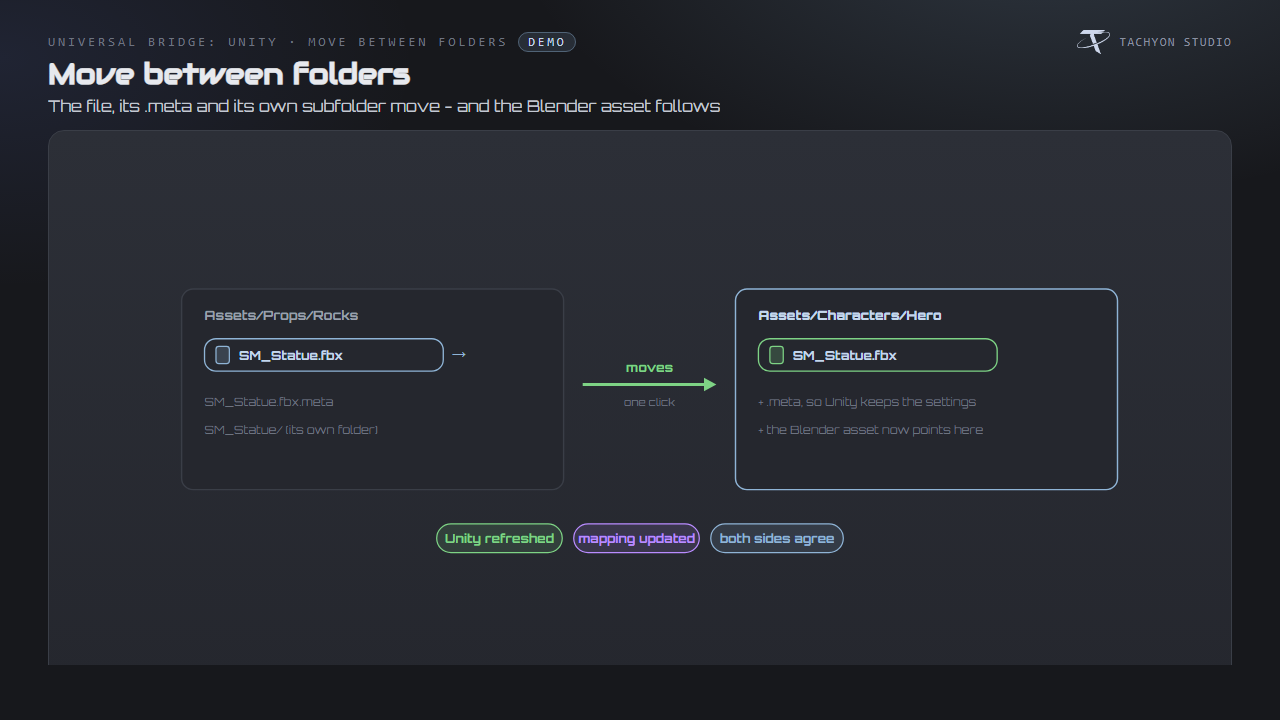
Move assets between folders
Move assets and .meta files together; update Blender paths and refresh Unity.
|
|
See what is in Unity
Browse actual model files and flag assets unavailable in this .blend.
|
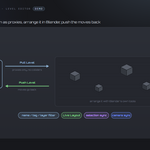
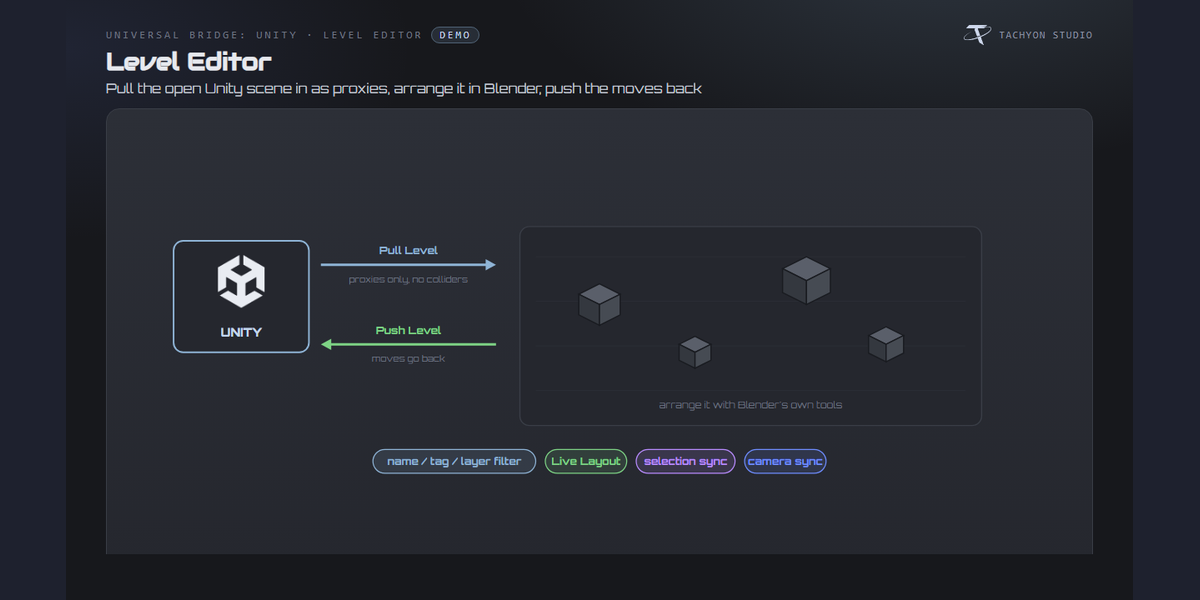
Level Editor
Arrange Unity scene proxies in Blender and push transforms back, optionally with Live Layout.
|
|
Place, scatter, paint, snap
Place, scatter, paint and snap assets; swap prefabs and sync selection or cameras.
|
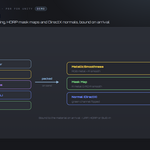
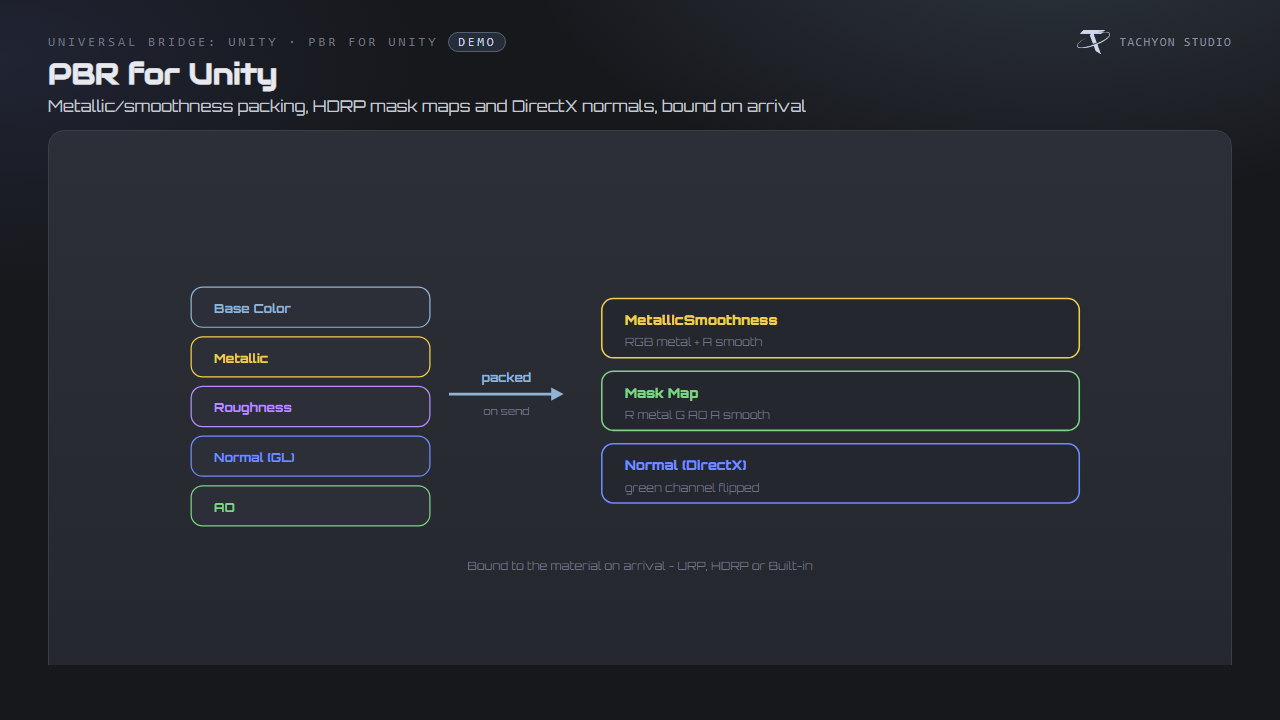
PBR textures, converted for Unity
Pack metallic/smoothness and HDRP mask maps, and convert normal-map orientation for Unity.
|
CHANGELOG
What's new in 3.0
A brief overview; workflow details are in Documentation.
Added
-
Level Editor with scene proxies.
- Project-folder browser.
- Separate geometry and material sync.
- Unity-ready PBR texture packing.
- Batch or combined sending.
- Five send formats.
- Prefab, component and socket setup.
- Versioned asset history.
-
Project switching and folder layouts.
- Viewport live-sync status.
Changed
- Full and Minimal panel layouts.
- Preferences organized by group.
- Updated Base Center pivot handling.
- Paged modifiers, including empty hierarchies.
- Per-add-on welcome dialogs.
- Combined Project and Folders controls.
Fixed
- Improved live-sync recovery across restarts and file loads.
- Sending with hidden objects and collections.
- Stray files moved aside, not deleted.
- Mesh export fallback for Blender 4.3.0's light-export issue.
FEATURE BY FEATURE
Send to Unity
Send FBX, OBJ, USD, glTF or DAE to your project; reuse or launch the chosen Unity editor.
Live Sync, and it is smart
Sync geometry and material edits separately after a short delay, with an active-status badge.
Mark a folder, send there
Mark a destination folder or use the asset, collection and default folder fallbacks.
Project folders, mirrored
Browse, search and create folders in the real Assets tree, even with Unity closed.
Move assets between folders
Move assets and .meta files together; update Blender paths and refresh Unity.
See what is in Unity
Browse actual model files and flag assets unavailable in this .blend.
Level Editor
Arrange Unity scene proxies in Blender and push transforms back, optionally with Live Layout.
Place, scatter, paint, snap
Place, scatter, paint and snap assets; swap prefabs and sync selection or cameras.
PBR textures, converted for Unity
Pack metallic/smoothness and HDRP mask maps, and convert normal-map orientation for Unity.
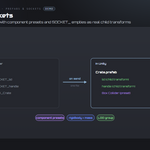
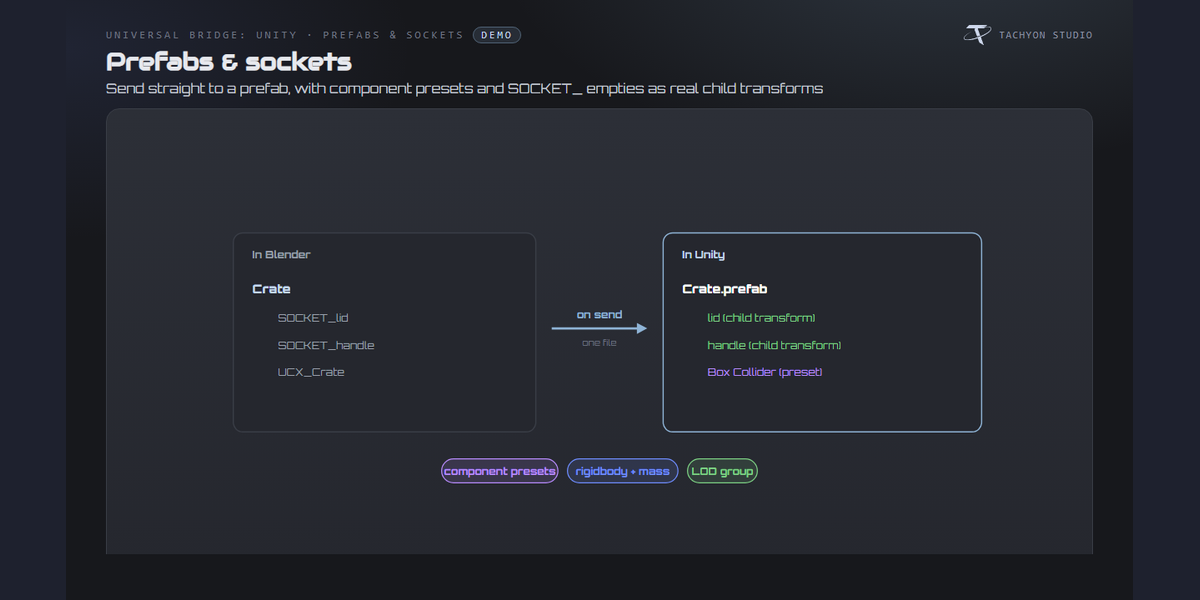
Prefabs, components and sockets
Send prefabs, apply component presets and turn SOCKET_ empties into child transforms.
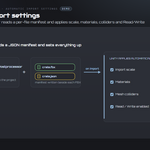
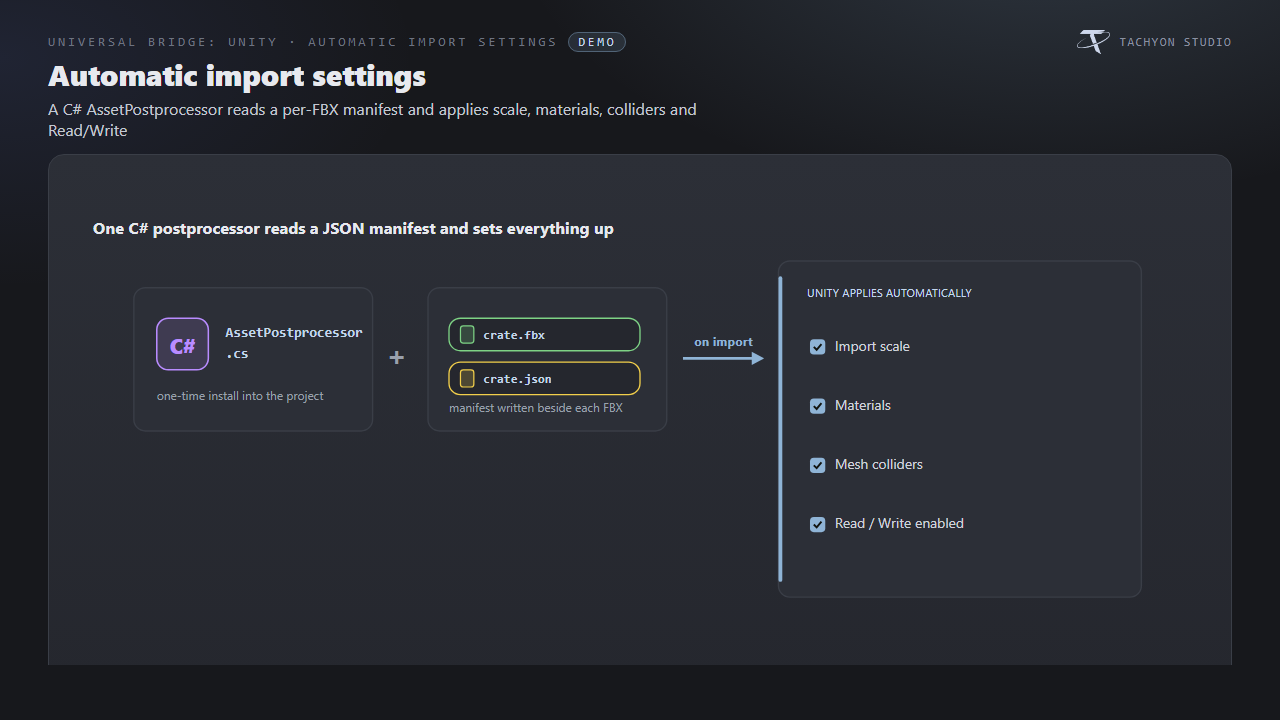
Automatic import settings
Optional C# import script applies scale, material, collider and other manifest settings.
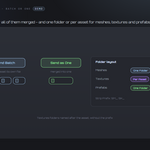
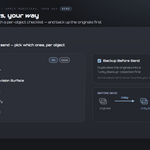
Batch or one, folders your way
Export separate assets or a combined file, with shared or per-asset folder layouts.
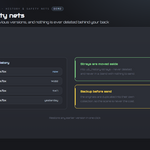
History and safety nets
Restore earlier sends, retain displaced files and handle unsupported light exports.
Requirements & Setup
|
PLATFORM
Windows only; macOS and Linux unsupported.
|
BLENDER
Blender 3.3 - 5.2 - Extension on 4.2+, classic add-on on 3.3-4.1.
|
LICENCE
Unity is licensed separately; choose its appropriate free or paid tier.
|
|
UNITY
Choose a Unity Hub installation or executable. Optional C# import script included.
|
NETWORK
Local file exchange; no network connection.
|
|

Tachyon Studio
Works independently. Universal Bridge Manager hub included.
 Tachyon Studio