Advanced Collection Manager for Blender
 Strates Digitales Labs
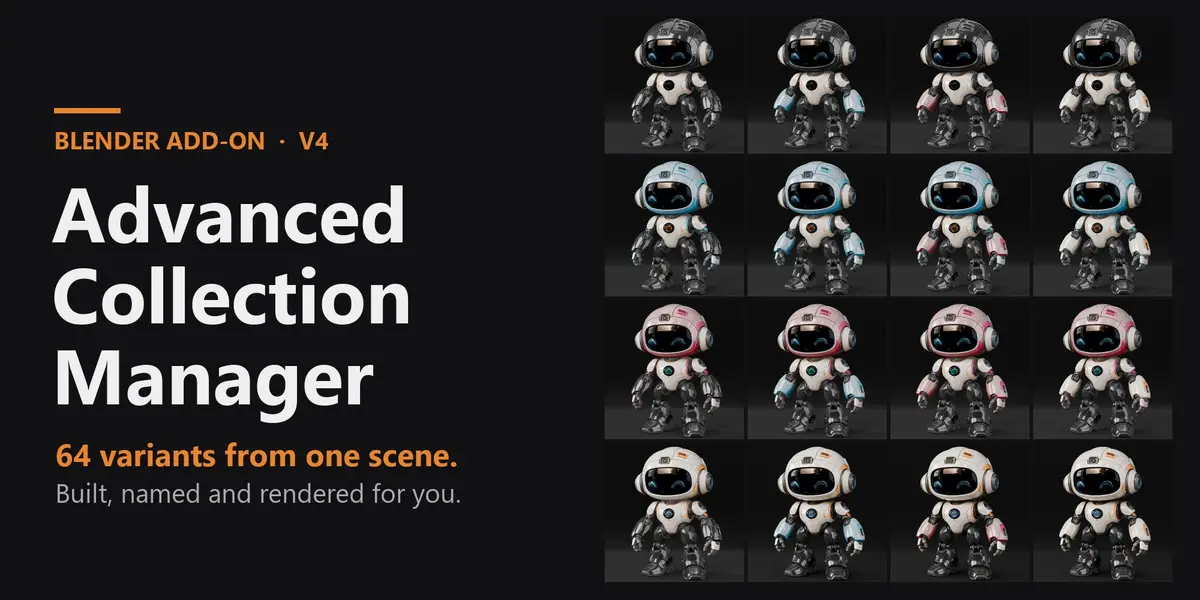
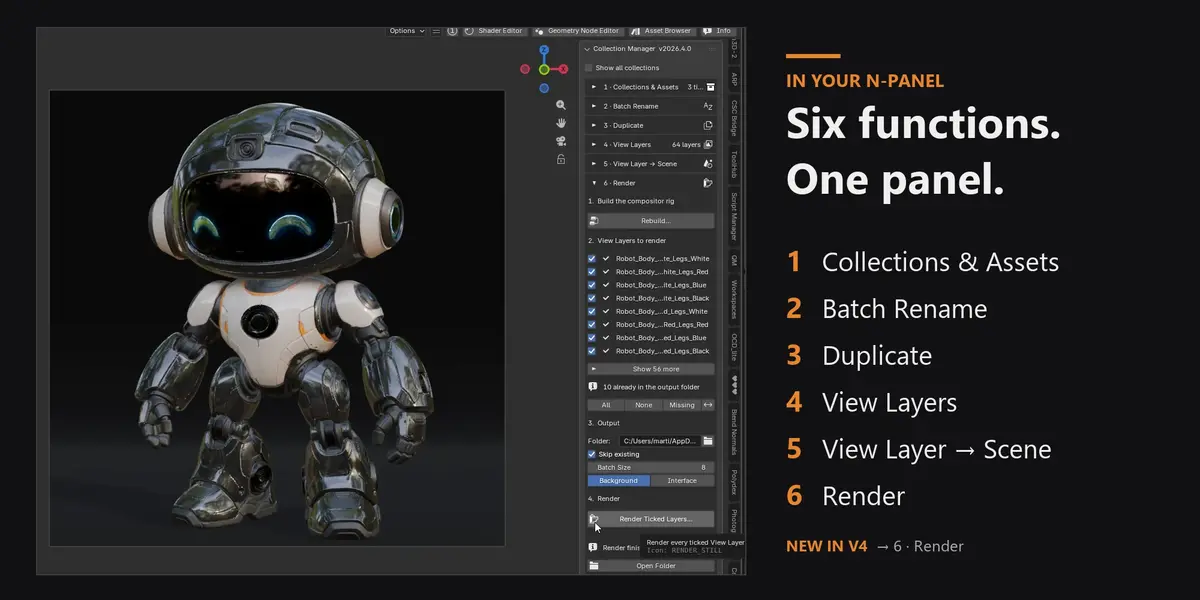
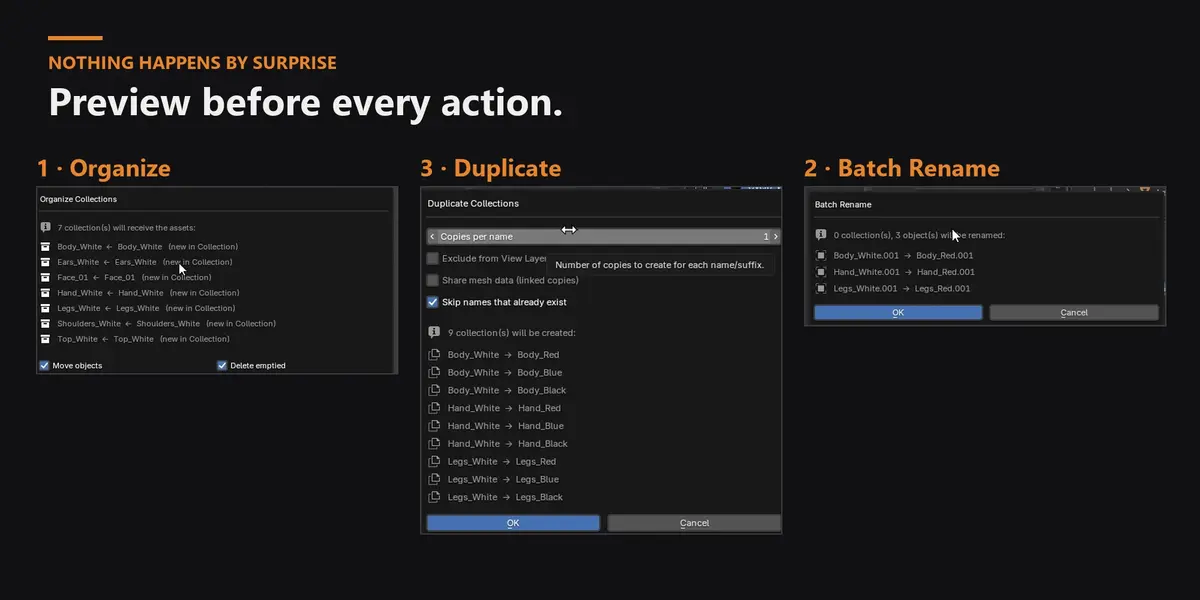
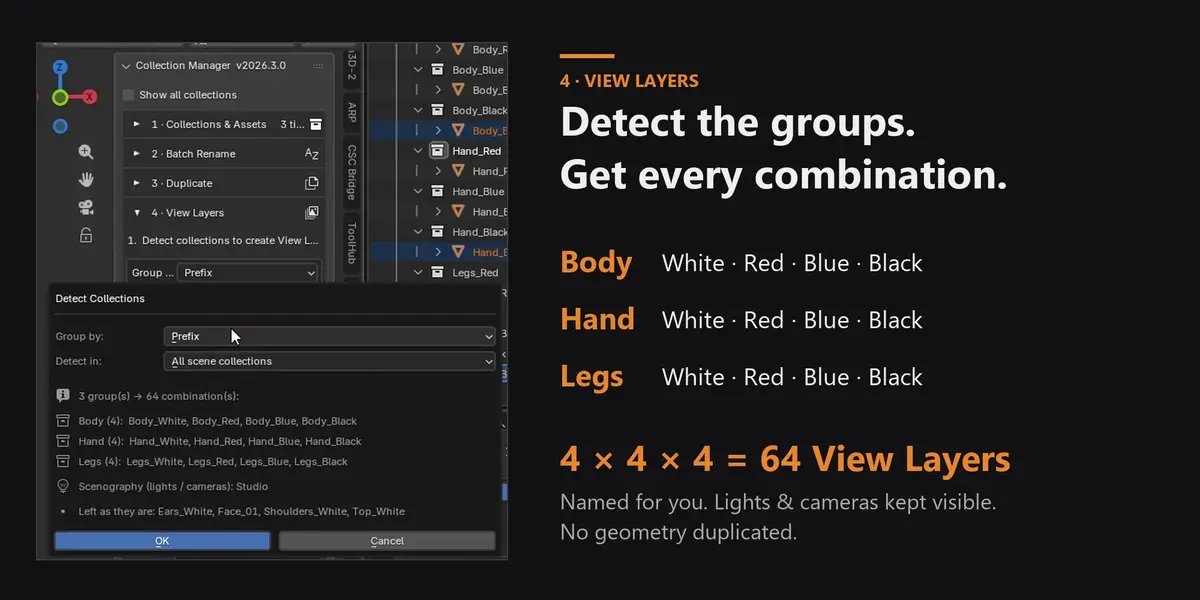
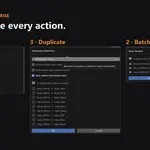
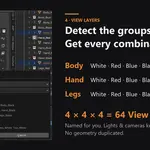
No. The View Layers built by function 4 only switch which collections are enabled — they all point at your real collections, so editing a part once updates every variant. Only function 3 (Duplicate) creates copies, and only when you ask for them, after a preview.
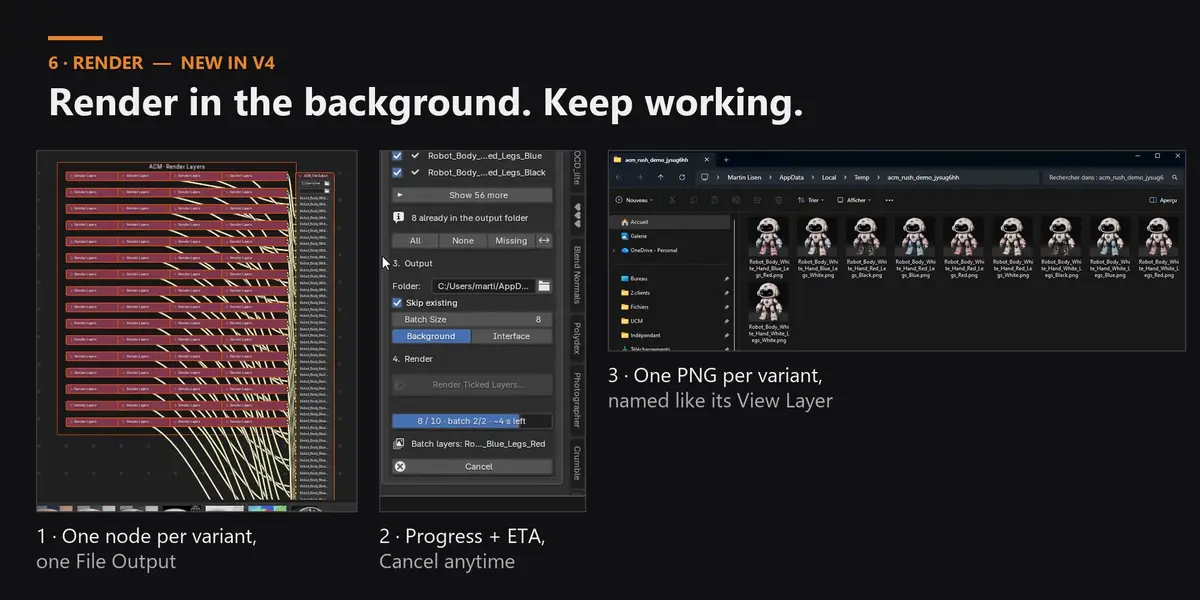
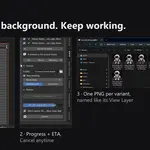
Yes. In Background mode (the default) the renders run in a separate, invisible Blender process started from a temporary copy of your file, so your Blender stays fully usable. A progress bar shows the images done, the current batch and the time left. Prefer to watch it? Interface mode renders in your Blender, batch by batch, in Blender's own render window.
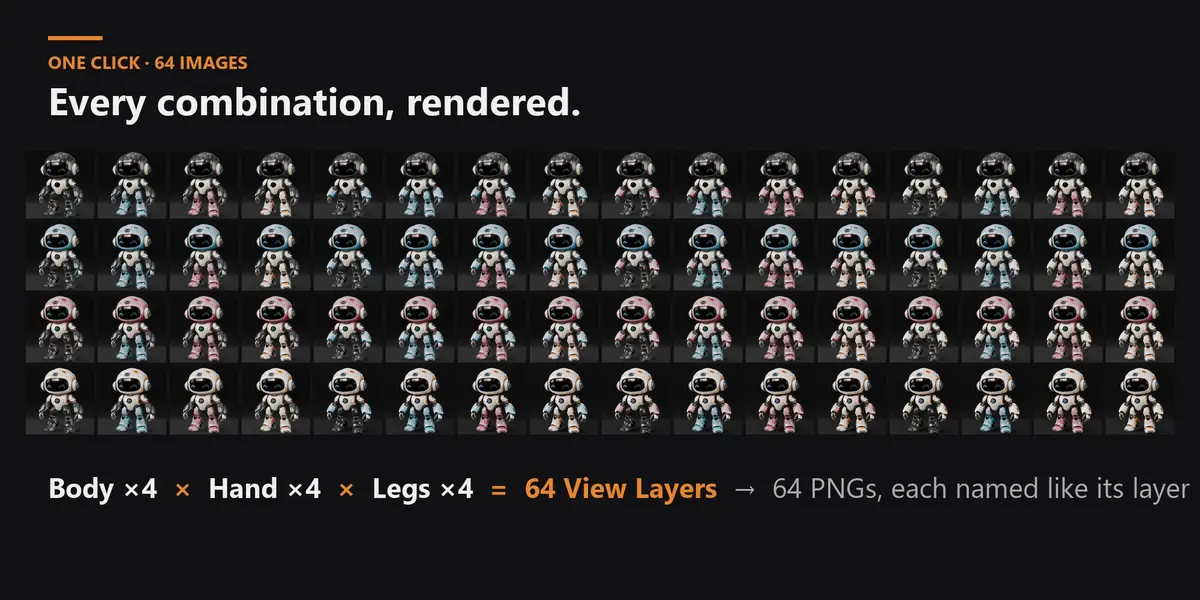
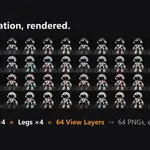
In the output folder you choose in panel 6 (default //renders/, next to your .blend) — one PNG per View Layer, named exactly like it (e.g. Robot_Body_Red_Hand_Blue_Legs_White.png). Open Folder takes you there, and a check icon in the list marks the layers that already have their image.
Detection splits names on _: Body_White, Body_Red, Body_Blue become the group Body (by prefix) — or group by the last part instead. If your names don't follow this yet, functions 2 and 3 get you there (Batch Rename, Duplicate with suffixes), and you can also build the groups by hand.
There is no fixed limit. View Layers are lightweight — the 64 of the demo are built in about a second, and several hundred work as well. Rendering is done in batches (Batch Size, 1 to 256 layers per pass): lower it on heavy scenes to keep memory in check. With Skip existing you can split a big job over several sessions.
It only adds its own nodes, all prefixed ACM_ and grouped in an “ACM · Render Layers” frame: one Render Layers node per variant and one File Output. Rebuilding never touches your nodes and never creates duplicates. It turns on Compositing in the render settings (needed for the File Output) and turns off Render Single Layer before rendering, since every ticked layer has to render.
Your file is never touched: the background process renders a temporary copy, which is deleted afterwards (also after an error or a cancel). The images already written stay in the folder. Launch the render again with Skip existing on, or tick Missing, and it continues with the layers that have no image yet.
Yes, save it first. The default output folder //renders/ and your texture paths are relative to the .blend, and the background copy is written next to it so those paths keep working.
The Render panel is made for variation stills: it renders the current frame of every ticked View Layer to PNG. The View Layers it builds are standard Blender View Layers, so for an animation or another format you can still render them with Blender's own render settings.
Yes. Collections holding lights, cameras or light probes are detected automatically as scenography and kept visible in every View Layer (you can add more by hand). The world / HDRI belongs to the scene, so every variant shares it.
Yes — Organize, Delete Empty Collections, Batch Rename, Duplicate, Build / Clear View Layers, View Layer → Scene and the compositor build all support Ctrl+Z. Rendered images are files on disk: delete them from the output folder if you don't want them.
In the 3D Viewport sidebar: press N and open the ACM tab. It is also in Properties › Scene. Both locations and the tab name can be changed in the add-on preferences.
Blender 5.0 and newer (tested on 5.0 and 5.2), installed as a Blender Extension (Edit › Preferences › Get Extensions › Install from Disk…). Blender 4.x is not supported: the Render section relies on the compositor introduced in 5.0. Works with Cycles and EEVEE — rendering goes through Blender's own compositor and File Output node.
It only uses Blender's own Python API, and the background render simply starts another instance of your own Blender, so it runs wherever Blender runs. It is developed and tested on Windows; if anything behaves differently on your system, contact me and I'll fix it.
Yes. The images and scenes you produce with the add-on are yours, for any project, personal or commercial. The add-on itself is distributed under the GPL, like every Blender add-on.
No. Updates are free: download the new version from your Superhive library and install it over the old one (Edit › Preferences › Get Extensions › Install from Disk…).
Have questions about this product?
Login to message
| Blender Extension Compatible | Yes |
| Published | about 2 years ago |
| Blender Version | 5.0 - 5.2 |
| Extension Type | Add-on |
| Render Engine Used | Cycles, Eevee |
| License | GPL |
Discover more products like this
view layers Scene Management product-visualization variants configurator render layers automation batch render collections E-commerce