Milad_Kambari
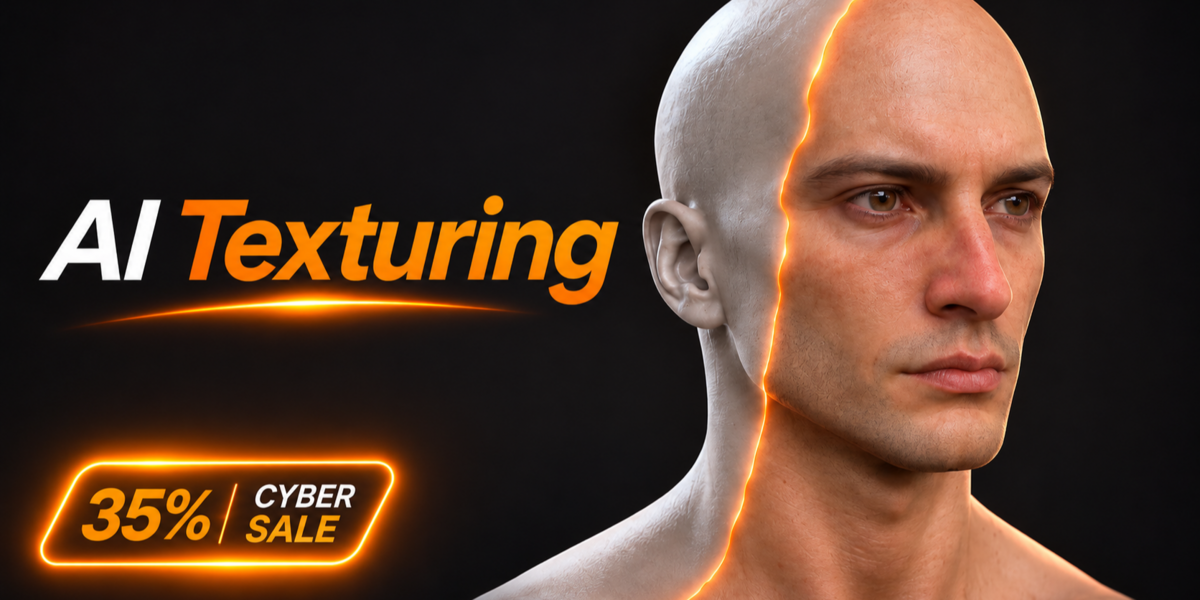
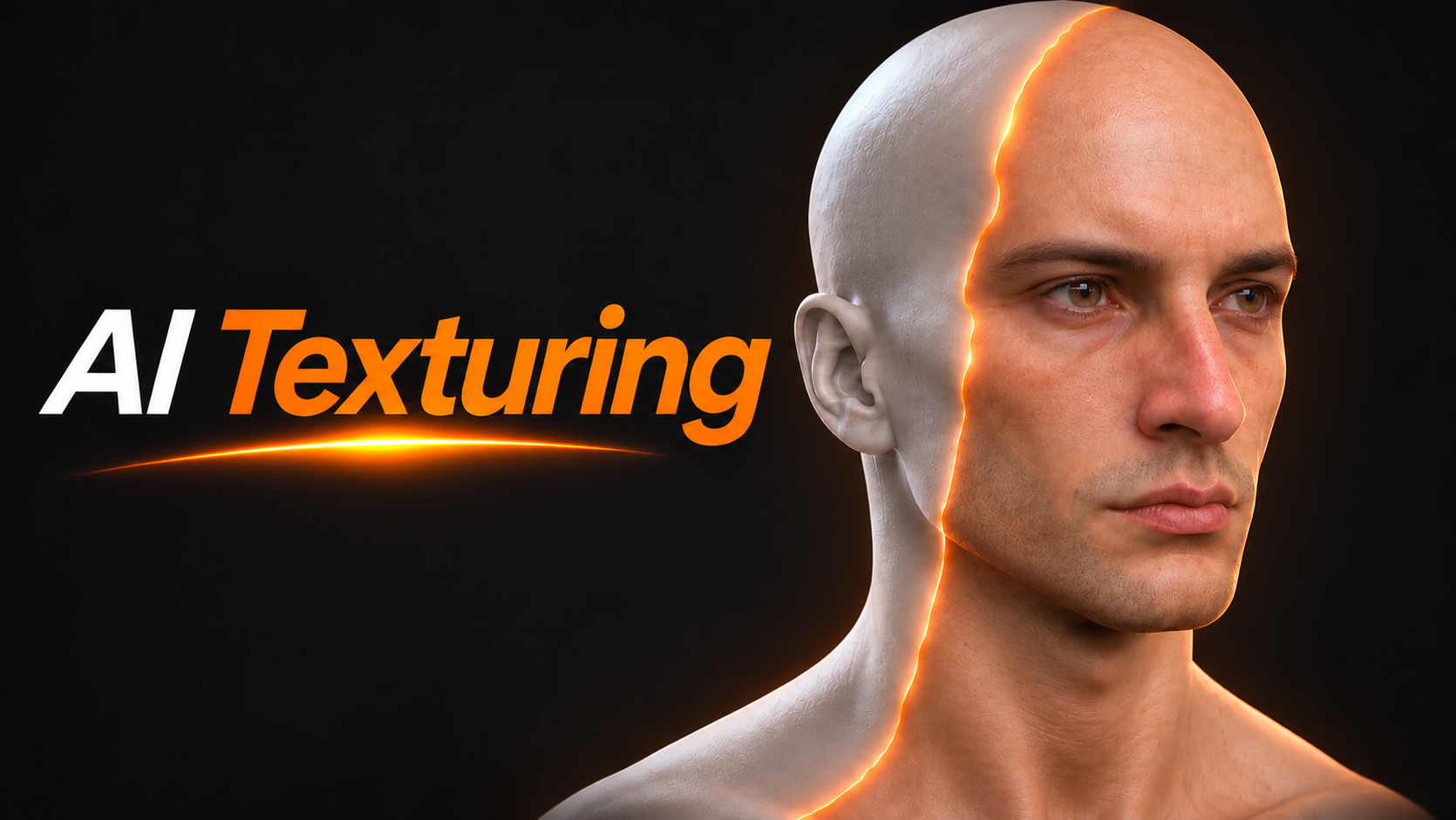
AI Texturing
Give it a few photos of your object, or just one, and get a full PBR texture painted on your model’s own UVs — generated on your own graphics card, right inside Blender. No cloud. No credits. Nothing to upload.
| Our Own TexPro LoRA | Multi-View Input | PBR · Upscale |
| Runs 100% Locally | No Cloud · No Credits | On Your Own UVs |
Trained by Us, for Textures
TexPro is the heart of AI Texturing: a LoRA we trained ourselves on top of FLUX.2 [klein] base 4B, made only for one job — painting a texture that fits a 3D model and its UVs.
|
70,000+
3D models in training
|
900,000+
rendered images
|
4 views
front, back, left, right
|
Most texture LoRAs only look at one picture. TexPro takes up to four photos at once (front, back, left and right) and keeps everything on one continuous texture, so the back of your model is not a guess. One photo works too.
Watch the Tutorial
Everything step by step: the rules, Multi-View and Single Image, Text Fix, PBR, Upscale, Views from Prompt and Publish.
Made with AI Texturing
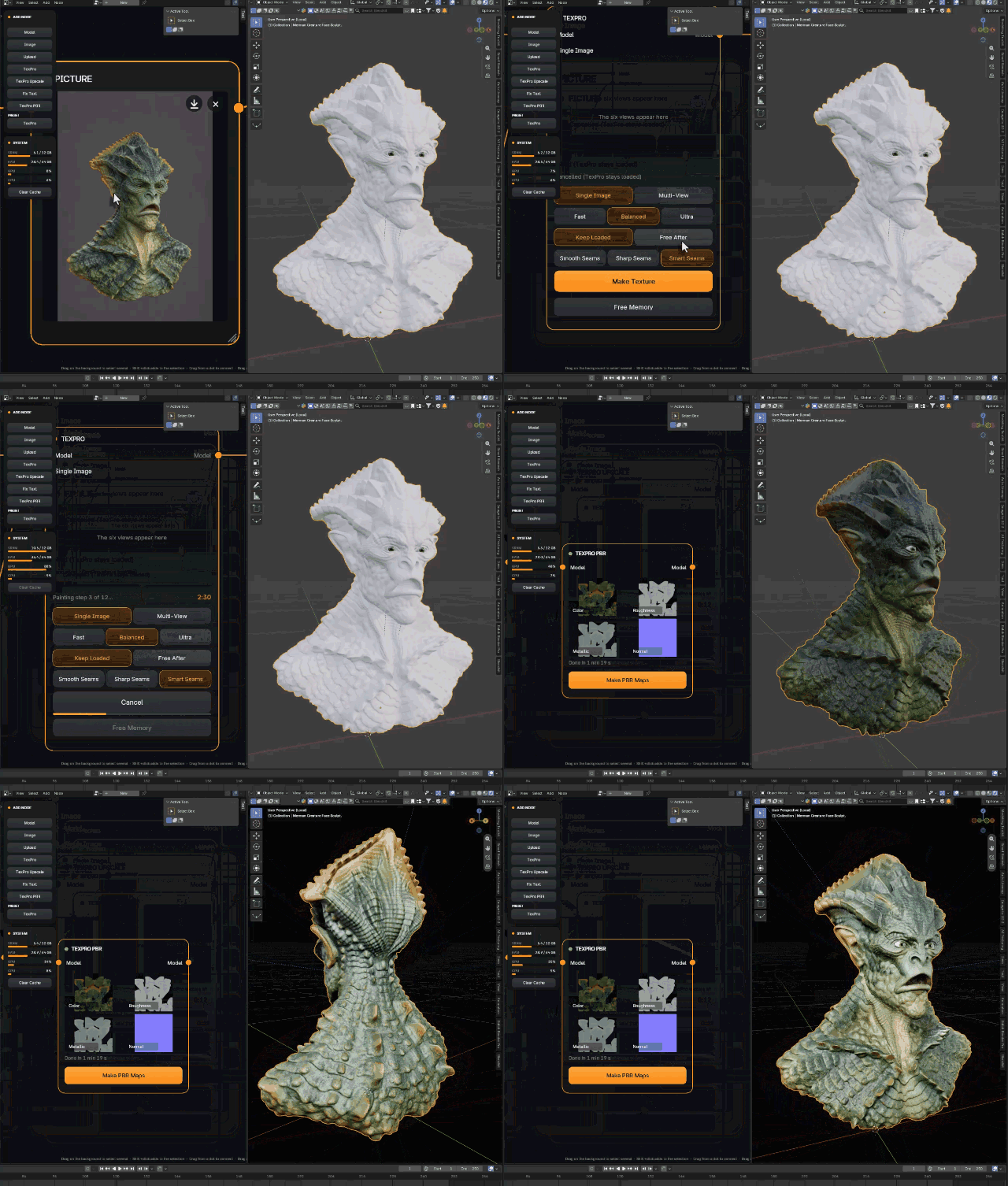 |
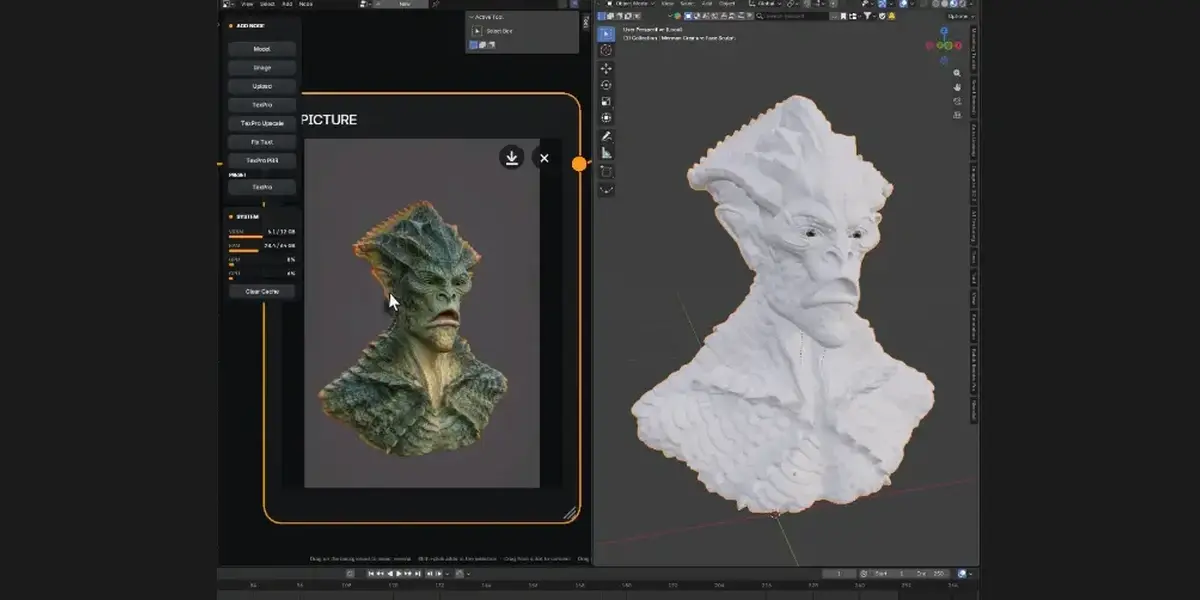
CREATURE · 01
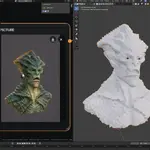
Organic Creature
A creature with its own UVs, textured from its photos in about 5 minutes on an RTX 4070 Ti.
Made with Prototype 06
|
|
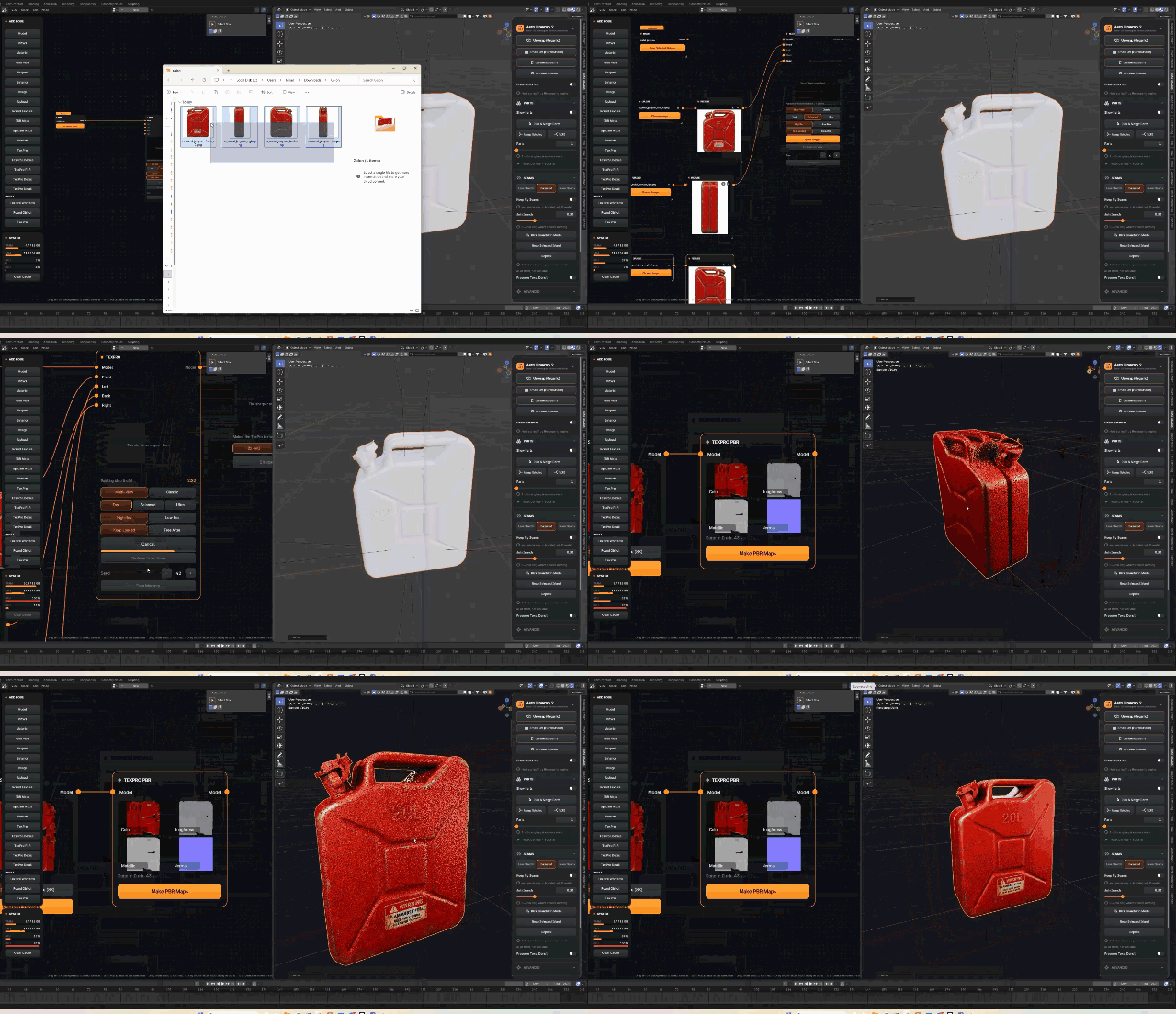
FOUR VIEWS · 02
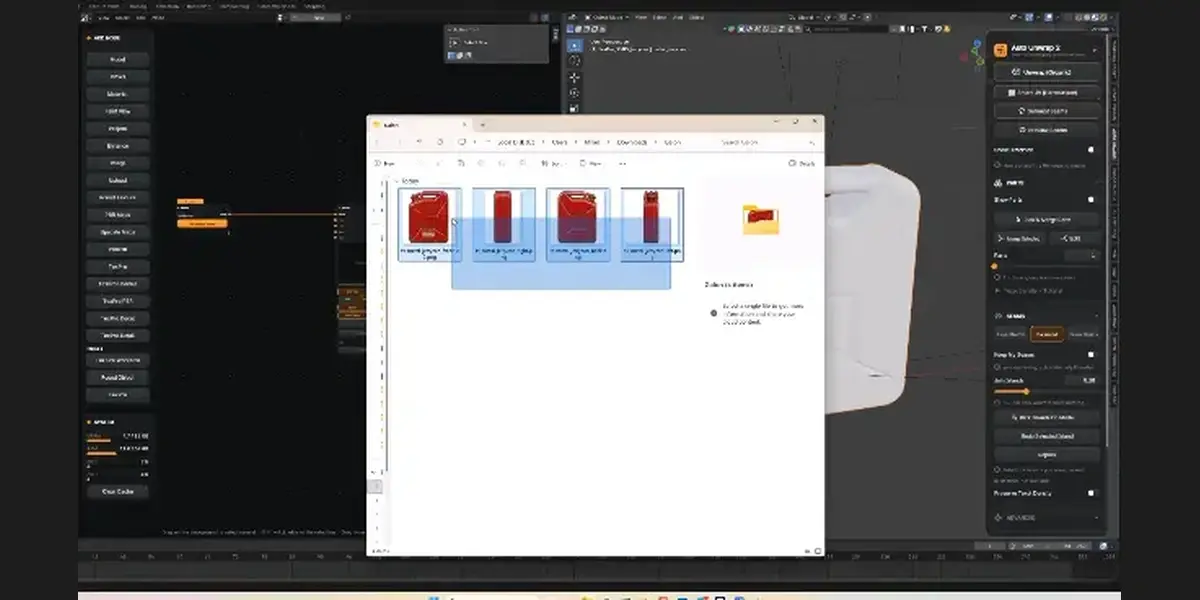
Four Photos, One Texture
Front, back, left and right go in together, and the whole gallon comes out as one continuous texture. Texture 3 min · Upscale 43 s · PBR 43 s.
Made with Miltex LoRA
|
 |
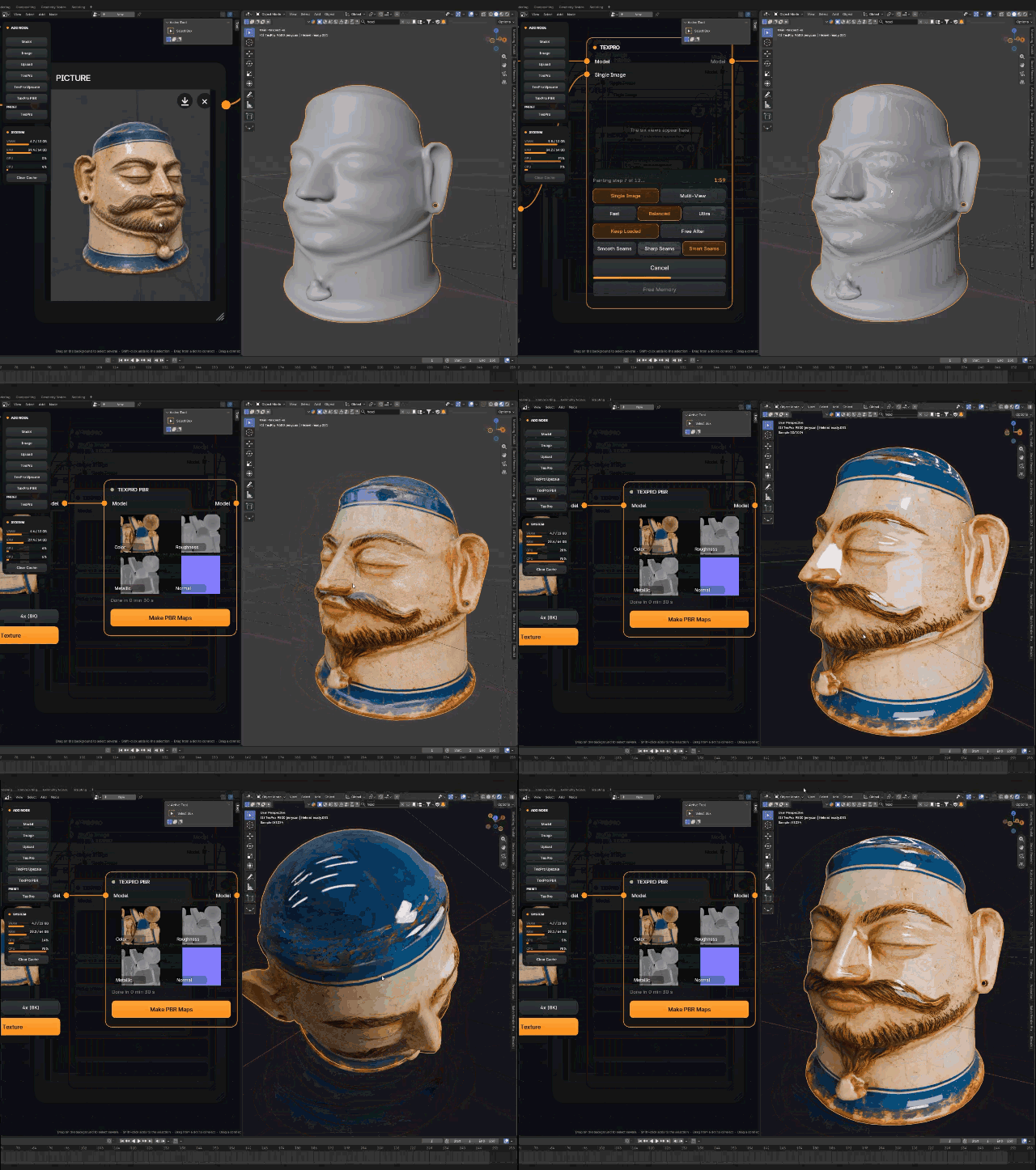 |
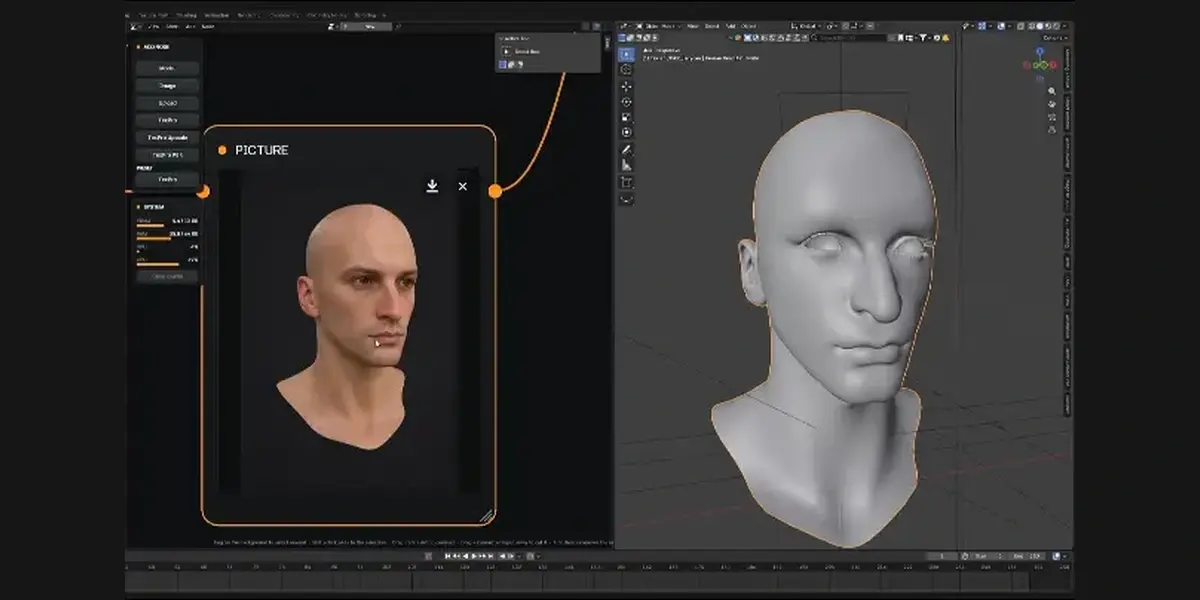
REALISTIC HEAD · 03
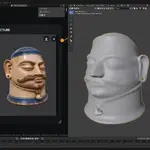
Human Head
Skin, eyes and hair placed where they belong on the head. Texture 4 min on Balanced · Upscale 2 min · PBR 30 s.
Made with Prototype 10
|
|
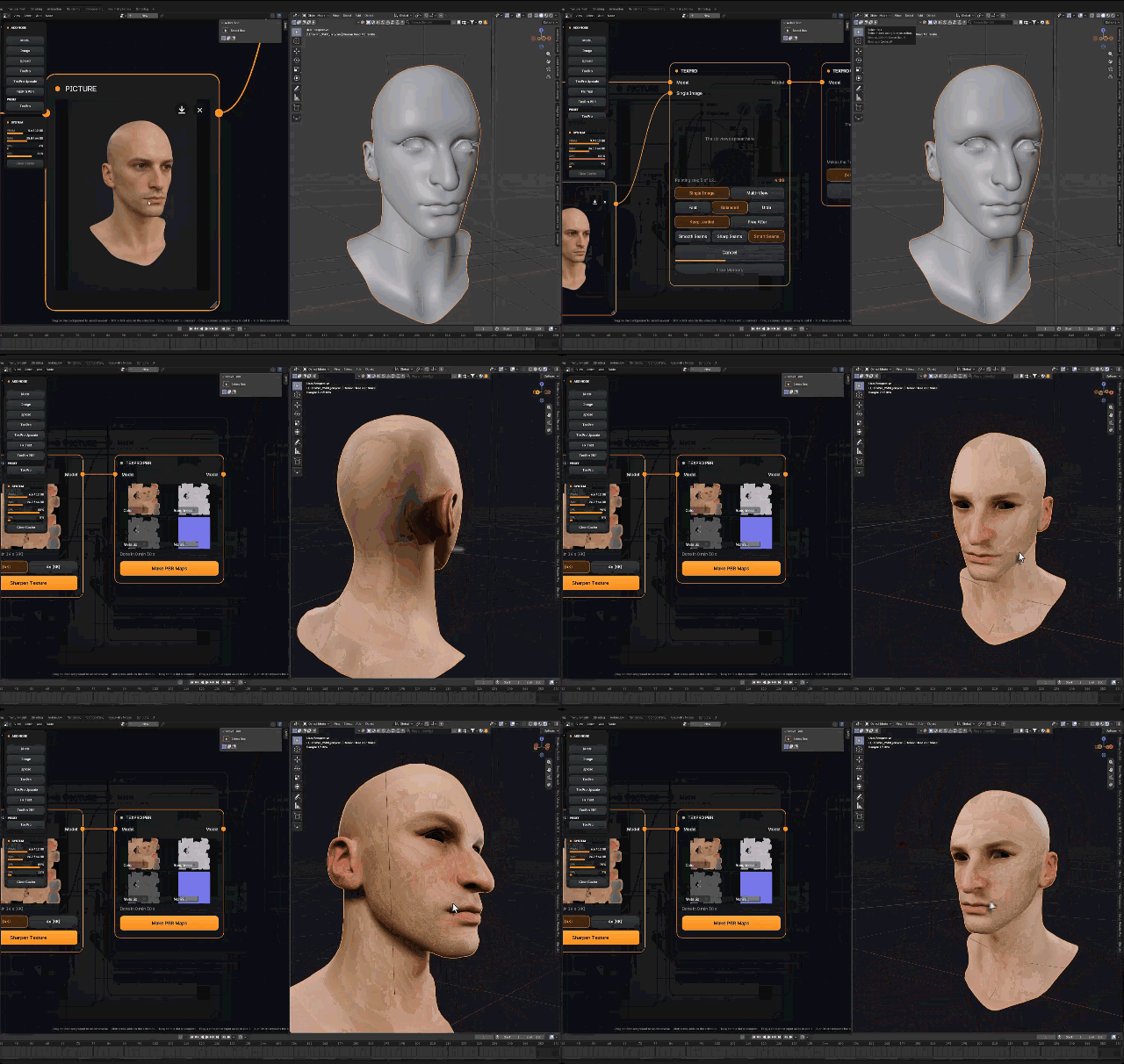
REAL HUMAN · 04
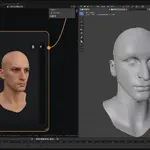
Realistic Human
Organic models work as well as hard surfaces: the look of the photos carried onto the whole character.
|
 |
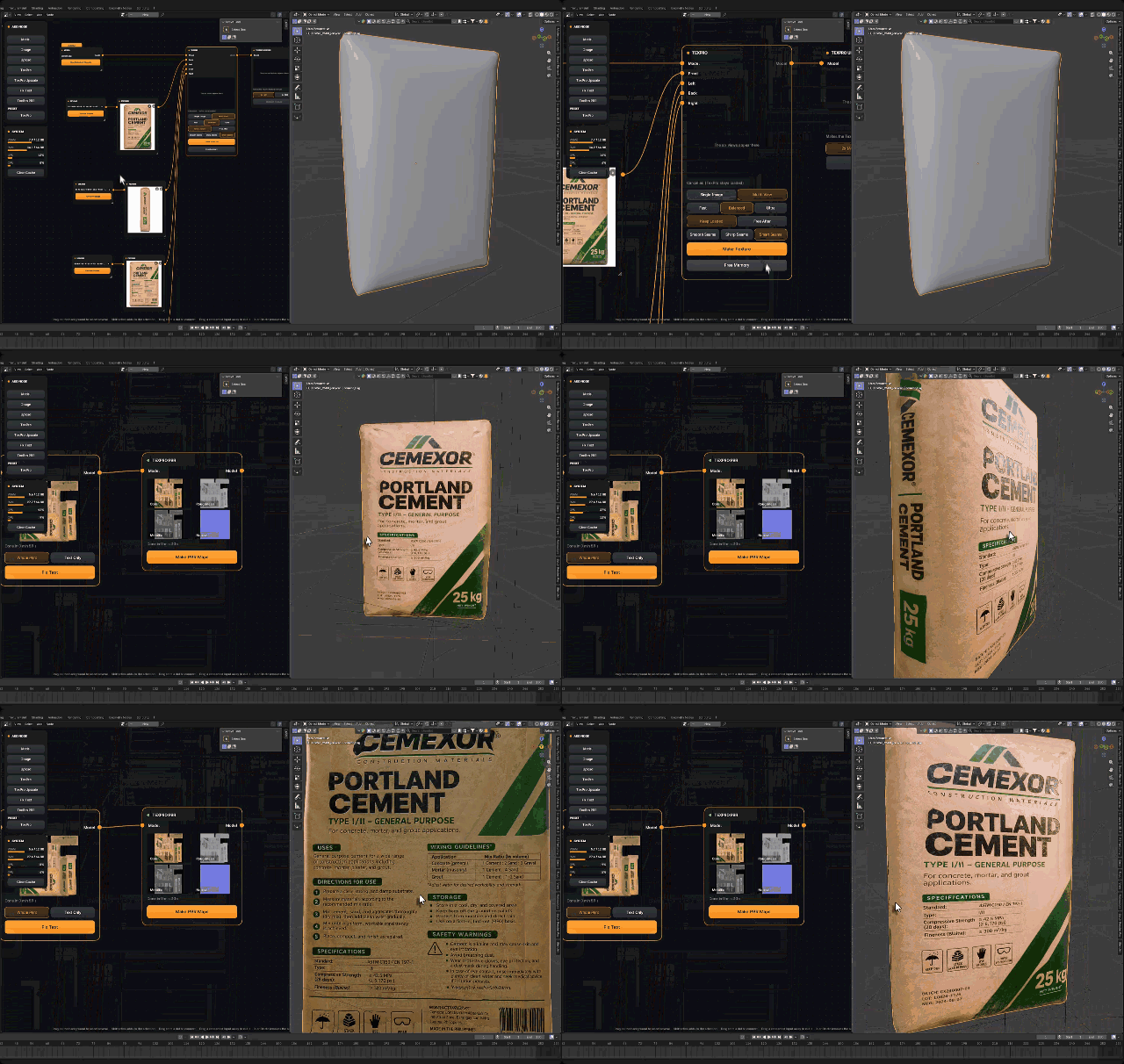 |
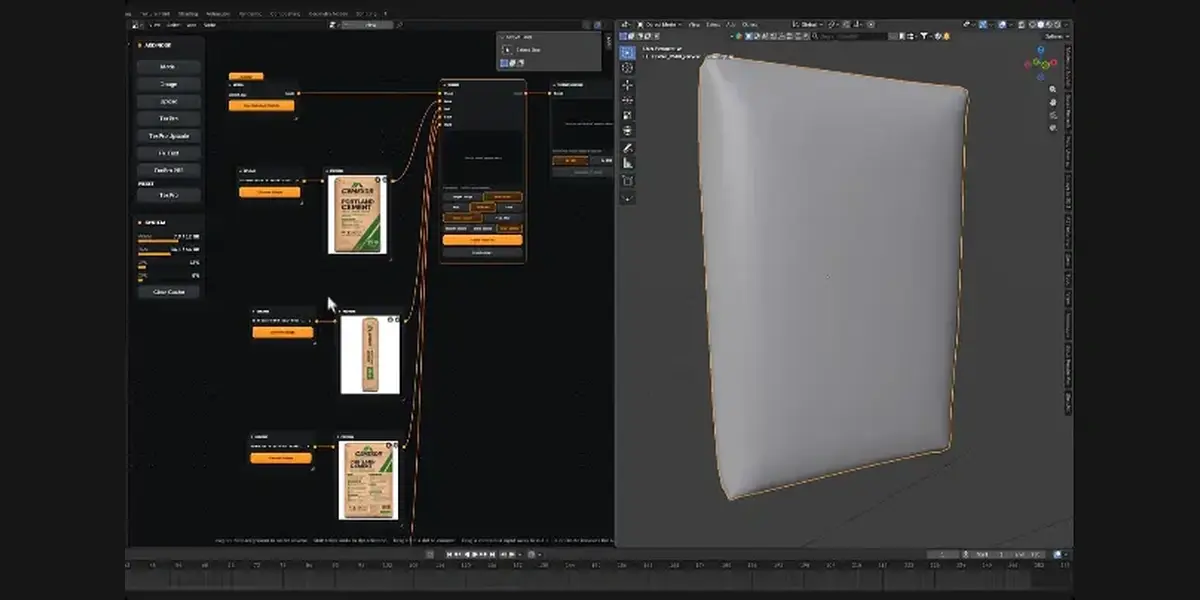
TEXT FIX · 05
Labels and Lettering
Text Fix cleans up words and logos so labels stay readable. Texture 4 min · Upscale 12 s · Text Fix 1 min · PBR 30 s.
Made with Prototype 11
|
Gallery
Every model below was textured with AI Texturing on its own UVs.
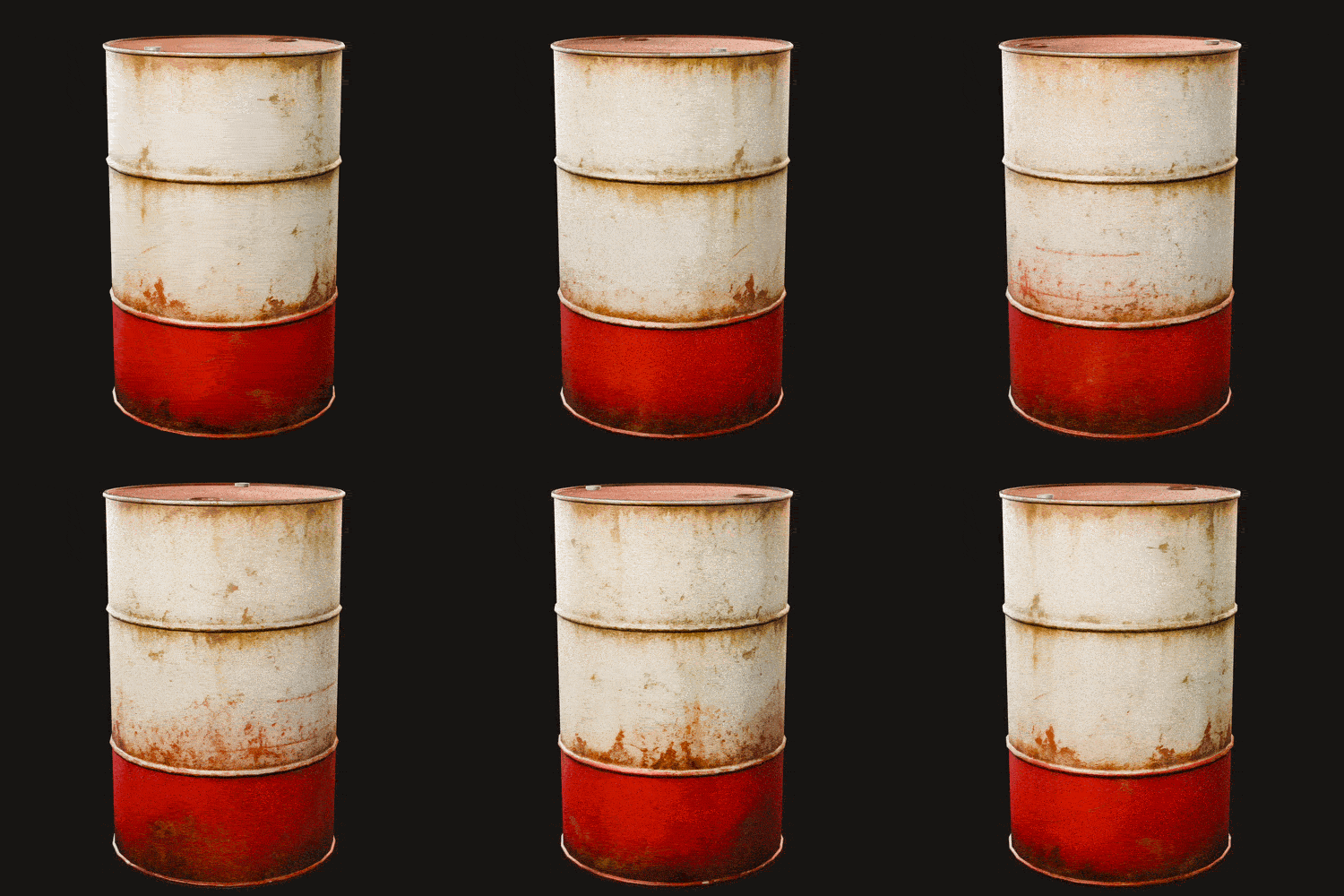 Barrel
|
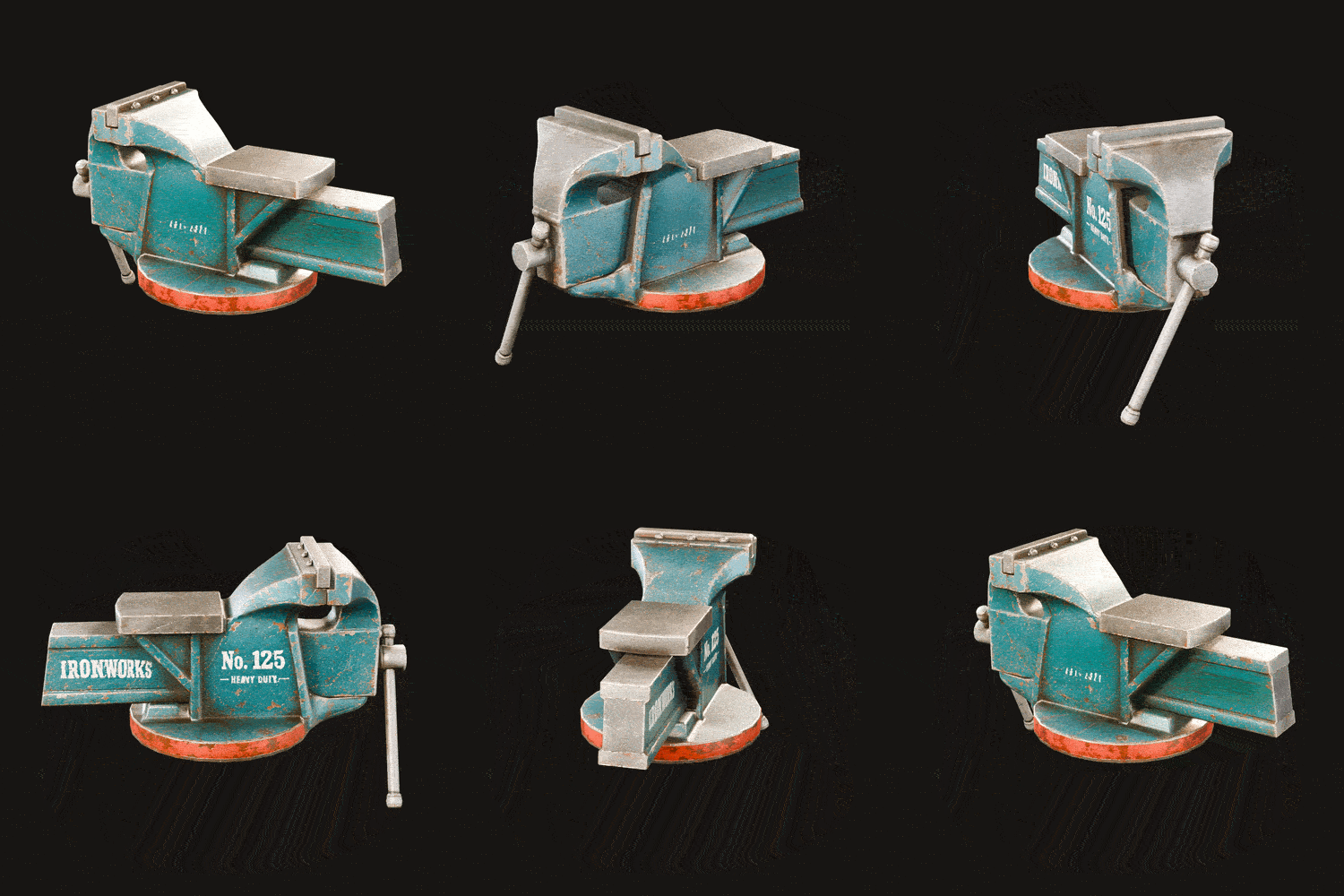 Bench Vice
|
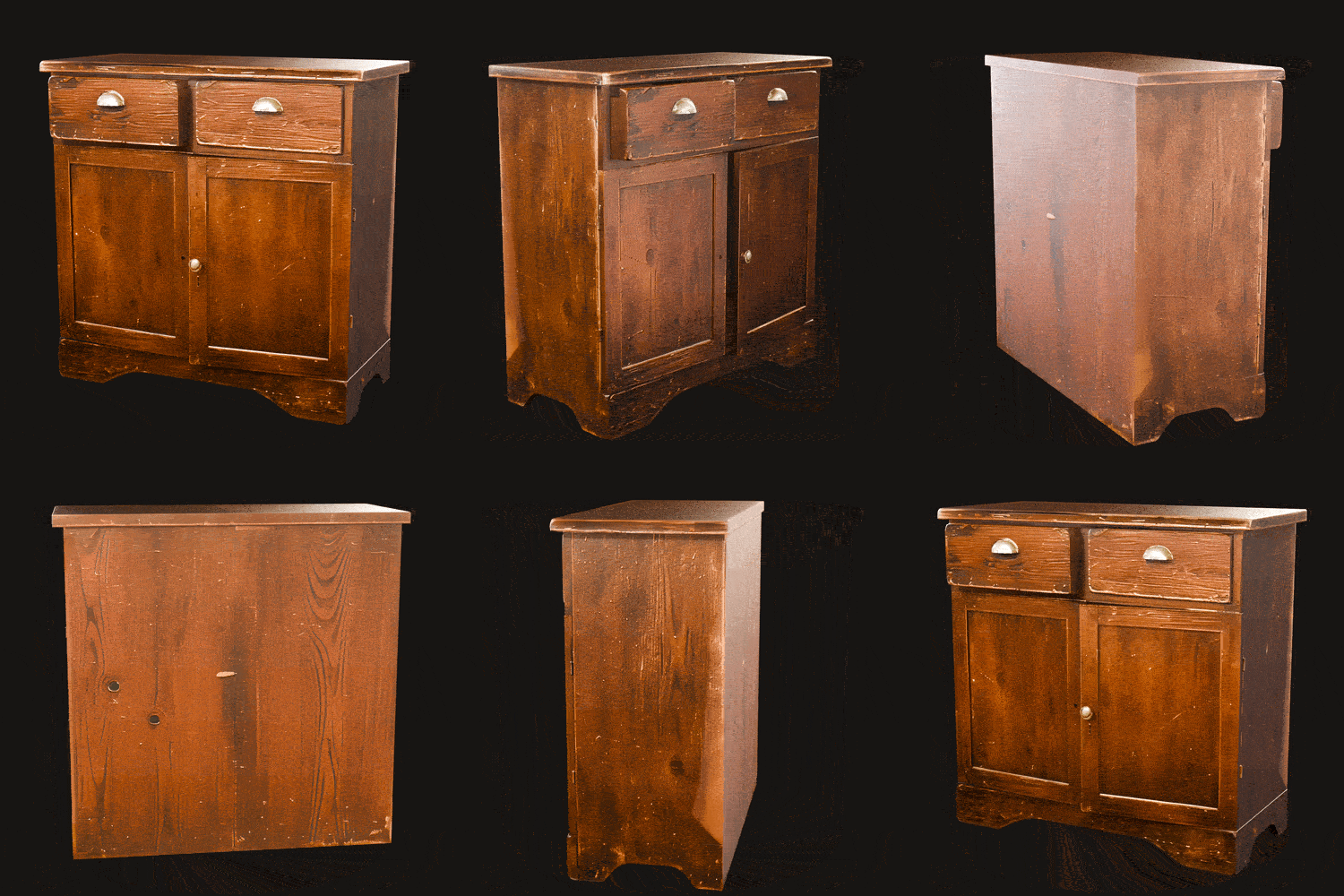 Cabinet
|
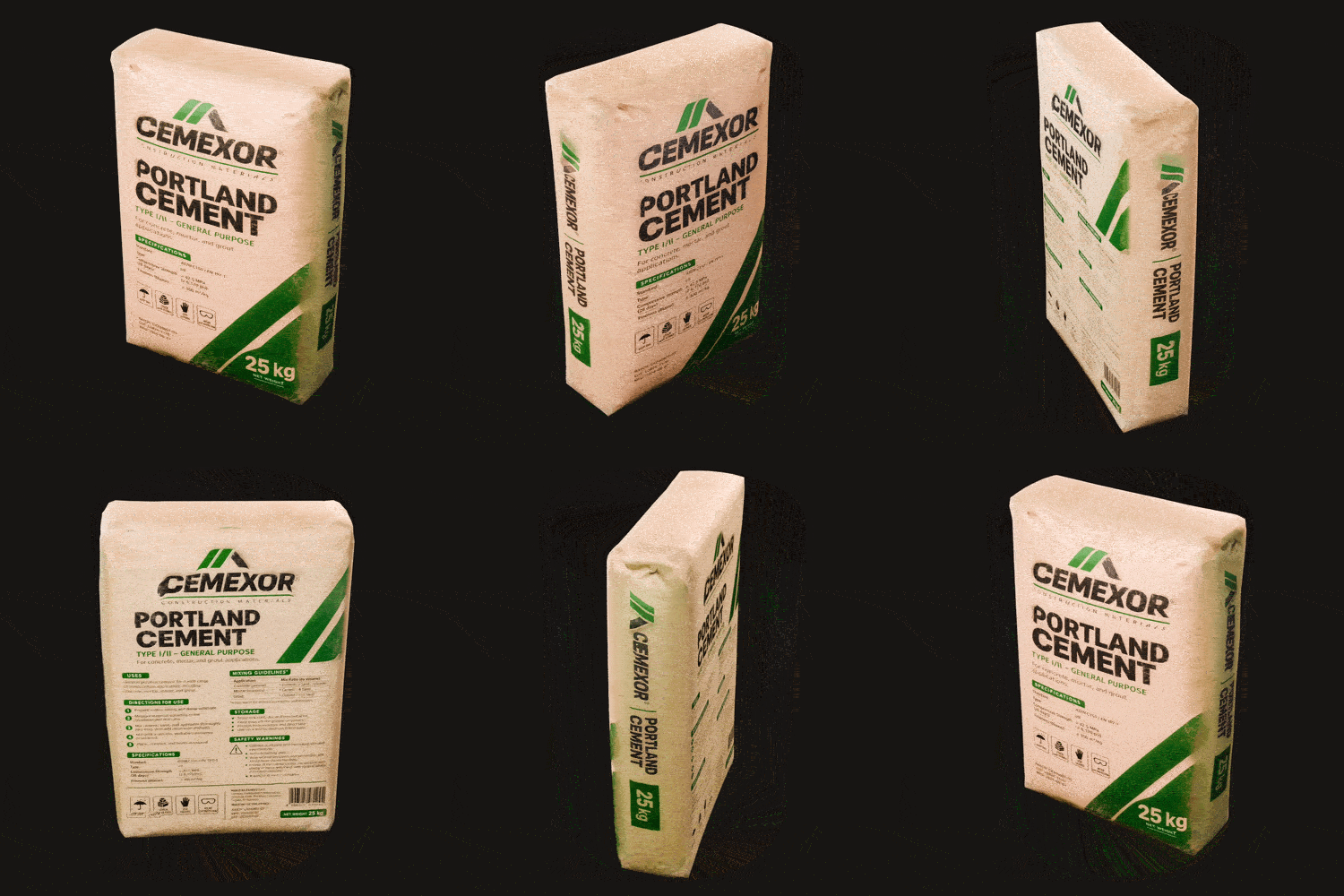 Cement Bag
|
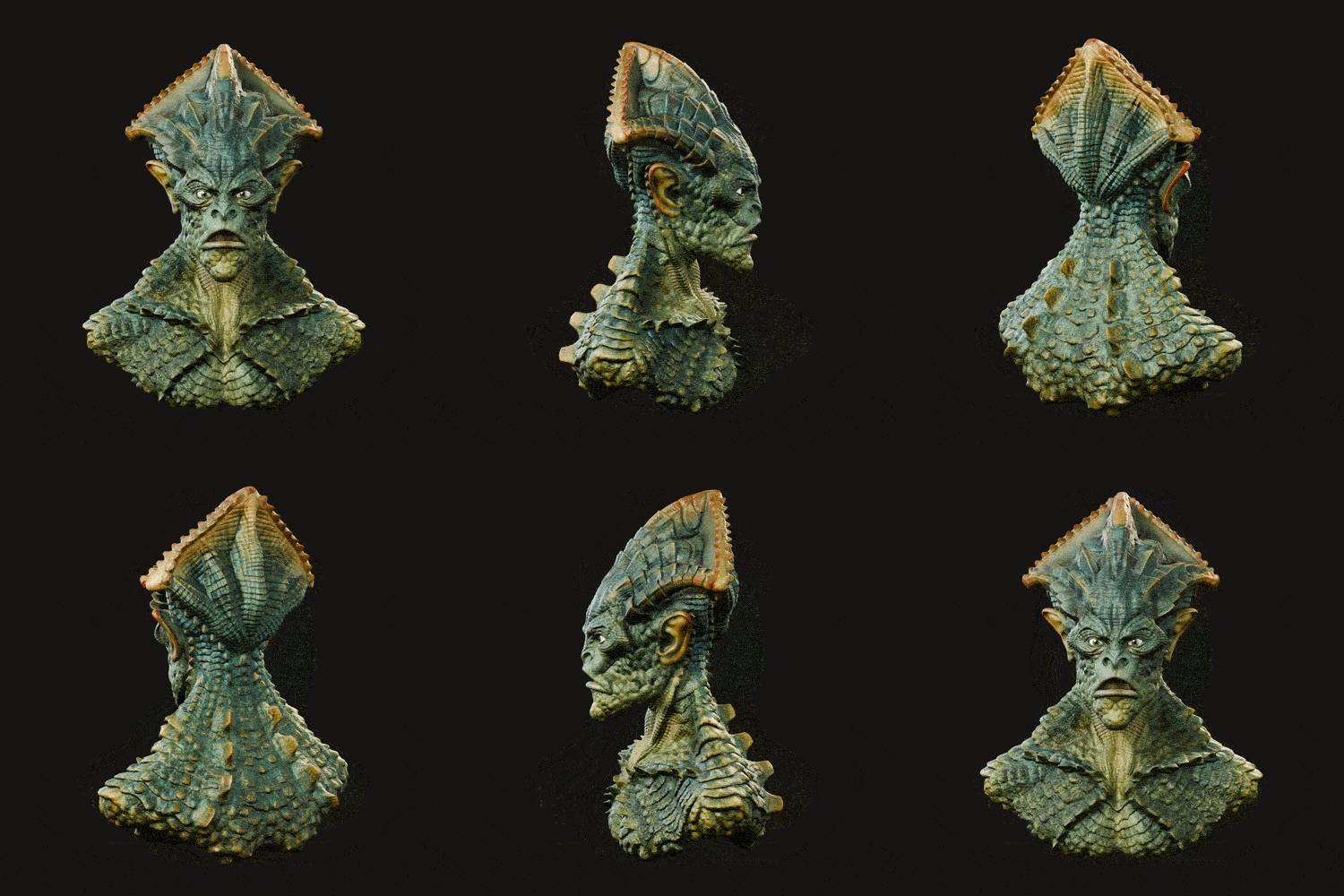 Creature
|
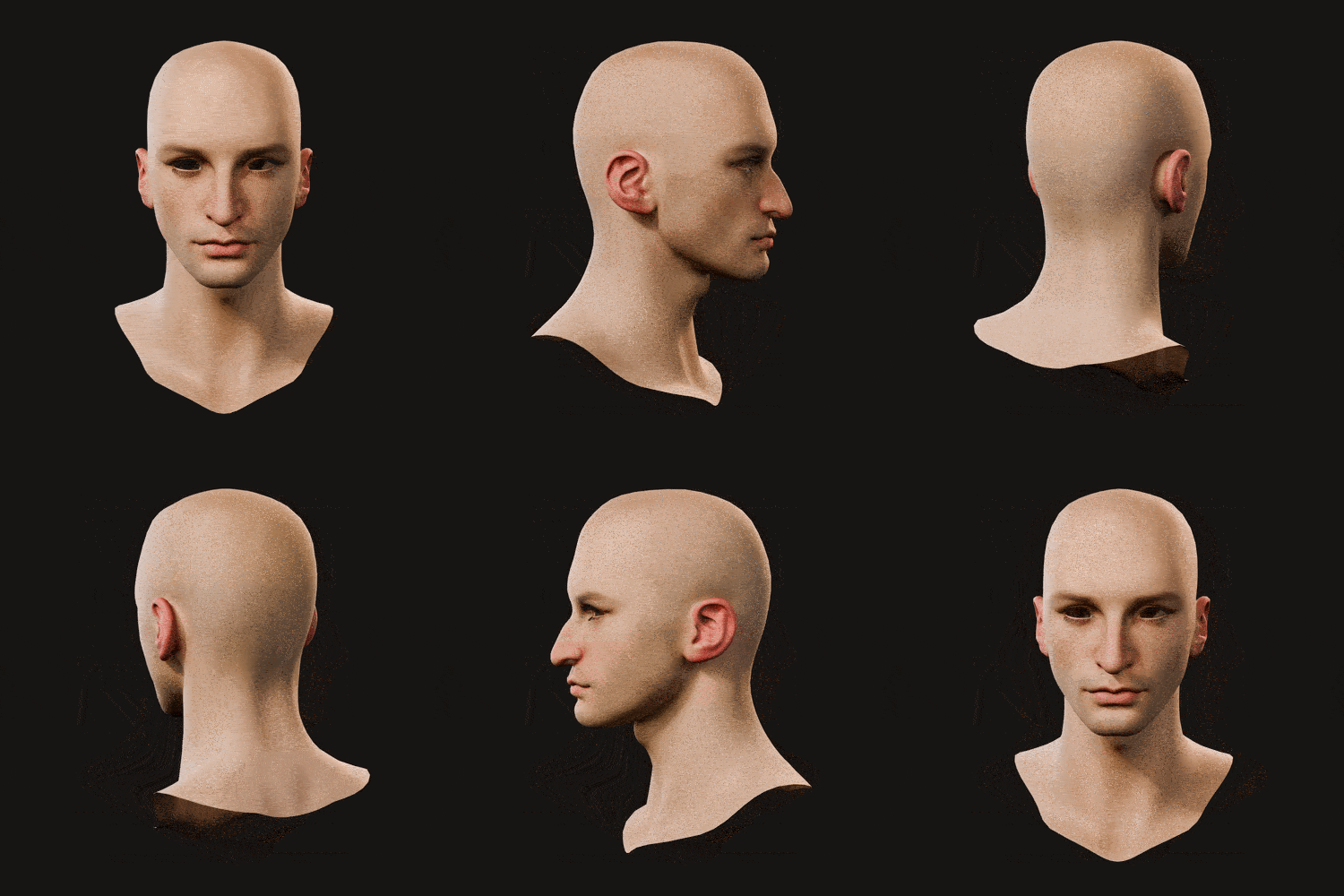 Human Head
|
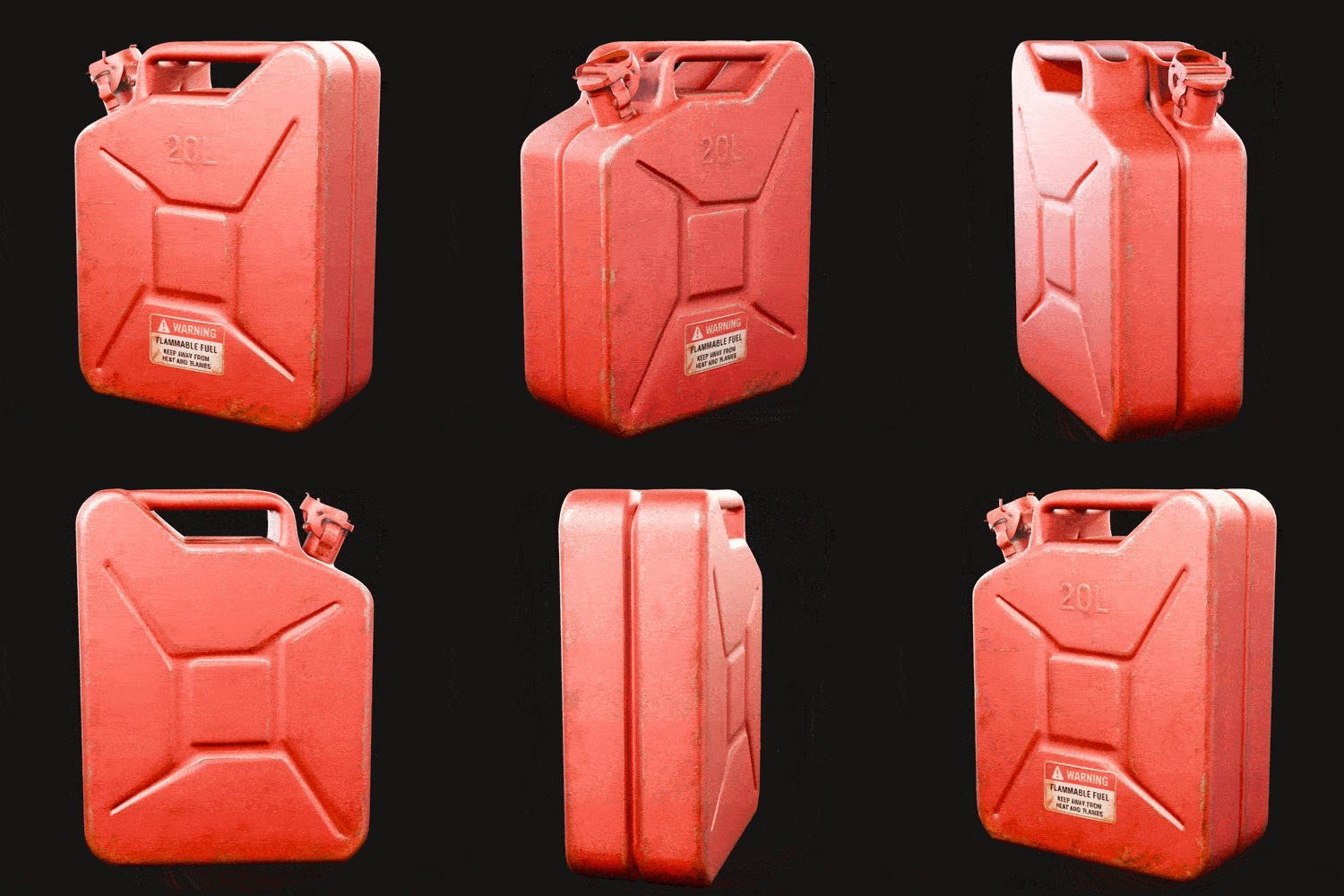 Jerrycan
|
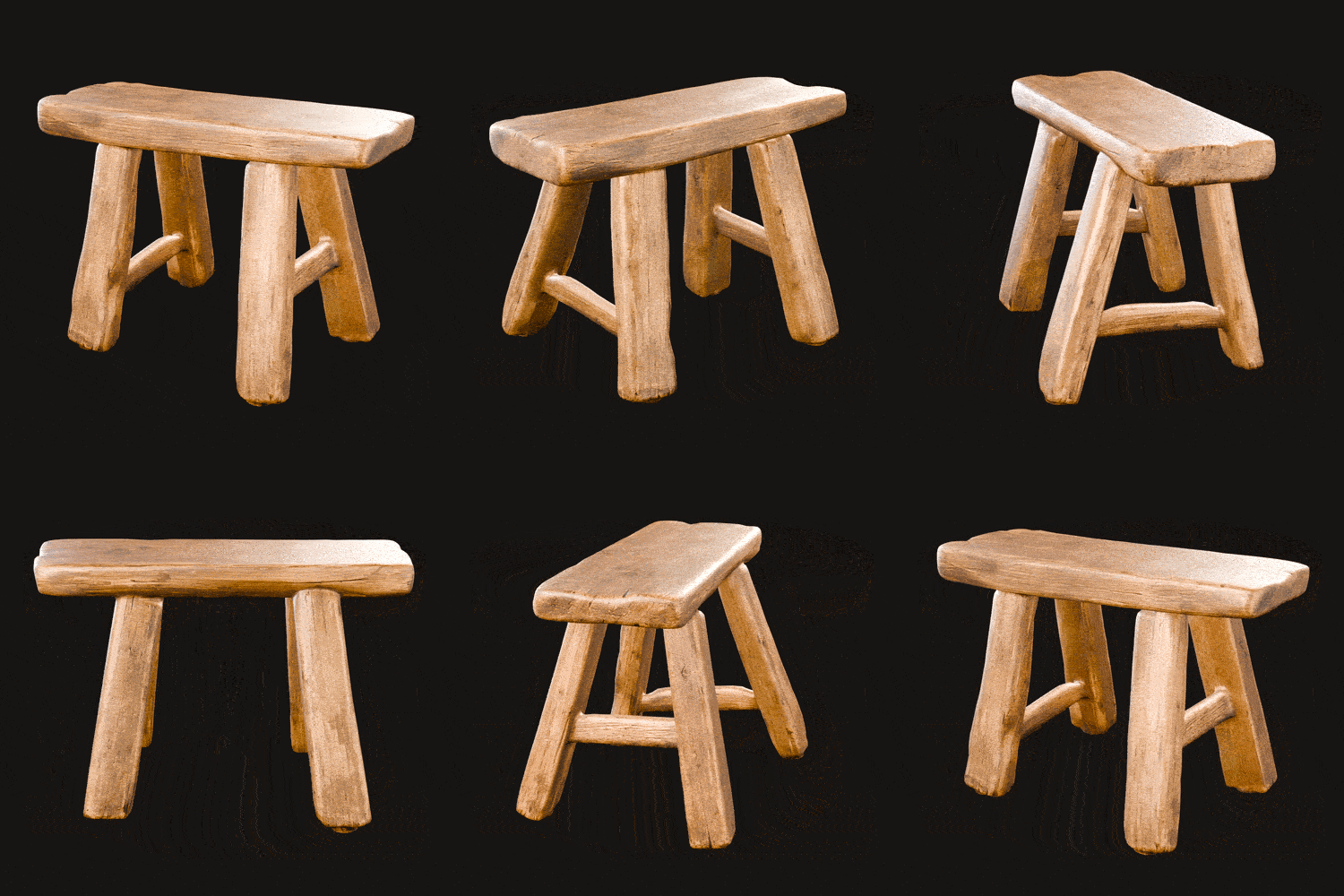 Stool
|
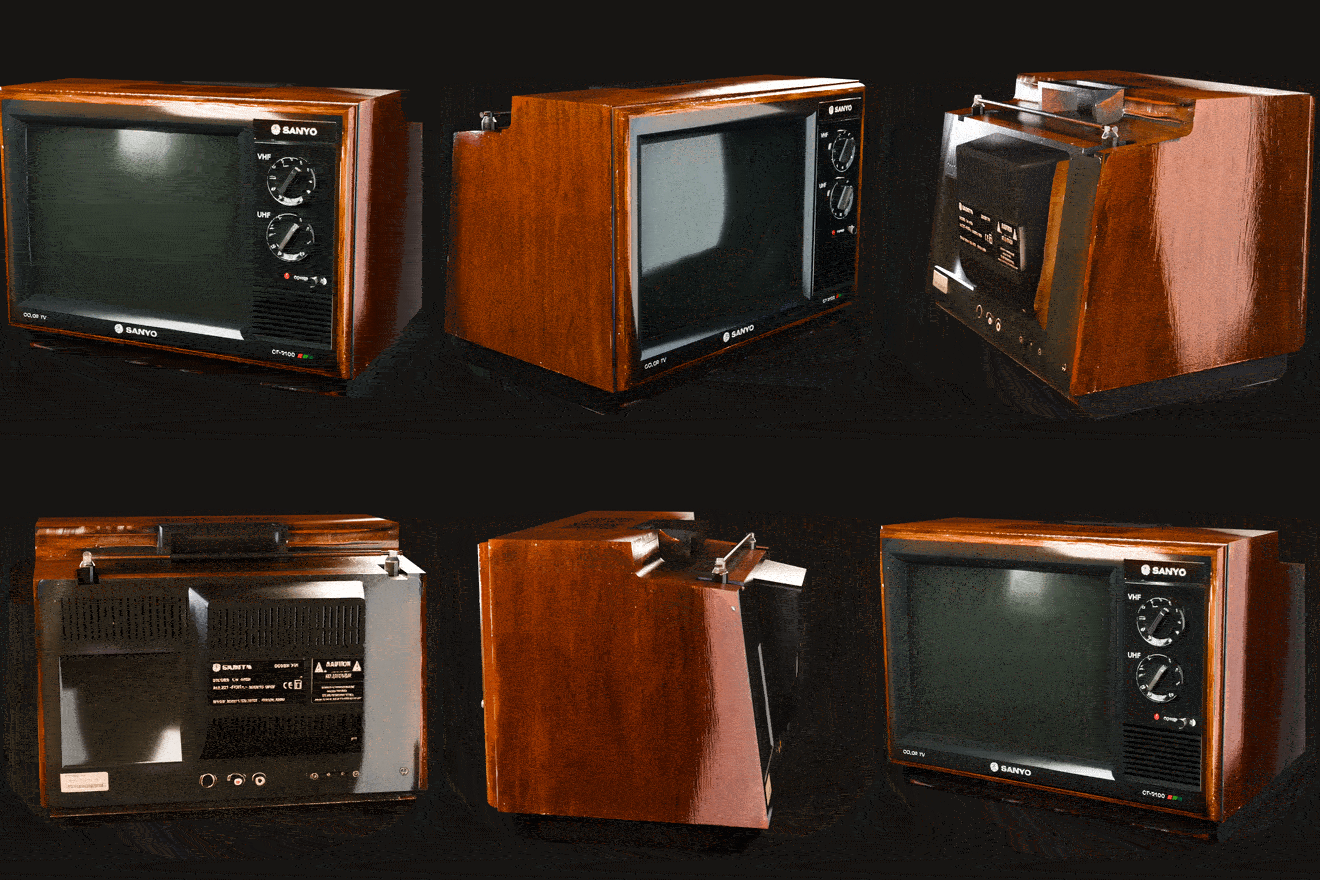 TV
| |
A Node Canvas for Texturing
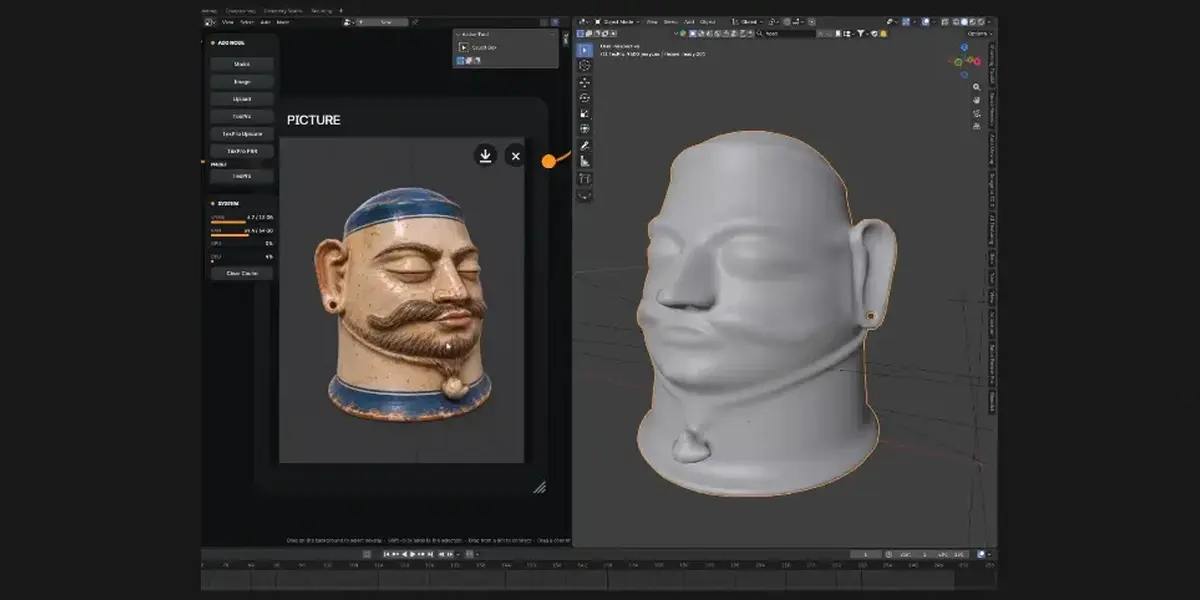
Open the Canvas and the TexPro preset is already wired. Every stage is its own node, so you see each step and wait for one part at a time.
|
Model
Pick the object to texture. It keeps its own UVs.
|
Image · Upload
Bring in your photos. TexPro finds which side each photo shows.
|
|
Views from Prompt
No photos? Make four views from a sentence (FLUX.2 Klein) or from one photo (Qwen-Image-Edit).
|
TexPro
One switch for Single Image or Multi-View. Fast, Balanced or Ultra quality.
|
|
TexPro Upscale
Sharpens the finished texture to a higher resolution.
|
TexPro PBR
Adds roughness and metal maps, so the material reacts to light like the real thing.
|
|
Publish
Puts the result on your model, live. Only what is wired in shows up.
|
Automatic Clean-up
Breaks between views are found and repainted, and spots no photo saw are filled in.
|
| Fast · 6 steps | Balanced · 12 steps | Ultra · 24 steps |
Good to Know
|
Downloads
Every model downloads only when you need it.
| TexPro LoRA | Included in the add-on | 0.27 GB | ||||||||
| TexPro base · FLUX.2 [klein] base 4B + VAE | Needed for TexPro | 7.5 GB | ||||||||
| Upscale and Fill · Real-ESRGAN + LaMa | TexPro Upscale, filling hidden spots | 0.25 GB | ||||||||
| Marigold IID Appearance | TexPro PBR (roughness and metal) | 4.8 GB | ||||||||
| FLUX.2 [klein] 4B | Views from Prompt (with a sentence) | 14.9 GB | ||||||||
| Qwen-Image-Edit-2509 · 4-bit | Views from Prompt (with a photo) | 26.4 GB | ||||||||
| ||||||||||
Requirements
|
System
Windows 10 / 11 or Linux (64-bit)
Blender 4.2 or newer 16 GB RAM minimum |
Graphics Card
NVIDIA GPU with 8 GB VRAM minimum
RTX 20 / GTX 16 or newer Views from Prompt with a photo needs RTX 30 or newer |
Disk Space
About 13 GB for TexPro, Upscale and PBR
About 54 GB with every model |
What You Can Do With It
|
1 · THE ADD-ON CODE
The Python code of the add-on, written by 3DRedbox Studio (including our own PyTorch rasterizer), is licensed under the GNU General Public License v3.0 or later, the same licence as Blender.
|
|
2 · THE TEXPRO LORA
TexPro uses a LoRA that 3DRedbox Studio trained itself. These model weights are not covered by the GPL. Everything you make with it belongs to you: textures, PBR maps, 3D models and renders can be used and sold in games, films, asset stores and client work, without any extra licence or payment. Using the LoRA file itself inside another commercial product or service needs a commercial licence from us: contact Milad Kambari at [email protected].
|
|
3 · MODELS THE ADD-ON DOWNLOADS
These models are downloaded from their official pages by the Downloads tab. They are not made by us, and each keeps its own licence. Please review the licence of each model before you use it.
Marigold note: the CreativeML Open RAIL++-M licence allows commercial use, but it has use restrictions (no illegal use, no harm to people, no deceptive content and so on). By using the PBR feature you agree to follow them. |
|
4 · CODE FROM OTHER PROJECTS
NVIDIA nvdiffrast is not used or shipped. Python libraries installed by the engine (PyTorch, Diffusers, Transformers and others) each keep their own open-source licence. The full text of every licence is in LICENSE.md inside the add-on. The add-on and the models are provided “as is”, without warranty of any kind. |
More from Milad Kambari
 |
 |
 |
 |
 |
 |
 |
 |
 |