 Milad_Kambari




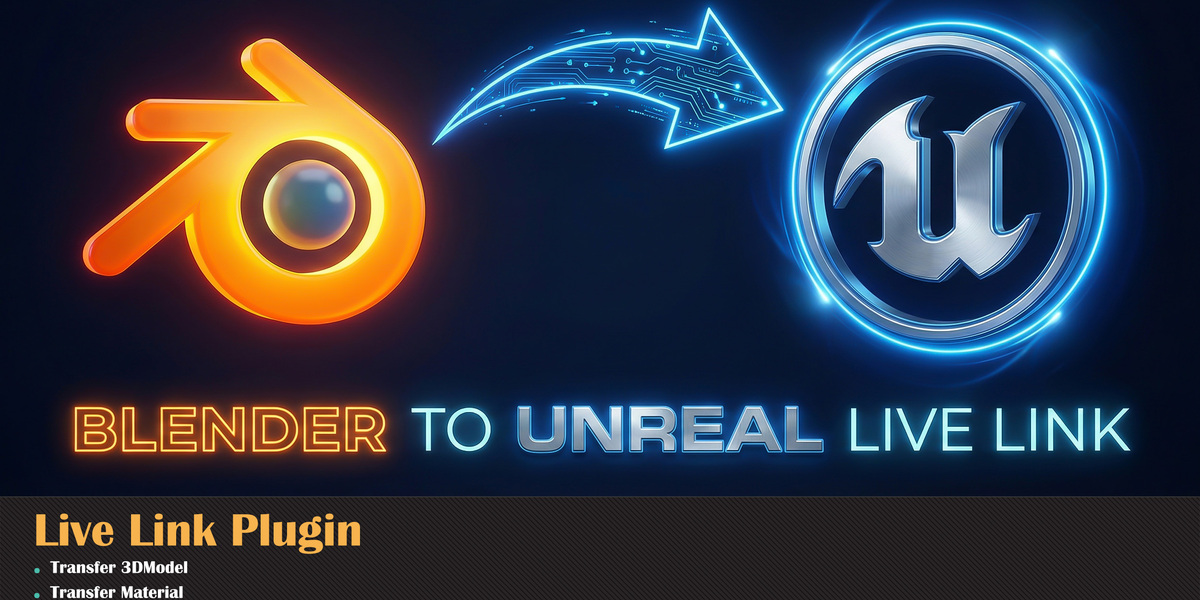
Real-time bridge between
Blender & Unreal Engine.
Tired of the endless Export, Import, Reimport cycle? Send your models, materials, and textures in real-time without ever leaving your workspace. One click. Zero friction.
What's new in v3.
ANIMATION EXPORTExport full animations directly from Blender to Unreal Engine, preserving keyframes and motion data. | FASTER EXPORT SPEEDSignificantly improved export performance for quicker transfers, even with heavy scenes and large assets. |
CUSTOM PORT CONNECTIONCustomize the connection port to fit your network setup and avoid conflicts with other tools. | MULTI-OBJECT PLACEMENTMultiple objects now transfer with correct positions, maintaining accurate placement in the Unreal scene. |
TECHNICAL FIXES & STABILITYVarious technical issues resolved for a smoother, more reliable workflow across the entire Live Link pipeline. | |
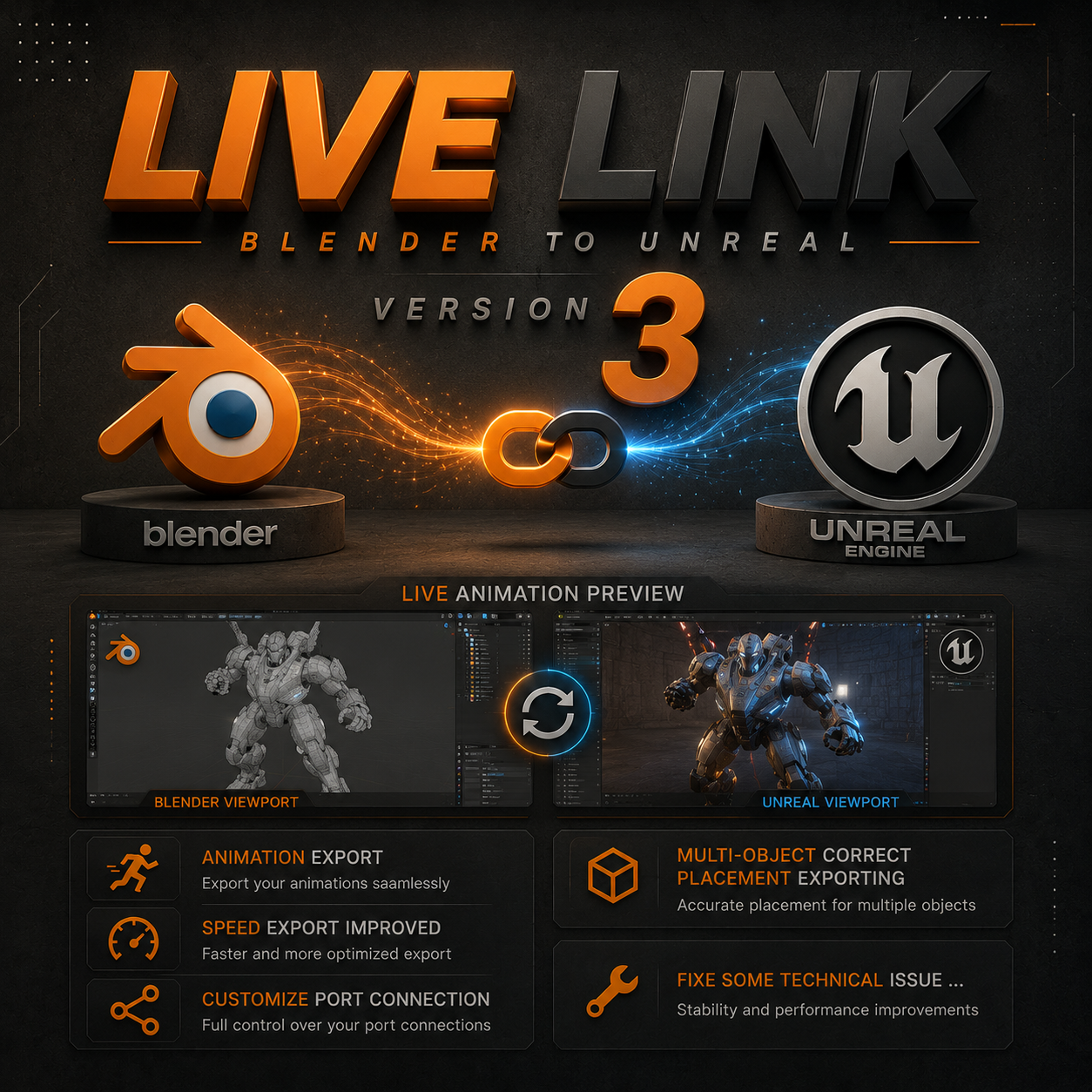
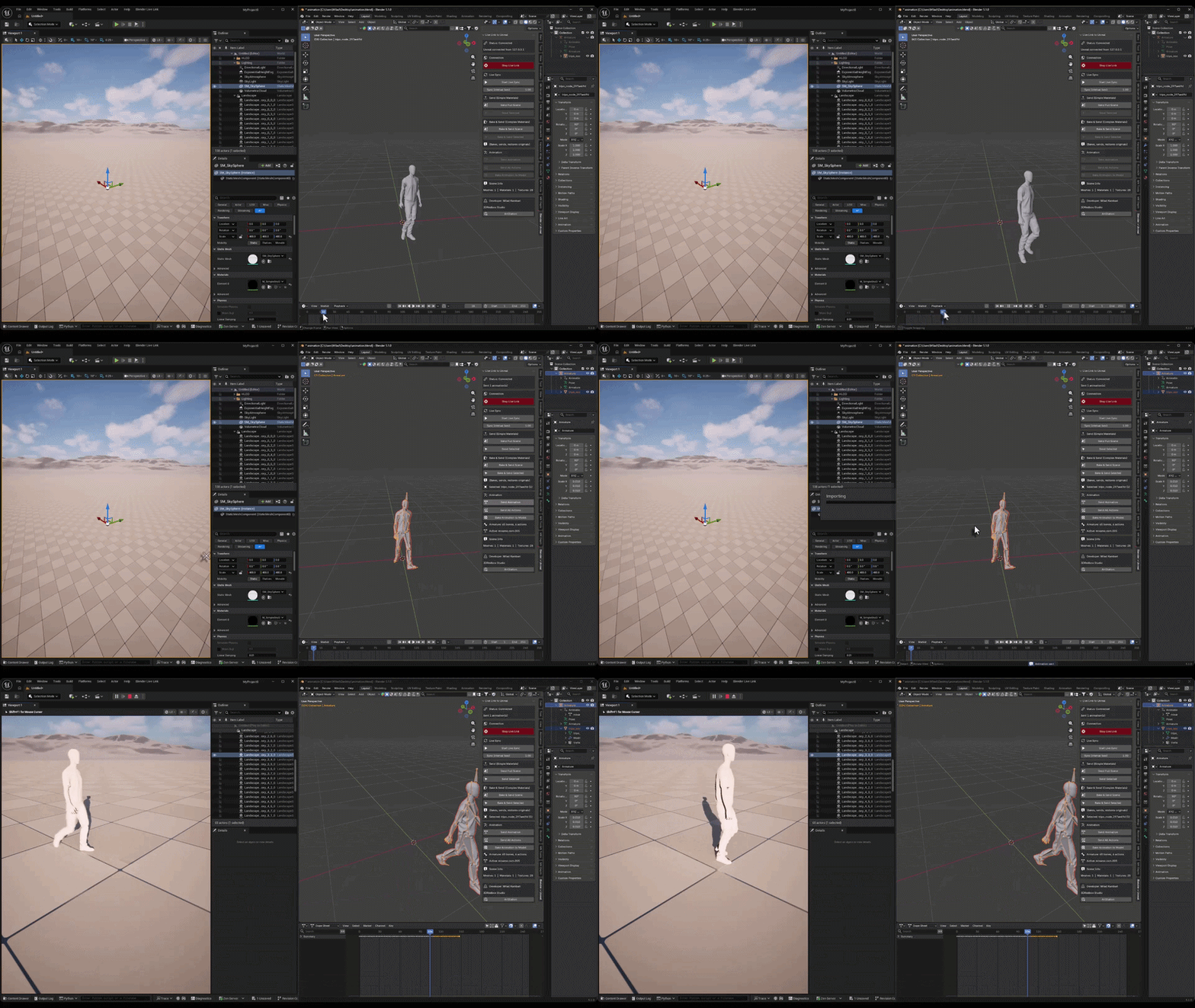
Animation Export
Export full animations directly from Blender to Unreal Engine. Keyframes and motion data transfer cleanly, so your animated assets arrive ready to use.
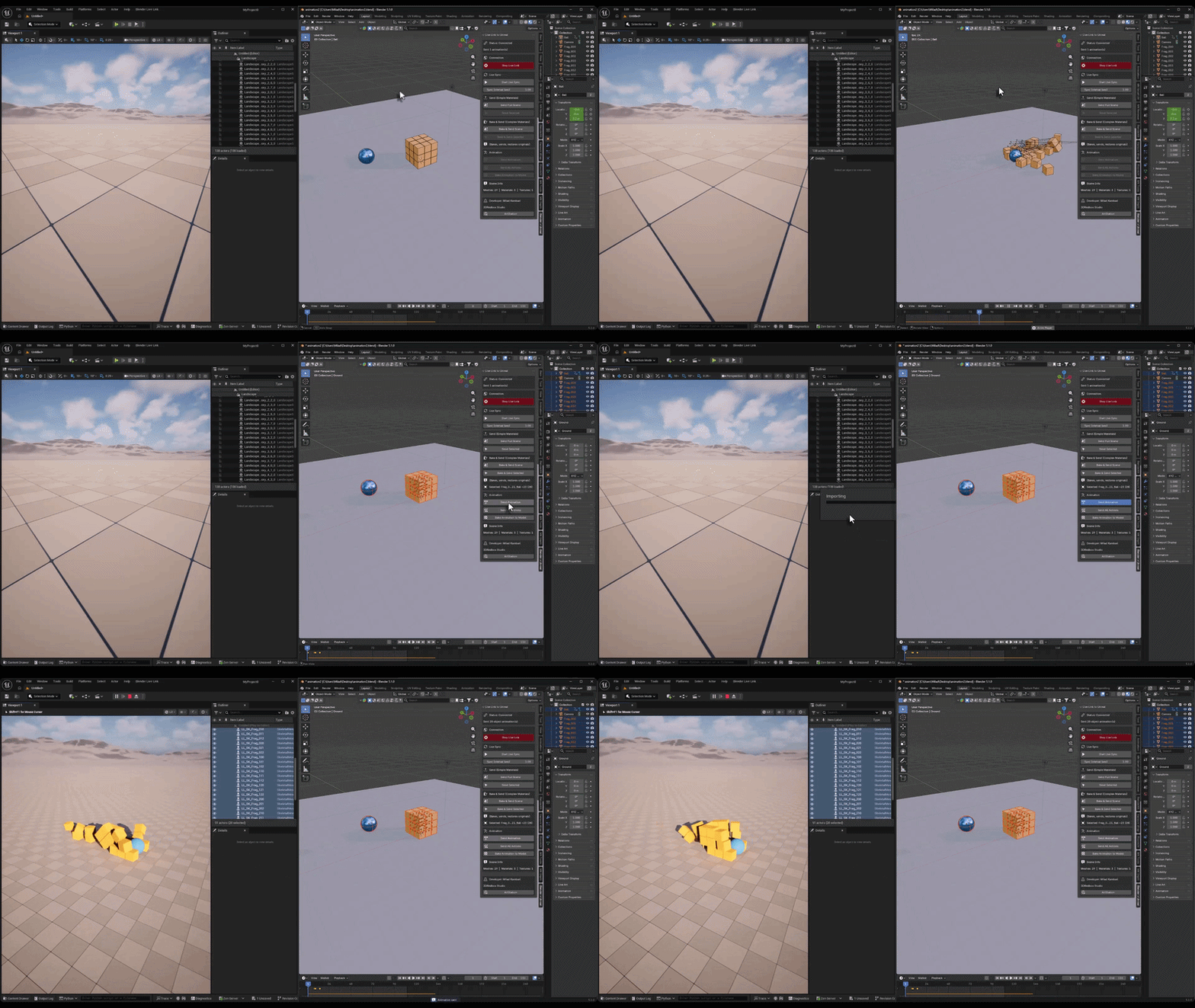
Multi-Object Placement
Send multiple objects at once and they land in Unreal with correct positions. Every asset keeps its accurate placement relative to the others in your scene.
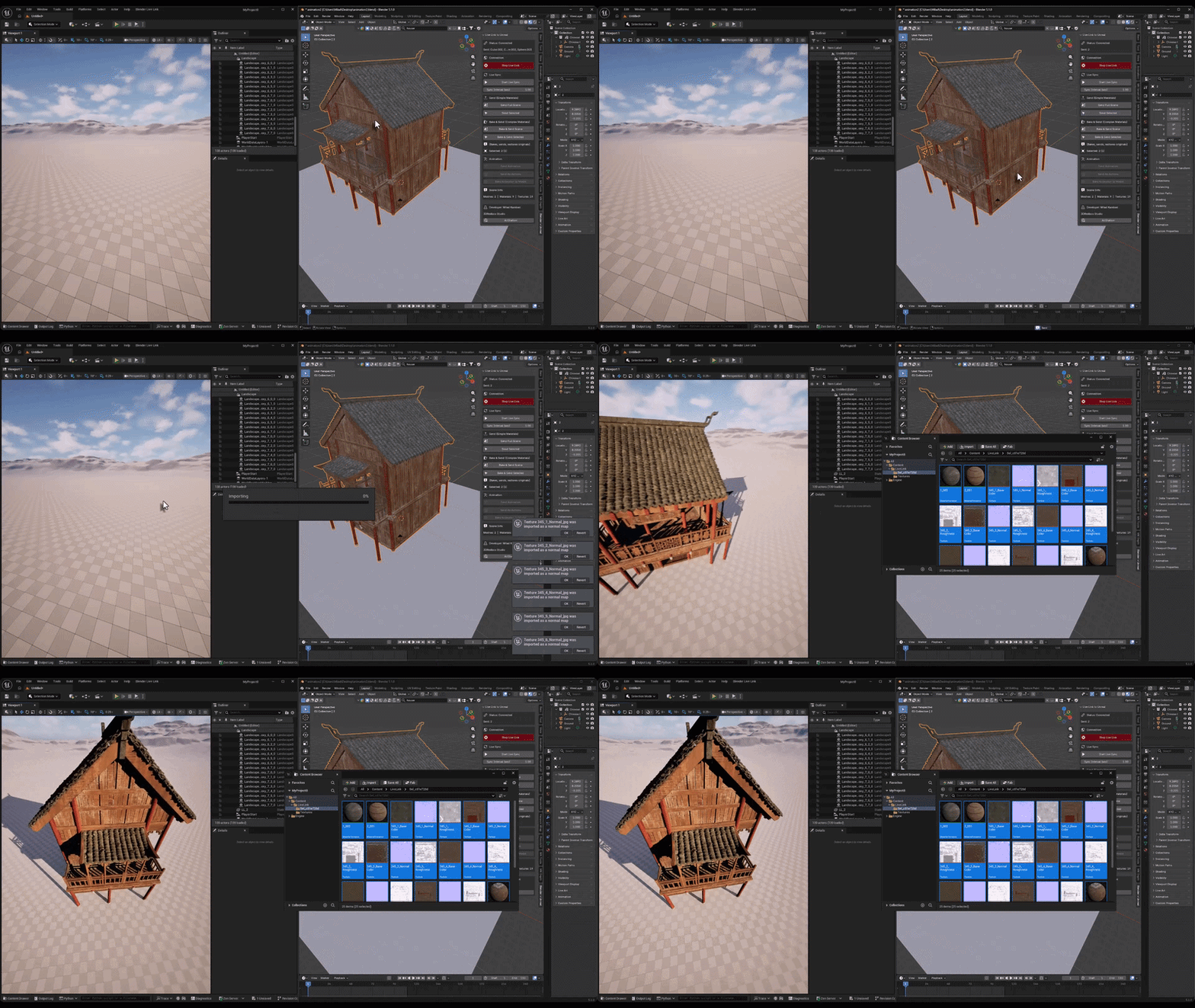
Faster Export Speed
Significantly improved export performance. Transfers are quicker than ever, even with heavy scenes and large assets, keeping your workflow smooth.
See it in action.
The v2 walkthrough.
Five steps. Done.
Install, copy scripts, enable, connect, create. Your Blender scene lands in Unreal in seconds.
| 1 INSTALLInstall the add-on in Blender and copy the Unreal scripts to your Content/Python/ folder. | 2 CONNECTClick Start Live Link in both Blender and Unreal Engine. The bridge is ready. | 3 CREATESend, sync, iterate. Every change in Blender appears in Unreal instantly. |
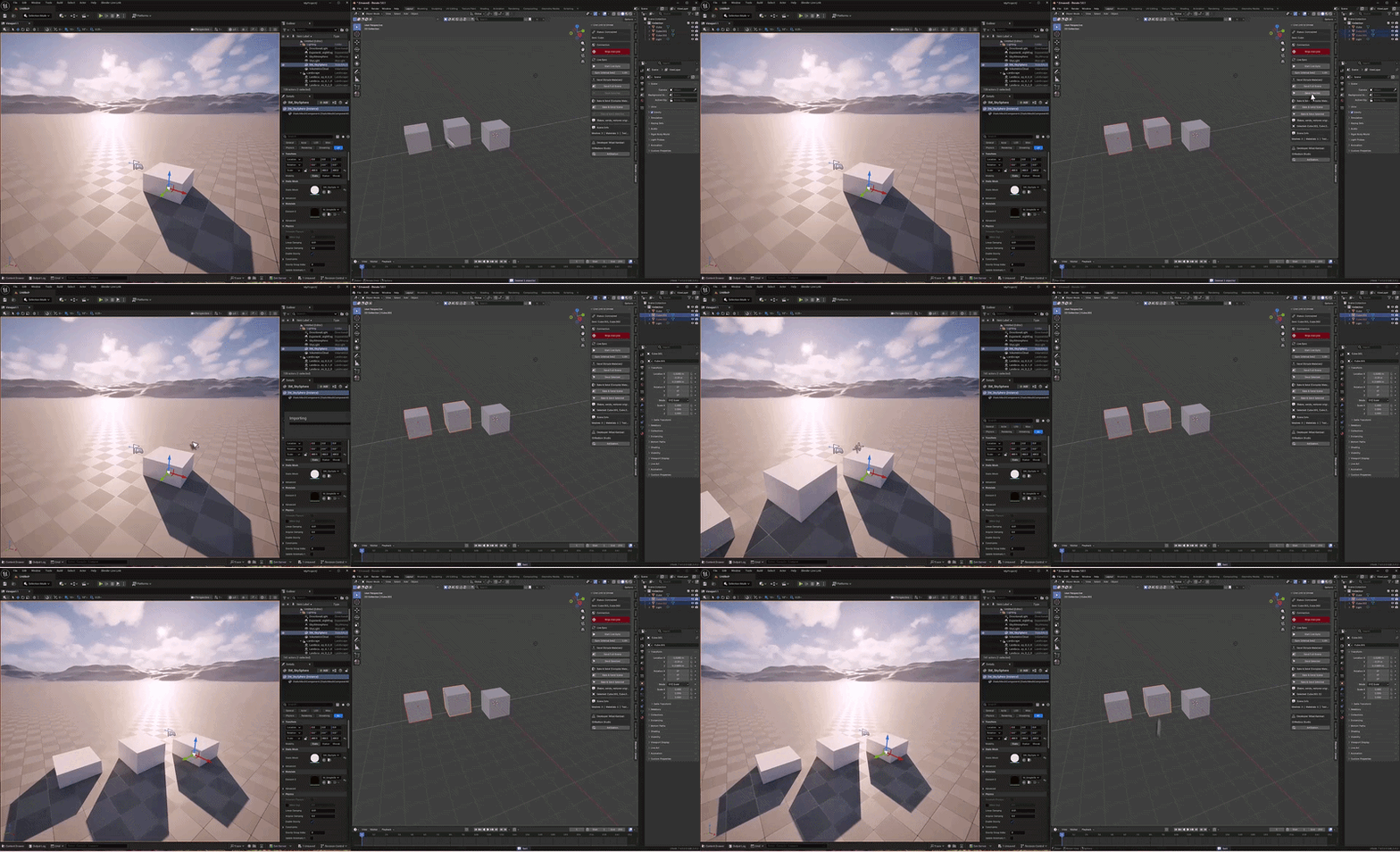
One-Click Send
Select your models and send them straight to Unreal with a single button press. Meshes, materials, and textures all transfer together. No export dialogs, no file browsers, no FBX settings to fiddle with.
Select. Click. It is in Unreal.
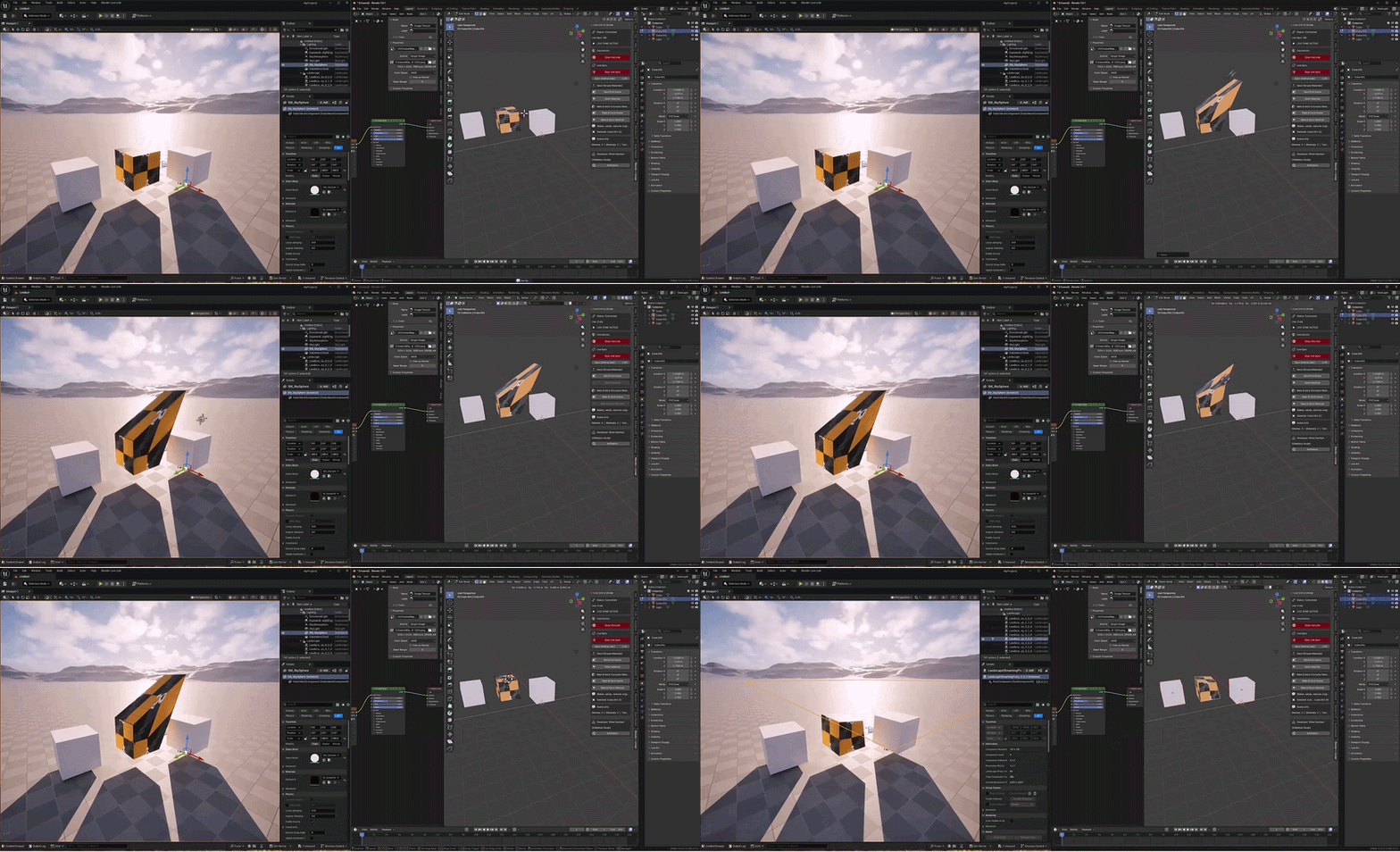
Live Sync Mode
Enable auto-sync and every change you make in Blender instantly appears in Unreal. Move, scale, edit topology, swap materials — it all updates automatically. Smart change detection uses deep scene hashing to catch mesh edits, material changes, texture swaps, and transform updates.
Smarter debounce waits for heavy edits to settle before syncing. No crashes on topology changes.
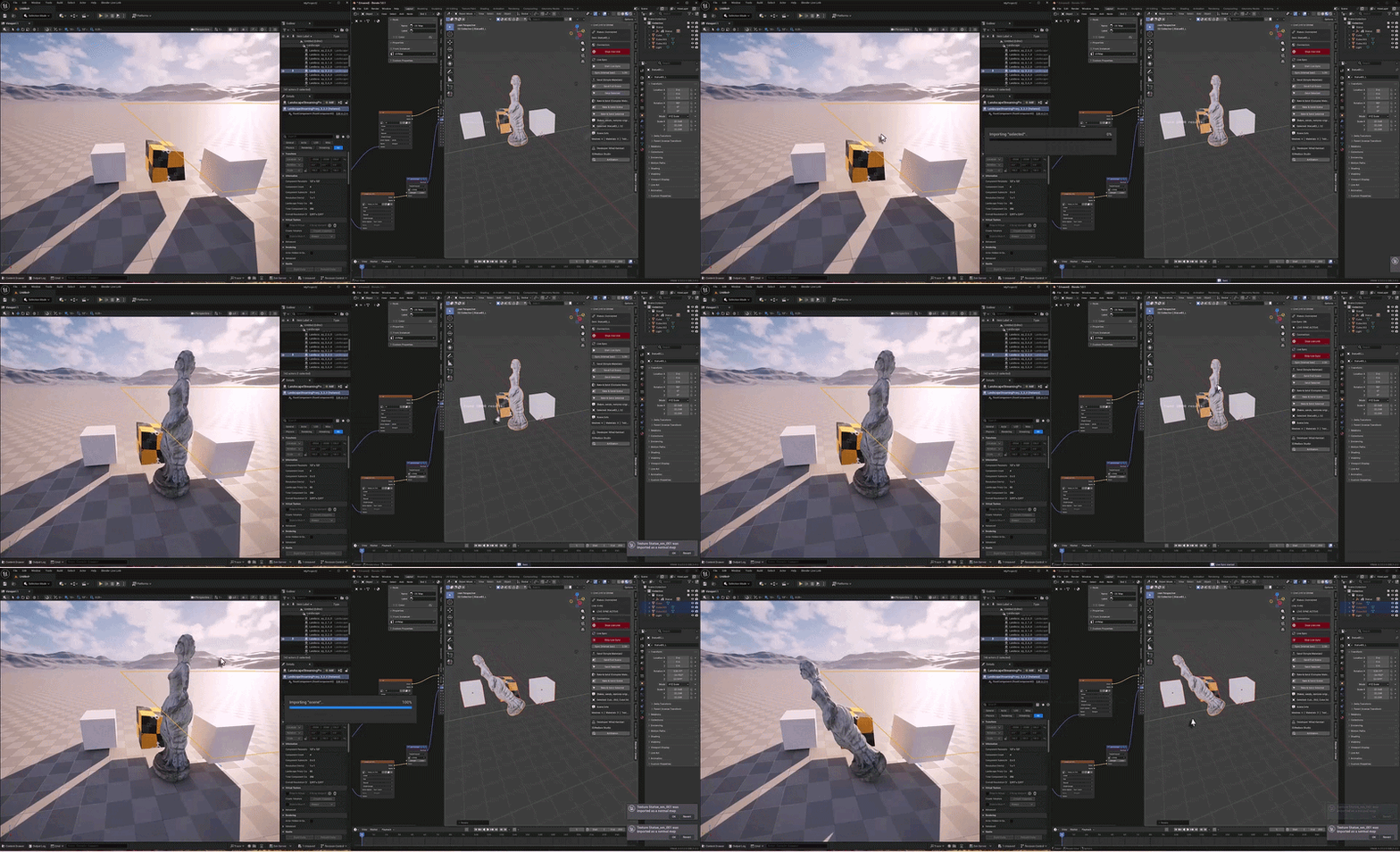
Bake & Send Complex Materials
Got complex shader setups with Mix, ColorRamp, Noise nodes? The built-in baker converts them to clean PBR textures before sending. Base Color, Normal, Roughness, Metallic — all baked and transferred. Your original materials stay completely untouched.
Non-destructive. Bake, send, restore — all automatic.
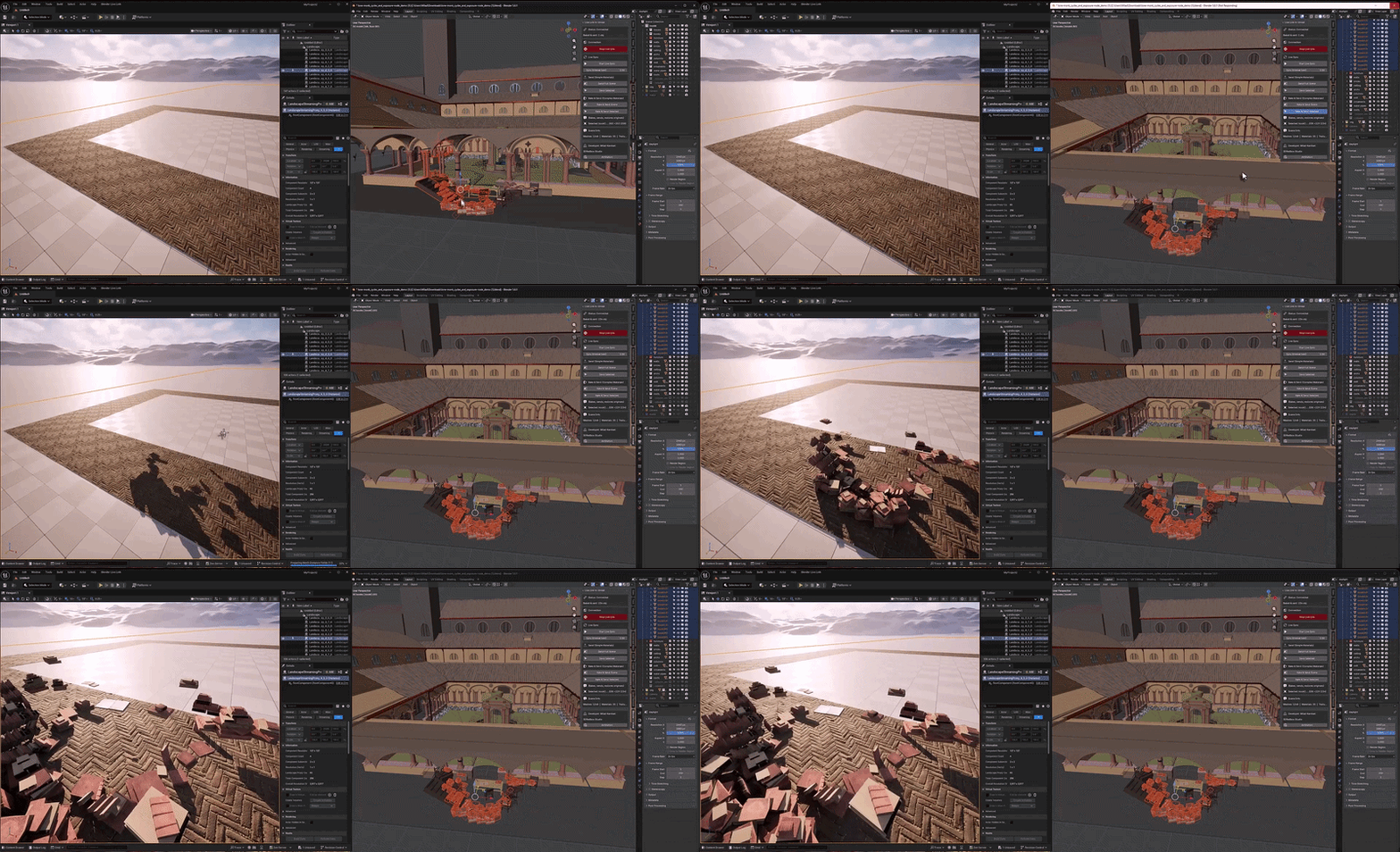
Smart Material Transfer
Simple PBR materials transfer automatically with all textures — Base Color, Normal, Roughness, Metallic. For models without UV maps, the addon generates automatic UVs for hassle-free baking. Select an Empty or parent object and all mesh children are automatically included.
Auto UV. Parent/children support. Multi-select export.
Choose your mode.
| MODE | BEST FOR |
| Send Full Scene | Small/medium scenes — sends everything at once |
| Send Selected | Large scenes — send only what you need, including parented meshes |
| Bake & Send | Complex materials — auto-bakes Mix, Noise, ColorRamp to clean PBR textures |
| Live Sync | Iterative work — auto-sends on every change with smart debounce |
Latest updates.
BLENDER 5.1 SUPPORTFull extension system compatible with blender_manifest.toml and license. Works with the latest Blender release. | UNREAL ENGINE 5.7 SUPPORTFully tested and working with UE 5.7. Note: this version is not compatible with Unreal 5.6. |
What you get
| 5.1+ BLENDER | 5.7 UNREAL ENGINE |
What you need.
| REQUIREMENT | MINIMUM |
| Blender | 5.0 or higher |
| Unreal Engine | 5.5 or higher |
| Operating System | Windows 10/11 |
Both Blender and Unreal Engine must be running on the same machine.
What is inside.
| BLENDER blender_livelink_addon.py Blender Add-on | UNREAL livelink_unreal.py Unreal Engine Python Script | AUTO-LOADER init_unreal.py Auto-loader for Unreal |
Install. Connect. Create.
Works with Blender 5.0+ and Unreal Engine 5.5+ on Windows 10/11. Both apps must run on the same machine.
More from Milad Kambari
 |  |  |
 |  |  |
 |  |  |
Get support, share your work
Connect with other 3D artists using Live Link. Feature requests, bug reports, and workflow showcases welcome.
JOIN DISCORD