 Imaginacreative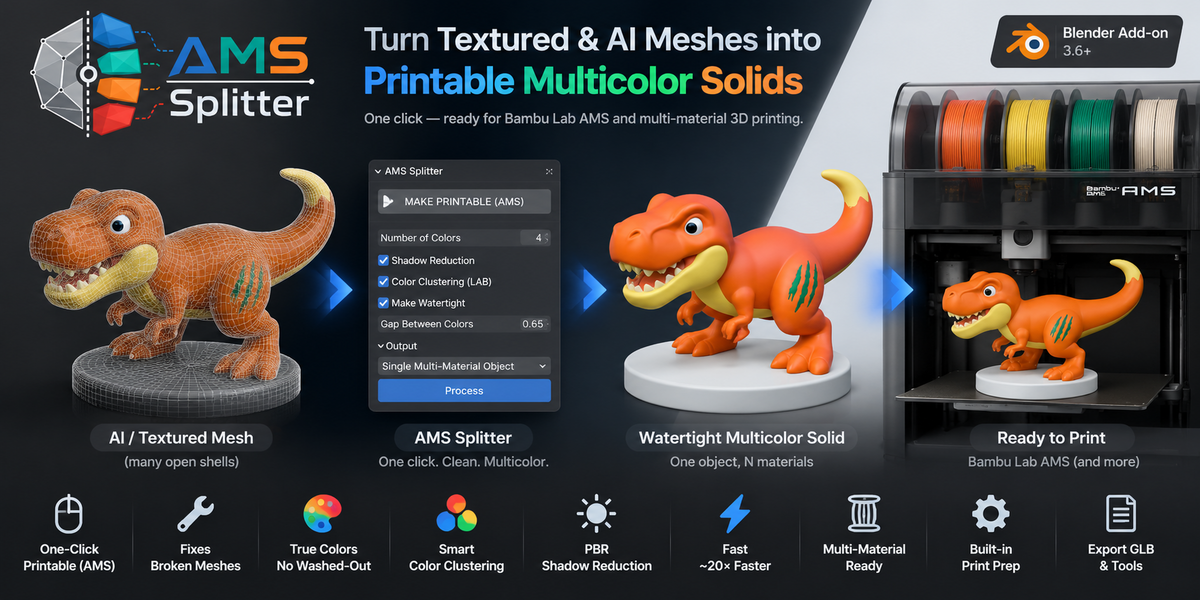


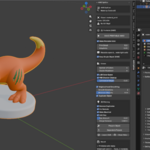
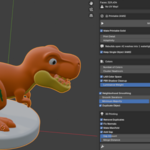
AMS Splitter
AMS Splitter — Turn Textured & AI Meshes into Printable Multicolor Solids
Tagline / Short Description (one-liner)
One click turns any textured or AI-generated model into a single watertight,
multi-material solid — ready for Bambu Lab AMS multicolor 3D printing.
Full Description
The problem
AI model generators (Meshy, Rodin, Luma, Tripo…) and downloaded PBR assets look
great on screen but are a nightmare to print in color. The color lives in a texture,
not in the geometry — so your slicer sees one gray blob. Worse, AI meshes arrive as
a "patchwork" of hundreds or thousands of open, disconnected shells: not watertight,
impossible to slice cleanly, and impossible to assign filaments to.
The solution
AMS Splitter bakes the texture's real colors *into the geometry as separate
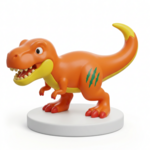
materials*, and rebuilds the model into one clean, watertight solid. The result is a
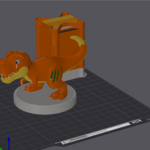
single object with N materials — one per color — which is exactly what Bambu
Studio (and other AMS/multi-material slicers) expect: one filament per material.
Load a model, press MAKE PRINTABLE (AMS), send to your slicer. That's it.
Key Features
🖨️ One-click Printable (AMS) — analyze colors, voxel-remesh into a single
watertight solid, and transfer the texture colors onto it via surface search (BVH).
🧩 Fixes broken AI meshes — turns thousands of open shells into one closed,manifold solid that slices without errors.
🎨 Faithful, saturation-preserving colors — each material keeps its true color
(vibrant greens, genuinely dark hair) instead of a washed-out average.
🧠 Smart color clustering (LAB + Cluster Headroom) — detects the dominant
colors and prevents large gradients (a dress) from swallowing small regions (hair).
☀️ PBR Shadow Reduction — ignores baked lighting/shadows so they aren't
mistaken for separate filament colors.
⚡ Fast numpy core (~20× faster) — a 1.5M-face mesh analyzes in ~5s instead of
~100s.
🧵 Bambu AMS ready — keep one multi-material object (recommended) or split into
separate physical parts.
🛠️ Built-in print prep — recalculate normals, remove doubles, make manifold,
add a gap between colors for multi-material fit, and merge-by-distance.
📦 Export GLB and material cleanup tools included.
How it works (3 steps)
1. Select a mesh with a Base Color texture and a UV map.
2. Set the number of colors (e.g. 4 for a 4-filament AMS) and press
MAKE PRINTABLE (AMS).
3. Export or send to your slicer — one object, one filament per material.
Perfect for
Multicolor 3D printing on Bambu Lab AMS, Prusa MMU, and other multi-material
systems.
AI-generated models from Meshy, Rodin, Luma, Tripo, and similar tools.
Turning downloaded PBR/GLB assets into printable colored objects.
Miniatures, figurines, busts, props, and display pieces.
Requirements
Blender 3.6 or newer.
A mesh with a UV map and a Base Color texture (or solid material colors).
Works fully offline — no account, no cloud, no subscription.
What's included
The AMS Splitter add-on (single .zip install).
Documentation and changelog.
Free updates.

