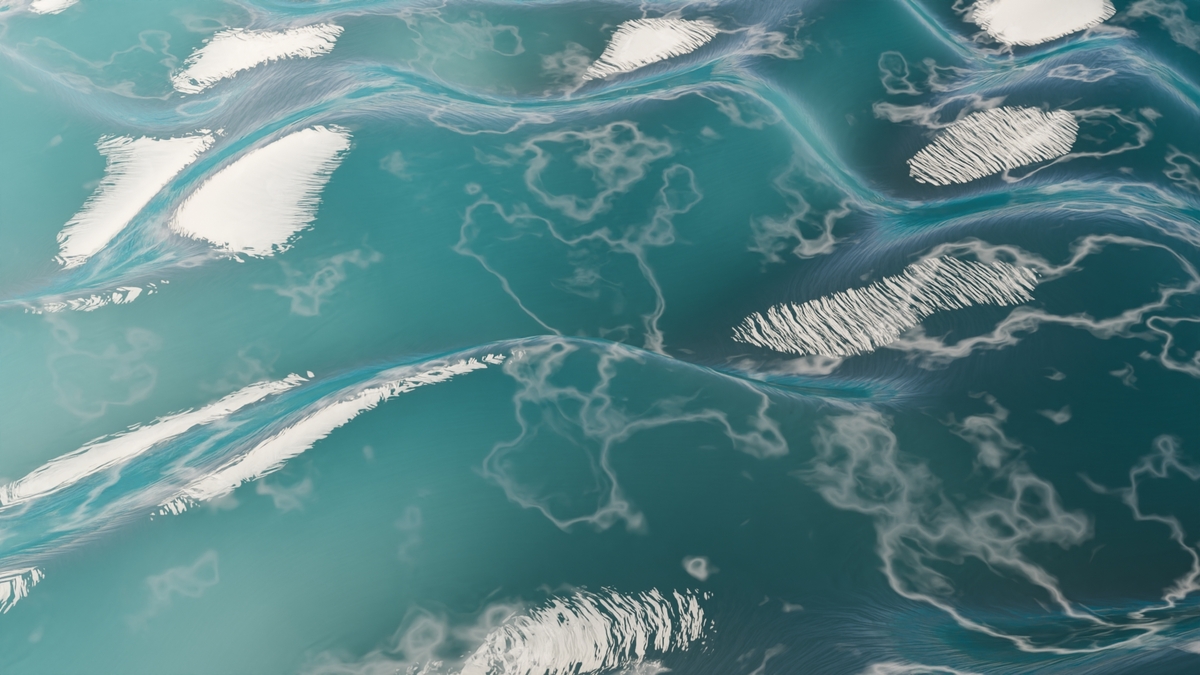
Animated Waves / Oceans Modifier (Incl. Geometry Nodes Modifier)
 Dennis Hafemann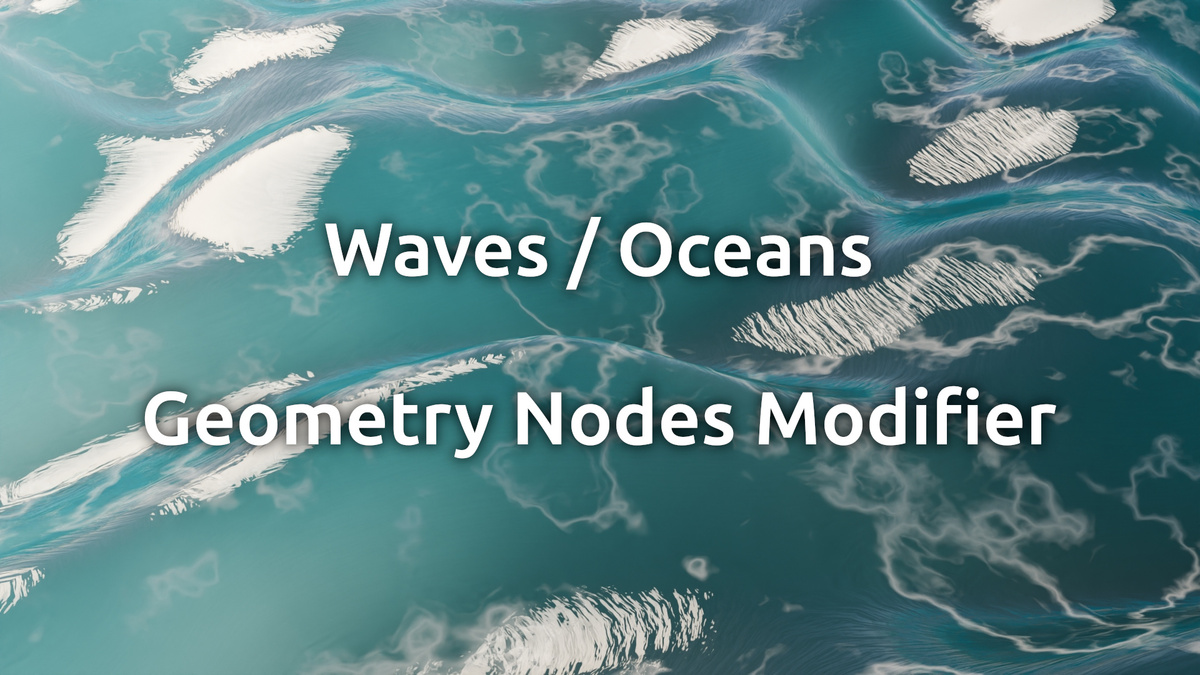
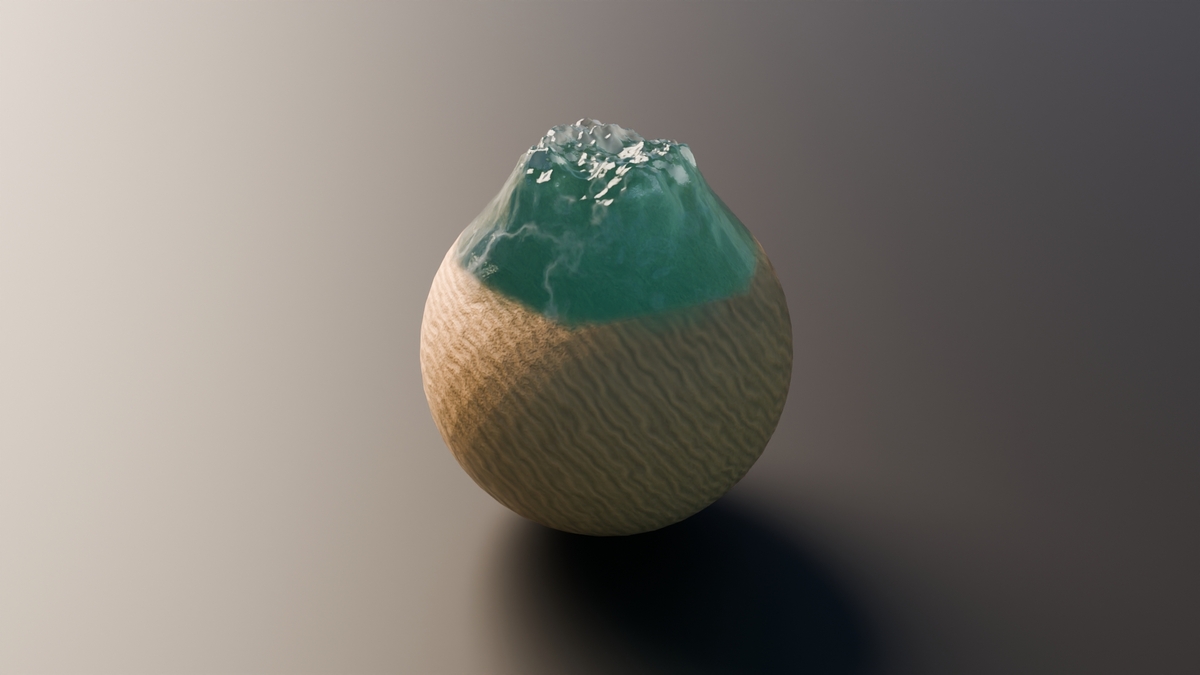


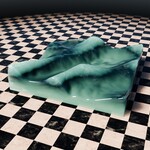
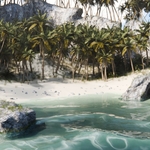
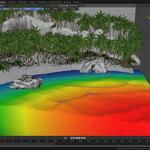
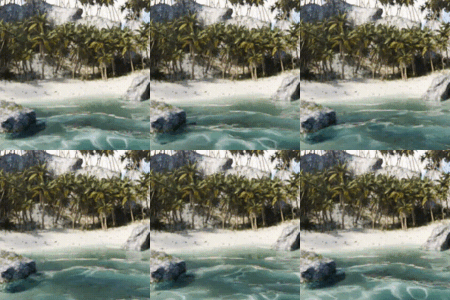
Modifier explained
|
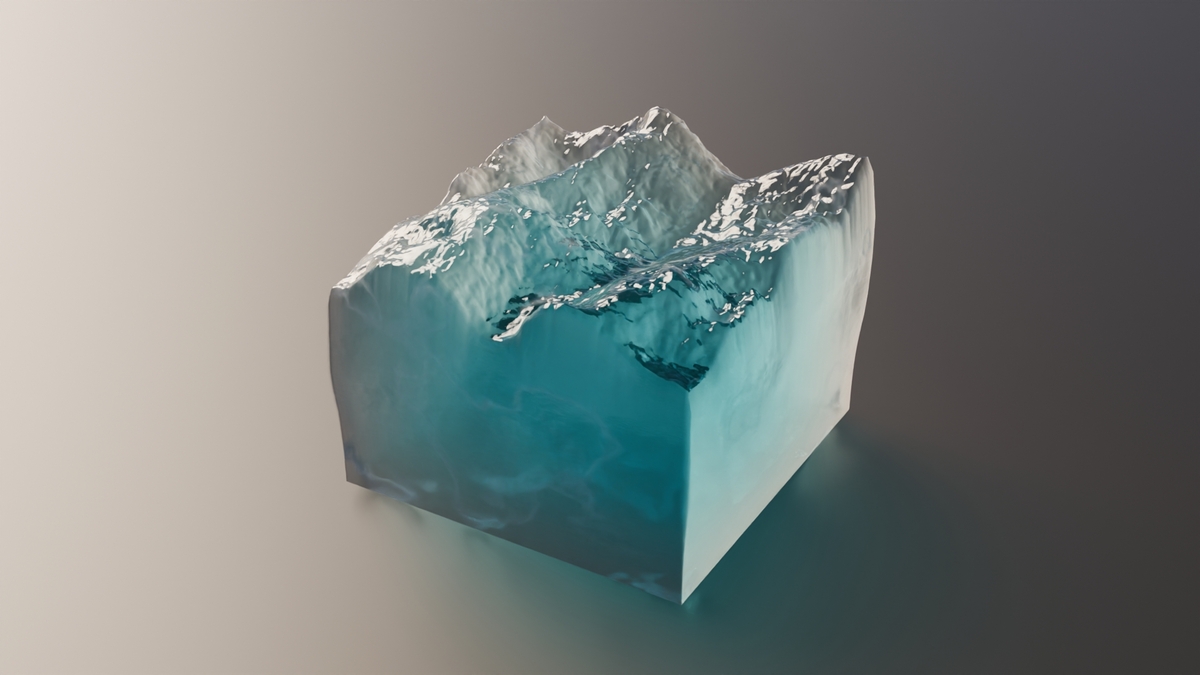
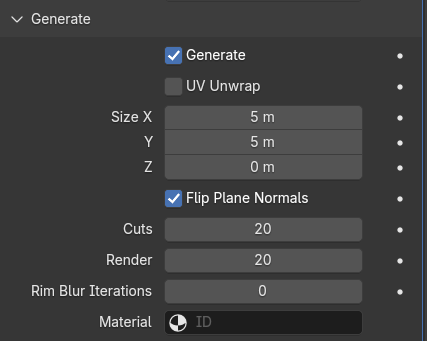
Let's you generate a plane/cube, with loop cuts, material, rim blur, etc. | |
|
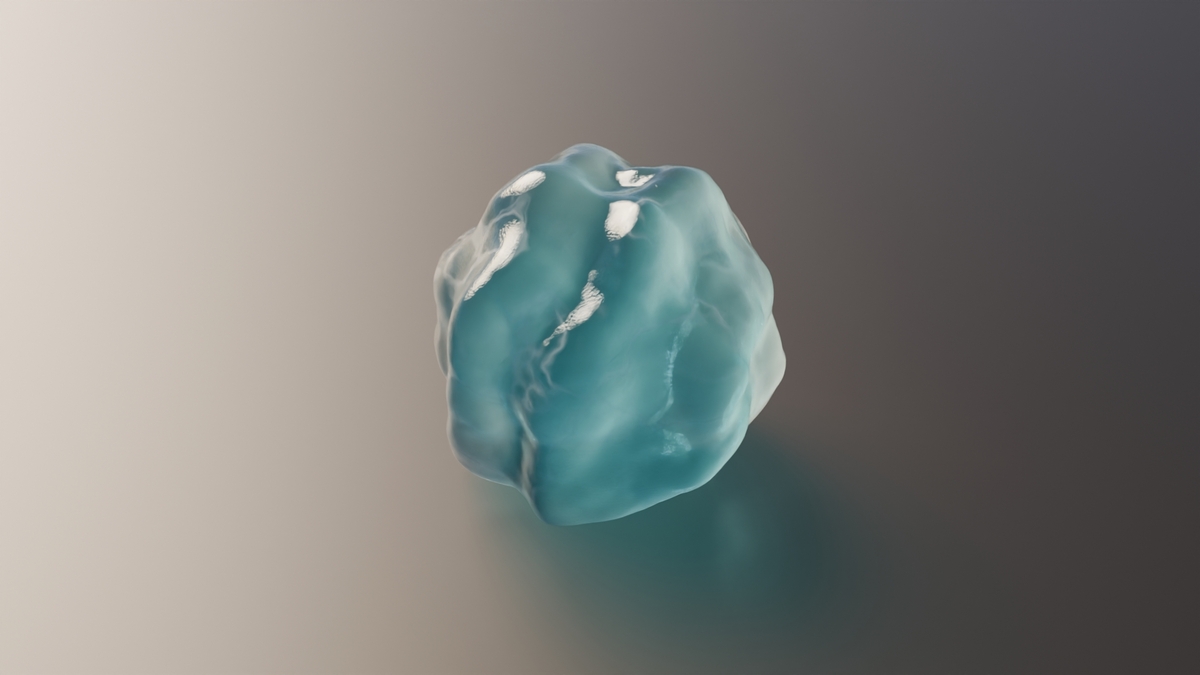
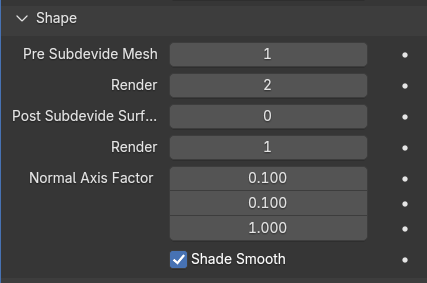
Let's you control some aspects of the used shape, your own mesh or the generated. Add pre and post subvidisons, effection for normal factor, etc. | |
|
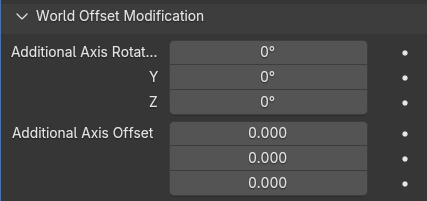
If needed, you can control the base vector used for generated the waves and noise. Rotate the wave with the axis rotation or shift it for your needs. | |
|
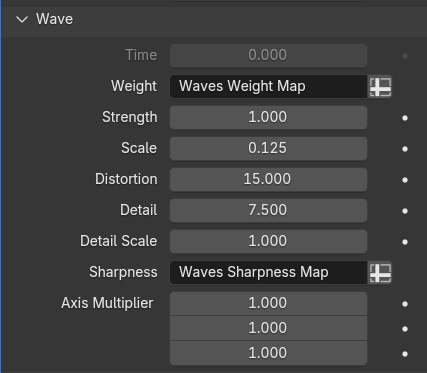
Controls the main waves. Make use of a manual time, if not animated. Use weight map, strength, scale, distortion, etc. | |
|
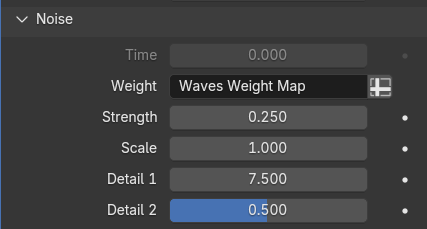
Controls the noise effect set on top of the waves. Use weight map, set strength, scale, etc. | |
|
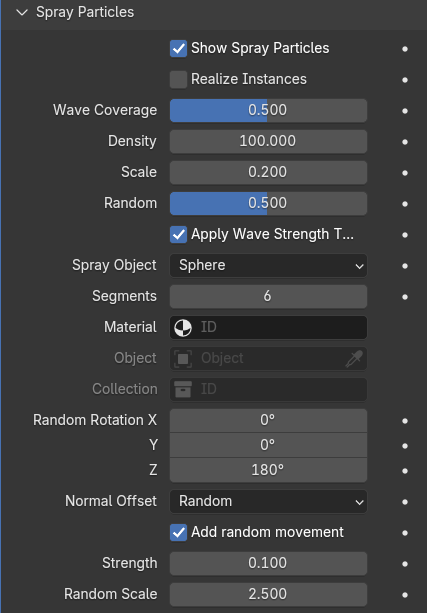
Control spray particles. Add spray particles on top of your waves. The "Wave Coverage" is based on "Wave Height Mapped" and mapped with this slider from 0 to 1. Control the density, scale, randomness, rotation, normal offset, etc. Even use your own custom spray particle objects. | |
|
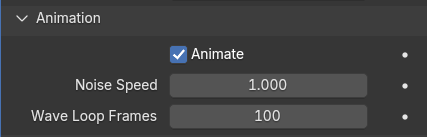
Let's you control the animation itself, noise speed and wave loop frames. | |
|
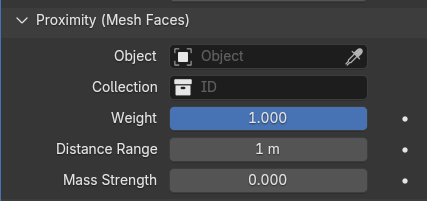
If need, you can make use of proximity to your selected objects. Use a weight map to control which parts of the waves are effected by proximity, set distance range and mass strength. |
Output Attributes / Variables
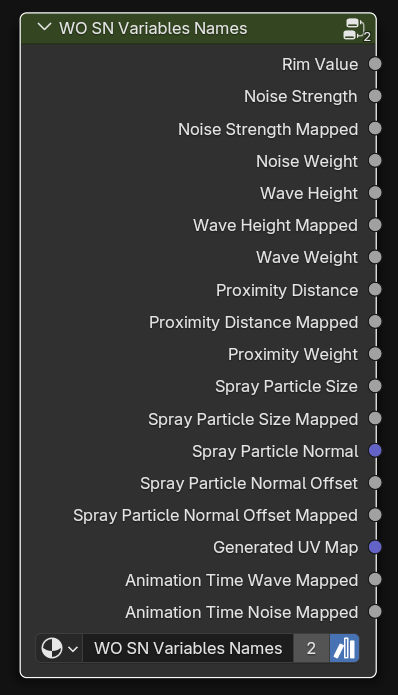
The Waves / Oceans modifier stores several attributes / variables, for use in materials and downstream geometry nodes modifiers. The valuesw will be stored on the geometry and instances.
|
Rim Value (wo_rim_value) |
When "generated", it stores the rim value, from 0 to 1, for it's iterations on the mesh edges. (geometry, float) |
|
|
Noise Strength (wo_noise_strength) |
Stores the absolute generated noise strength, let's say e.g. a value of 0.7 on a point. (geometry, float) |
|
|
Noise Strength Mapped (wo_noise_strength_mapped) |
Stores the generated noise strength, but mapped from 0 to 1, according to other noise properties. (geometry, float) |
|
|
Noise Weight (wo_noise_weight) |
Stores the weight (map) used for noising. This let's you transfer a weight map to materials and downstream modifiers. (geometry, float) |
|
|
Wave Height (wo_wave_height) |
Stores the absolute generated wave height, let's say e.g. a value of 1.2 on a point. (geometry, float) |
|
|
Wave Height Mapped (wo_wave_height_mapped) |
Stoes the generated wave height, but mapped from 0 to 1, according to other wave properties. (geometry, float) |
|
|
Wave Weight (wo_wave_weight) |
Stores the weight (map) used for waving. This let's you trans a weight map to materials and downstream modifiers. (geometry, float) |
|
|
Proximity Distance (wo_proximity_distance) |
Stores the absolute generated proximity distance to the selected objects. (geometry, float) |
|
|
Proximity Distance Mapped (wo_proximity_distance_mapped) |
Stores the generated proximity distance, but mapped from 0 to 1, according to other proximity properties. (geometry, float) |
|
|
Proximity Weight (wo_proximity_weight) |
Stores the weight (map) used for proximity effection. This let's you trans a weight map to materials and downstream modifiers. (geometry, float) |
|
|
Spray Particle Size (wo_spray_particle_size) |
Stores the absolute generated size of a spray particle. (instancer, float) |
|
|
Spray Particle Size Mapped (wo_spray_particle_size_mapped) |
Stores the size of the spray particle, but mapped from 0 to 1, according to other spray particle properties. (instancer, float) |
|
|
Spray Particle Normal (wo_spray_particle_normal) |
Stores the normal direction a spray particle instance is placed on. (instancer, vector) |
|
|
Spray Particle Normal Offset (wo_spray_particle_normal_offset) |
Stores the absolute generated normal offset of the spray particle. (instancer, float) |
|
|
Spray Particle Normal Offset Mapped (wo_spray_particle_normal_offset_mapped) |
Stores the spray particle normal offset, but mapped from 0 to 1, according to other spray particle properties. (instancer, float) |
|
|
Generate UV Map (wo_generate_uv_map) |
When "generated", this attributes stores the generated uv map for the generated mesh. Keep it off, if you really don't need it. (geomtry, vector) |
|
|
Animation Time Wave Mapped (wo_animation_time_wave_mapped) |
If animated, this stores the mapped wave animation time from 0 to 1. E.g. This stores a value of 0.5 on frame 50 if an animation loop has 100 frames, it stores also 0.5 on frame 60 if the animation has 120 frames loop. (geometry, float) |
|
|
Animation Time Noise Mapped (wo_animation_time_noise_mapped) |
If animated, this stores, like "Animation Time Wave Mapped", the mapped noise animation time from 0 to 1. (geometry, float) |
To make it easier to make use of these attributes, "Waves / Oceans Modifier" provides node groups, bundleling the usage and names.
|
|
|
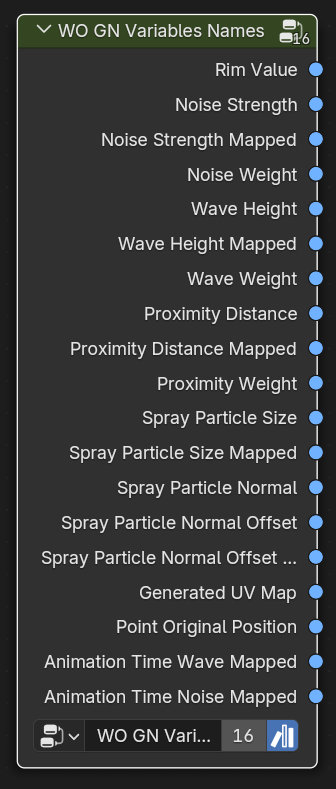
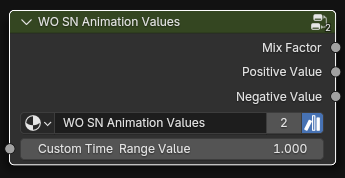
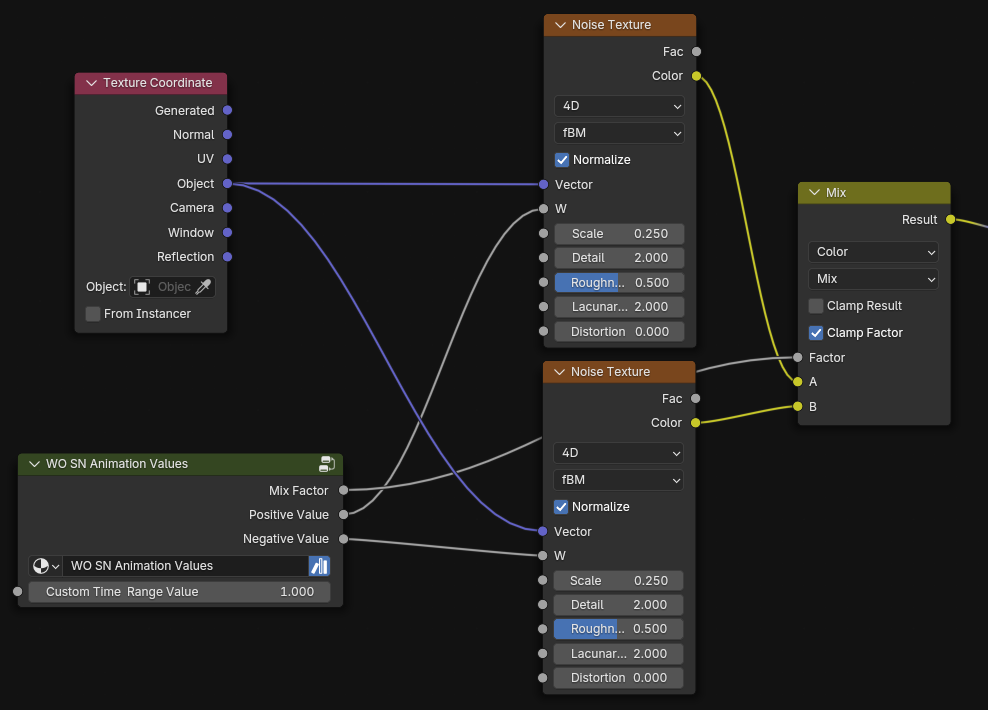
For example, use the stored animation values in your materials to hook a loop animation depending on your waves animation with ease.
Versions Changelog
v3
- Generate (Plane / Cube Object) (default)
- Rim Blur Iterations (if generated)
- Wave "Sharpness"-Factor
- Additional Axis Offset -> World Offset Modification, move your waves around for your needs
- Bug fix: Set minimum value of properties
- Bug fix, rearranged some geo-nodes, for there were some normal/face-backface issues
- Spray Particles, with wave weight coverage, density, offset, etc.
- Several Output variables, for handling wave-data in materials and geometry nodes modifiers
v2
- Additional axes rotation
- Waves axes multiplier
- Mesh object/collection proximity
v1
- First, initial version
- Works with Blender 3.6+
$5
Have questions about this product?
Login to message
| Sales | 20+ |
| Rating | 1 ratings |
| Dev Fund Contributor | |
| Published | over 1 year ago |
| Blender Version | 3.6 - 5.2 |
| Render Engine Used | Cycles, Eevee |
| License | Royalty Free |