 Animates


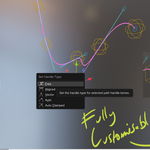
Shape your animation arcs directly in Blender.Arc Buster + Onion Skins - $15 on Superhive
Shape your animation arcs directly in Blender
Arc Buster turns motion paths into editable 3D animation controls. Move animation keys and Bezier handles, reshape arcs, preserve motion whilst retiming, and use Live Graph Link to see Graph Editor changes update the rig and arc in real-time.
FK, IK, objects & cameras. Real Blender Keyframes. Fast Visual feedback.
Polish hand arcs, feet, props, cameras and full object motion without losing sight of the movement you are creating.
2: Sculpt keys
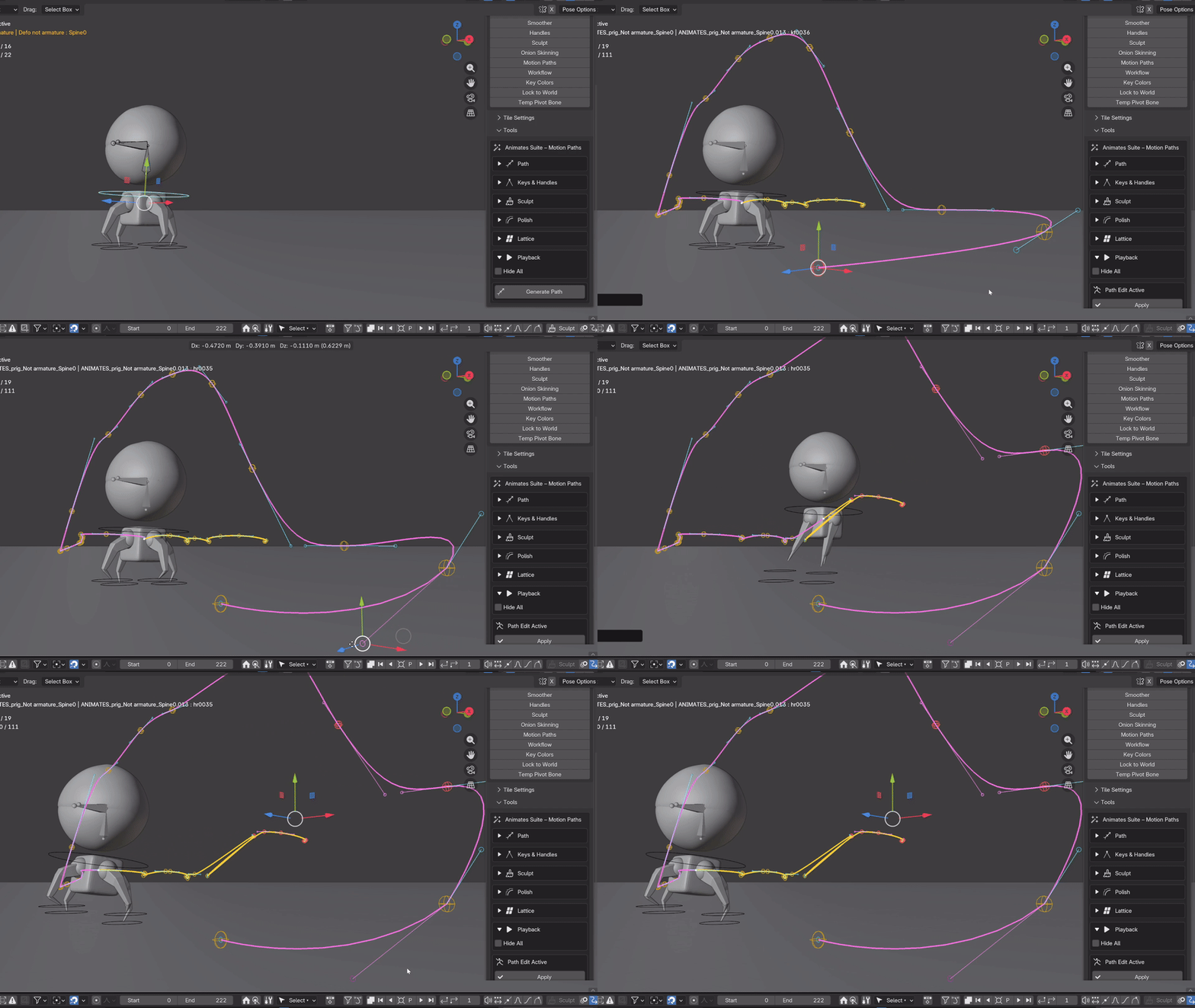
Multiple paths can be generated and simultaneously adjusted - this is the sculpt tool being demonstrated to nudge and smooth the keys and paths. Again, the responsiveness is quick and intuitive.
3: Lattice adjustments
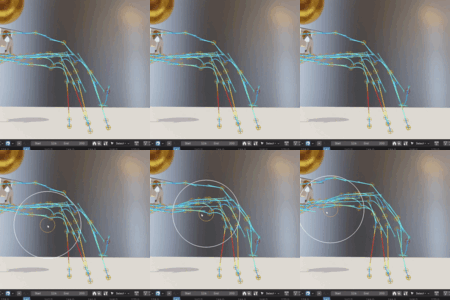
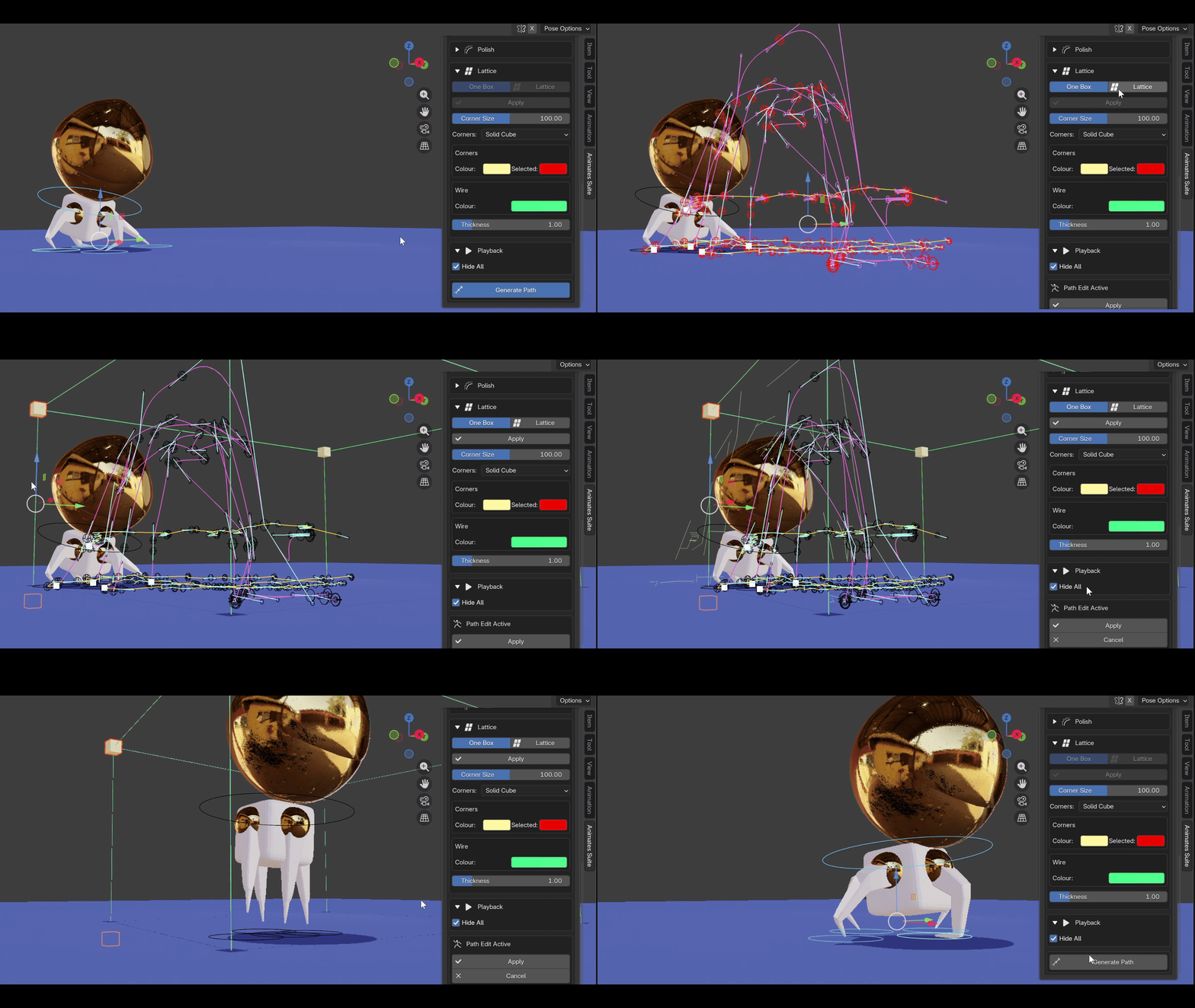
Using the lattice bounding box, selected keys or the whole section of the path can be completely reshaped and sculpted, representing a stretching of the 3d space across any axis.
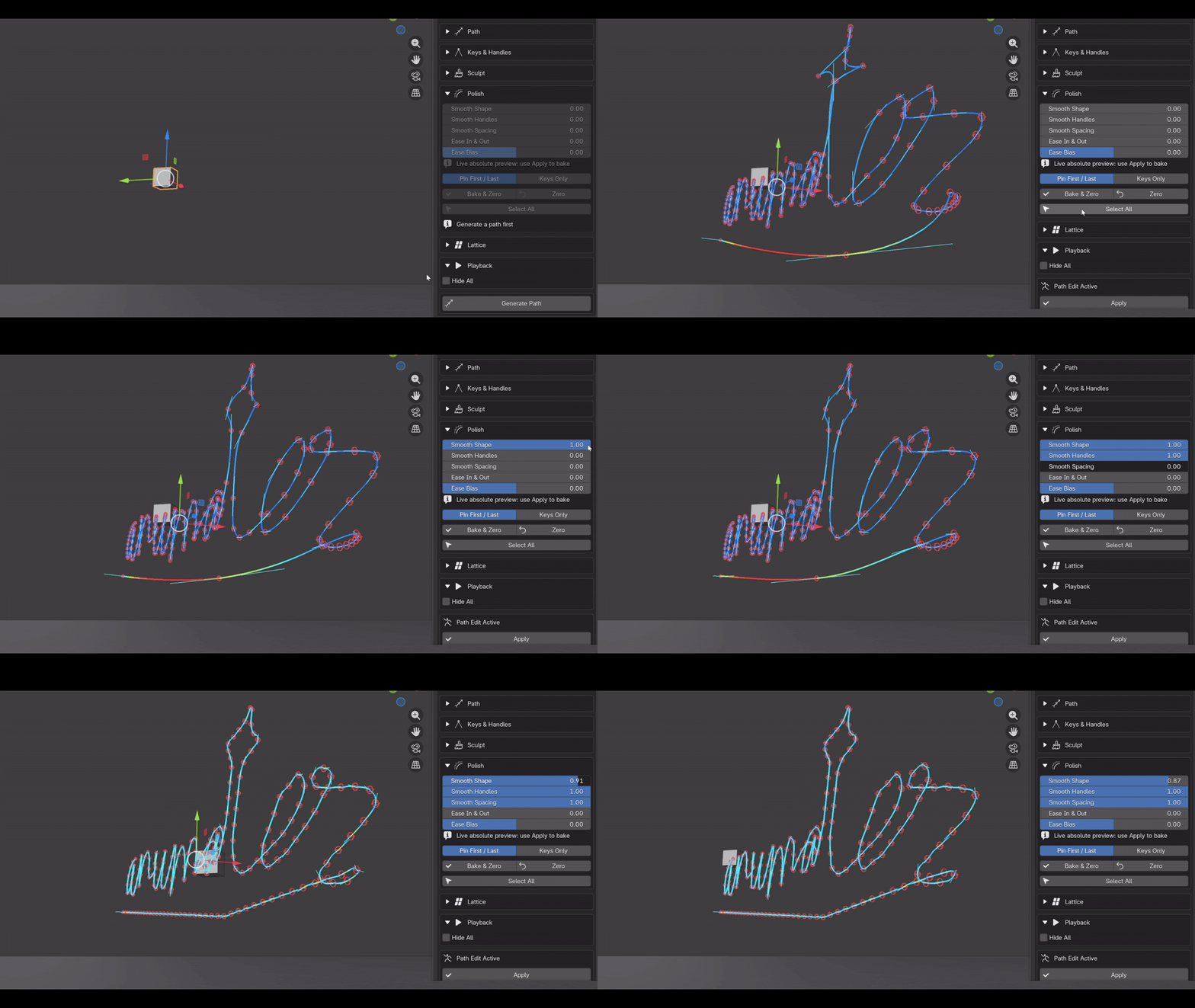
4: Polish
Whole paths or selected sections can be easily polished with the Smoothing Sliders; keys, handles, spacing, easing and bias can all be quickly implemented with immediate responsiveness.
5: Multiple objects
Multiple objects can be simultaneously manipulated, both in key manipulation and with the lattice deformer.
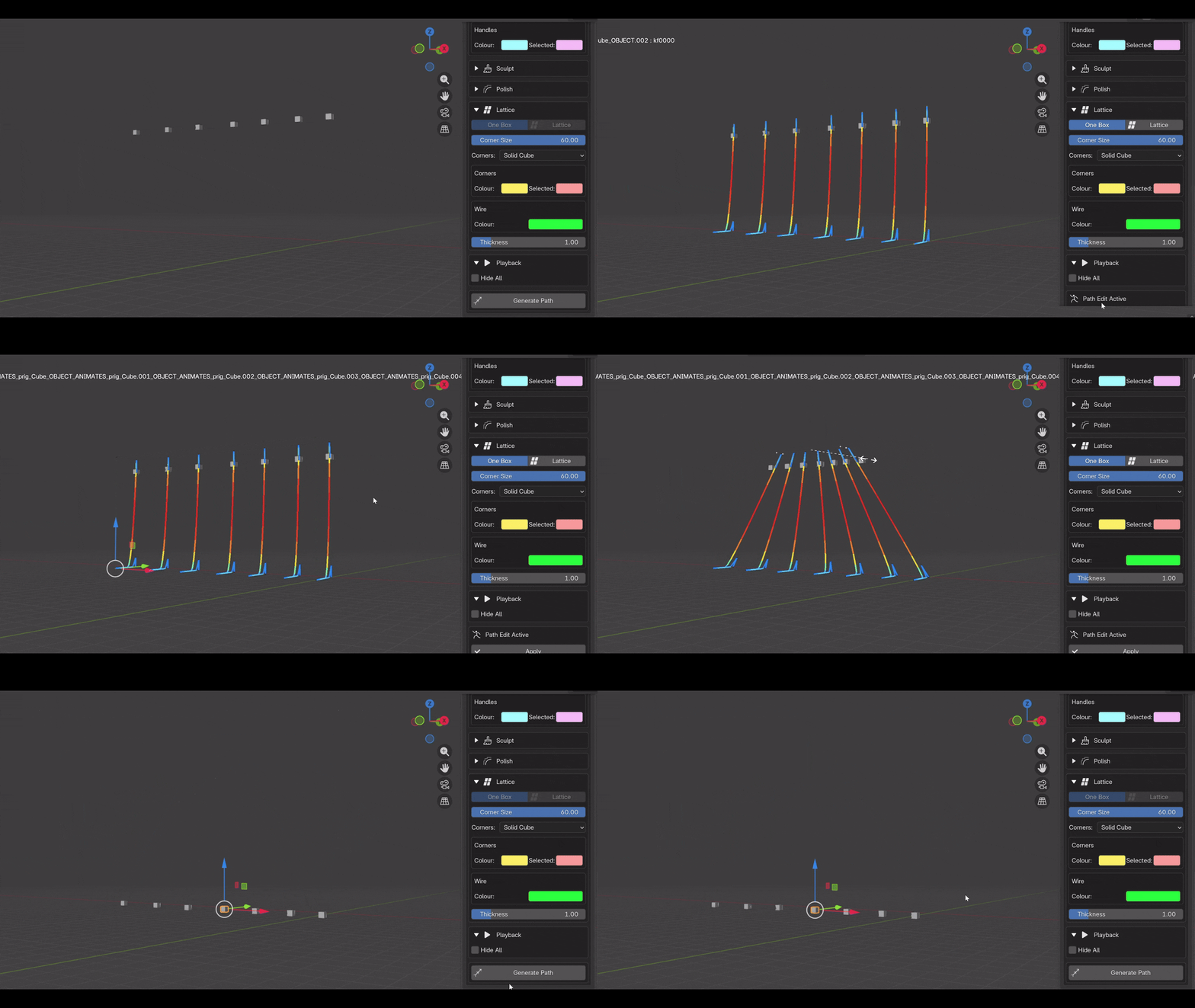
Colour shape options
Onion Skinning
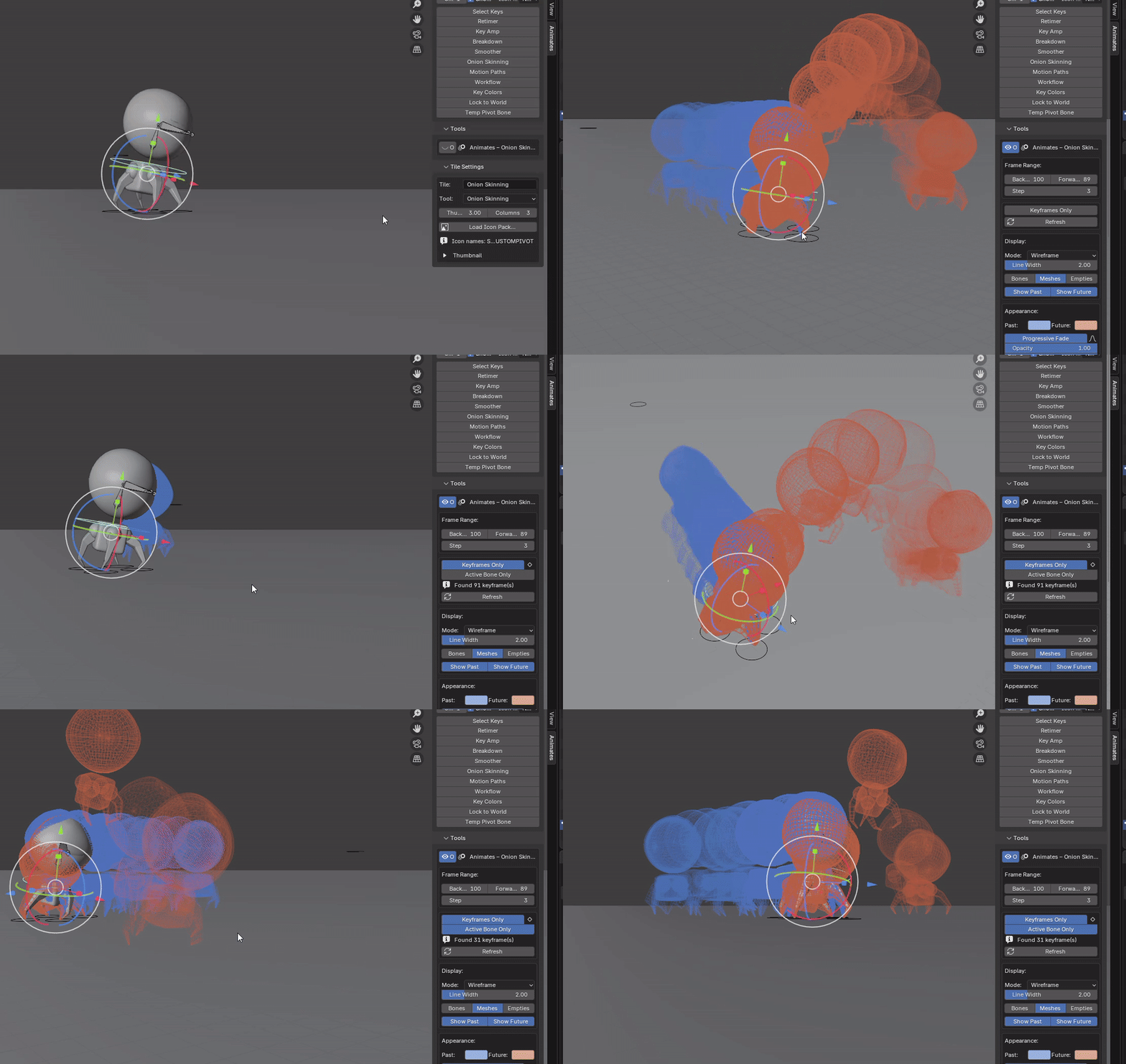
Shows ghosted poses before and after the current frame so you can quickly judge spacing, arcs and timing — just the information you actually need while polishing animation.
The newer version also supports per-bone onion skins, which means you can focus on the motion of the controller you're working on rather than seeing the entire rig ghosted everywhere.
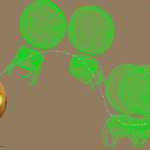
Toggle between mesh/bones/empties. Toggle visibility of past and future skins. The colour of bones can also be changed.
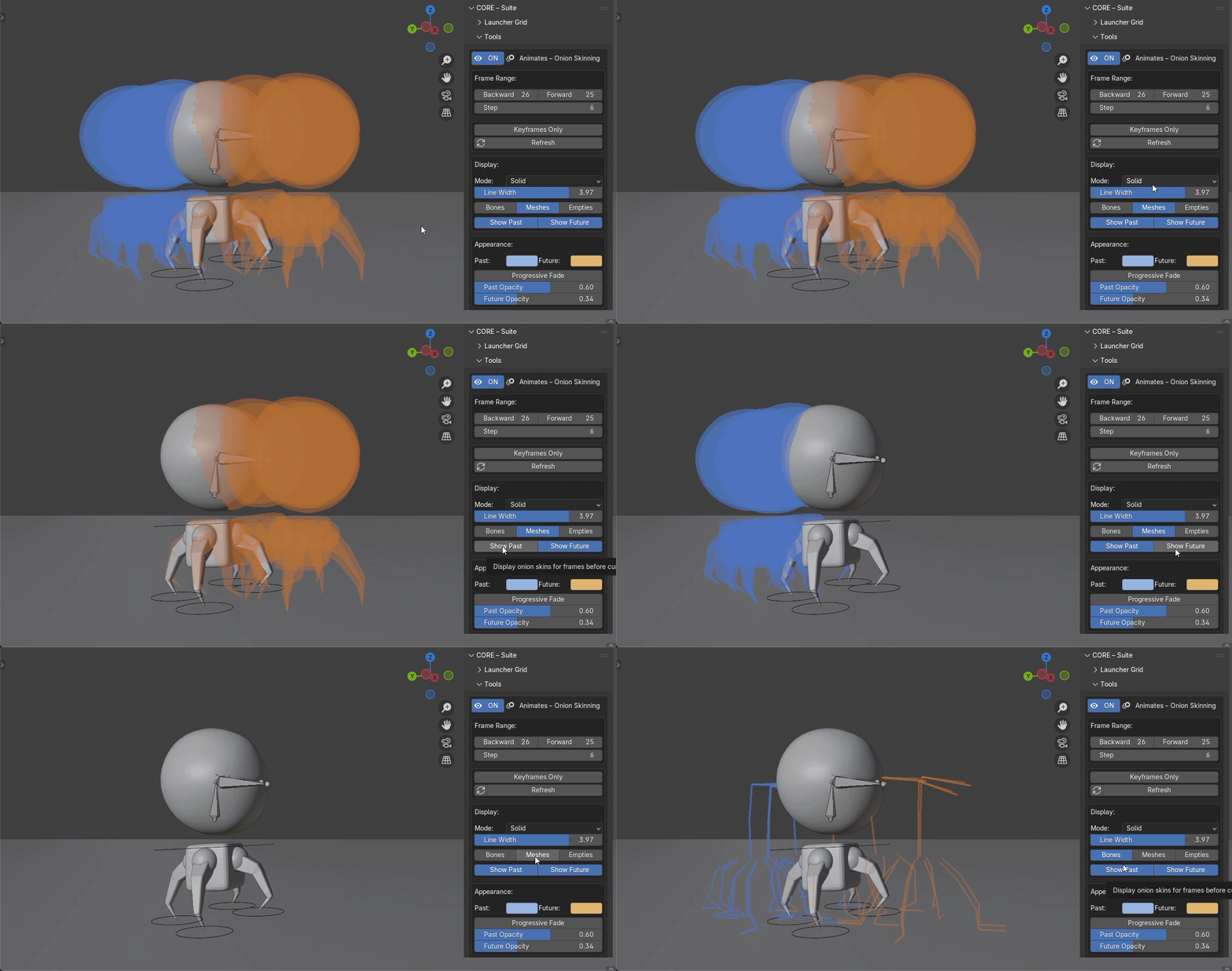
Show skins for up to 200 frames in either direction. Stepped option to stagger skins. Wireframe or solid mode on meshes. Progressive fade showing distance from playhead, editable Opacity in either direction too.
Skins can be toggled to show all frames, stepped to values, keyframes or keyframes per bone.
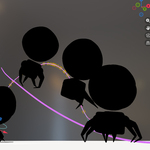
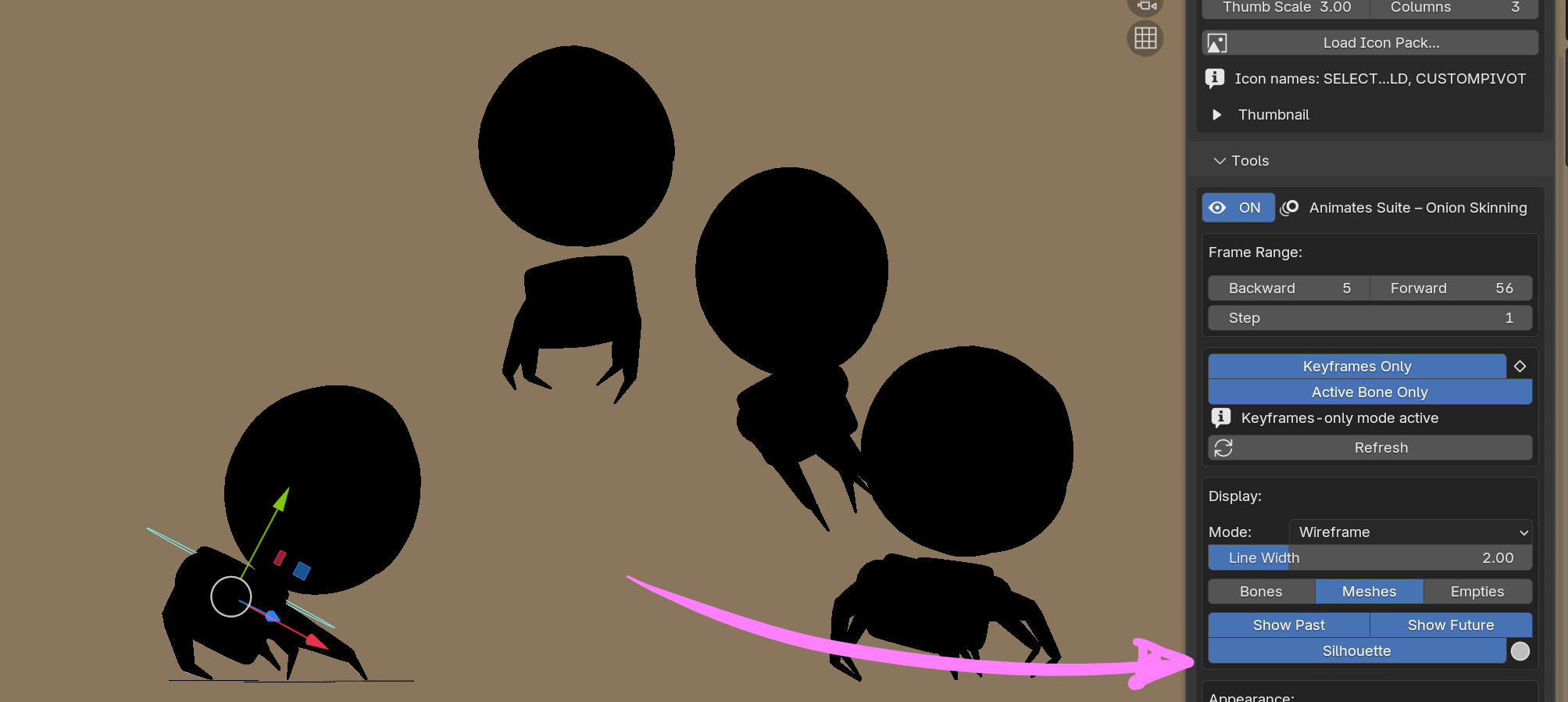
Silhouettes can now be toggled on to check posing strength.
Shaolin Monk model by Juan Hernández