 Animates



Major Update!
Alongside the Complete Suite listed below, I have in this recent update included many more powerful new tools:
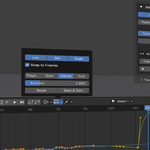
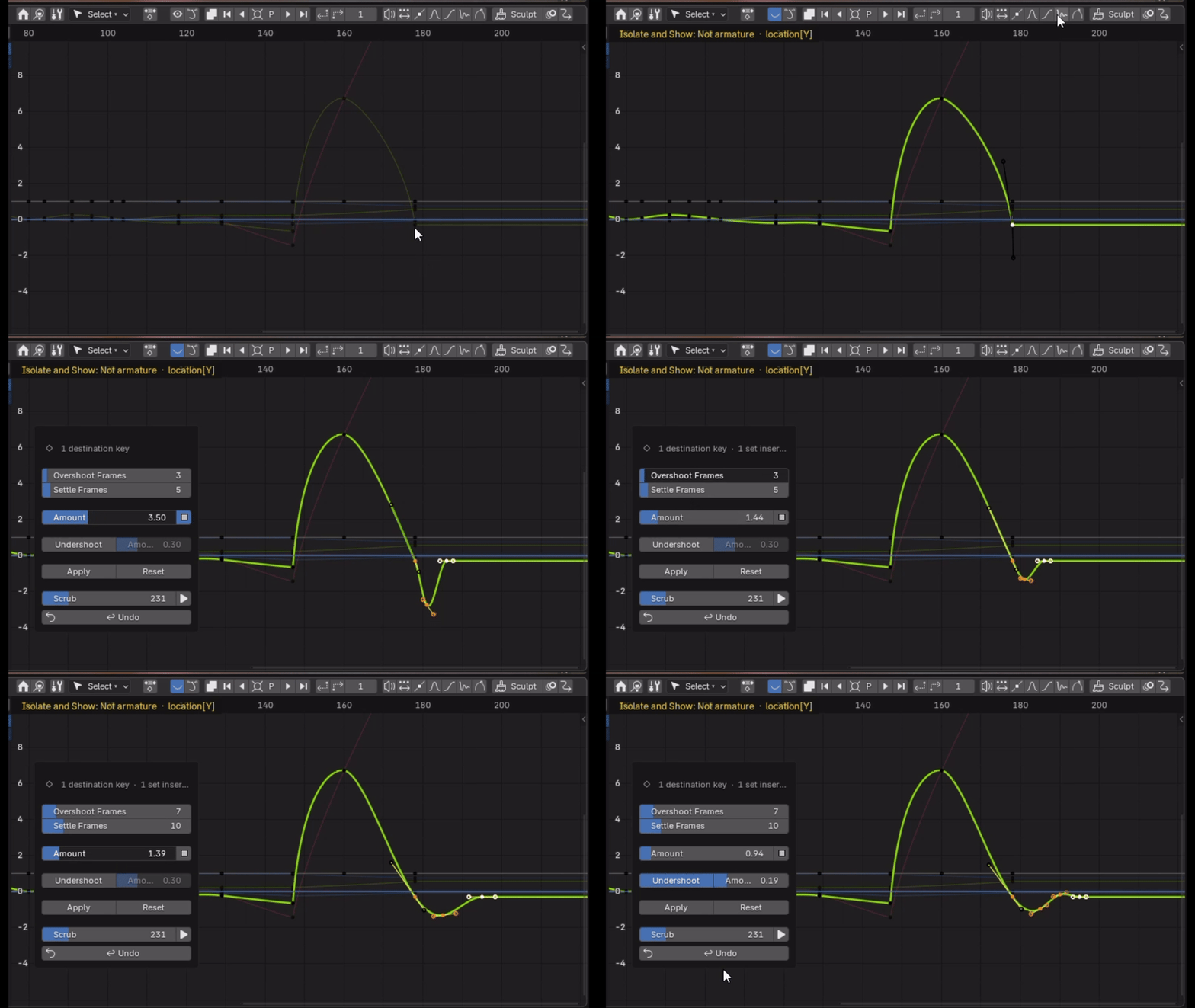
Overshoot
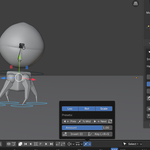
Handles
Sculpt

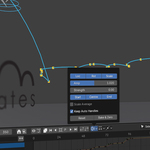
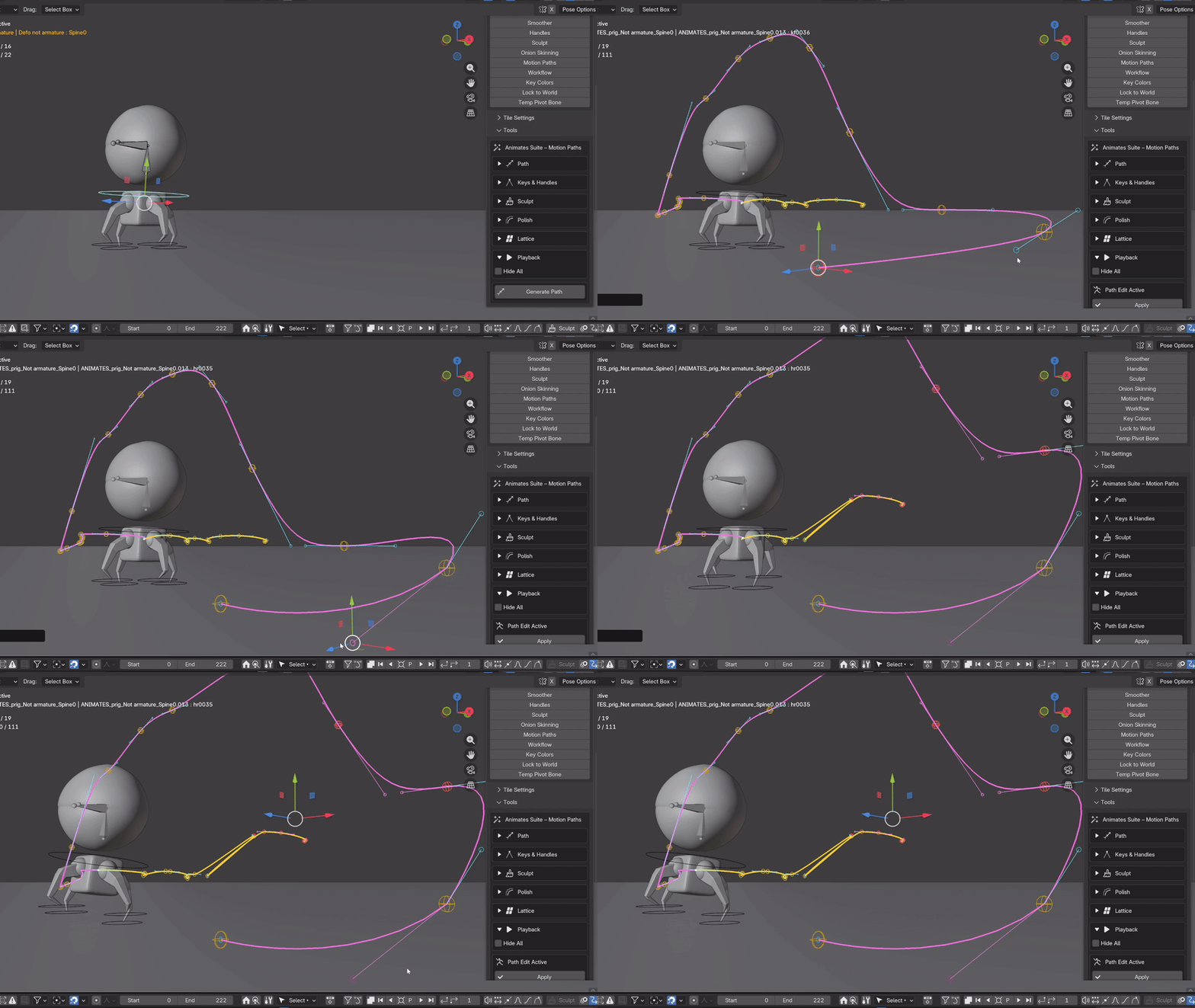
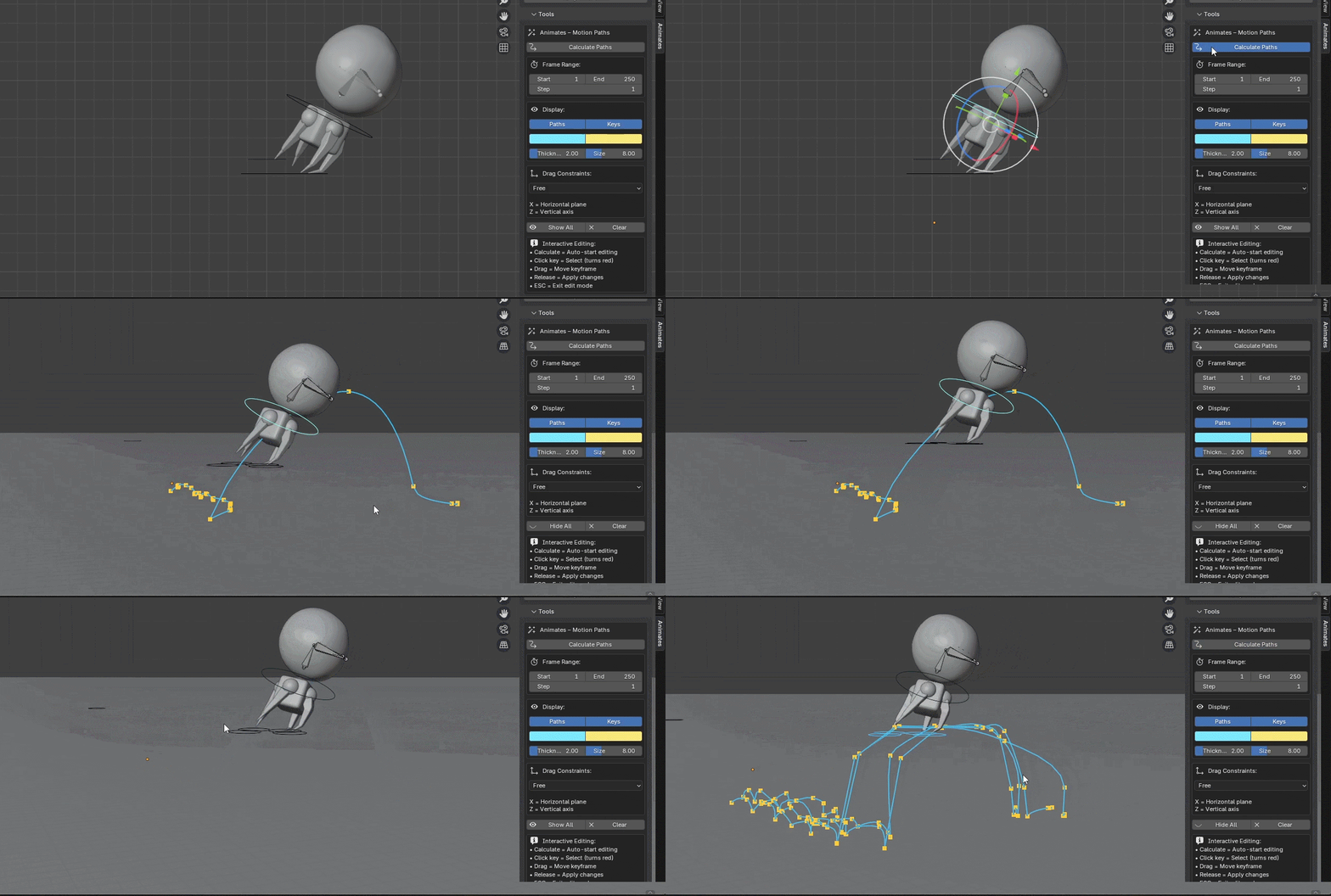
Editable Motion Path
Animates – an animation toolkit for Blender.
I built Animates because I missed that "buttons + sliders = instant joy" feeling from Maya (hello AnimBot), all I wanted was to stay in the viewport and pose, push keys, retime, clean, and keep moving.
So, the solution: this professional suite of many practical, visual, hands-on animation helpers - the stuff you reach for 200 times a day - all living in one compact and harmonious place.
One-time purchase, forever updates, educational discounts.
How does it feel?
- Fast, simple, and "in the flow"
- Animator-first controls (sliders, toggles, quick actions)
- Less fussy, more felt
- Designed for real rigs, real scenes, real deadlines, real fun
What it does-
This demo video covers the new updates too, including the awesome Editable Motion Path tool. Also, in the update is a fabulous new overshoot tool too!
Great to see the team at CG Vortex demonstrating some of the tools -
1. Select Keys
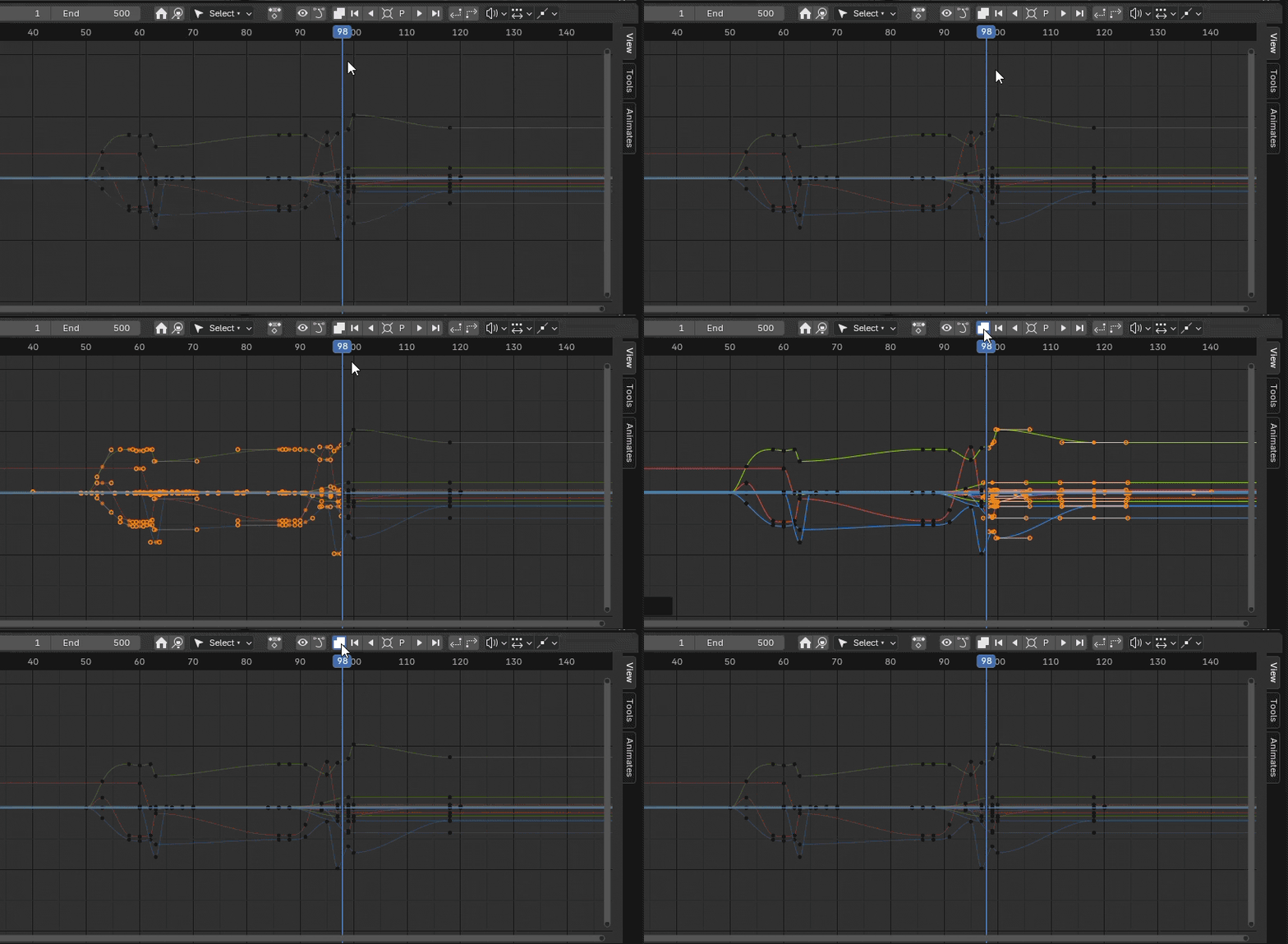
Smart selection modes, playhead/nearest, repeated click grow, next keys, all in either direction, select all alt invert, nudge either direction, channel visibility toggle. Holding shift adds to selections, cntrl subtracts. Alt and the select all button inverts the selection.
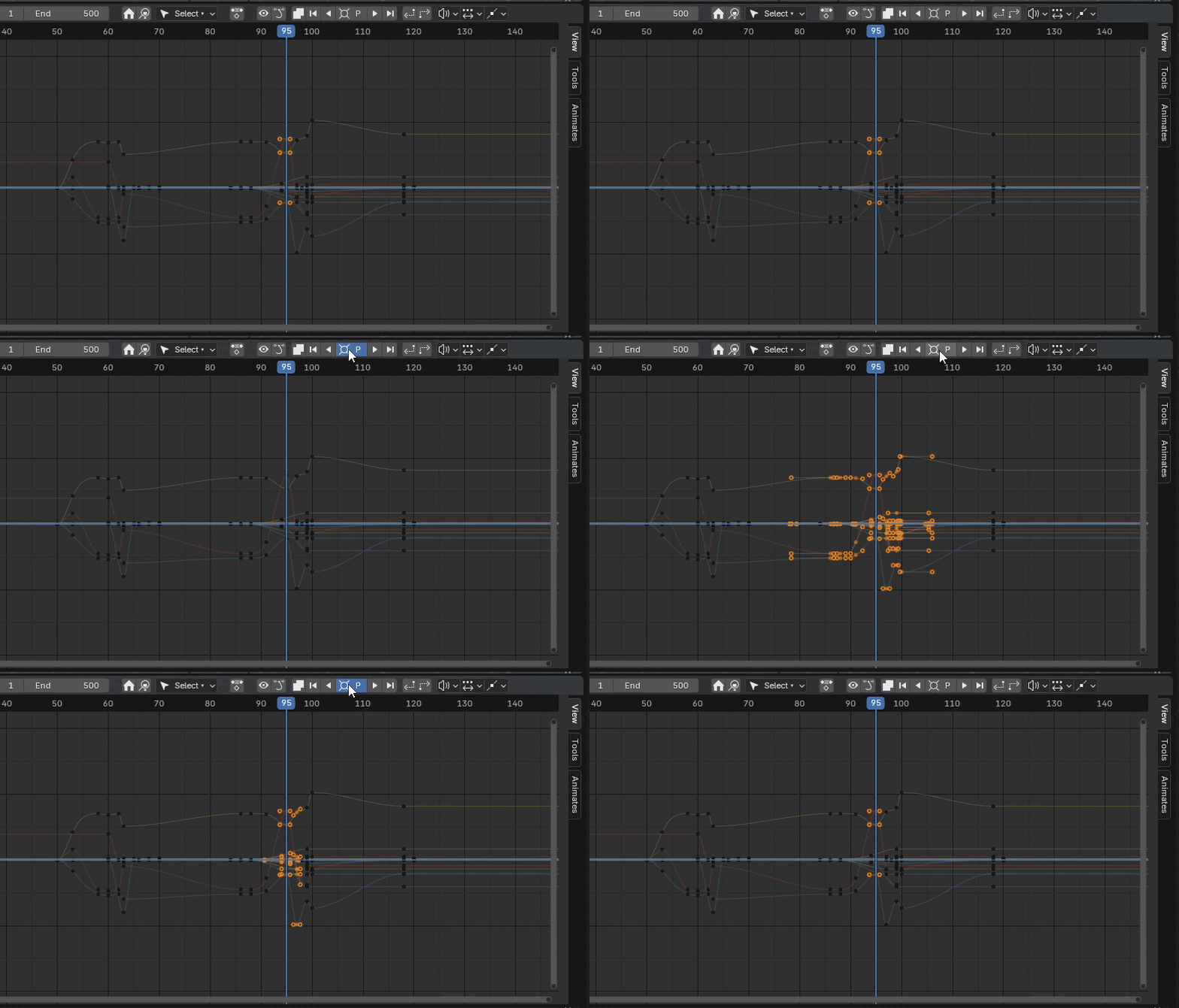
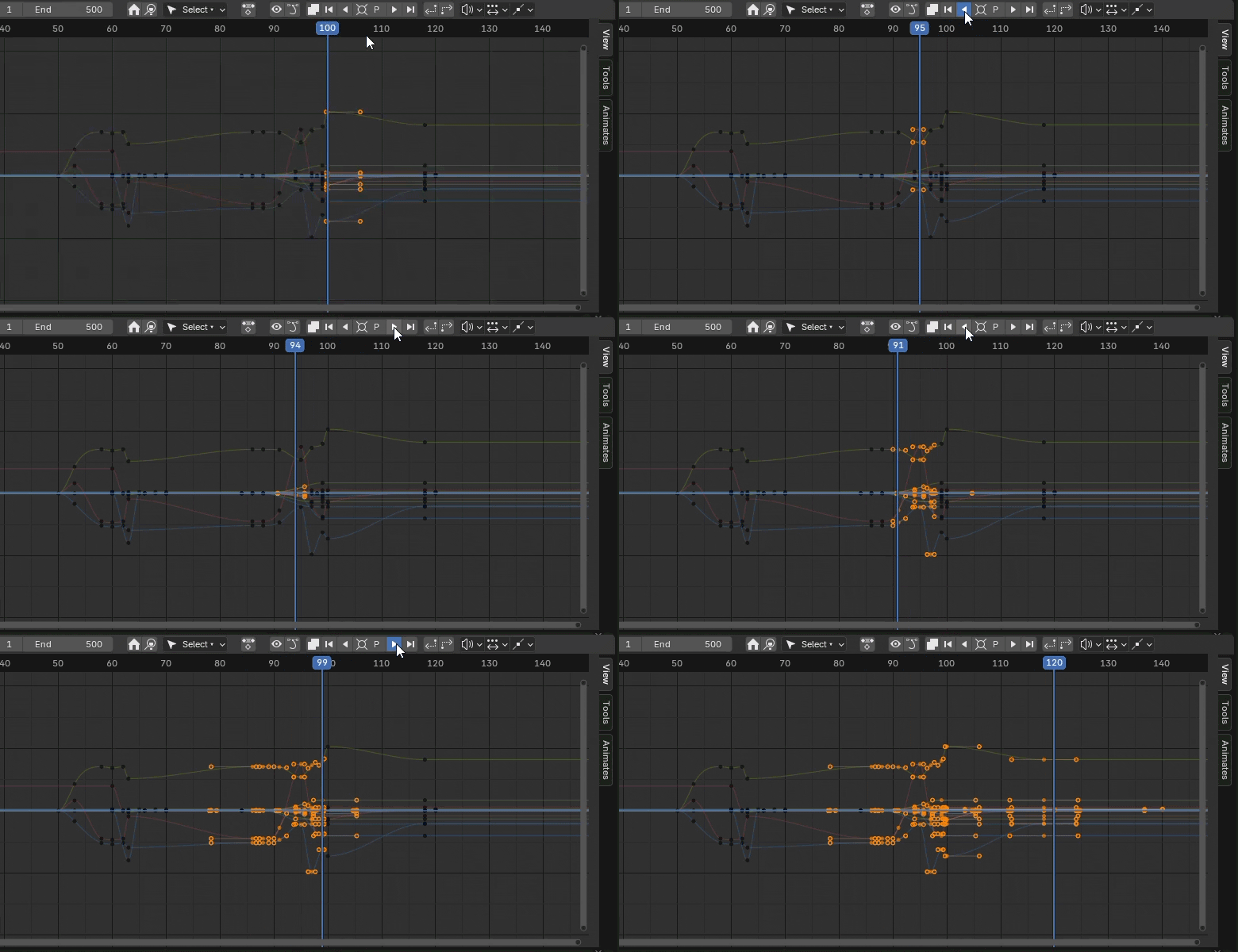
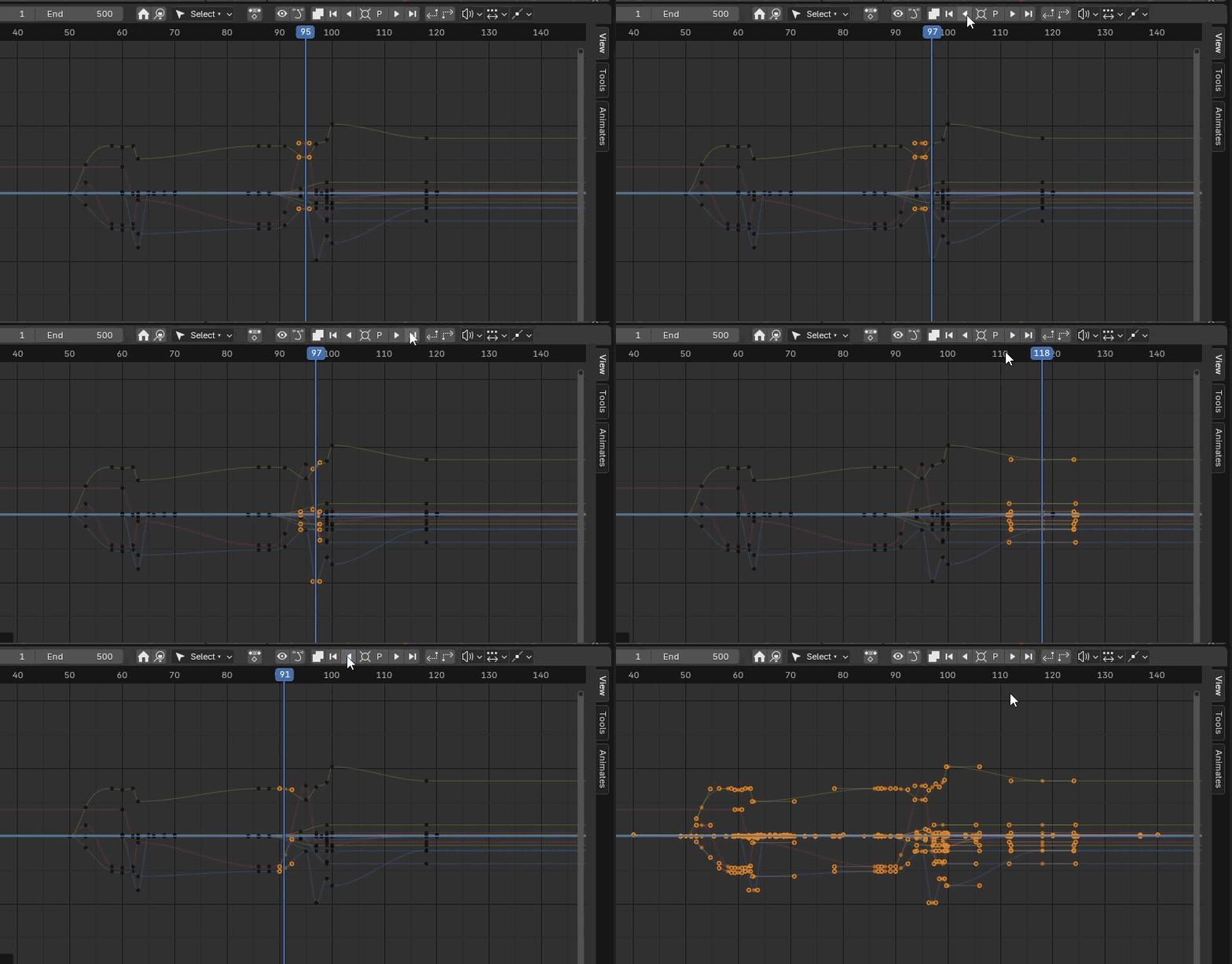
The Nudge buttons can be set to any frame count/number, simple and useful.
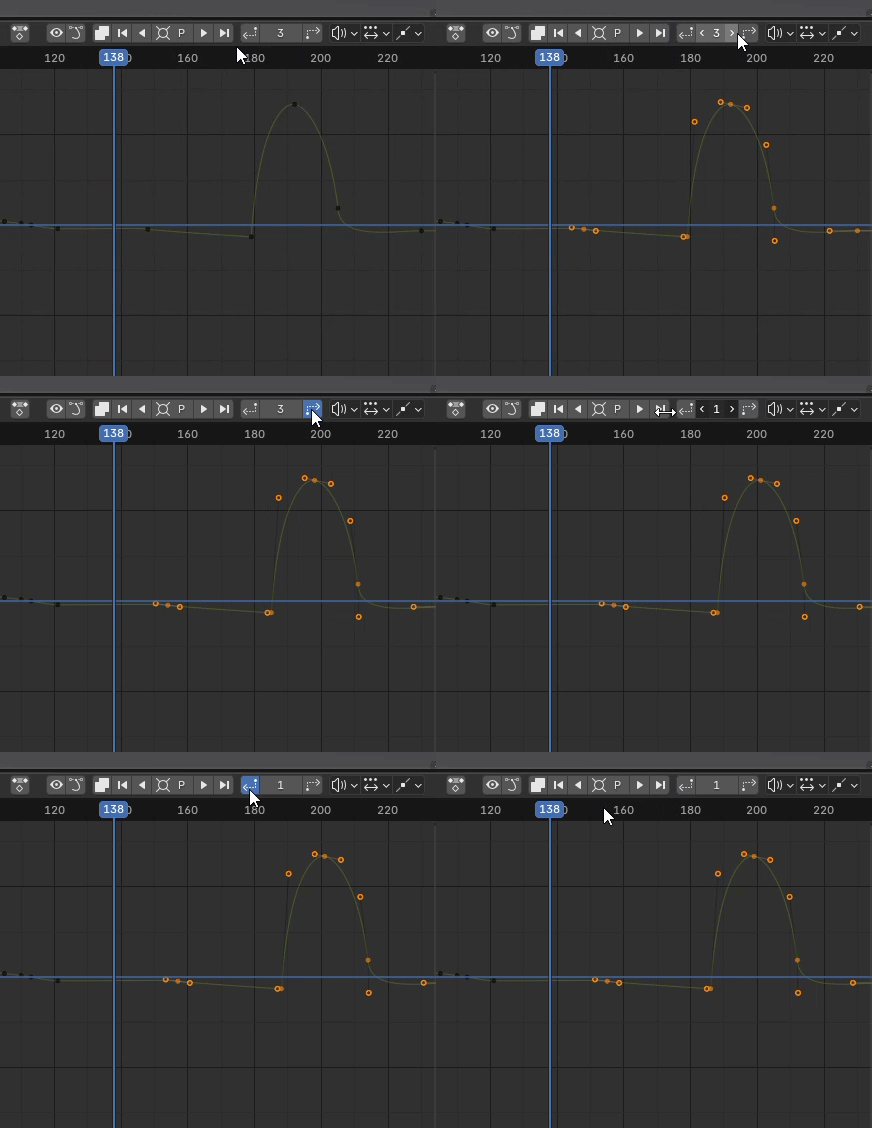
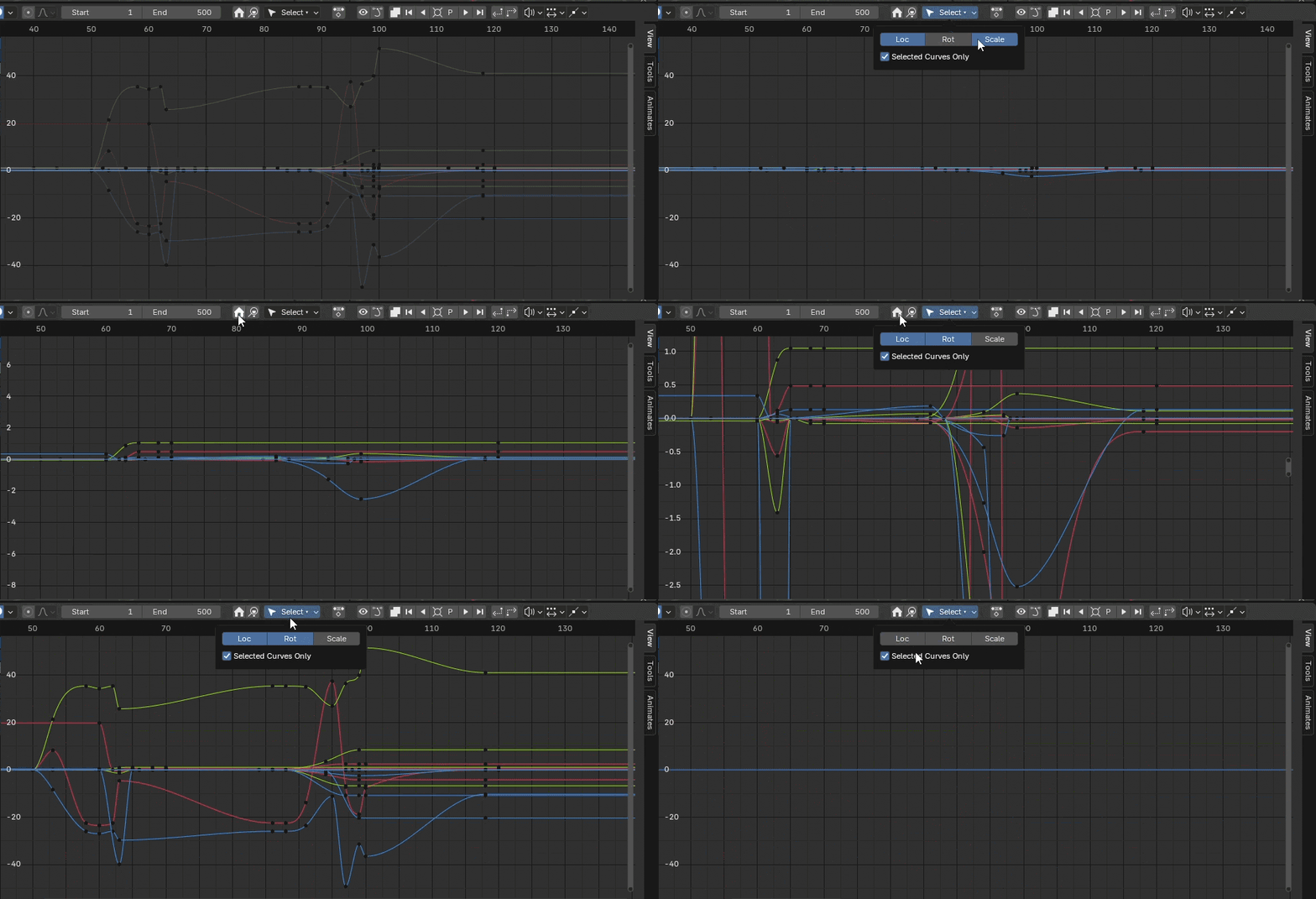
Other header buttons include home, frame selected, isolate curves, handle toggle, dope/graph editor toggle.
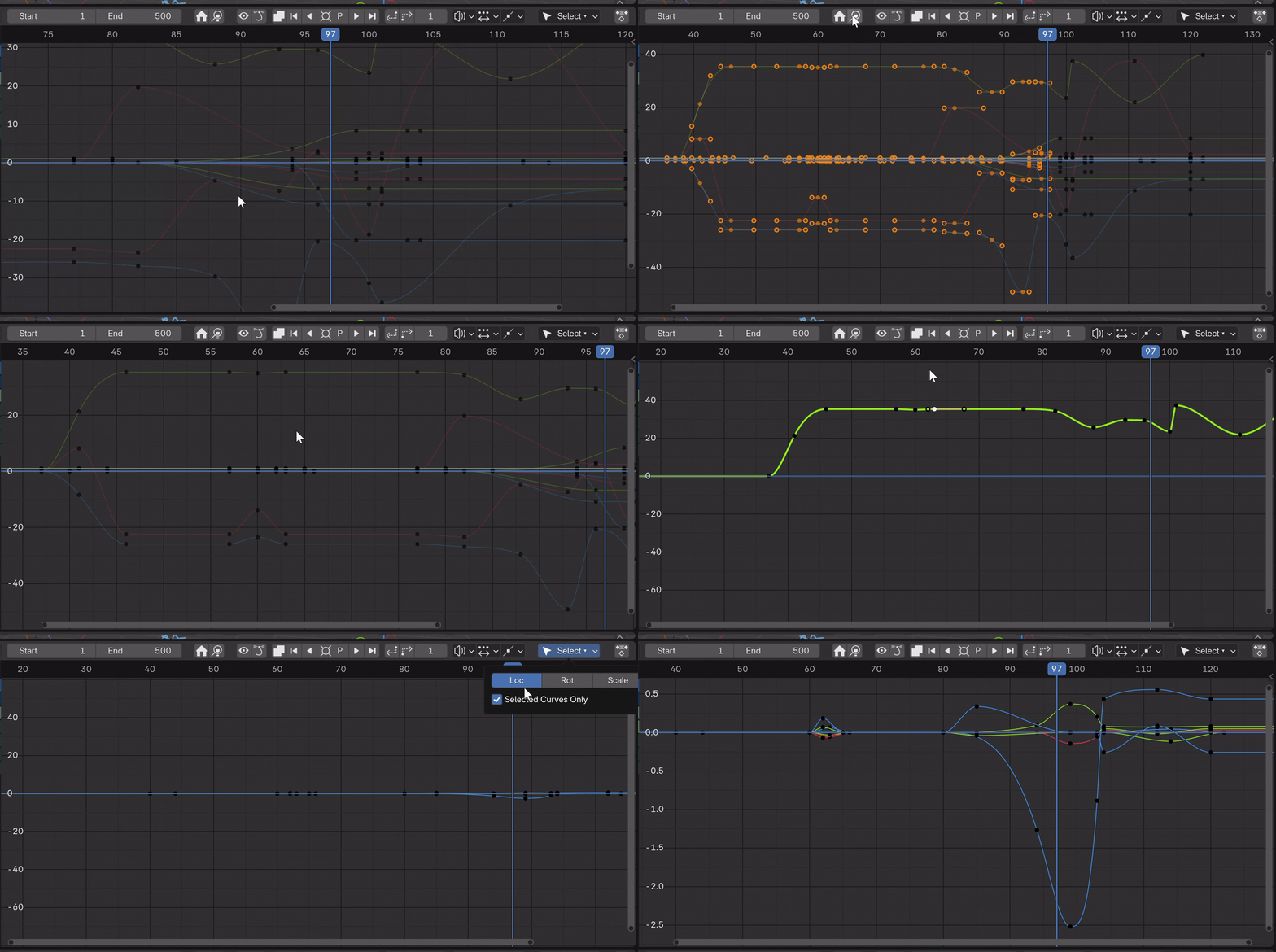
2. Key Amp
Amplify and deamp fcurve values while preserving timing, use toggles to pinpoint emphasis. No arc degradation. Works in the Graph Editor, Dope Sheet and Timeline.
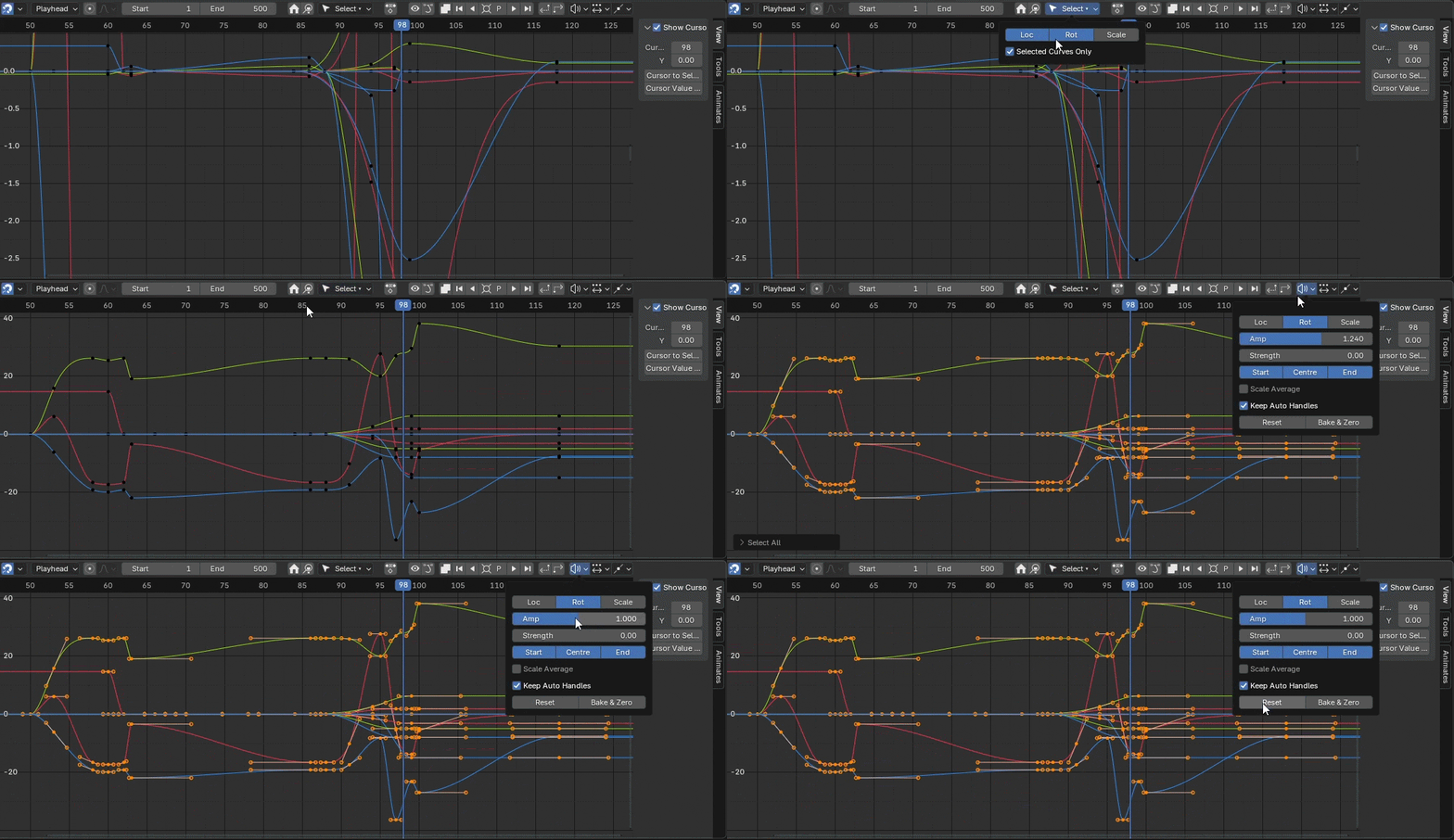
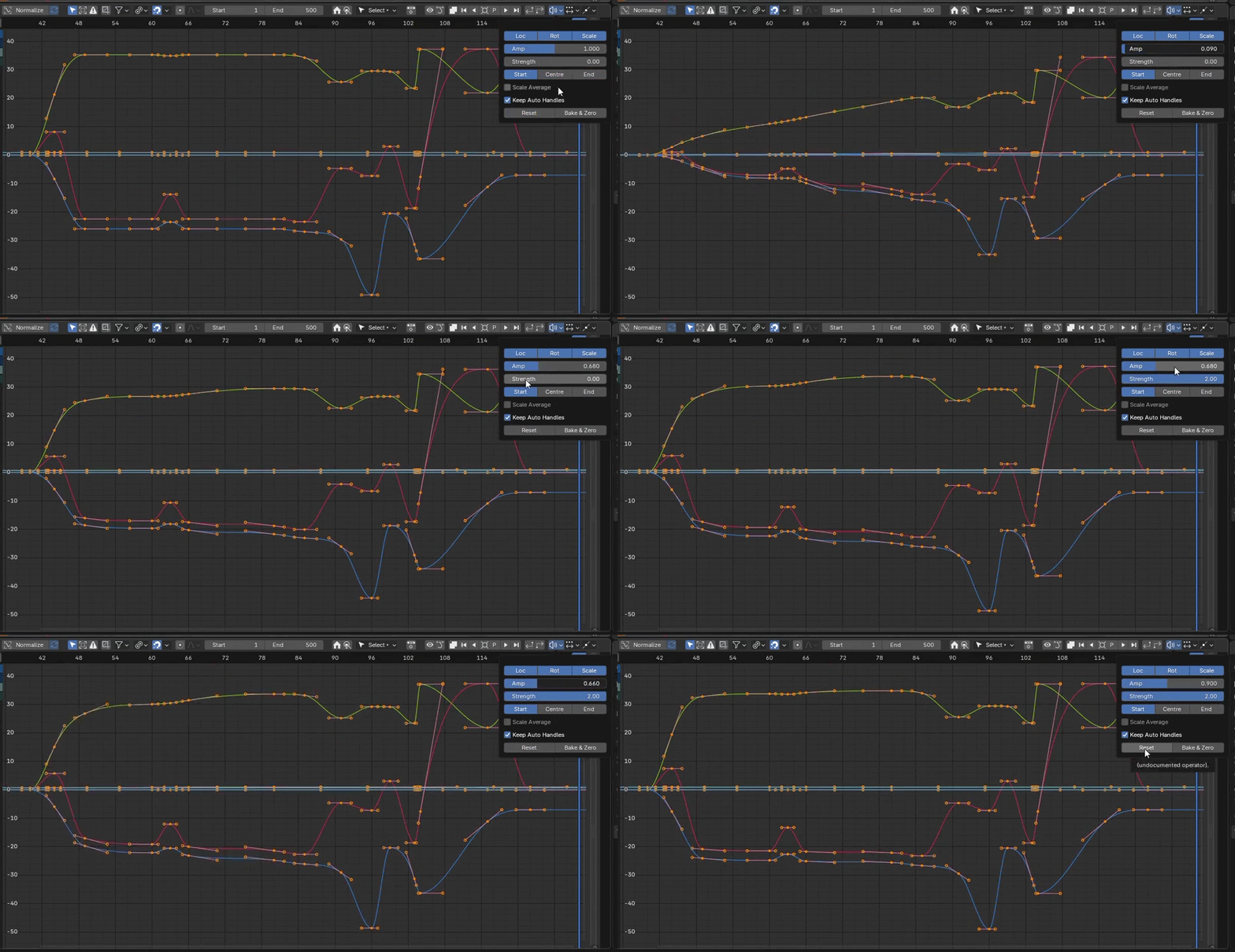
3. Breakdowner
Create perfectly weighted in-betweens with Loc, Rot, Scale visibility toggles, prev, mid and Next presets, natural slider with extremes both ends, Key, delete and Insert all types of keys. Basic full flexibility! Real-time visual feedback, tangent correction and yes, it works with objects too rather than just bones. Works in the Graph Editor, Dope Sheet and Timeline.

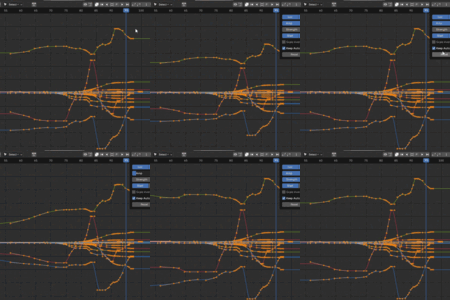
And multiple objects at once...
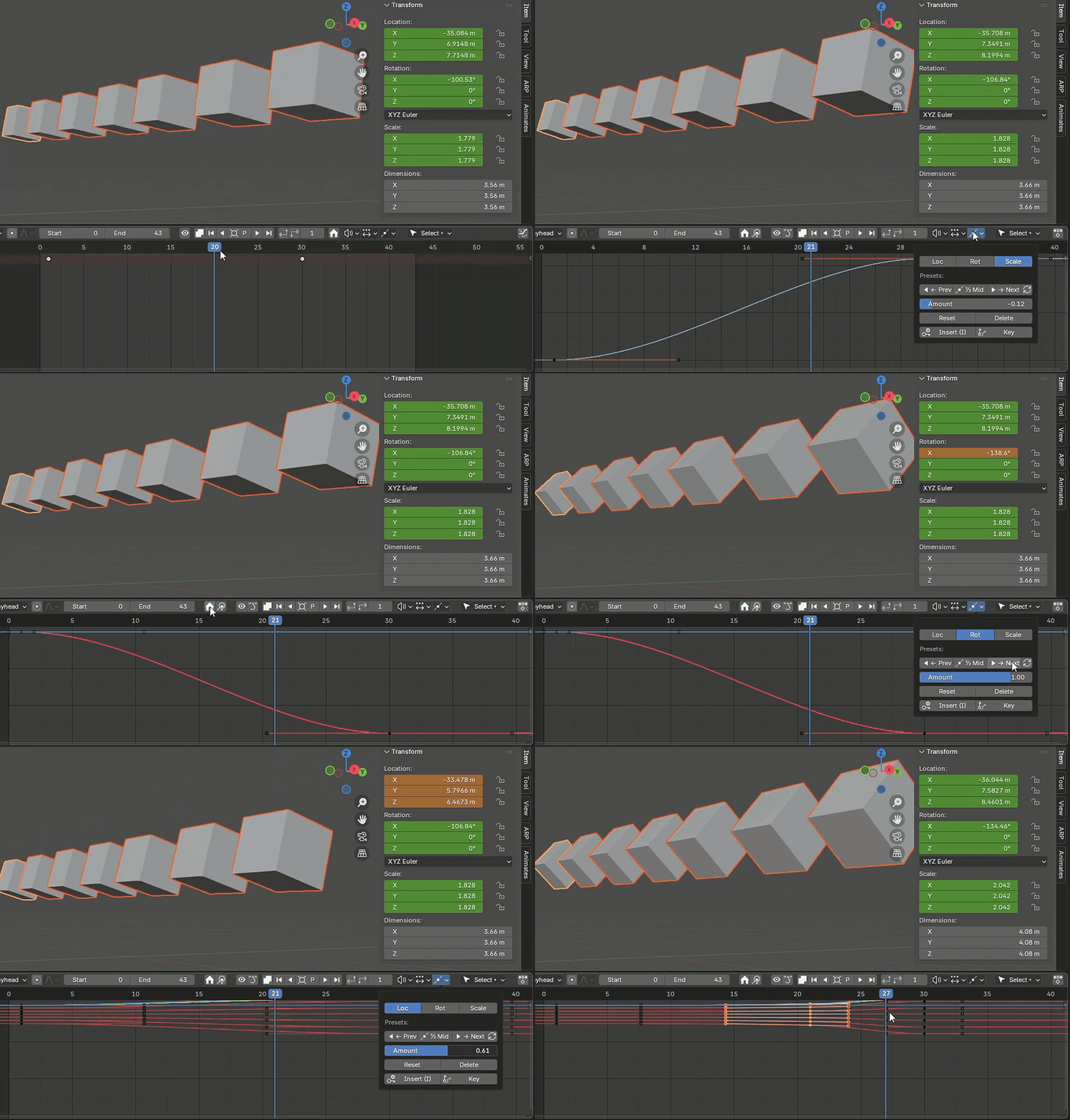
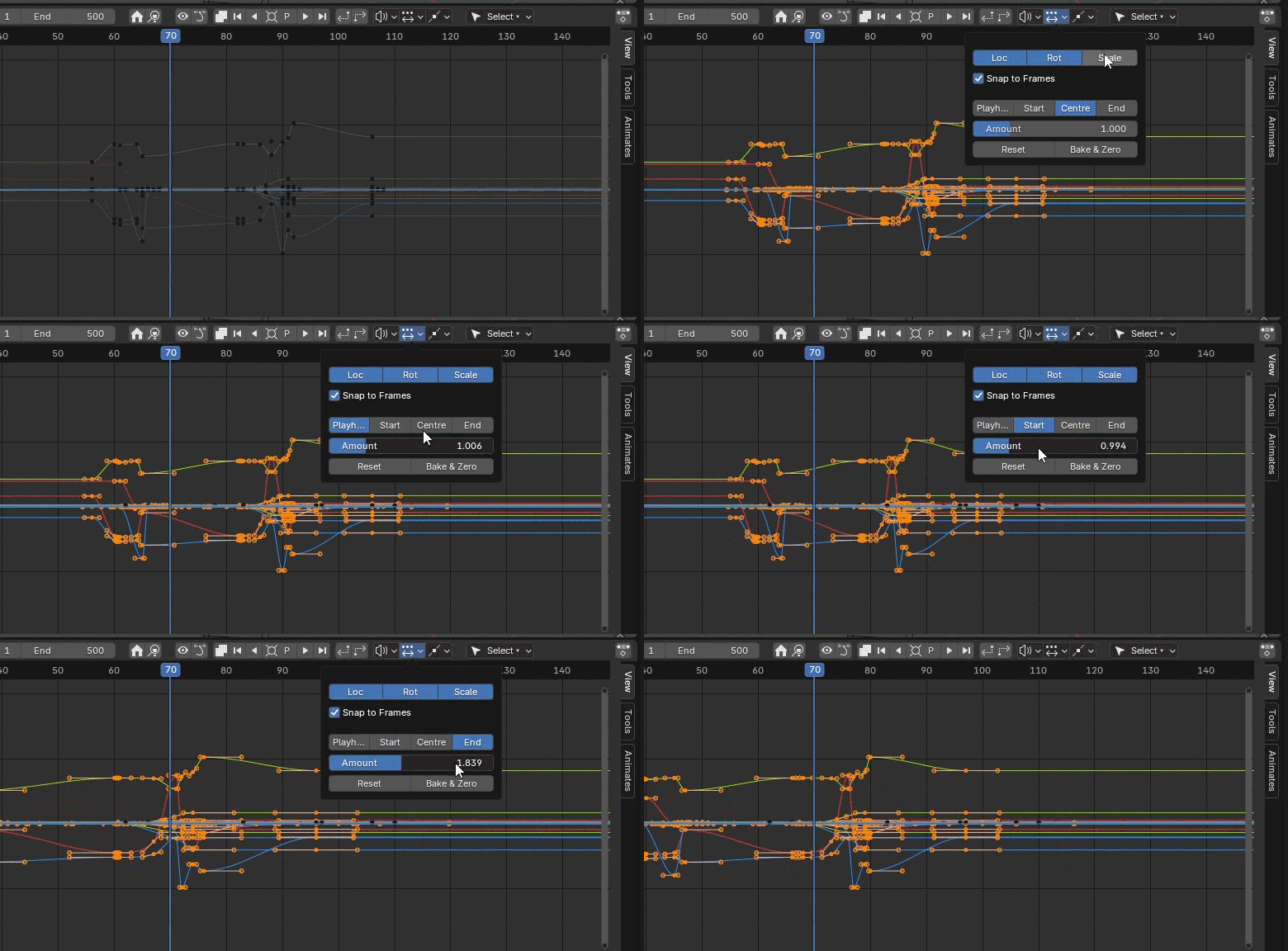
4. Retimer
Adjust keyframe timing with sliders instead of dragging. Non-destructive timeline scaling, and frame distribution with visual feedback. Toggles for quick and accurate success.Works in the Graph Editor, Dope Sheet and Timeline.
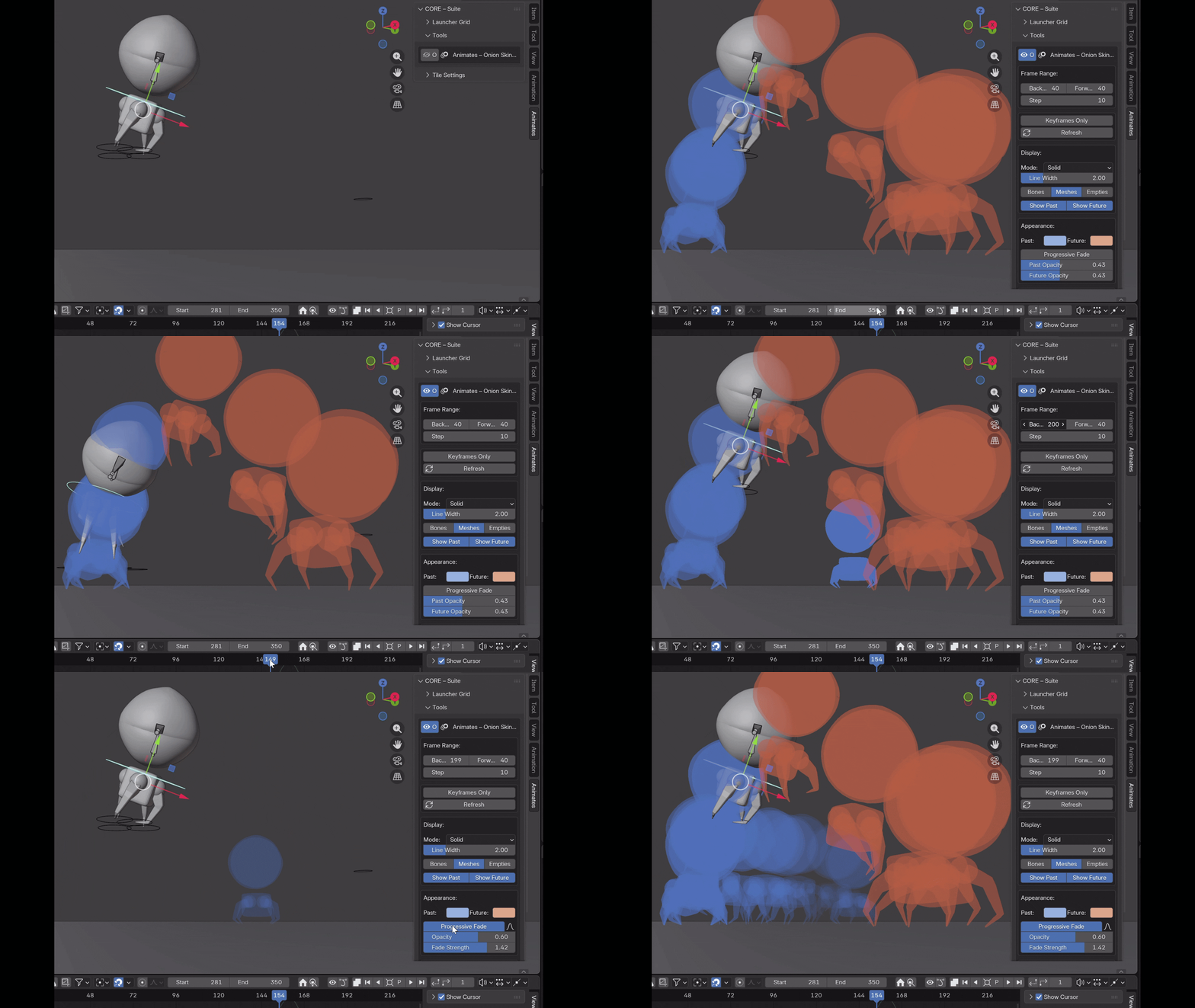
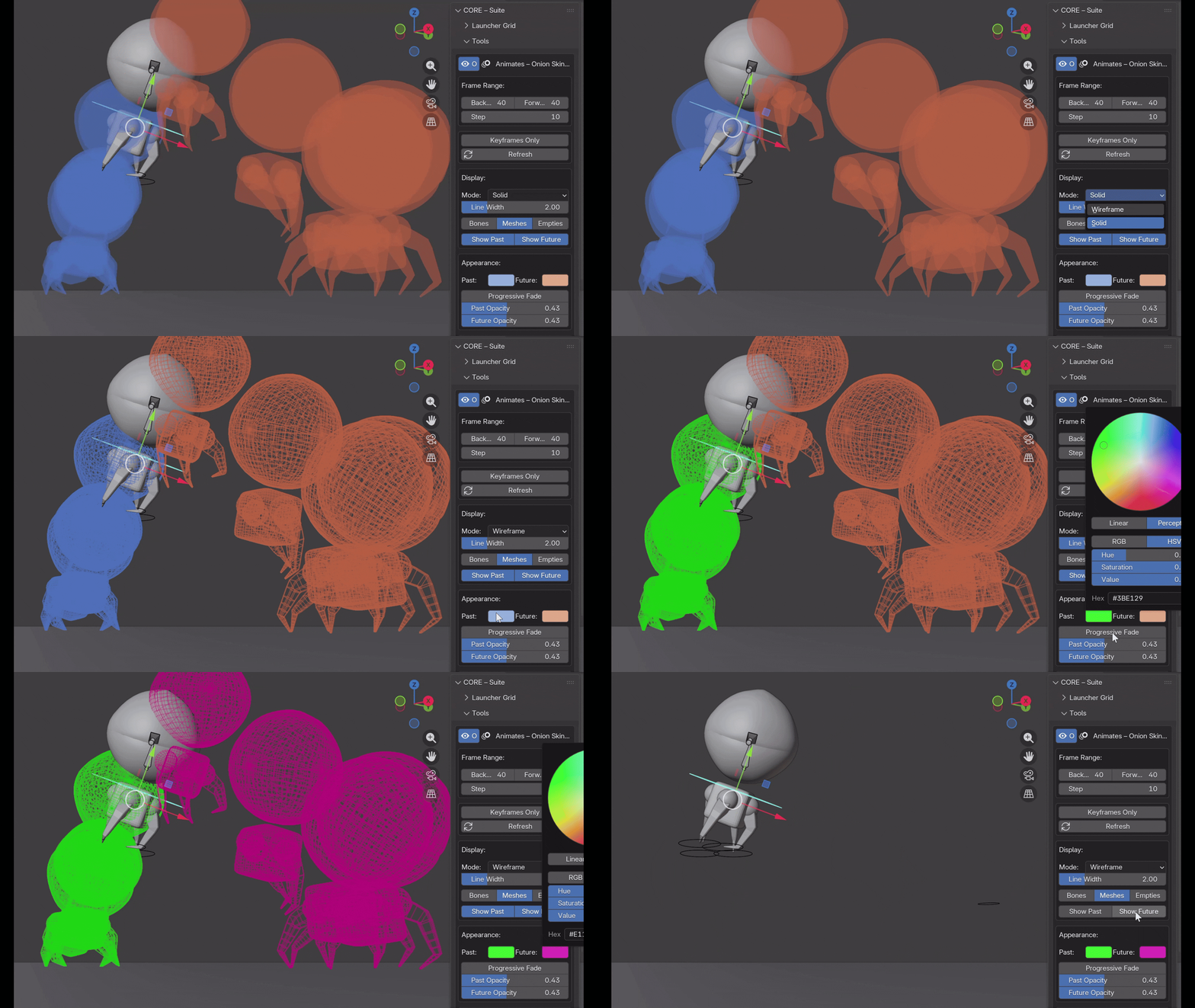
5. Onion Skinning
GPU-accelerated ghost frame rendering that actually performs in production scenes. Customizable frame ranges, opacity falloff, per-bone colors. Minimal viewport overhead.
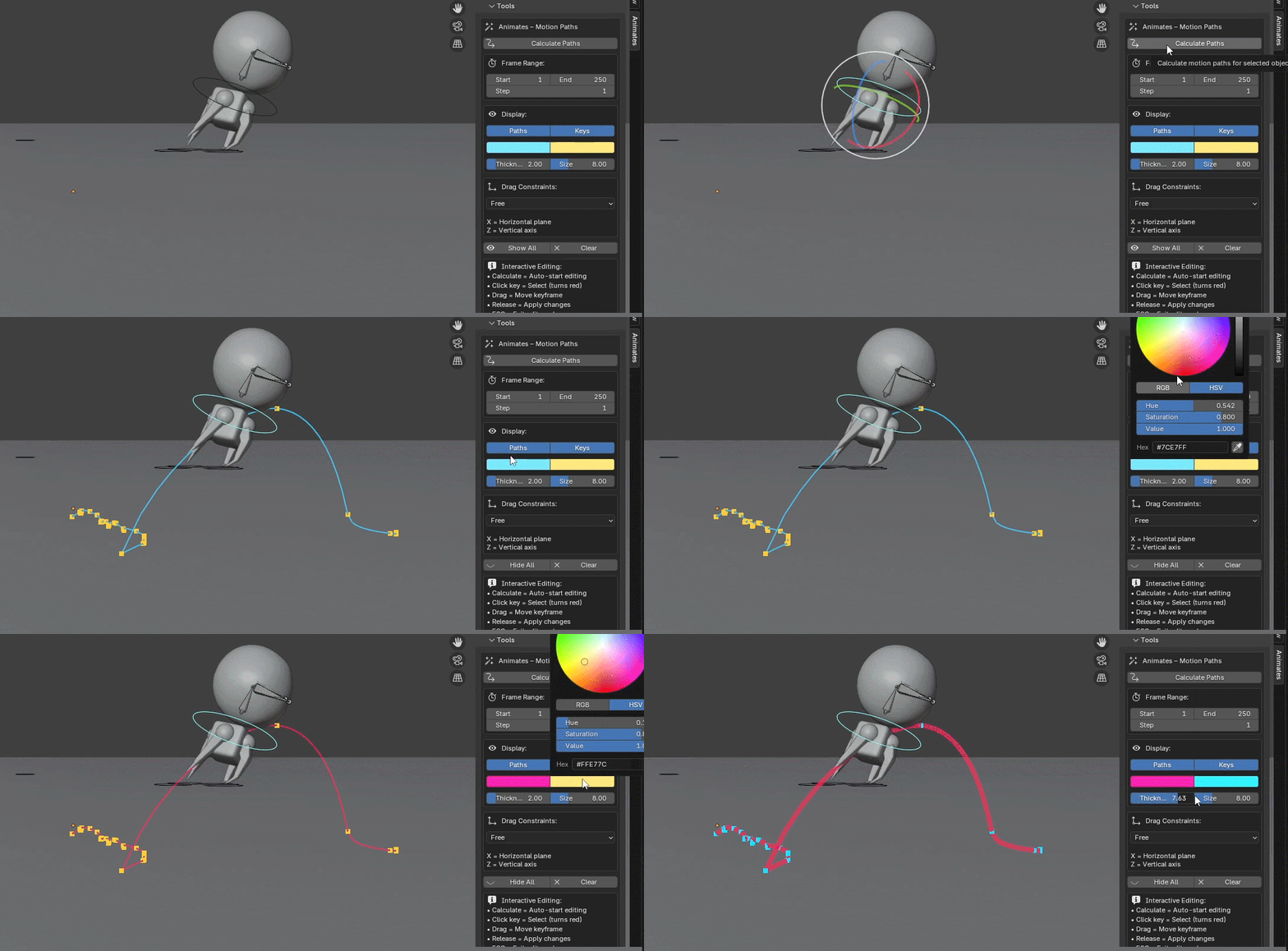
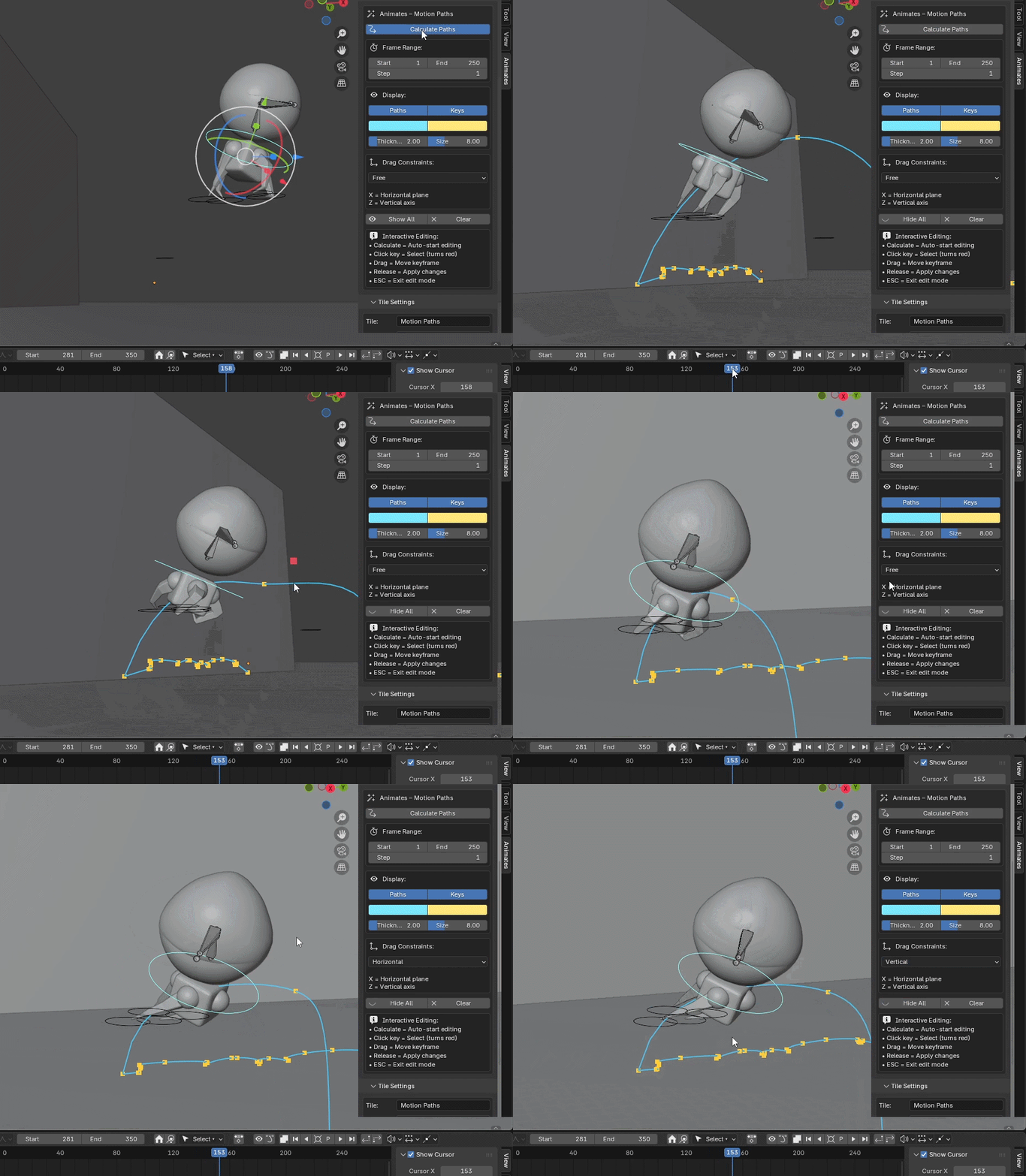
6. Motion Paths
Visualize animation arcs in 3D viewport. Interactive keyframe editing, real-time path updates..
7. Workflow Tools
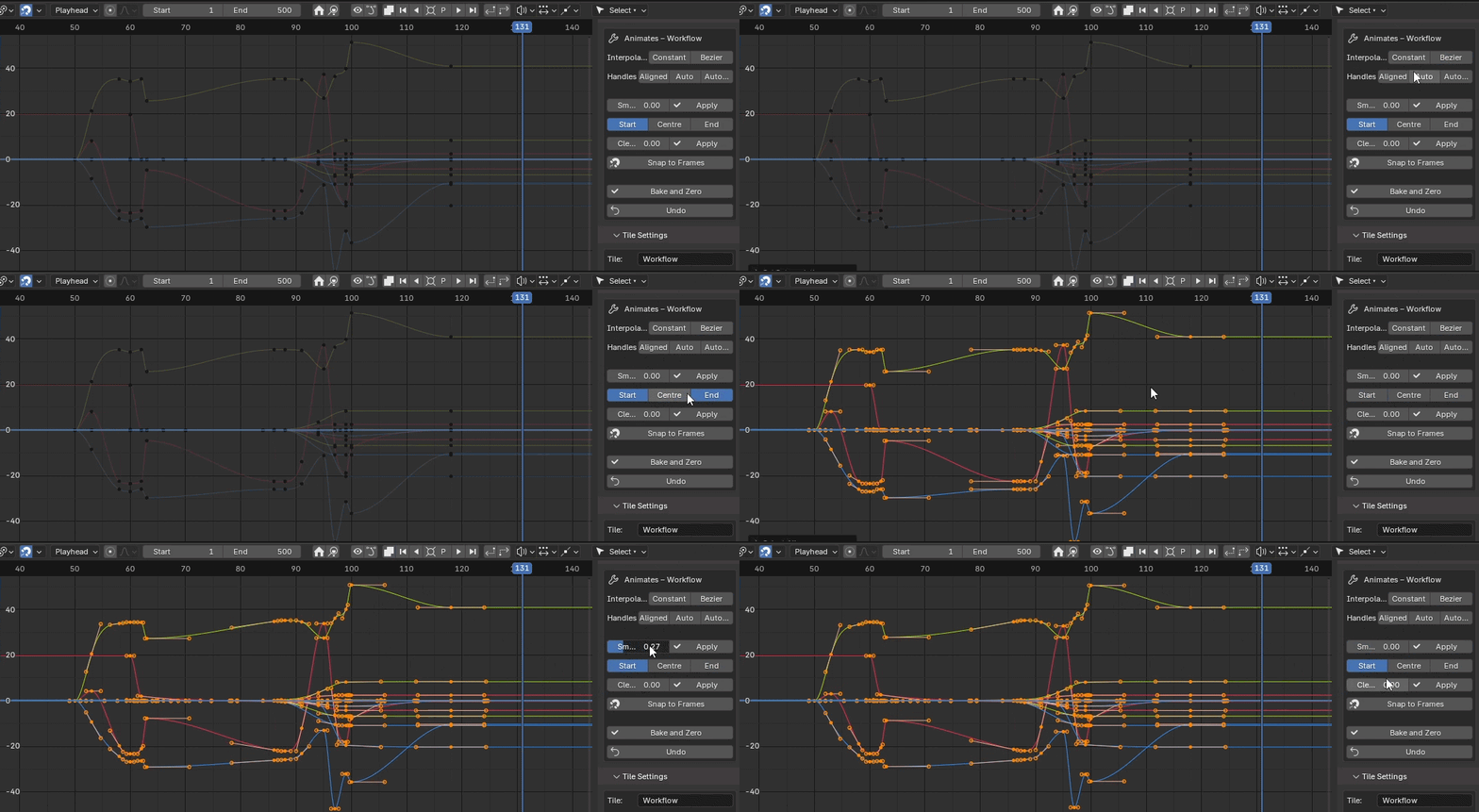
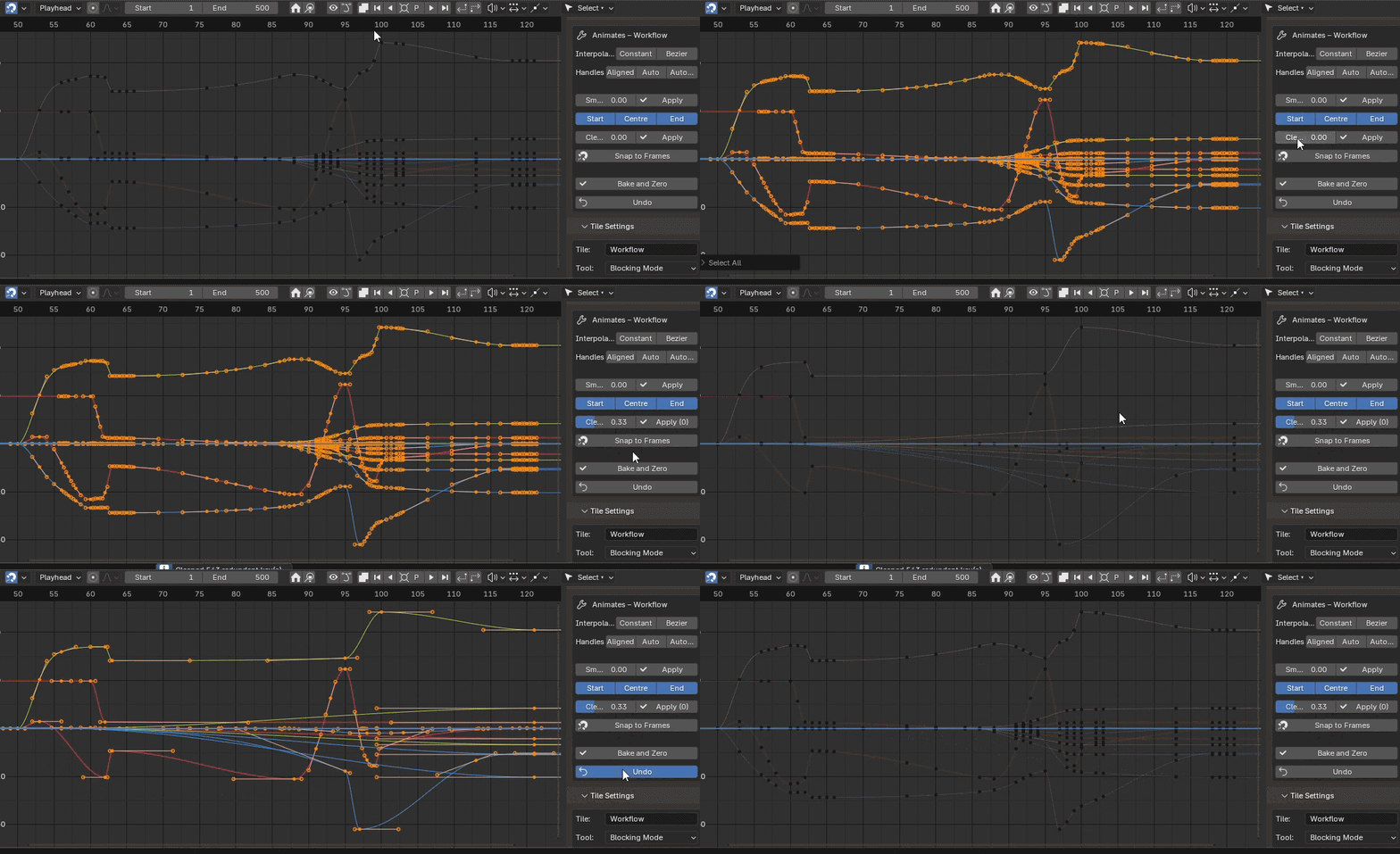
Smart Smooth (context-aware fcurve cleanup with pose preservation), channel isolation for focused editing. Also clean tool operating with identical functions to remove redundant keys.
8. Key Colors
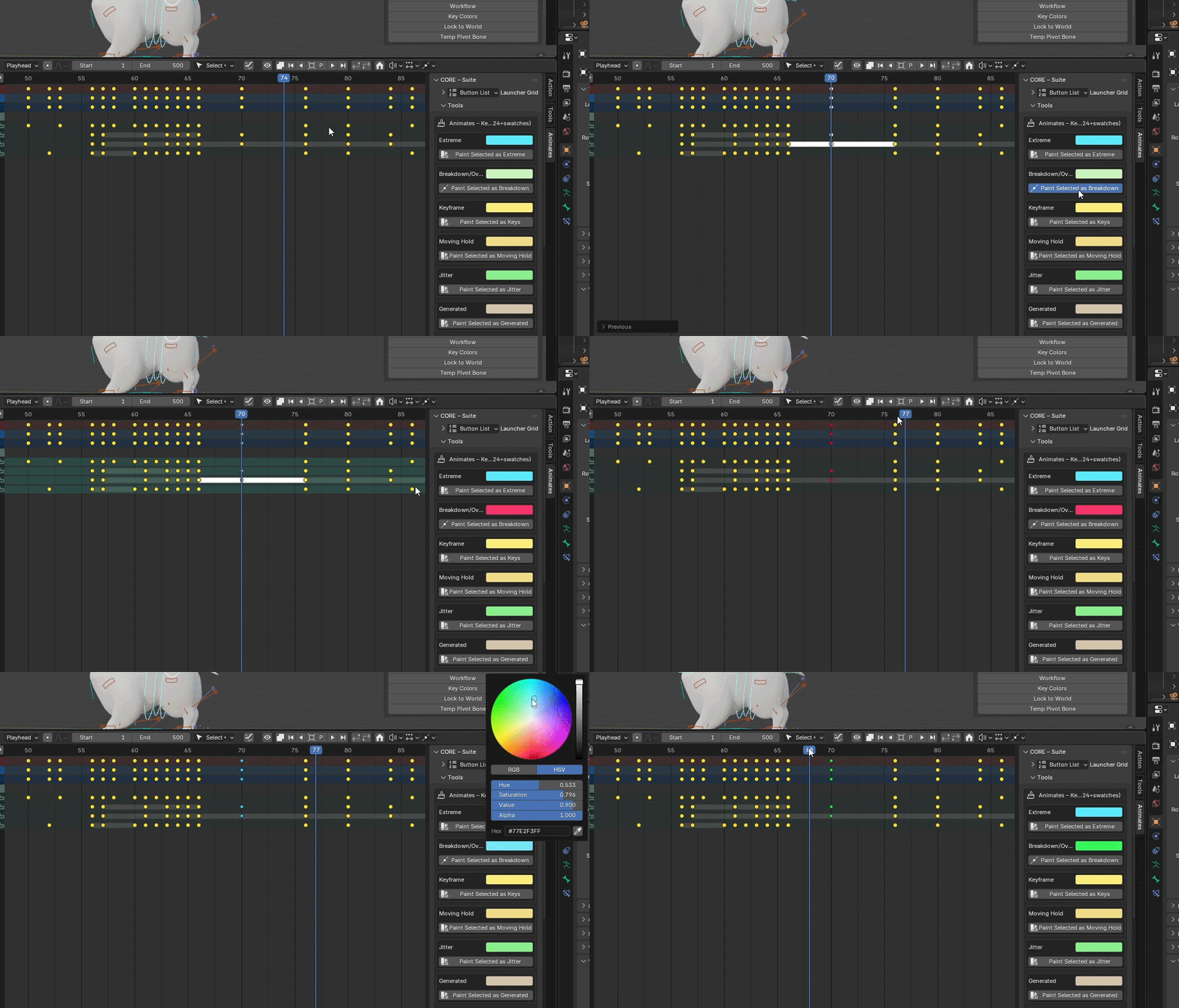
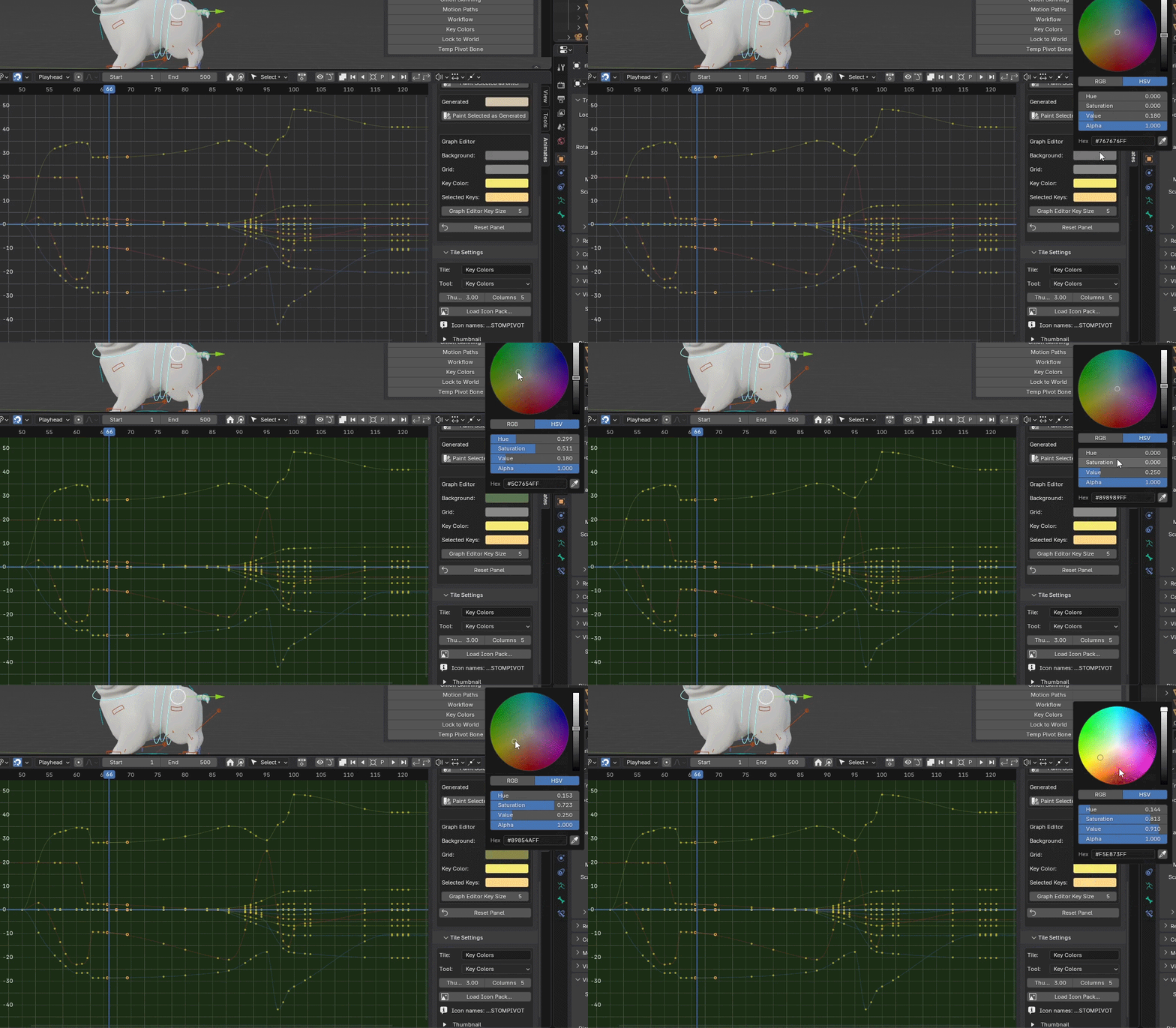
Organize and label your keyframes with custom colors. Quick visual reference for blocking/breakdowns/polish passes, breakdown markers. Not available in Blender 5.0.Graph Editor customisable options too.
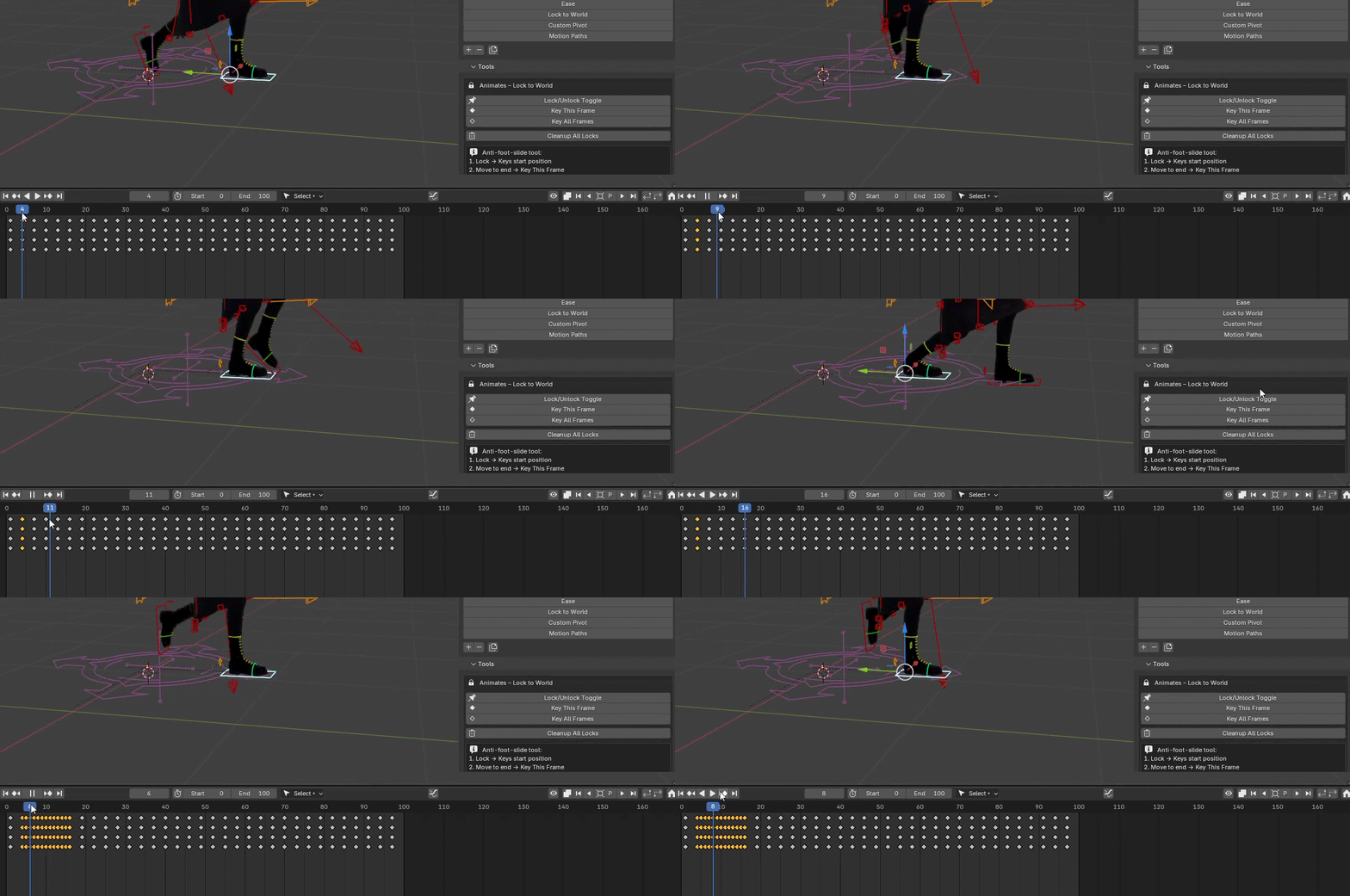
9. Lock to World
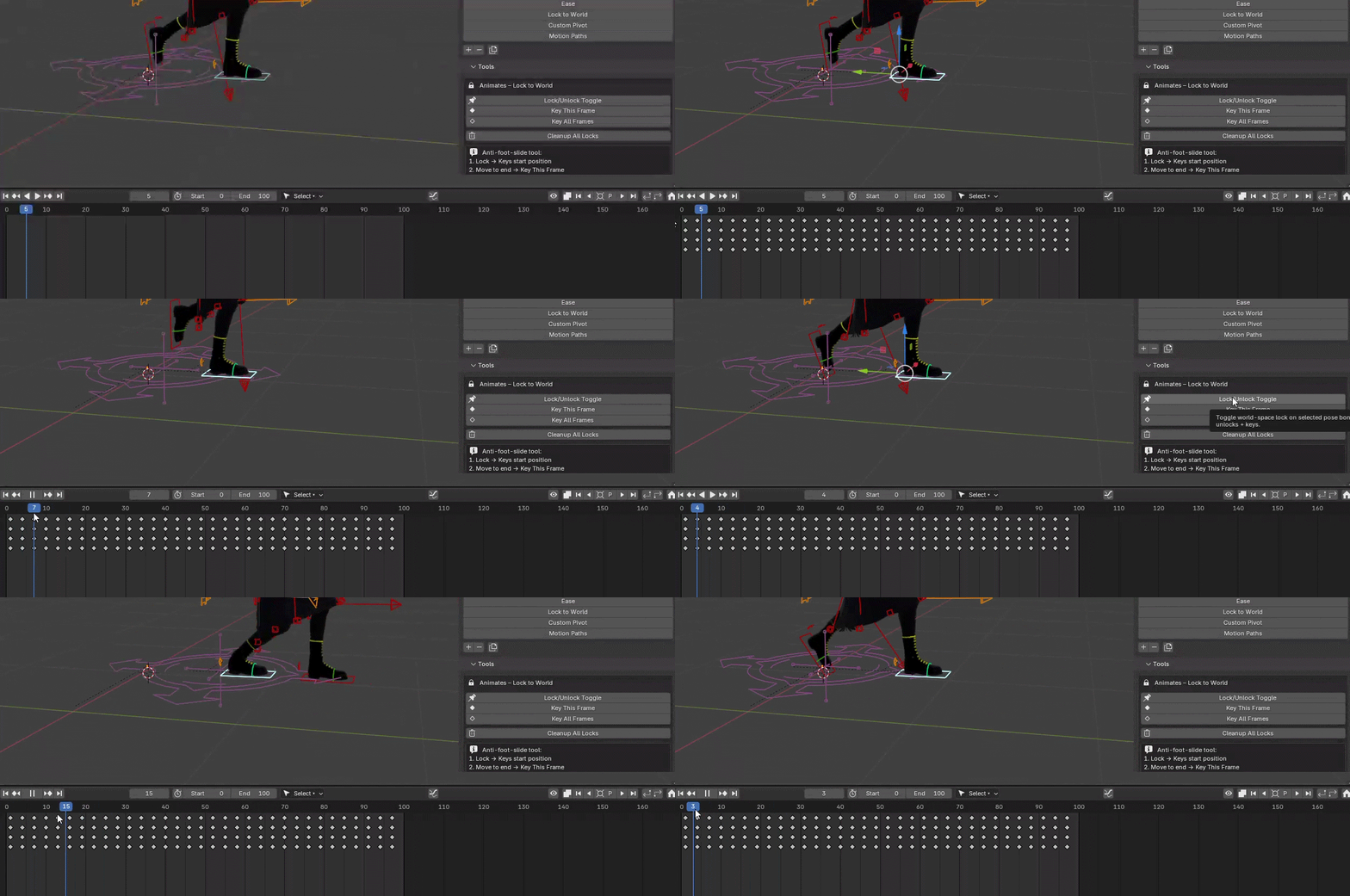
Prevent foot sliding and maintain world-space positions during animation. Pin bones to world coordinates while editing parent transforms. IK-aware. Quickly key all frames needed then easy unlock.
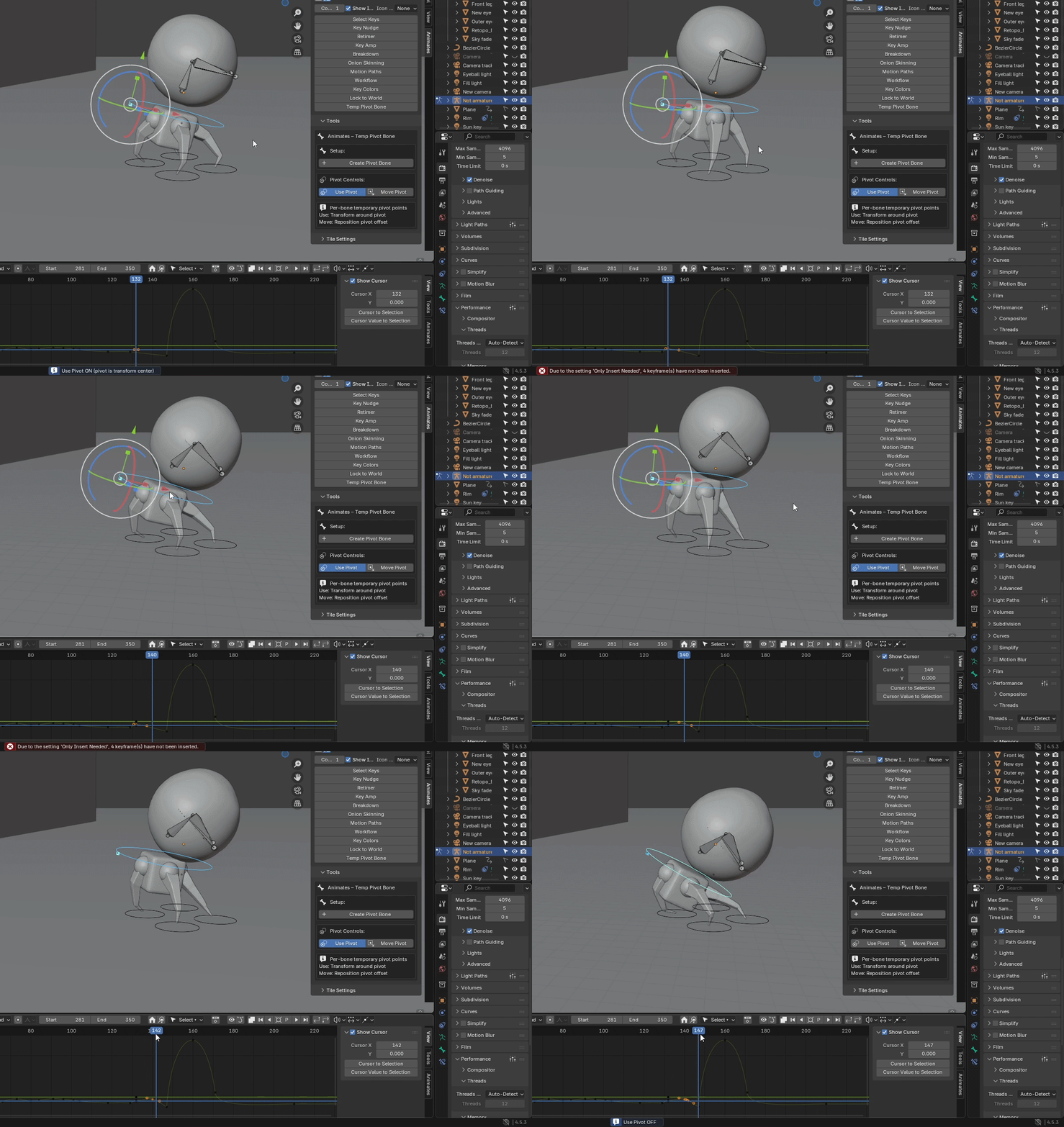
10. Temp Pivot Bone
Create temporary transform pivots without parenting or empty objects. Animate around any bone, prop, or 3D cursor position. World/local space support, automatic cleanup.
Technical specs
Performance
- 2-3x workflow acceleration over vanilla Blender
- GPU-batched rendering for onion skins (handles 100+ ghost frames smoothly)
- Lazy evaluation for motion paths (only recalculates modified fcurves)
Compatibility
- Blender 4.2 – 5.0+ (fully supports new layered action system)
- Works with armatures, objects, shape keys, constraints
- NLA-aware, respects animation layers and action stashing
- Tested on production rigs (Sintel, Sprite Fright, Rain, custom setups)
Integration
- Non-destructive workflow (all operations are keyframe-based)
- Respects graph editor filters and locked channels
- All operators are keymappable (assign to quickmenus/pie menus)
- Python API for pipeline integration
Who it's for
Production character animators who need professional-grade timing tools without the Maya tax. If you're blocking, splining, or polishing in Blender and miss AnimBot/Tweener workflows, this bridges that gap.
Small studios and independent animators working on shorts, commercials, or indie features who can't afford per-seat Maya licenses but need production-quality tools. Animates gives you the efficiency of studio pipelines at a fraction of the cost.
Freelance motion designers and generalists juggling multiple projects where speed matters. Whether you're animating characters, props, or cameras, the timing and breakdown tools work across all animation contexts.
Animation educators and tutors teaching professional workflows. Animates makes it easier to demonstrate timing principles, breakdown theory, and pose-to-pose techniques without students getting lost in Blender's menu system. Educational pricing available.
Animation students learning production workflows on a budget. Get familiar with professional animation toolkit concepts (retiming, breakdowns, onion skinning) that translate directly to studio environments, whether you end up in Maya, Blender, or anything else.
Built by an animator with 10+ years teaching experience, so it's designed for clarity and learning, not just speed.
Also on a slightly different note, and as an attempt to make the world a better place, I have set up a grove to which every Animates Suite purchase shall contribute.
See details here -
https://www.animates.uk/the-animates-forest/