 Alexander Go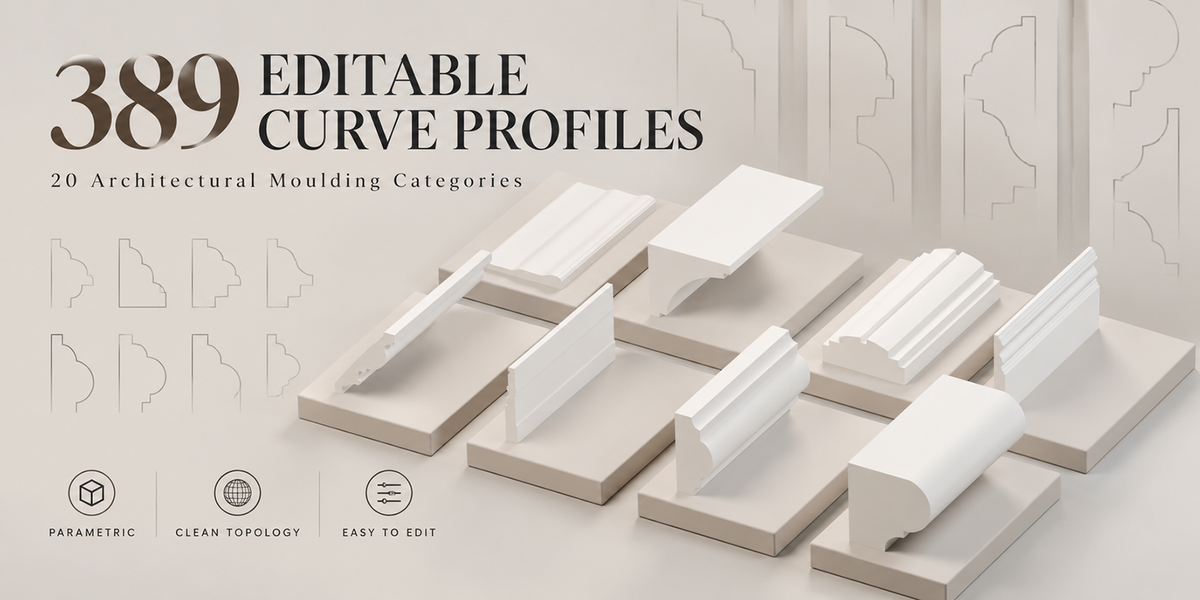
Architectural detail, without drawing every profile from scratch
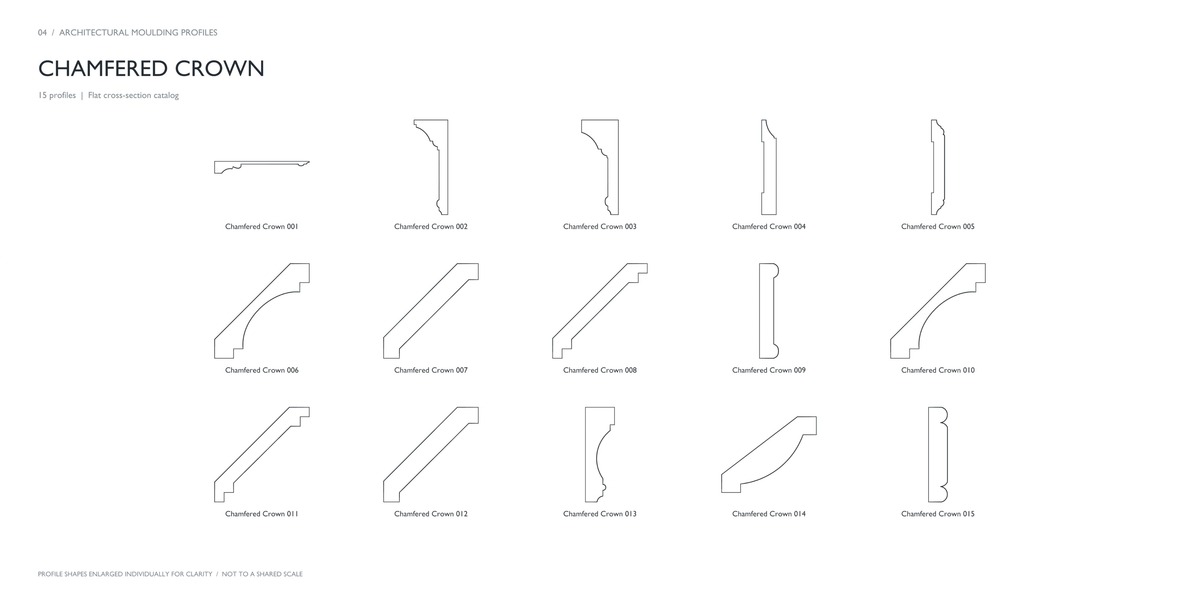
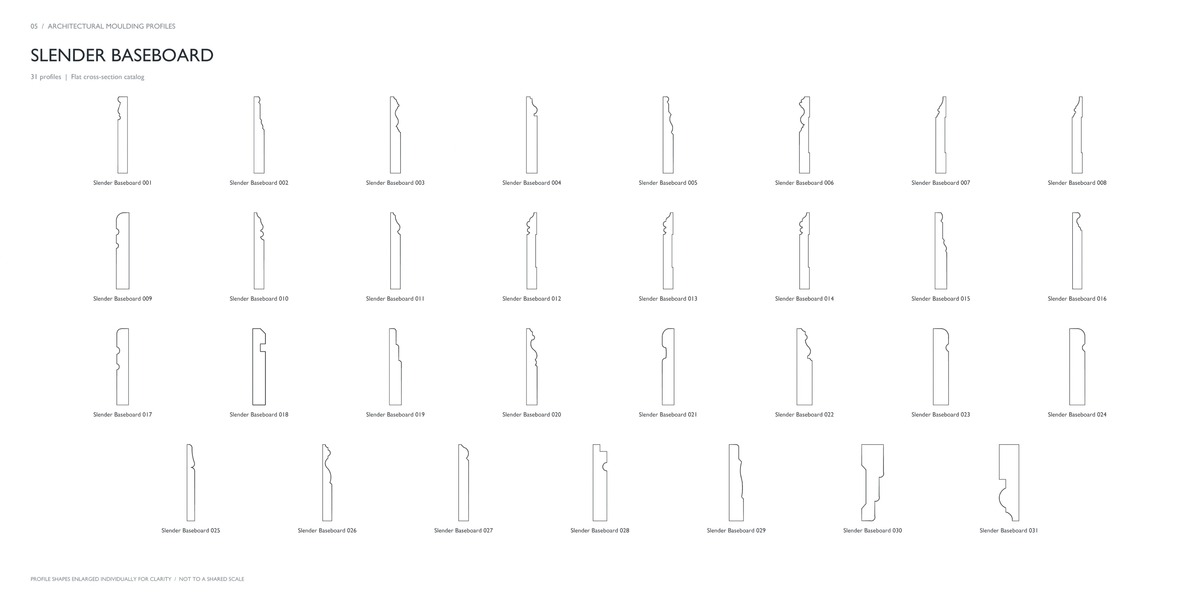
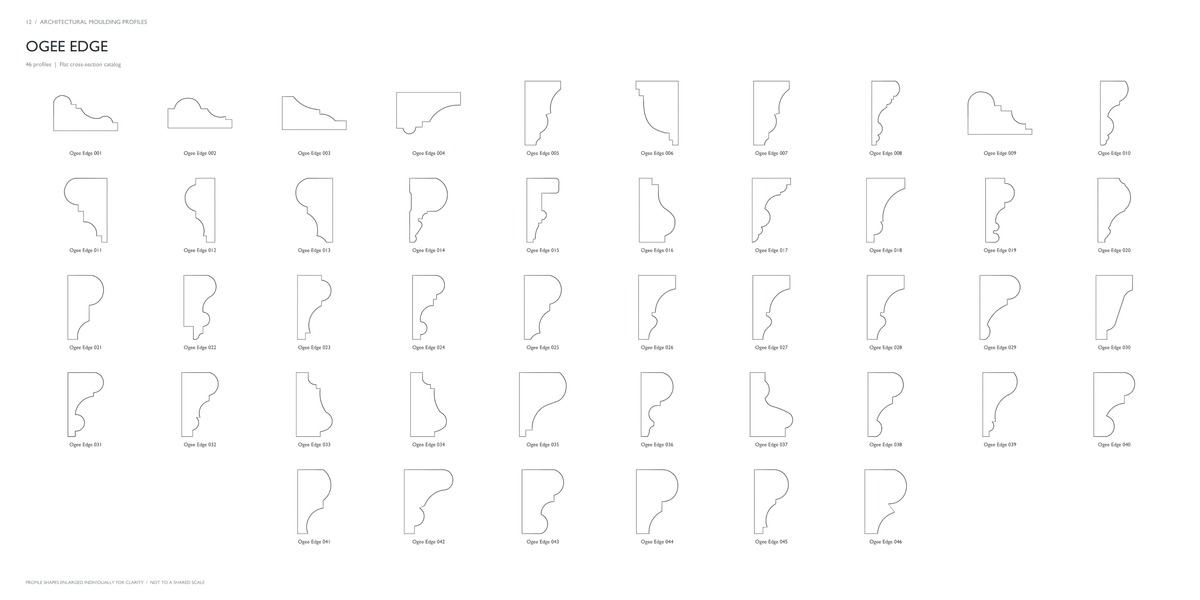
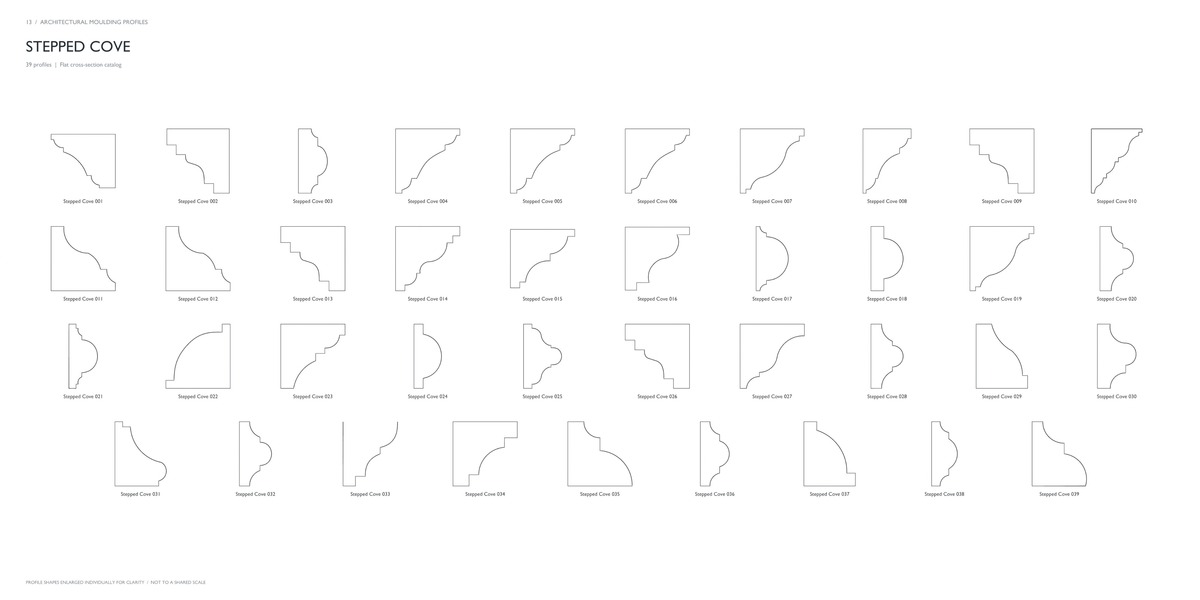
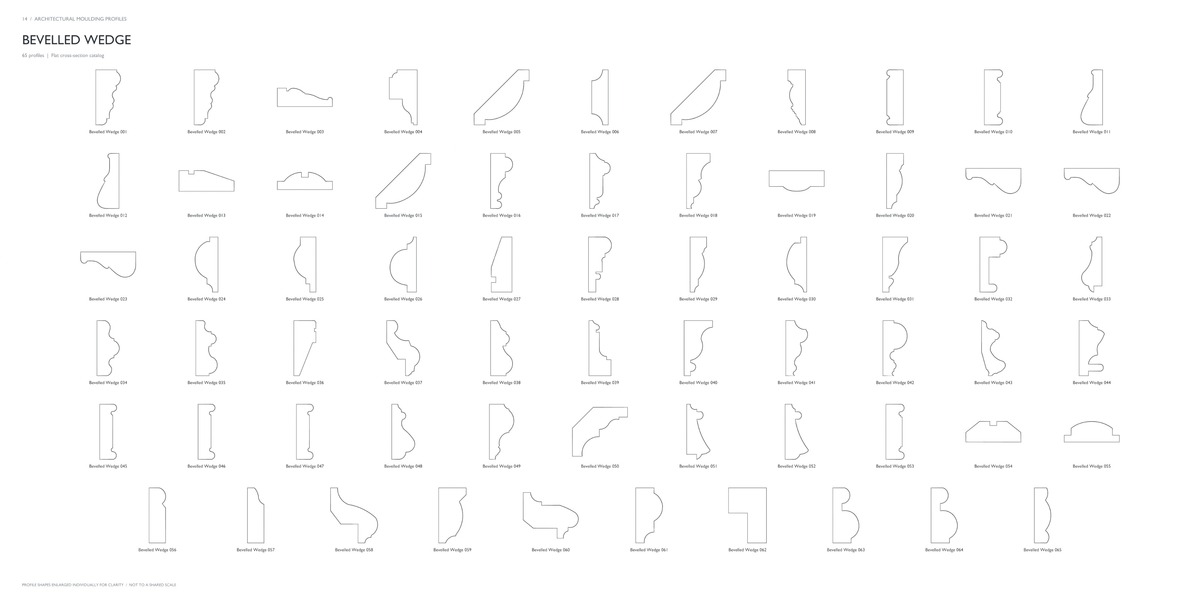
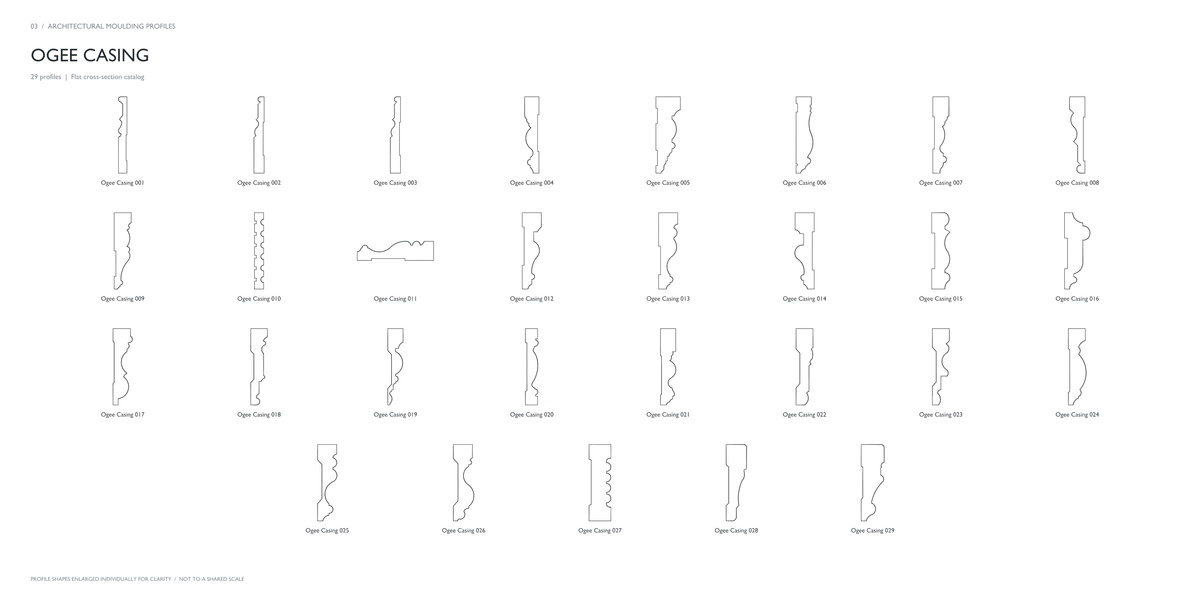
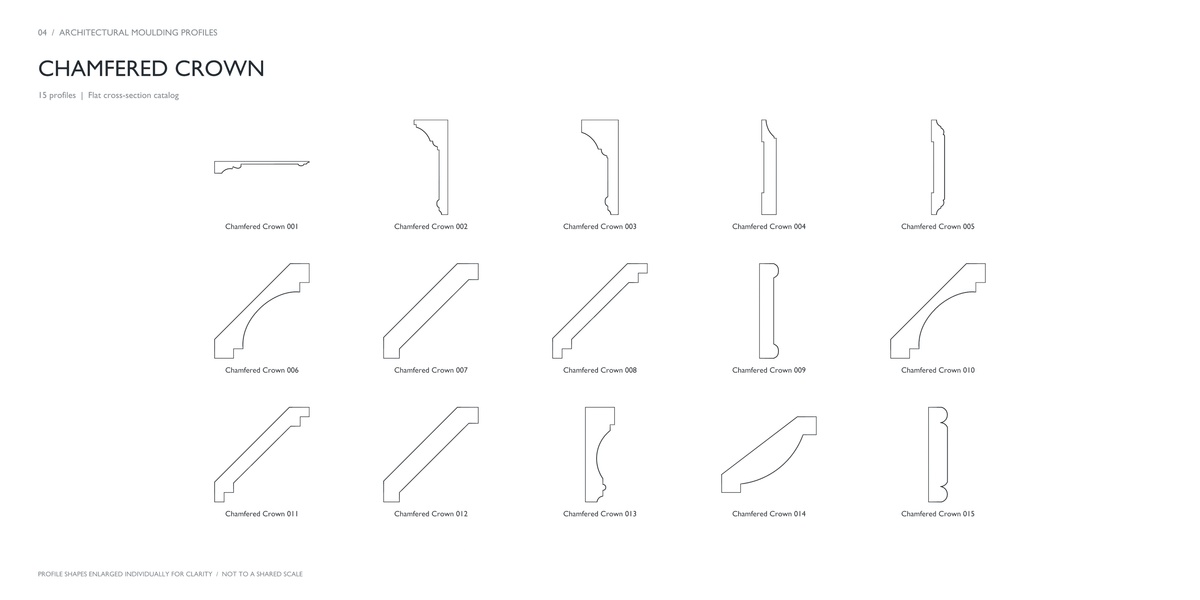
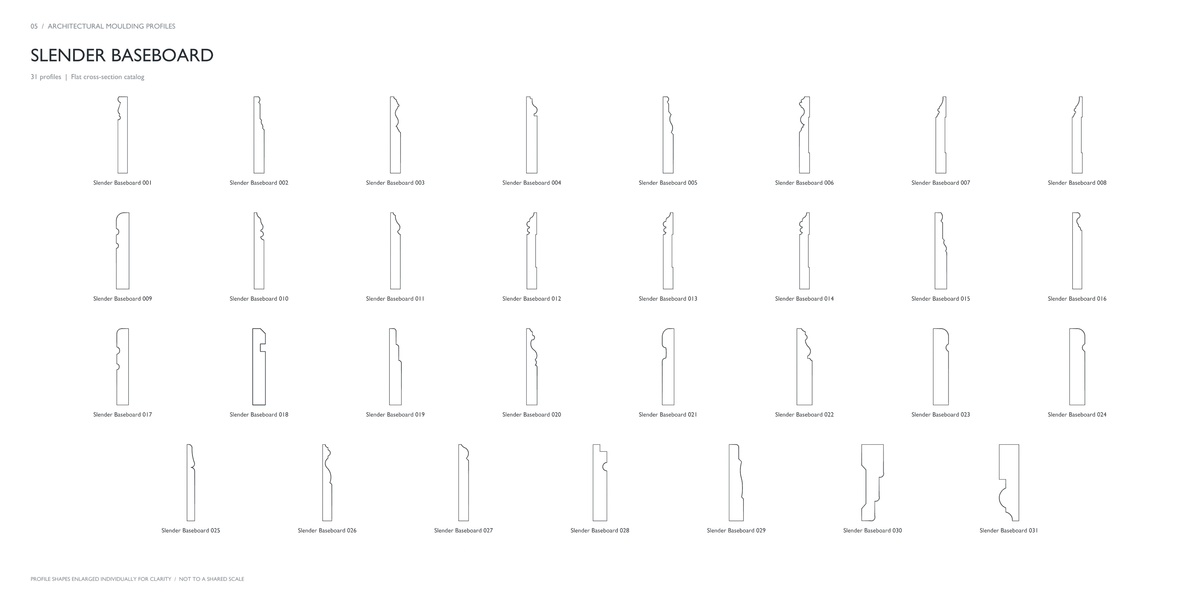
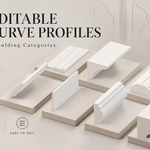
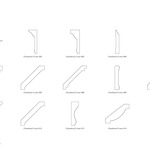
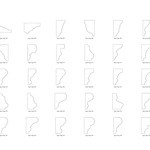
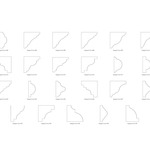
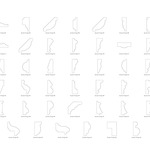
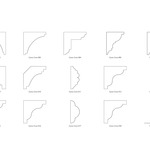
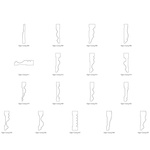
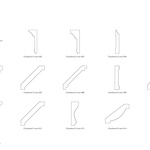
Create crown mouldings, baseboards, door and window casings, panel trims, and other architectural details with a library of 389 editable curve profiles for Blender.
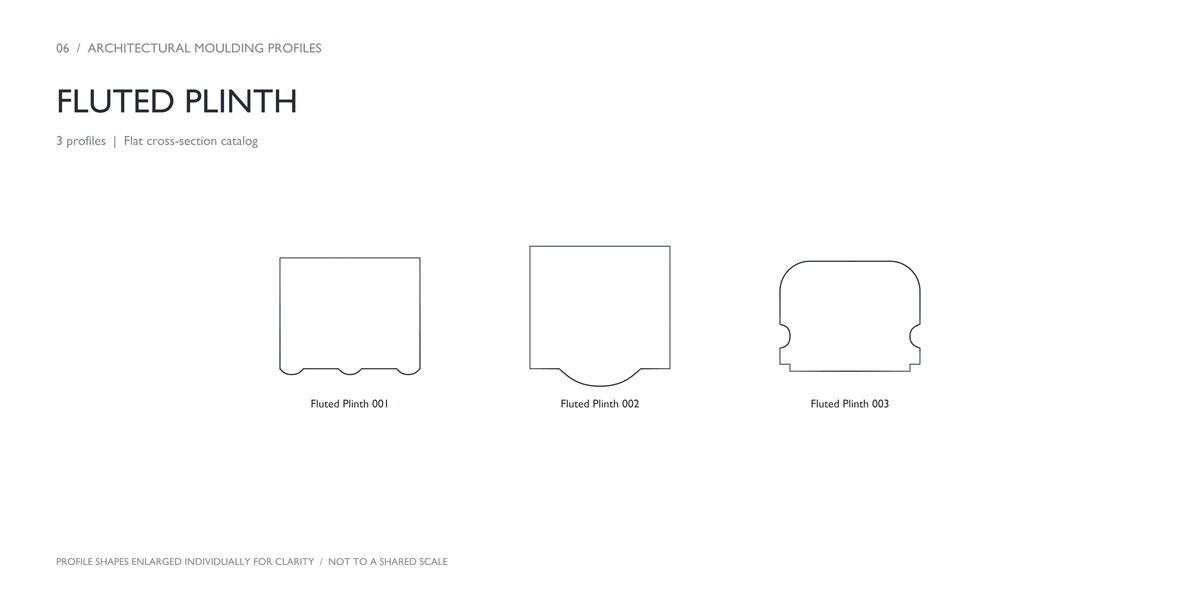
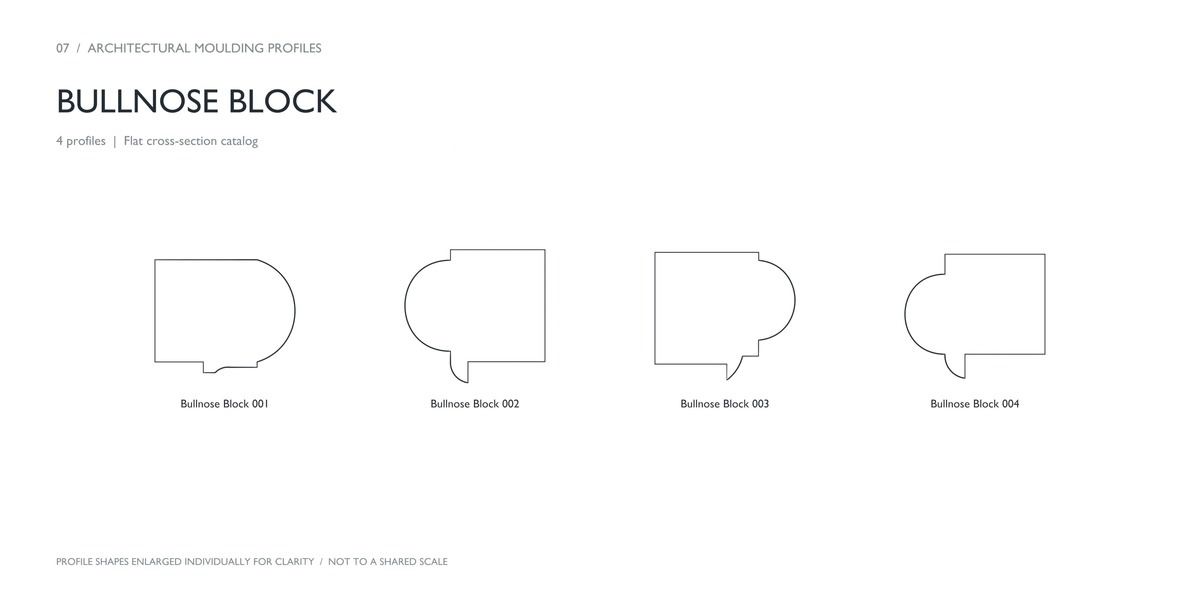
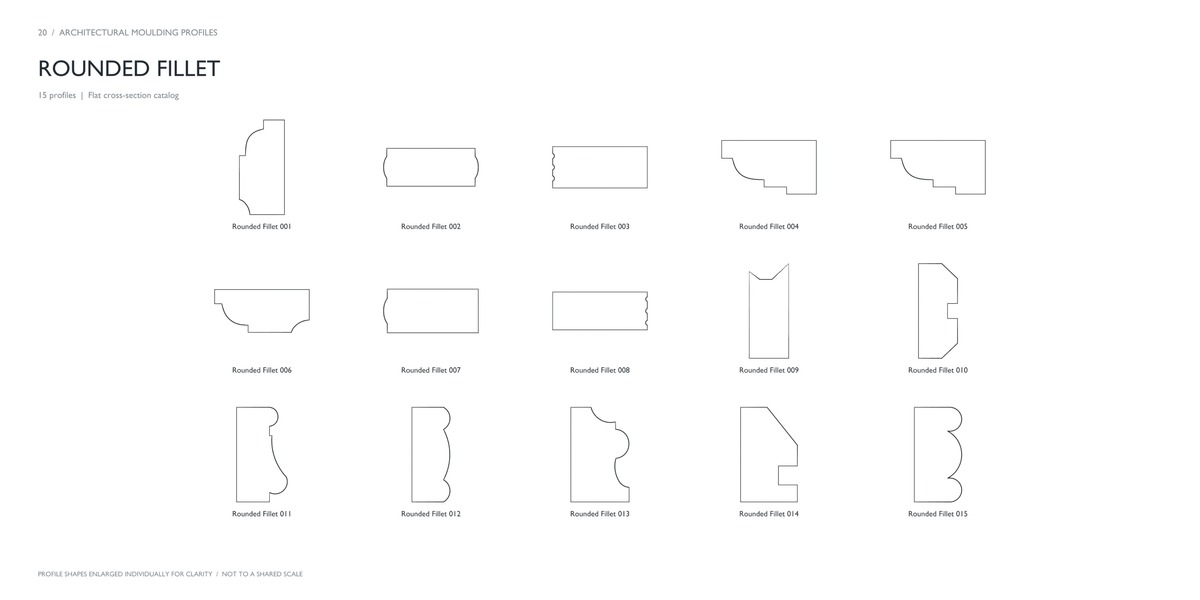
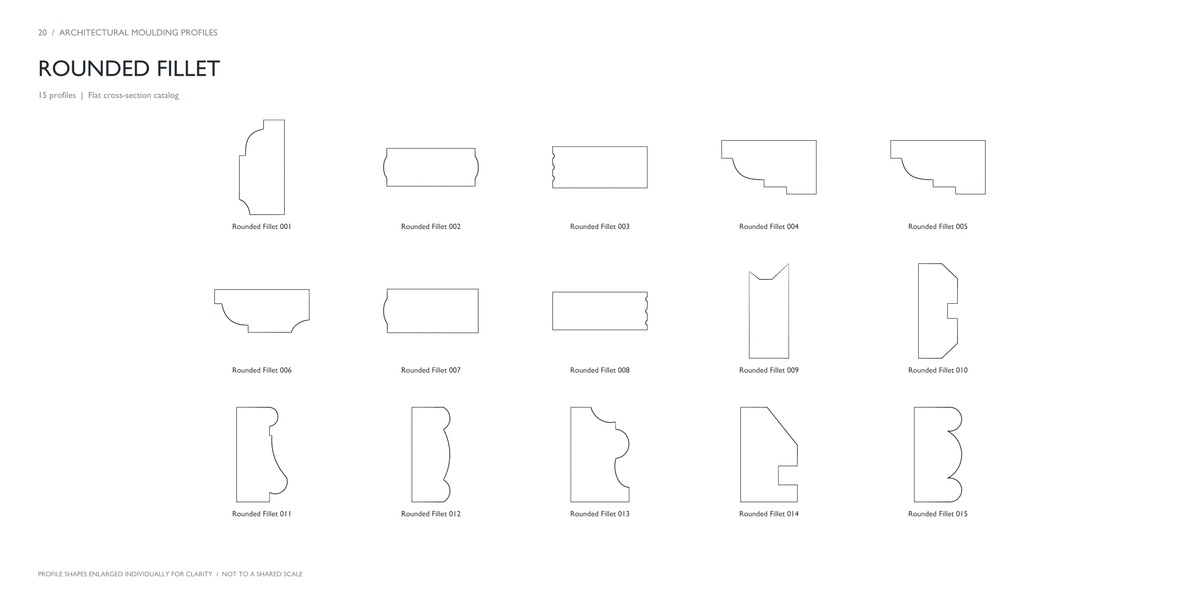
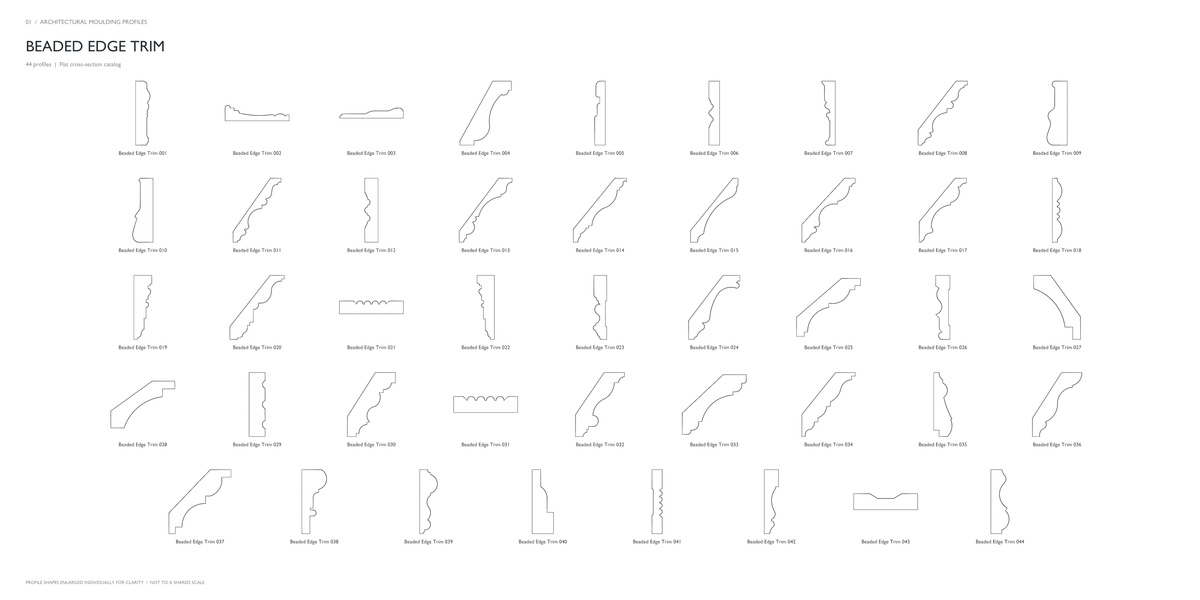
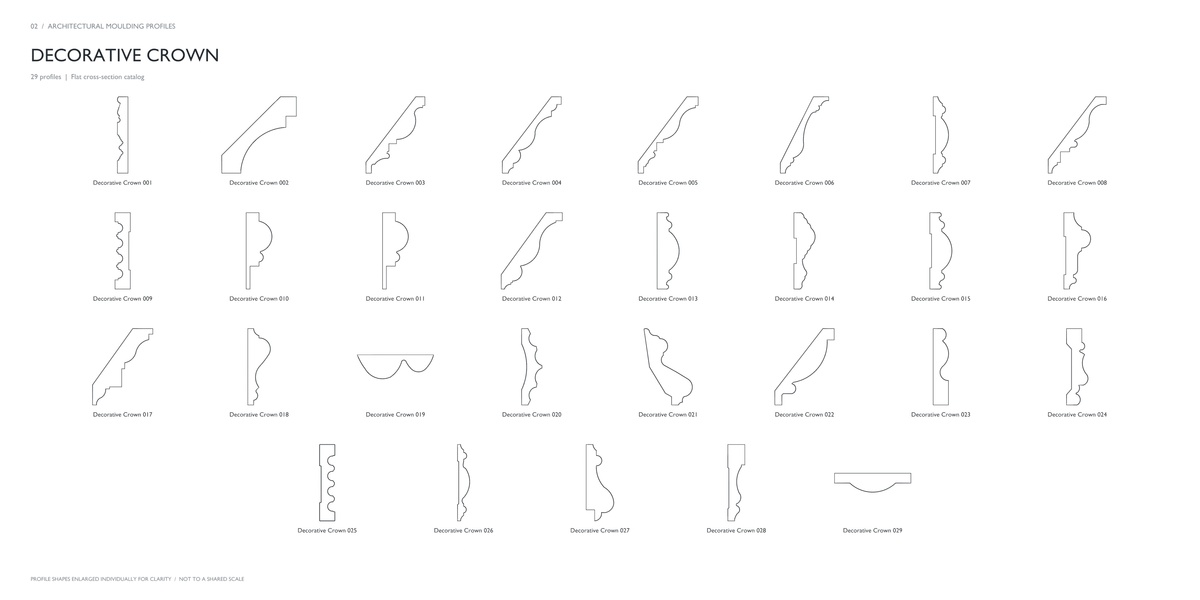
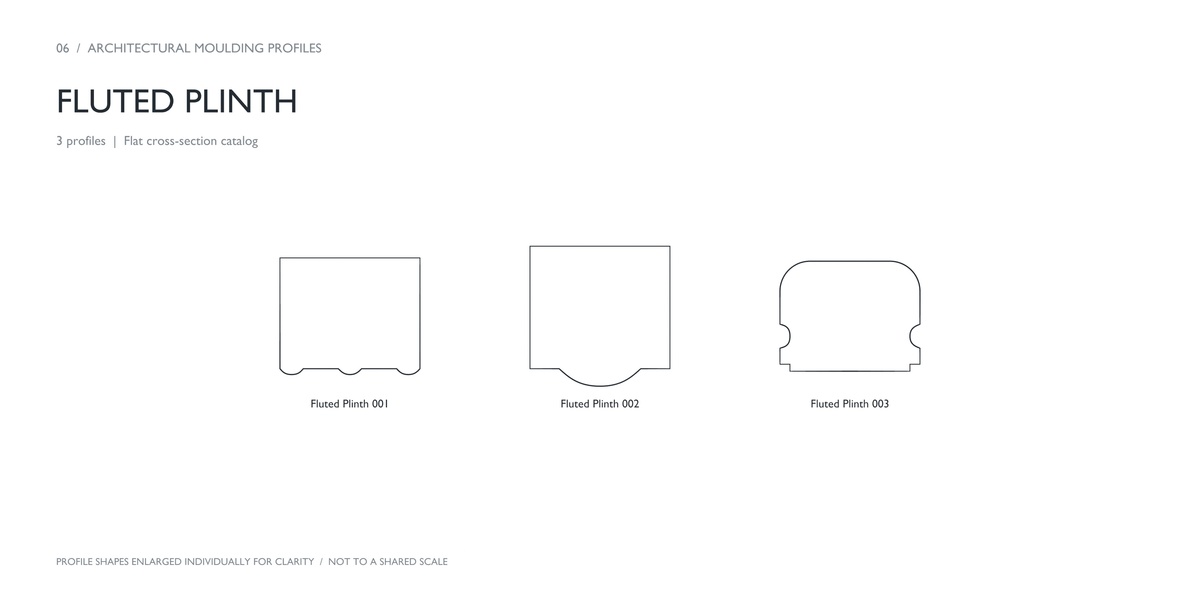
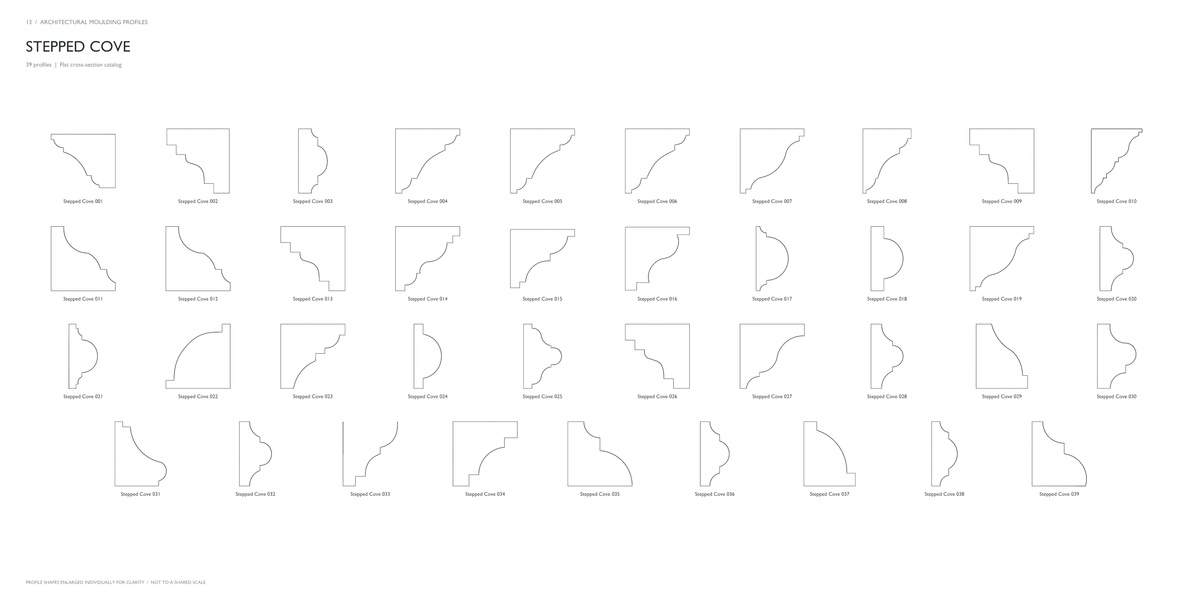
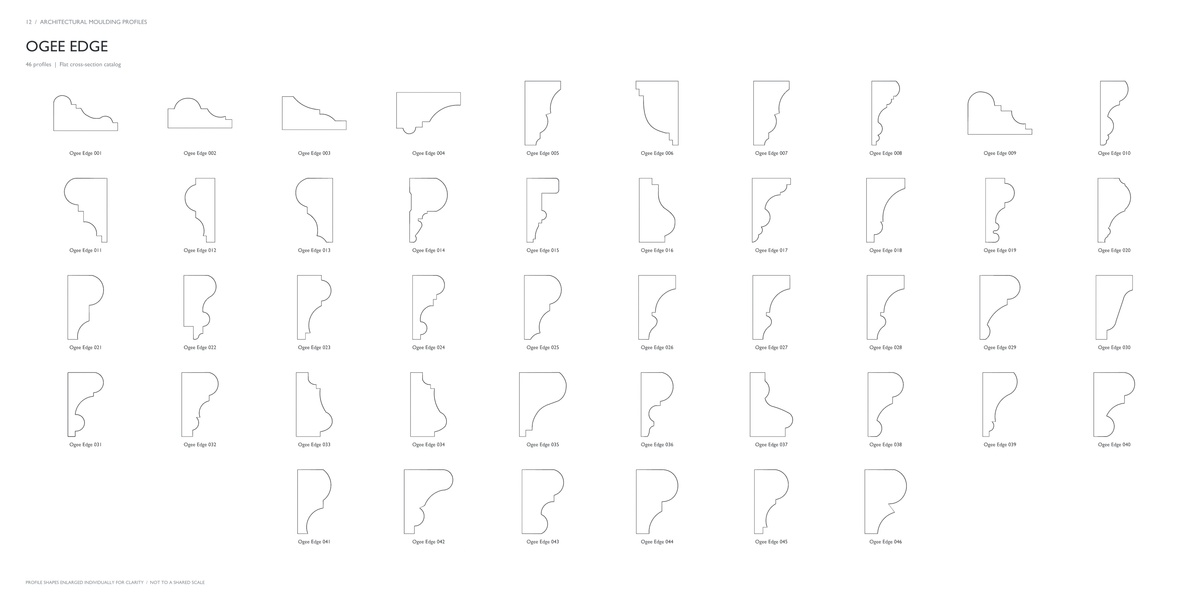
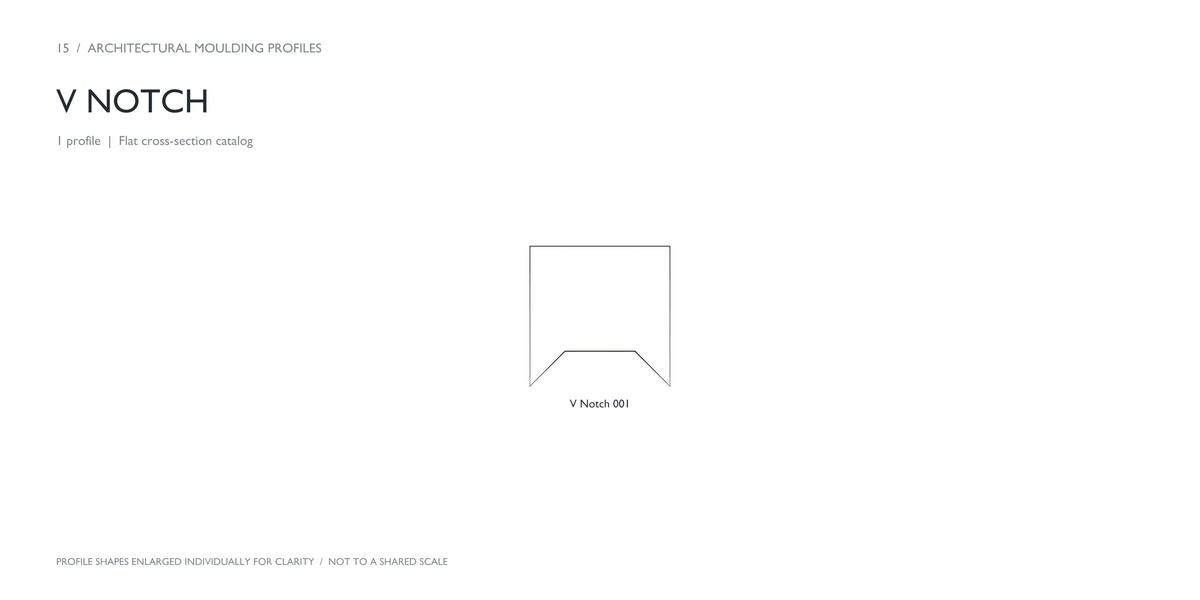
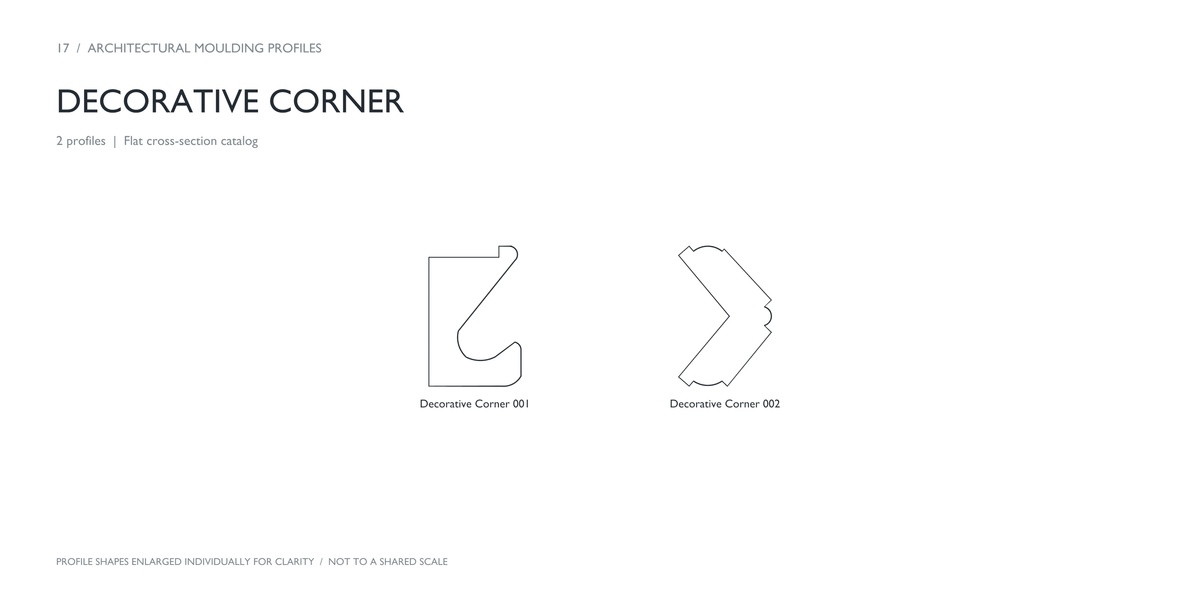
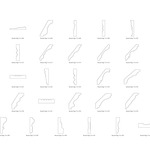
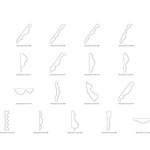
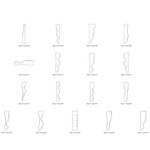
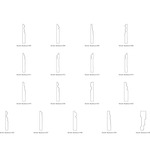
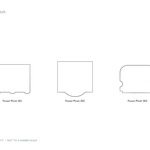
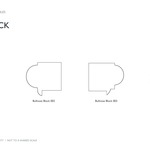
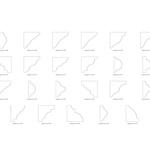
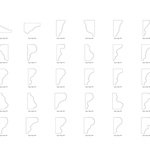
Browse 20 organized families, choose a shape, and adapt it to your project using Blender’s curve tools.
What’s included
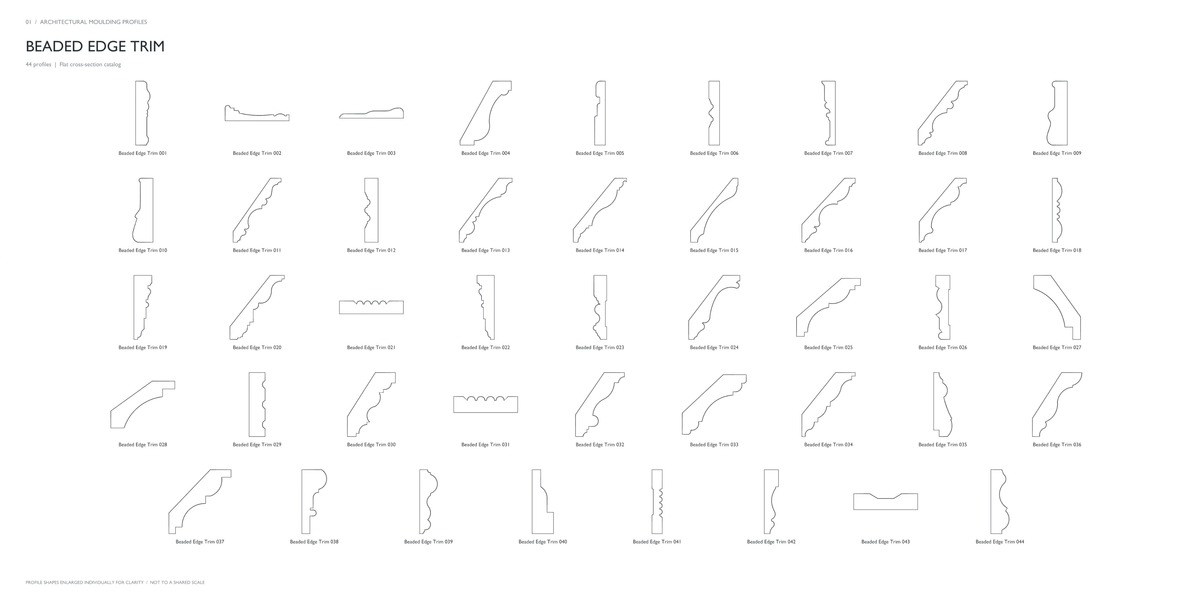
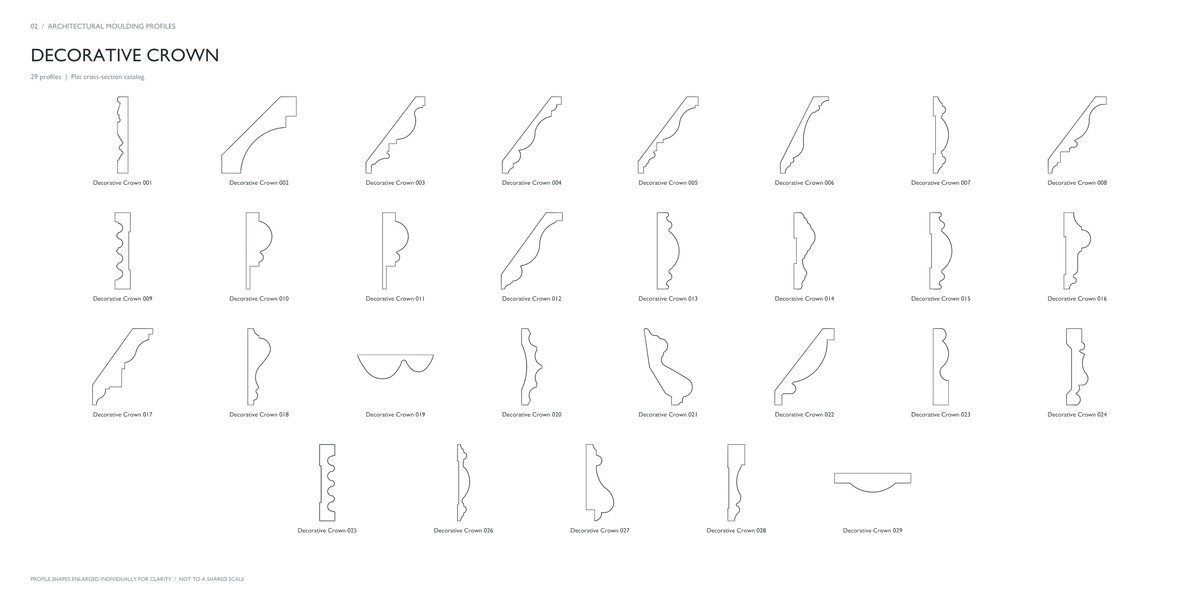
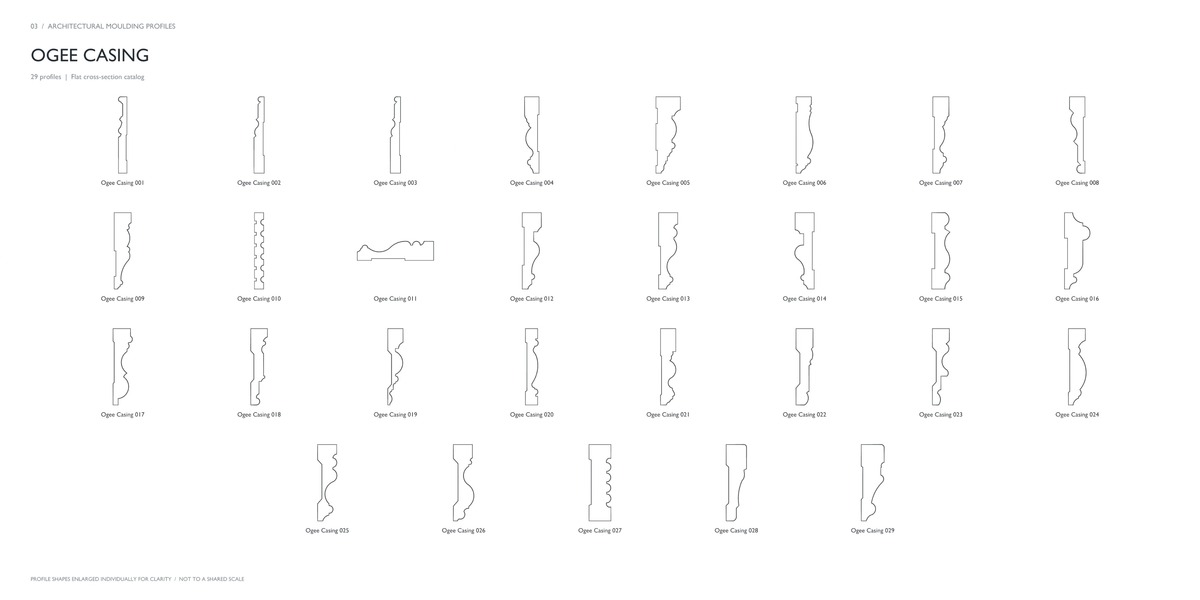
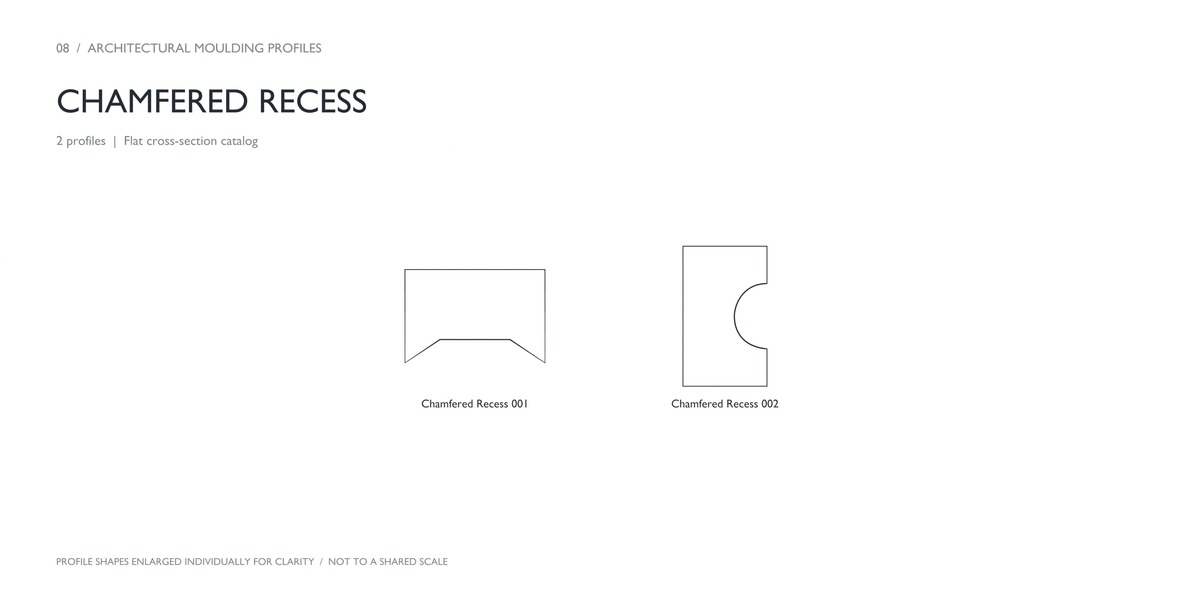
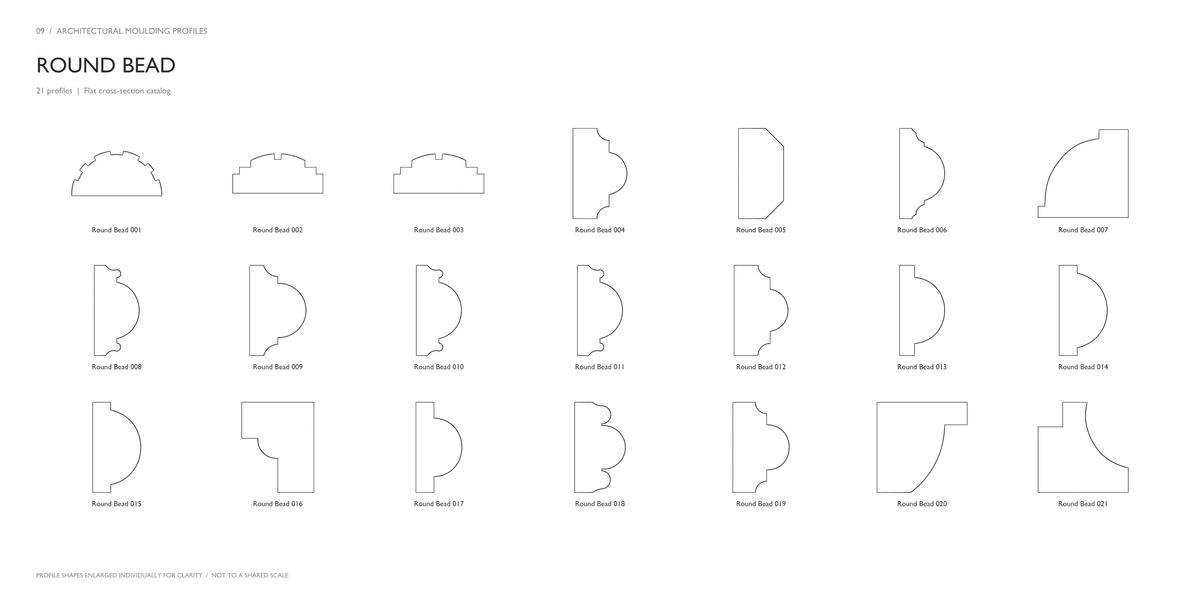
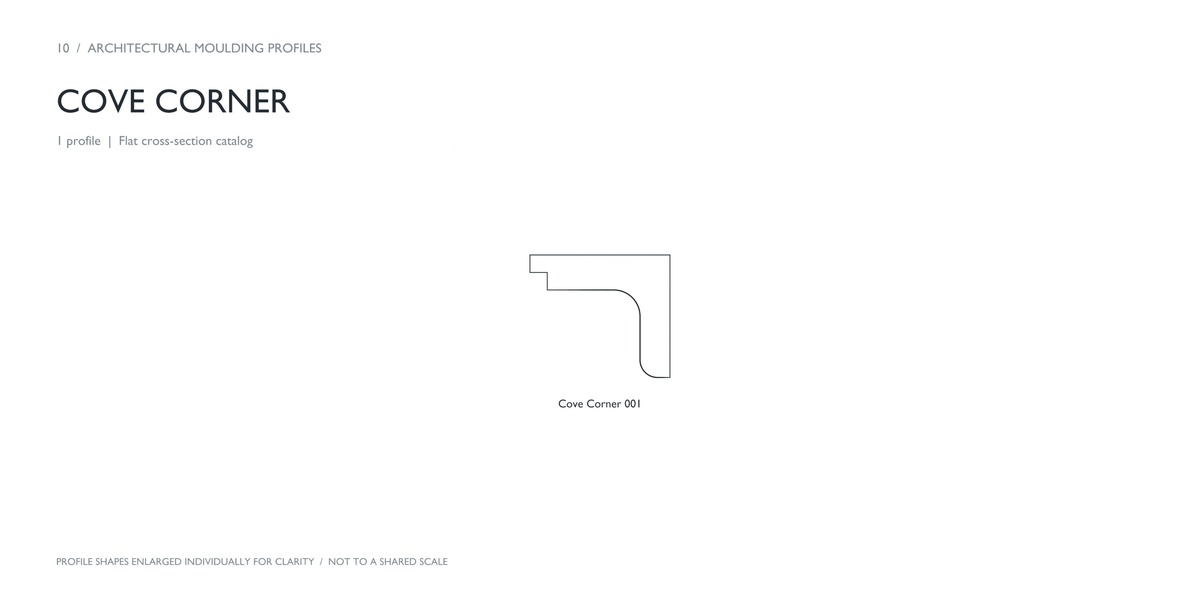
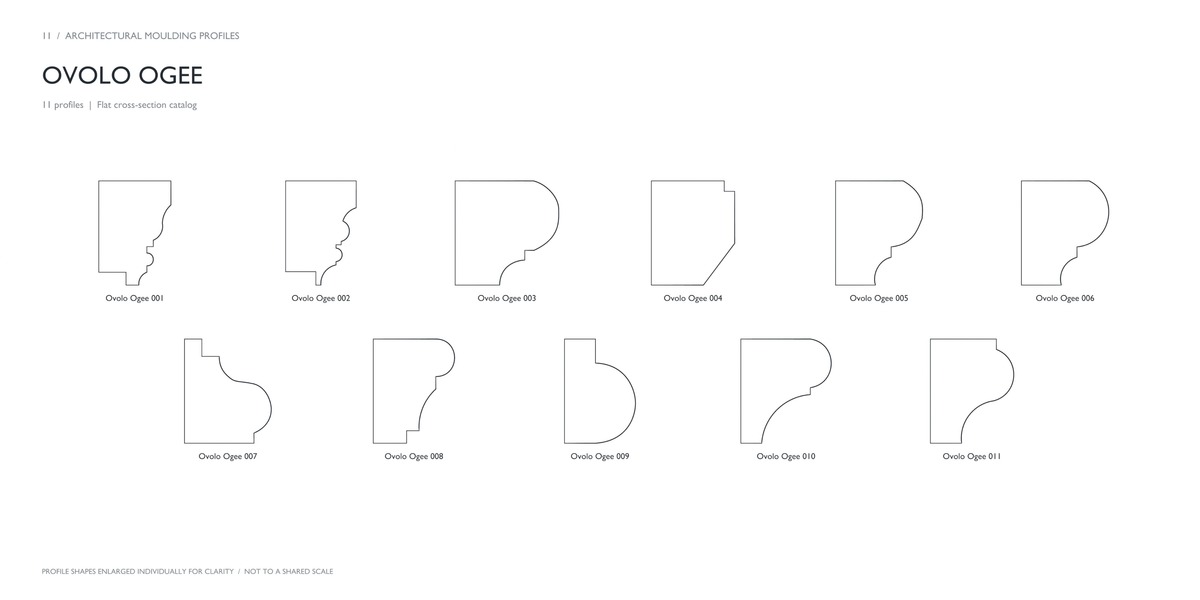
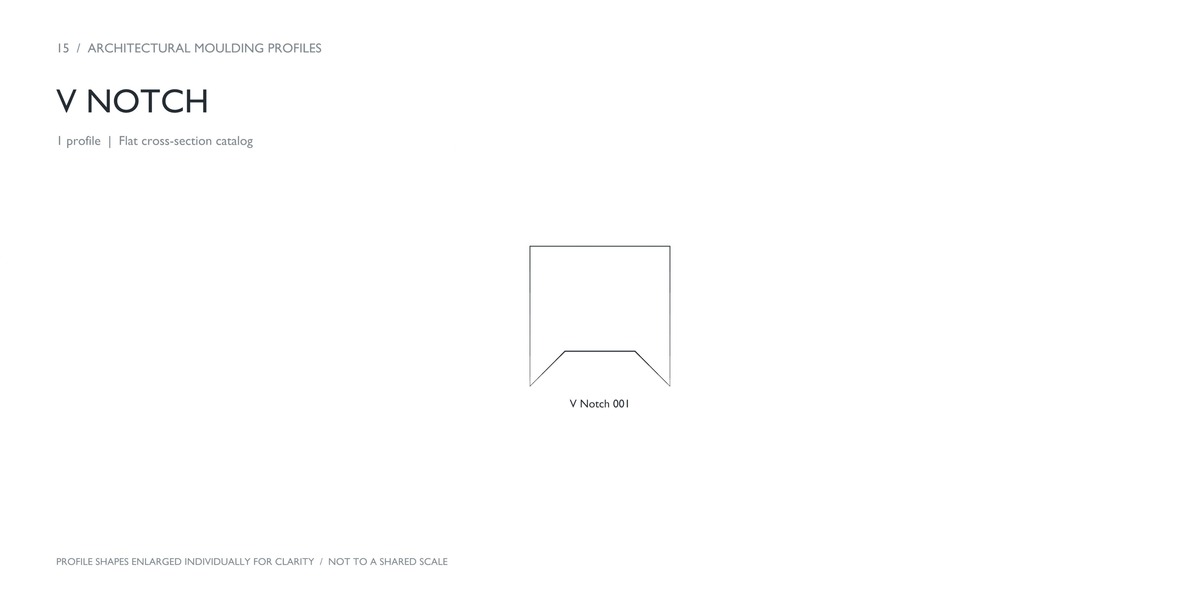
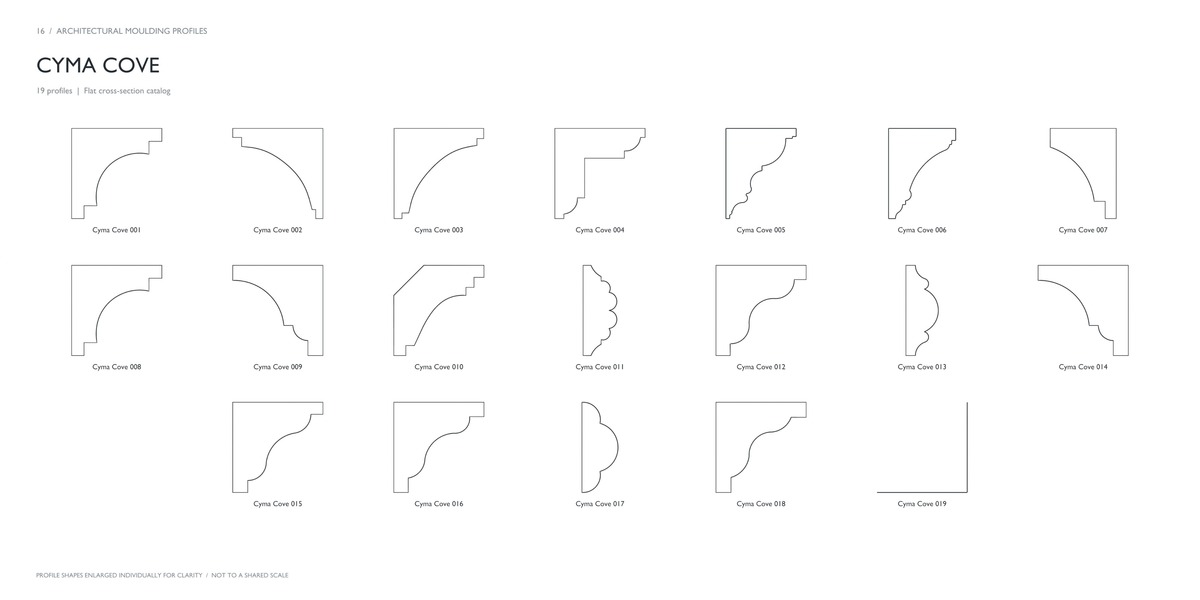
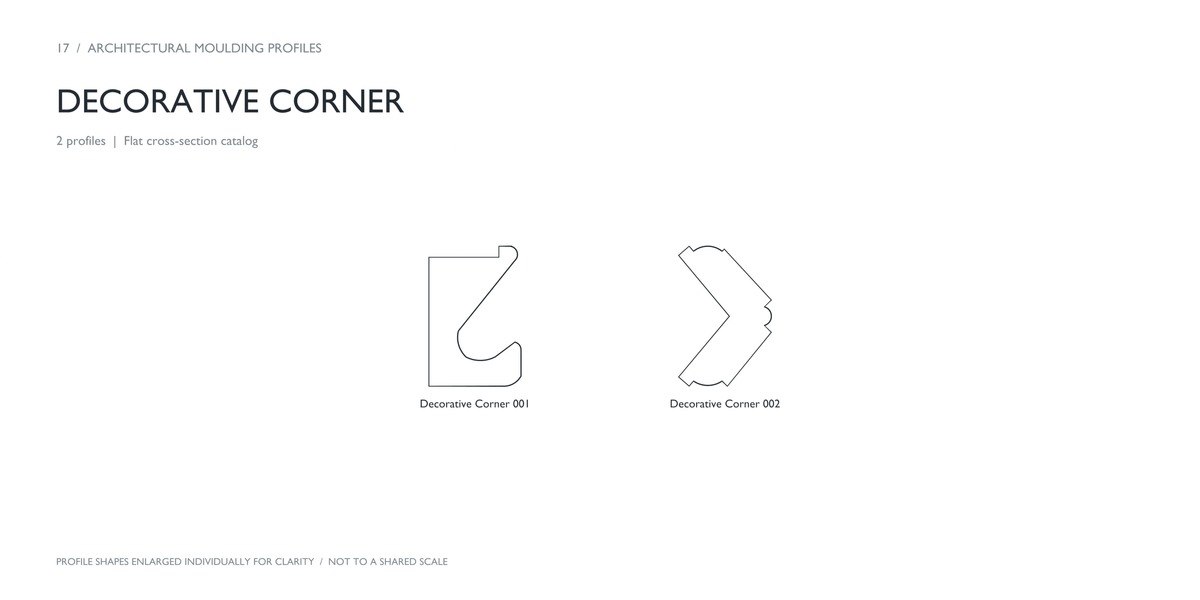
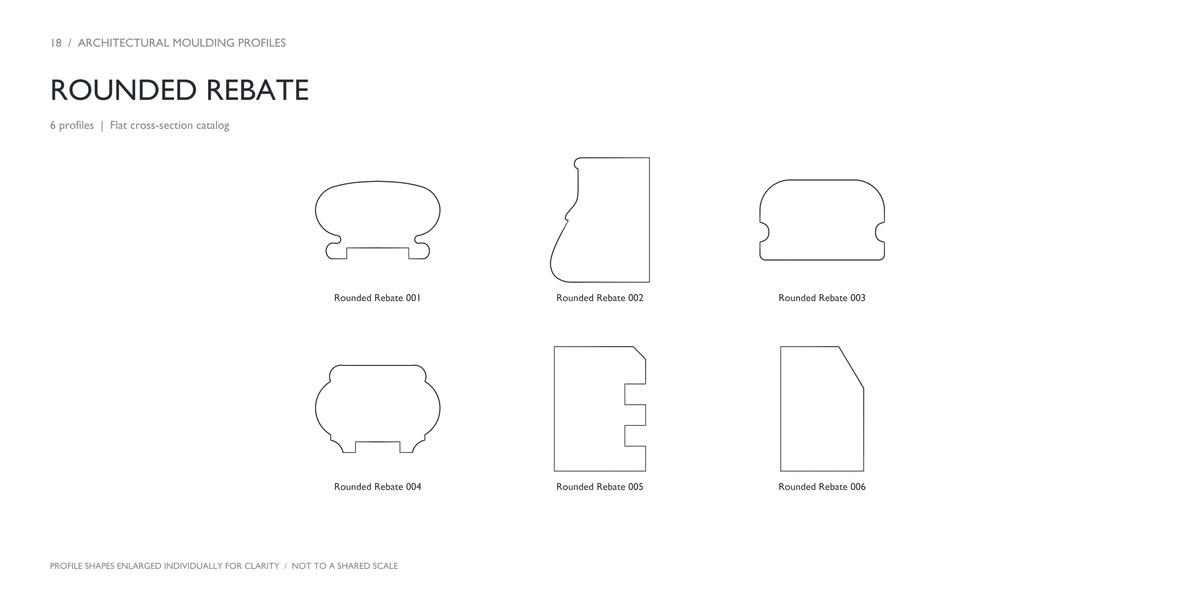
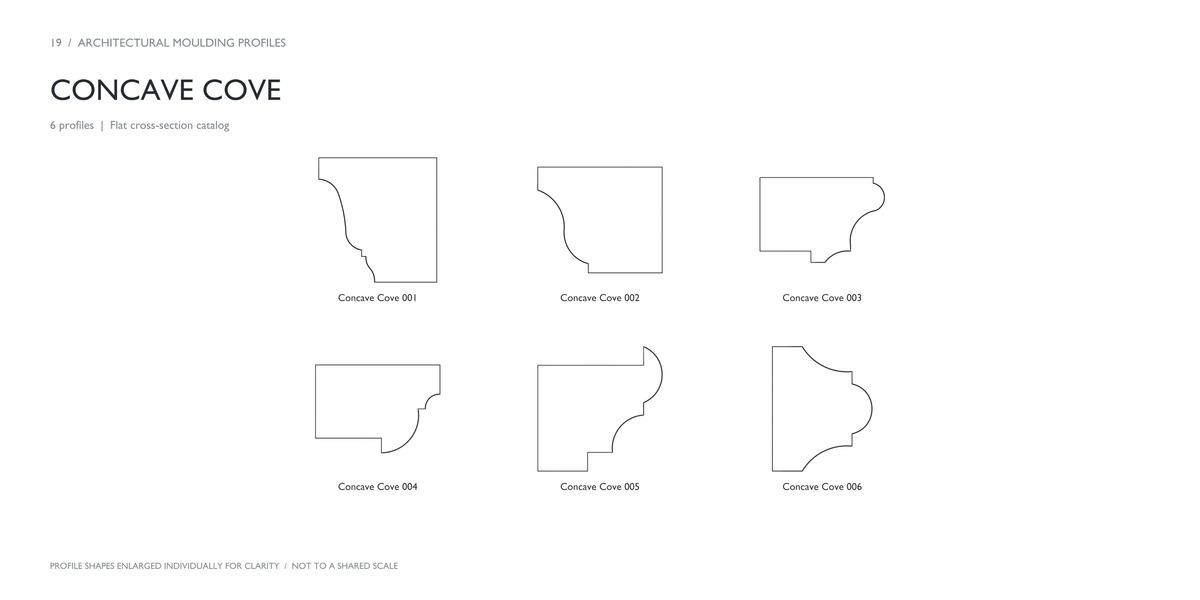
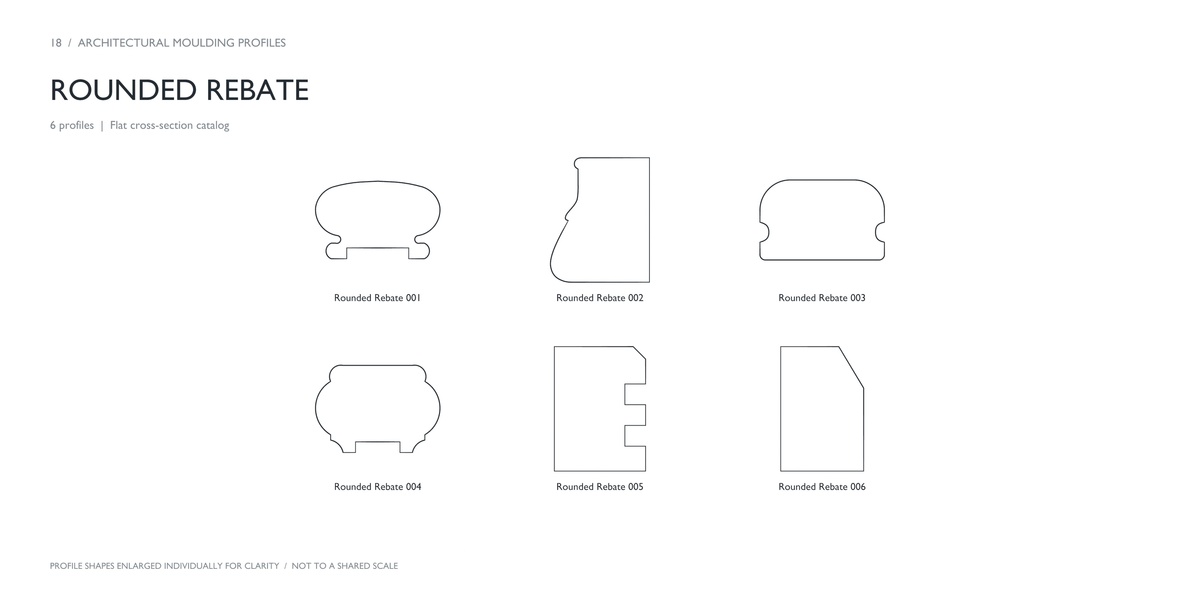
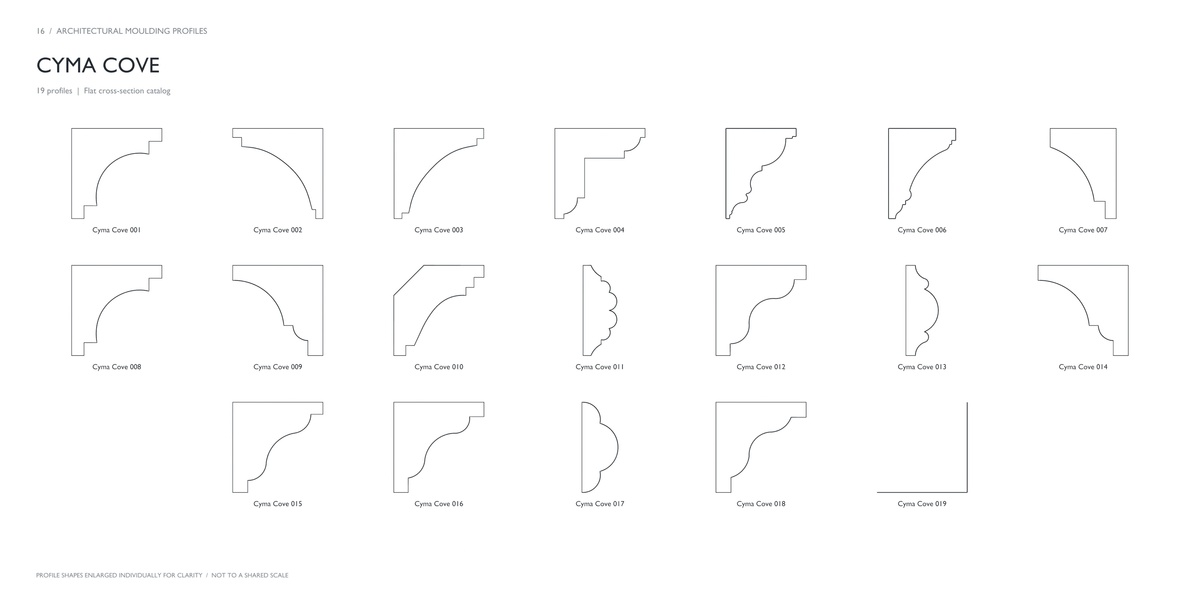
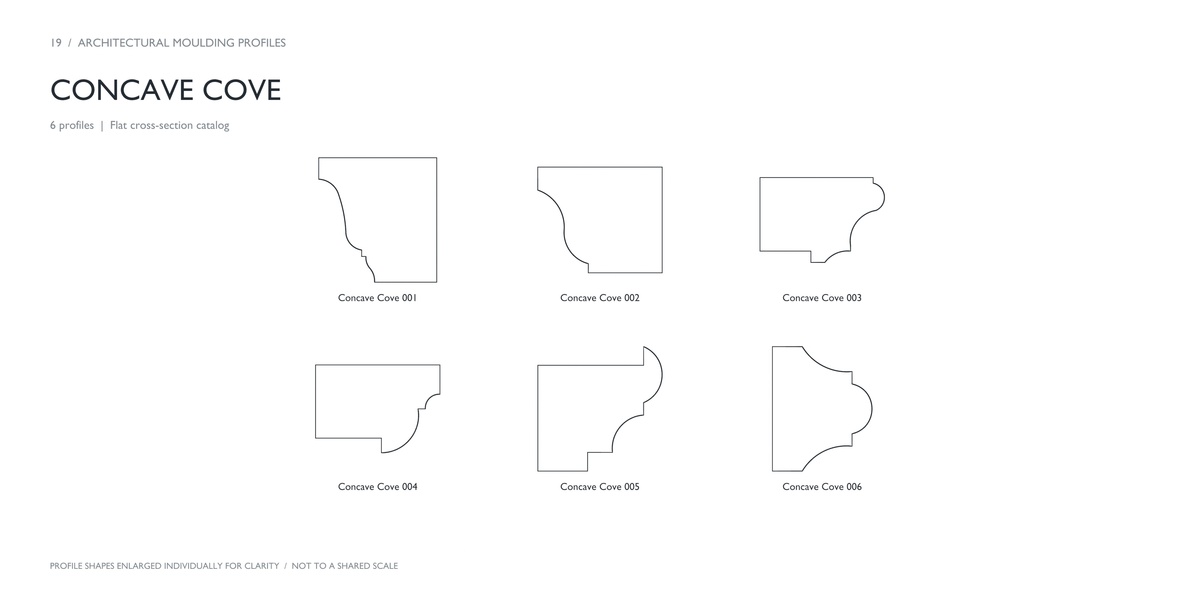
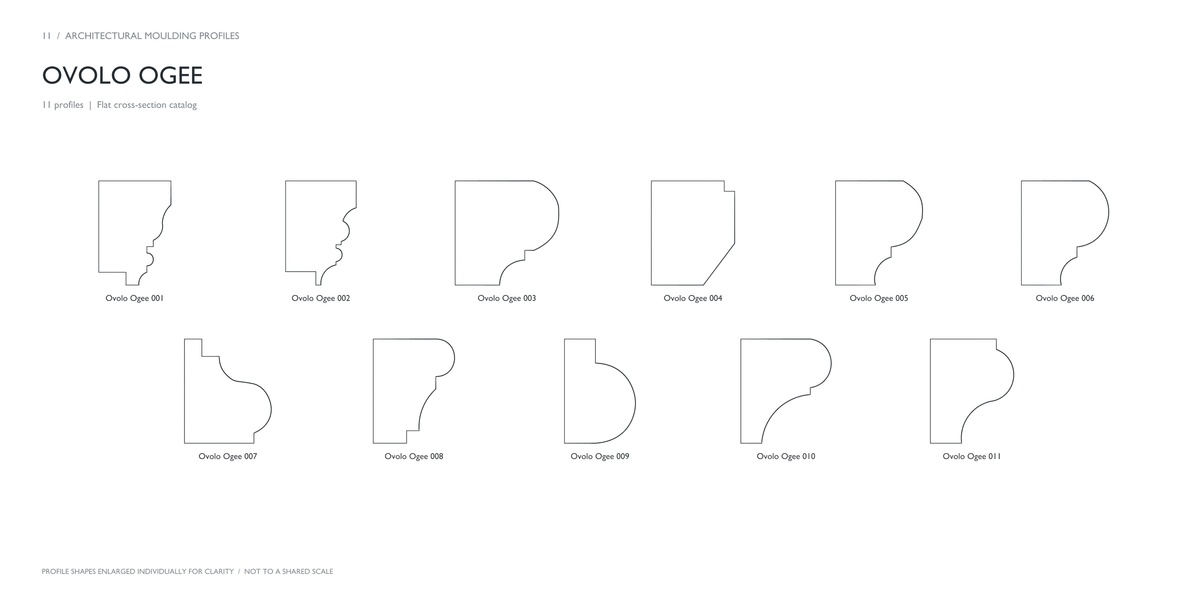
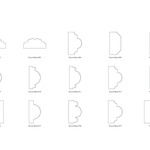
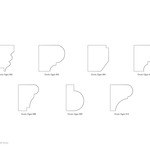
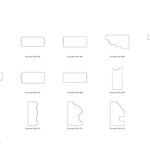
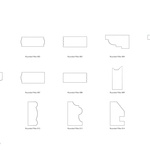
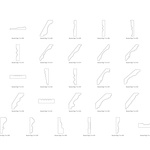
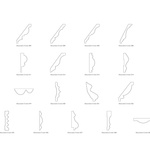
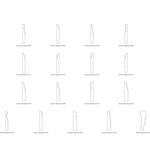
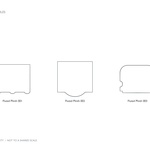
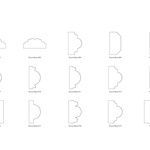
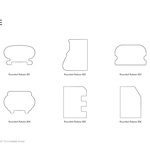
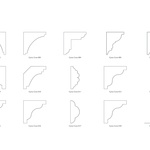
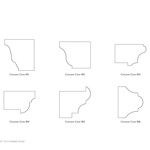
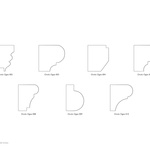
389 individually separated and named curve profiles
20 families organized by profile shape
A Blender file containing the profile library
A wide range of shapes
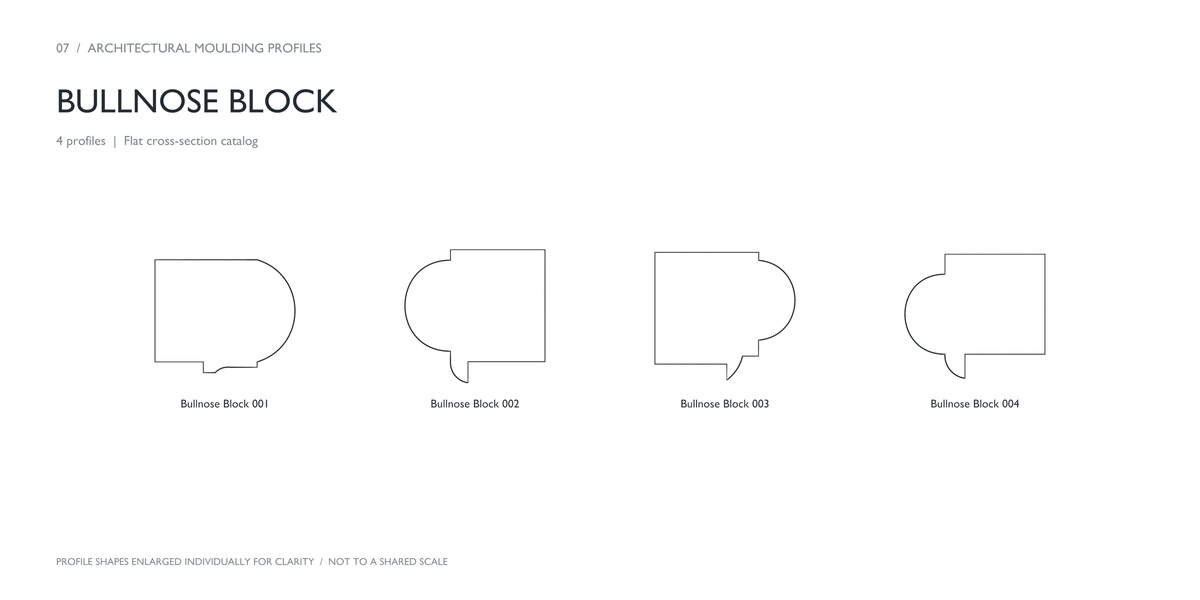
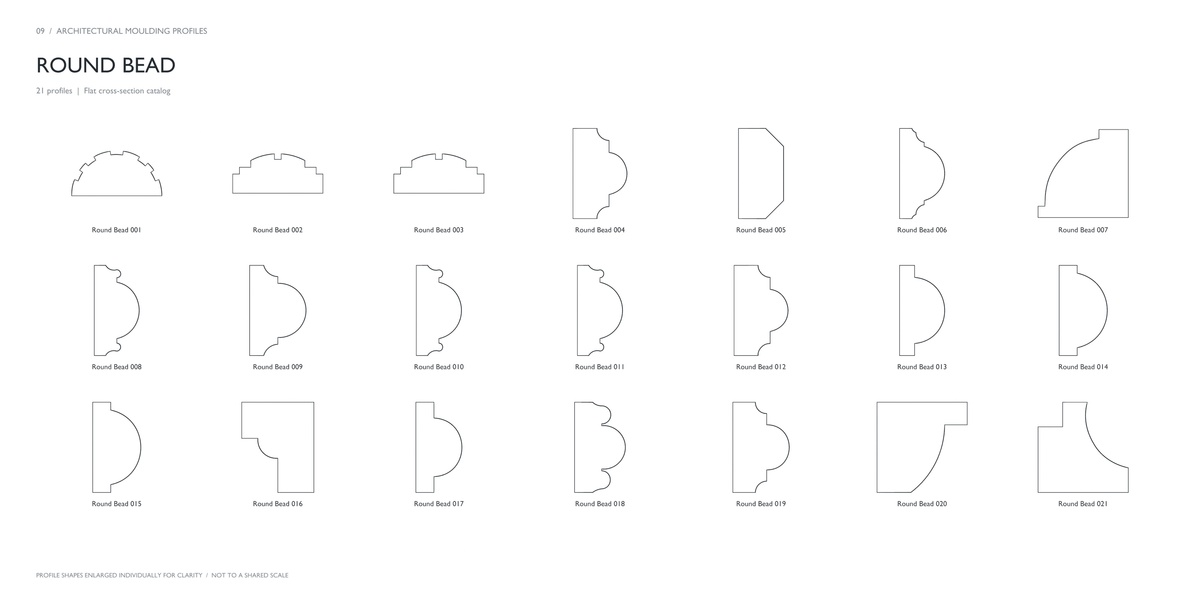
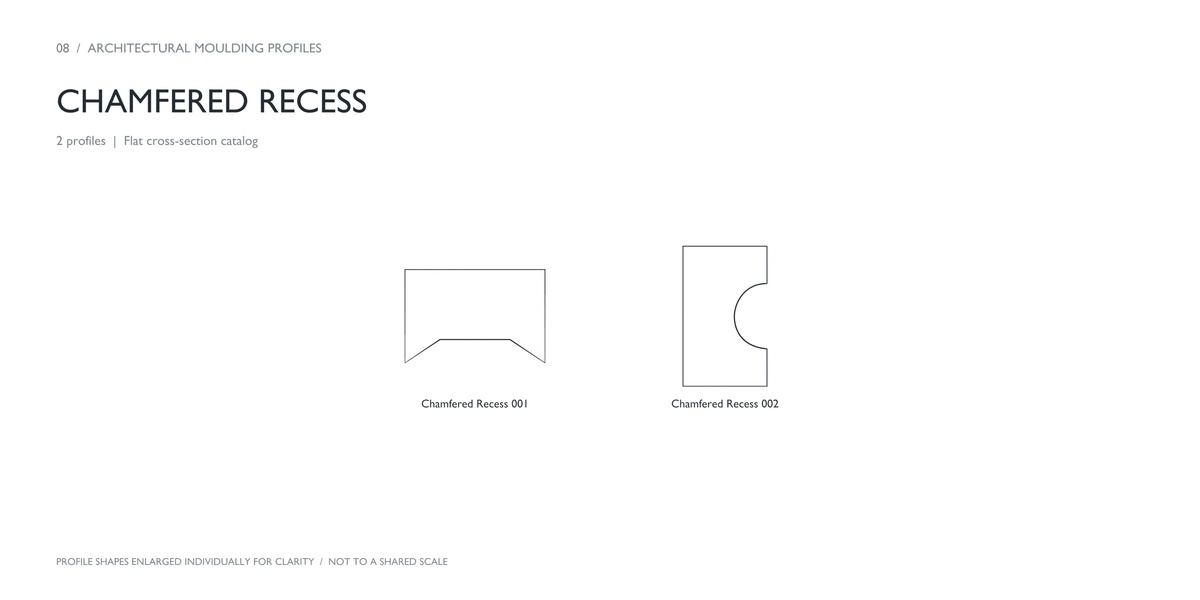
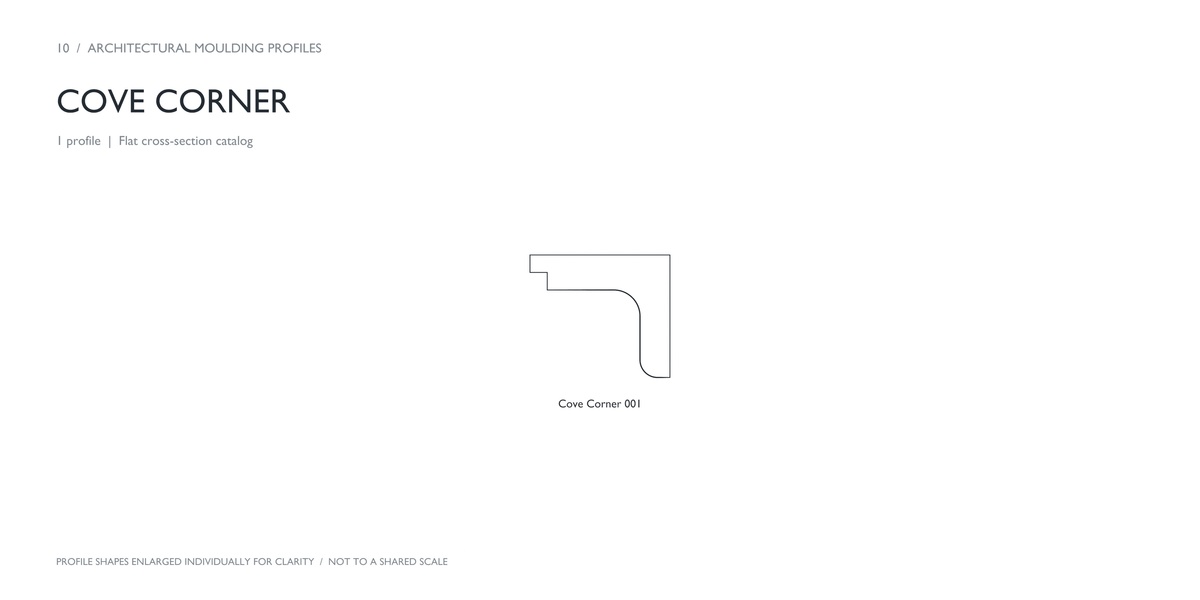
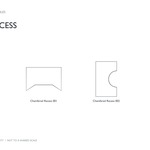
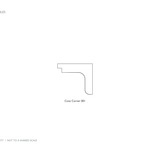
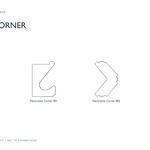
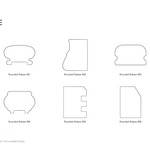
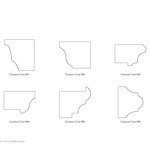
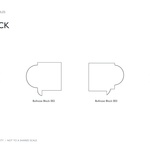
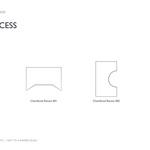
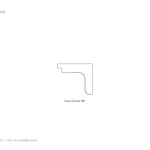
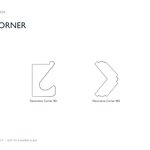
Explore decorative crowns, beaded trims, ogee casings, slender baseboards, stepped and concave coves, round beads, bullnose shapes, rebates, fillets, and more.
Use the profiles as a starting point for interior visualization, furniture detailing, architectural modeling, and environment design.
Simple workflow
Browse the catalogs to find a profile.
Append the named curve object into your Blender project.
Adjust its scale and orientation.
Use it as a bevel profile for a path curve, or edit it to create your own variation.
Before you buy
This is an editable curve profile library. Basic familiarity with Blender curves and bevel objects is recommended.
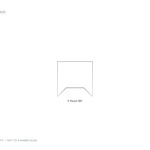
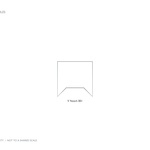
The rendered moulding samples illustrate possible results made from the profiles. Catalog shapes are enlarged individually for readability and are not shown at a shared scale.
