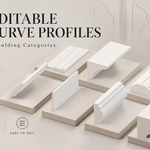
Architectural Moulding Profiles — 389 Editable Curves
 Alexander Go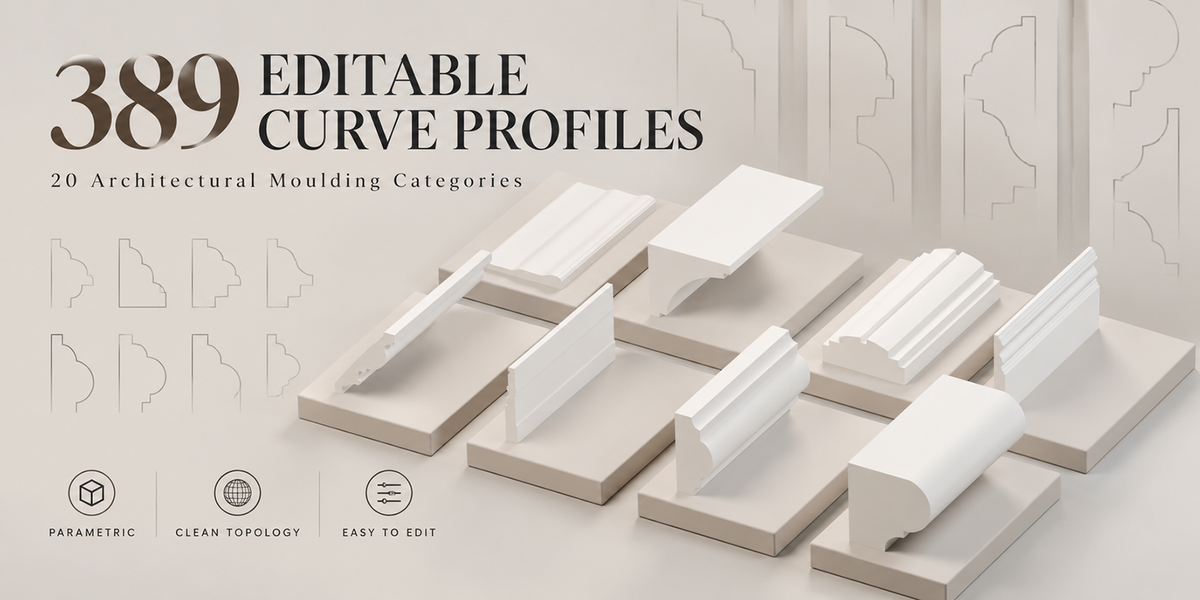
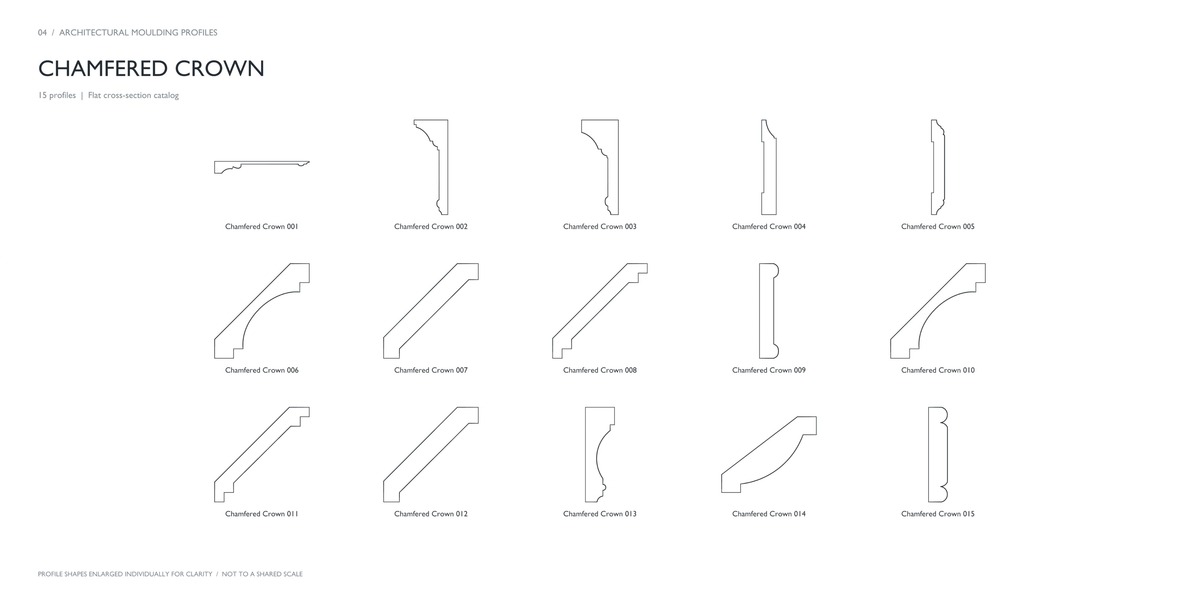
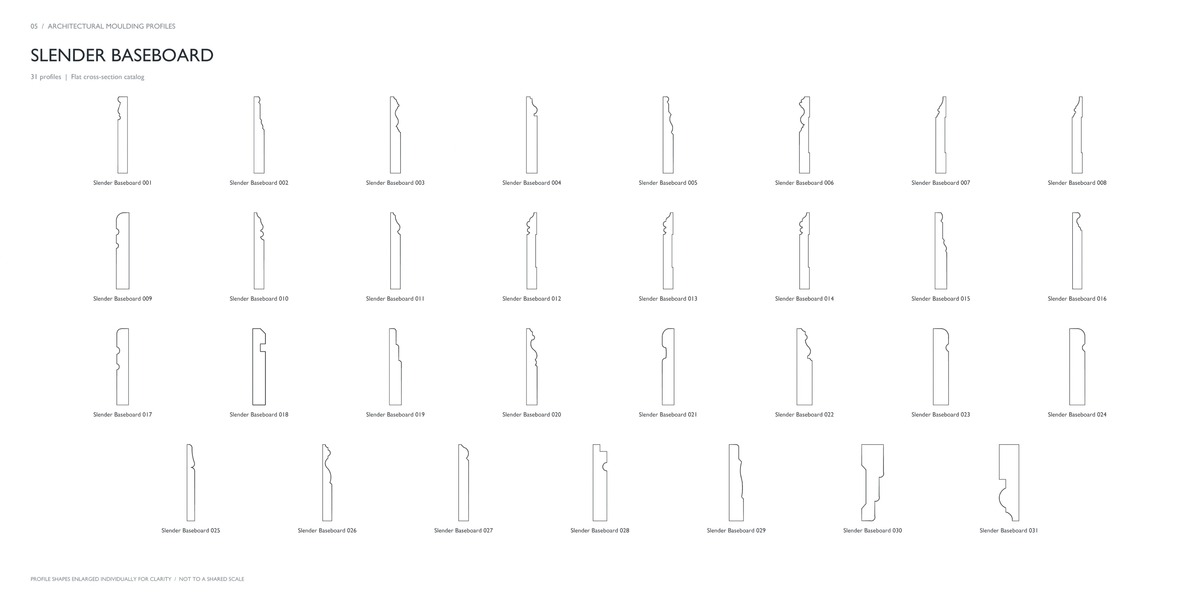
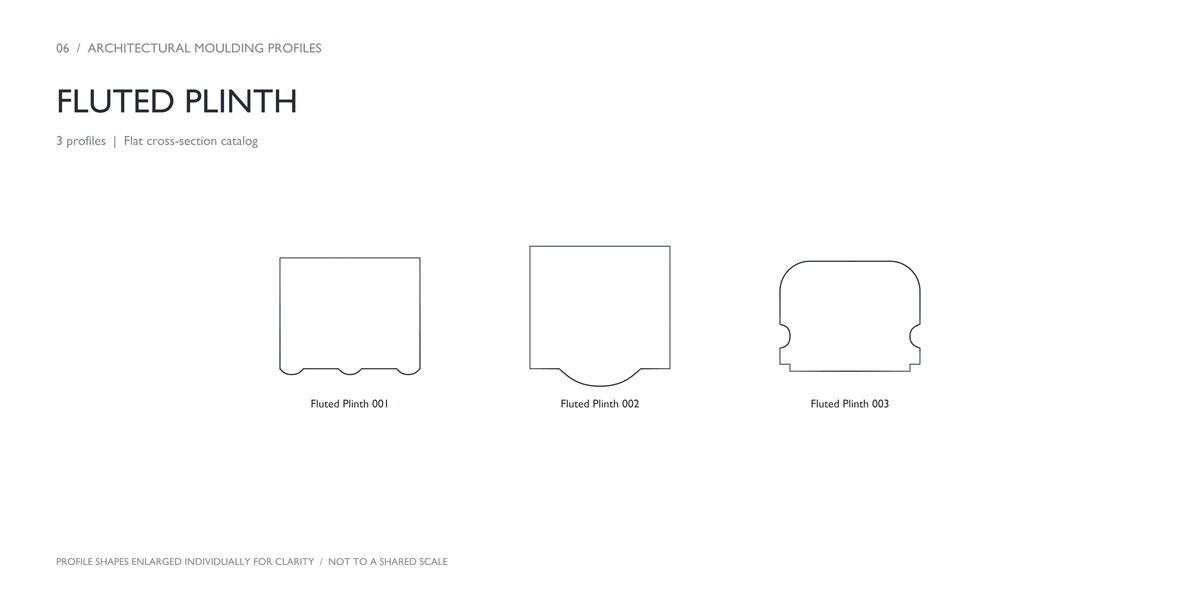
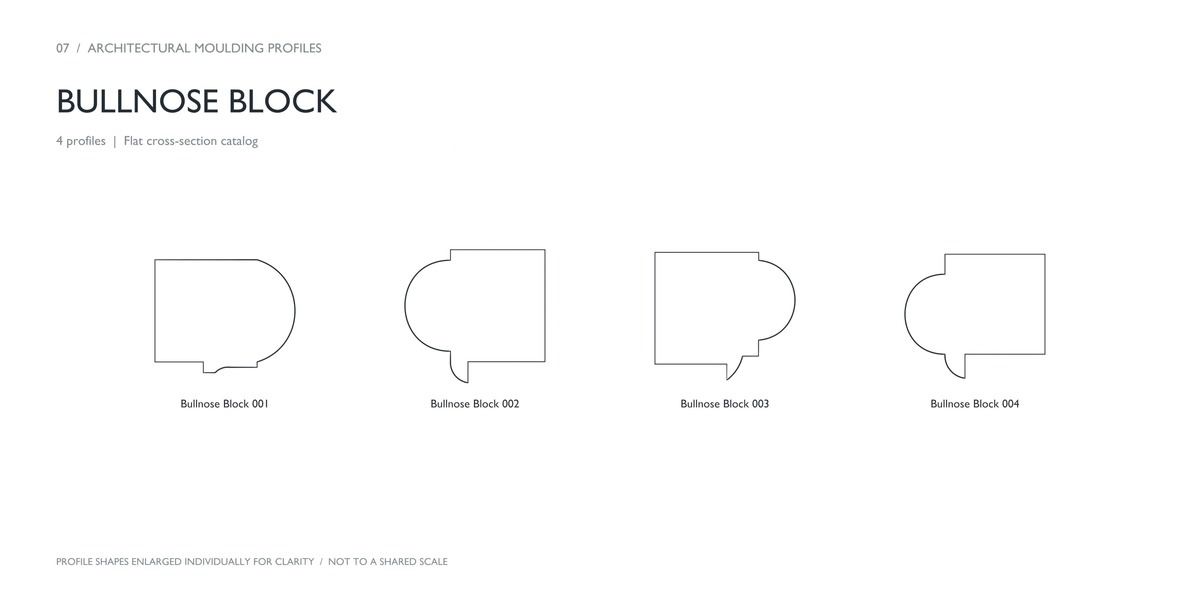
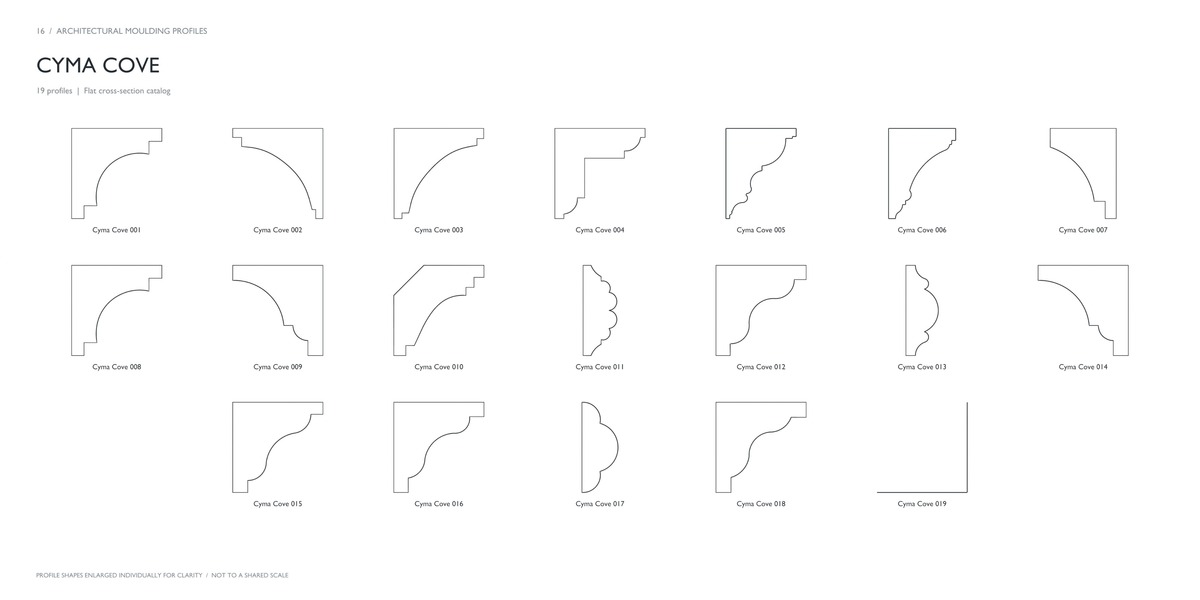
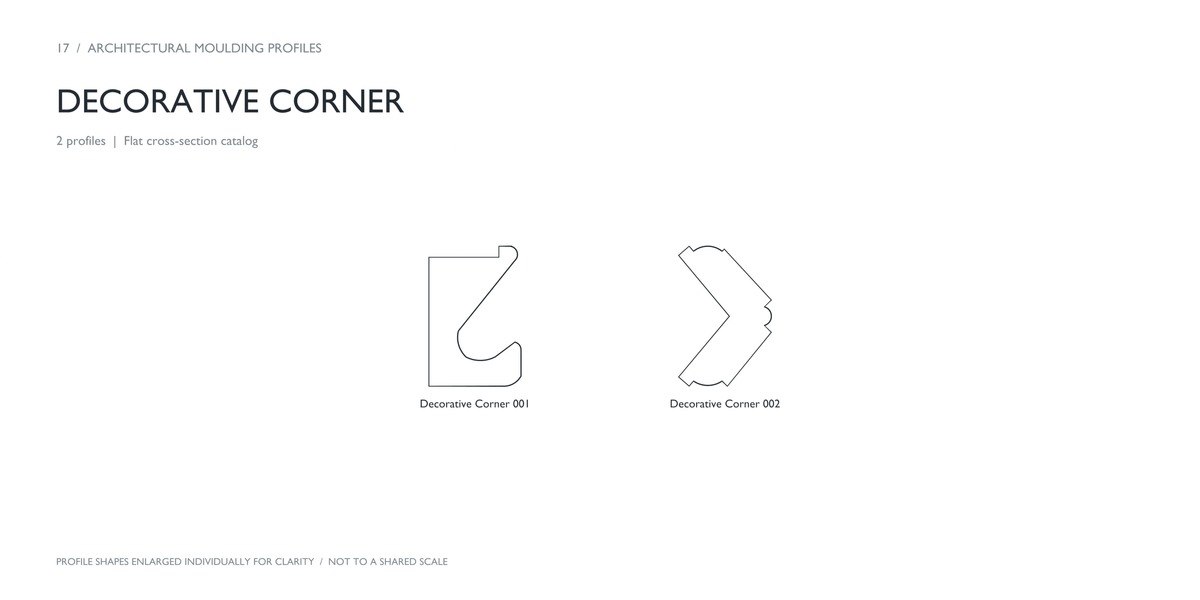
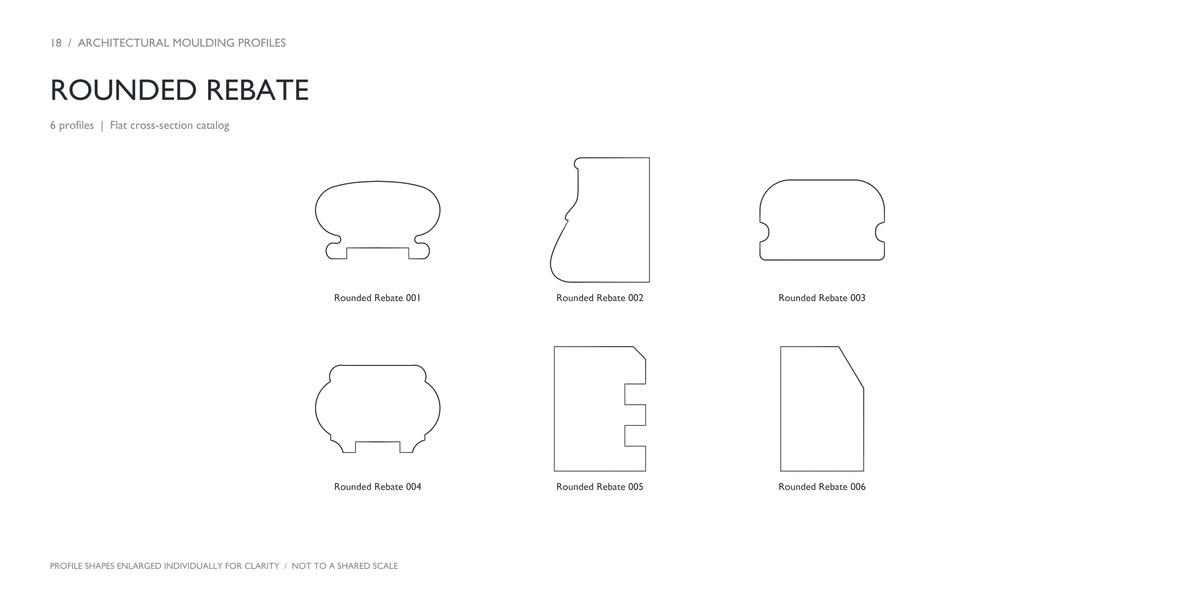
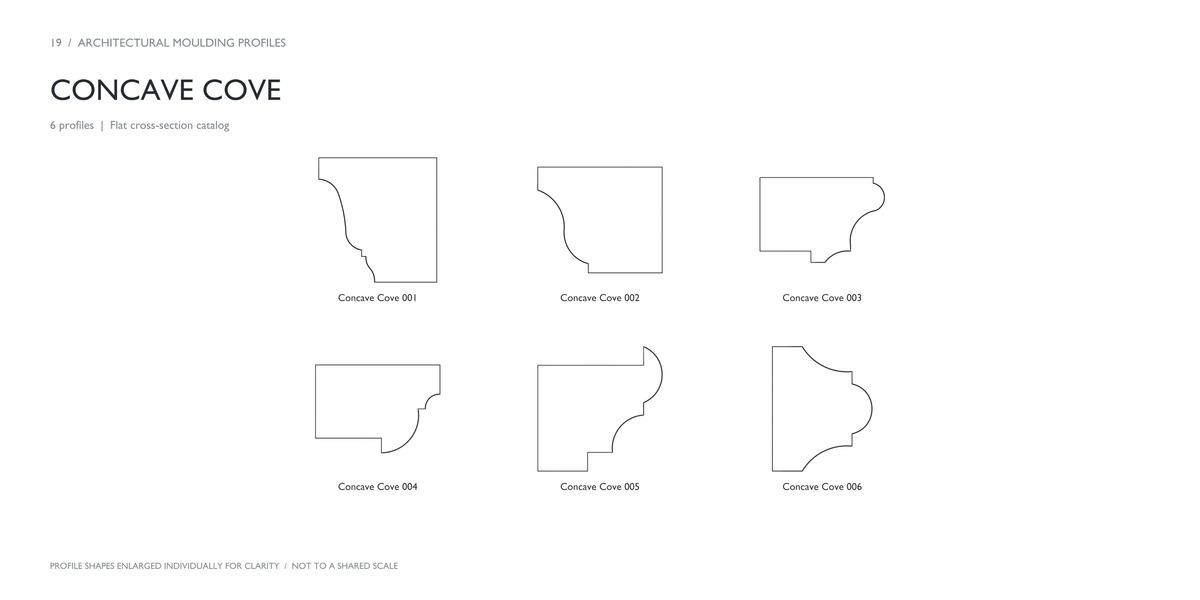
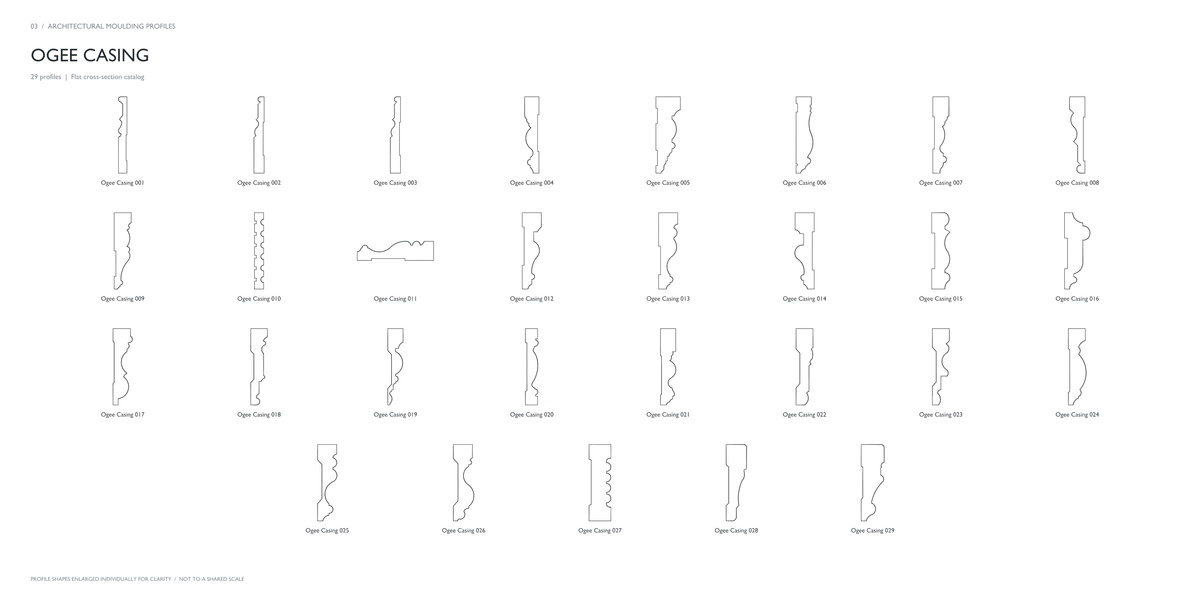
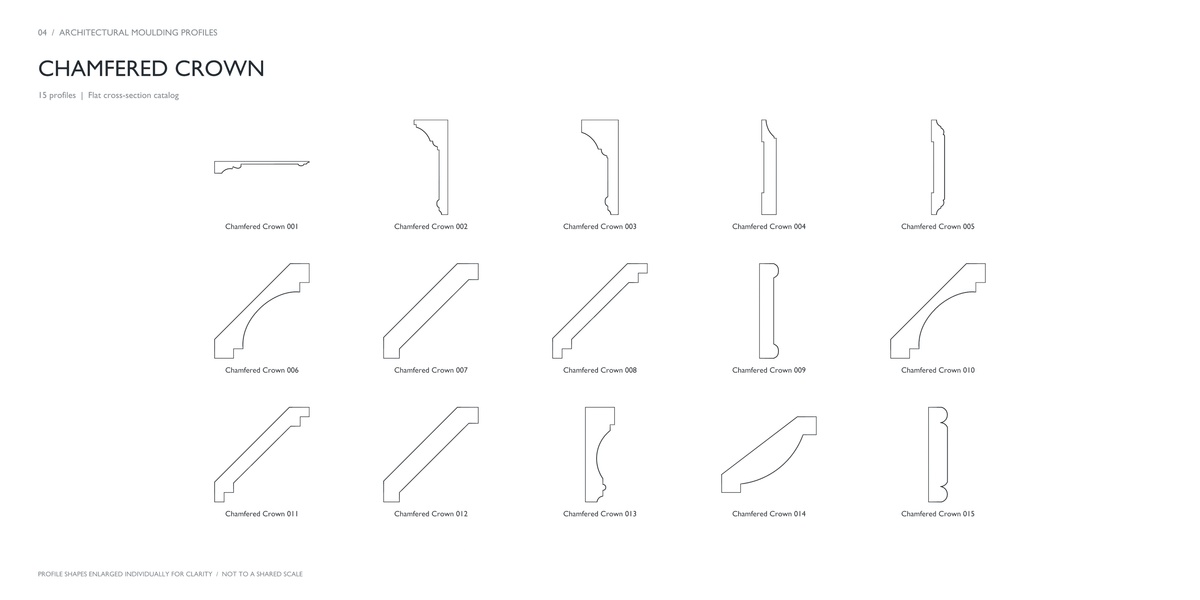
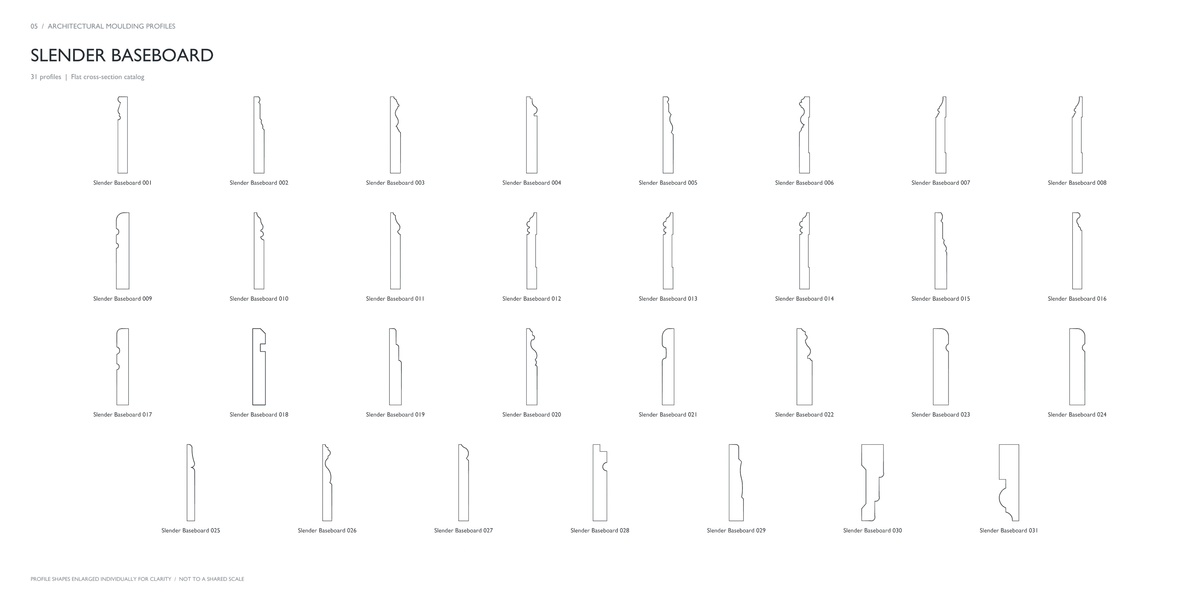
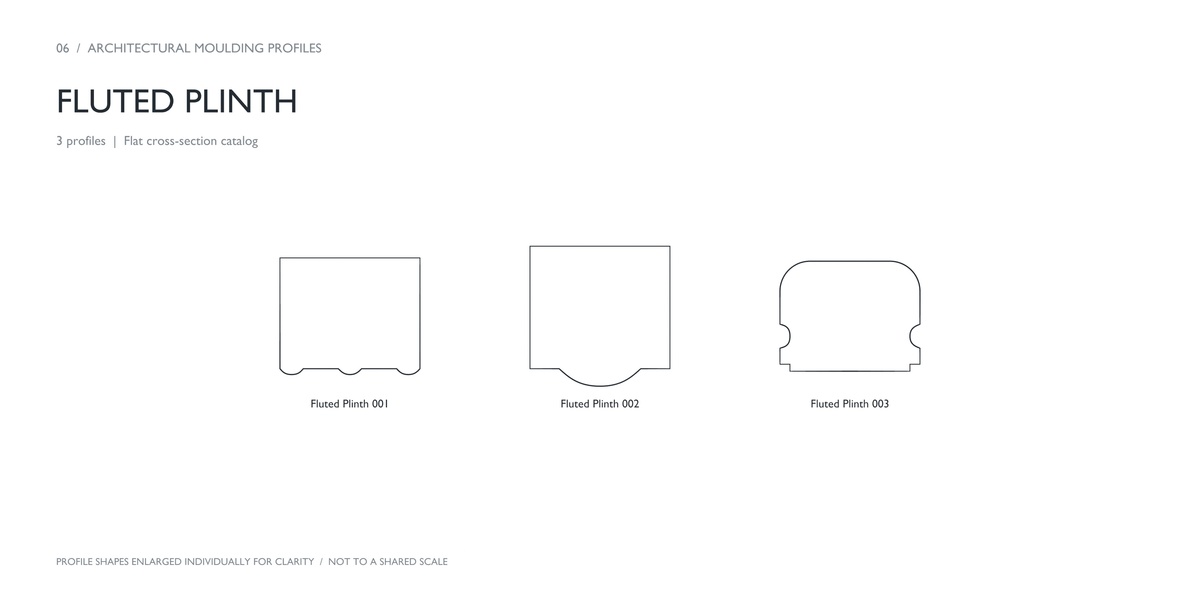
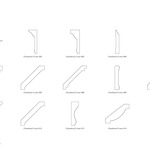
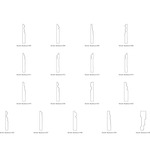
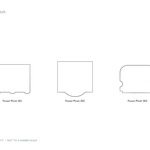
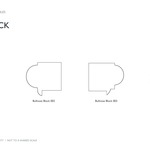
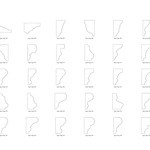
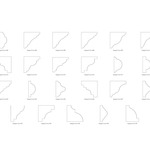
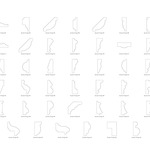
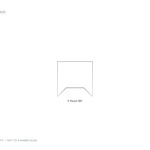
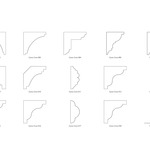
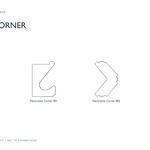
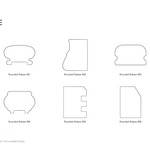
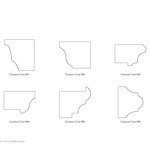
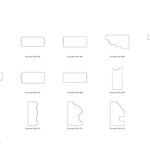
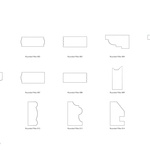
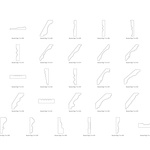
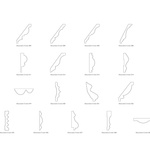
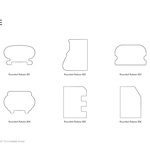
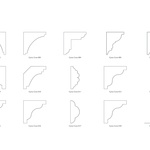
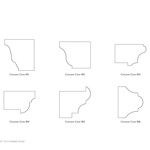
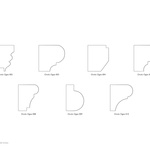
Why is my moulding too large or offset from its path?
Check the profile’s geometry size and its position relative to its object origin. Adjust the profile in Edit Mode, then check the path curve’s scale and bevel settings.
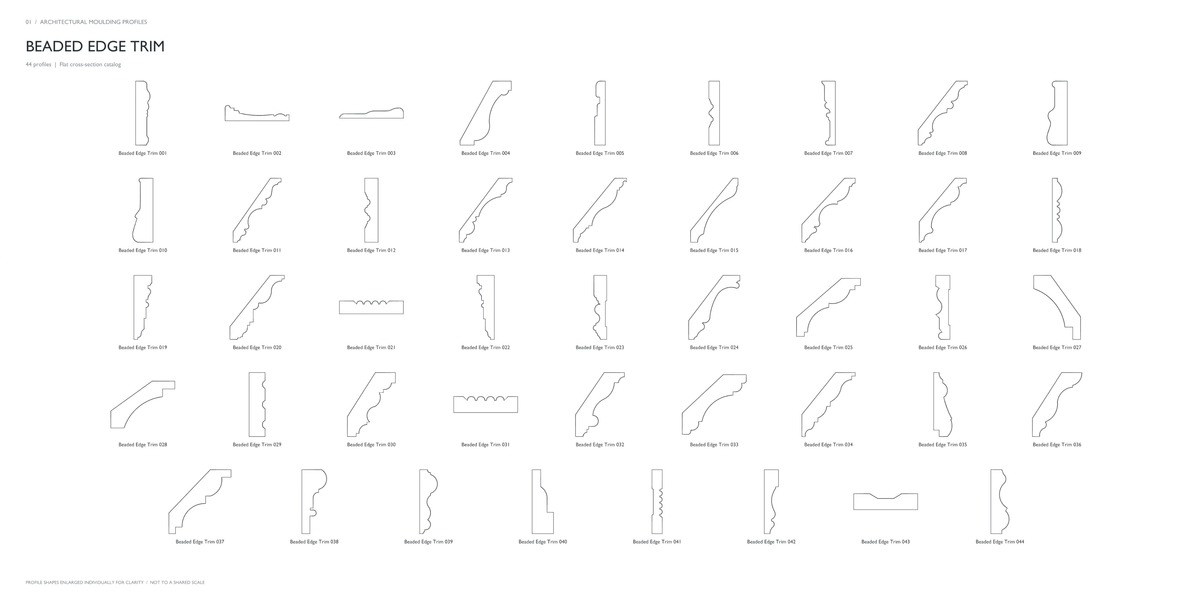
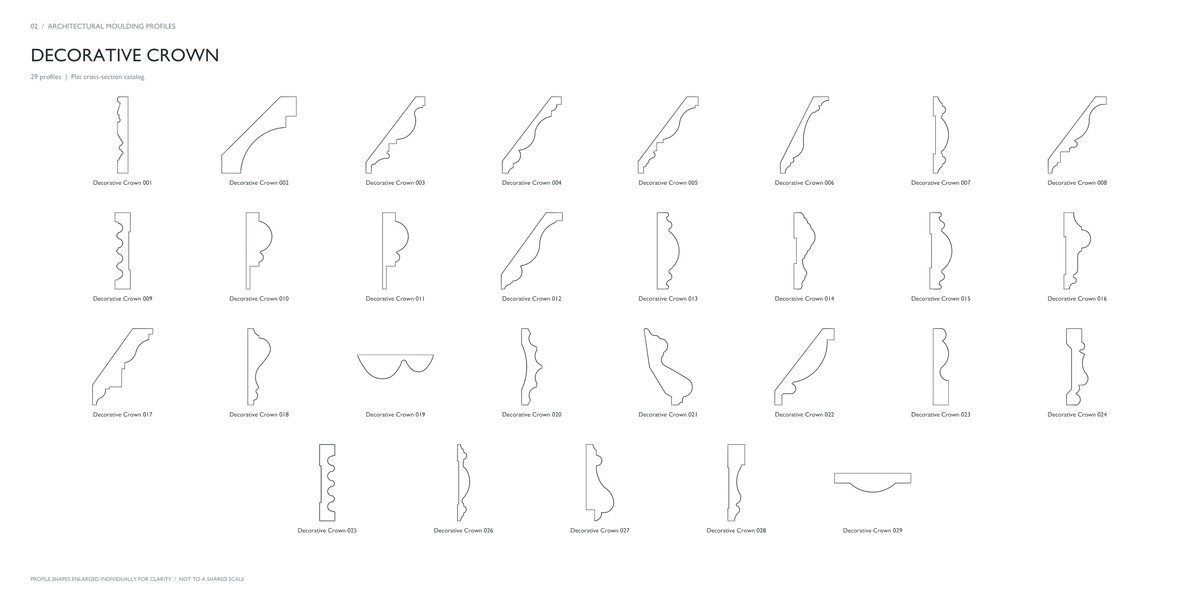
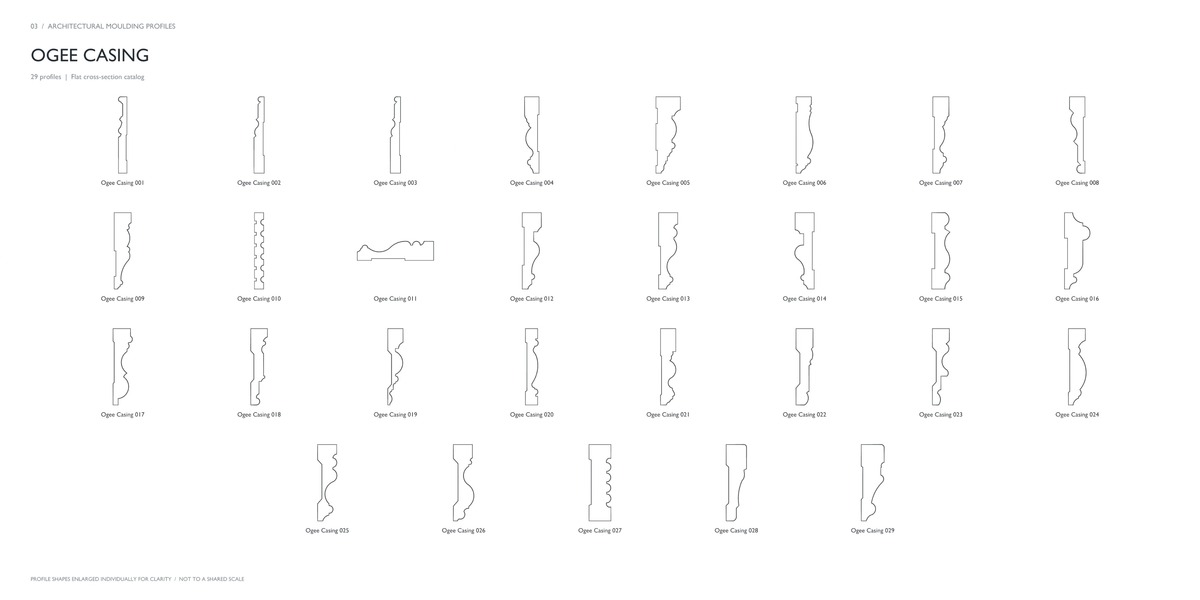
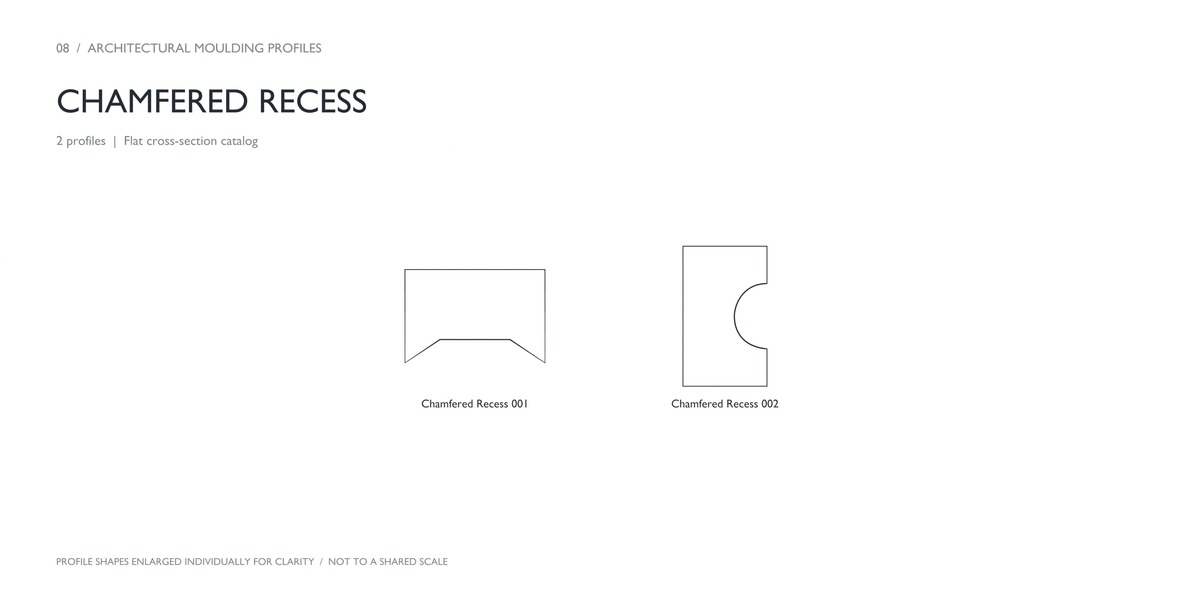
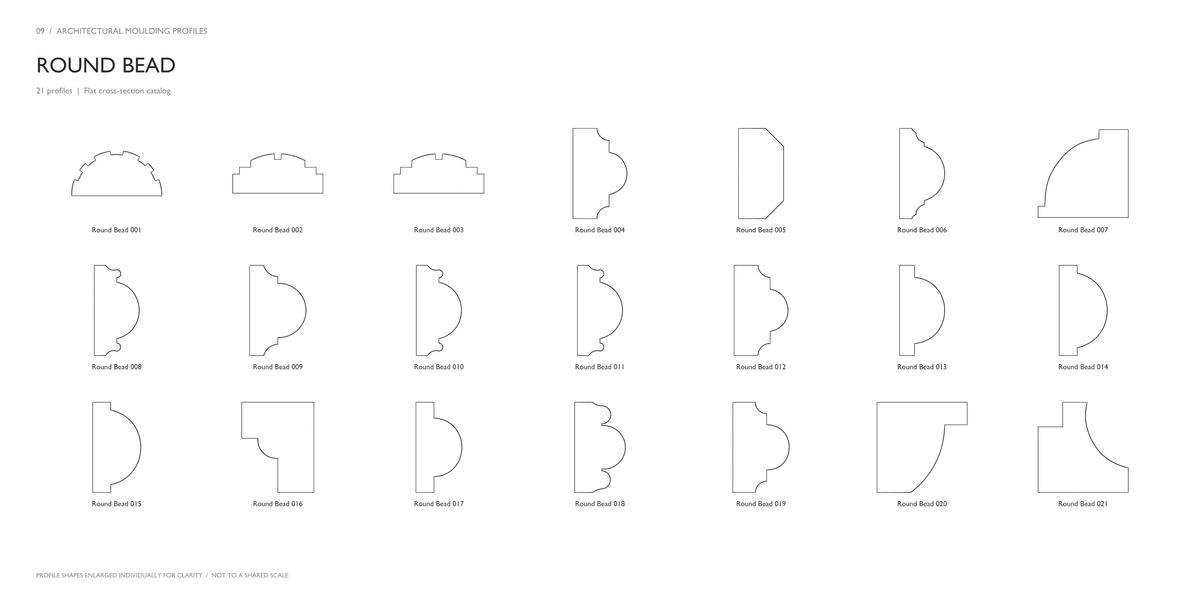
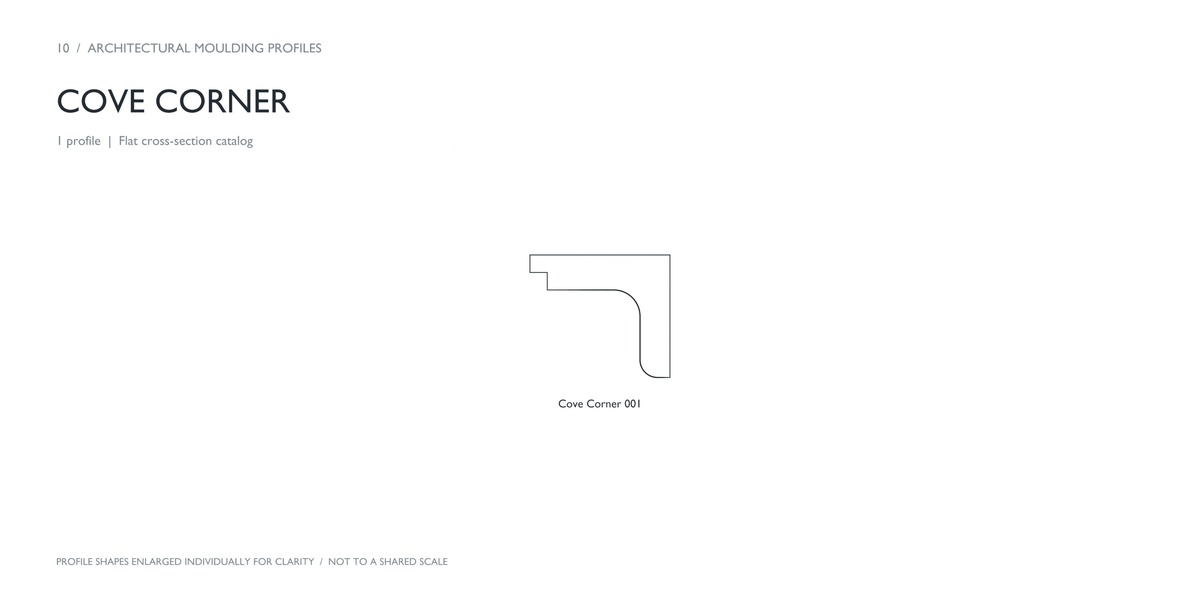
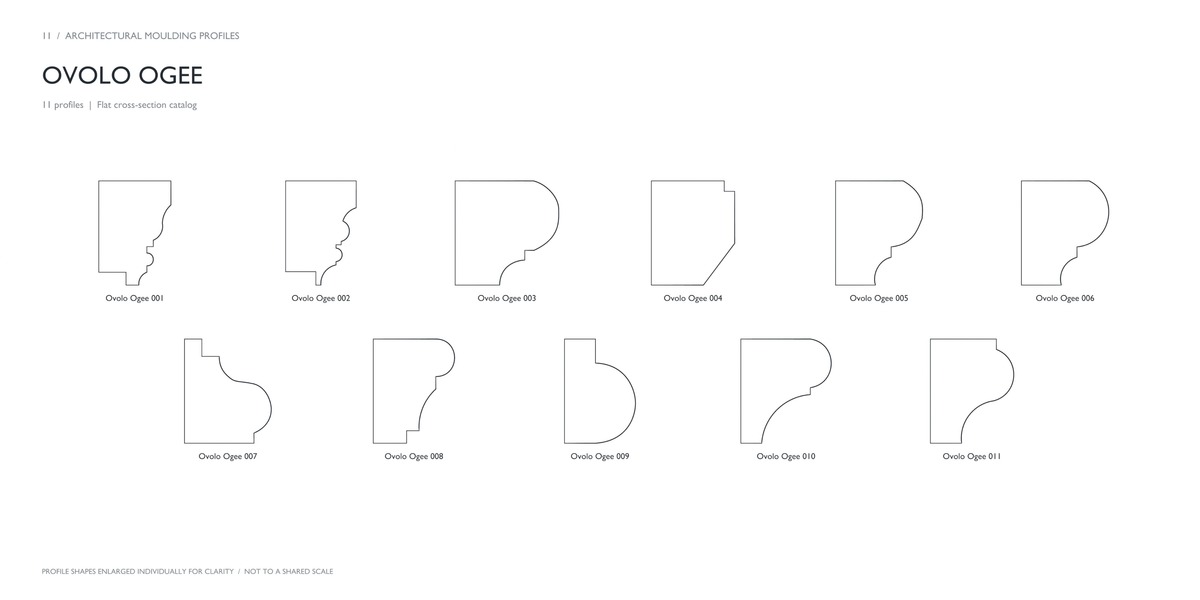
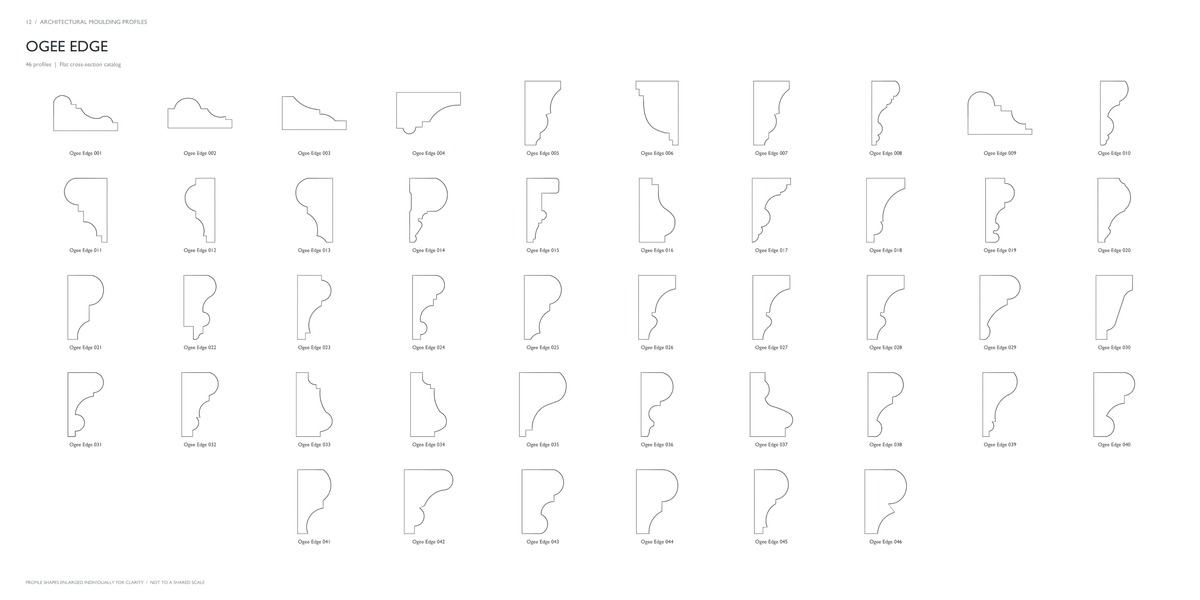
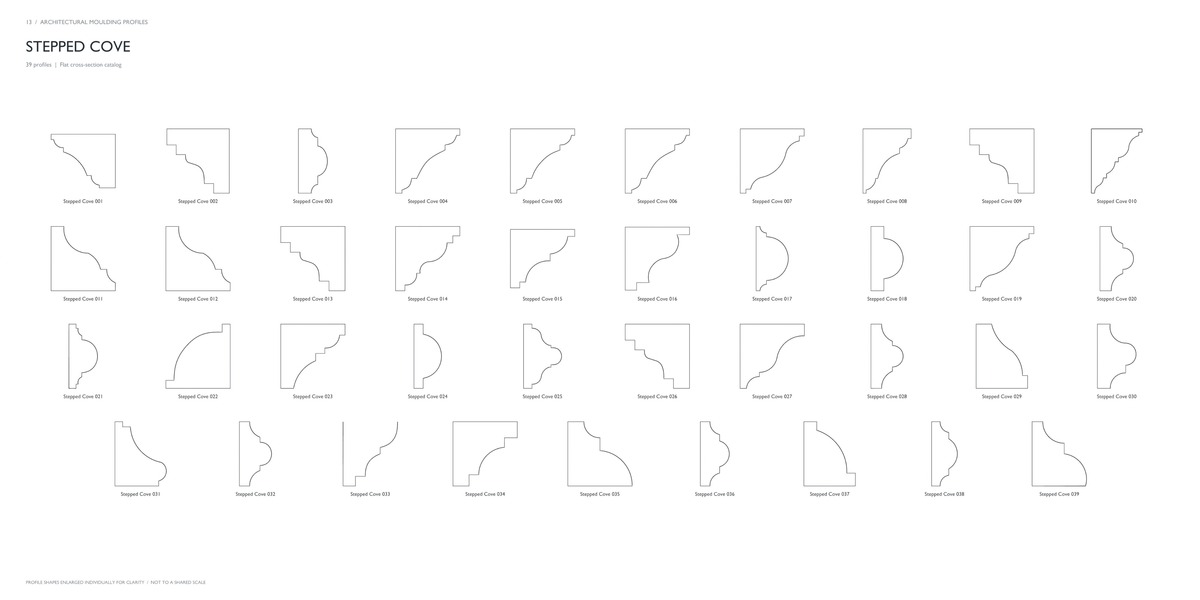
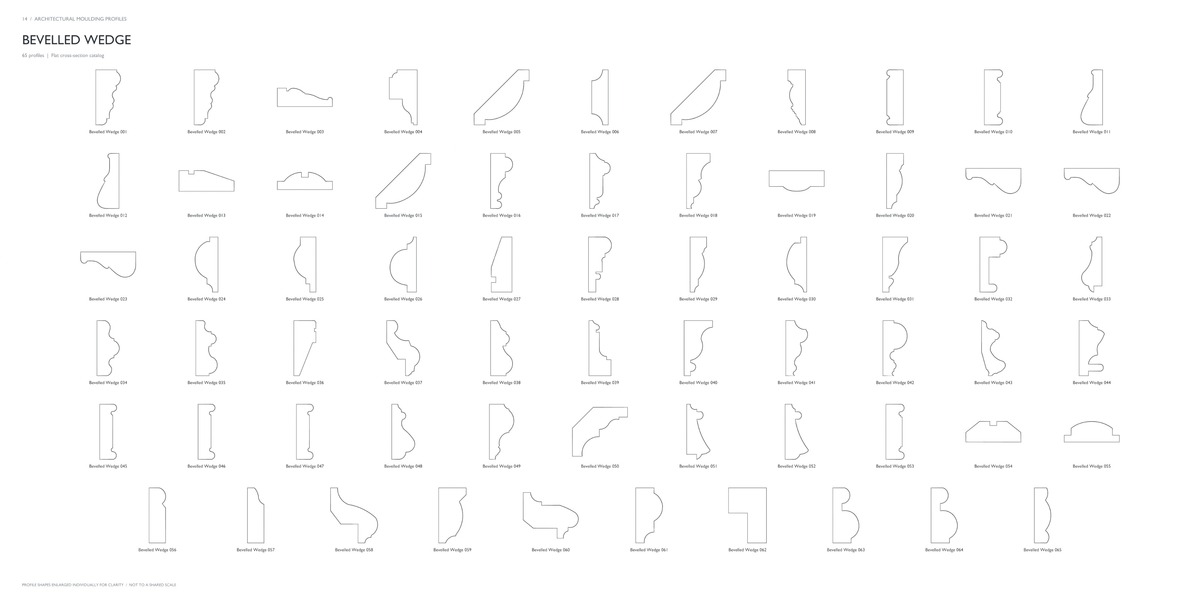
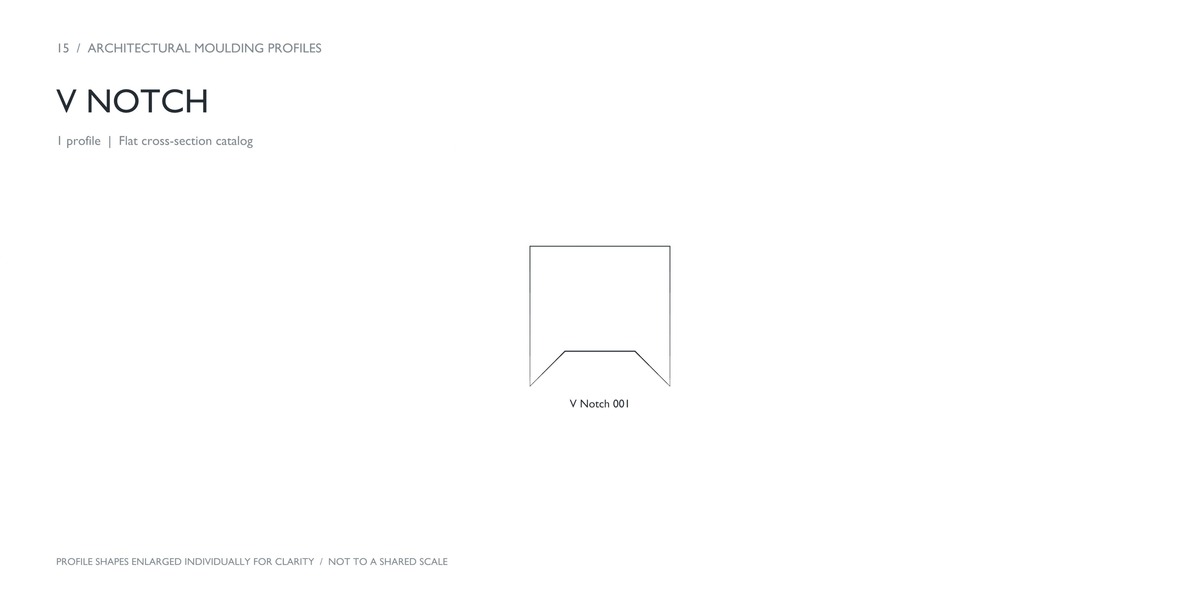
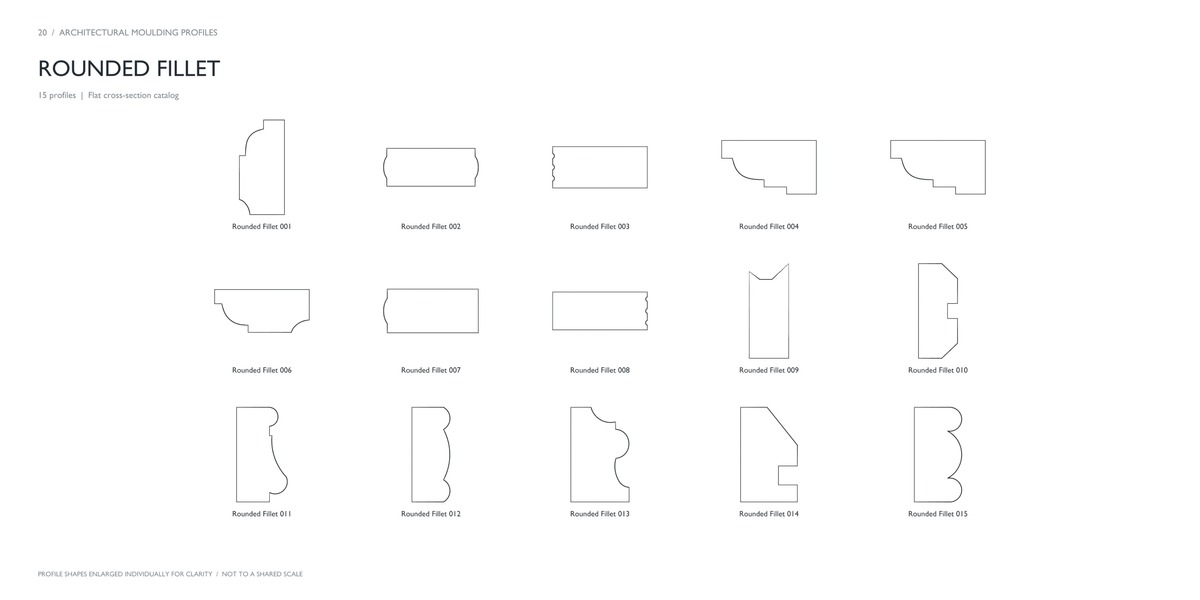
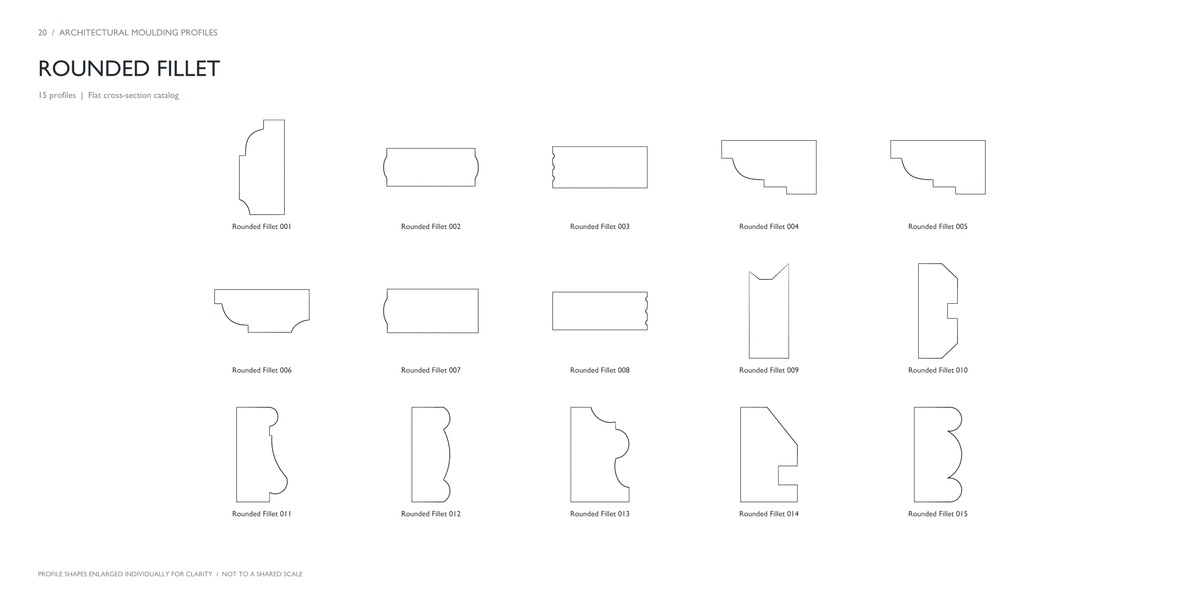
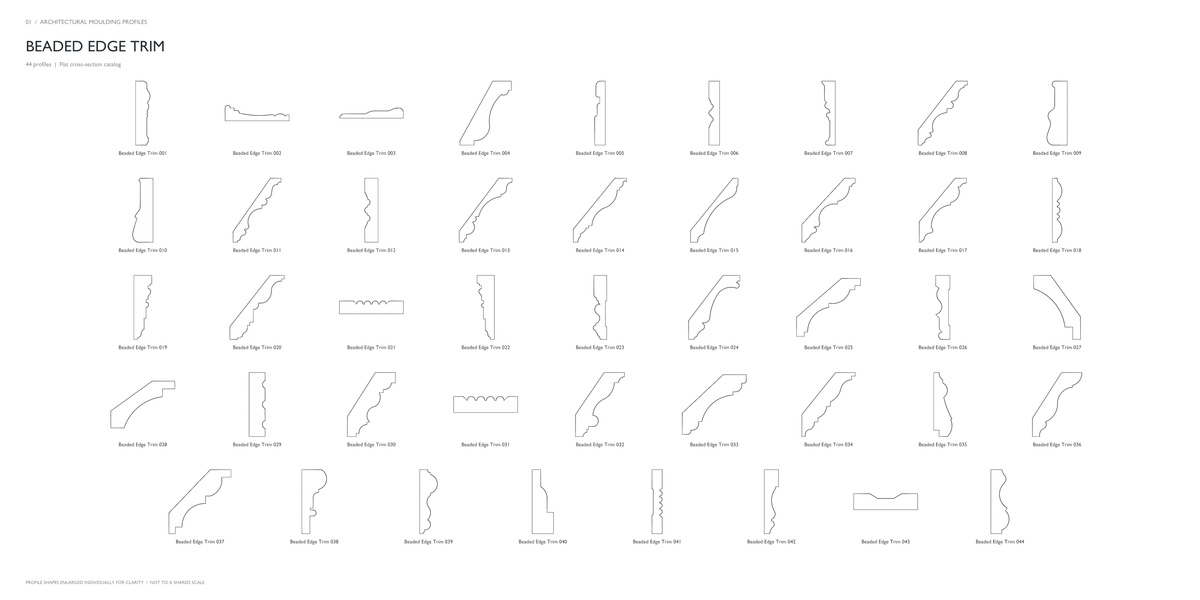
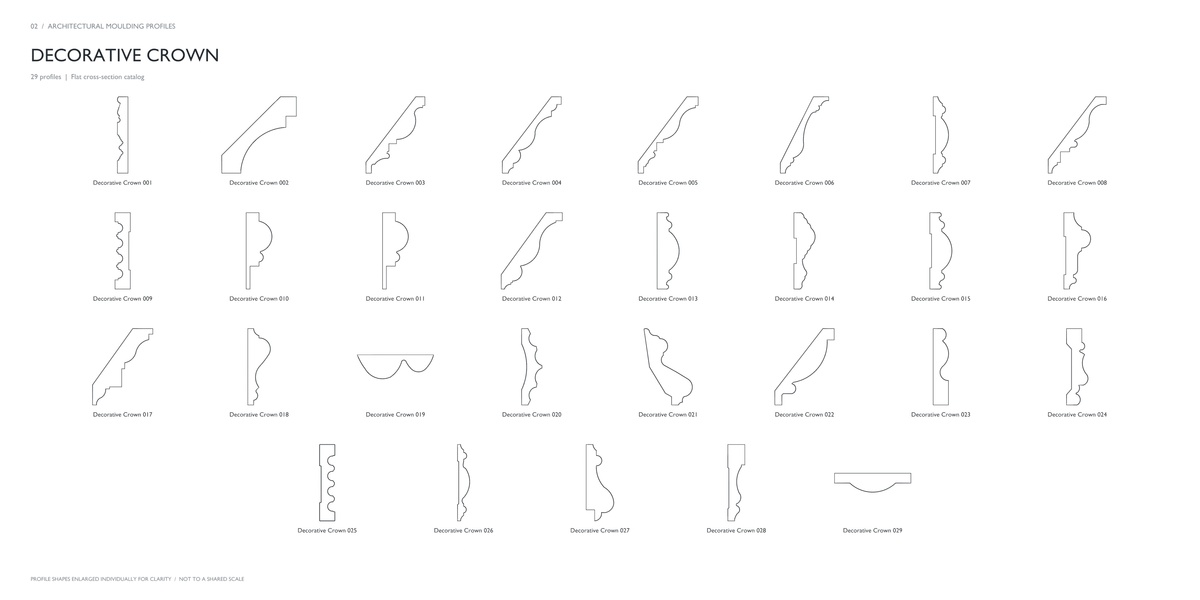
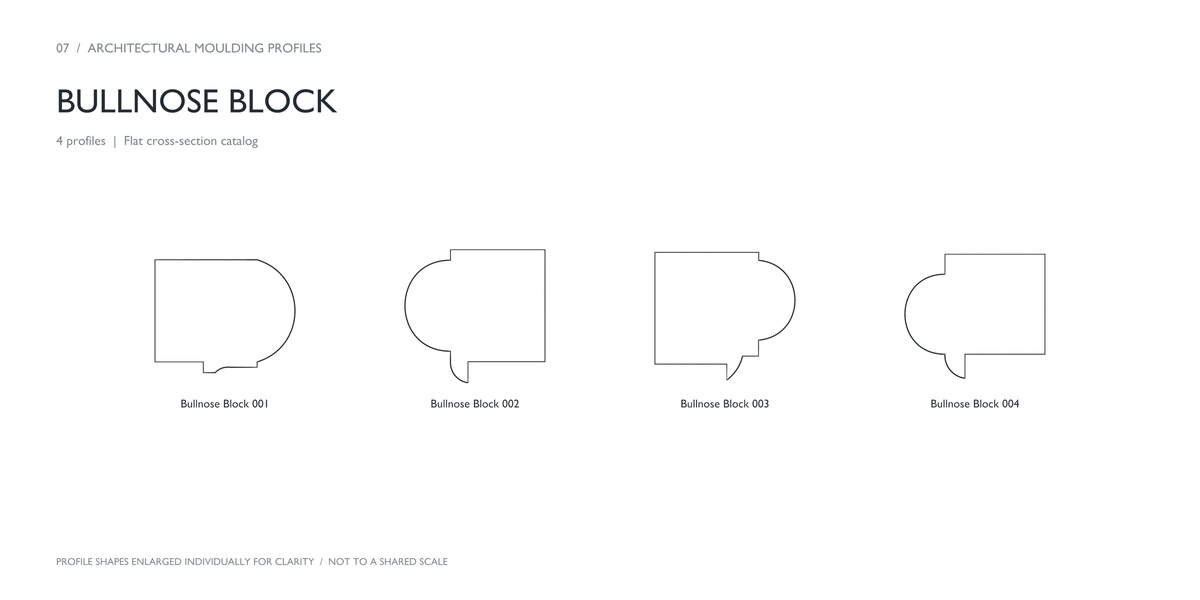
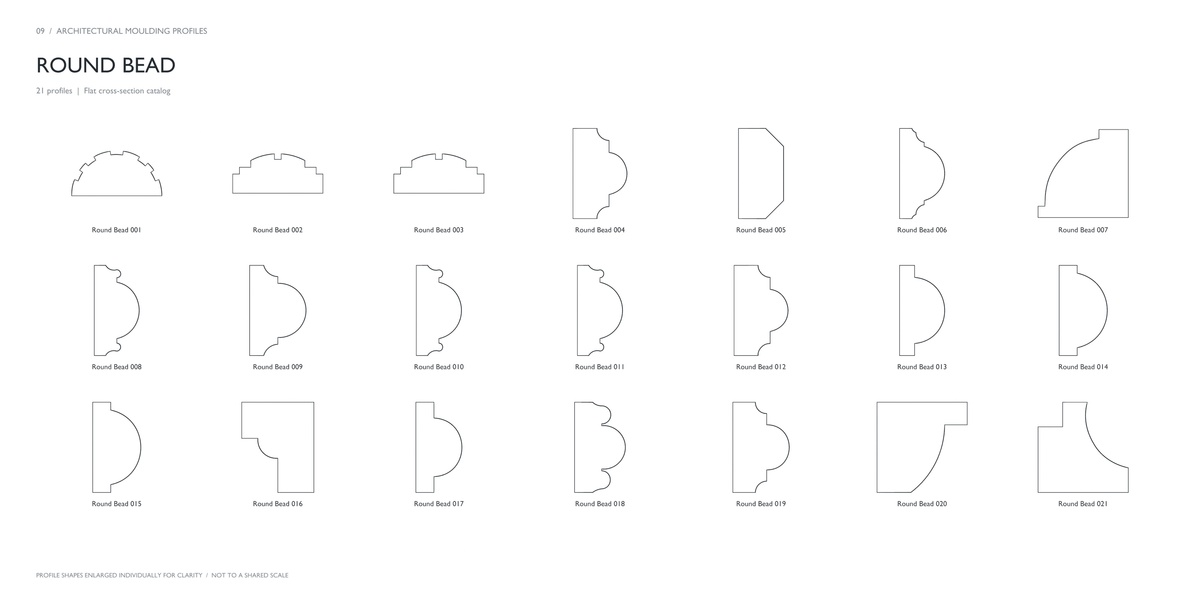
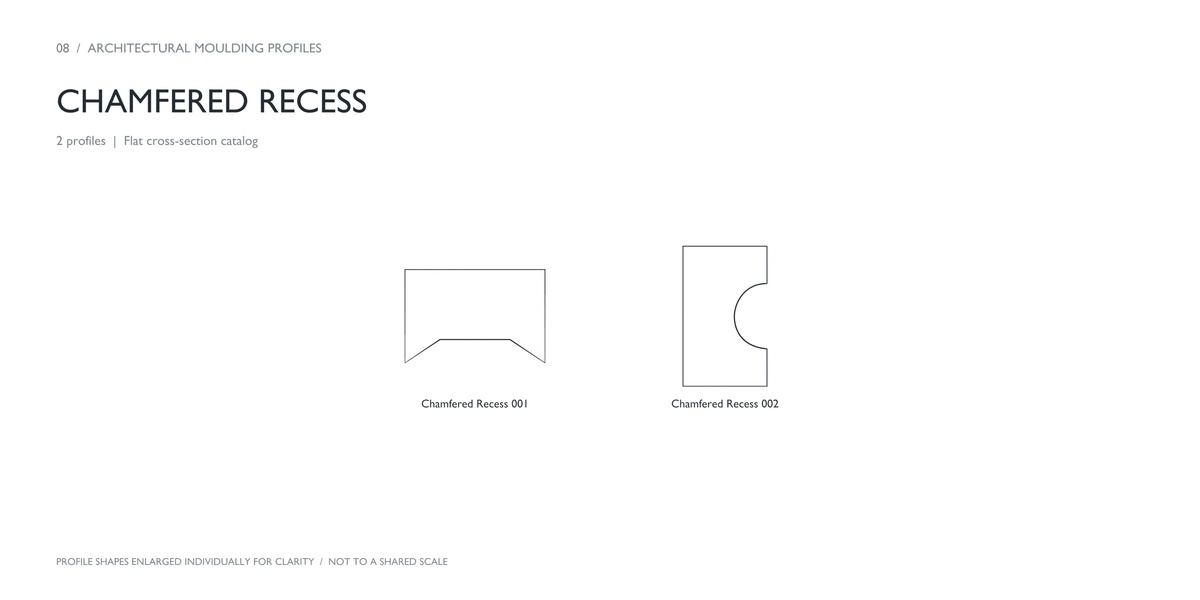
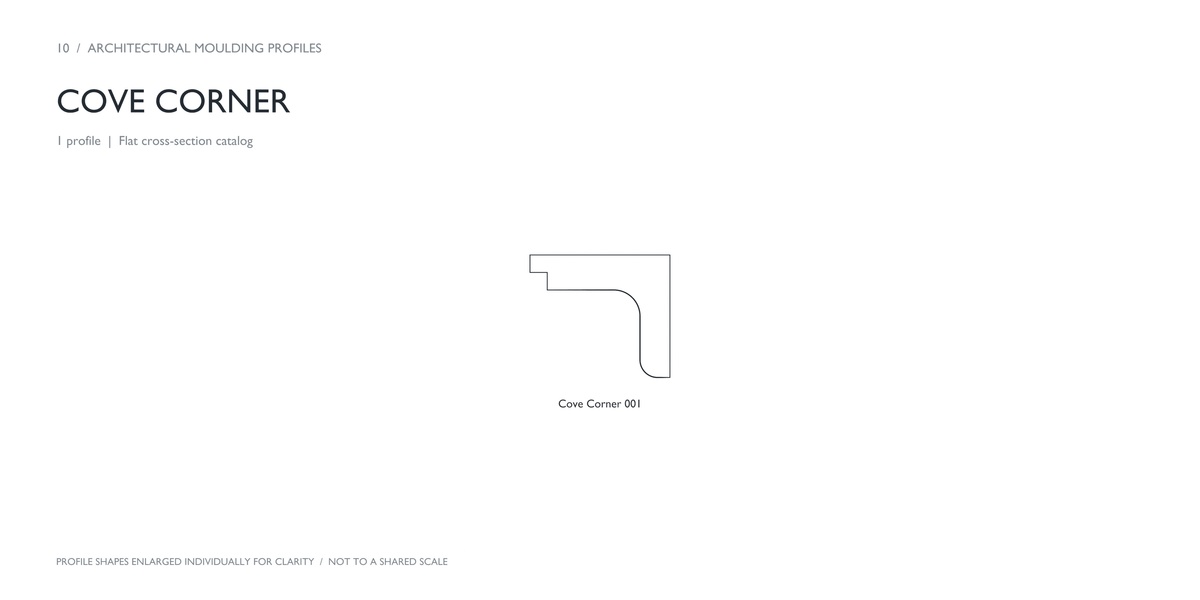
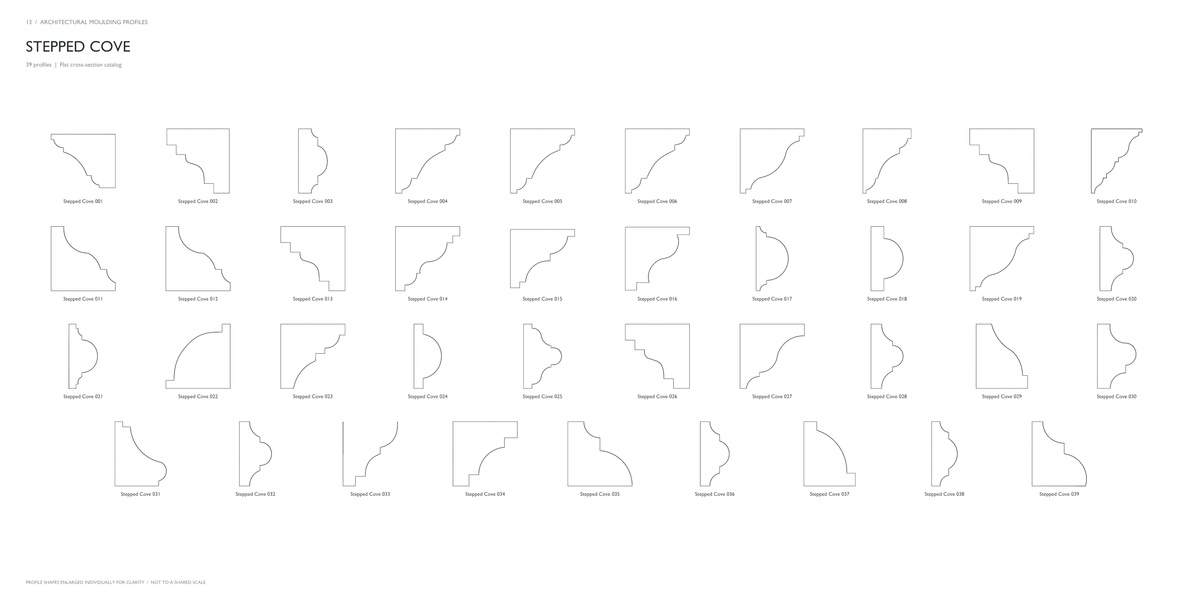
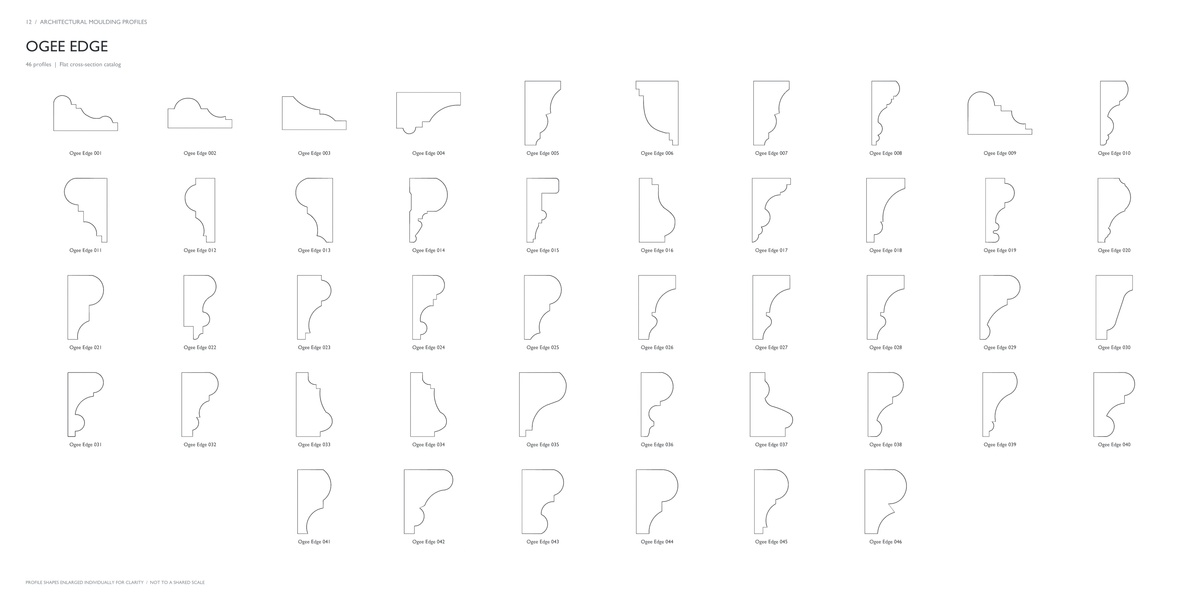
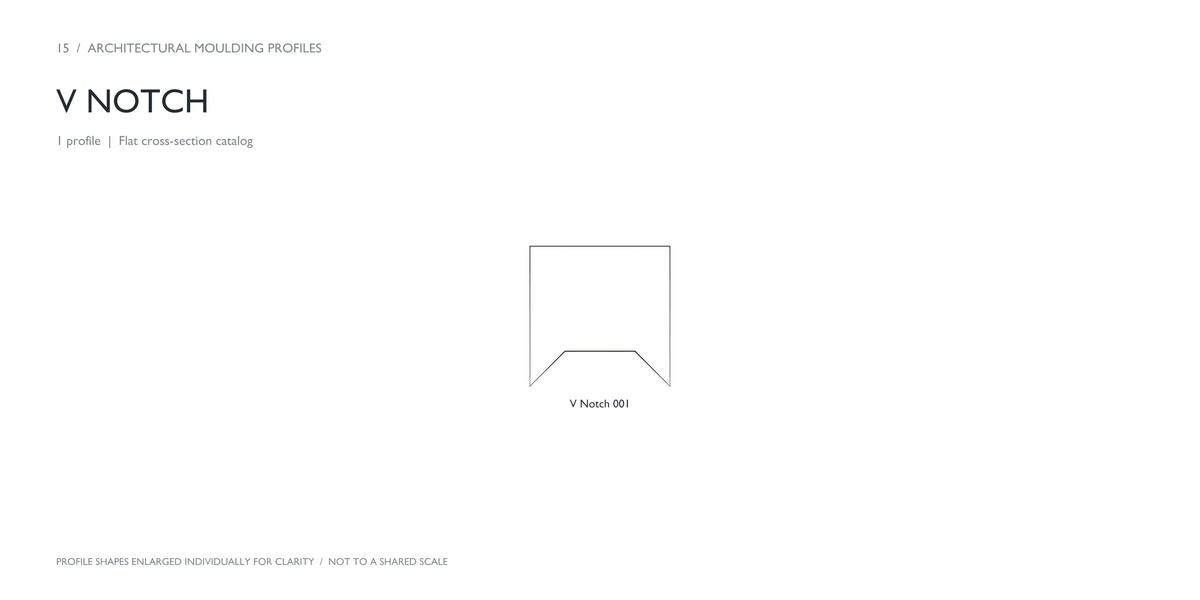
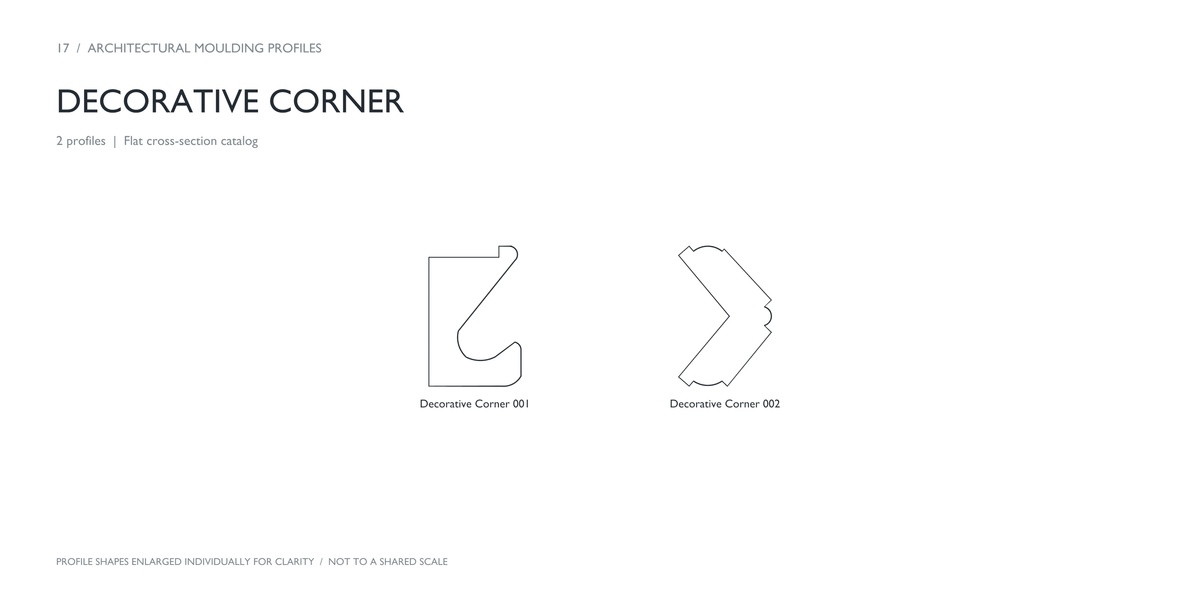
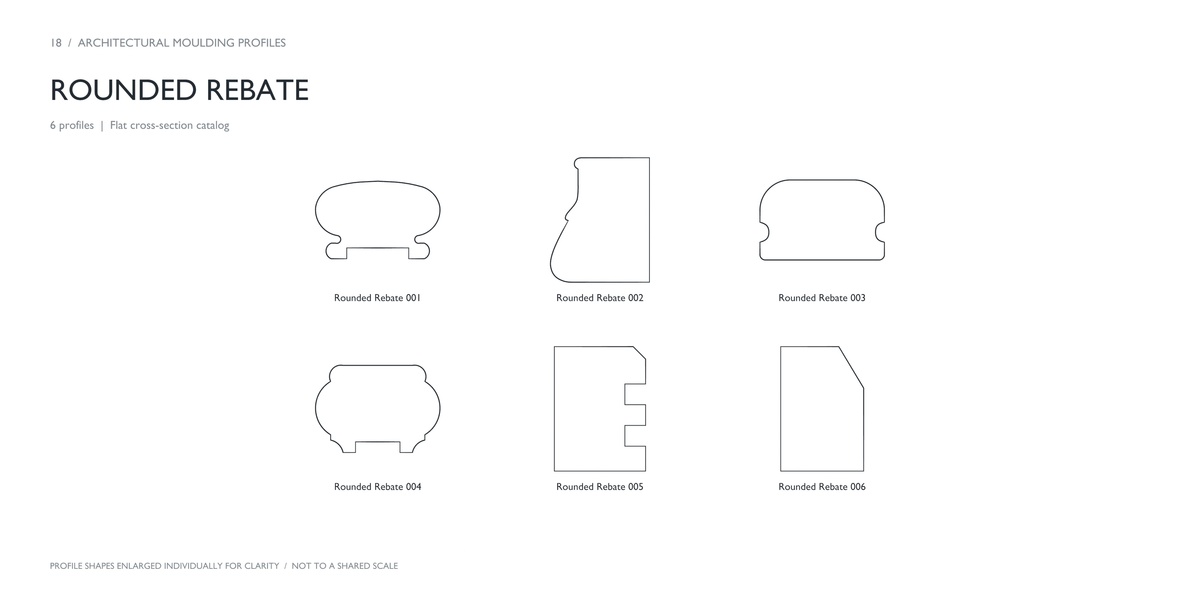
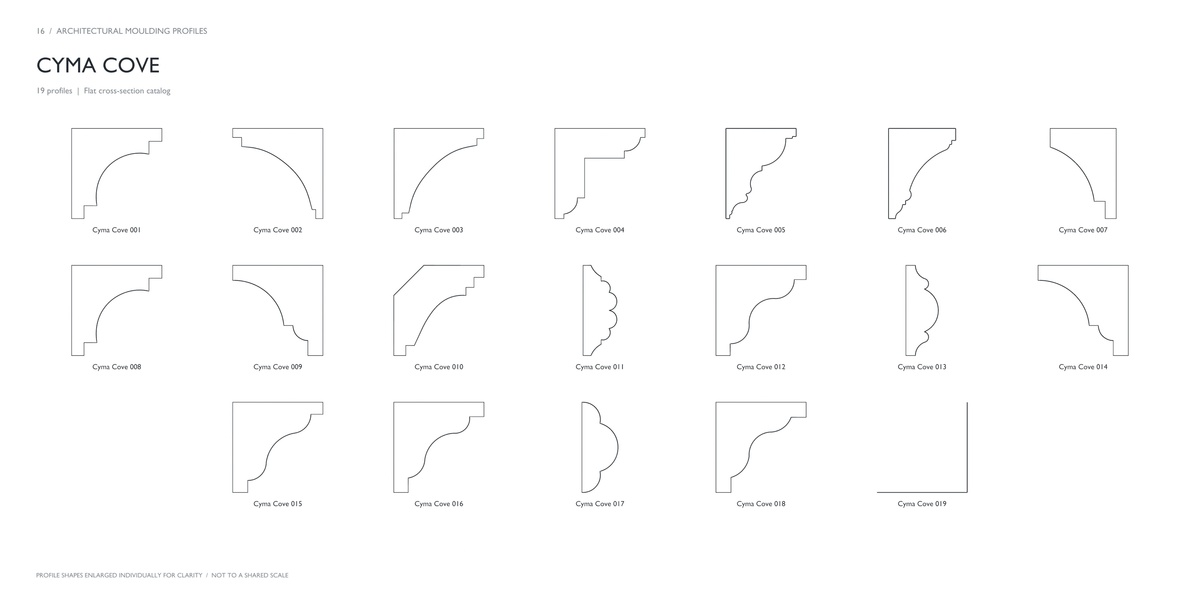
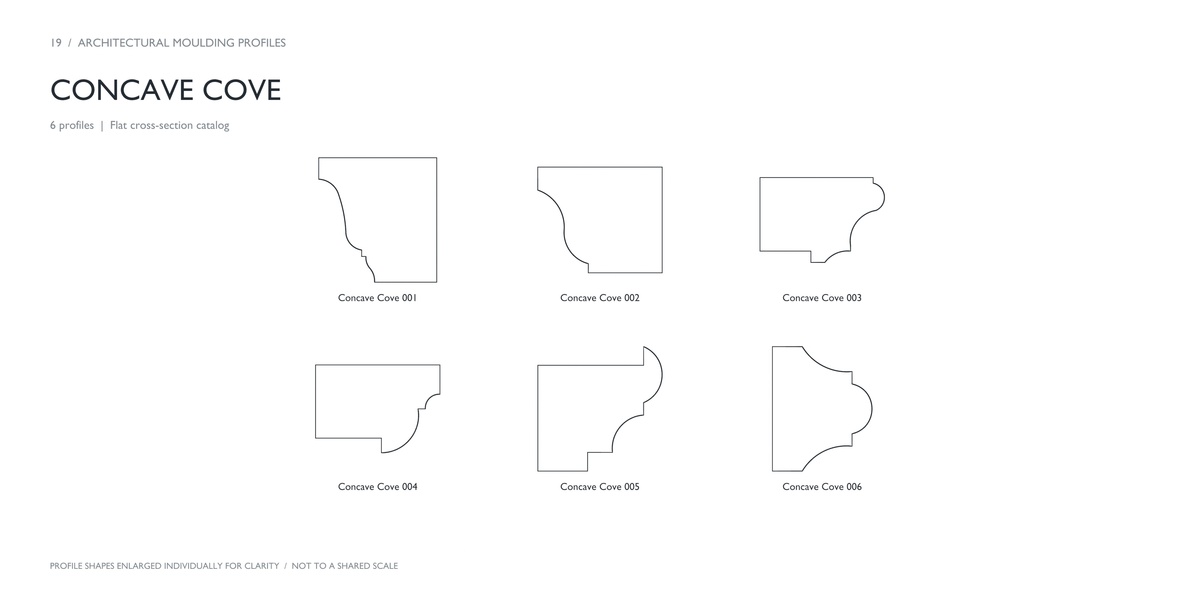
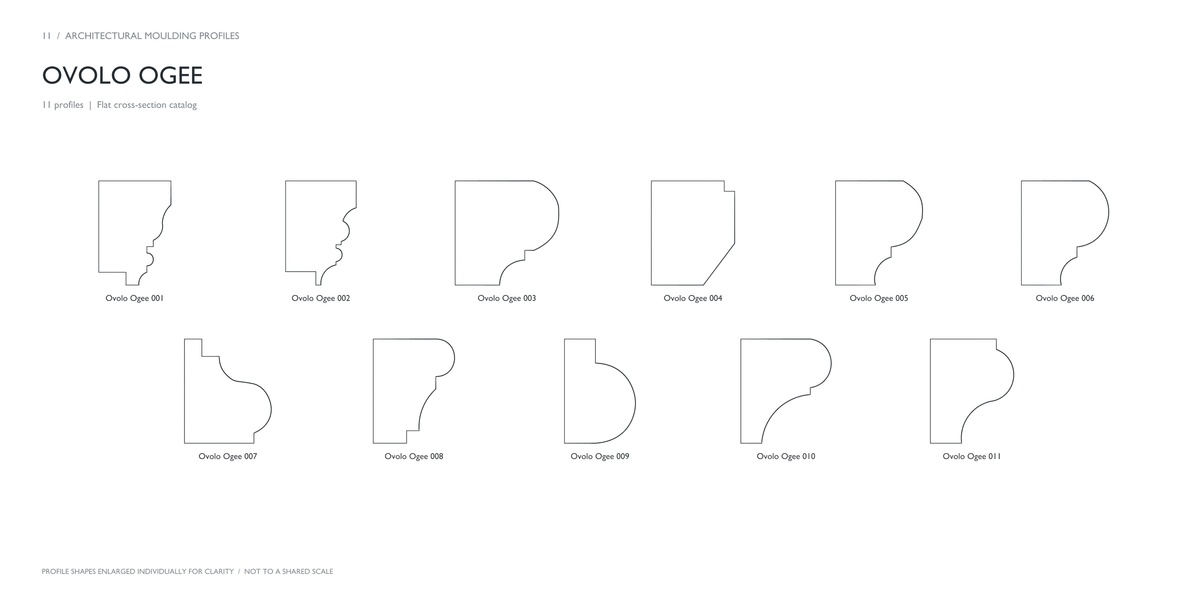
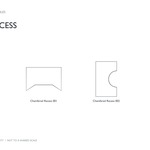
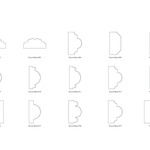
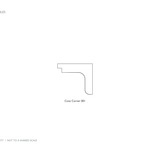
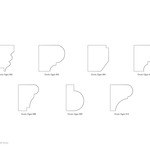
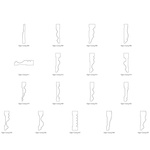
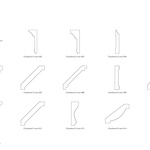
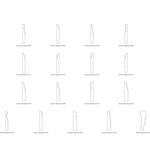
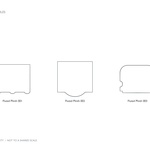
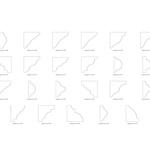
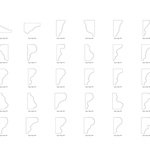
Are the catalog images drawn to a shared scale?
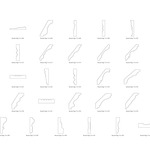
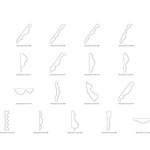
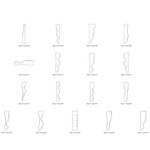
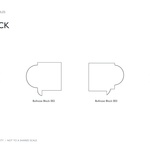
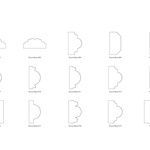
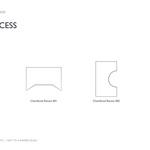
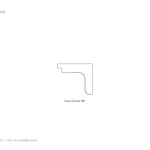
No. Each profile is enlarged individually to make its shape easy to inspect. Set the required dimensions in Blender for your project.
Can I resize or modify the profiles?
Yes. The profiles are editable curves. You can scale, rotate, and edit their control points to adapt the shapes to your project.
Does the pack contain finished rooms or installed mouldings?
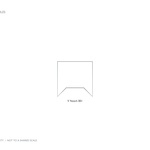
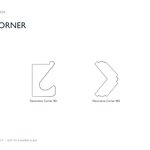
The main assets are moulding cross-section curves. You create the path, length, placement, and materials for your project. The rendered sample demonstrate possible results using the profiles.
Is this an add-on?
This is a library of editable Blender curve profiles. You can append the profiles into your projects and use Blender’s built-in curve tools. No additional add-on is required.
Have questions about this product?
Login to message
| Published | 3 days ago |
| Blender Version | 5.2 |
| Render Engine Used | Cycles |
| License | Royalty Free |

Discover more products like this
molding casing baseboard Interior moulding trim cornice ArchViz architecture crown-molding architectural profiles