 Skava
Skava


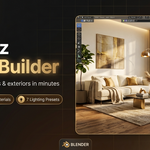
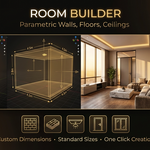
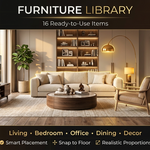
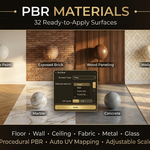
Download the .zip file and do not unpack it. In Blender open Edit > Preferences > Add-ons, click the drop-down arrow in the top-right corner and choose Install from Disk (in Blender 4.0 and 4.1 the button is called Install), then pick the downloaded file. Tick the checkbox next to ArchViz Scene Builder to enable it. Press N in the 3D Viewport and open the ArchViz tab in the sidebar.
The product page lists Blender 4.0 – 5.0. The documentation recommends 4.2 or newer.
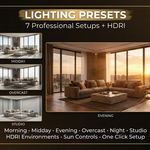
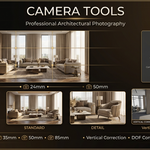
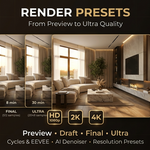
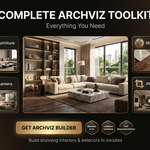
It builds architectural interior and exterior scenes from one sidebar tab: parametric rooms with walls, floors, ceilings, doors and windows, a furniture library in 7 categories, PBR materials for floors and walls, 7 lighting presets from morning to night with HDRI support, camera tools with architectural lens presets and composition guides, and render presets for Preview, Draft, Final and Ultra quality.
Yes. As the documentation warns, Quick Setup deletes all existing objects in the current scene. Save your work first, or start from a new file.
The documentation lists the usual causes: no object is selected, the object is not a mesh, or the mesh has no UV coordinates. To add UVs, enter Edit Mode, press U and choose Smart UV Project.
The product page lists the license as MIT.
Have questions about this product?
Login to message
| Sales | 20+ |
| Published | 9 months ago |
| Blender Version | 4.0 - 5.0 |
| Extension Type | N/A |
| Render Engine Used | Cycles, Eevee |
| License | Mit |
Discover more products like this
furniture Visualization Interior real estate exterior Render materials 3d architecture parametric presets architecture Interior Design