Armature Hierarchy
 Blood Pixel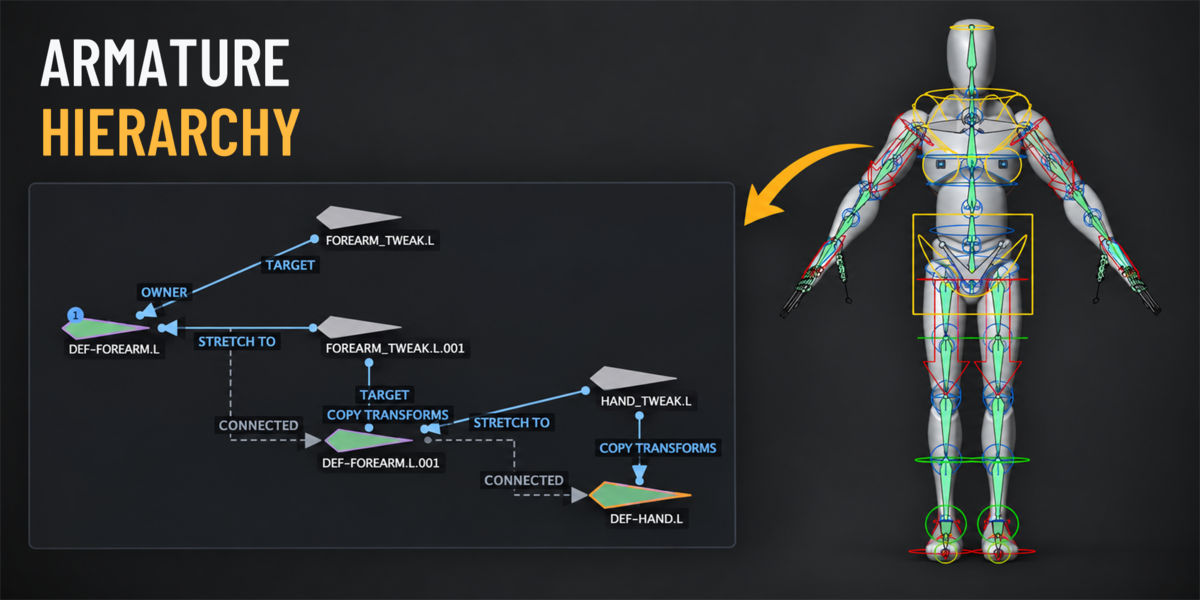
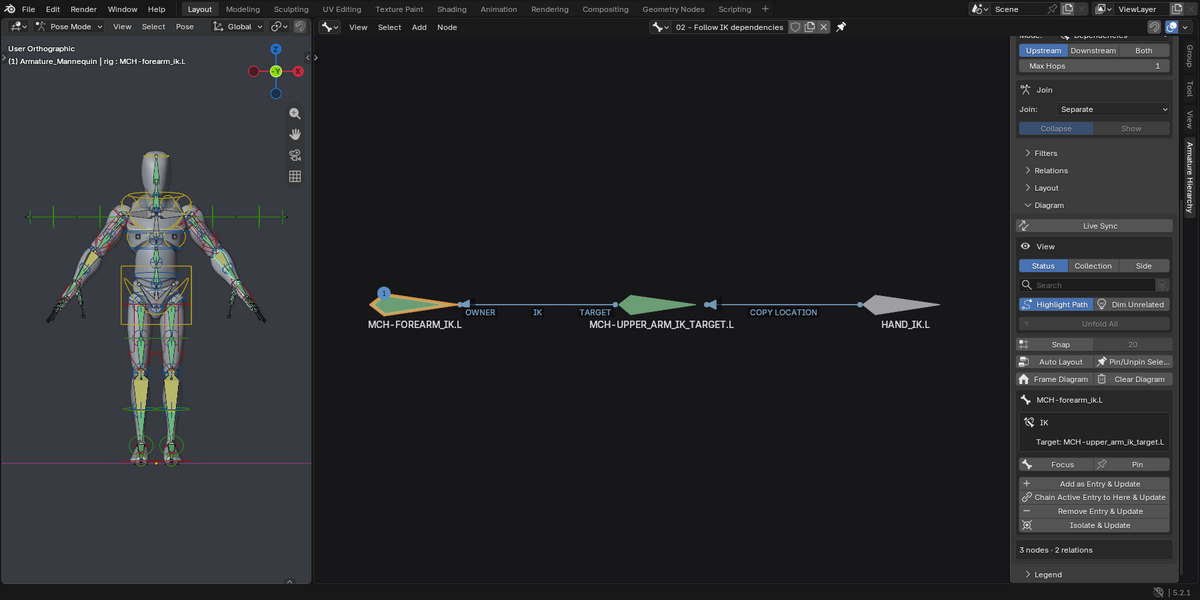
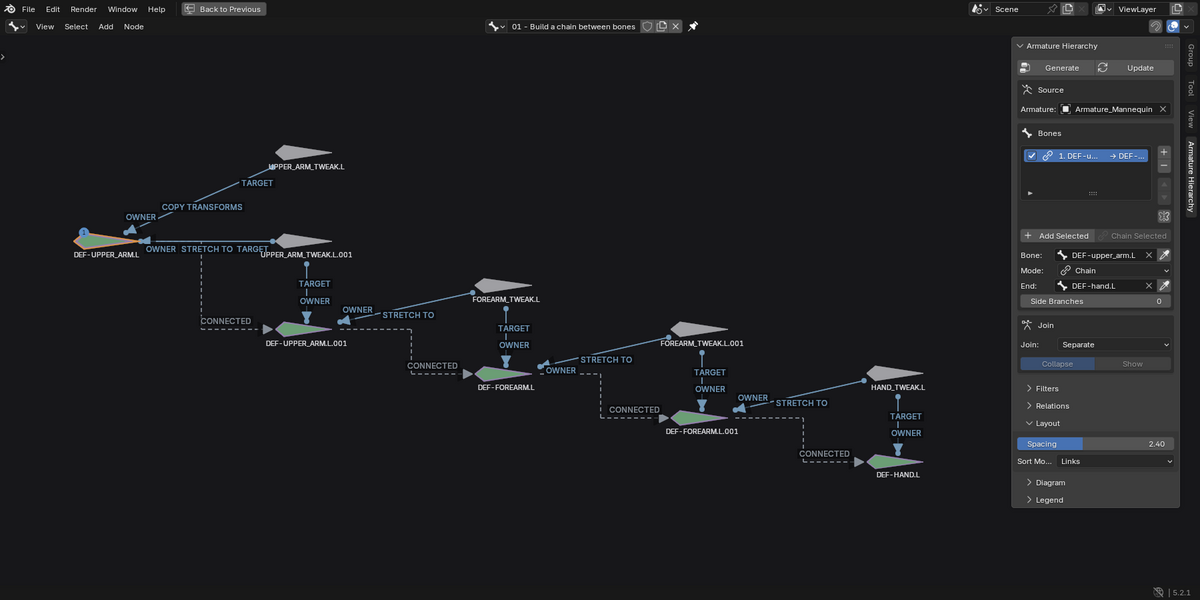
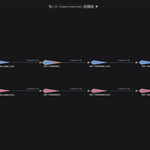
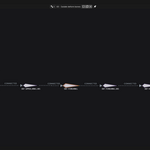
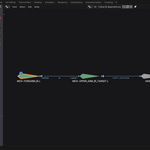
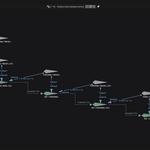
Armature Hierarchy requires Blender 4.5 LTS or newer. The marketplace screenshots were captured in Blender 5.2.1 LTS. The add-on works with armatures and does not depend on a particular render engine.
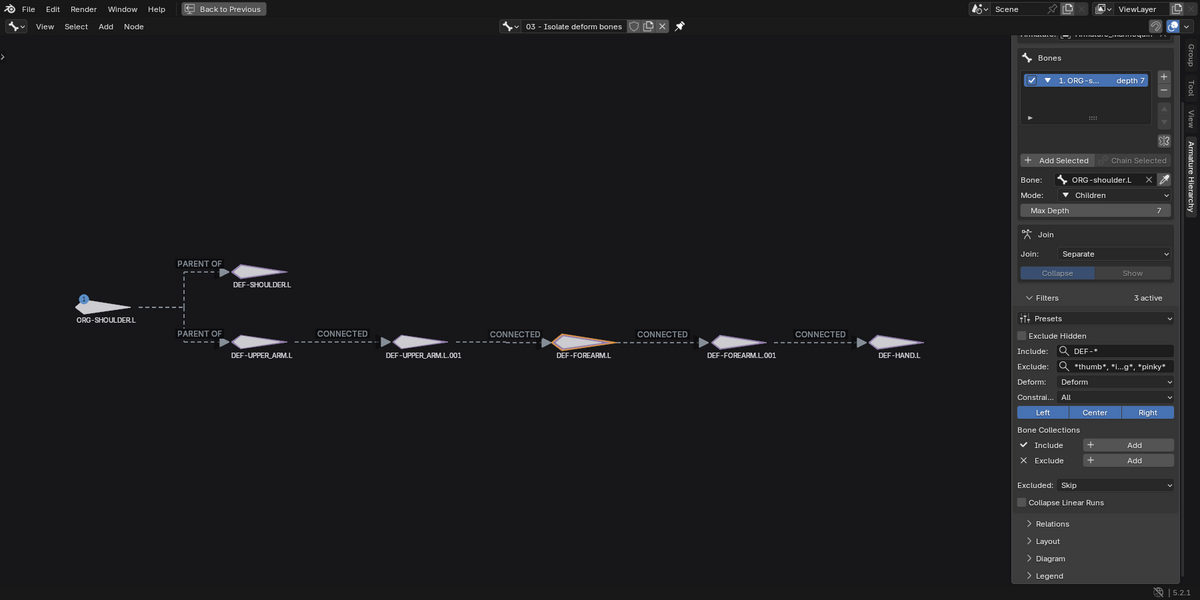
Yes, it reads existing Blender armatures and pose-bone constraints. Rigify is not required. Rigify-specific filter presets are included, and you can choose the bones and relationships to inspect on other armatures as well.
Armature Hierarchy is an inspection and navigation tool. Moving a bone glyph changes its position in the diagram. Rig construction, parenting changes, and constraint editing remain part of your Blender rigging workflow.
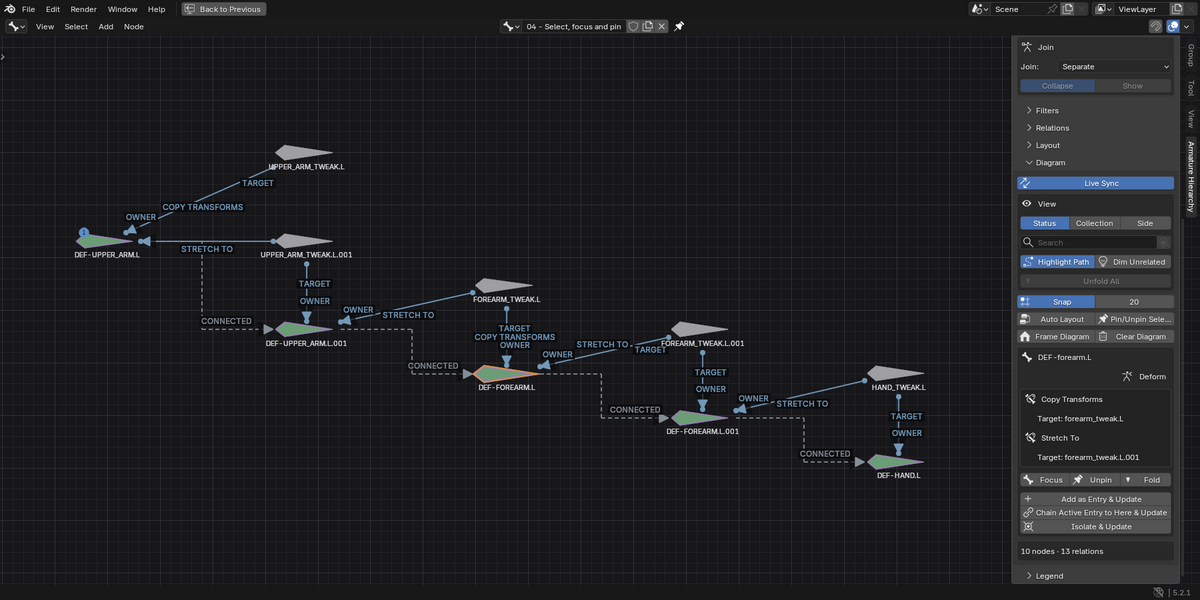
The diagram shows bone parenting and pose-bone constraint relationships, including upstream and downstream dependencies. External targets can appear as context, but their full rigs are not recursively expanded. Animation driver expressions and Blender's complete dependency graph are outside its scope.
Use Update to rebuild the diagram after changing the rig. Live Sync synchronizes selection between the diagram and Pose Mode; it does not rebuild relationships automatically. Generate and Update are unavailable in Edit Mode, so return to Pose Mode for the intended workflow.
Yes. Save your Blender project to store the diagram and layout in the
.blend file. Pinned bones keep their diagram positions across updates.
A saved diagram remains viewable even if its source armature is removed;
refreshing it requires a valid source armature.
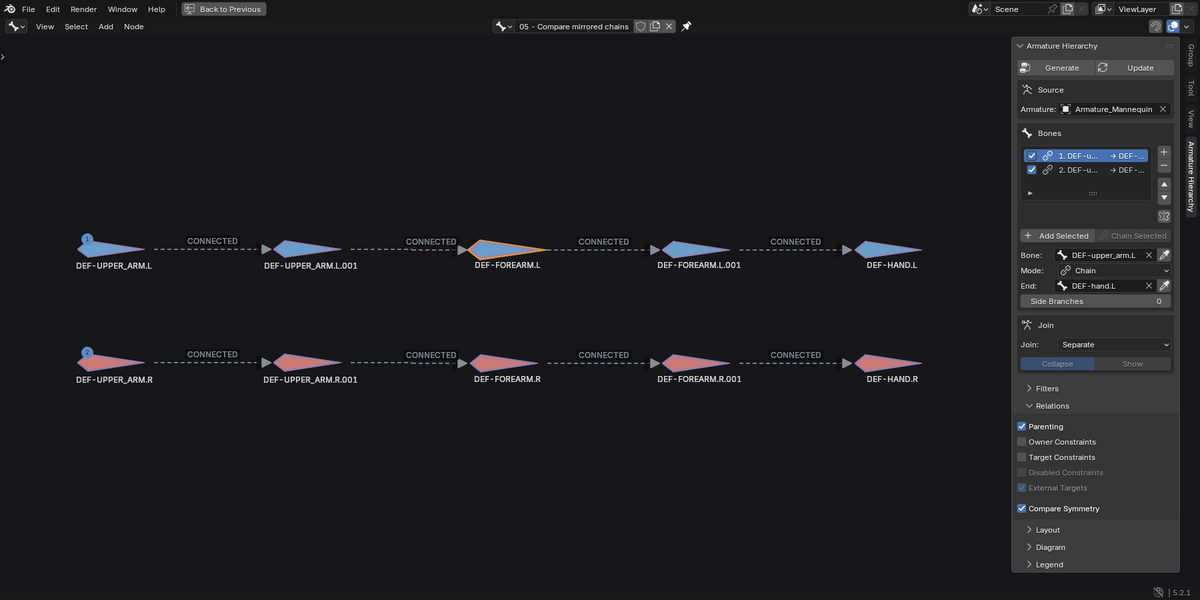
It uses mirrored bone names to compare counterpart availability, parent relationships, deform flags, and constraint types and targets. Select a flagged bone to inspect differences. It does not compare mesh geometry, skin weights, or every constraint parameter.
The download contains the extension and user guide. In Blender, open
Edit → Preferences → Get Extensions, open the menu in the top-right
corner, choose Install from Disk, and select the extension
.zip. The Documentation section on this page explains how to create
your first diagram and use the main tools.
Start with a smaller chain or dependency scope, apply filters, or fold branches. Increase Layout → Spacing and press Update to give connections more room. Zoom in to read link labels, which generally appear from 75% zoom. Maximize the editor with Ctrl+Space for more screen space.
Have questions about this product?
Login to message
| Blender Extension Compatible | Yes |
| Published | 3 days ago |
| Blender Version | 4.5 - 5.2 |
| Extension Type | Add-on |
| Render Engine Used | Cycles |
| License | GPL |
Discover more products like this
symmetry constraints bones rig visualization bone hierarchy armature bone collections rigify Pose Mode Inverse Kinematics rig inspection rigging