Auto File Cleaner - Remove Unused Materials, Images & Meshes | Blender 4.0–5.0+
 NovaStrikes



1. How is this different from Blender’s built-in "Purge All Unused" tool?
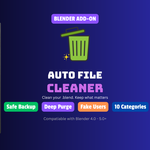
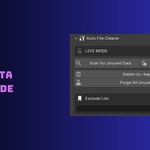
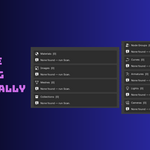
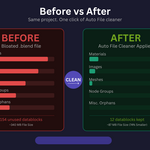
Blender’s native purge is a "blind" operation—you click a button and hope for the best. Auto File Cleaner gives you a visual cockpit. You can see exactly what is being deleted across 10 categories, "Pin" items you want to save for later, and benefit from a Recursive Deep Purge that clears out layers of junk Blender's basic tool often misses—all while keeping your Exclude List safe.
2. Is there a risk of accidentally deleting something I need?
We’ve built in a triple-safety net:
Safe Mode: Buttons are hard-locked by default so you can’t "mis-click" a deletion.
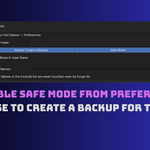
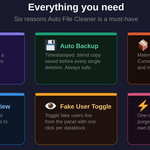
Automatic Backups: The add-on can save a timestamped copy of your file before it touches a single byte of data.
The Pin System: Individually protect specific materials or meshes with one click before running a clean.
3. Can I protect specific assets permanently?
Yes! If you have a "Base_Material" or a specific "Studio_Light" you always want to keep in your file (even if it's currently unused), simply add its name to the Exclude List in the preferences. The add-on will treat those items as "invisible" and never delete them, even during a Deep Purge.
$3.99
Have questions about this product?
Login to message
| Blender Extension Compatible | Yes |
| Sales | 10+ |
| Dev Fund Contributor | |
| Published | 5 months ago |
| Blender Version | 4.0 - 5.0 |
| Extension Type | Add-on |
| Render Engine Used | Cycles, Eevee |
| License | GPL |
Discover more products like this
automation purge blender Workflow asset production optimization unused data cleaner file size auto cleaner file cleaner