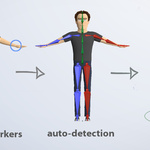
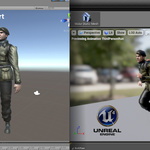
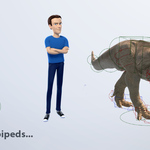
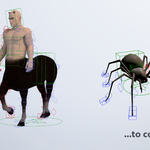
Auto-Rig Pro

Artell in Import & Export


Item Rating

This item has an average rating of 5 from 447 ratings by the community.

87%
4%
4%
2%
6%

Purchase this item to leave a review!

  • sunset
    over 3 years ago

    Hello after installing auto rig and the master file, the addon won't enable I'm using autorig pro version 3.40.18 and blender version 3.4.1

    The message it shows me when trying to enable is

    Trackback (most recent call last):

    File"C:\Program Files\Blender Foundation\Blender 3.4\3.4\scripts\modules\addons_utils.py", line 333, in enable mod =__import__(module_name)

    File "C:\Users\clock\AppData\Roaming\Blender Foundation\Blender\3.4\scripts\addons\auto_rig_pro-master\__init_.py",line 58, in

    from . import auto_rig_smart

    File "C:\Users\clock\AppData\Roaming\Blender Foundation\Blender\3.4\scripts\addons\auto_rig_pro-master\auto_rig_smart.py", line 24, in

    current_vertex_size_ = bpy.context.user_preferences.themse[0].view_3d.vertex_size

    AttributeError: '_RestrictContext' object hast no attribute 'user_preferences'

    I was wondering if you could help me to get the add on to work

    Thanks! Your time is very much appreciated!

    • Artell

      over 3 years ago

      Hello sunset,
      Thanks for rating, it seems you have installed the wrong version that only works with Blender 2.79. For latest Blender versions, make sure to install Auto-Rig Pro 3.67.25.

  • Jason
    over 3 years ago

    I've had some issues for months that auto-rig helped me solve within 30 minutes of purchasing. Thank you SO MUCH!

    • Artell

      over 3 years ago

      Thanks for rating Jason!

  • Robbie Robertson
    over 3 years ago

    This is one of the best rigging tools I've ever used in any 3D software, not just Blender. Absolutely a must-have for anyone who wants to speed up their rigging and animation workflow. I can't believe how many features are packed into this plugin, and the developer is adding new ones all the time. The rigs that you can build with this tool are powerful and animator-friendly, and making changes or adding functionality is so much easier than with Blender's built-in rigging tools. The developer also provides excellent support - they were very friendly and replied quickly when I asked for support, and even added extra functionality to the plugin to solve an issue I was having. Auto-Rig Pro is 10/10, highly recommended!

    • Artell

      over 3 years ago

      Thank you for the great review, very appreciated.

  • Fynn R
    over 3 years ago

    fantastic addon and fantastic support, I use it for all my rigs!

    • Artell

      over 3 years ago

      Thanks for rating!

  • Daniel Domokos
    over 3 years ago

    This is the best autorigger plugin what I used in the last 10 year! When I have any issue this team help for me very fast. 6 STAR!!
    I love It! Thanks!

    • Artell

      over 3 years ago

      Thanks a lot for the great rating Daniel, glad the addon is useful to you!

  • Maarten
    over 3 years ago

    I was making custom rigs with Rigify before and after learning the real workflow for that from a great youtube series I thought I didn't need Auto Rig Pro anymore as I could build everything with Rigify. And Rigify can create pretty advanced stuff. But after yet another error I got with Rigify I decided to give Auto Rig Pro a shot. And man, what a fresh air. Didn't regret it for a second and was instantly sold.

    The documentation I made for myself to quickly go through rigging and skinning processes for creating new characters is so much shorter now that I use this add on compared to the one I'd created before for using Rigify. Which had all kinds of 'if this error appears... than do this' and 'now open this tab, and than scroll to there', 'there is an issue in this template, so replace this bone and give it this rig type' etc.

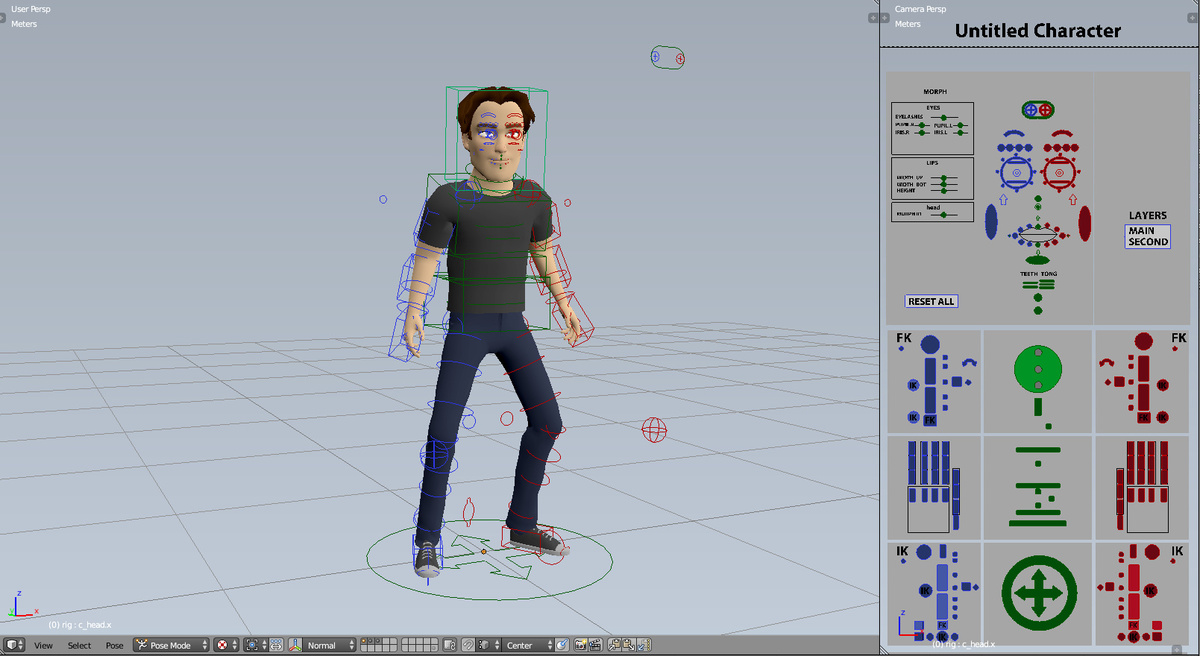
    With Auto Rig Pro it's none of that and the experience is way more intuitive and nice. Everything you need is all in one panel. No need to click around everywhere anymore. No more rigify errors to avoid. The Smart workflow is simply amazing and speeds up the process so much. It makes rigging way more fun too.

    Although it's great Blender has Rigify included for free and in its core it's pretty great and has all features; Sure, you can achieve the same results with Rigify as with Auto Rig Pro, but the way that leeds to it when you use it is so much shorter and so much nicer to ride on IMO when using this add on. And as a bonus it also has the Voxel Heat Diffuse Skinning add on workflow integrated, which is cool, because I already used that add on.

    Streamlined is the word that IMO best describes this add on!

    Thanks for all the hard work that went and goes into this!

    • Artell

      over 3 years ago

      Thanks for taking the time to write such an extensive review Wigglepixel, that's very appreciated. Best of luck in your rigging journey and happy blending!

  • Andreas Dilling
    almost 4 years ago

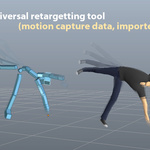
    This is one of the best rigging and retargeting tools I have ever used!

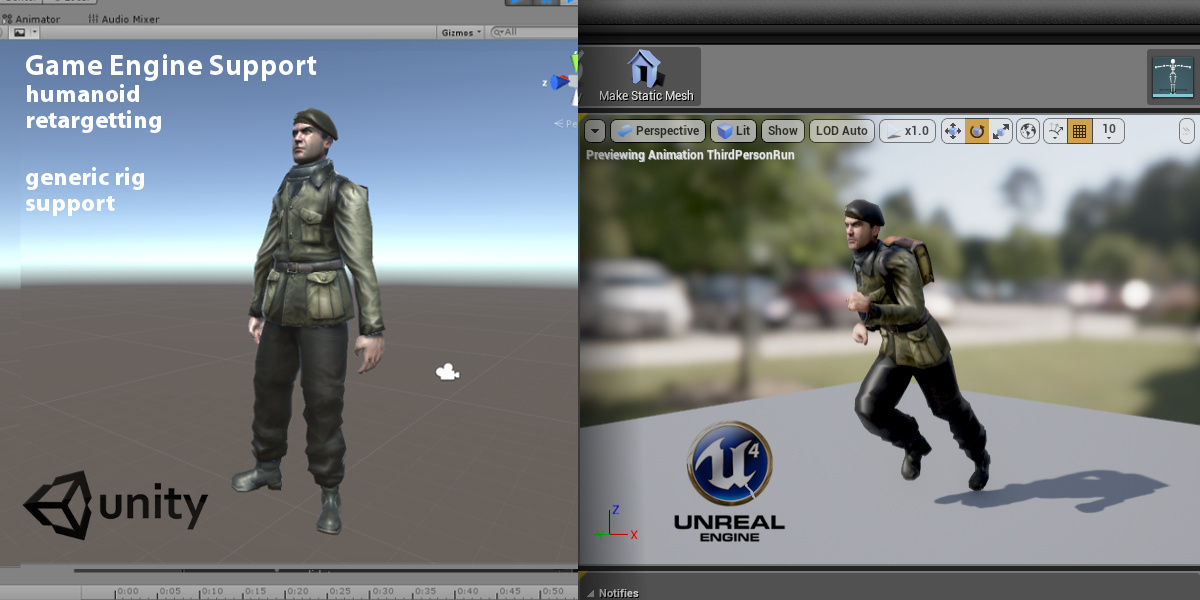
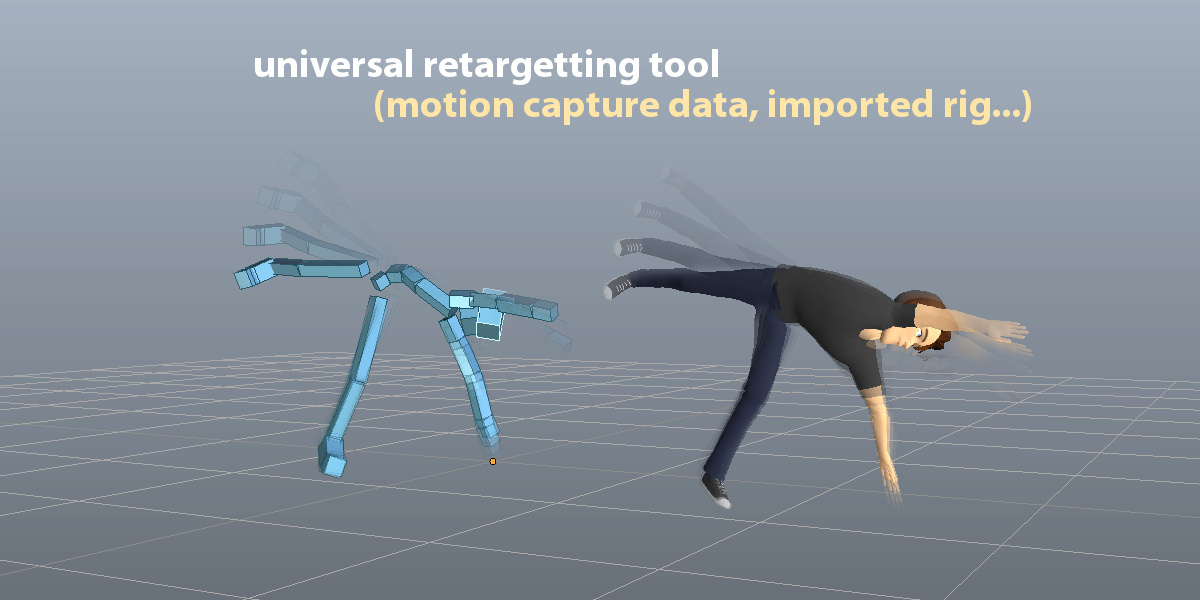
    Usually, I use Unreal Engines retargeting system, but even that system has some significant issues. I spent a while trying to retarget 2 wolves with very different rig structures, and any result always came out looking messed up, I thought I would get similar results in ARP, but it did leagues better than UE5, so much time saved! Overall this system is a godsend and I recommend it to anyone working with animations!

    • Artell

      over 3 years ago

      Thank you Andreas for the positive review, I hope this addon will be useful to you!

  • yonlay
    almost 4 years ago

    I am one of those users who have to resist the temptation of switching entirely to Houdini or C4D whenever I come across things that do not work in Blender (like cloth, for example). But when you find something that works, men, it is freaking crazy, and this add-on is one of those things that just work. Yes, it does what it says and does it very well.
    It is not perfect, though. There are more features than what I would like to start. I would suggest an "advanced" tab somewhere. The face rig from Unreal is missing (we have the body in the presets). The switching to IK/FX should be in the same ARP tab and not in "item" tab (?).
    Overall, it is top-level. Totally recommended.

    • Artell

      over 3 years ago

      Thanks for the review! An "advanced" setting to show complex menu only when necessary would indeed be welcomed, thanks for proposing, I'll study that.
      The UE face rig is indeed not part of the addon yet.
      The rig tools (IK-FK snap and others) are located by default in the "Tools" tab, but it can be changed to anywhere else including the "ARP" tab by modifying the tab name in the addon preferences (Tools Tab entry).

  • keithkrugh
    almost 4 years ago

    A must do addon for any 3D artist in my opinion! Get the whole thing, it's worth every penny. This addon has been a game changer in my work. And the product support from the developers is top notch and ongoing! Dedicated. Take the time to dig into the documentation and fully understand its capability. Beyond the rigging and the flexibility that alone has (easily editing bones, applying poses as rest poses and many rig configurations to choose from and customize etc.), it is feature rich! The remap feature is solid. And I don't think many people know that it comes with an automatic corrective shape key feature. That's right, an automatic driver setup for your shape keys. And the flexibility to mirror that easily. If you're a beginning 3D artist that alone can be a nightmare to figure out for your workflow. Again, take the time to dig into the documentation. Just because "rig" is in its name does not mean that's the only or most important feature(s) it has. It'll change your workflow in a positive way.

    • Artell

      almost 4 years ago

      Thanks for the extensive review, very appreciated. Best of luck with your Blender projects!

  • Rodmuzik
    almost 4 years ago

    Great add-on!!!

    but I want to ask a question

    why I export FBX to unreal
    the bone will have extra finger bone
    "metacarpal"
    how to avoid it?

    thank you

    • Artell

      almost 4 years ago

      Thanks for rating, replied by email

  • The full package! Auto-Rig Pro core, Smart tool (biped body recognition), Fbx/Gltf export to Unreal/Unity, Remap tool to retarget animations, updates and support messages

    $50
  • Auto-Rig Pro core only, updates and support messages

    $25
  • Auto-Rig Pro full version for 10 seats

    $162
  • Auto-Rig Pro full version for 20 seats

    $227
$50

Support Period Included

Includes 12 months of

  • Support from Artell
  • Product updates

Extend this product’s Support Period +12 months: 25% of product price

Have questions before purchasing?
Login to message

Details
Blender Extension Compatible Yes
Sales 70400+
Downloads 93900+
Rating
447 ratings
Published over 10 years ago
Blender Version 2.93 - 5.2
Extension Type Add-on
License GPL