 Artell
 BIgBoss105

Artell
over 5 years ago
Hello, did you take a look at the documentation?
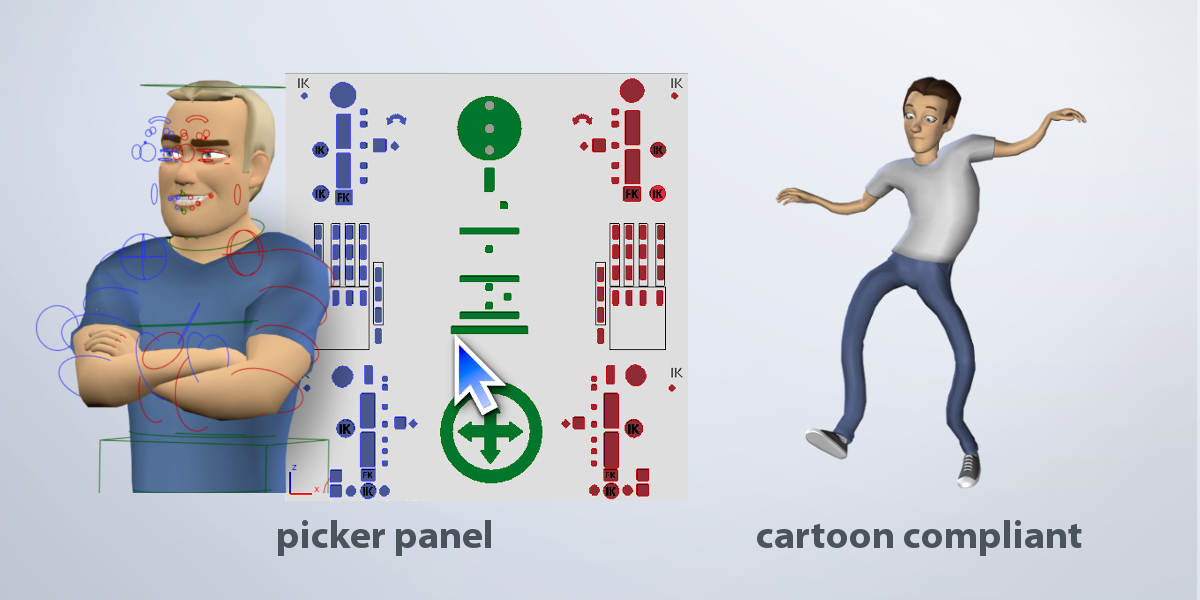
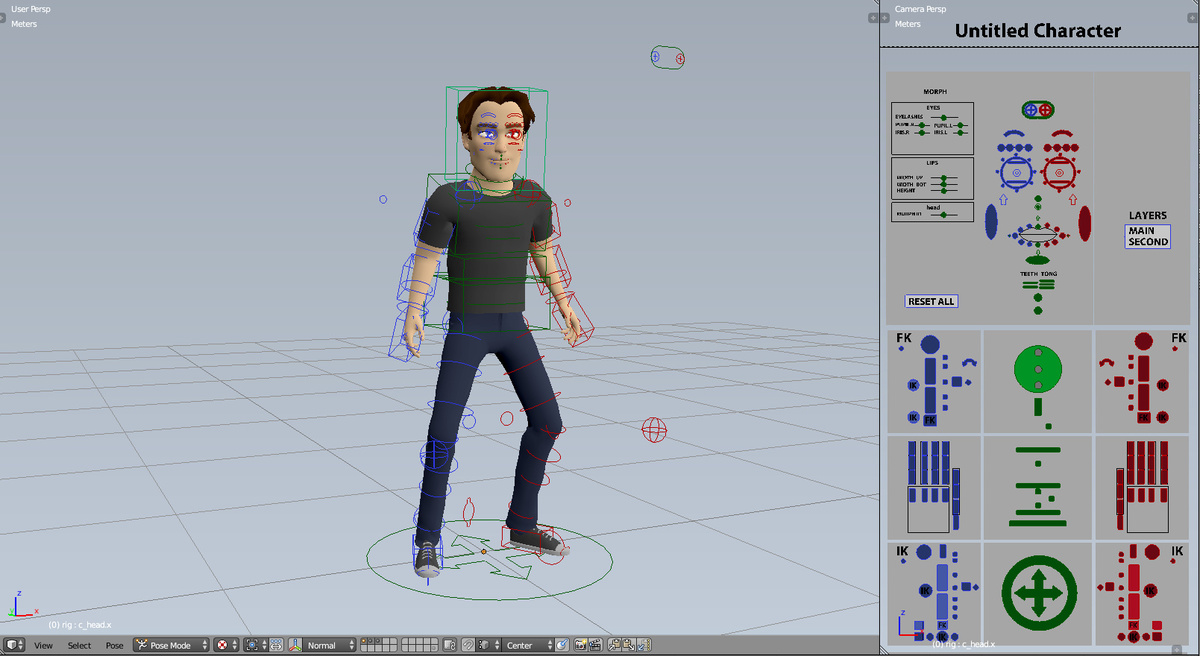
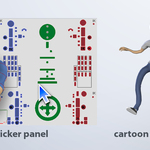
http://lucky3d.fr/auto-rig-pro/doc/install.html#proxy-picker
http://lucky3d.fr/auto-rig-pro/doc/auto_rig.html#picker-panel

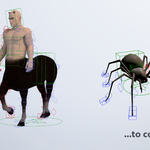
This item has an average rating of 5 from 447 ratings by the community.
Purchase this item to leave a review!
Artell
over 5 years ago
Hello, did you take a look at the documentation?
http://lucky3d.fr/auto-rig-pro/doc/install.html#proxy-picker
http://lucky3d.fr/auto-rig-pro/doc/auto_rig.html#picker-panel
Artell
over 5 years ago
Bad rating are acceptable when they're justified. Giving a one star rating for such user errors is totally not legitimate.
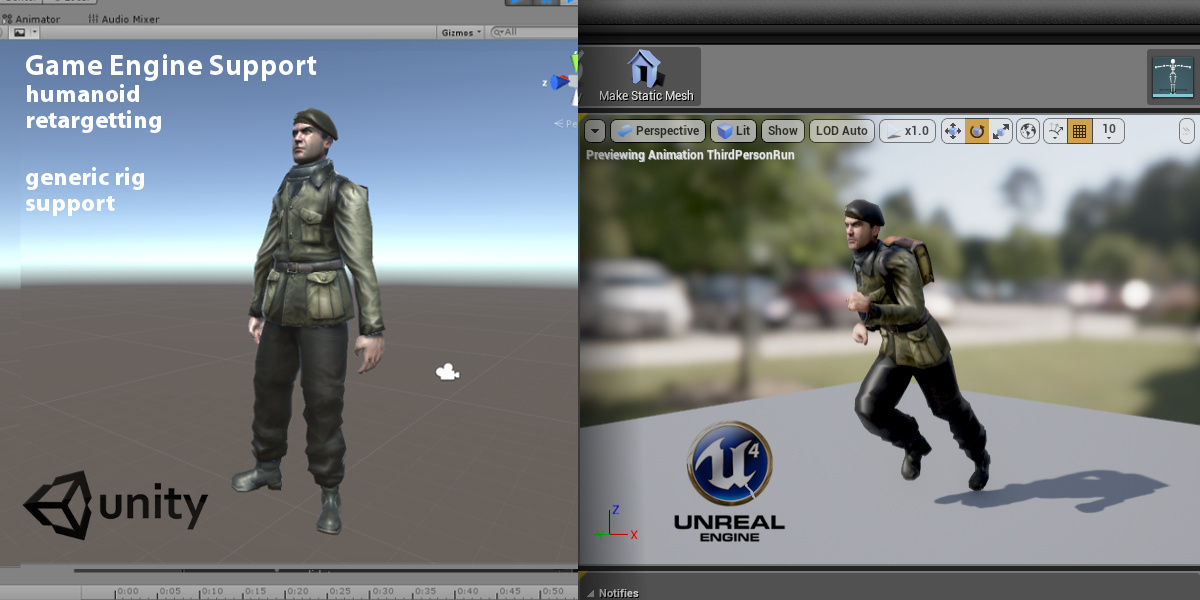
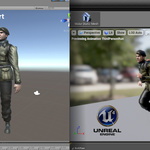
Auto-Rig Pro does work with UE, exported rig are compatible with the UE mannequin. If it doesn't (error message when importing in UE) it means you have modified the UE mannequin skeleton, or you use multiple neck bones while the Mannequin supports a single neck bone. These are error on the UE side, not the add-on.
Artell
almost 6 years ago
It may happen when the Blender undo is going out of memory.
It's not directly related to Auto-Rig Pro, it must be re-enabled in the user prefrences:
http://lucky3d.fr/auto-rig-pro/doc/faq.html?highlight=undo#undo-ctrl-z-does-not-work
Artell
about 6 years ago
Please see here:
http://lucky3d.fr/auto-rig-pro/doc/faq.html#undo-ctrl-z-does-not-work
Artell
about 7 years ago
Not true. I've expressively mentioned in the message to send the blend file if the FAQ did not help. I cannot fix a problem I can't reproduce locally.
Artell
about 7 years ago
I'd guess if it can't be installed in Blender 2.8 you probably downloaded and installed the wrong addon version.
However if the problem is elsewhere please see the Bug Report page for support:
http://lucky3d.fr/auto-rig-pro/doc/bug_report.html
Artell
almost 10 years ago
Before rating it: if you encounter any bugs please report it. Sometime a new Blender version makes something unstable and buggy, or some special cases may be hard to predict, we're just humans! So please report it, and be assured i'll do my best it to fix it quickly. Updates are free and will remain free. Thanks for your understanding and happy blending :-)
 Included
Includes 12 months of
Extend this product’s Support Period +12 months: 25% of product price
Have questions before purchasing?
Login to message
| Blender Extension Compatible | Yes |
| Sales | 70400+ |
| Downloads | 93900+ |
| Rating | 447 ratings |
| Published | over 10 years ago |
| Blender Version | 2.93 - 5.2 |
| Extension Type | Add-on |
| License | GPL |
 Eric
Eric
 Carwyn Morgan
 razer2
 Liam
Liam
 Zeno Bilucaglia
 tarava777
