AutoMech Pro
 ConnectivAI Tools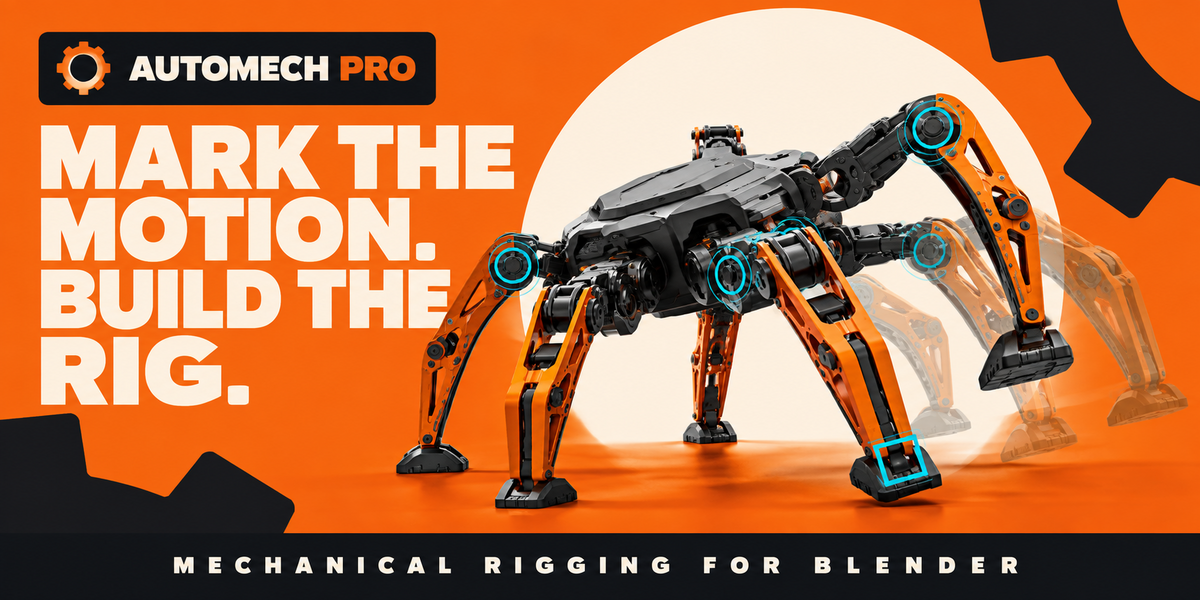




What should I include when requesting support?
Include your AutoMech Pro version, Blender version, operating system, a screenshot of the problem, the steps that caused it, and the report produced by Rig Doctor. Avoid sending confidential project files unless specifically requested.
Does AutoMech Pro require another add-on?
No. AutoMech Pro is distributed as one Blender extension and does not require Auto-Rig Pro or any companion rigging plug-in.
Can the finished animation be exported?
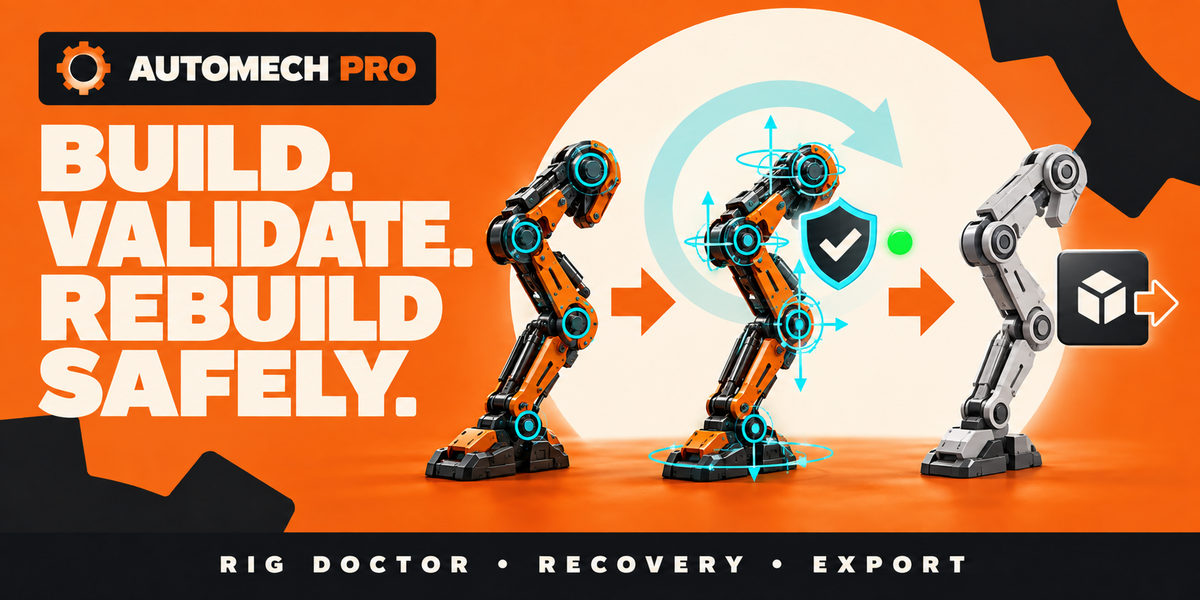
Yes. AutoMech Pro can bake the result to an independent delivery armature. The prepared result can then be exported using Blender’s built-in GLB/glTF or FBX exporters.
Can AutoMech Pro simulate physics and collisions?
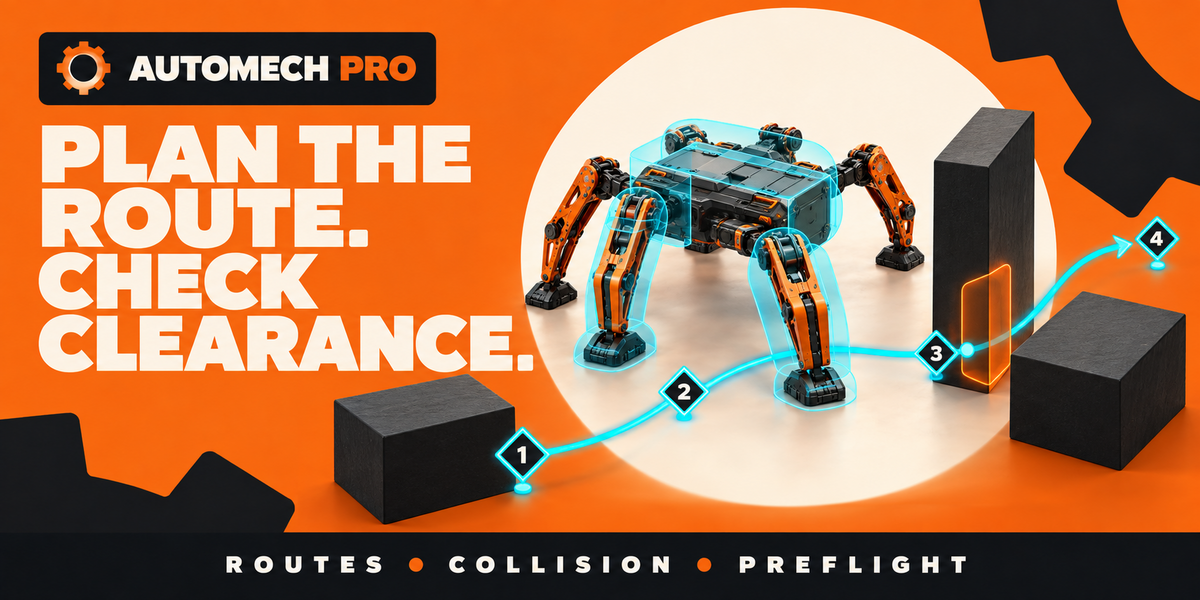
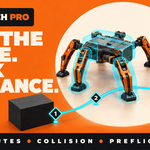
AutoMech Pro provides analytical clearance, contact, reach, and route checks. It does not simulate mass, motors, torque, friction, structural stress, or rigid-body physics.
Can I rebuild the rig after changing a joint?
Yes. Validate the definition and use the rebuild preview before rebuilding. Compatible generated identities and animation are preserved where possible. Rig Doctor can identify damaged or inconsistent generated data.
Can it create hydraulic pistons and hoses?
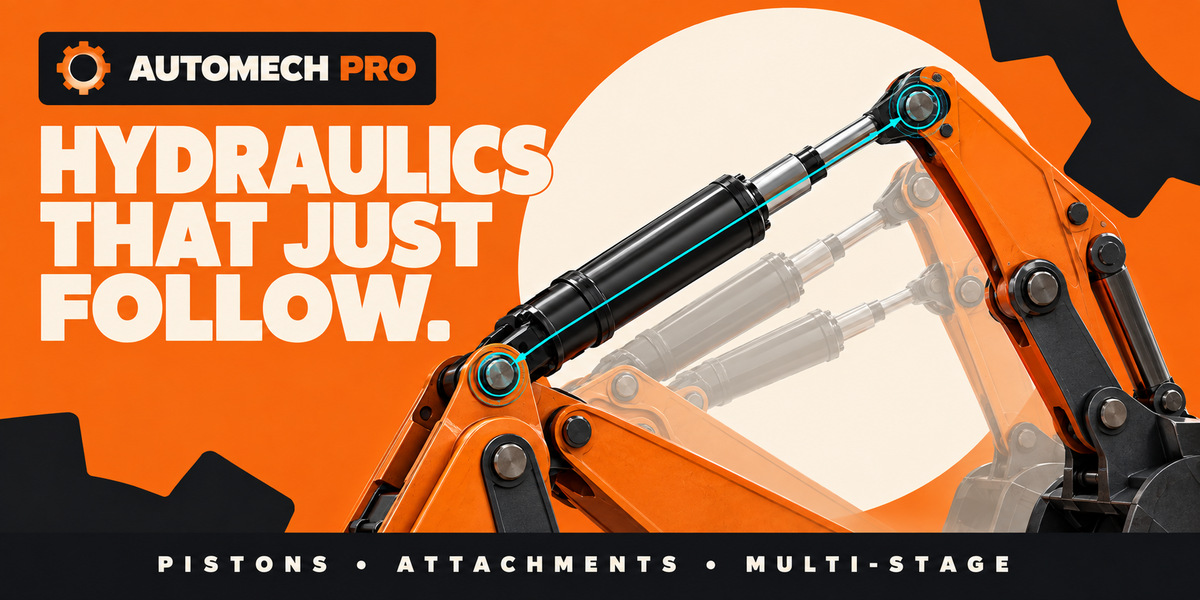
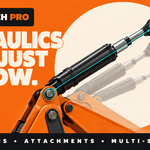
Yes. AutoMech Pro can build hydraulic relationships from marked attachment points. It also supports generated hoses, cables, and bellows between moving parts.
Does it support walkers with different numbers of legs?
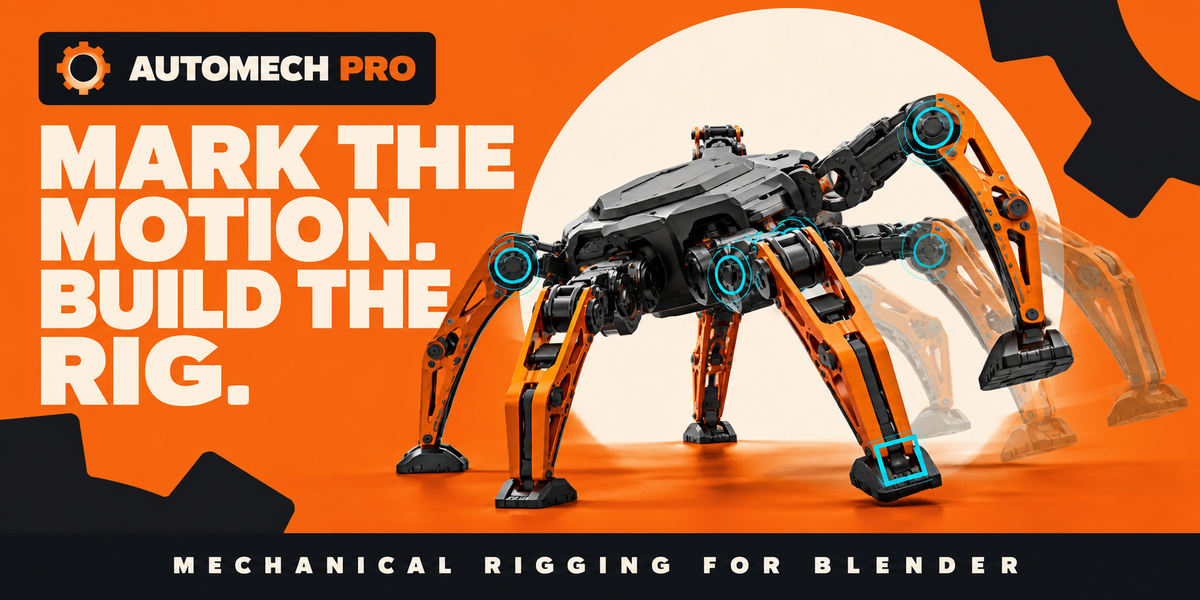
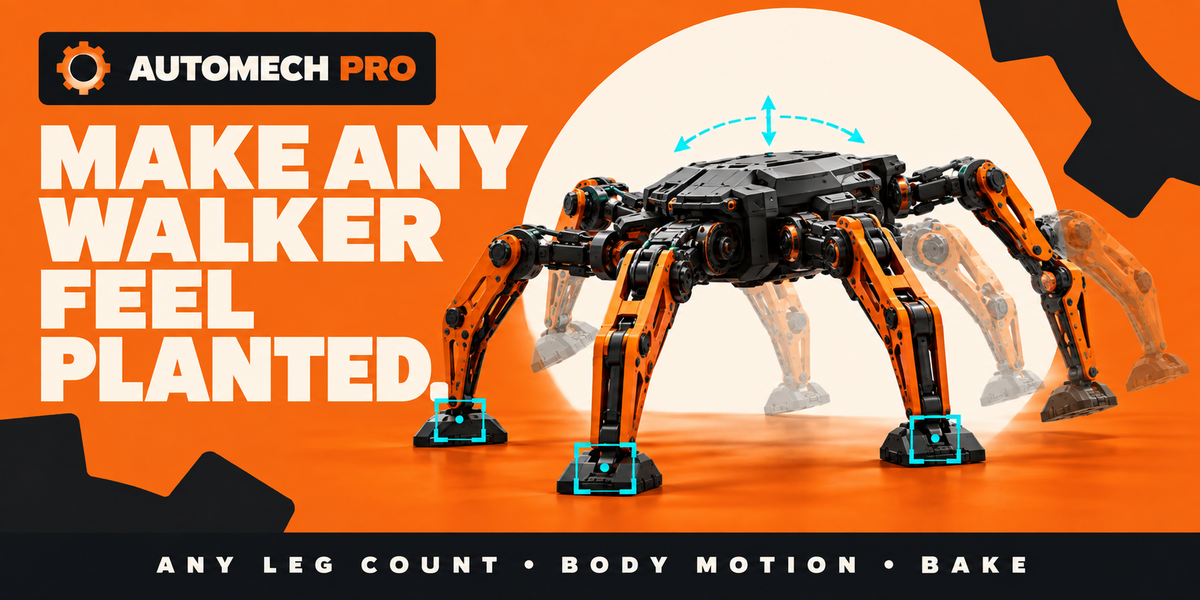
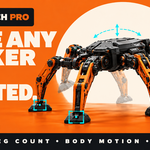
Yes. Walking tools are based on arbitrary contact groups rather than a spider-specific structure. They can be used for bipeds, quadrupeds, hexapods, spiders, and custom mechanical walkers.
Can the machine’s body move while its feet remain planted?
Yes. Build the legs as IK systems and use World-space endpoint controls or contact-aware motion. The chassis can then move and rotate while planted feet remain at their contact positions.
Can I switch between IK and FK?
Yes. Use Rotate Joints (FK) for individual joint rotation or Move End (IK) to position the end controller. AutoMech Pro includes pose-matching controls and continuous IK influence. Key the mode and controls at every transition.
Which joint types are available?
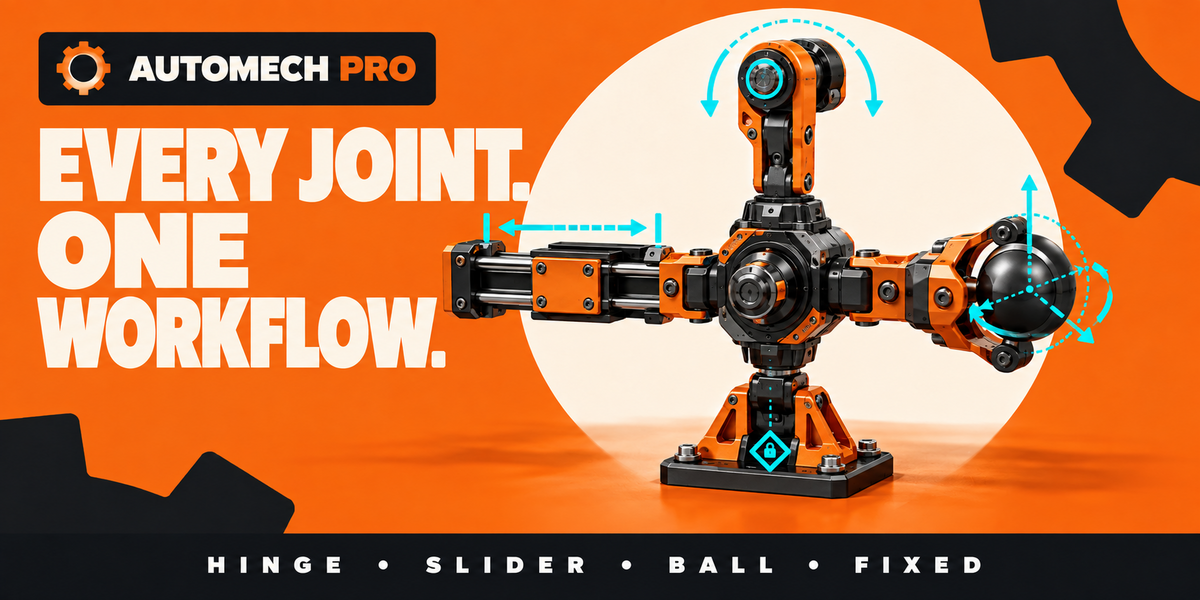
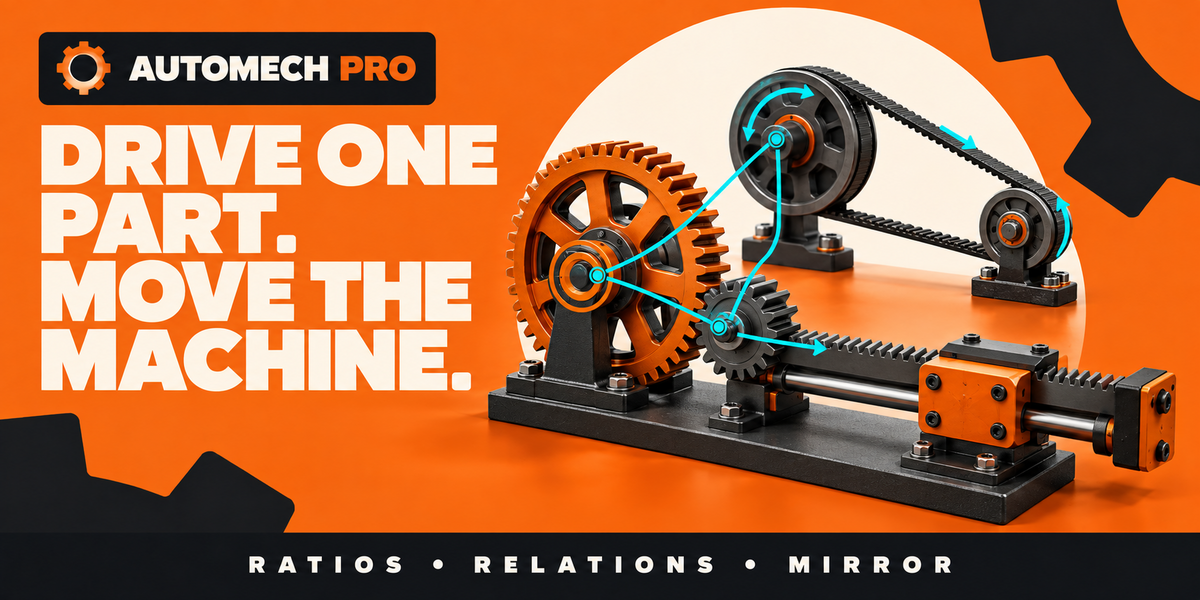
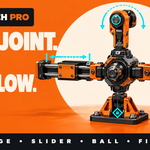
AutoMech Pro supports fixed, hinge, slider, ball, universal, screw, planar, and compound joint workflows. The appropriate type depends on how the connected parts should move.
How are mechanical joints positioned?
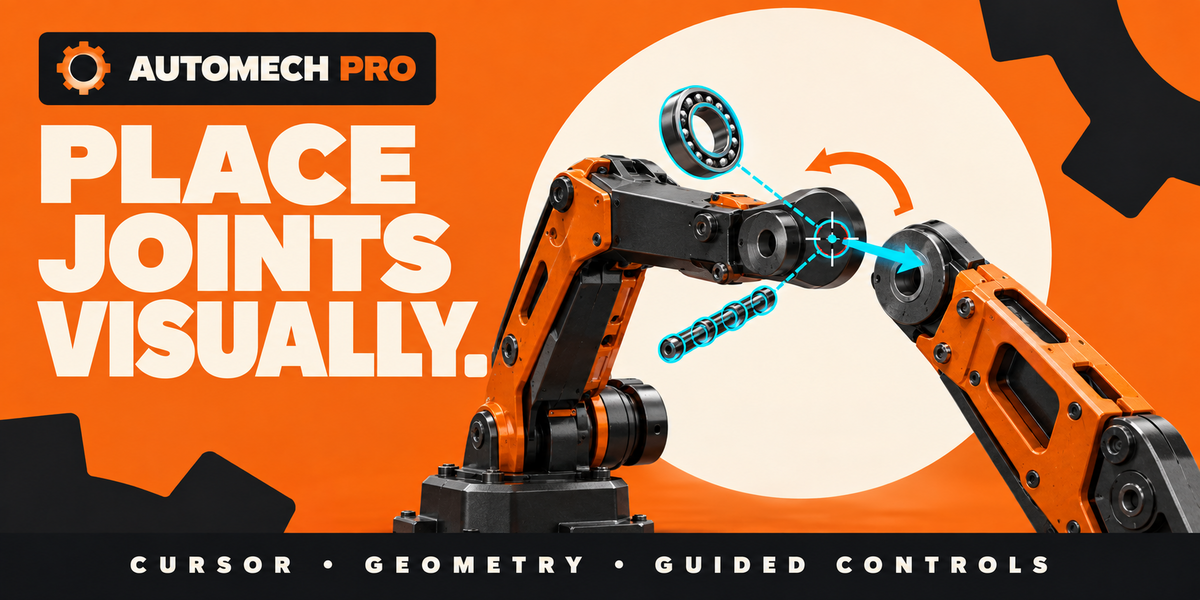
You can place joints using the 3D Cursor, object origins, selected edges, edge chains, or planar edge loops. Markers can also be adjusted directly in the 3D Viewport before building.
Do I need to understand bones, constraints, or drivers?
No. You work with mechanical concepts such as parts, pivots, joints, limits, pistons, and controls. AutoMech Pro constructs the Blender rigging components automatically.
Does AutoMech Pro modify my original model?
AutoMech Pro preserves the source mesh data. It generates and manages the rig separately. Saving a backup before rigging is still recommended.
Does my model need to be separated into objects?
Yes. Every independently moving rigid section should be a separate object or part group. For example, a robot’s upper arm, forearm, and hand should be separate parts.
Which Blender versions are supported?
AutoMech Pro 0.63 requires Blender 5.0 or newer. Blender 5.2 LTS is recommended and is the primary qualified version.
What does AutoMech Pro do?
AutoMech Pro creates animator-friendly mechanical rigs from rigid Blender objects. You define how parts connect and move, and the add-on generates the required armature, controls, constraints, drivers, and helpers.
 Included
Includes 12 months of
- Support from ConnectivAI Tools
- Product updates
Extend this product’s Support Period +12 months: 25% of product price
Have questions before purchasing?
Login to message
| Blender Extension Compatible | Yes |
| Sales | 10+ |
| Published | about 2 months ago |
| Blender Version | 5.0 - 5.2 |
| Extension Type | Add-on |
| Render Engine Used | Cycles |
| License | GPL |

Discover more products like this
mech machinery hard surface animation hydraulics robotic arm IK FK procedural rig game-export mechanical rigging auto-rig robot rig