AutoMech Pro
 ConnectivAI Tools
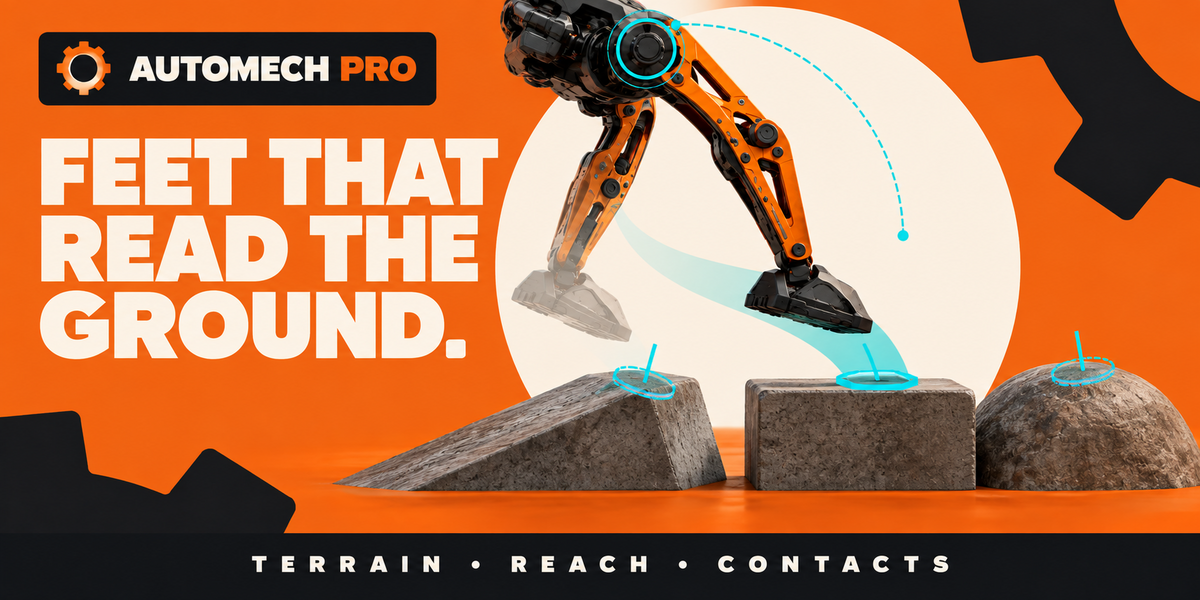
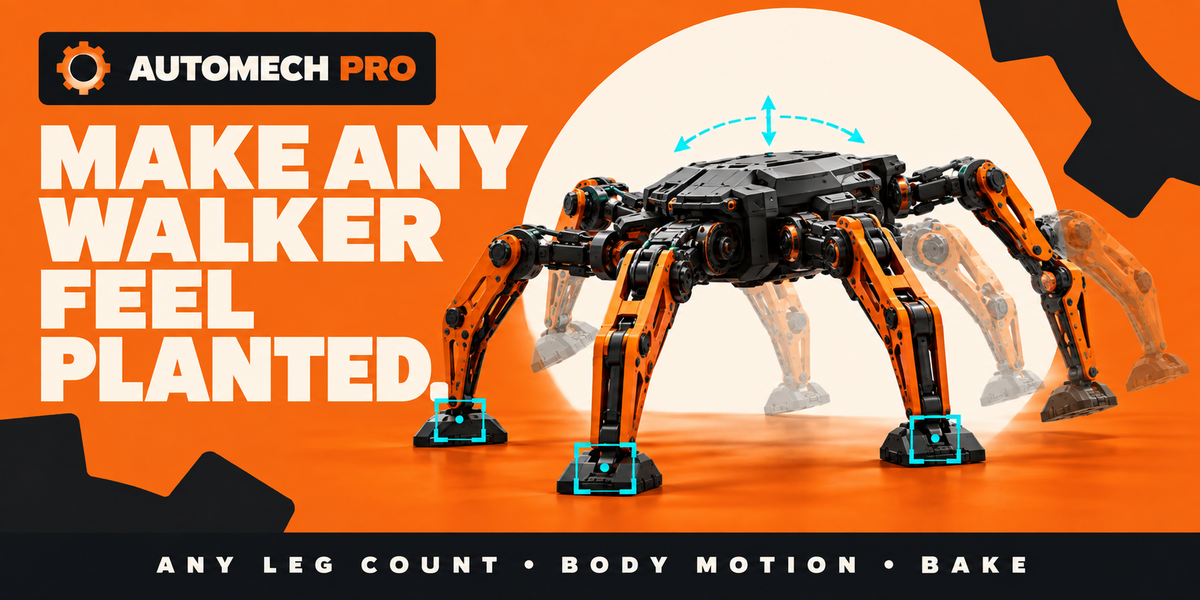
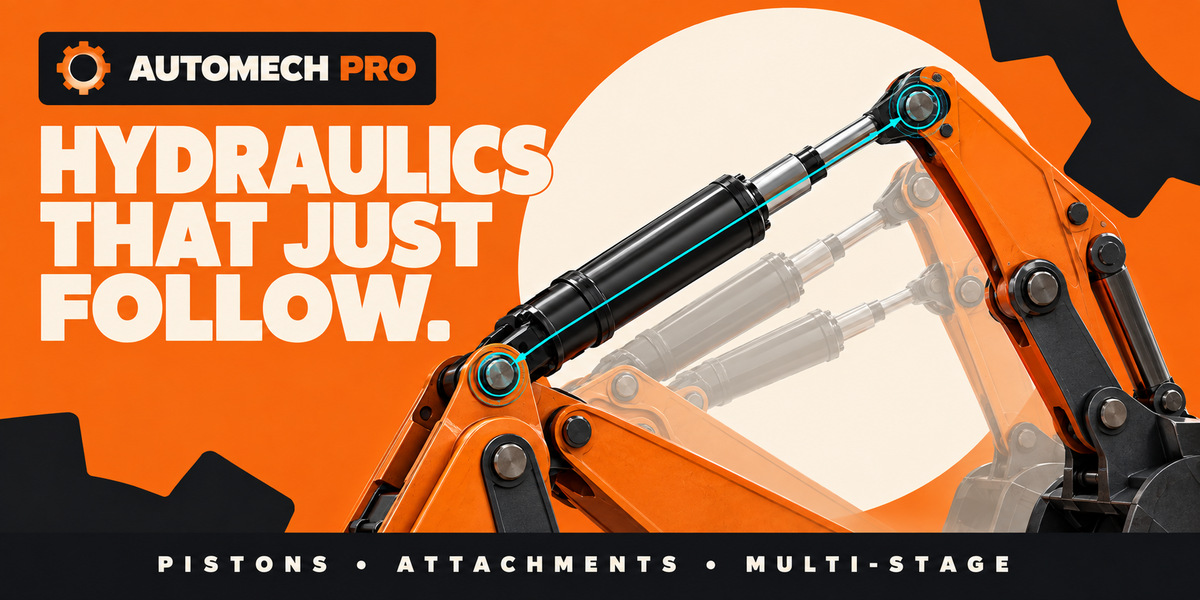
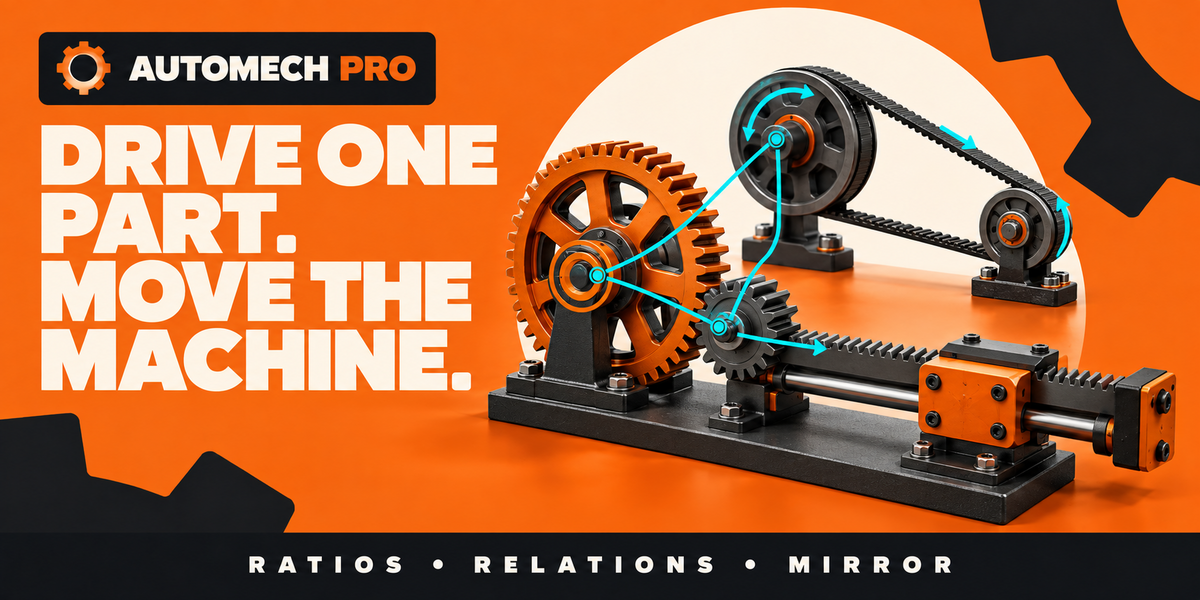
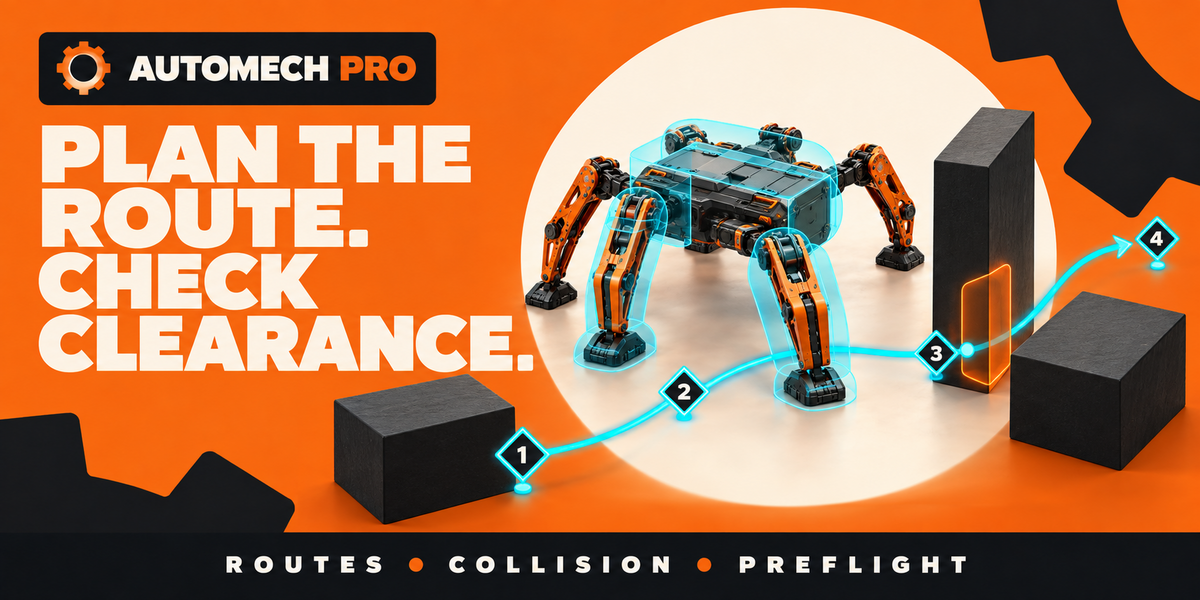
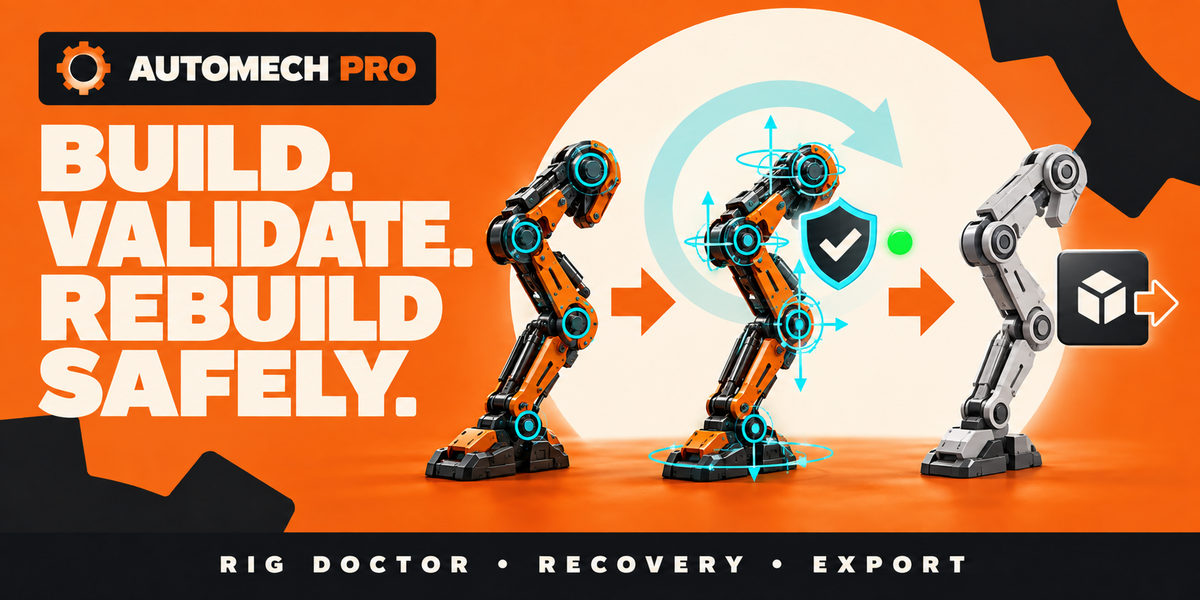


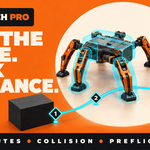
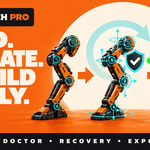
Fix: control handles are now visible on imported game and CAD assets.
If your model was imported with a scale correction, for example geometry stored 100× too large with a 0.01 object scale, the control handles were drawn far too small to see. They existed but never occupied a pixel, so it looked like the controls had not been created. Handles and bones are now sized in scene units and converted into the rig's own units before they are written, so they appear at the intended size on every model. Models built at scale 1 are unaffected.
Fix: handle sizing on rigid assemblies.
When you register many detail objects as one rigid part with Add Selection as One Rigid Part, the handle size is now taken from the largest object in each part. Bolts, rods, and other small details inside an assembly no longer shrink the handles.
Fix: Find Global Route starts from the captured pose.
Planning a global route now starts from the machine's captured start pose rather than from wherever the timeline currently places the body, so scrubbing mid-route before planning no longer blocks the search.
Compatibility. Blender 5.0 and later. No changes to saved files, presets, or the extension manifest beyond the version number. Updating from 0.68.0 keeps existing rigs and motion cycles unchanged.
https://youtu.be/edvvwwQTUlk
Initial Release
 Included
Includes 12 months of
- Support from ConnectivAI Tools
- Product updates
Extend this product’s Support Period +12 months: 25% of product price
Have questions before purchasing?
Login to message
| Blender Extension Compatible | Yes |
| Sales | 10+ |
| Published | about 2 months ago |
| Blender Version | 5.0 - 5.2 |
| Extension Type | Add-on |
| Render Engine Used | Cycles |
| License | GPL |

Discover more products like this
mech robot rig IK FK robotic arm hydraulics auto-rig mechanical rigging machinery hard surface game-export procedural rig animation