AutoReframe
 one99addons
in VSE
one99addons
in VSE
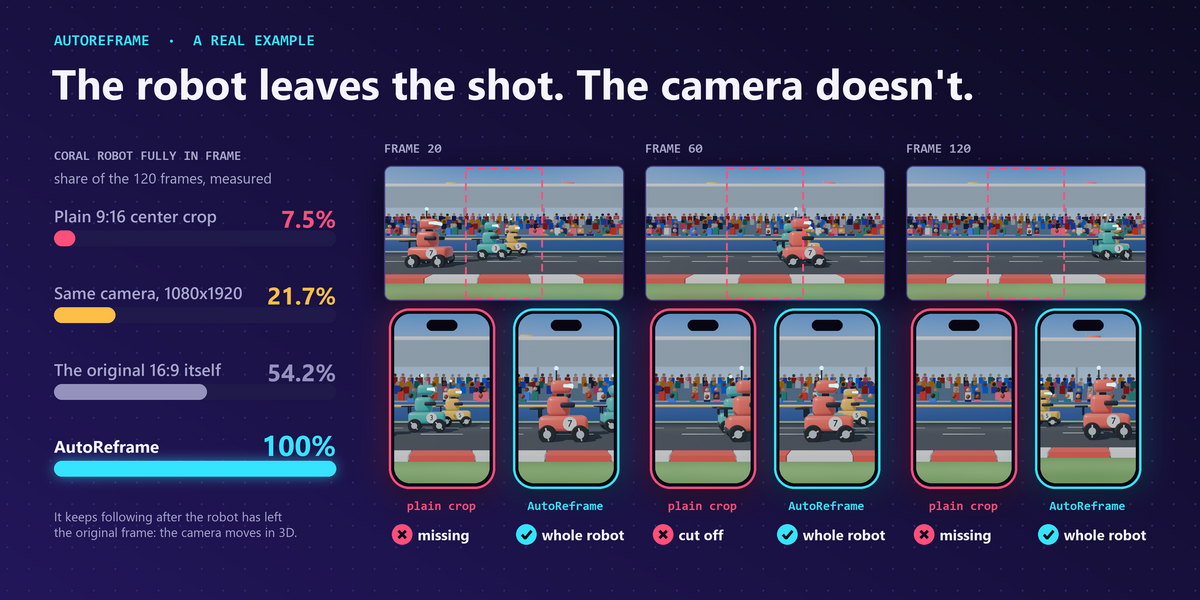
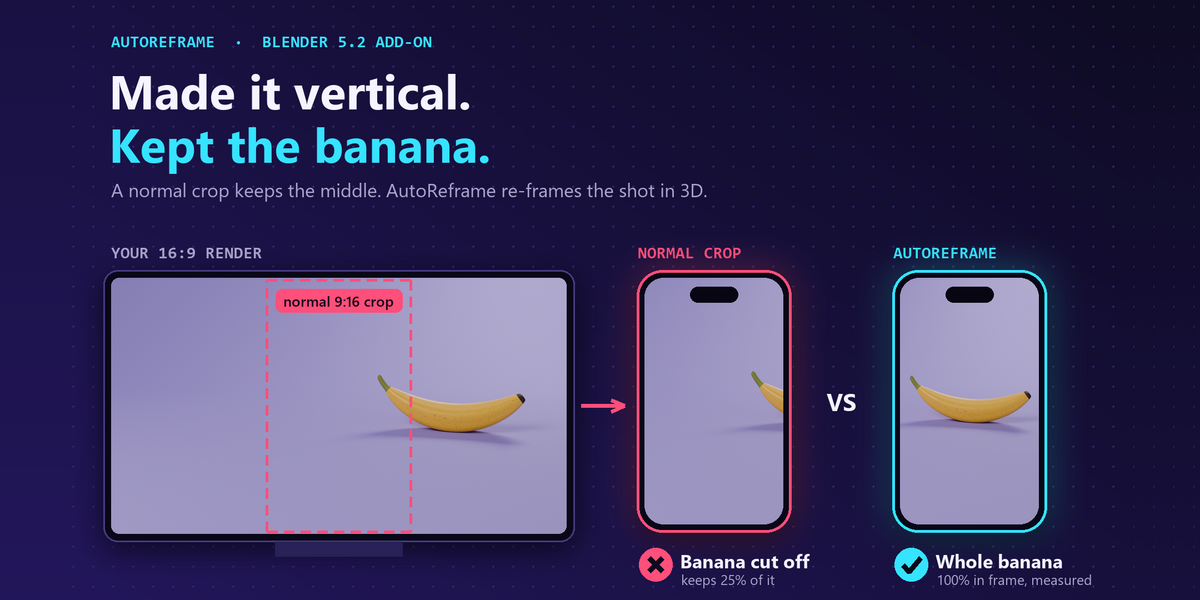
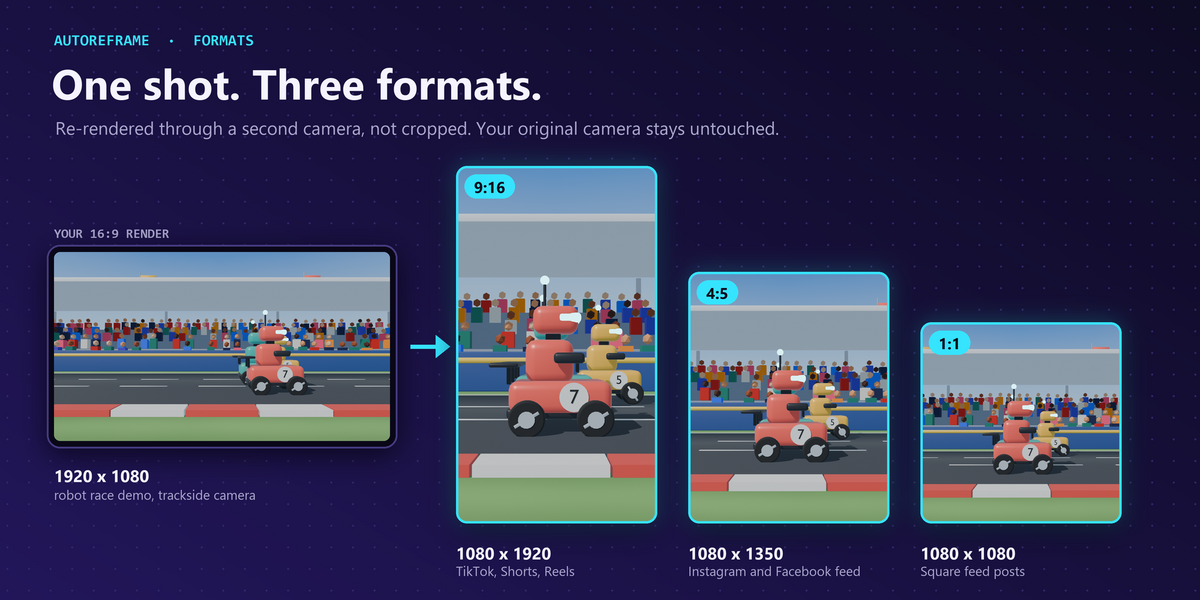
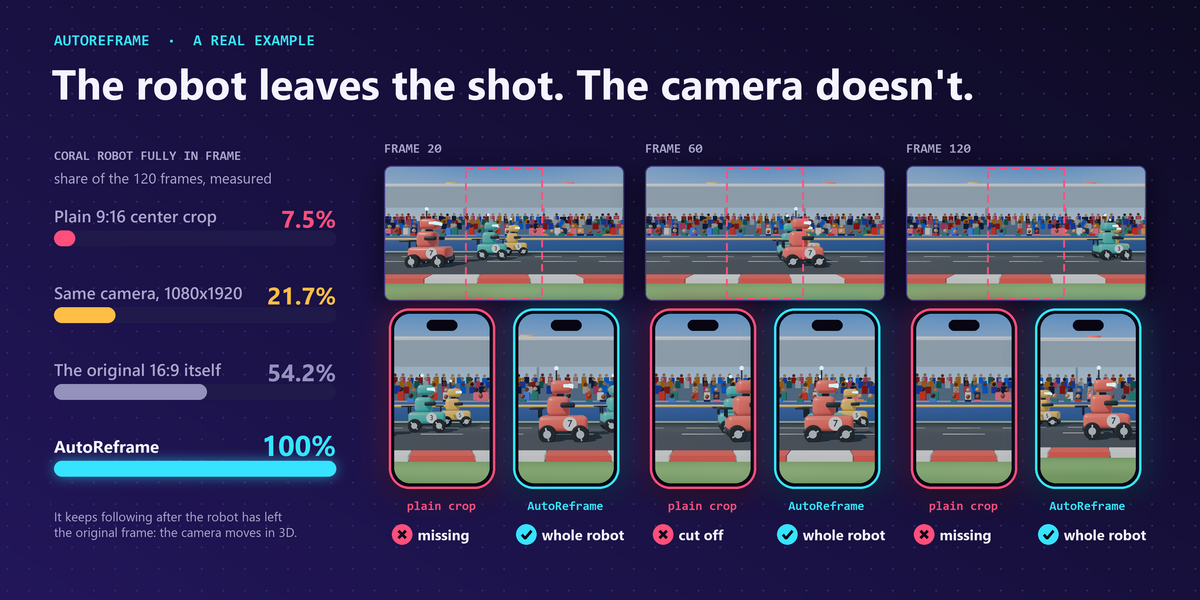
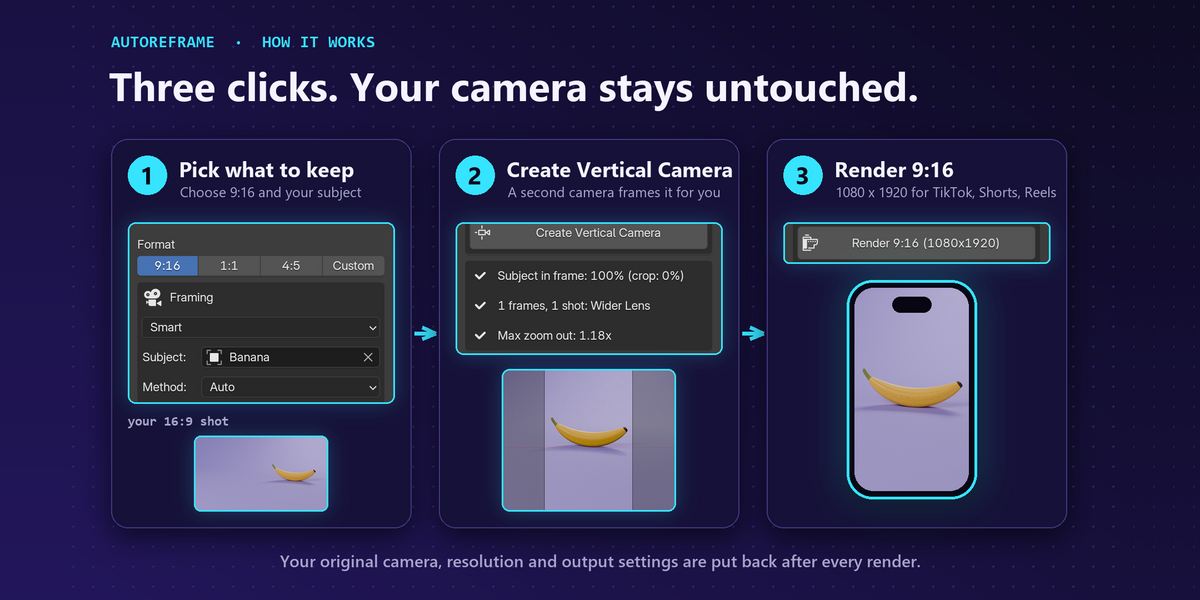
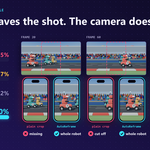
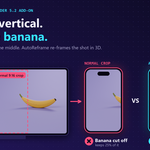
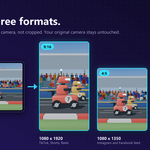
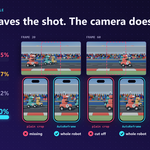
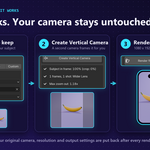
Download autoreframe_v1.0.0.zip, then in Blender go to Edit > Preferences > Add-ons > drop-down arrow > Install from Disk... and pick the zip (do not unzip it). Tick "AutoReframe - 16:9 to Vertical".
No. It creates a separate AutoReframe camera. Preview and Render switch the resolution and camera only while you use them, then put everything back.
Yes, in the Sequencer: Fill + Blur puts the whole video in the middle with a blurred copy above and below, and Follow Zone shows a part you animate or tie to a tracking point. There is no 3D there, so nothing is re-rendered.
Have questions about this product?
Login to message
| Published | 3 days ago |
| Blender Version | 5.2 |
| Extension Type | N/A |
| Render Engine Used | Cycles, Eevee |
| License | GPL |
Discover more products like this
vertical video reframe youtube shorts camera social-media Reels 9:16 Render aspect ratio tiktok