 Milad_Kambari


Universal Batch
Format Converter
Convert between all major 3D formats with one click. FBX, OBJ, STL, GLB, GLTF, and Blender files — batch process hundreds of assets with recursive folder scanning.
Key Features
| 6+ File Formats FBX, OBJ, STL, GLB, GLTF, Blender files | MULTI Target Export Convert to multiple formats simultaneously | FLEX Output Options Beside source, categorized, or custom directory |
Interface Walkthrough
See how the addon guides you through each step of the batch conversion process.
N-Panel Interface
Clean controls integrated into Blender's sidebar
Smart Folder Selection
Point to any parent directory and scan subdirectories automatically
Real-Time Progress
Watch the conversion process with detailed progress tracking
Export Results
Complete summary report showing successful conversions
How It Works
Set it and forget it. The addon handles the entire conversion pipeline automatically.
| 1 Select Source FolderChoose parent directory containing 3D files in any supported format | 2 Choose Target FormatsSelect one or multiple output formats: FBX, OBJ, STL, GLB, GLTF, .blend | 3 Set Output OptionsOrganize by format folders, save beside source, or choose custom directory | 4 Batch ConvertHit convert and watch as all files are processed automatically |
Technical Details
| Requirement | Details |
| Blender Version | 4.2.0 and newer |
| Installation | Standard Blender addon (.py file) |
| Location | View3D → N Panel → Batch Converter |
| Input Formats | FBX, OBJ, STL, GLB, GLTF, Blender (.blend) |
| Output Formats | FBX, OBJ, STL, GLB, GLTF, Blender (.blend) |
| Batch Processing | Multi-format output from single source |
Other Milad Kambari Tools
 Substance Painter Live LinkBi-directional bridge between Blender and Substance Painter with real-time sync |  Unreal Engine Live LinkOne-click asset transfer from Blender to Unreal Engine with material mapping |  Blender Light MixerAdvanced lighting control with compositor-based light mixing and isolation |
 Depth Map GeneratorGenerate accurate depth maps and displacement textures from 3D geometry | 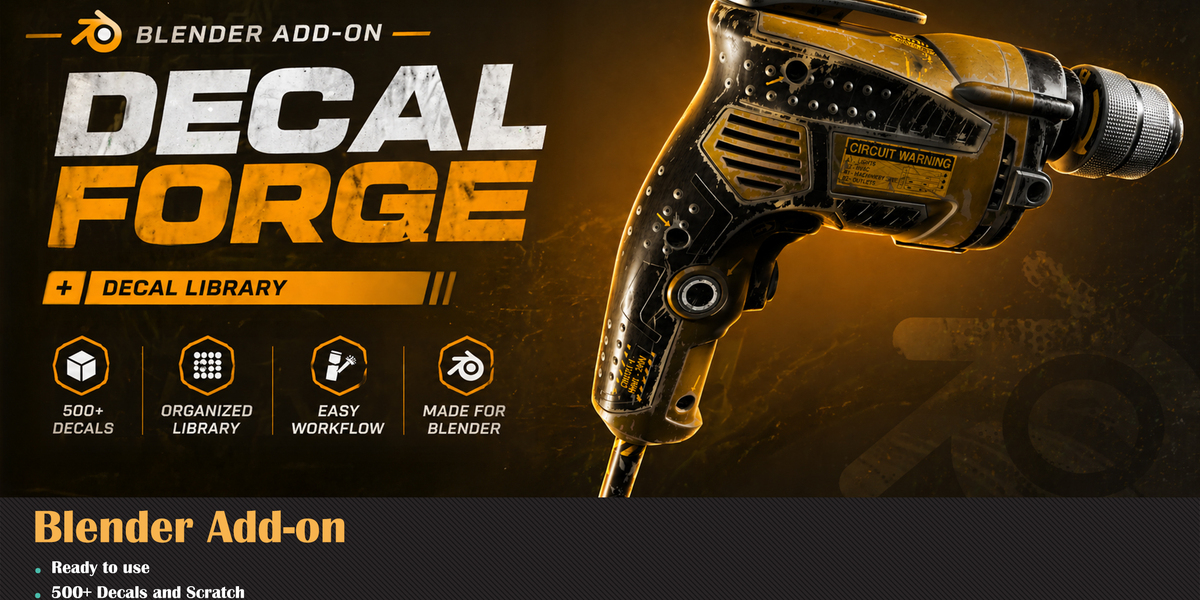 Decal Forge + LibraryProfessional decal system with extensive library for surface detailing |  Easy Bake & Batch BakingStreamlined texture baking with batch processing and smart presets |
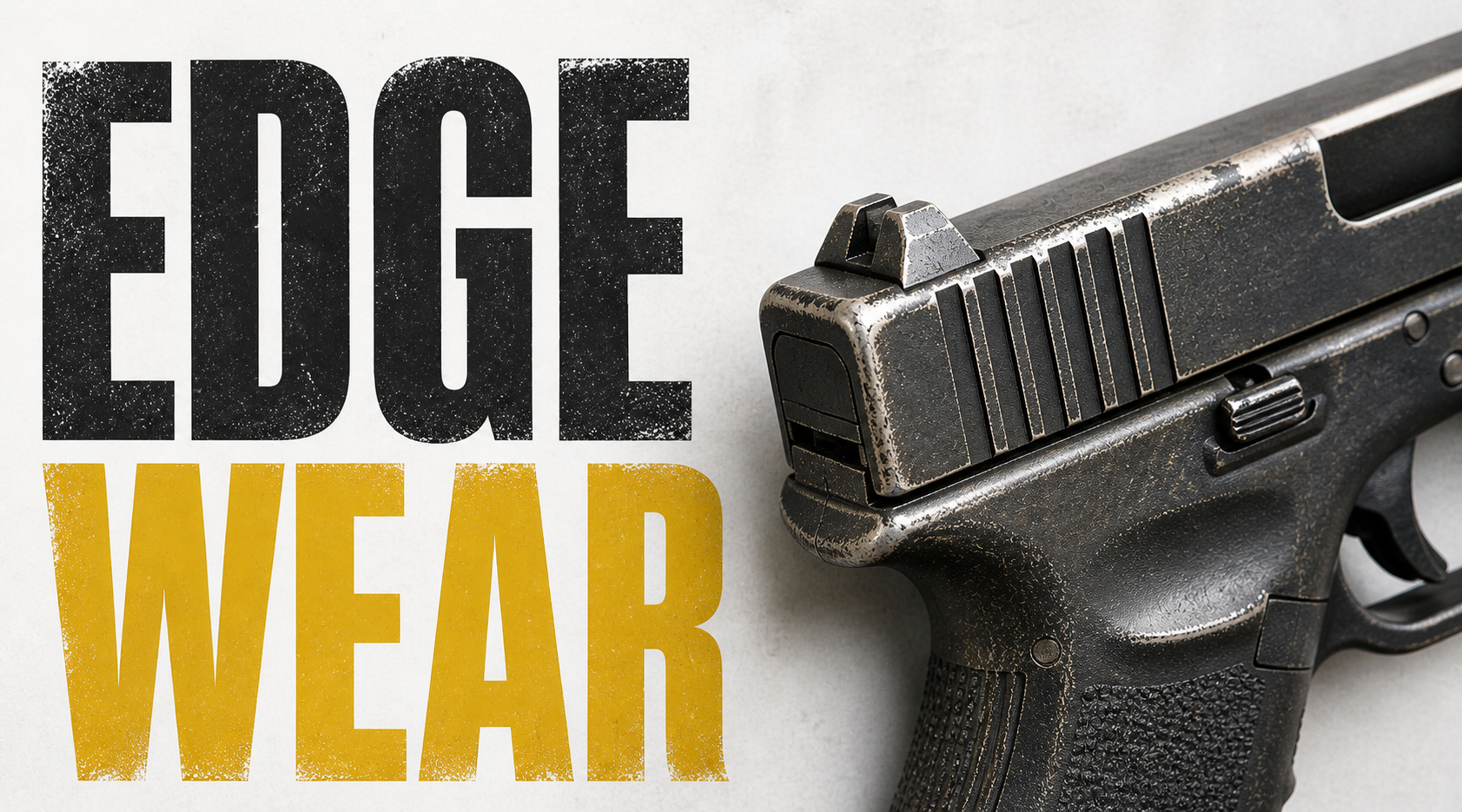 MK Edge Wear (Free)One-click edge wear effects with dual-color paint and smart scratches | 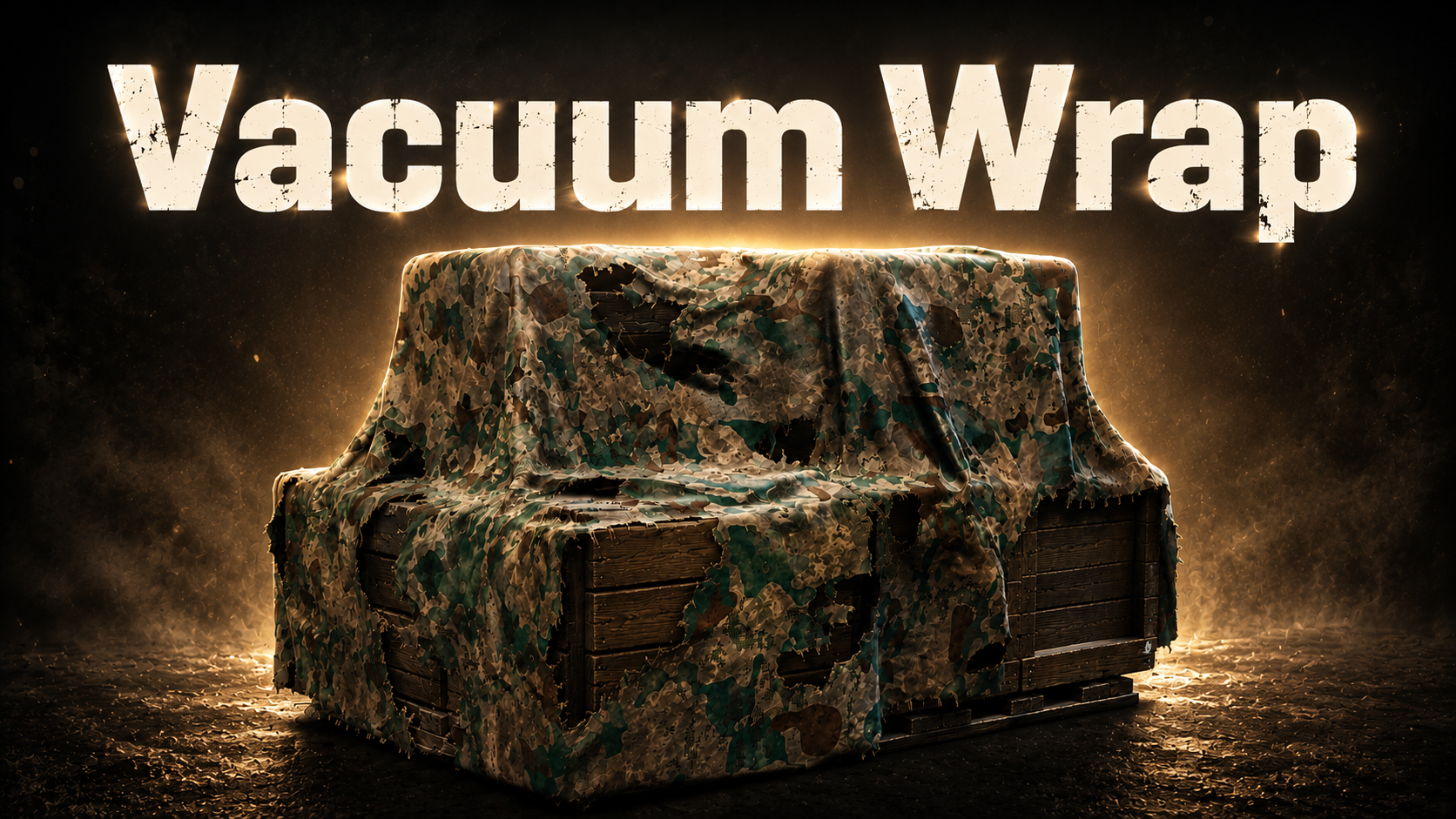 MK Plastic WrapVacuum-sealed plastic wrap effect with real-time tightness control |  RizomUV Live LinkDirect bridge between Blender and RizomUV for seamless UV workflow |
Built by Milad Kambari • 3DRedbox Studio