 Aman3D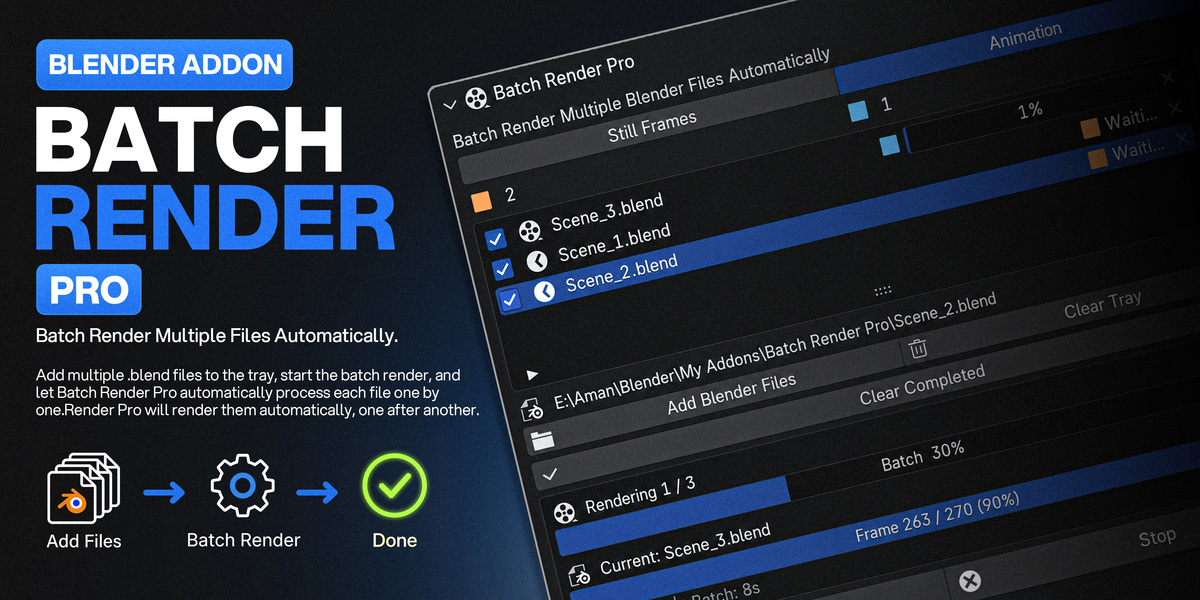
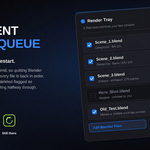

Where can I find Batch Render Pro?
Go to Properties > Render Properties > Batch Render Pro.
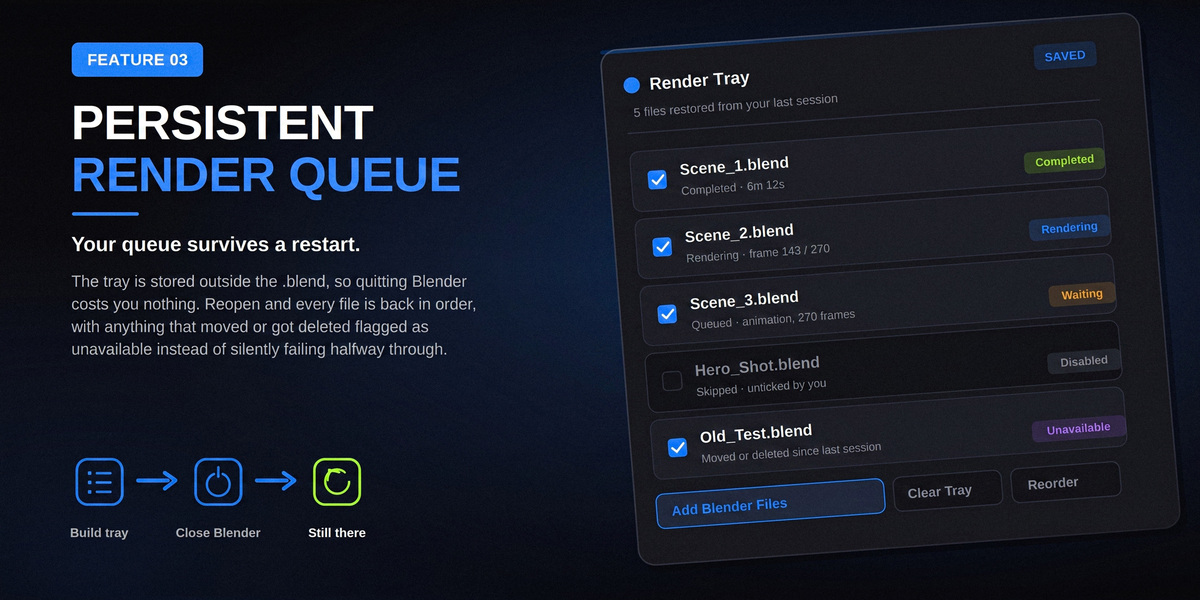
What if a Blender file is missing?
The addon marks missing or unreadable files as Unavailable.
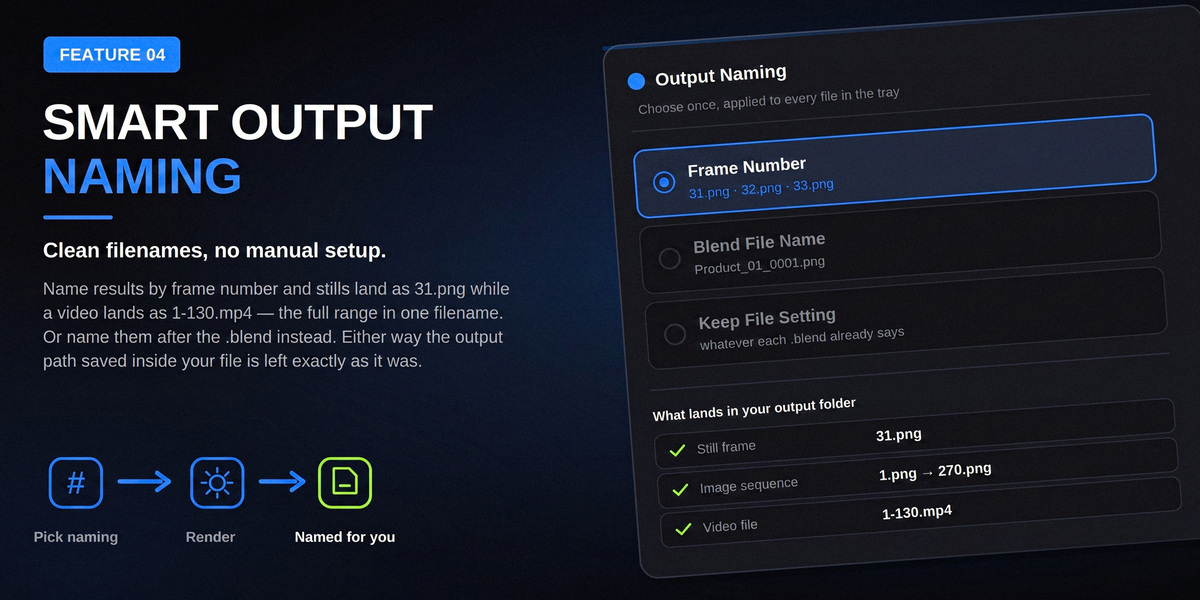
Where are my renders saved?
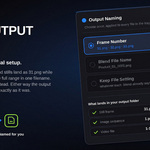
The output location comes from each .blend file's saved output settings.
Can I render the same files again?
Yes. You can disable Skip Completed Files if you want completed files to be rendered again.
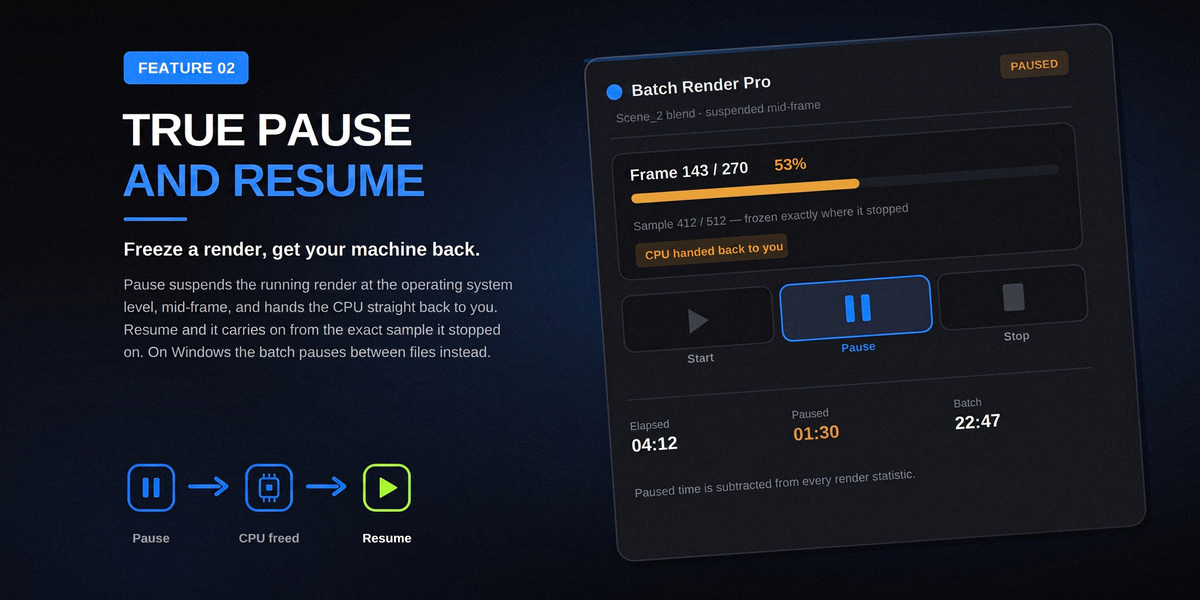
Can I pause and resume the batch?
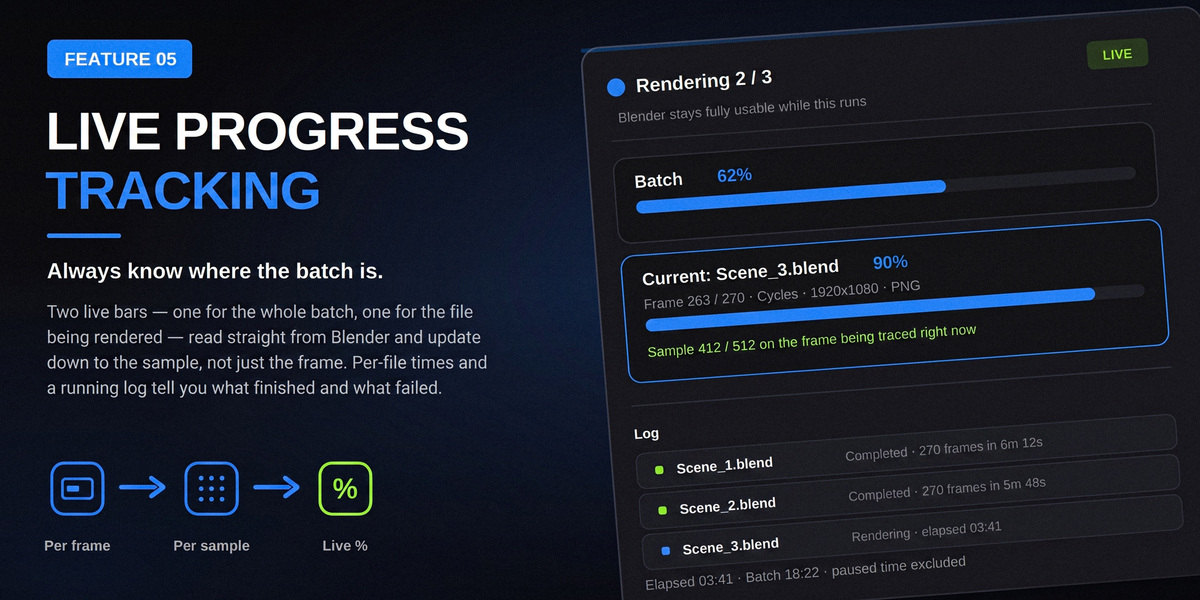
Yes. The batch controls include Pause, Resume, and Stop.
What happens if one file fails?
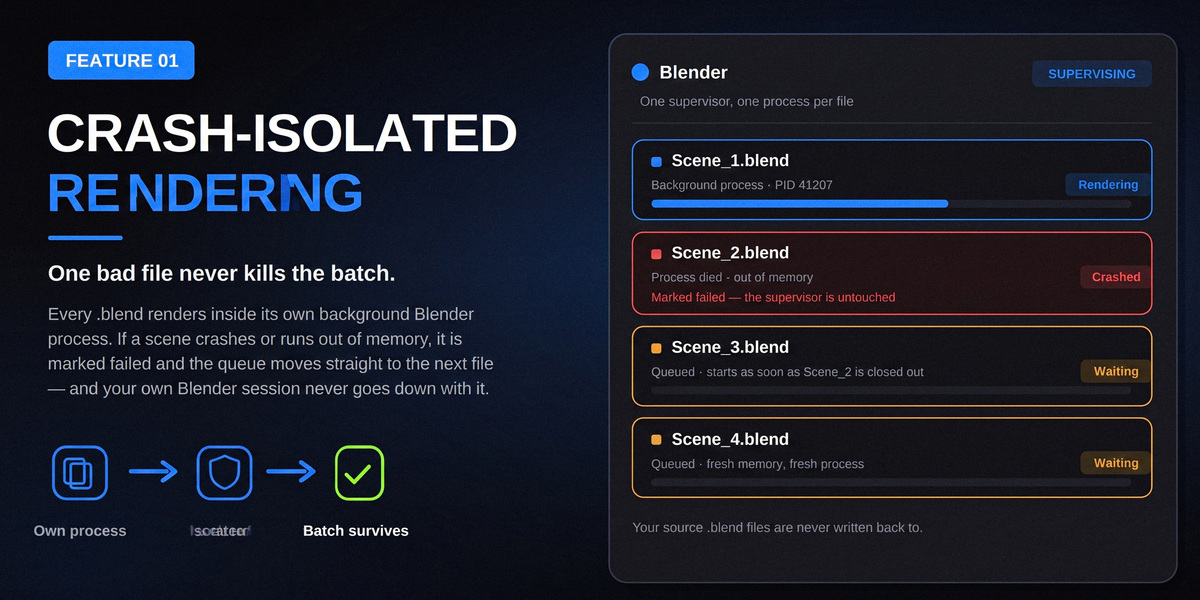
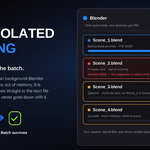
You can choose whether to stop the entire batch or continue with the remaining files using Stop on Error.
Will Blender become unresponsive during a long batch?
Batch Render Pro uses separate background Blender processes for rendering while the main Blender session supervises the batch. This allows the main interface to remain responsive during rendering.
Does each file use its own render settings?
Yes. Each .blend file uses its own render engine, camera, output path, format, resolution, frame range, and other saved settings.
Can I render both still images and animations?
Yes. You can choose Still Frames or Animation as the render mode.
Does Batch Render Pro modify my .blend files?
No. The addon does not write changes back to your source .blend files.
$12
Have questions about this product?
Login to message
| Blender Extension Compatible | Yes |
| Published | 14 days ago |
| Blender Version | 4.2 - 5.2 |
| Extension Type | Add-on |
| Render Engine Used | Cycles, Eevee |
| License | GPL |
Discover more products like this
BatchRender rendering RenderQueue Render queuerendering batch animationbatchrendering animationqueue batchrendering animationrendering