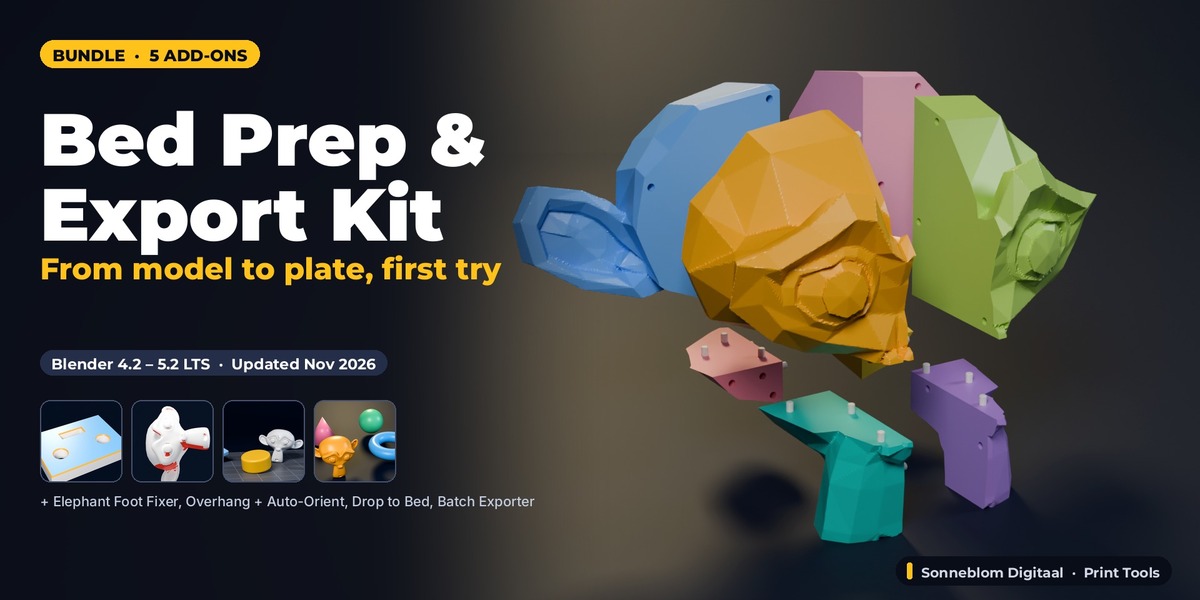
Bed Prep & Export Kit - 5 Print-Prep Add-Ons for 3D Printing
 Sonneblom Digitaal




Installing the bundle
Download every .zip from your Superhive Orders page. Each .zip is one Blender extension. In Blender 4.2 or newer: Edit > Preferences > Get Extensions > arrow menu > Install from Disk, select the .zip. Repeat per add-on. Do not unzip the files.
Included add-ons and their manuals
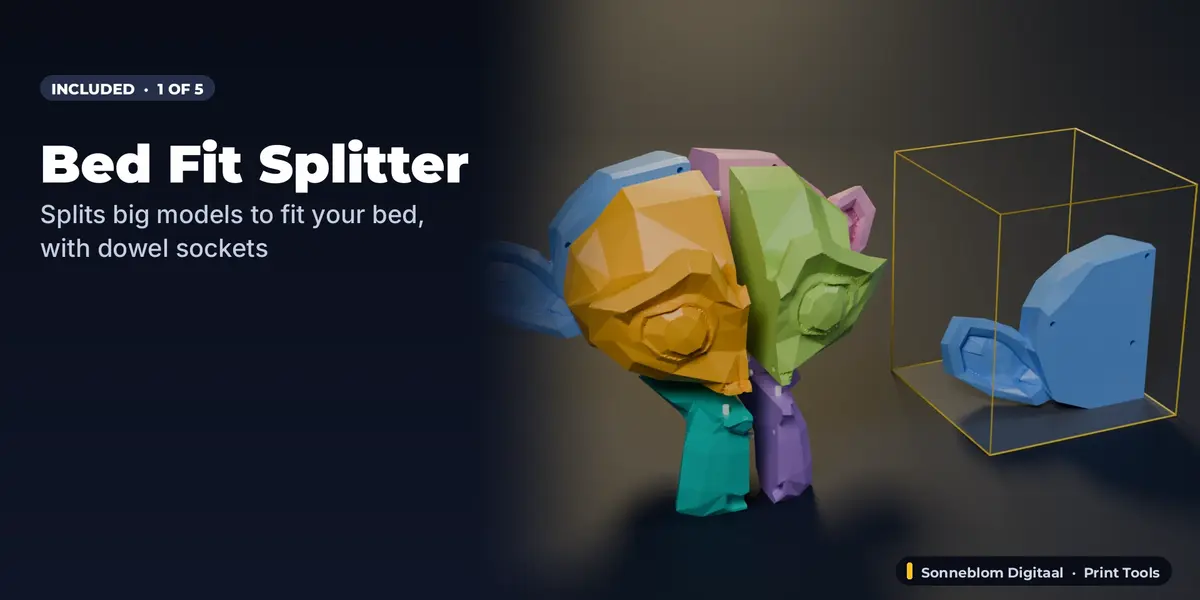
- Bed Fit Splitter: full documentation and FAQ on its product page.
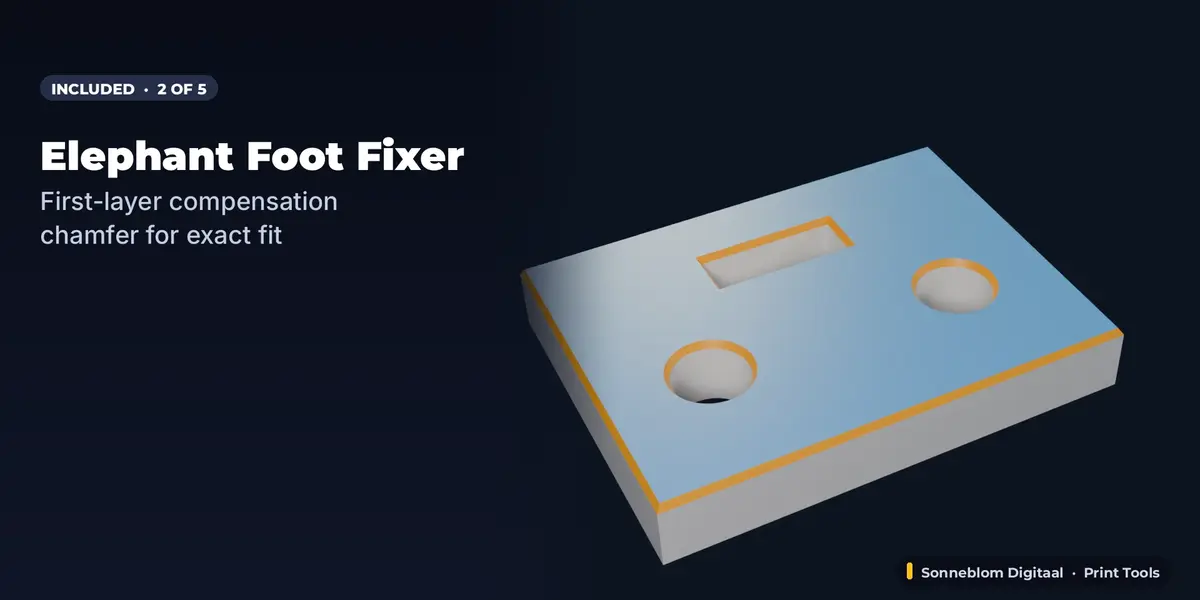
- Elephant Foot Fixer: full documentation and FAQ on its product page.
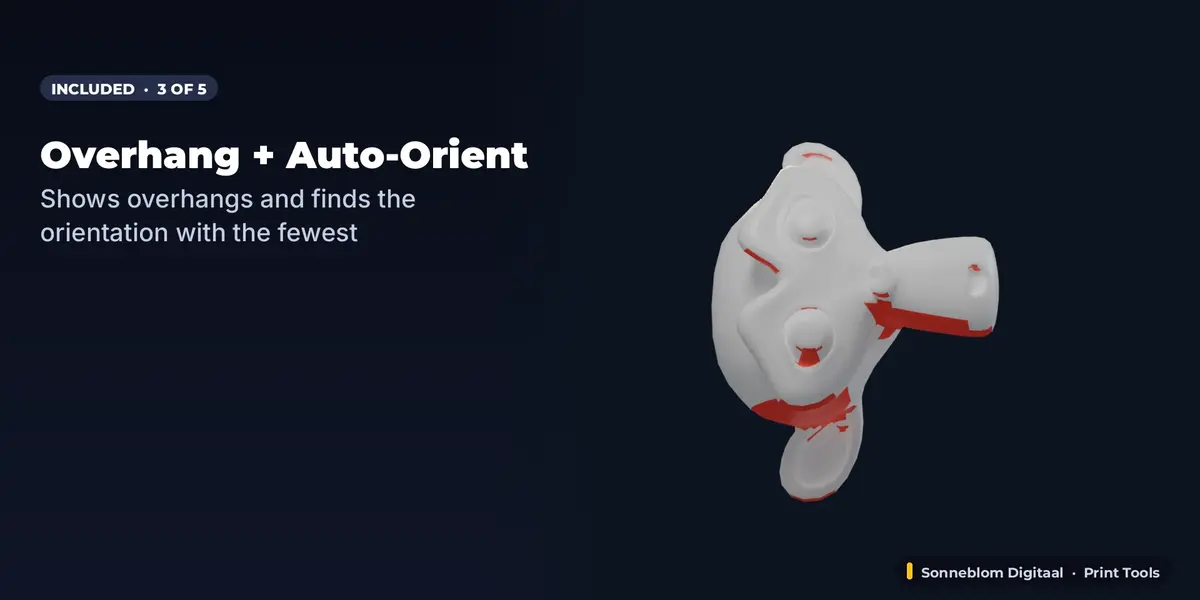
- Overhang Finder + Auto-Orient: full documentation and FAQ on its product page.
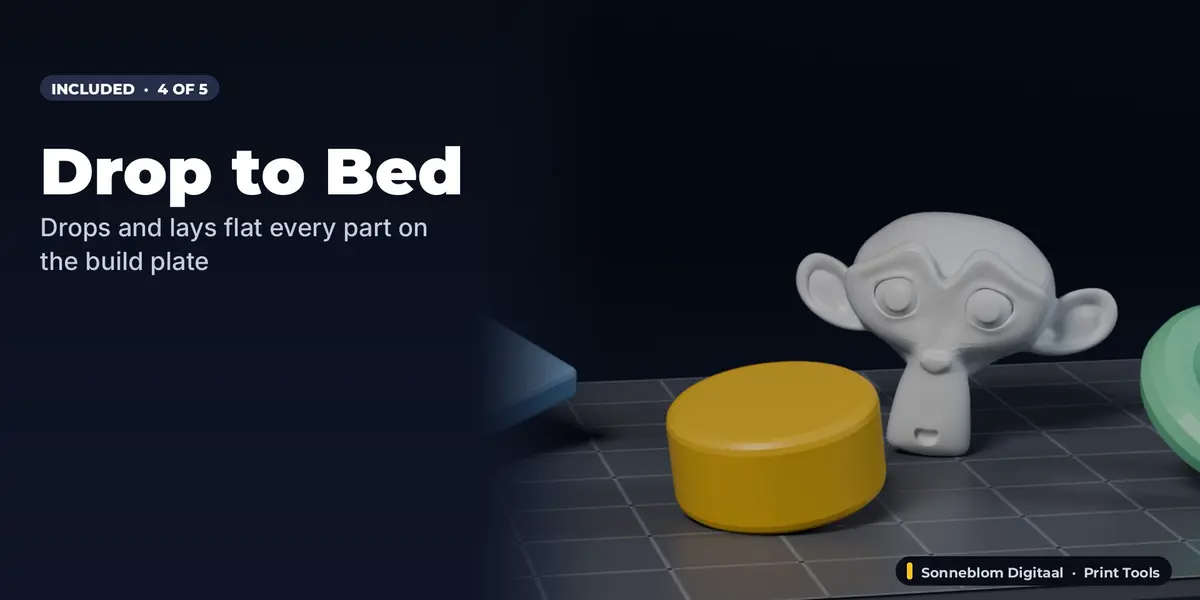
- Drop to Bed: full documentation and FAQ on its product page.
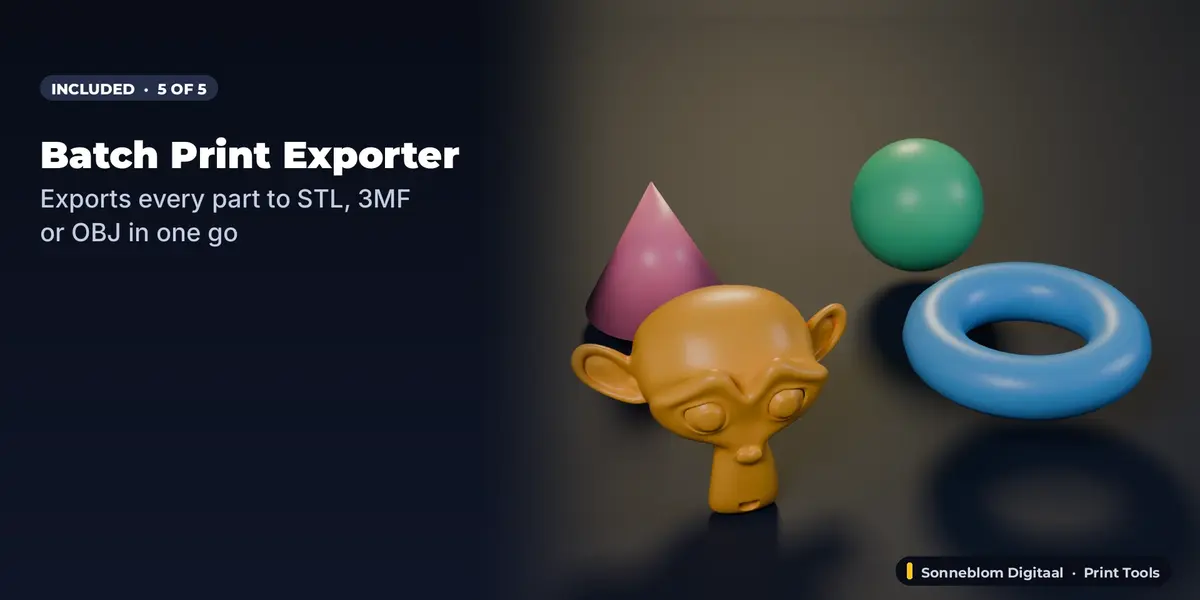
- Batch Print Exporter (STL, 3MF, OBJ): full documentation and FAQ on its product page.
Typical workflow
1) Bed Fit Splitter cuts parts that are too big. 2) Overhang Finder + Auto-Orient picks the best orientation. 3) Drop to Bed lays every part flat. 4) Elephant Foot Fixer adds the first-layer chamfer. 5) Batch Print Exporter writes all parts to STL/3MF/OBJ.
Updating
When we release a new version of an included add-on, download the new .zip from your Orders page and install it over the old one (Install from Disk).
Have questions about this product?
Login to message
| Blender Extension Compatible | Yes |
| Published | 22 minutes ago |
| Blender Version | 4.2 - 5.2 |
| Extension Type | Add-on |
| License | GPL |
Discover more products like this
3MF bundle 3d printing drop to bed STL export split model elephant foot print prep overhang auto orient