 張景翔
張景翔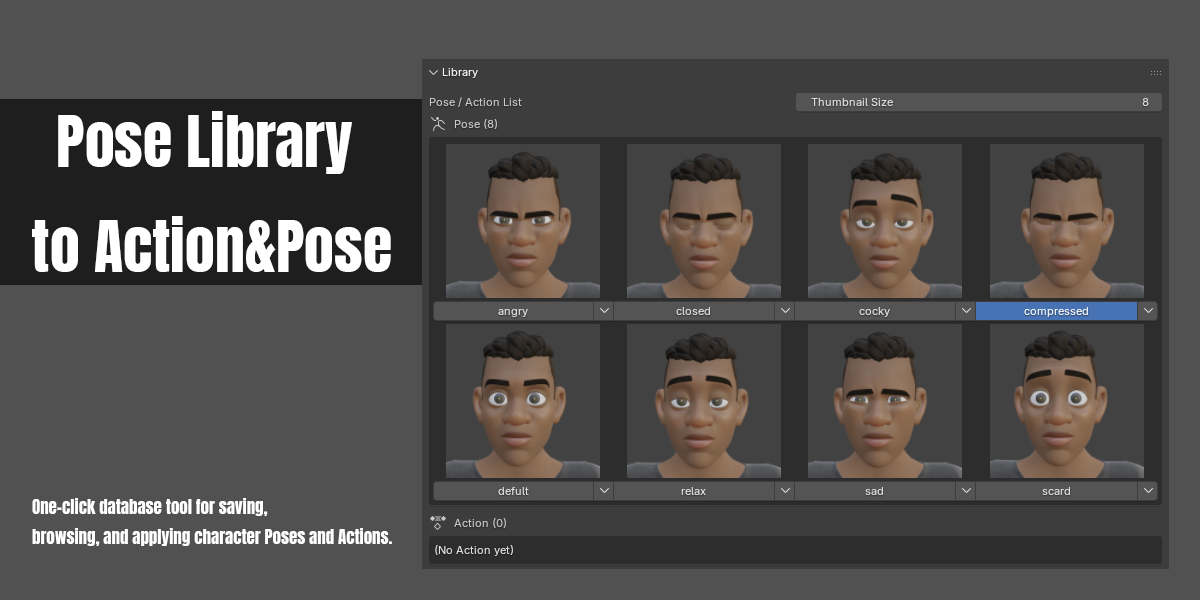
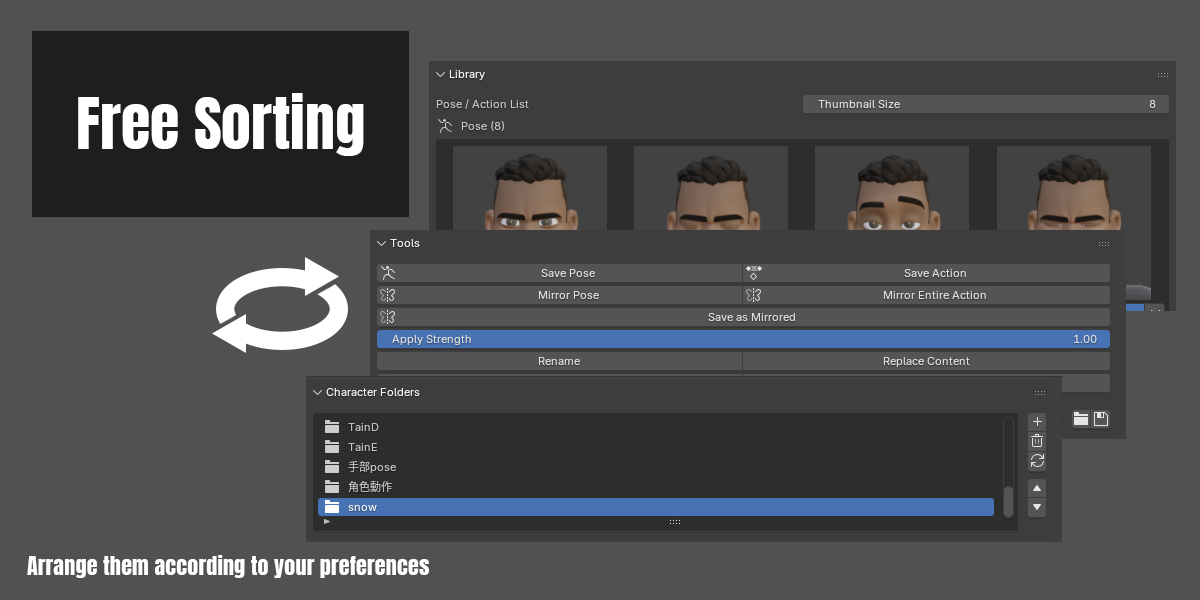
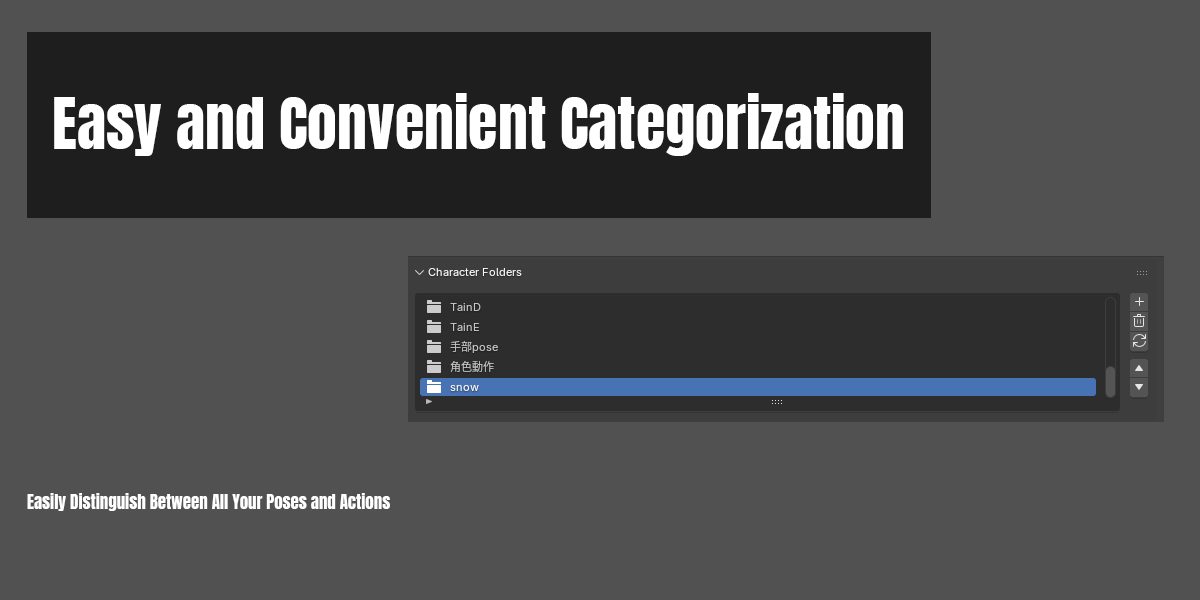
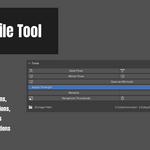
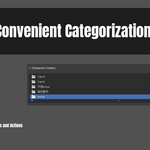
- Create folders to organize characters, managing each character's Poses/Actions separately.
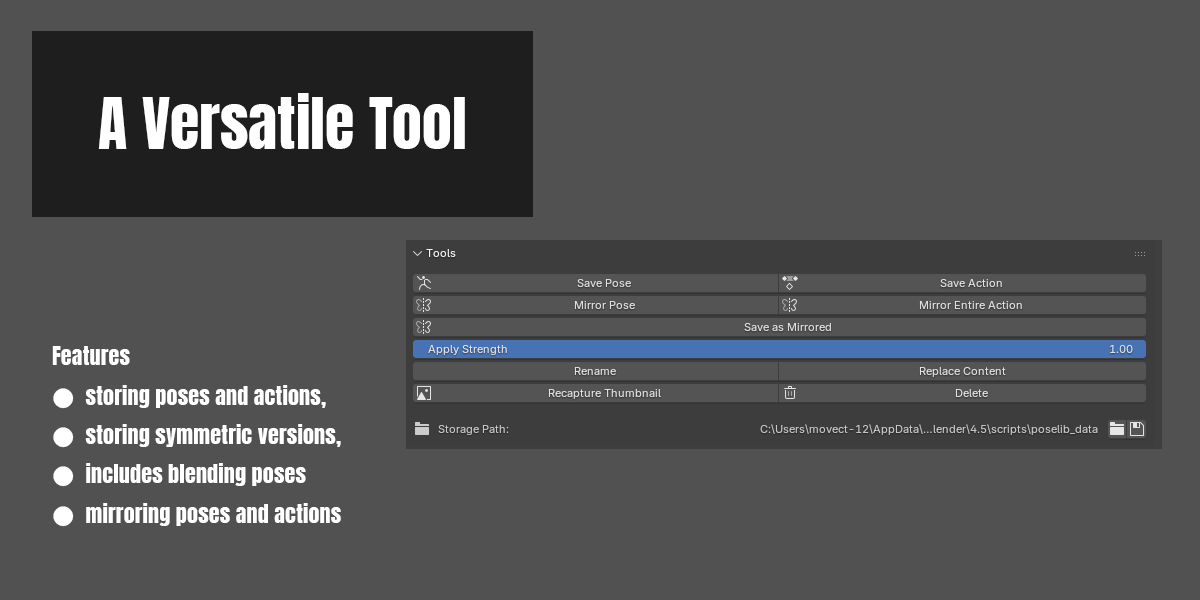
- Save the current pose (Pose) or a continuous animation clip (Action) with one click; each is saved as its own file.
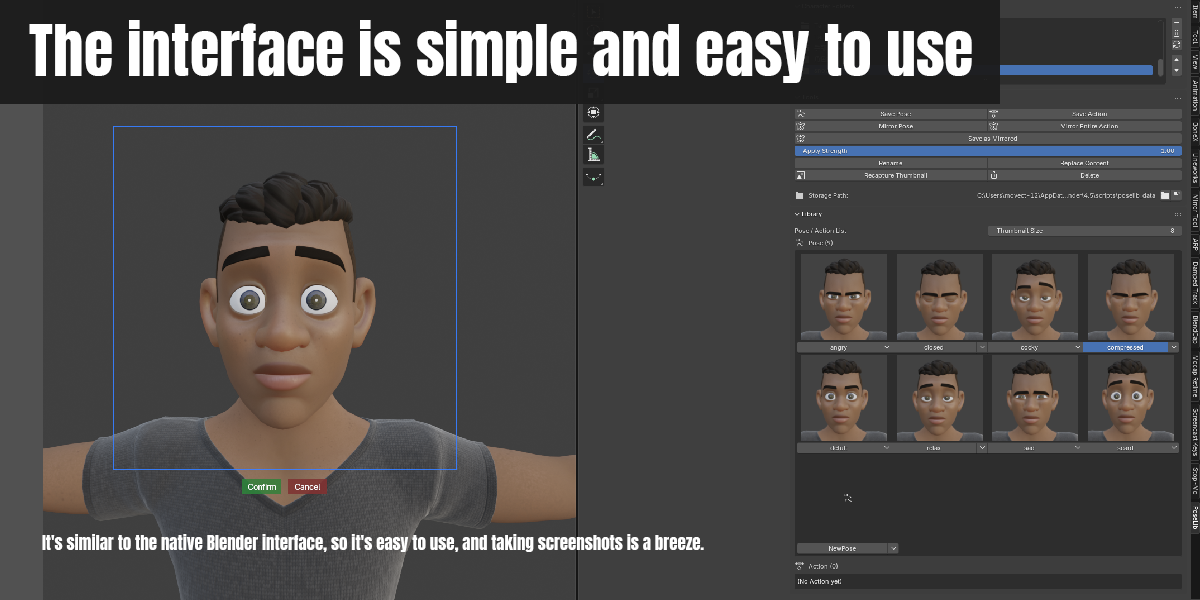
- Thumbnail capture: when saving or recapturing, drag out an adjustable square capture frame (scale and position can be adjusted) — the thumbnail is only applied after you confirm.
- Action thumbnails support animated playback (frames are sampled from the Action's actual keyframes and cycled automatically).
- Double-click a button to directly apply a Pose/Action. Applying a Pose supports a 0–1 blend-strength slider, and will automatically insert keyframes according to the scene's Auto Keying setting.
- Mirror Pose / Mirror Entire Action: based on bone naming (.L / .R, or _L / _R, Left / Right), flip a pose or an entire animation left-right to produce a mirrored version.
⚠️ Note: this relies on Blender's own built-in pose-flip mechanism, which mirrors each bone in its own local space. If a bone's local axis orientation doesn't follow the usual convention
(local axis aligned with the character's left/right), the mirrored values may come out wrong (e.g. flipping front-back instead of left-right). See Known limitations below. - When you open a new or existing .blend file, previously created character folders are loaded automatically.
- Built-in "Open Folder" button in the panel to open the current storage location directly in your system's file explorer.
-
Independent language switch: a "Language" (中文 / English) option in the add-on's own Preferences page lets you choose the panel's display language,
completely independent of Blender's own system language setting. Switching takes effect immediately, no restart needed.- Covered by the switch: panel text, buttons, sliders, the Preferences page's own labels, and operator tooltips.
- Not covered (always shown in a fixed language, regardless of the switch): the info/warning messages shown in Blender's status bar at the bottom (always English),
and this add-on's one-line description shown at the top of its entry in the Add-ons list (always English — Blender reads this before the add-on is even enabled,
so there's no way to make it switchable).
- Blender 4.0 or newer (this add-on uses some newer APIs and is not guaranteed to work below 4.0).
- Works on Windows / macOS / Linux.
- Download pose_library_to_action_pose.zip.
- In Blender: Edit > Preferences > Add-ons > Install…, and select this file.
- Enable "Pose Library to Action&Pose" in the add-ons list.
- A new "PoseLib" tab will appear in the 3D Viewport's N-panel (right sidebar).
- Pose/Action transform data (JSON format — raw bone transform values only, no other scene information).
- Thumbnail captures (PNG format, captured from the 3D Viewport).
- "Mirror Pose" / "Mirror Entire Action" require bones to use a standard left/right naming convention (.L / .R, or _L / _R, Left / Right) to be paired correctly;
armatures without this naming may see no effect from these two features. - "Mirror Pose" / "Mirror Entire Action" are built on top of Blender's own native pose-flip feature (the same one behind "Copy Pose" + "Paste Flipped Pose"),
which mirrors each bone in its own local space rather than computing a true left-right reflection in world/armature space.
This works correctly for bones set up with a conventional orientation (local axis aligned with the character's left/right side,
as is standard practice for most rigs), but can produce visibly wrong results — e.g. a bone flipping front-to-back instead of left-to-right —
for bones whose local axis orientation doesn't follow this convention. This is a known limitation of Blender's own mirror mechanism,
not specific to this add-on; the usual fix is to correct the bone's roll/orientation in Edit Mode so its local axis lines up with the intended mirror direction. - Thumbnail capture relies on the current 3D Viewport (not the camera view) — make sure the content you want is visible in the 3D Viewport when capturing.
- The add-on's own language switch (in its Preferences) covers most of the interface, but not everything —
see the note under "Independent language switch" above for the specific exceptions. - If the action slot is empty, you must specify one to view the saved action data.
- Email: [email protected]
- Added "Save as Mirrored": save the currently selected Pose/Action as a new, left-right mirrored item (the original item is left untouched).
A mirrored version is now pre-baked automatically when saving or replacing content, so saving a mirrored copy is near-instant afterward;
older items without a pre-baked version fall back to computing the mirror on the spot. The button sits below "Mirror Pose"/"Mirror Entire Action" on the main panel,
and is also available from the item's quick menu. - "Mirror Pose" and "Mirror Entire Action" now only mirror the currently selected bones: an error is shown if no bones are selected,
and all other (unselected) bones are left completely unaffected ("Mirror Entire Action" produces a new,
split Action where unselected bones' curves are preserved exactly as-is). - The add-on's default language is now English (can be switched back to Chinese in Preferences).
- The main panel is now split into three independent panels — Character Folders, Tools, and Library — each individually draggable (via Blender's native panel grip handle)
and collapsible, so their order is no longer hard-coded. - Default panel order: Character Folders → Tools (including the storage path) → Library (thumbnail grid).
- Filled in several previously untranslated fields and tooltips (thumbnail size, apply strength, select item, adjust capture region, etc.).
- The capture-region tool no longer locks onto whichever 3D Viewport was under the button when invoked; it now dynamically follows the mouse,
so it can be moved freely to whichever viewport split you actually want to capture. The final thumbnail capture also now uses that same locked viewport,
fixing a bug where the saved thumbnail didn't match the framed viewport. - Fixed mirroring throwing a raw Python error when the armature's Action was in NLA Tweak Mode; a clear message is shown instead.
- Fixed Auto Keying being left disabled (or not properly restored) after mirroring, and fixed stray keyframes sometimes being inserted into the original Action during mirroring.
- Fixed Pose/Action items containing only one side's bones (e.g. a single hand's fingers) either failing with "no keyframes" or silently producing an incorrect mirror result.
- Initial public release.
Pose Library to Action&Pose
One-click database tool for saving, browsing, and applying character Poses and Actions.
Features


Requirements
Installation
Where Data Is Stored
By default, data is stored under Blender's user folder in poselib_data (bpy.utils.user_resource('SCRIPTS', path="poselib_data")). You can also set a custom storage path in the add-on's Preferences (Preferences > Add-ons > this add-on > expand settings).
What gets saved:
This add-on makes no network requests and never sends any data anywhere.
Known Limitations
License
This project is licensed under GPL-3.0-or-later — see the LICENSE file for details.
Contact / Support
Changelog

1.1.0
New features
UI changes
Fixes
1.0.0
