 張景翔
張景翔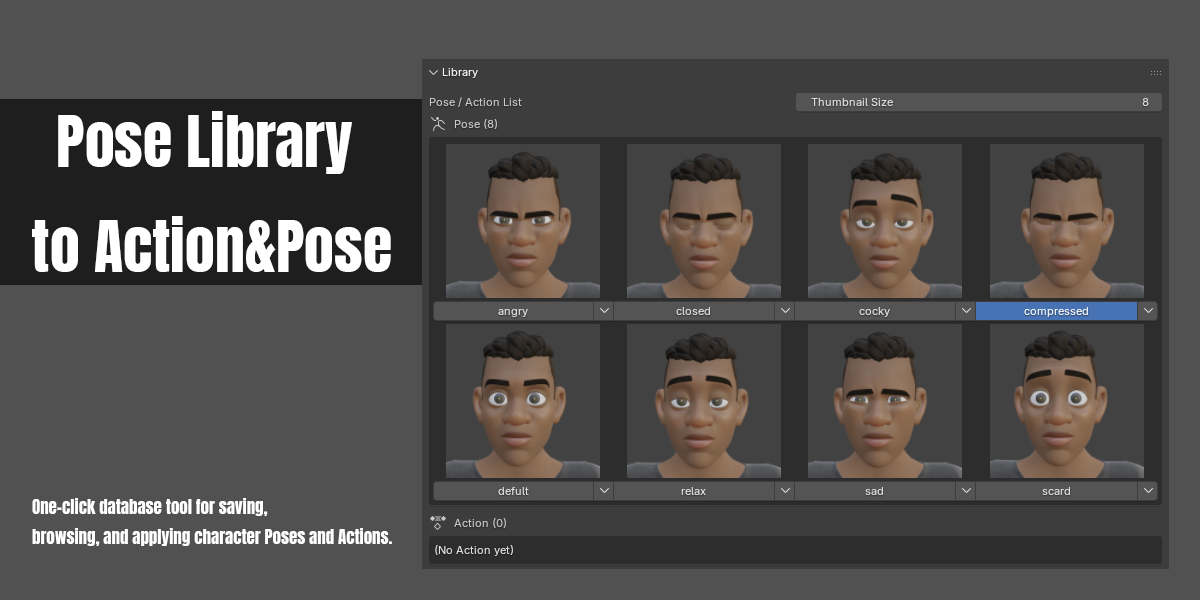
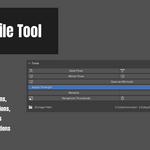
Pose Library to Action&Pose is a one-click database tool for saving, browsing, mirroring and applying character Poses and Actions directly inside Blender's 3D Viewport — no need to dig through the Action Editor or the built-in Asset Browser.
FEATURES
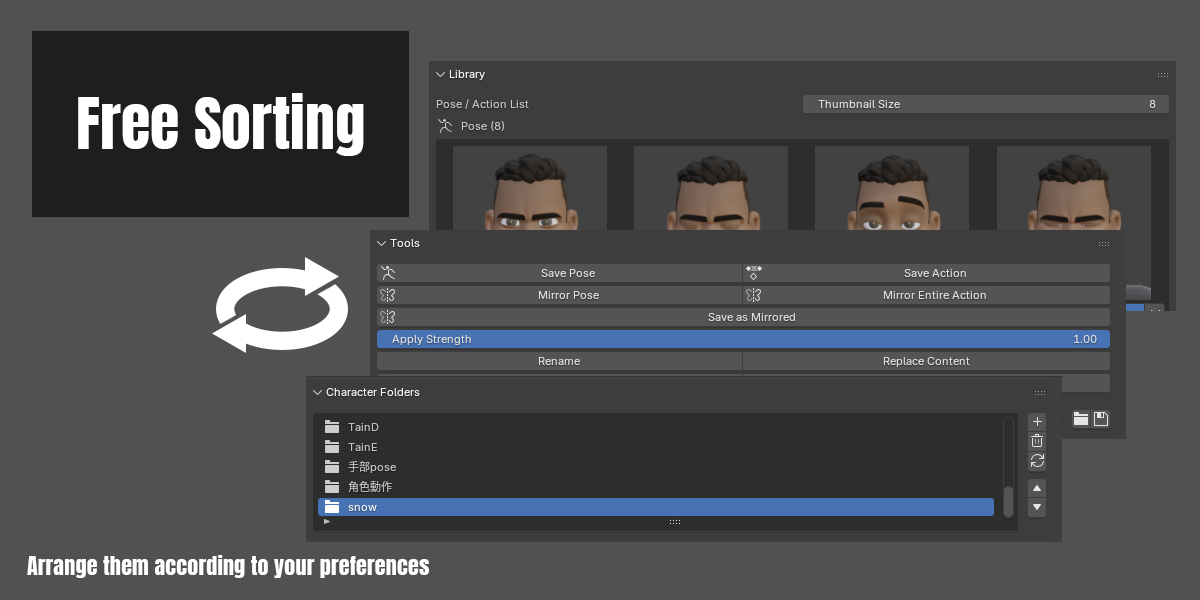
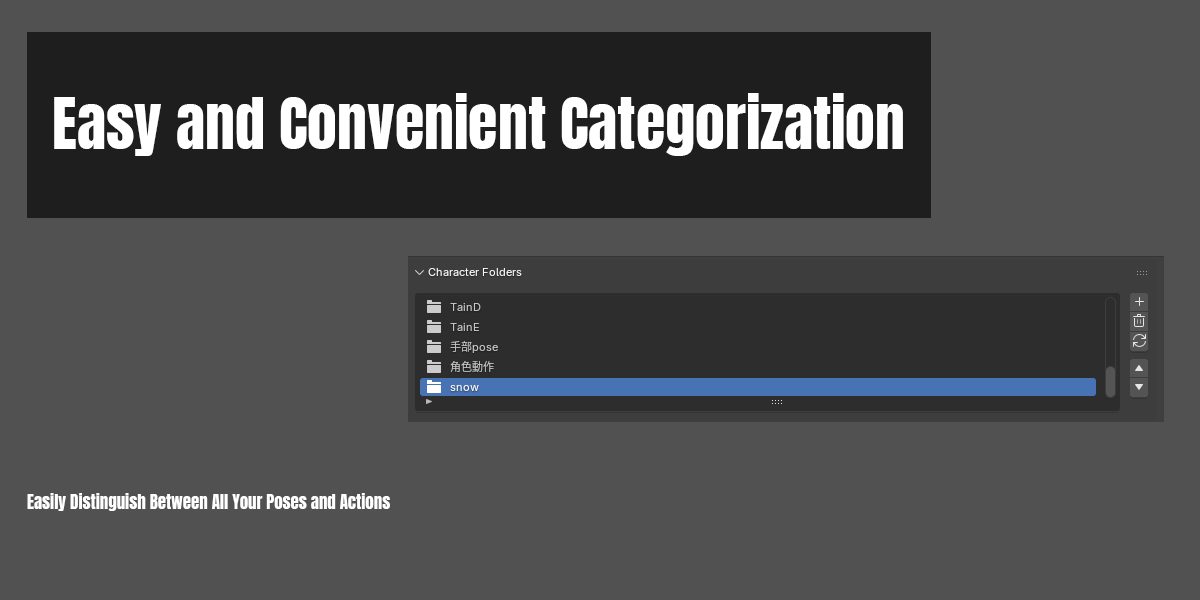
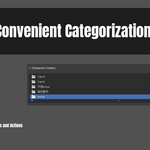
- Character / Category Folders
Organize your library by character or by category. Each folder keeps its own set of Poses and Actions.
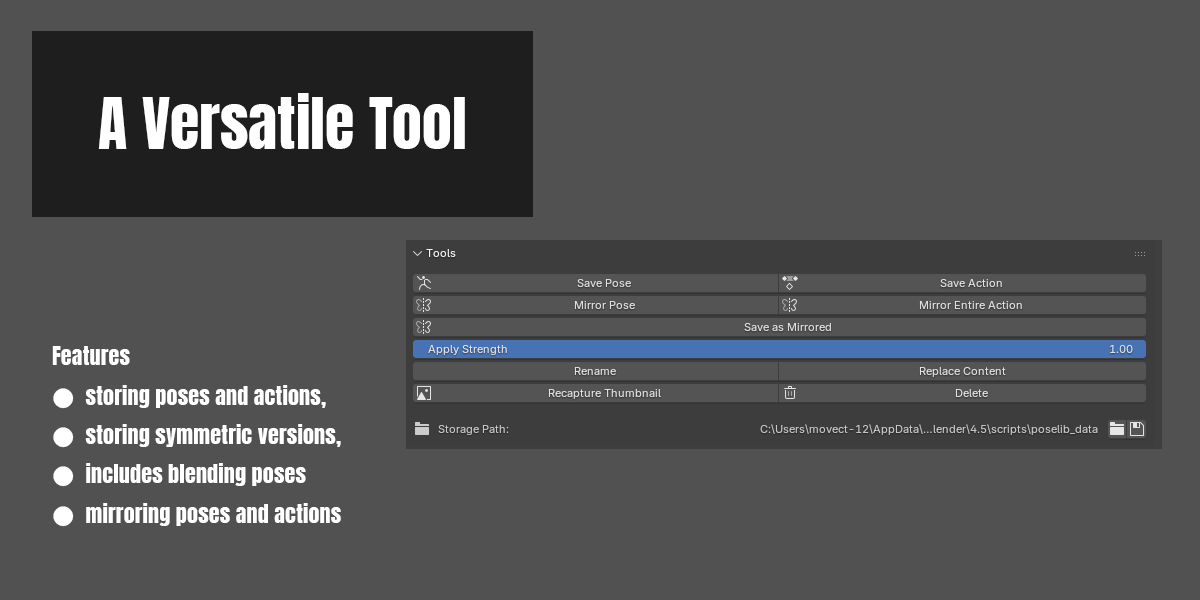
- Save Pose & Save Action
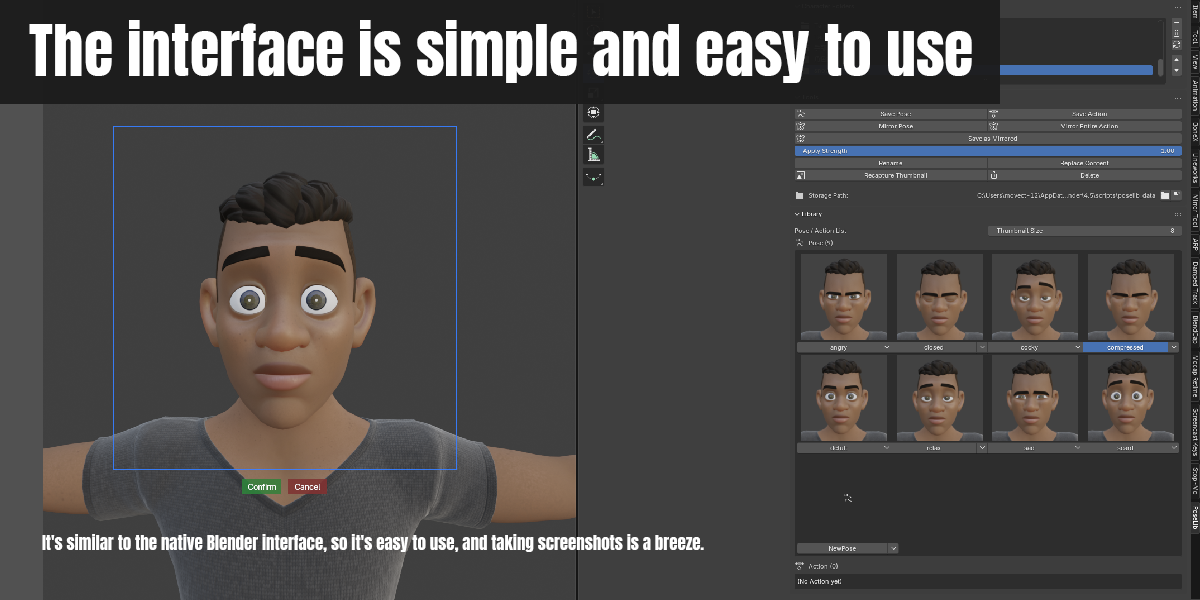
Capture the current pose (or a range of keyframed frames as an Action) with one click. Thumbnails are captured automatically from the 3D Viewport, with an adjustable capture-region tool so you control exactly what shows in the thumbnail.
- Mirror Pose & Mirror Entire Action
Mirror the currently selected bones left-right using Blender's own built-in mirror math — no custom math, so results stay correct no matter how your rig's bones are oriented. Only the selected bones are affected; everything else is left untouched.
- Save as Mirrored
Save a left-right mirrored copy of any Pose or Action as a brand-new library item, without touching the original.
- Apply Strength
Blend how strongly a saved Pose is applied to your current pose, from 0 (no change) to 1 (fully applied) — great for easing into a pose rather than snapping to it.
- Rename, Replace Content, Recapture Thumbnail, Delete
Full control over every saved item.
- Backup Library
One click to back up your entire library folder.
- English / Chinese interface
Switch languages anytime from Preferences.
REQUIREMENTS
- Blender 4.2 or newer (for installation via the Extensions system; manual folder installation also works on 4.0+)
- Mirror features require bones to follow a standard left/right naming convention (.L / .R, _L / _R, or Left / Right)
WHERE YOUR DATA IS STORED
By default, your library is saved under Blender's user folder. You can point it anywhere you like (including a shared/cloud-synced folder) from Preferences.
Have questions about this product?
Login to message
| Blender Extension Compatible | Yes |
| Published | 5 days ago |
| Blender Version | 4.0 - 5.2 |
| Extension Type | Add-on |
| Render Engine Used | Blender-Internal, Cycles, Eevee |
| License | GPL |
