 張景翔
張景翔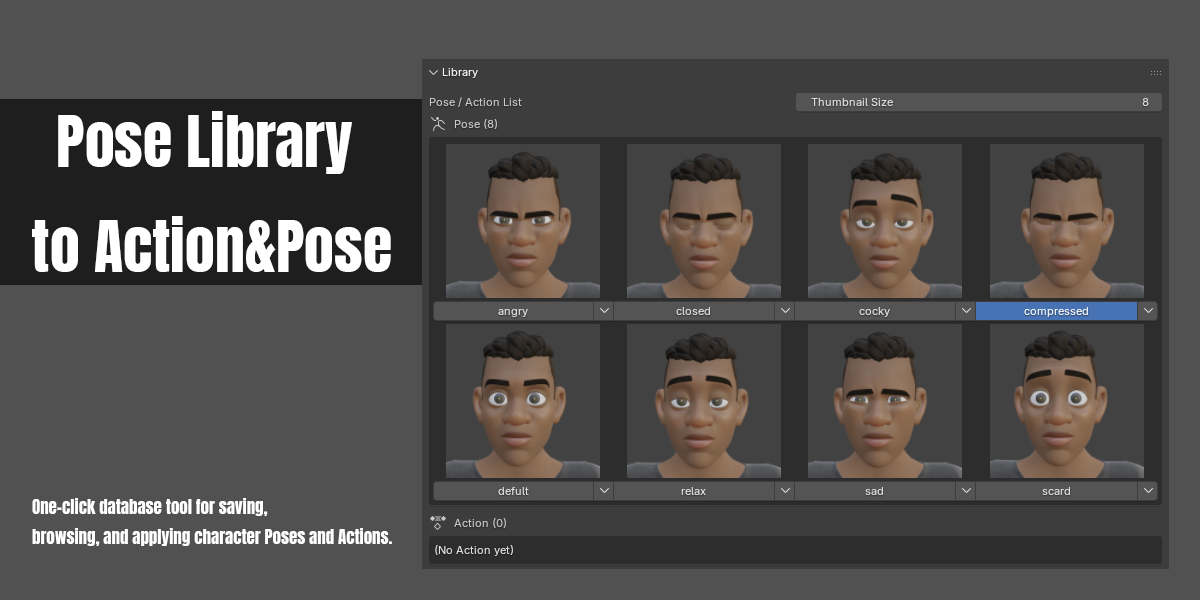
Which Blender versions are supported?
Installing through Blender's Extensions system requires Blender 4.2 or newer. If you install it the traditional way (manually placing the add-on folder), Blender 4.0 or newer also works.
Does my rig need a specific bone naming convention to use this?
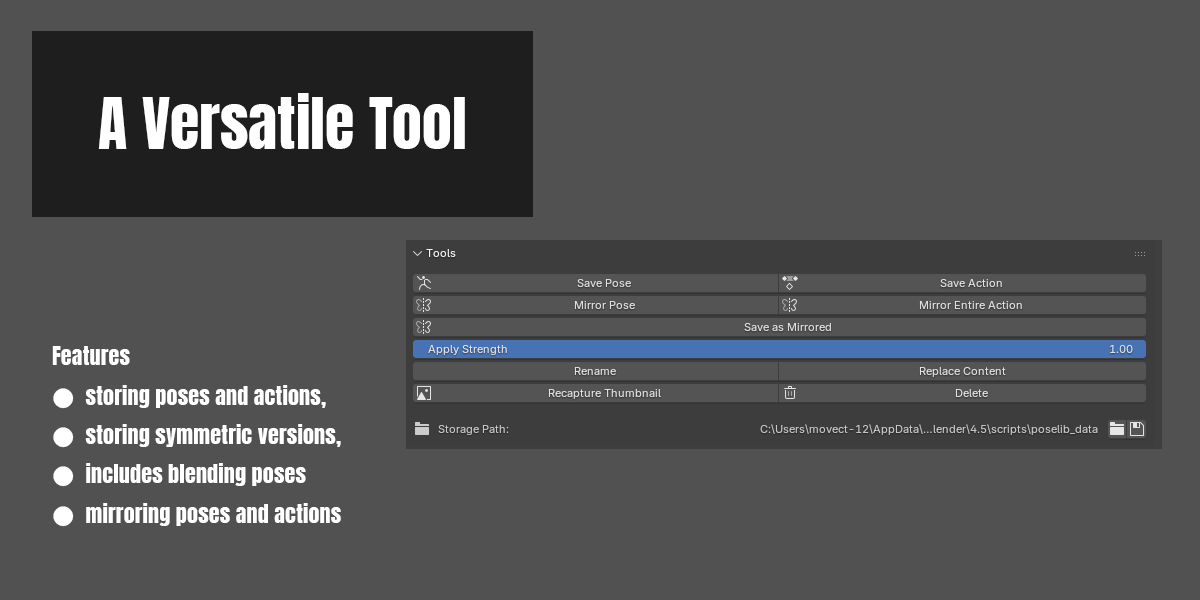
Saving and applying Poses/Actions doesn't require any specific naming. However, the mirror features — Mirror Pose, Mirror Entire Action, and Save as Mirrored — need bones to follow a standard left/right naming convention (.L/.R, _L/_R, or Left/Right) so Blender can correctly pair up left and right bones.
Where is my data stored? Will it get lost when I switch projects?
Your library is stored in its own folder on your computer, not inside the .blend file — so every project and every scene can share the same library. You can customize the storage path in Preferences, including pointing it to a cloud-synced folder to share your library across multiple computers.
Will saving a Pose or Action change my existing animation?
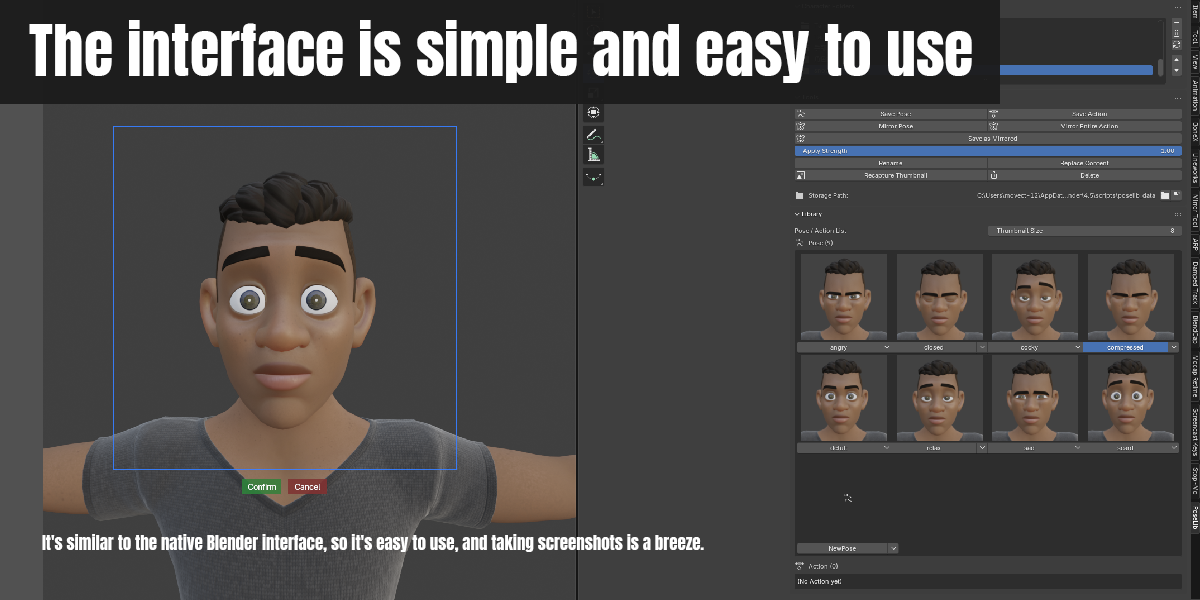
No. Saving only reads your current pose/action and stores a copy in the library — it never modifies the content already in your scene.
What's the difference between "Mirror Pose" and "Save as Mirrored"?
"Mirror Pose" and "Mirror Entire Action" work live, directly on the armature in your current scene (for on-the-spot editing). "Save as Mirrored" instead takes a Pose/Action already saved in your library and saves a new, mirrored copy of it — the original item is left untouched.
Can I manage multiple characters at once?
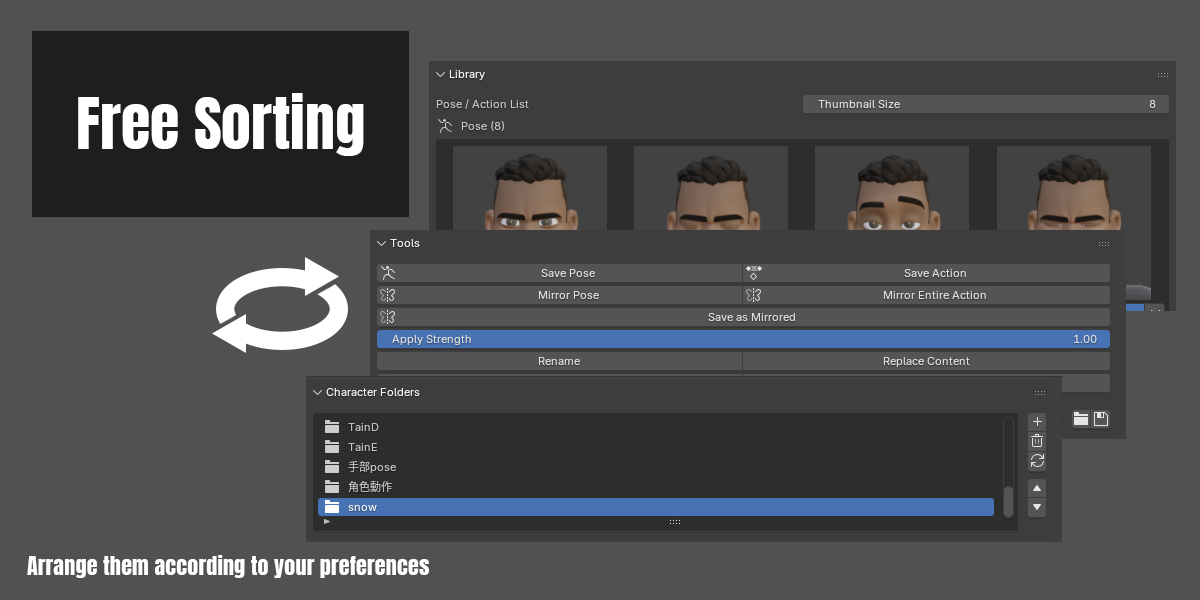
Yes. Use Character/Category Folders to keep different characters (or different categories) organized separately, each with its own list of Poses and Actions.
$6
Have questions about this product?
Login to message
| Blender Extension Compatible | Yes |
| Published | 1 day ago |
| Blender Version | 4.0 - 5.2 |
| Extension Type | Add-on |
| Render Engine Used | Blender-Internal, Cycles, Eevee |
| License | GPL |
