Blender Girih Lab
 smice
smice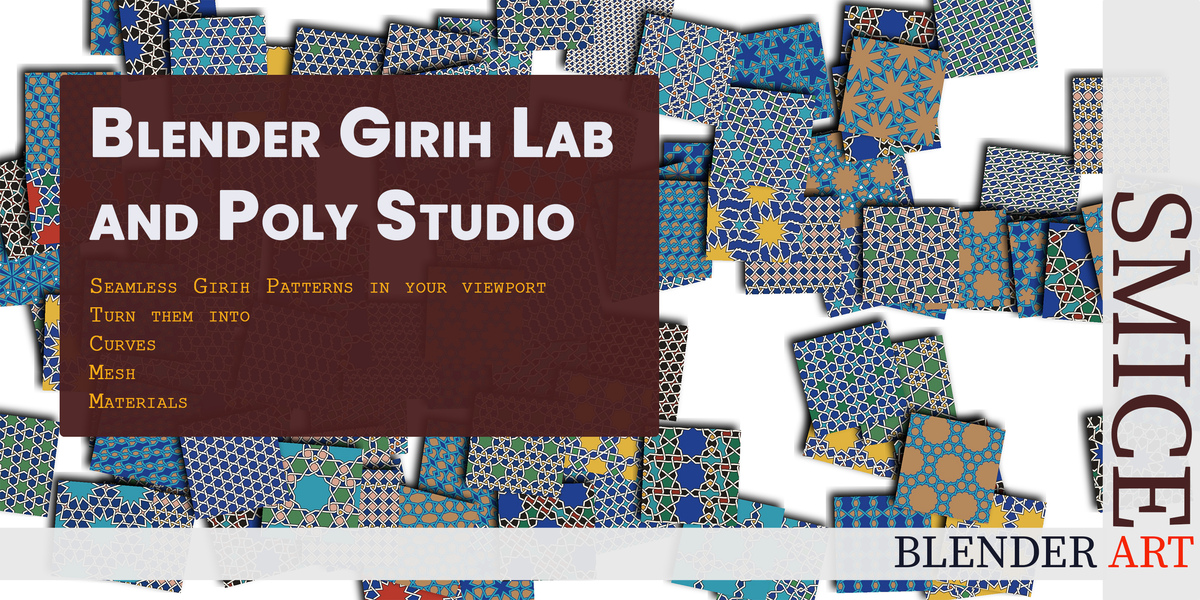
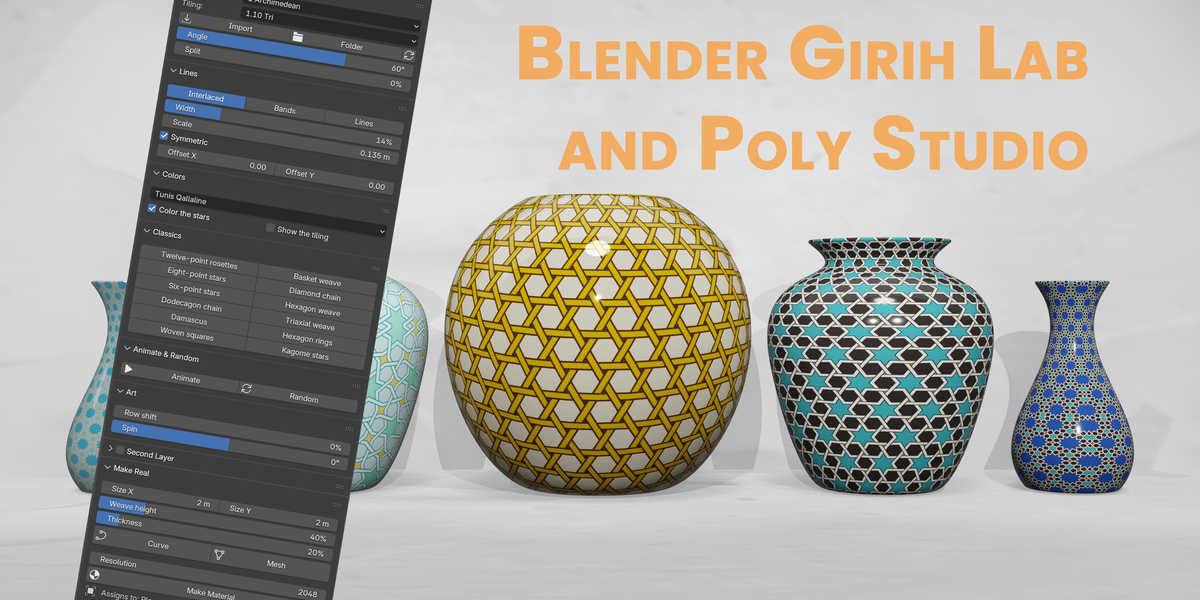
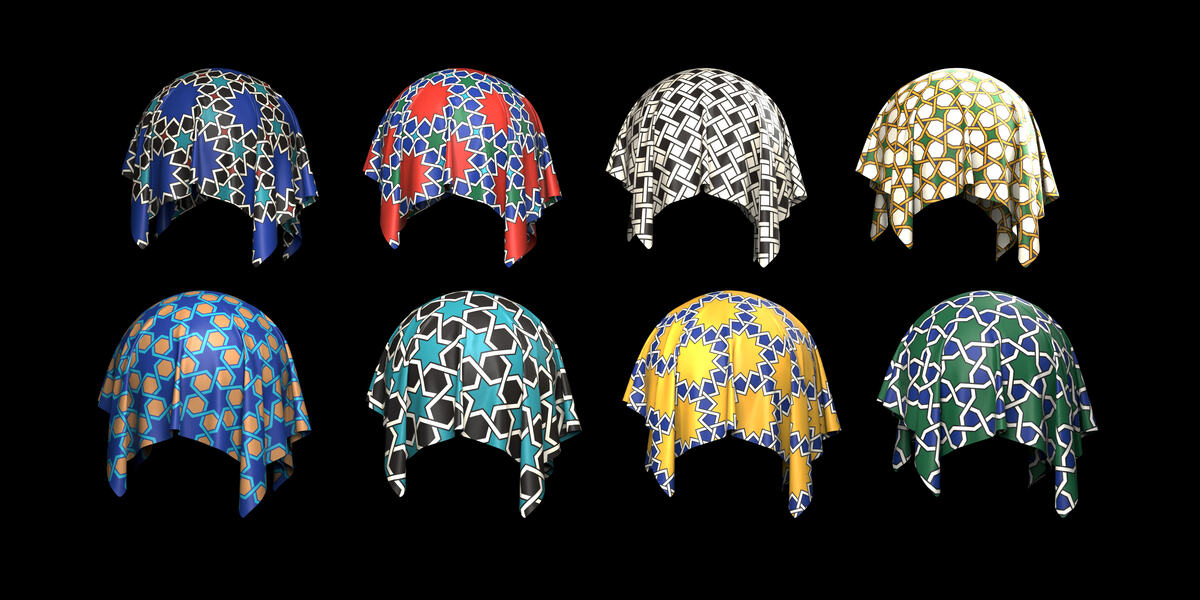
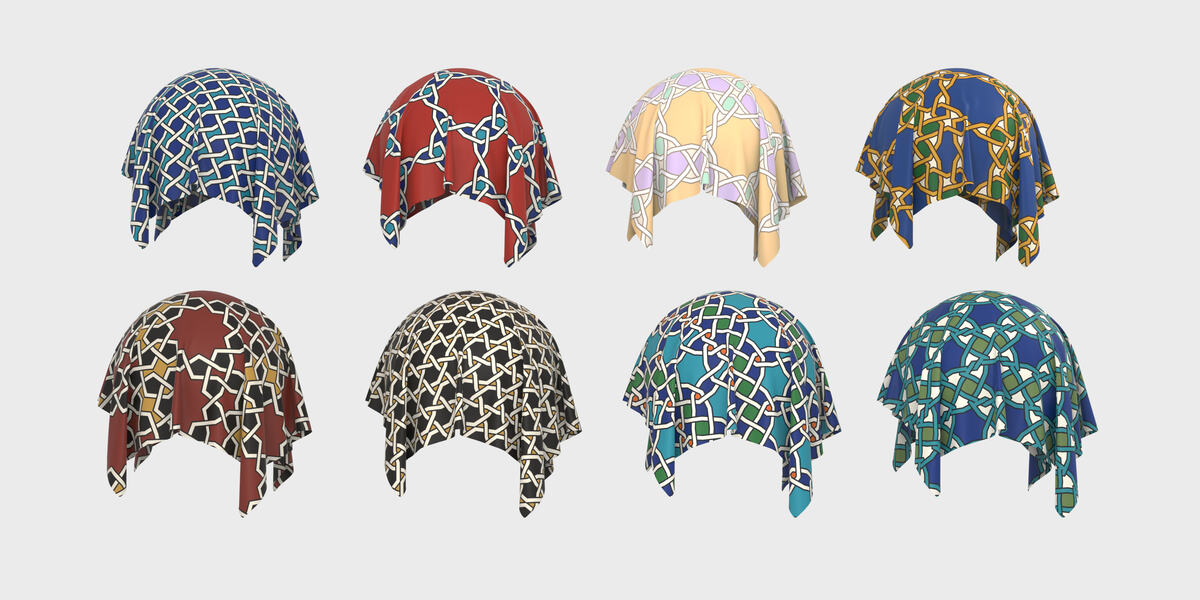
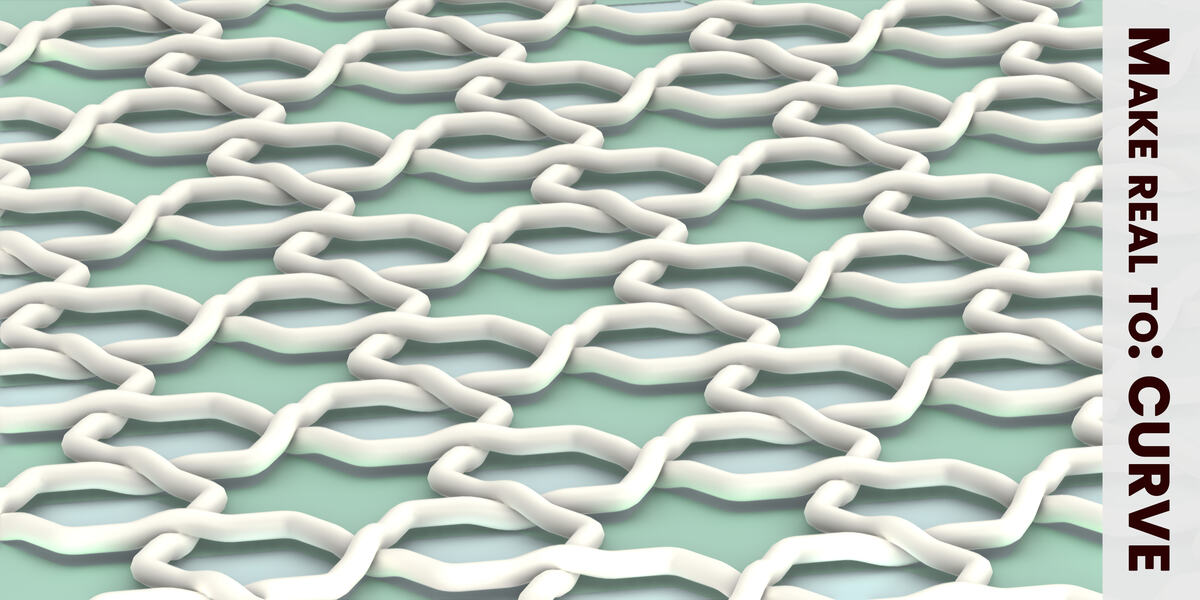
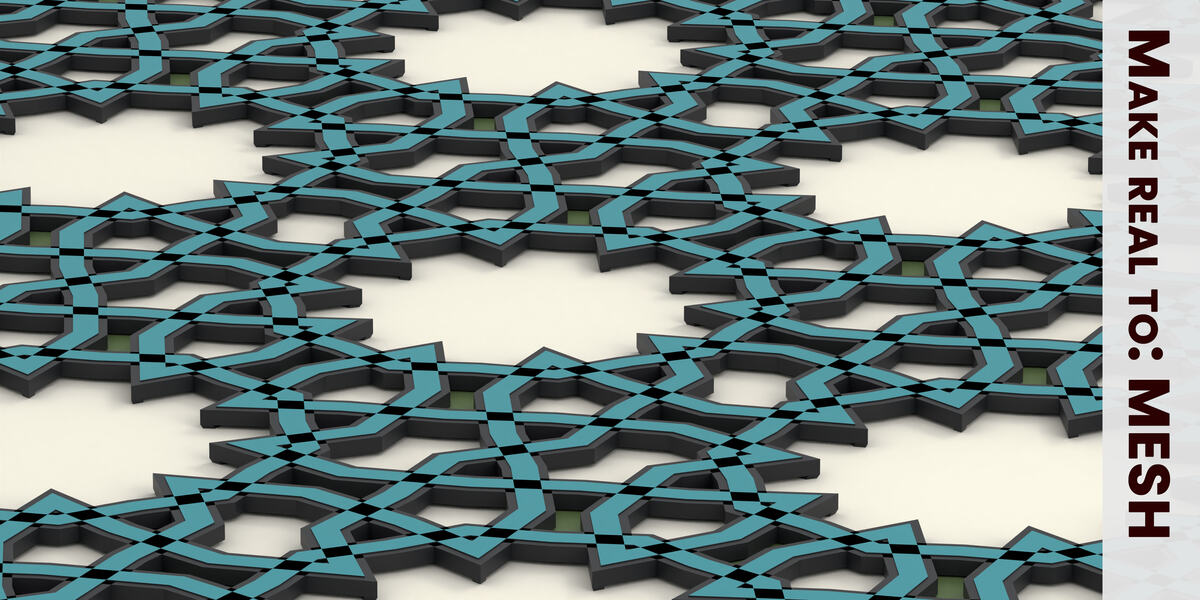
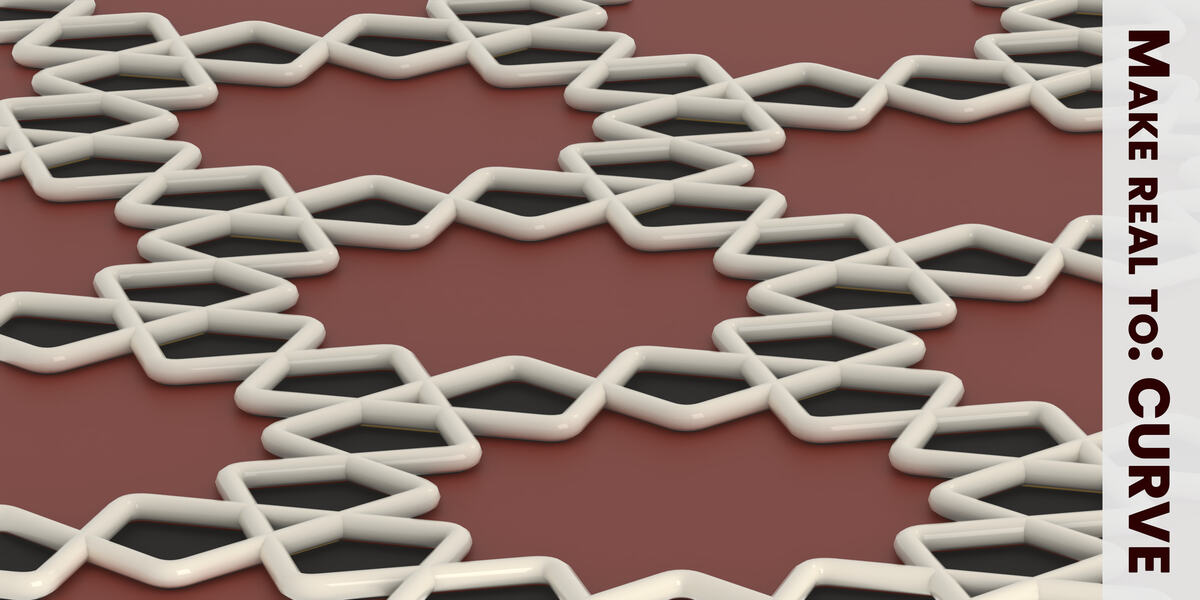
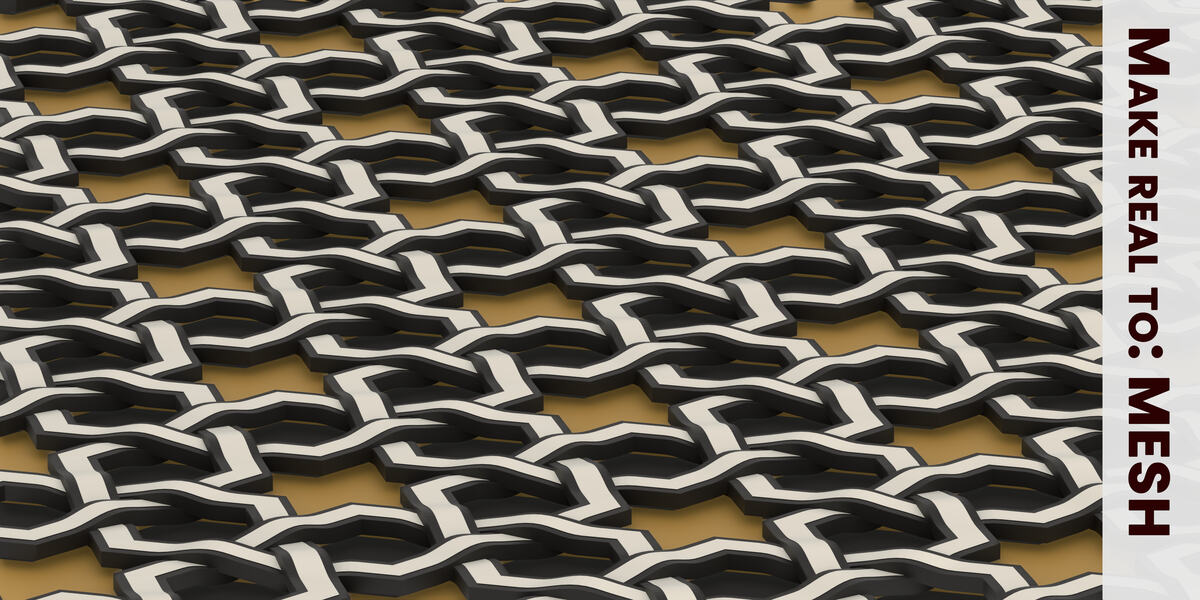



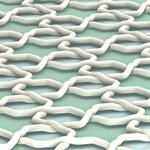
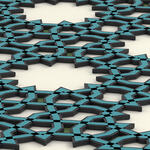

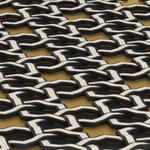
Tutorial Blender Girih Lab Add-On
watch the Tutorial
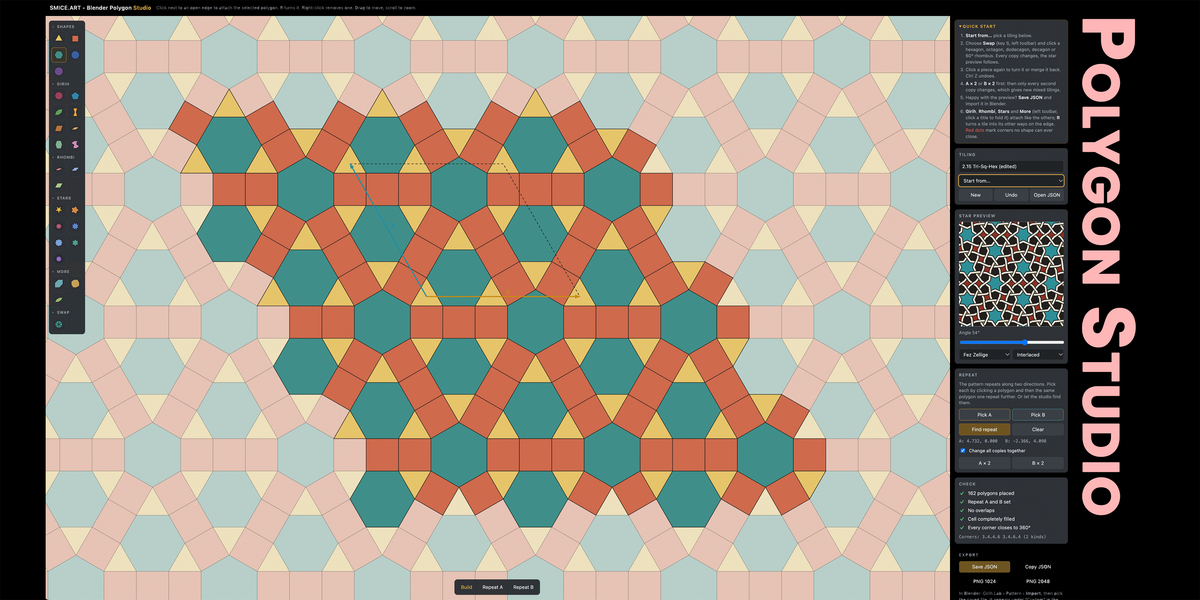
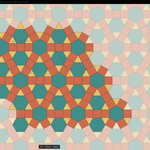
Tutorial Blender Polygon Studio
watch the Tutorial
Is the geometry exact?
Yes and No, as all my products the Art Aspect stands in the foreground, but, yes tilings use exact polygon geometry with equal edges, and the star lines are computed from it with the Hankin method.
My tiling from Polygon Studio is not added.
Girih Lab checks every file: the polygons must fill the repeat cell completely, with no gaps or overlaps, and every corner must close to 360°. Polygon Studio only saves a tiling when all its checks are green, so check it there and save again. The reason is shown in the message and in the Pattern section.
Where are my own tilings stored, and are they kept on updates?
In the add-on's custom folder: press Folder in the Pattern section to open it. Blender keeps this folder when you update the add-on.
Make Material fails or gives an empty image?
Make Material renders on your graphics card, so it needs Blender with its normal interface. It does not work in background mode.
The amount of geometry grows with the area and the number of tiles?
Use a smaller Size X / Size Y or a larger Scale, and try the look first in the preview.
I don't see a pattern in the viewport?
The preview is off at start. Click the eye in the Pattern header. It draws on the ground around the world origin, so look at it from above (numpad 7) and zoom out if the Size is large.
Have questions about this product?
Login to message
| Blender Extension Compatible | Yes |
| Published | 1 day ago |
| Blender Version | 4.2 - 5.2 |
| Extension Type | Add-on |
| Render Engine Used | Cycles, Eevee |
| License | GPL |
Discover more products like this
girih pattern blender islamic-pattern polygons mathematical smice mathematical art Artwork asset