Blender Git
 John Deligiannis


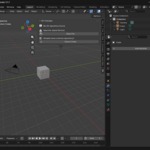
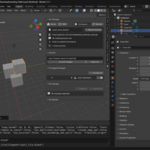
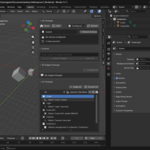
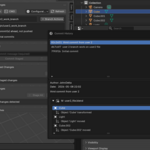
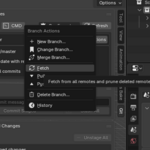
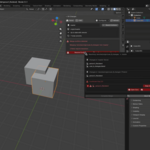
Git-based version control directly inside Blender.
Prerequisites
Before installing the addon, make sure the following tools are in place:
.blend with 50 commits would bloat the repository to gigabytes. Git LFS stores large binary files in a separate object store and keeps only small pointer files in Git history, keeping things lean and fast. It is a separate install from Git itself.Installation
-
1 Download the addon
.zipfile. - 2 In Blender, go to Edit > Preferences > Add-ons.
-
3 Click Install and select the downloaded
.zip. - 4 Enable the addon by ticking its checkbox.
The addon adds a Git tab to the 3D Viewport's N-panel. Press N to open the sidebar if it is not visible.
First-time Configuration
Open the addon preferences and check the Requirements section, which shows whether Blender can find Git and Git LFS. Install any missing tools, then restart Blender.
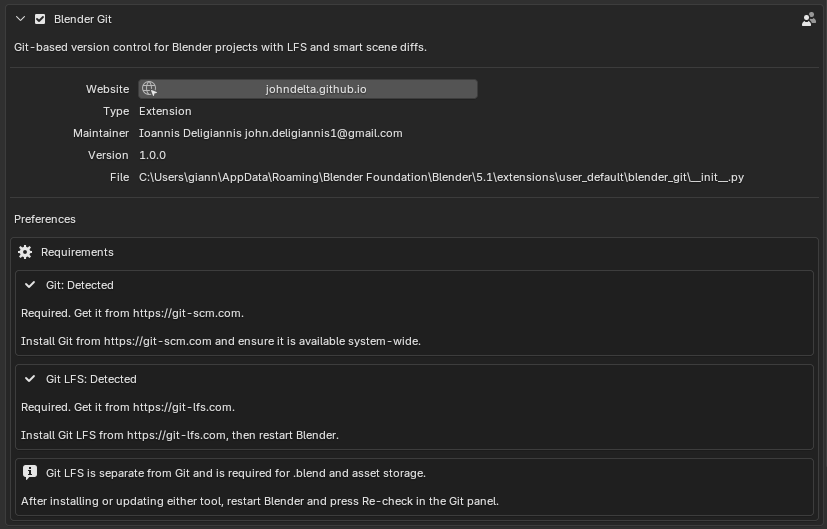 Addon preferences -> Requirements section
 Before committing, set your Git author identity from Configuration > Set Identity. Enter your name and email, then save them for the current repository.
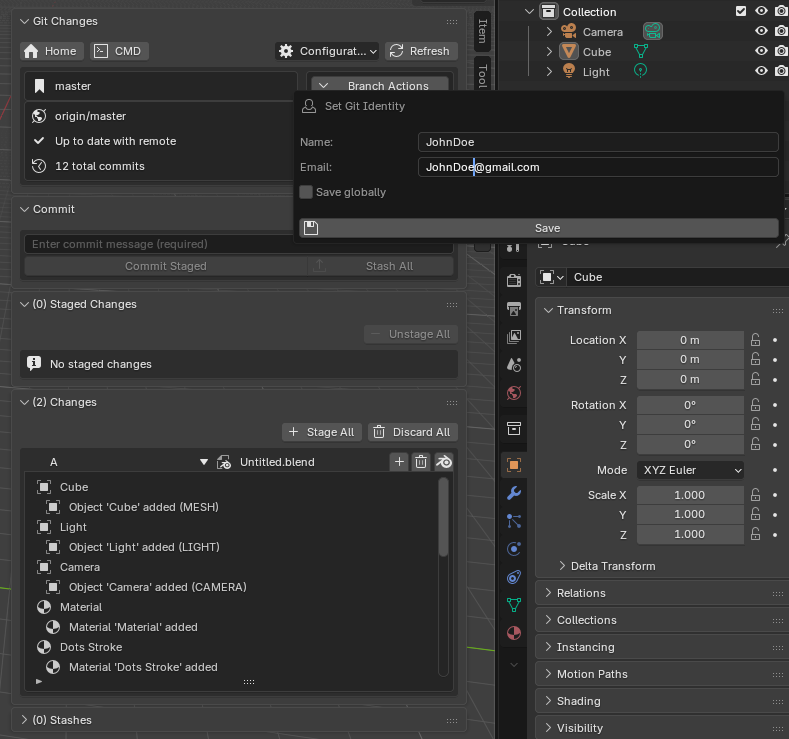
Configuration -> Set Identity dialog
.blend file.Getting Started
Starting a New Project
-
1 Save your
.blendfile to the folder where you want the project to live. - 2 Open the Git panel. It will prompt: "No Git repository found."
- 3 Click Initialize Repository.
The addon creates a Git repository, configures Git LFS, prepares .gitignore and .gitattributes, and makes the first commit.
Joining an Existing Project
-
1 Open Blender before opening any
.blendfile. - 2 Click Clone it here (visible when no repository is detected).
- 3 Enter the repository URL and choose a destination folder.
-
4 After cloning, open your
.blendfrom that folder via File > Open.
Limitations
.blend files are binary, you cannot combine parts of two versions. You choose one complete version of each conflicted file..blend file is unresolved, opening it normally can disturb the binary conflict state.Contact
Questions or issues? Reach out through:
- Email: [email protected]
License
Have questions about this product?
Login to message
| Blender Extension Compatible | Yes |
| Dev Fund Contributor | |
| Published | 5 months ago |
| Blender Version | 5.0 - 5.1 |
| Extension Type | Add-on |
| Render Engine Used | Cycles, Eevee |
| License | GPL |
Discover more products like this
Production addon GitHub backup Workflow file management version-control git Versioning