 karlo pavicic ravlic
Keyframe Pro Sync
Keyframe Pro Sync is a professional studio tool for animators working with reference footage. It creates a seamless work environment between Blender and KeyFrame Pro which doesn't require the user to switch between software to start playback, readjust timelines, frames, bookmarks, or similar. Rather, it automatically resolves simple issues, and gives users control to set up footage, offsets, and control playback directly from Blender.
note: This addon is a LINK between the two software. Keyframe Pro isn't included or sold by me. To try out or buy Keyframe please visit Keyframe Pro
Feature Demonstration
Installation Guide
Download the zip file
Go to Blender's Preferences>Addons>Install and select the zipped file
Click the checkbox to enable the plugin (search for Keyframe if it's not showing up)
The Keyframe Pro sync panel should now be visible under the 'Animation' section of the 'N' panel.
Use Guide
- Press the power icon to launch Keyframe
- Open up an existing KF project or load up a video and save it as a new KF project
- Press the link icon to start syncing ("Status: Connected" will show in the UI if the connection is successful)
- (optional) Enable preview range in Blender if you want Keyframe Pro Sync to automatically set it when you switch actions
-
Go to the frame from which you want the footage to start playing and press the downwards pointing arrow button(
 )
)
Important note: The video framerate should be the same as your project's. If it's not you'll see a "Framerate mismatch" warning. You can fix this by converting the video to the desired framerate or you can press Match Framerate which set Blender's playback rate to that of the video.
Tip#1: Set Blender's timeline playback to "Frame Dropping" for the least amount of lag.
Tip#2: In KeyFrame Pro's settings (the software, not the add-on) under the General menu increase the Cache size for a smoother playback experience
Keyframe Pro Sync Features:
Playback
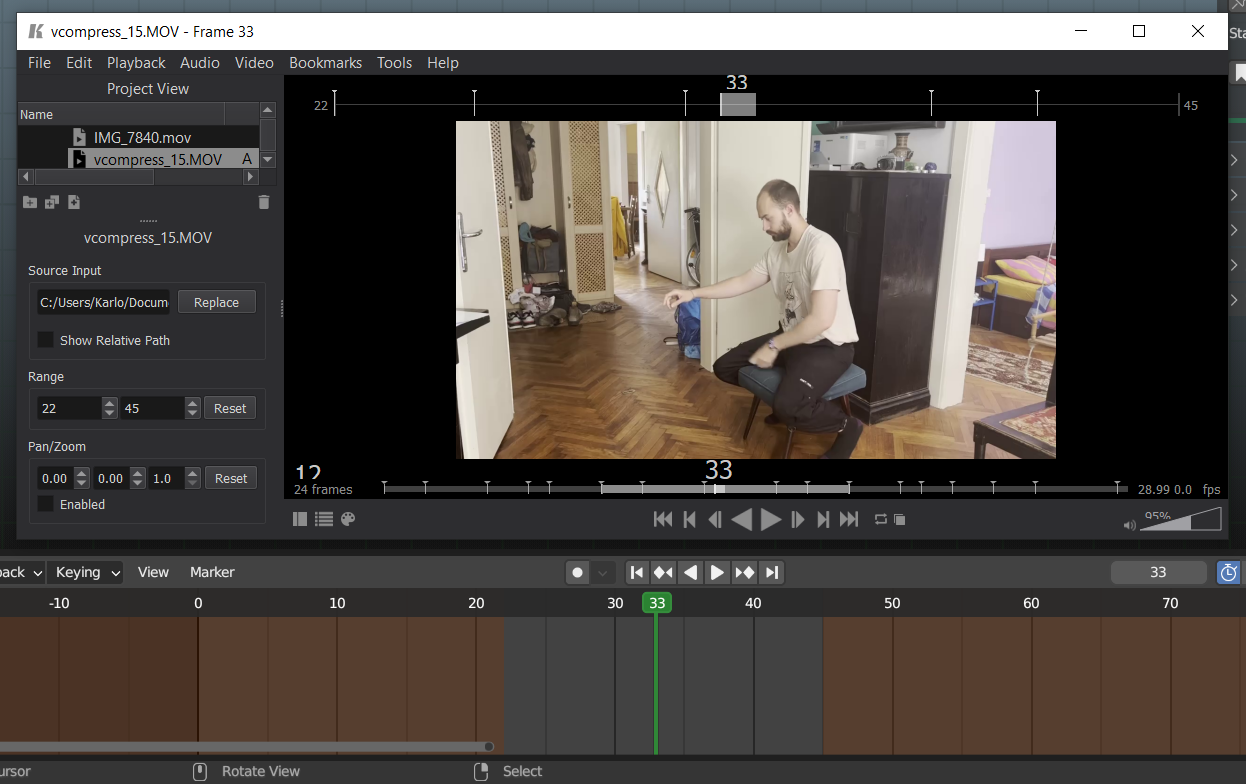
- Minimalistic user interface
- Scrubbing and Playback synchronizes with Keyframe Pro in both directions!
- Select footage you want to sync from a dropdown menu
- Actions remember which clip you've used with them from Keyframe and automatically switch to it
- But you can also pin a clip so it's persistent across actions!
- Import Bookmarks from Keyframe as frame markers or keyframes!
- Match Blender's preview range with Keyframe Pro's clip length with a press of a button!
- Or make use of one button timeline offsetting!
- Set custom connection port or custom installation folder in the Addon's preferences
- Open and Save Keyframe projects and remember/load last session
- Version Check: KFPSync will tell you if you're using the correct version for your current Blender and if there's an update available
Bookmarks
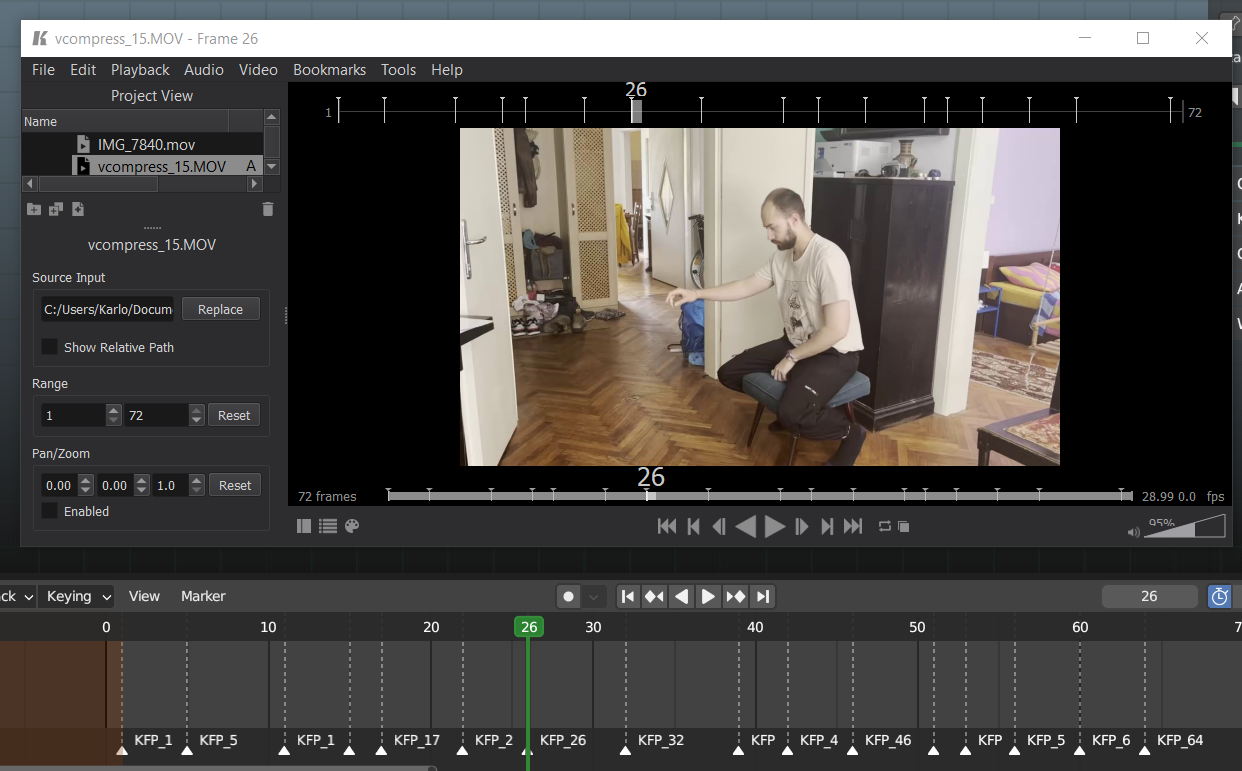
Keyframe Pro Bookmarks can now be imported into Blender; as frame markers if in object mode, or as keyframes if a bone is selected
UI/UX
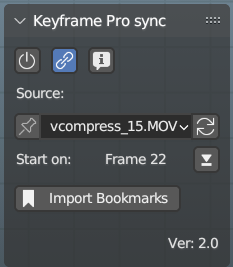
- Clips can be assigned to actions, so switching a blender action will load the appropriate clip
- A clip can be pinned so that it stays active regardless of which blender action is loaded
- Start offset can now be set on active frame by pressing the downwards arrow button
- Saving the Blender file will save which actions are connected to which clips, and corresponding offsets
I am a hobby developer. If you're encountering issue I can try to fix them but can't guarantee I will be able to or have time to. By buying this software you acknowledge this. It was tested with Blender 3.6.2, 3.6.22, 4.1.1 and Keyframe Pro 1.15.1, 1.15.2 and PythonClientAPI 1.14.1. Distributed under CC BY-NC-SA
