Substance Painter Live Link: Multi-Material Round Trip
 Tyler Dobson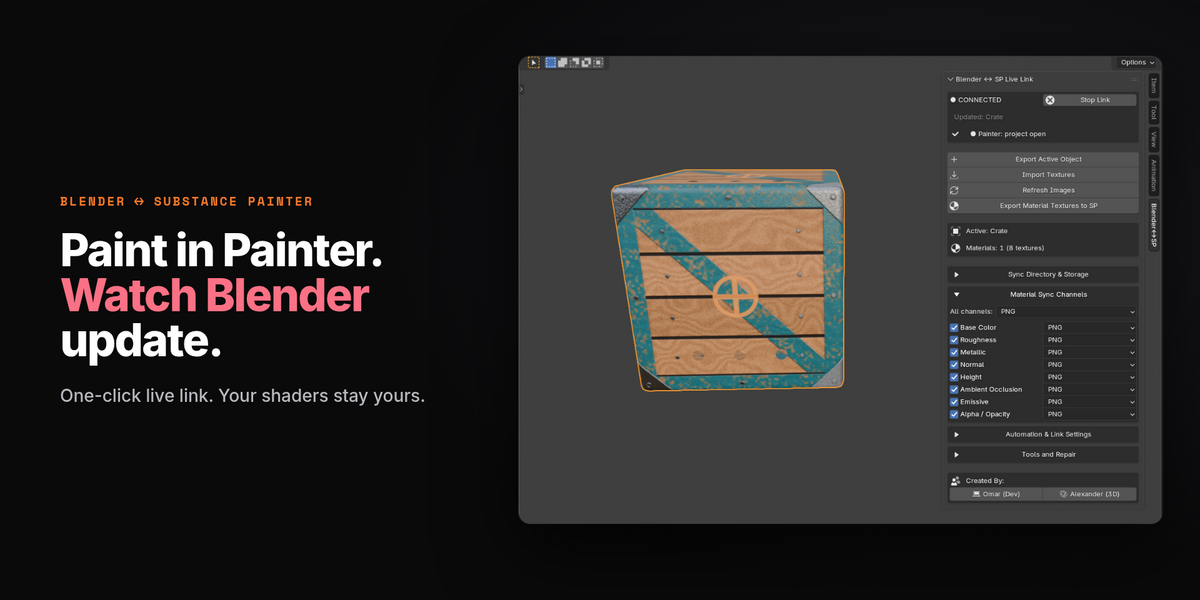


How to Link Blender and Substance
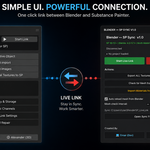
For Blender, click the 'Start Link' button at the top of the addon within the N-Panel
For Substance, click the 'Start Live Link' button after connecting Blender first
Does the AppLink support multiple objects
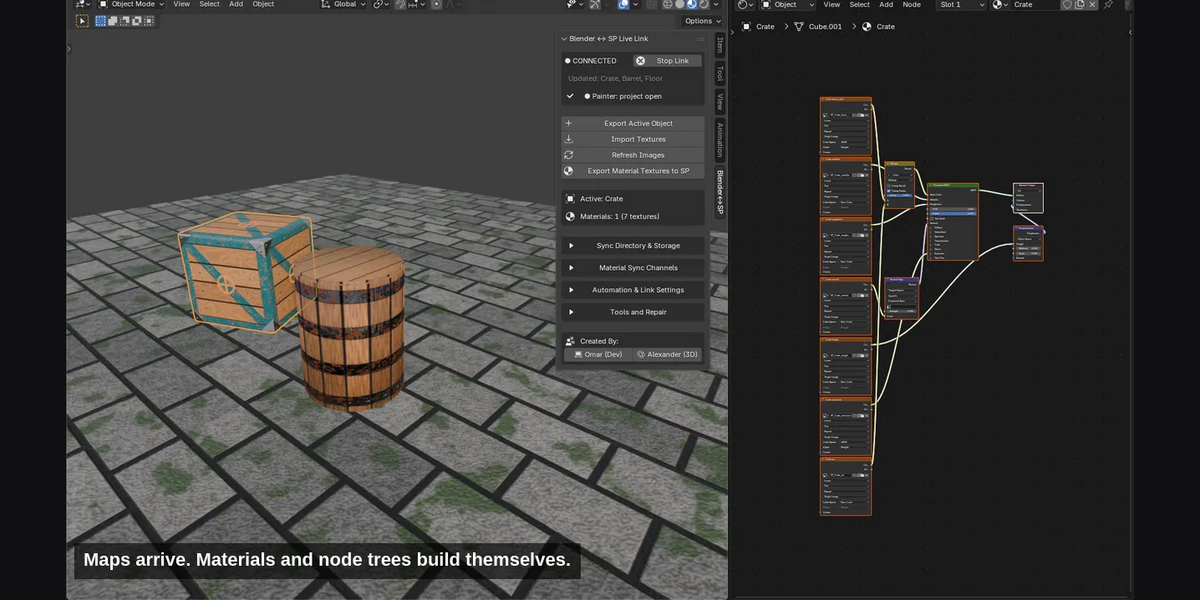
Yes. Blender to Substance Painter AppLink supports multiple objects, allowing you to transfer and work with several meshes without having to export each object individually.
Can I choose which texture maps are exported?
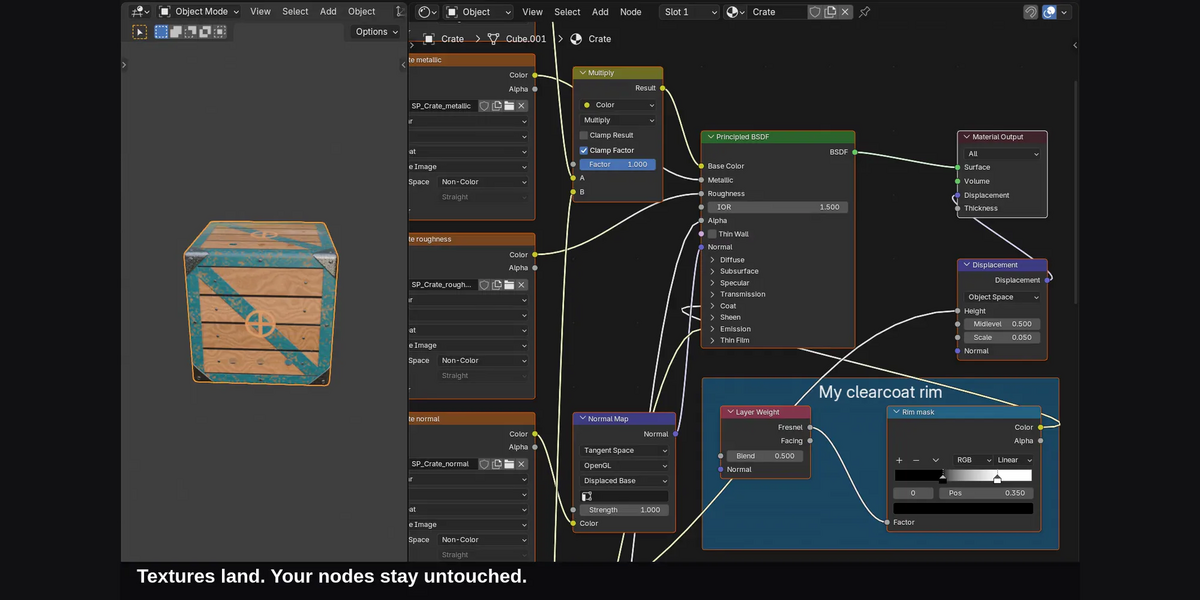
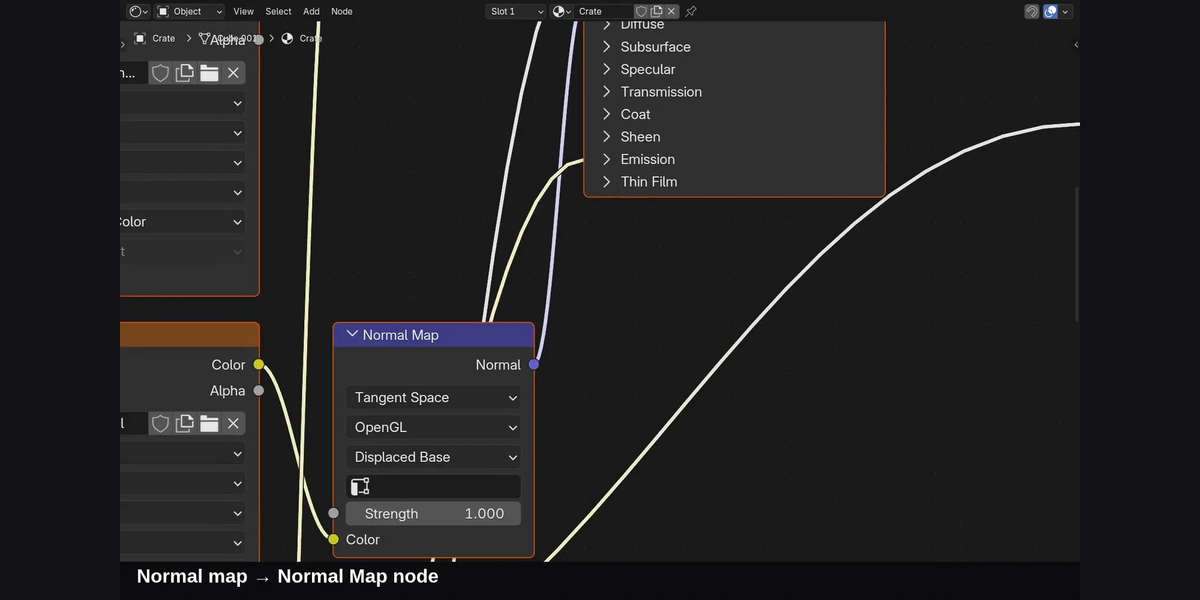
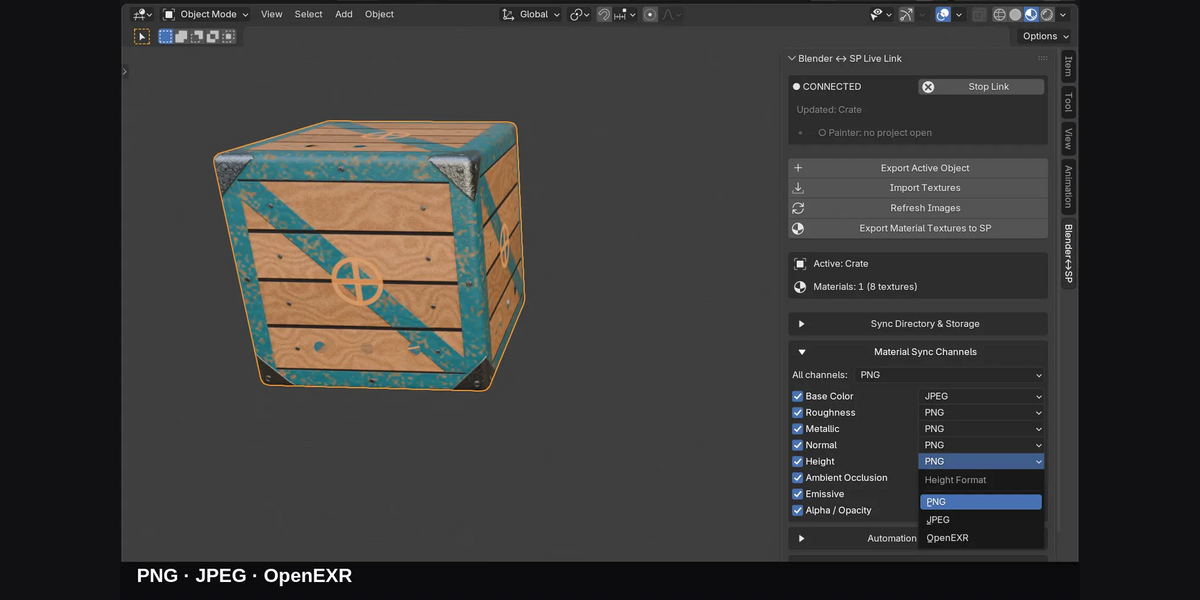
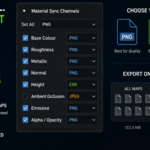
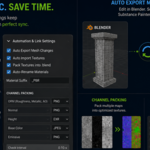
Yes. The texture selection tools allow you to toggle individual texture maps on or off, so you only transfer the maps you actually need. You can also choose your preferred image format, including PNG, JPEG, and EXR.
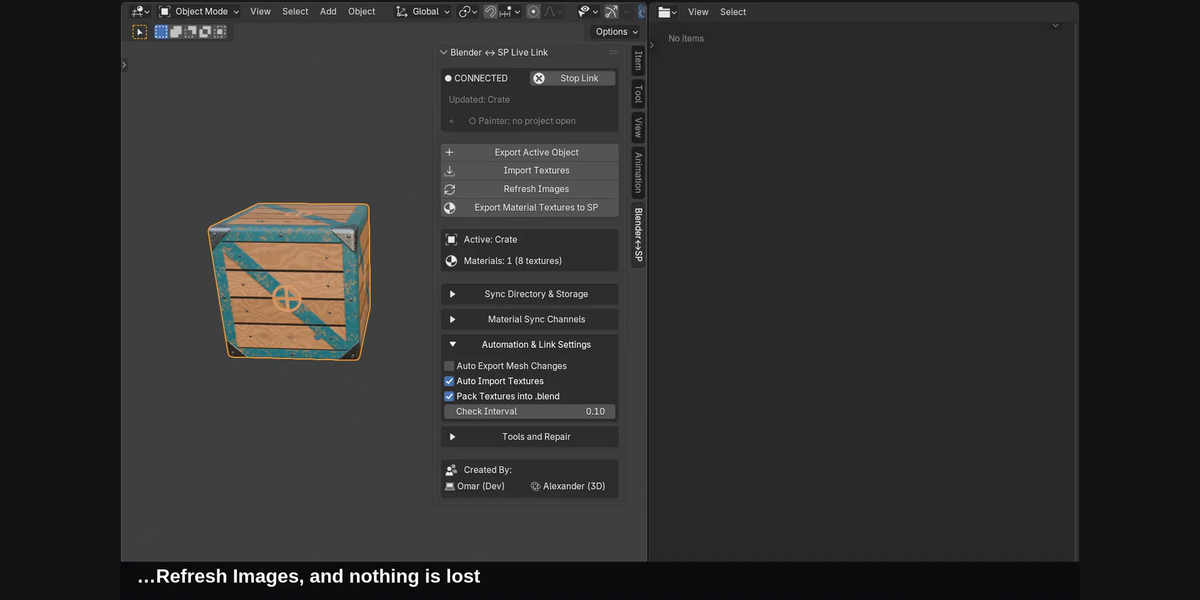
What happens if my textures become unlinked or missing?
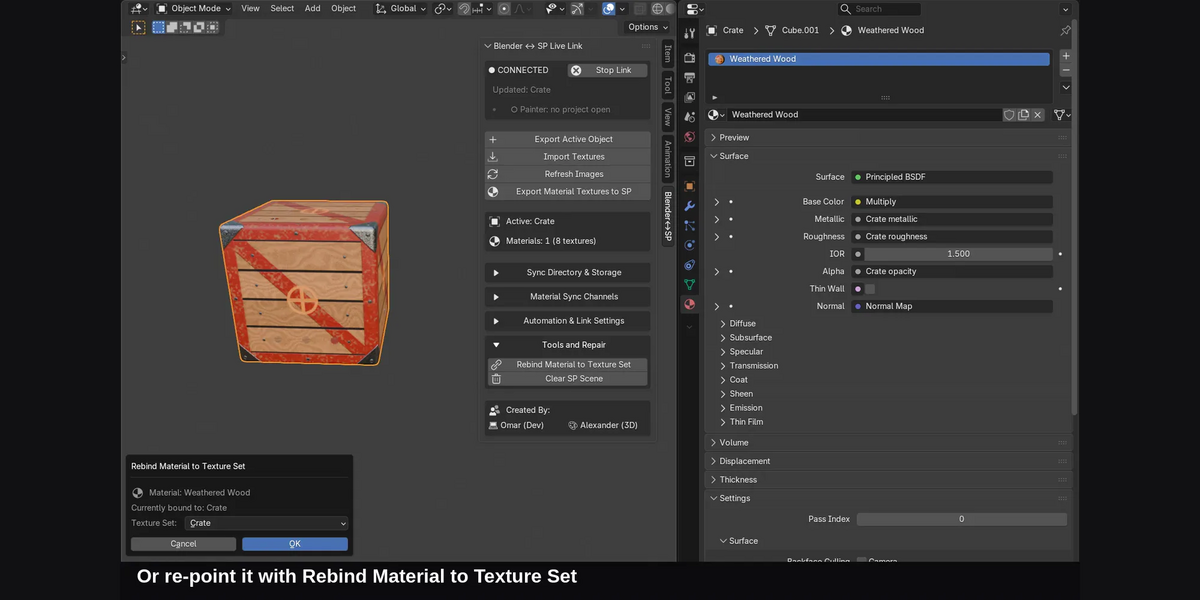
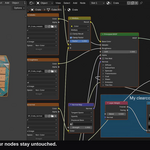
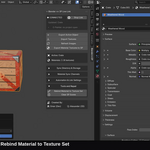
The AppLink includes repair tools designed to help locate missing texture files and automatically relink them.
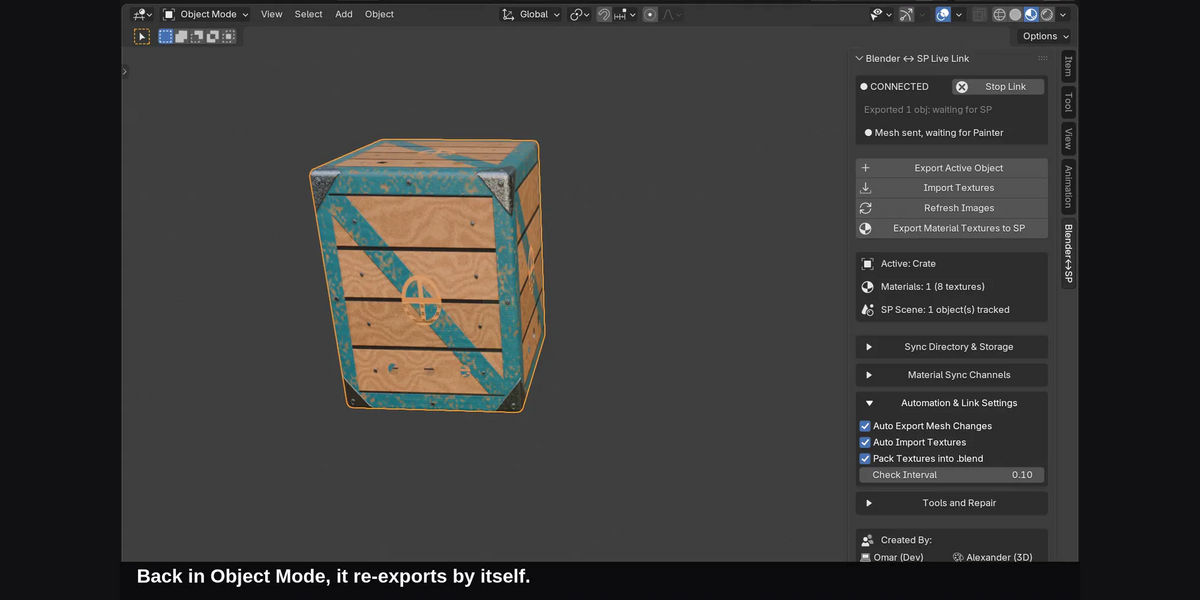
Do I need to manually export my model every time I make a change?
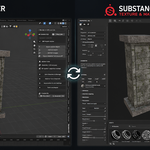
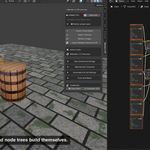
No. The live-link functionality is designed to make updating your Substance Painter project much quicker. Changes made to your Blender model can be sent through the AppLink without repeatedly going through a manual export workflow.
Have questions about this product?
Login to message
| Blender Extension Compatible | Yes |
| Published | about 2 months ago |
| Blender Version | 4.2 - 5.2 |
| Extension Type | Add-on |
| Render Engine Used | Cycles, Eevee |
| License | GPL |
Discover more products like this
Multi-Object bridge texture sets Texturing Substance painter principled bsdf PBR Workflow pipeline materials live link round-trip