Substance Painter Live Link: Multi-Material Round Trip
 Tyler Dobson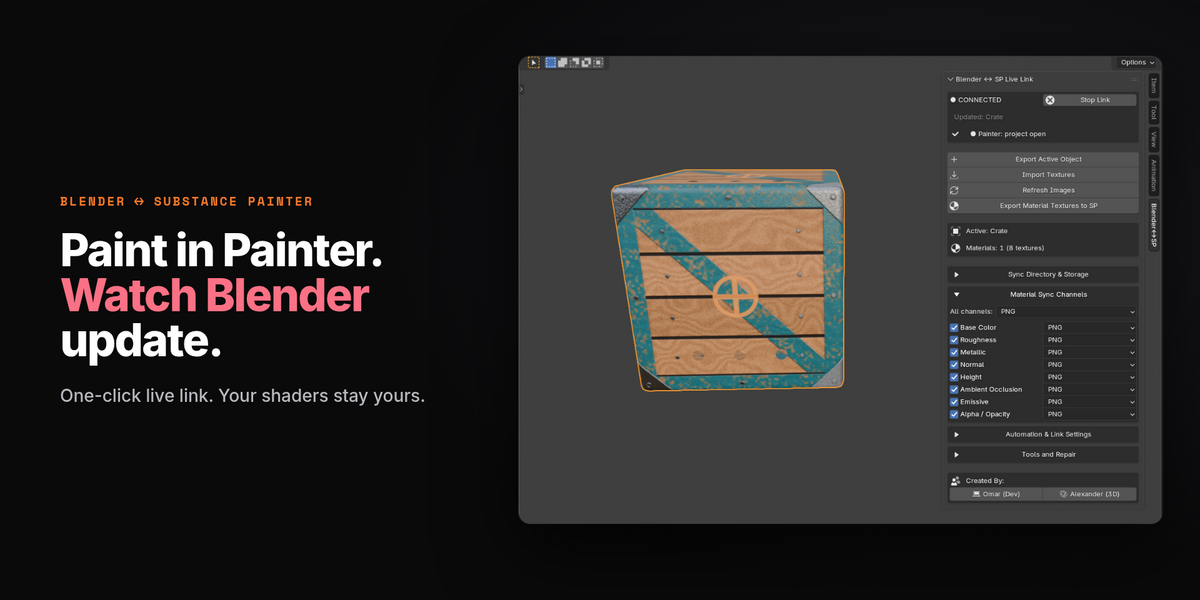


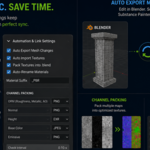
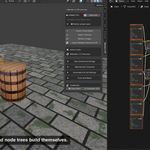
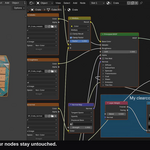
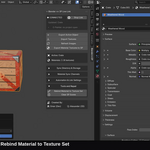
UV and multi-material transfer fixes
IMPORTANT: Update BOTH the Blender addon and the Substance Painter plugin to 1.1.1. Re-export affected meshes from Blender and reload the FBX in Painter to establish matching UVs. Preserve the existing UV layout rather than recomputing it with Auto-unwrap.
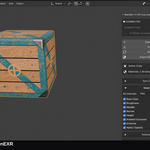
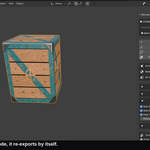
- Exported meshes and returned textures use the same UV map, while preserving the original Blender mesh and UV order.
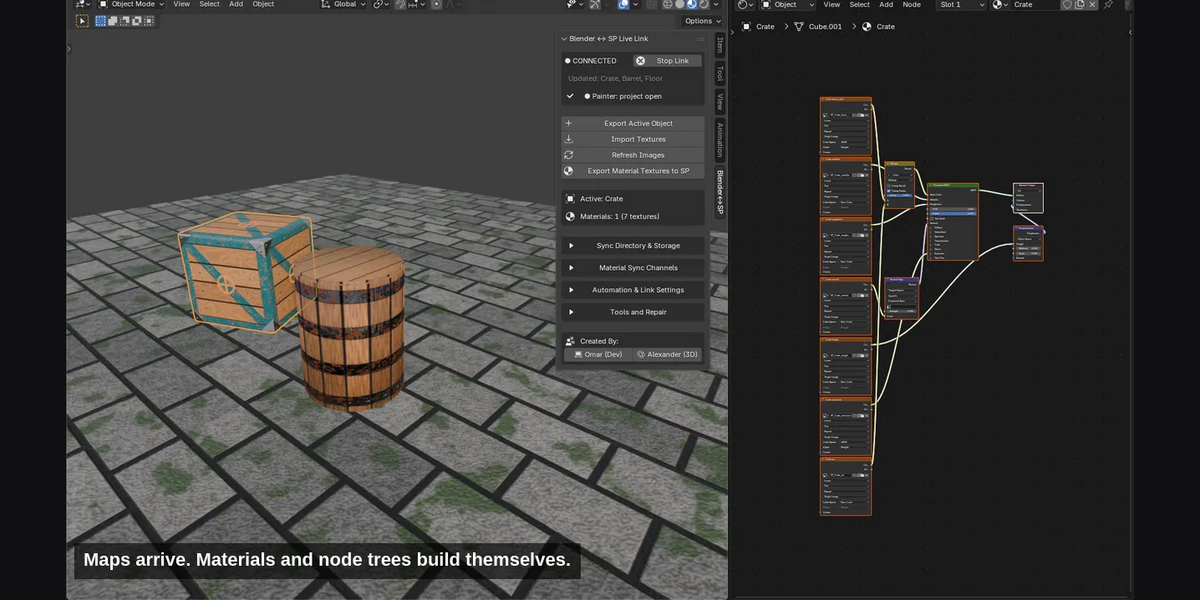
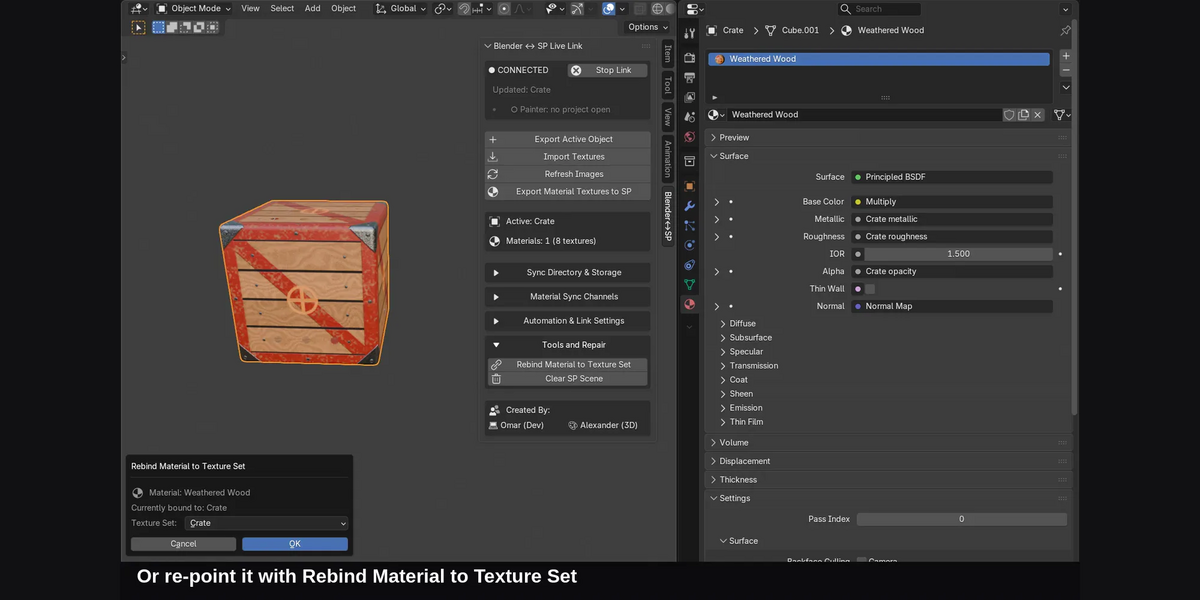
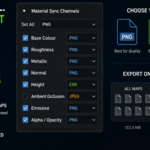
- Each material on the selected meshes exports its own images to the matching Painter texture set, independent of the selected set.
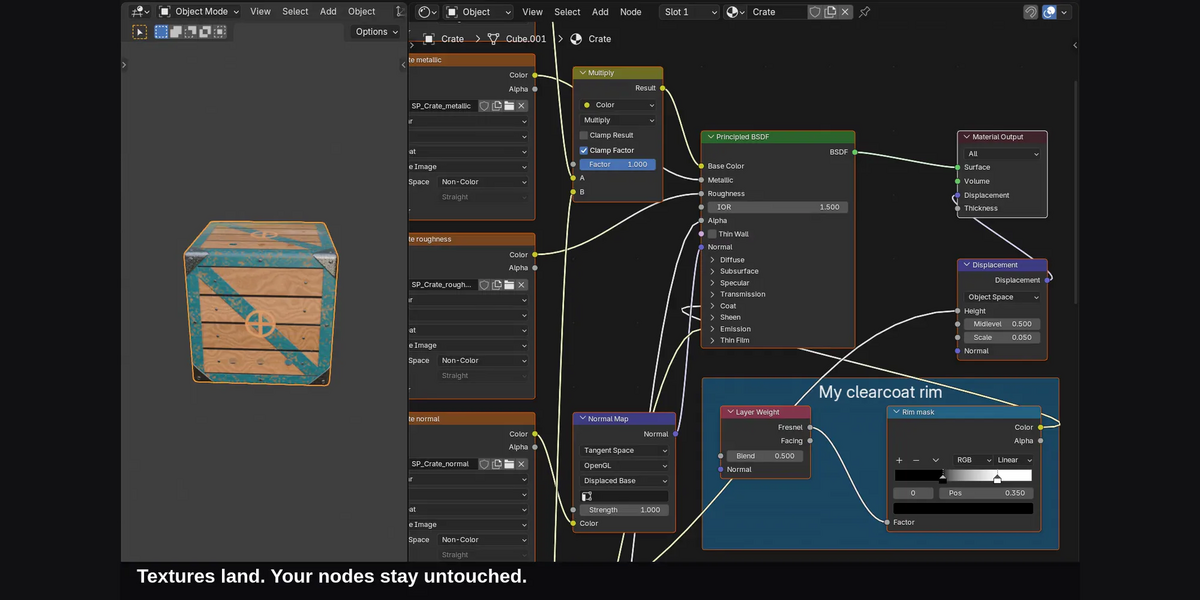
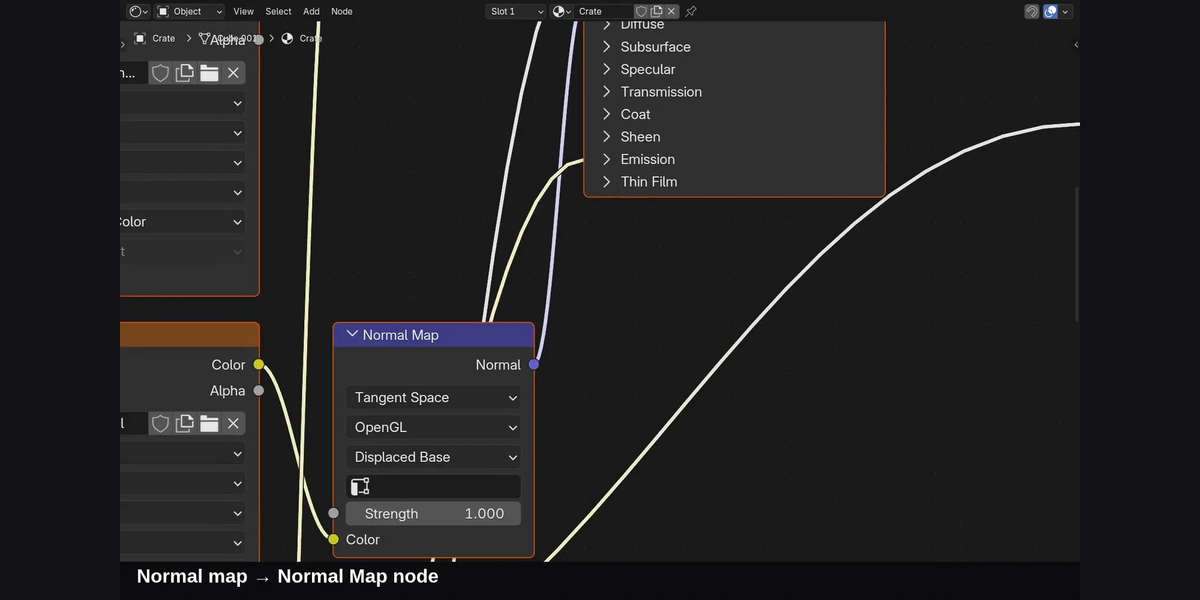
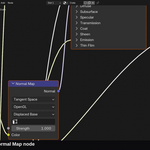
- Material transfer follows the connected shader through node groups and reroutes. Shared shader groups are isolated before editing.
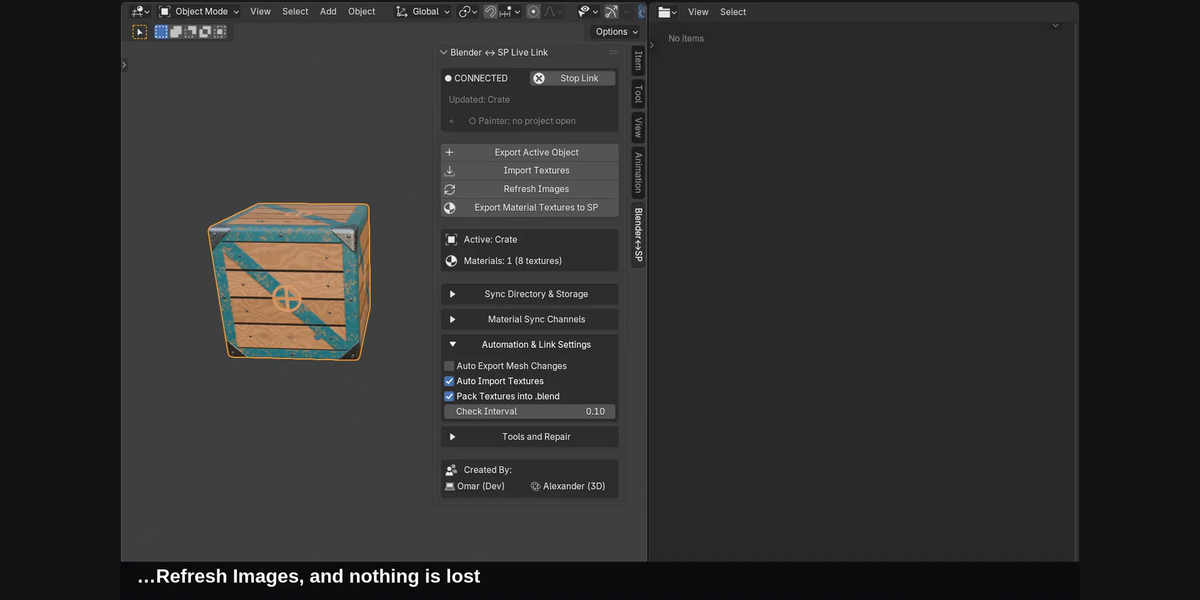
- Repeated imports update the plugin-owned fill layer. Failed exports keep the previous complete mesh.
- Unsupported channels, missing UV maps, unmatched materials, and disabled Painter channels now produce diagnostics instead of silently reporting success.
- Creator buttons now open Omar Gamal's and Alexander Robertson's websites.
This is image-channel transfer, not shader baking. Computed shaders, packed channels, Mapping transforms, Bump-to-Normal conversion, and UDIM source images require baking to compatible separate images first.
Validation: Blender 5.2.2 tests and rendered before/after comparison passed. Painter routing was tested with API doubles; a live Painter session was not available.
Version 1.1.0
- Imports never delete nodes you added to your materials.
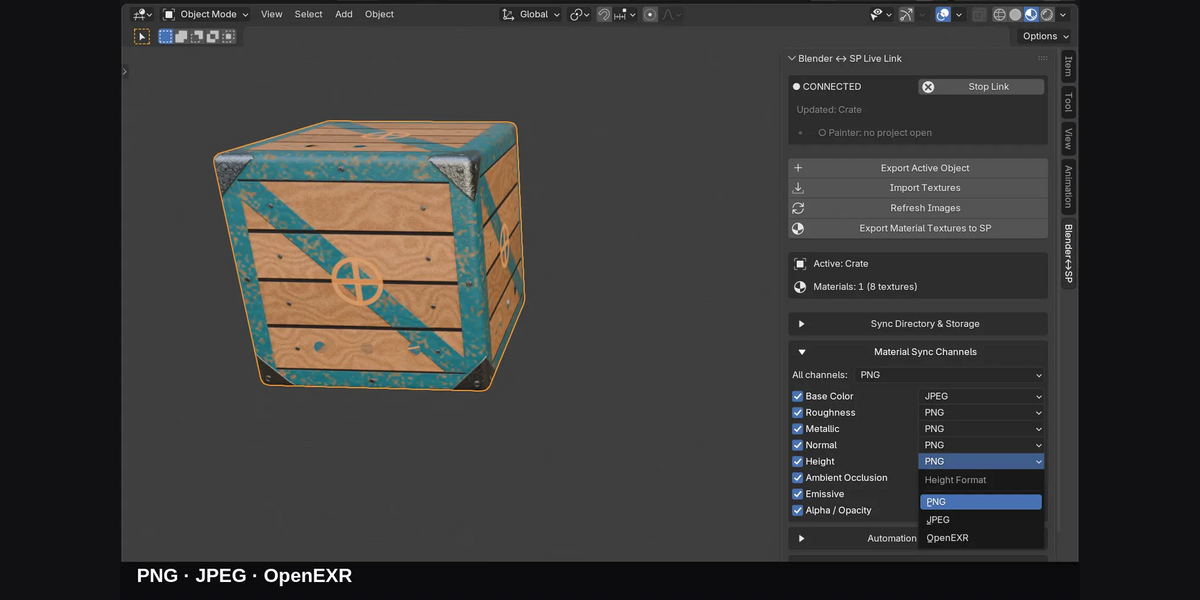
- Every channel maps correctly, whatever your texture sets are called.
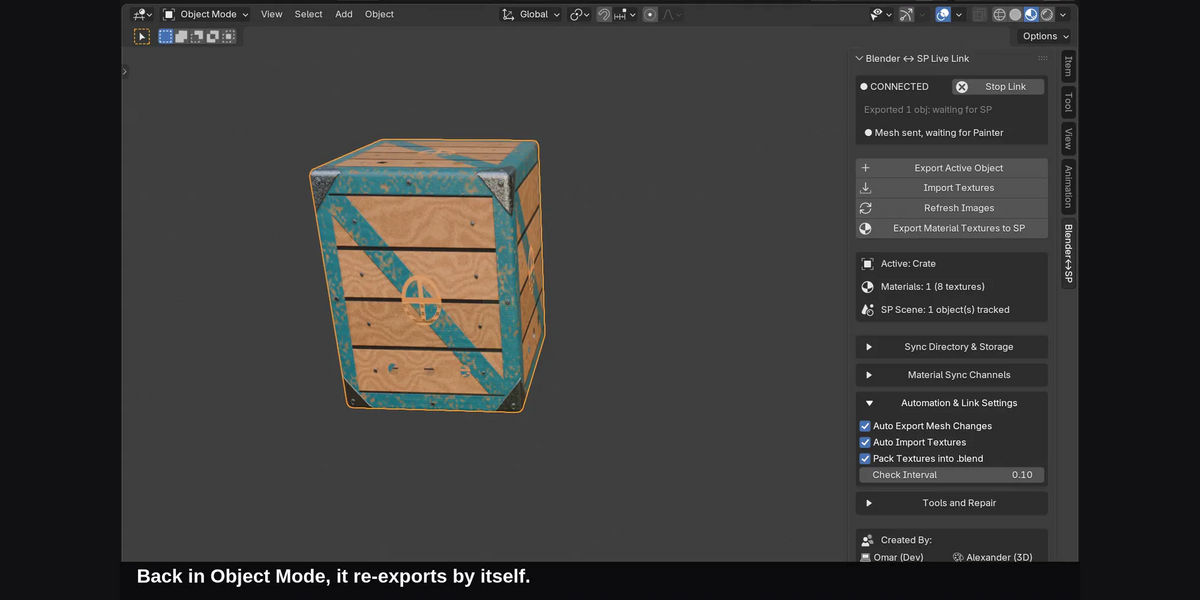
- Auto export waits until you stop editing.
- Cleanup tools are safer and only touch this project's files.
- No more stray file-manager windows.
- Painter's export is more reliable.
- Clearer sidebar labels.
Have questions about this product?
Login to message
| Blender Extension Compatible | Yes |
| Published | about 2 months ago |
| Blender Version | 4.2 - 5.2 |
| Extension Type | Add-on |
| Render Engine Used | Cycles, Eevee |
| License | GPL |
Discover more products like this
bridge Substance painter Texturing Multi-Object texture sets principled bsdf materials pipeline live link Workflow round-trip PBR