 TastyVoxels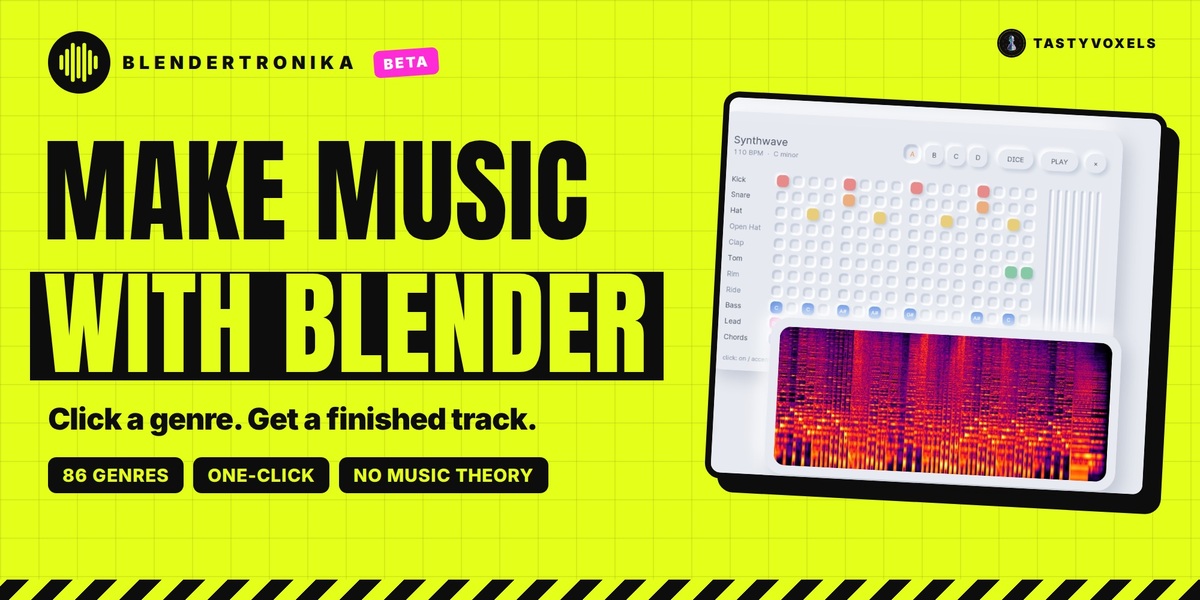
Can you make music in Blender? Yes, with Blendertronika
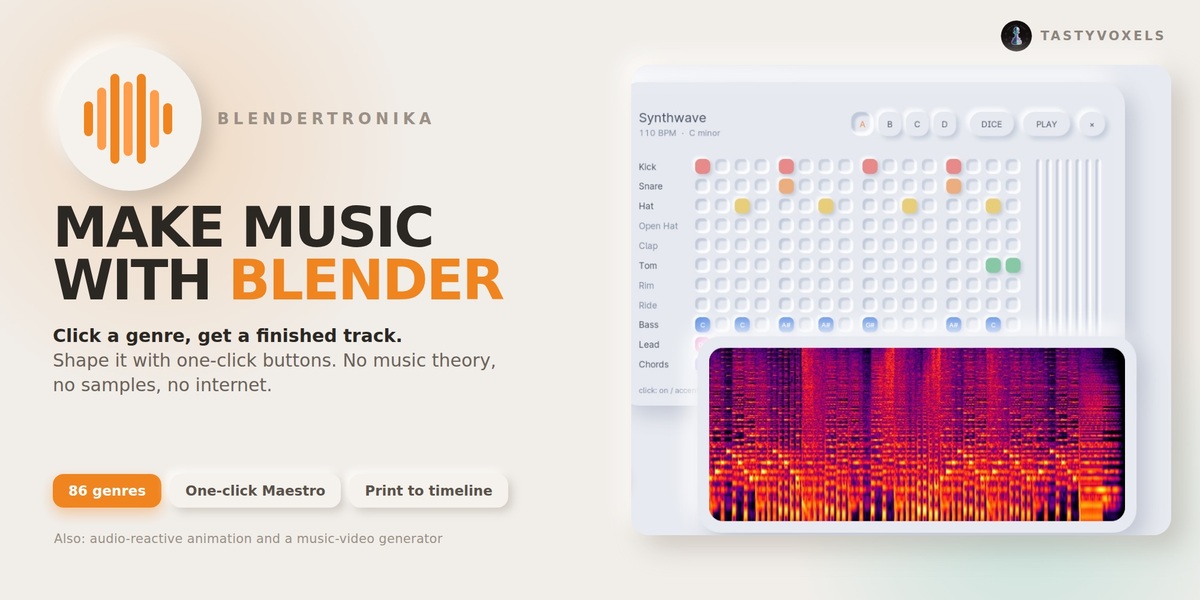
Blender on its own is not a music program: its audio tools play, sync and visualize sound you already have. Blendertronika adds a music maker inside Blender. You compose, play, arrange and export songs without leaving Blender: click a genre, shape it with plain-named buttons, and the finished song lands in the Video Sequencer as long as your scene. Export it as WAV, MP3, OGG or FLAC, as stems or as MIDI, make your objects move to the beat, or render a music video in one click. You can also draw a melody with Grease Pencil, type words that become notes, or let your animation play the tune. Already have a song or a MIDI file? Use it instead: the music video, the beat curves and the sound strip are made from your file. Arrange it in Blender's Video Sequencer like a DAW, edit the notes in the 3D viewport, or play your song as a game and turn the game into a vertical music video for TikTok, Reels and Shorts.
At a glance
- What it is: a music maker add-on that runs inside Blender, in the sidebar of the 3D Viewport and of the Video Sequencer.
- Who it is for: animators, motion designers, game developers and video makers who need original music without being musicians.
- What you get: a finished song in your scene, WAV, MP3, OGG and FLAC files, seamless loops for game engines, stems and MIDI, beat curves for audio-reactive animation, and MP4 music videos.
- Many ways in: pick a genre, place notes on a step grid, draw a melody with Grease Pencil, type words, let your animation play, or bring your own audio or MIDI file.
- Sounds: every built-in sound is synthesized by the add-on, so there are no samples to license and the music you make is yours.
- Runs on: Blender 4.3 to 5.2, offline, no extra programs to install.
- Play it: the Song Game turns the melody into a level you play in the 3D viewport. Every note you touch plays; the video of your game is a music video, or the robot plays it perfectly for you.
- Arrange it: Blender's Video Sequencer becomes your DAW (clips, channels, volume and pan keys, mixdown), and the 3D viewport becomes a piano roll where Geometry Nodes can compose.
Beta: complete, and shaped by you
Blendertronika is in beta. Everything on this page is in the add-on and works today, and it is checked by automated tests before every release (the numbers are at the end). The beta is my way of saying that I want to hear from you: what you made, what felt hard, what you wish it did. Every piece of feedback helps, and you can send it through the Superhive inbox. Thank you.
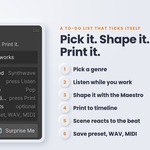
Pick it. Shape it. Put it in your scene. Your animation needs music, and you are not a musician. Blendertronika is a music maker that lives in Blender's sidebar: click a genre and it plays, click a few buttons with plain names and it becomes your track, press Add Music To This Scene and a finished song, as long as your scene and ending on your last frame, is in your scene: press Space and you hear it. Then let your objects move to the kick.
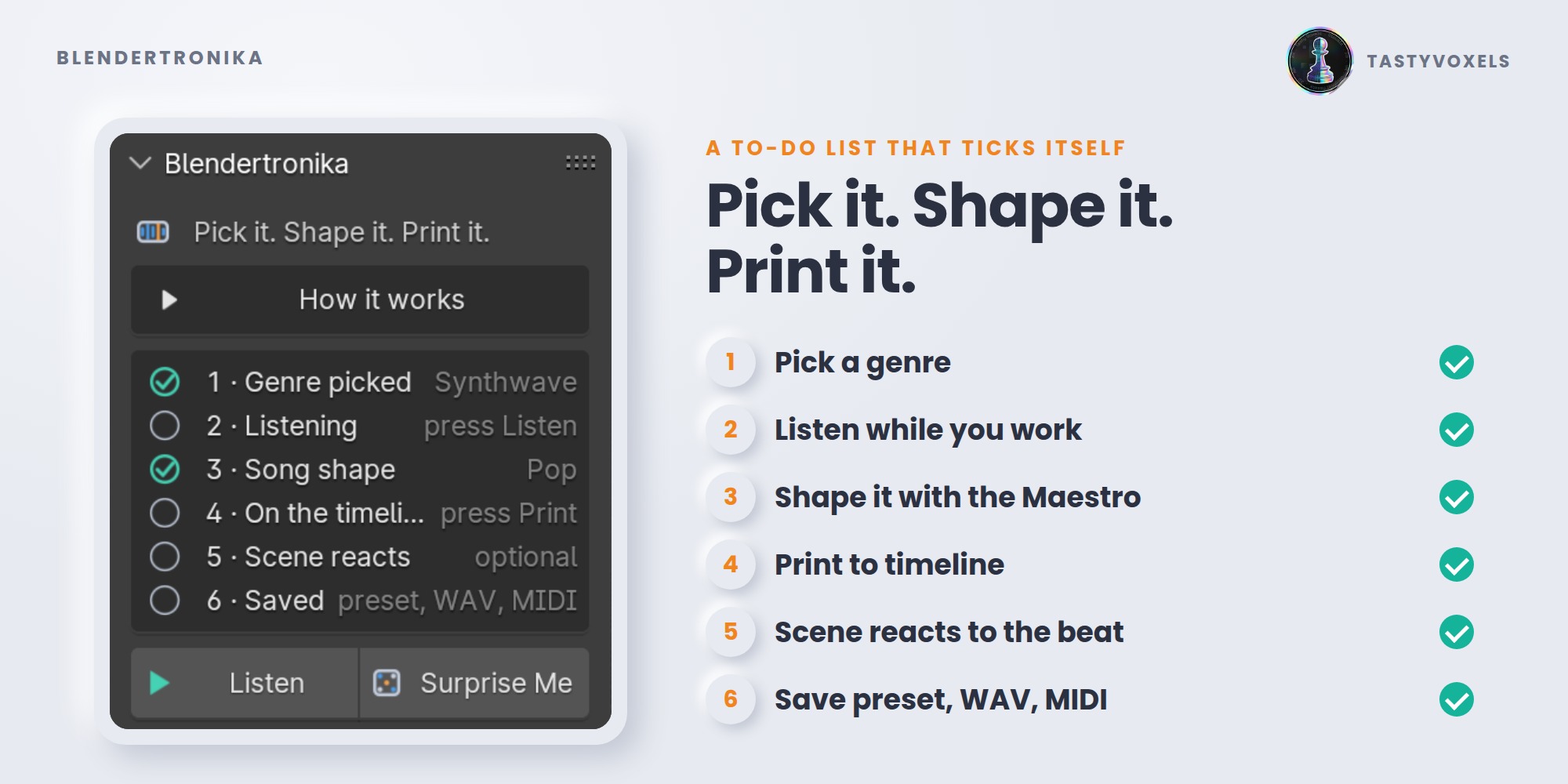
Seven steps, numbered in the panel
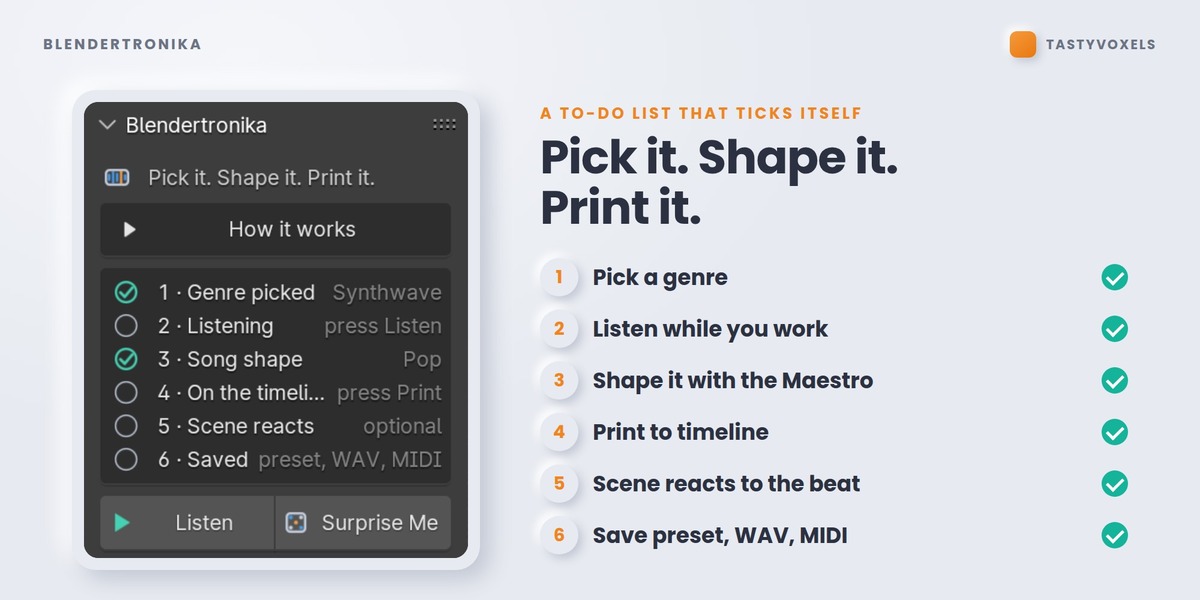
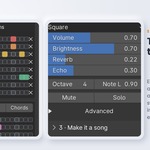
The panel opens simple, with a few big buttons: Make Me A Song, Listen, Put It In My Scene, Make The Music Video and the Song Game. Show Every Option opens the seven steps below. The panel is a to-do list that ticks itself. At any moment you can see where you are and which button comes next.
- Pick a genre. Music starts on the first click. Click the same genre again and you get a different take on it: new bass line, new melody, same style.
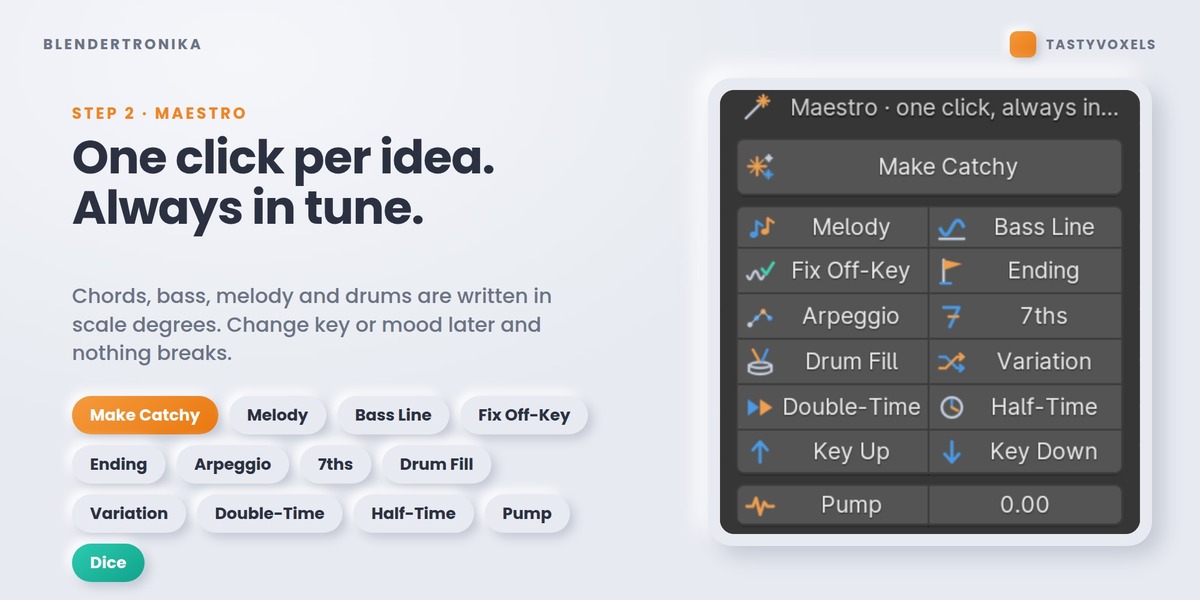
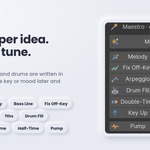
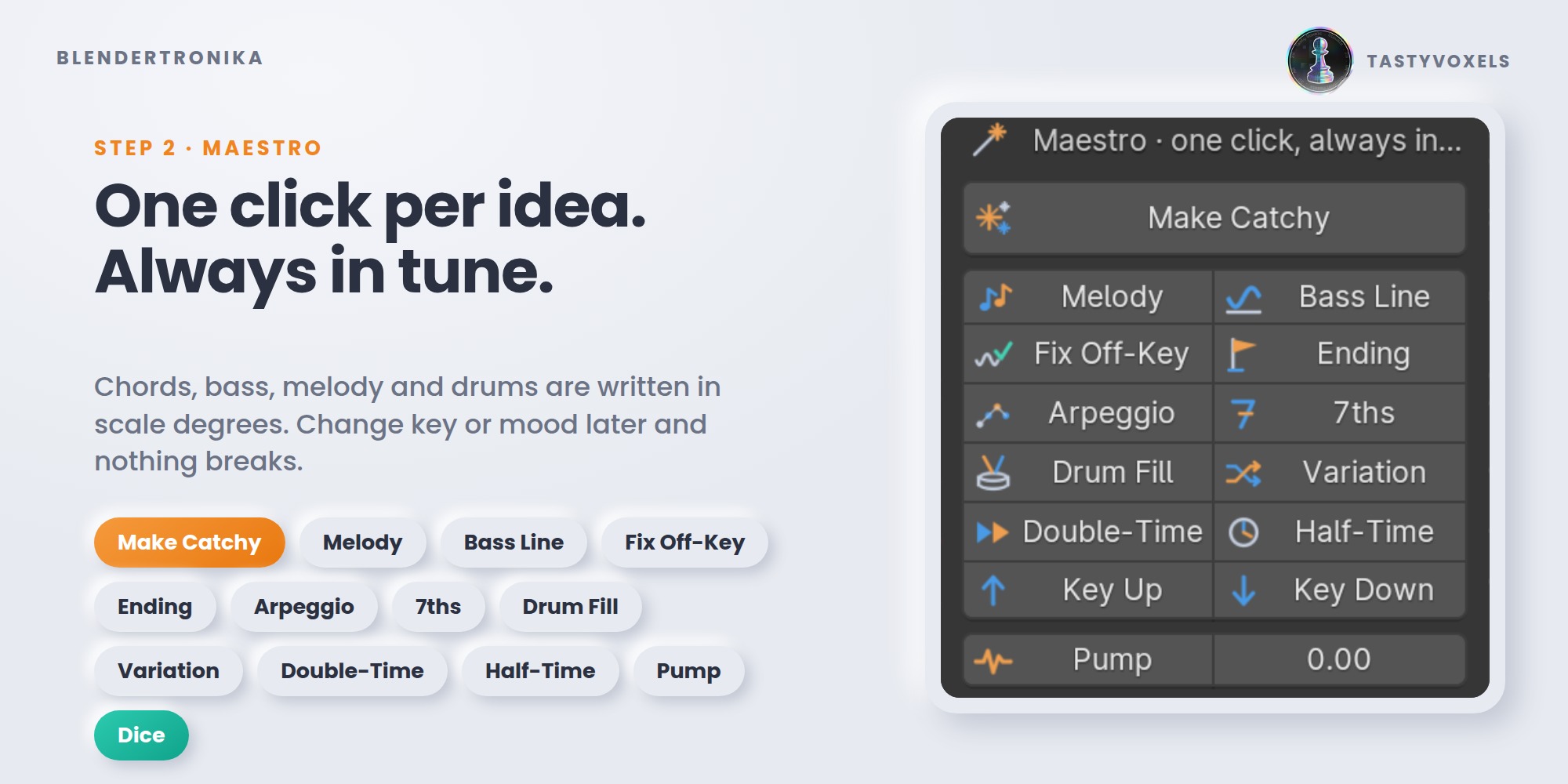
- Shape it. Tempo, key, mood. The Maestro buttons do the musician's work: Make Catchy, Melody, Bass Line, Fix Off-Key, Ending, Arpeggio, 7ths, Drum Fill, Variation, Double-Time, Half-Time, Pump, famous chord progressions and ready-made drum grooves. Everything is written in scale degrees, so it is always in tune - change key or mood later and nothing breaks.
- Make it a song. Song templates tell your pattern as a story: intro, verse, chorus, break, build, outro, stretched over your whole scene. Transitions sweeps a riser into every lift and a sweep-down out of every drop-out, so each change of part has a reason.
- Put it in your scene. One button, Add Music To This Scene. The tempo is nudged by a few percent so the final chord rings out exactly on your last frame. The song lands in the Video Sequencer, packed inside the .blend, with its waveform showing: press Space and you hear it with your animation, and it is already part of your edit and your render. Music Hits: mark a frame and the music lands on it.
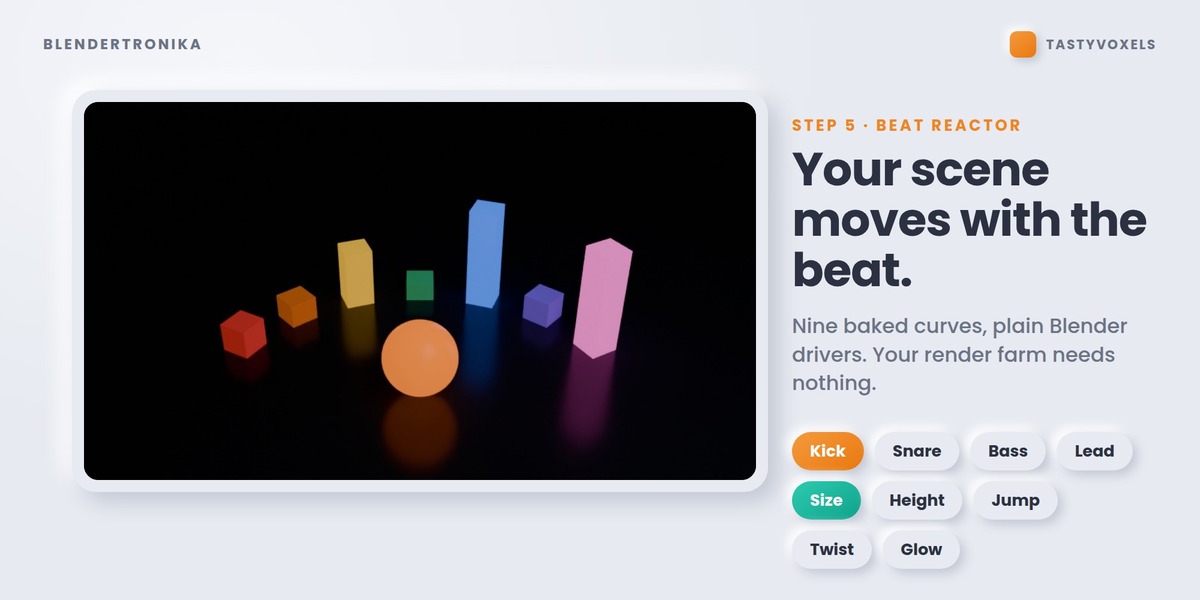
- Beat Reactor. Objects follow the kick, the bass, the melody.
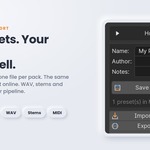
- Take it out. The finished song as WAV, MP3, OGG or FLAC, a seamless loop for game engines, stems and MIDI for other music programs, and MIDI in, to bring a clip from your DAW into a pattern. Your own presets and packs too.
- Music video. One click, one MP4 with your music inside, in five styles. One of them is the Studio itself.
Blendertronika is Rego Beat for Blender
Rego Beat is the music maker I wrote for my own project, Regolith Highfield. Blendertronika is that engine adapted for Blender and living in its sidebar, so the music is made where the animation is made. The wider Regolith tools may one day also exist outside Blender - as a separate app, installable or in the browser - but if and how I share them is my decision, and nothing in this add-on depends on it. What is on sale here is this add-on: complete, offline, and finished today.
The timeline is the arranger
This is the part made for Blender people. Energy, Pattern, Fill and every Mute switch are ordinary animatable properties. Hover, press I, move the keyframe to the cut. As Energy falls, the ornaments leave, then the snare, the melody, the bass; as it rises they come back. Your music follows your edit, bar by bar, instead of the other way round. Not in the mood? Template To Keyframes writes a whole song as keyframes for you to push around.
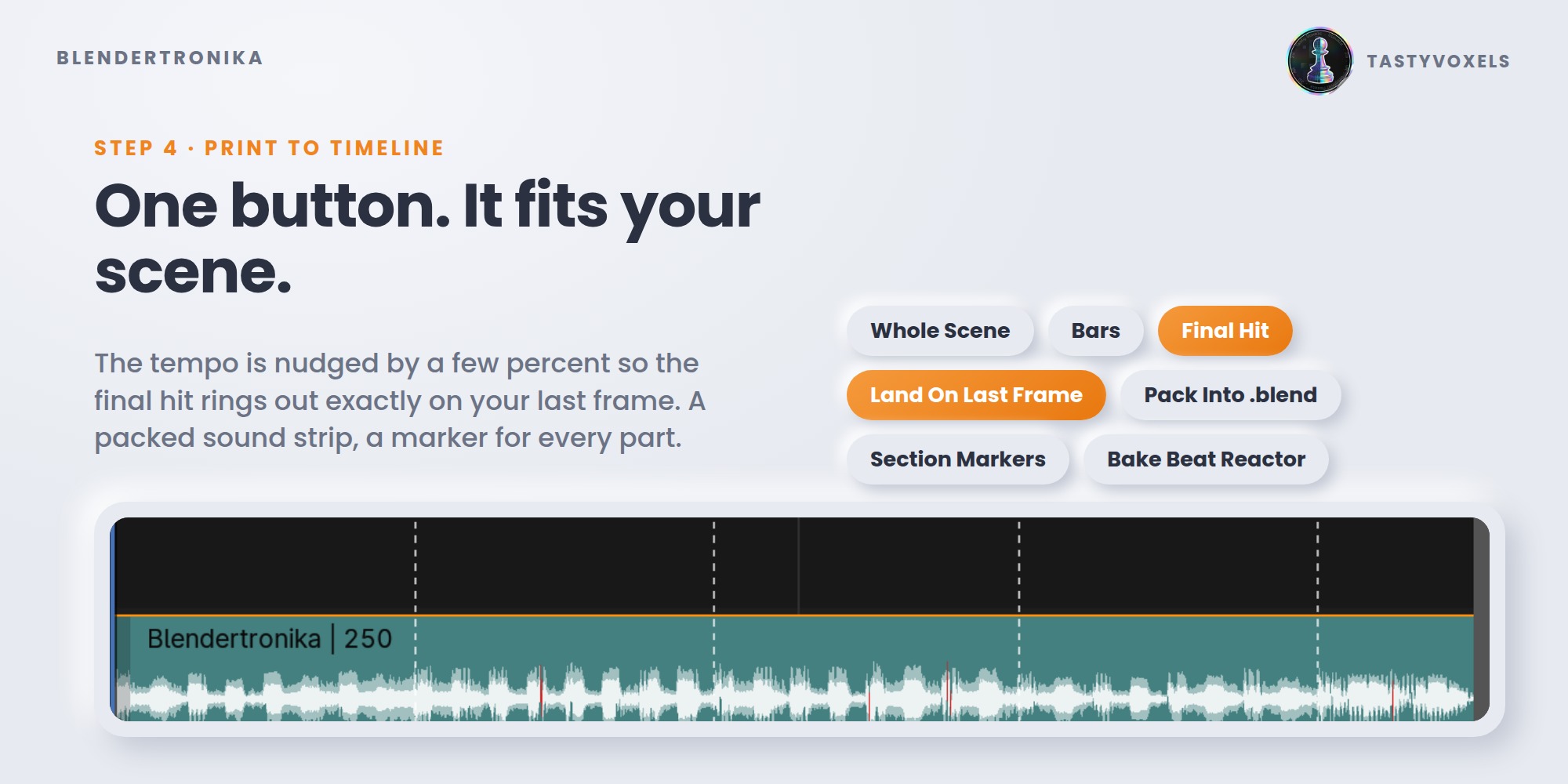
Music Hits: the music lands on your moments
A character lands, a logo appears, the cut changes. Put a timeline marker named Hit on that frame (or press Add A Hit Here) and the music plays to it: a build-up that rises for two bars and arrives exactly on the frame, an impact on it (Impact, Boom or Crash), and the rest of the music ducking under it for a moment so the hit stands out. If you like, a breath of silence just before. The Beat Reactor curves get the hit too, so objects that follow the kick jump on that very frame. Add as many hits as your scene has moments; seamless game loops never carry them.
Beat Reactor: audio-reactive without the baking ritual
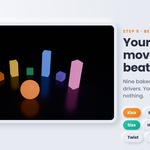
Printing the music also writes nine clean 0-1 curves on the scene: kick, snare, hats, perc, bass, chords, lead, everything, beat. They come from the instruments themselves, not from guessing at a mixed waveform, so the kick curve is only the kick. Select objects, choose what to follow and what to move (size, height, jump, twist, glow), click Make Selected React. It is a plain Blender driver: it renders on any machine and any farm, with or without the add-on. Add Visualizer builds a small stage so you see it work in ten seconds.
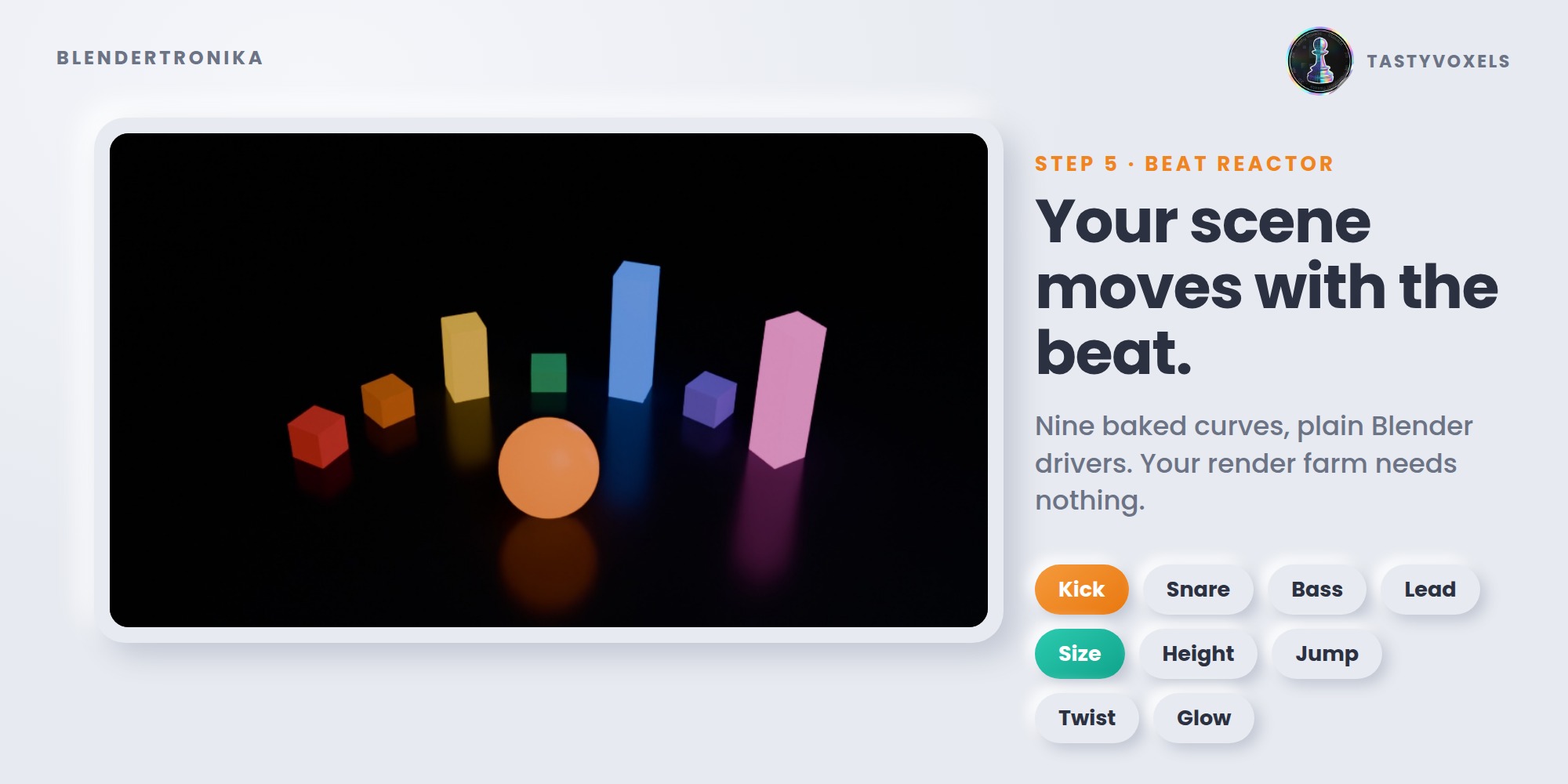
Reactive Groups: every set of objects moves its own way
Make a group from the selected objects and give it its own Size, Jump, Turn, Spin and Glow, each following the instrument you choose: the drums grow on the kick, the lights glow on the bass, the logo spins once every four bars. Changes show while you drag, glow is per object even on shared materials, and leaving a group puts an object back in its own pose. Plain drivers: they render anywhere.
Viewport Preview: a groovebox in your viewport
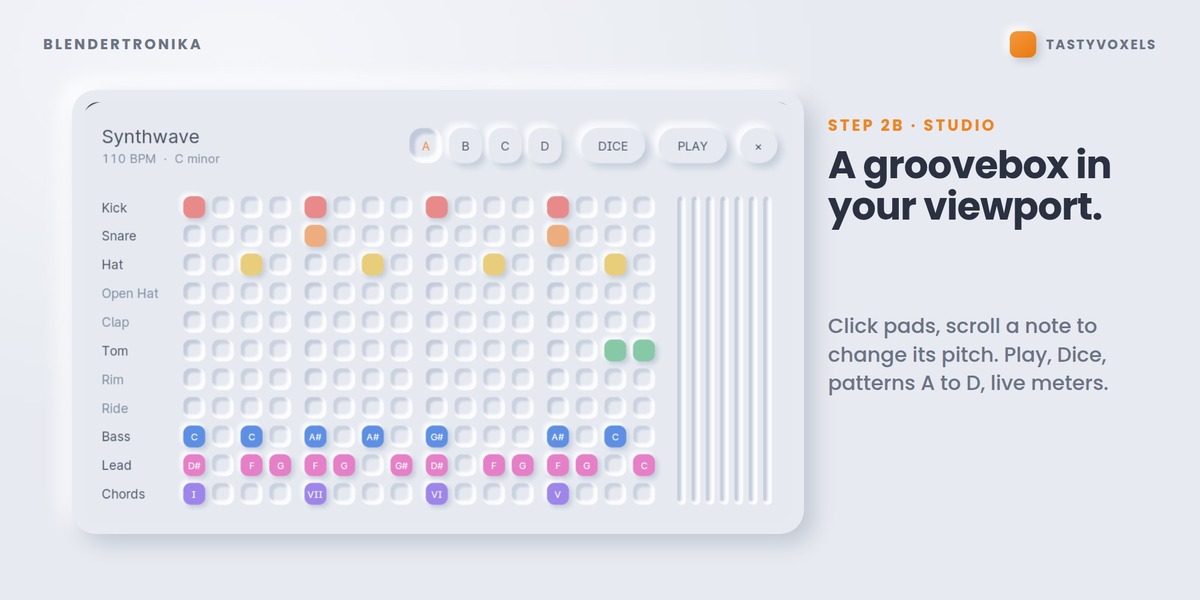
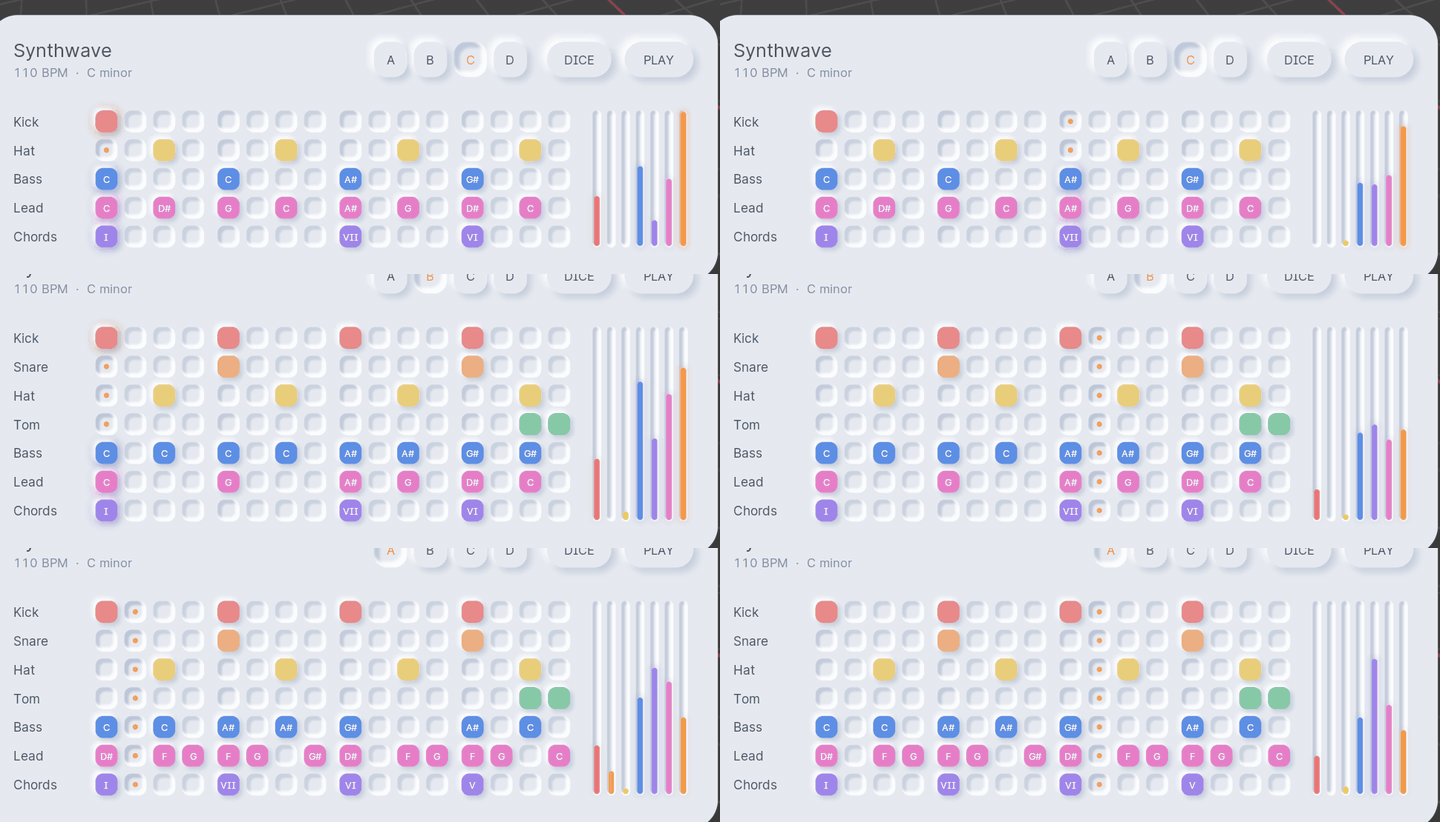
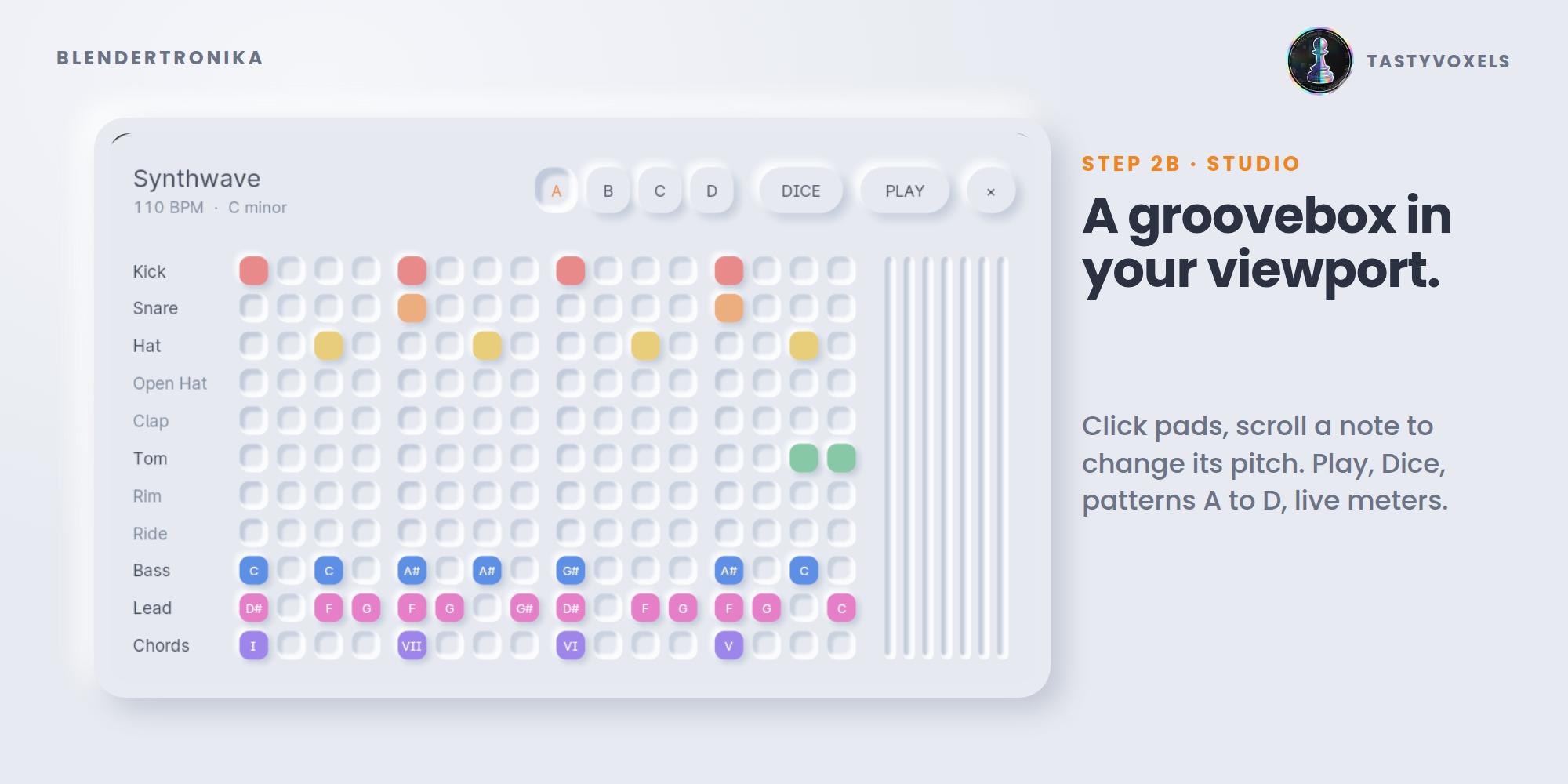
Viewport Preview draws a soft, neumorphic instrument right over the 3D view: raised pads, pressed wells, a glow on whatever is playing, live meters. Click a pad to switch it on, click again for an accent, scroll on a note to change its pitch, press Play, Dice, A-D. It is drawn by one small GPU shader, it follows Blender's interface scale, and Esc gives the viewport back.
Music Video: from track to MP4 in one click
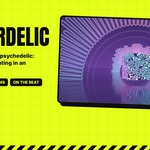
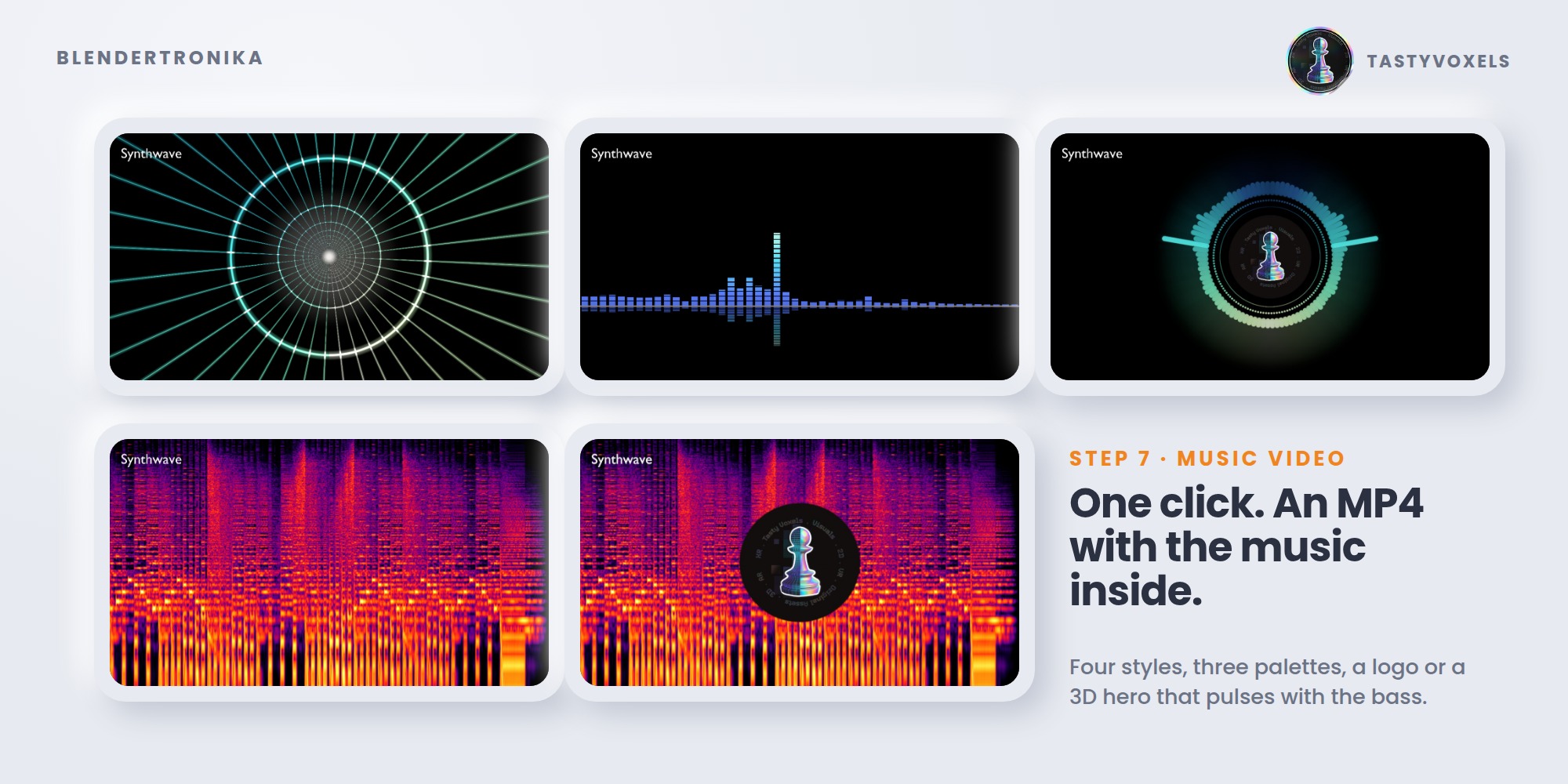
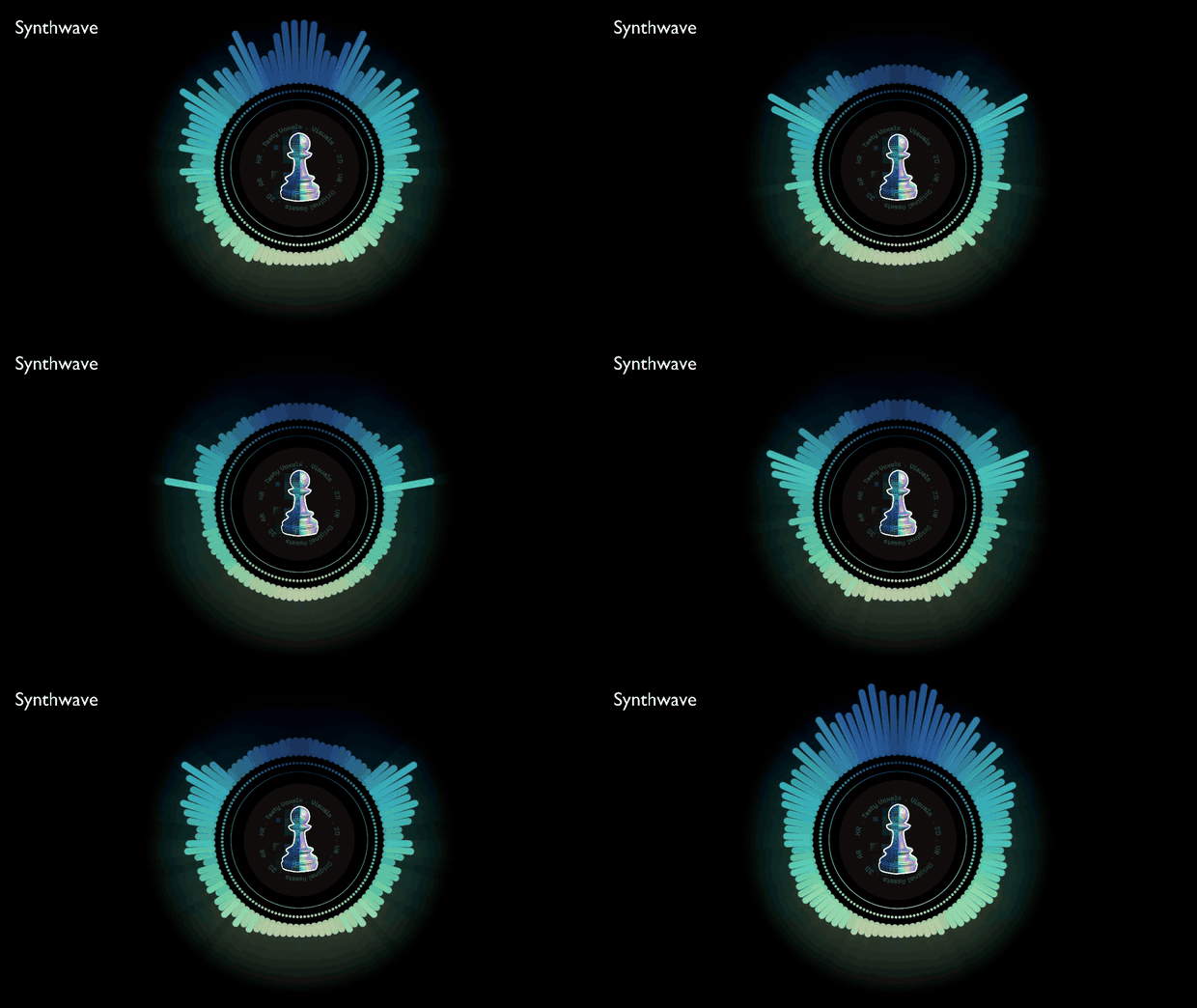
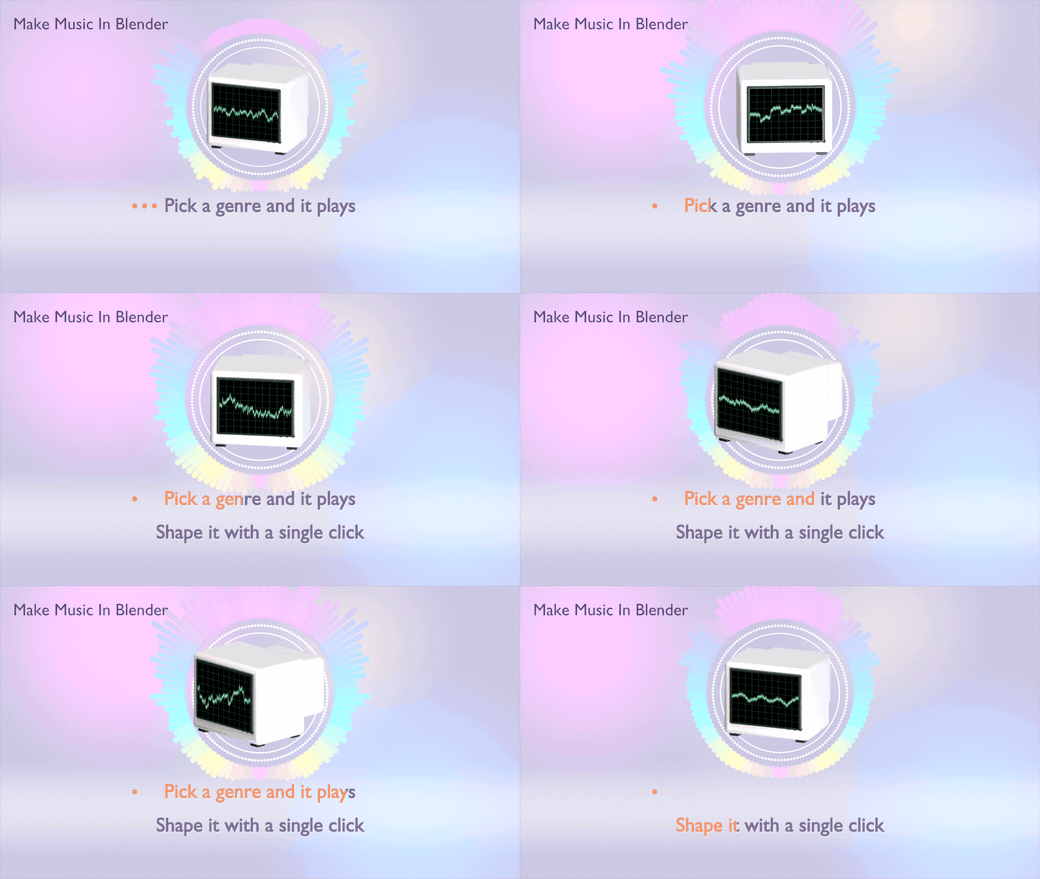
Made a track you like? Render Music Video gives you an MP4 (H.264 picture, AAC sound), landscape, vertical or square. Two complete videos: Pulse Ring, a circular spectrum that breathes with the kick, with your logo, an object or a whole collection turning in the middle; and Studio Pad, the Studio itself drawn frame by frame, in your colours, with your title, your depth colours and only the parts you want. The Pulse Ring also comes as Blenderpunk (black ink on acid yellow), Holo Glass and Holo Glass Dark (rainbow glass). Preview Music Video shows it in the viewport before anything is rendered.
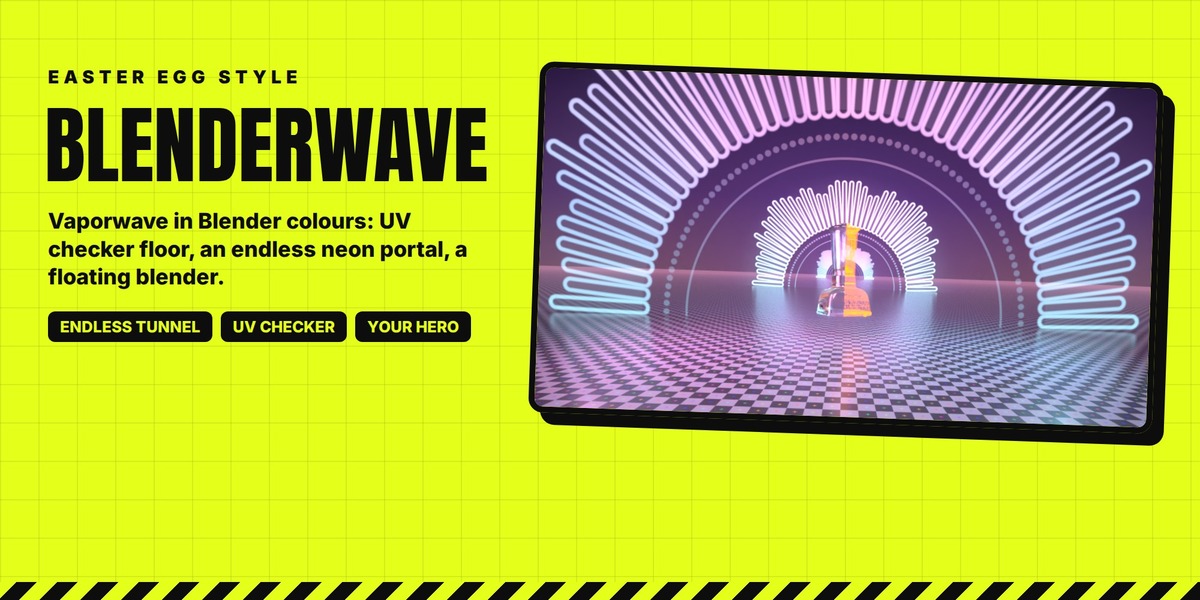
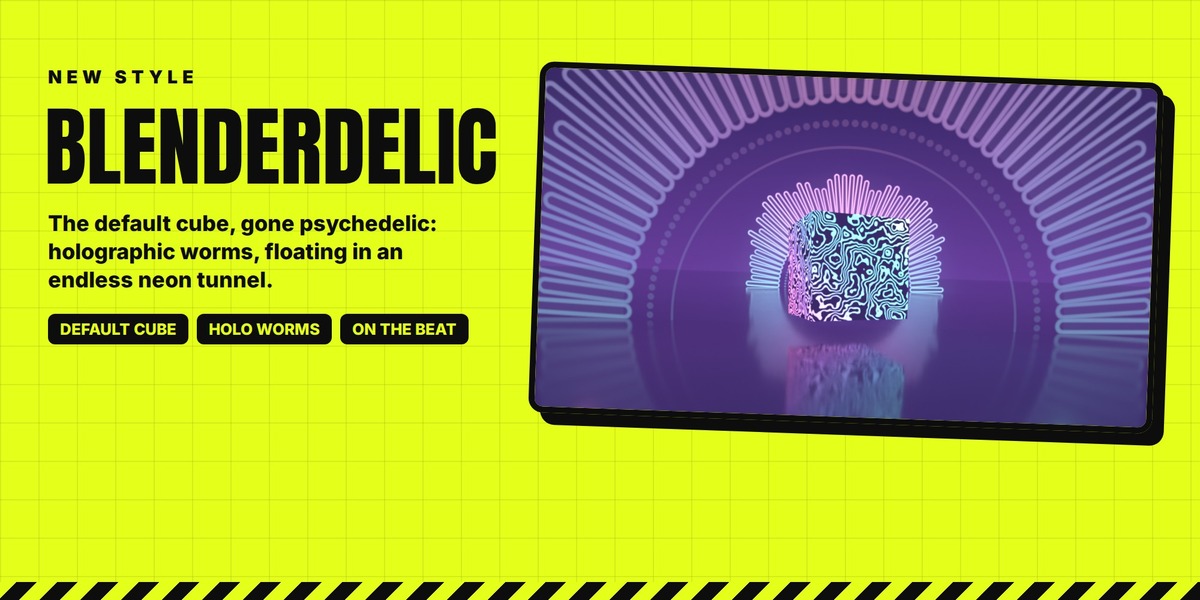
BlenderWave is a real 3D stage in vaporwave, in Blender's own spirit: the UV checker as floor and wall, a half-sun neon portal repeating as an endless tunnel that fades in the fog, and, if you do not pick a hero, a certain kitchen appliance floating in the middle, half holographic glass, half Blender-orange wireframe. Floor, background, sun and tunnel speed, spacing and number of portals can all be changed. Blenderdelic puts Blender's default cube, black with holographic worms (or in see-through holographic glass), on a dark mirror inside the same endless portal tunnel. Both stages can take Neon Bars or the Oscilloscope as their sky, reflected by the floor.
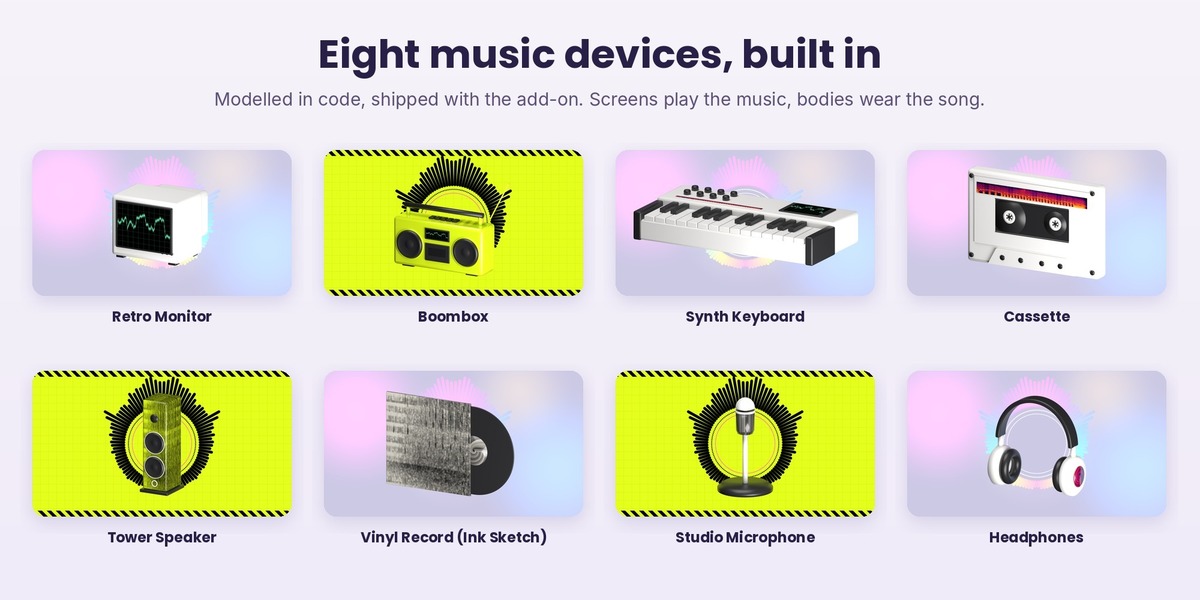
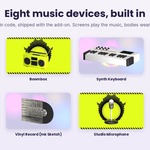
It is Blender, so the visual can also live in your scene: In My Scene puts it behind your own camera and you keep animating while it plays, rendered with your engine and your settings. Put The Visual On Selected makes any style a material on your objects: a TV screen, a floor, a sign. Oscilloscope, Neon Bars, Lava Spectrum and Neon Wormhole are backgrounds: behind your scene, as the sky of a stage, or on the screens of your own radios and monitors; eight music devices are built in (Retro Monitor, Boombox, Synth Keyboard, Cassette, Tower Speaker, Vinyl Record, Studio Microphone, Headphones), and you can point the add-on preferences to a folder of your own models too: their screens play the music while their bodies wear the song. Material presets (glass, frosted and wavy glass, chrome, gold, holographic, neon, Blenderpunk, holographic worms, stripes and crosses) dress your objects in one click; glass looks are at their best in Cycles, and in Eevee you can give any group your own glass.
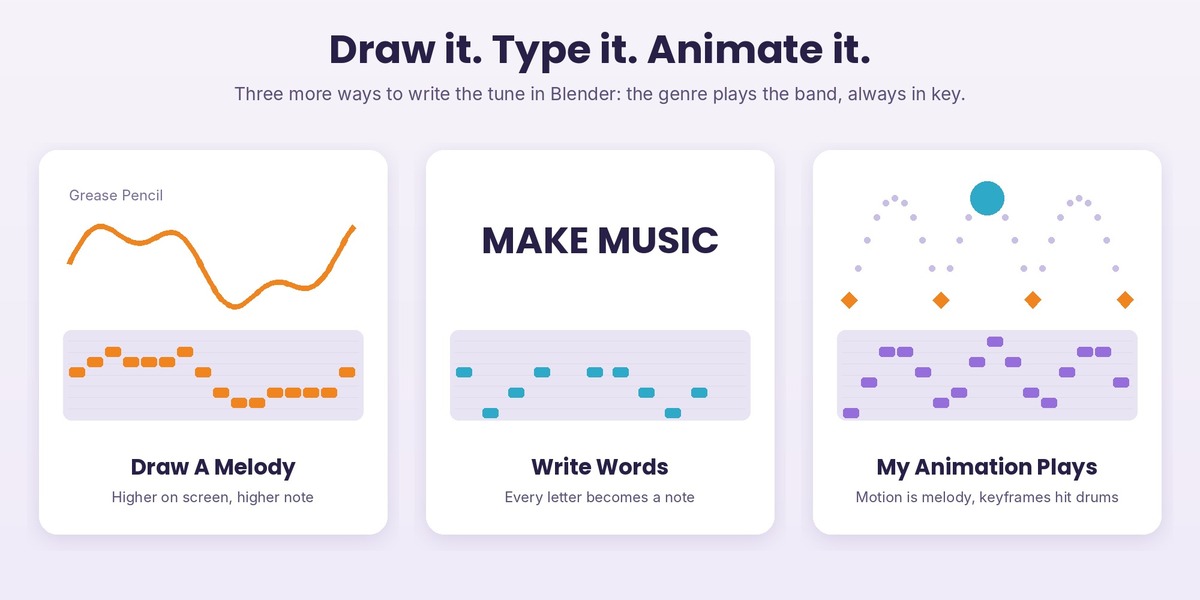
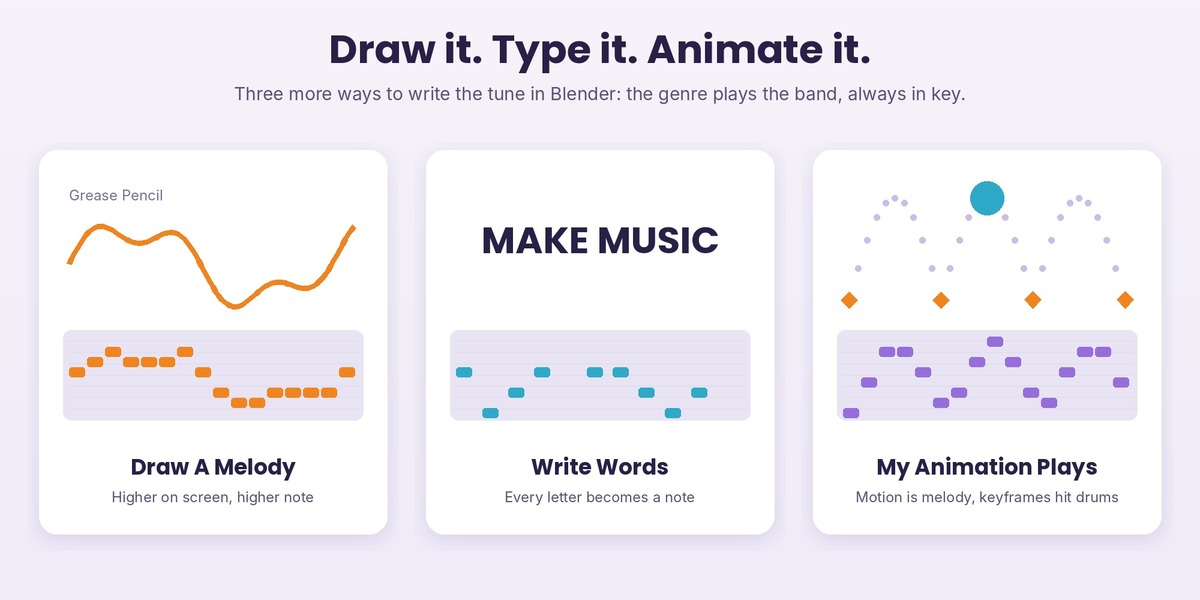
Draw it. Type it. Animate it: more ways to write the tune
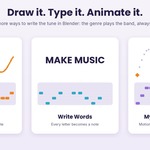
Not a musician? You do not need to place notes to get your own tune. In step 1, under Music: Draw A Melody turns a Grease Pencil line into a melody (higher on screen, higher note; lifting the pen is a rest); Write Words turns a sentence into one, letter by letter, vowels ringing longer; My Animation Plays lets your animated objects write it, their height becoming the melody and the bass while they move, their keyframes hitting the drums. The genre you pick plays the band around the tune, always in key, and the Beat Reactor and the music video follow it like any other song.
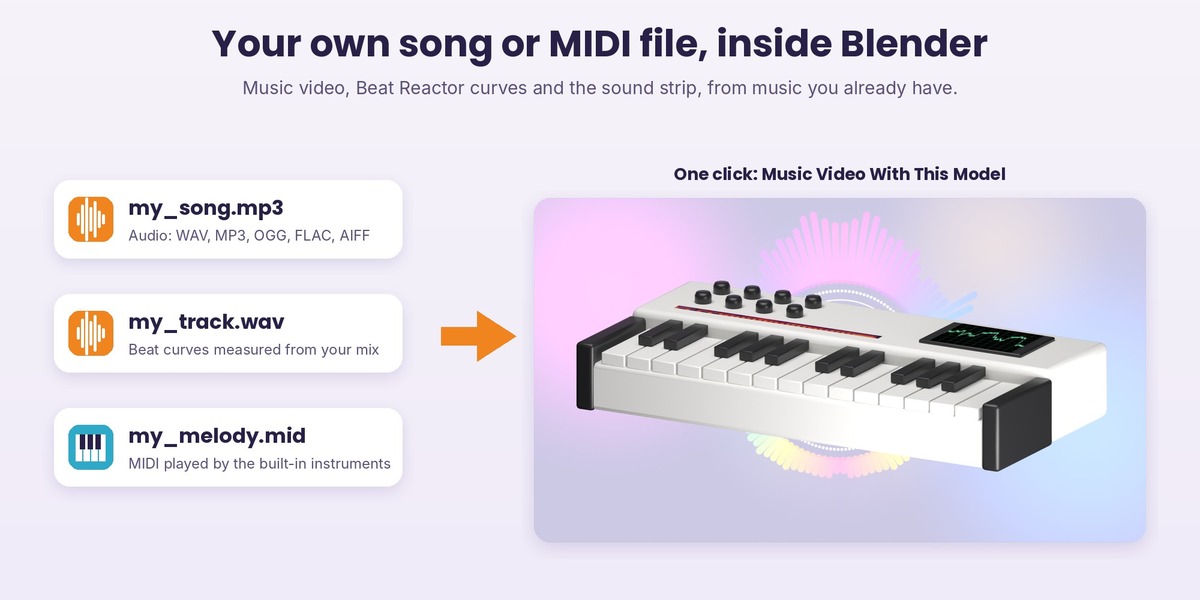
Your own music: a music video from any song or MIDI file
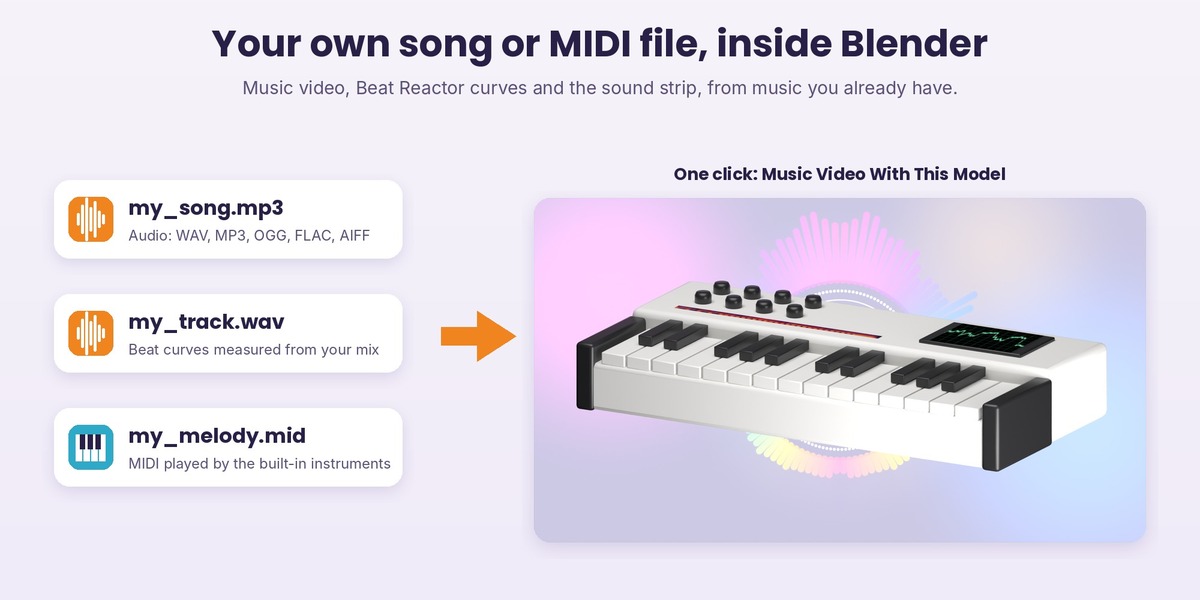
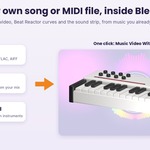
Step 1 now has a Music choice: a Blendertronika song, My Audio File (WAV, MP3, OGG, FLAC, AIFF) or My MIDI File. With an audio file, the beat curves are measured from the frequency bands of your mix and the tempo is estimated, so the Beat Reactor, the Reactive Groups and every music video style except Studio Pad follow your track; Fit The Scene To The Music sets the last frame for you. A MIDI file is played by the Blendertronika instruments of the genre you pick: drums on channel 10, the lowest part on the bass, the chord part on the chords, the rest on the lead, and Export Audio File turns it into a WAV.
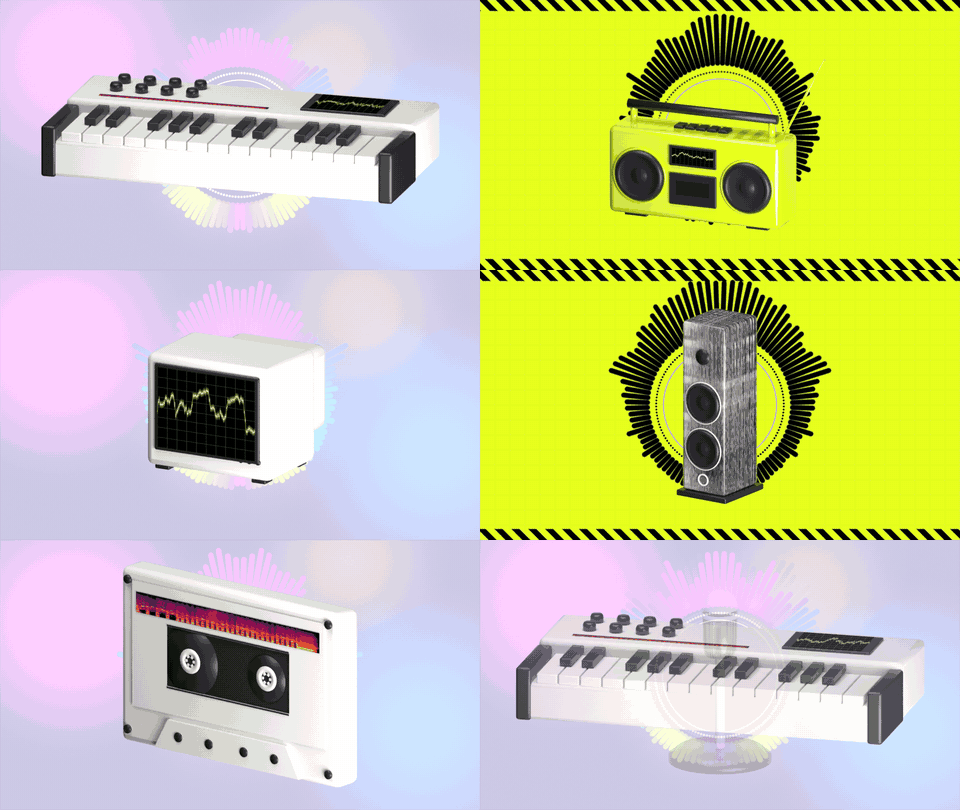
Eight music devices, built in
The Model gallery ships with eight original models, made in code inside the add-on: Retro Monitor, Boombox, Synth Keyboard, Cassette, Tower Speaker, Vinyl Record, Studio Microphone and Headphones. Nothing to download and nothing to set up. Music Video With This Model makes the chosen one the hero of a light-style music video and plays the preview in one click; Add To My Scene brings it in at the 3D cursor. The monitor, boombox and keyboard screens play the music; cabinets, labels, sleeves and caps wear the song's spectrum, in the video's colours or as Ink Sketch, black ink on paper that reads like a hand-drawn drawing. Every part is an ordinary Blender object: move it, edit it, swap its material.
Play your song: the Song Game, and the game is the music video
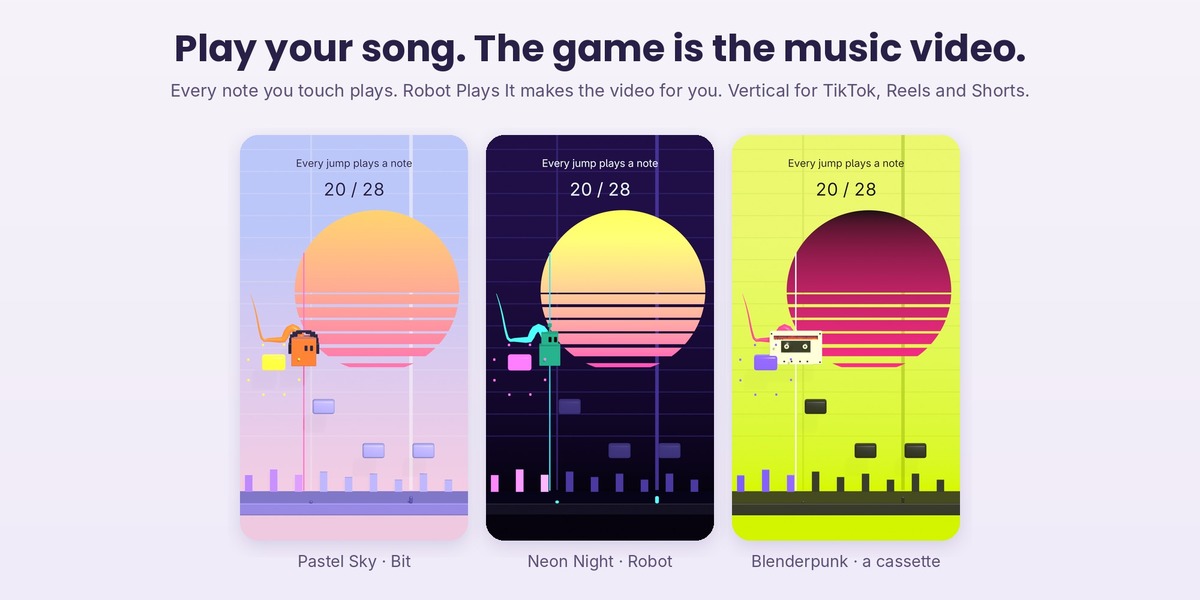
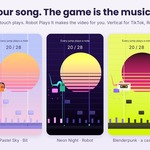
Make a song, press Play in the Song Game box at the top of the panel, and the melody becomes a level: every note is a row of tiles, placed as high as the note. Bit, a small cube with headphones, runs at the tempo of the song and you only jump: Space, Space again in the air for a double jump, Down to drop through a note, Esc to stop. Every note you touch plays and every note you miss stays silent, so the music you hear is exactly how you played. It runs live in the 3D viewport.
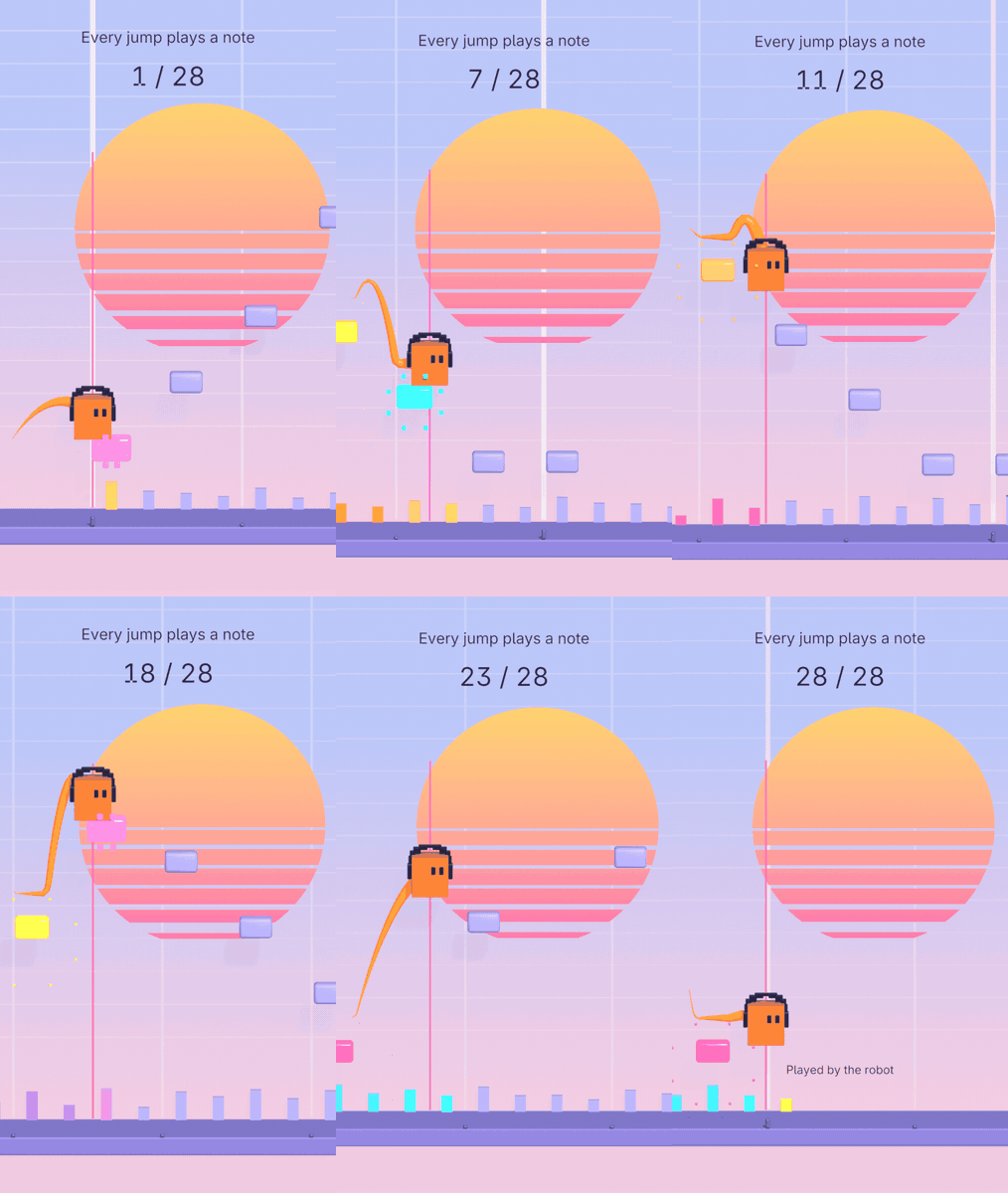
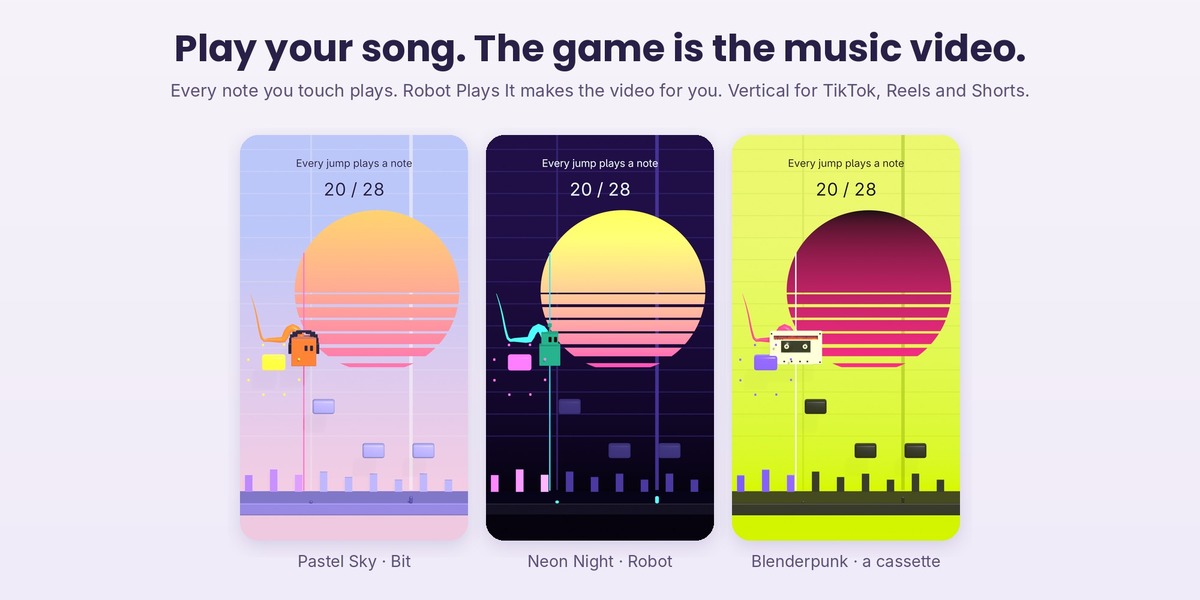
Video Of My Game turns your last game into a music video: the level, your real jumps, every note lighting up when you played it, and the soundtrack of that game. Robot Plays It plays every note for you and makes the video with no practice at all. It is made for sharing: vertical 9:16 for TikTok, Reels and Shorts (or 16:9 and 1:1), a hook line on top, a live counter of the notes played, a trail, sparks on every hit, a small camera kick on the beat, a sun whose stripes come from the loudness of the song.
Make it yours: Pastel Sky, Neon Night, Ink On Paper, Blenderpunk, Pearl, Aurora, Chrome Night, Cyber Yellow, or Custom with every colour one by one. The player can be Bit, Blob, Robot, any of the eight music devices, or any object of your scene. Your own objects can replace the notes, the played notes, the skyline and the sun; your own materials the notes, the played notes, the floor and the backdrop; your own font the words. Both scenes it makes are plain Blender scenes: change anything, then render.
Piano Show: the keys play your song, and it can teach it
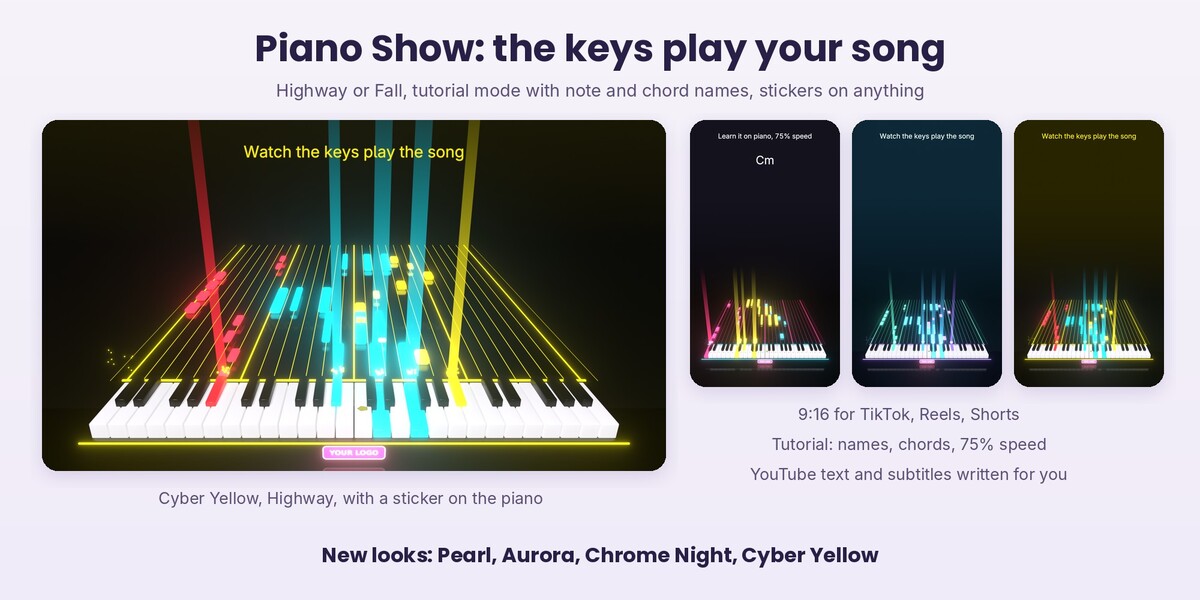
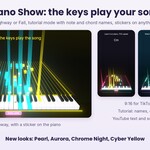
Make The Piano Show builds a scene where a keyboard plays your song by itself: the notes glide towards the keys, and every key goes down and lights up in the colour of its part, lead, chords or bass, while its note sounds. It works from a Blendertronika song, a MIDI file or a Score; an MP3 or WAV is followed by its strongest pitches, an approximation. Highway sends the notes down a shining runway with light beams, sparks and a slow camera push; Fall is the classic view with the notes dropping from the top.
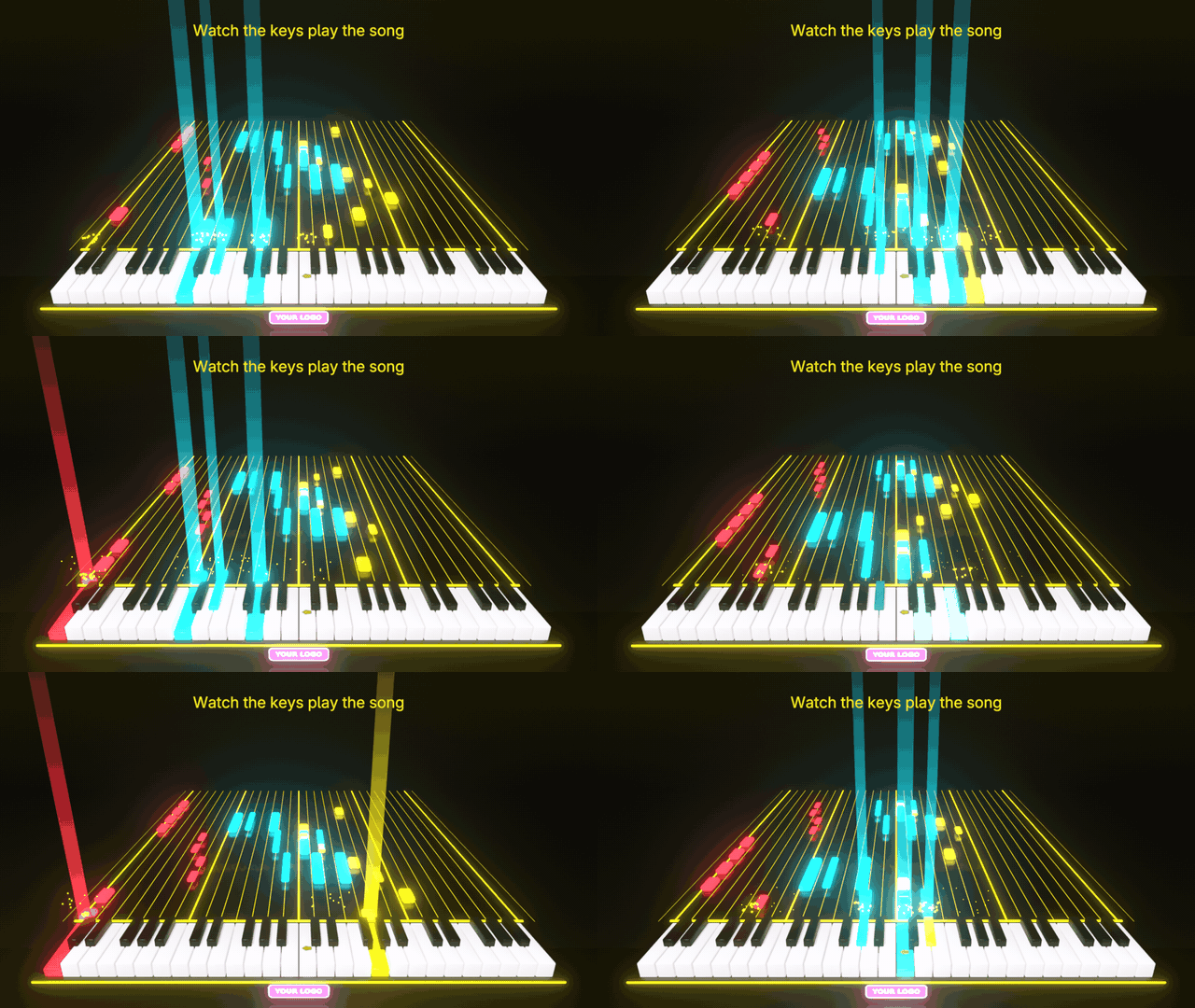
Tutorial mode makes a video to learn the song: the name of every note on the notes and on the keys, the chord on screen as it changes, and 100%, 75% or 50% speed at the same pitch. Next to the video it writes a text ready for YouTube, with title, description, chapters, the chords and the notes bar by bar, plus subtitles of the notes in .srt and .vtt, so search engines and assistants can find what is in your video. Vertical 9:16, 16:9 or 1:1, a hook line on top, and the looks of the Song Game, with four new ones: Pearl, Aurora, Chrome Night and Cyber Yellow.
Make it yours: your own materials for the white keys, the black keys, the body and the notes, and any mesh of yours as the shape of the keys. Add A Sticker puts your own picture, a PNG with transparency, a JPG or a WEBP, on whatever you select: a key, the piano, the player of the Song Game, anything. It wraps the surface and moves with it, so a sticker on a key goes down when the key plays. Finishes Vinyl, Gloss, Glow and Holo; the picture is packed in the .blend, and stickers stay in place when you make the video again.
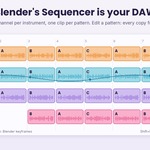
Blender's Video Sequencer is your DAW
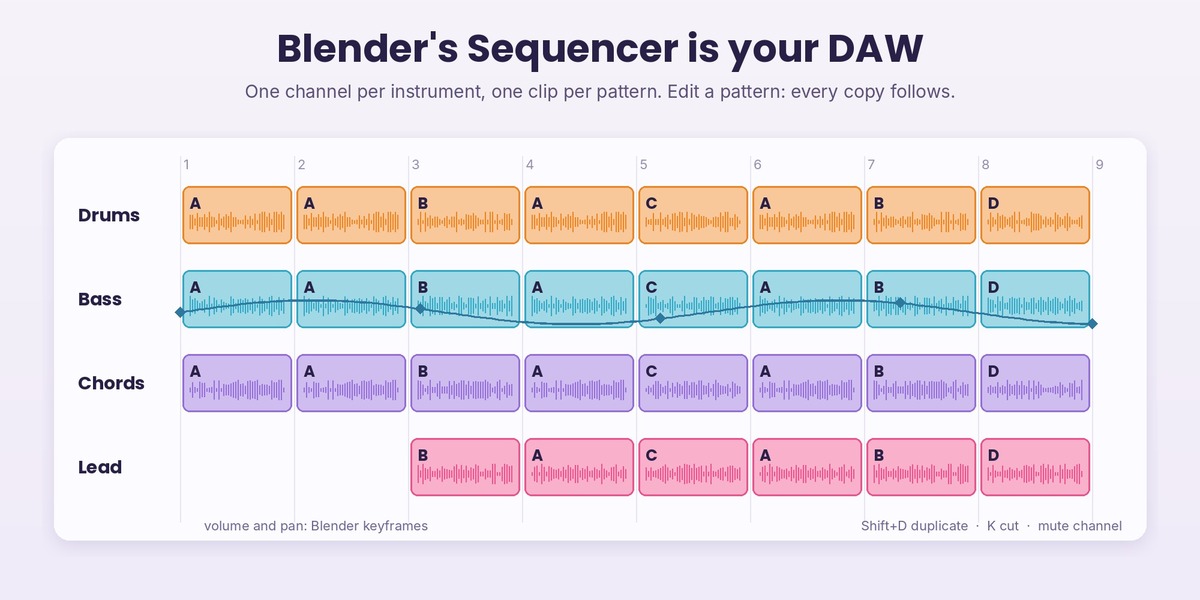
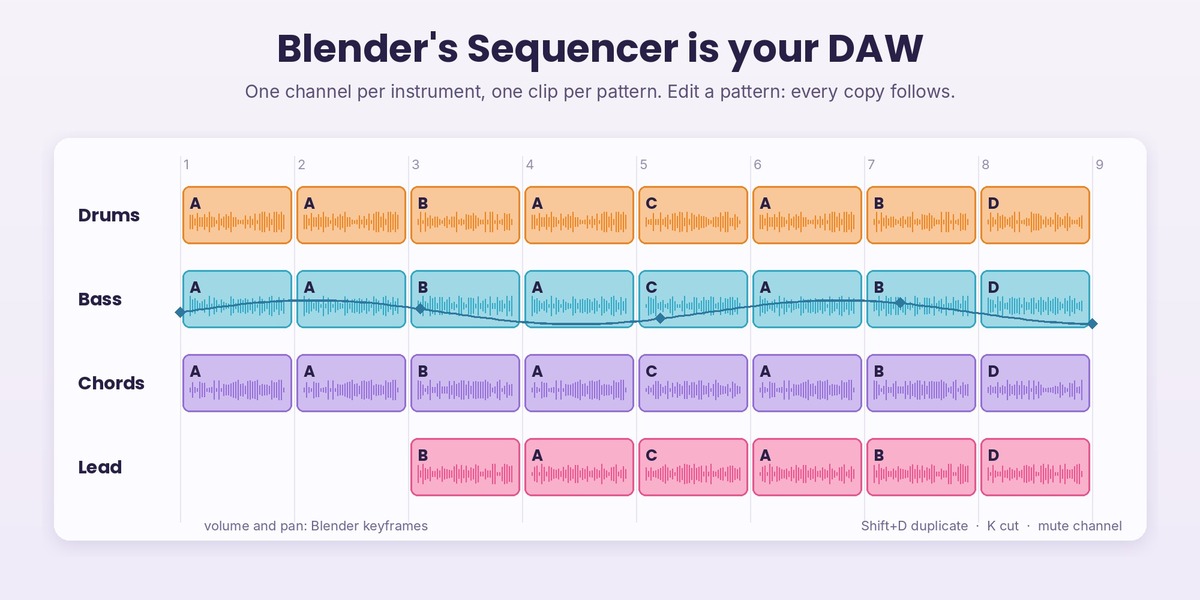
Build Arrangement (step 3b) lays the song out in the Video Sequencer: one channel per instrument group (Drums, Bass, Chords, Lead), one clip per pattern, on the beat grid. Arrange it with Blender's own tools: move clips, duplicate them with Shift+D, cut them with K, mute a channel, keyframe the volume and pan of any strip, add your own audio next to them. All the clips of a pattern share one sound: with Linked Clips on, edit a pattern and every copy follows. Export Sequencer Mix writes the whole mix as WAV, FLAC, MP3 or OGG, and Music: My Sequencer Mix makes the Beat Reactor and the music video follow your arrangement.
The 3D viewport is your piano roll
Song To Score writes the song as mesh objects, one per instrument: every vertex is a note, X is time and Z is the note, always in key. Edit Mode is the editor: move notes, snap them to the grid, extrude new ones, bend a melody with proportional editing. Blendertronika reads the evaluated mesh, so modifiers compose: Array repeats a phrase, Mirror plays it backwards, Geometry Nodes can generate whole parts. With Music: Score In The Viewport the score plays, drives the Beat Reactor and the music video, and it can be the level of the Song Game.
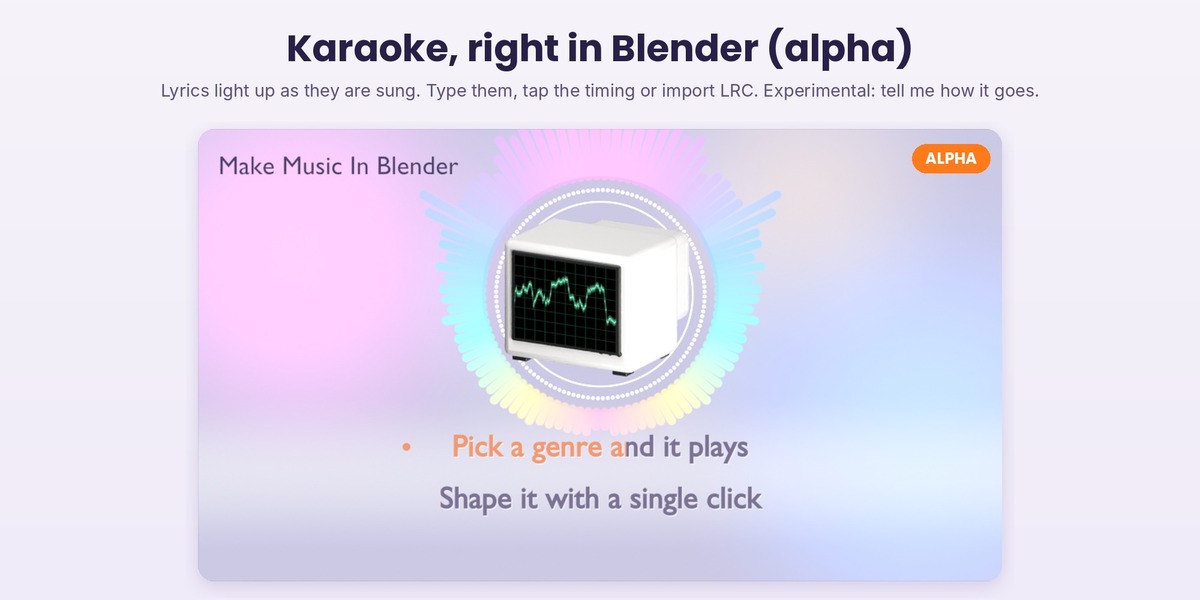
Karaoke (alpha, experimental)
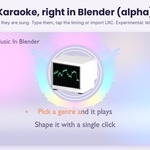
An experimental karaoke mode for the flat music video styles: lyrics that light up as they are sung. Type them one line per row, tap the timing while the song plays (Enter as each line starts) or import an LRC file with word timings. Two lines on screen at a time, countdown dots, an optional title card, several looks or your own colours and font. It is an alpha: every piece of feedback helps.
For people who do know music
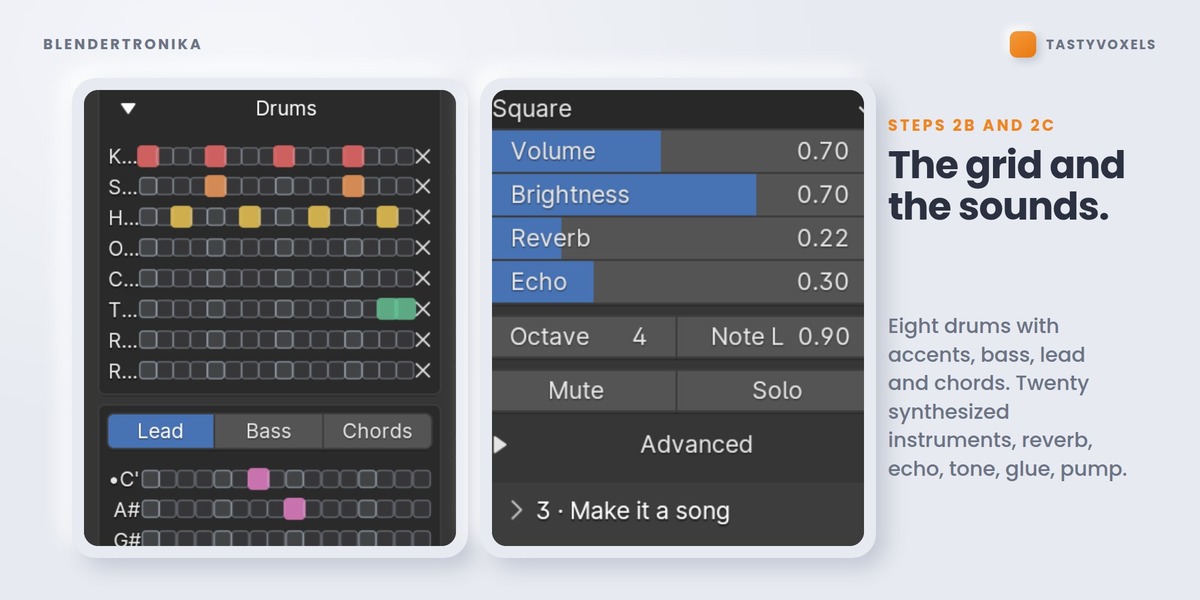
A real step grid: eight drums with accents, bass, lead and chord rows labelled with the notes of your key. Twenty synthesized instruments - saw, square, supersaw, piano, e-piano, strings, choir, guitar, nylon, harp, marimba, kalimba, music box, bells, organ - and eight synthesized drums, each with its own controls. Reverb, tempo-synced echo, master tone, EQ, glue compression, sidechain pump. A live loop that re-renders while you click, so you hear every change.
My Voices: go as deep as you like
Every built-in sound is synthesized, but you are not limited to them. Give any part or any drum a voice of your own: a recording of your instrument (a WAV, played at every pitch, in tune), or a voice written in Python, one function that returns the sound as a numpy array, with a documented template to start from.
Python can do anything your user account can do, so Blendertronika never runs a Python voice until you have read it and pressed Trust, and that trust belongs to the exact file: change one character and it is switched off until you trust it again. Voices that come in a pack from someone else always arrive switched off. This is informed consent, not a sandbox: trust only code you have read or whose author you trust.
Your presets are yours - and they are files
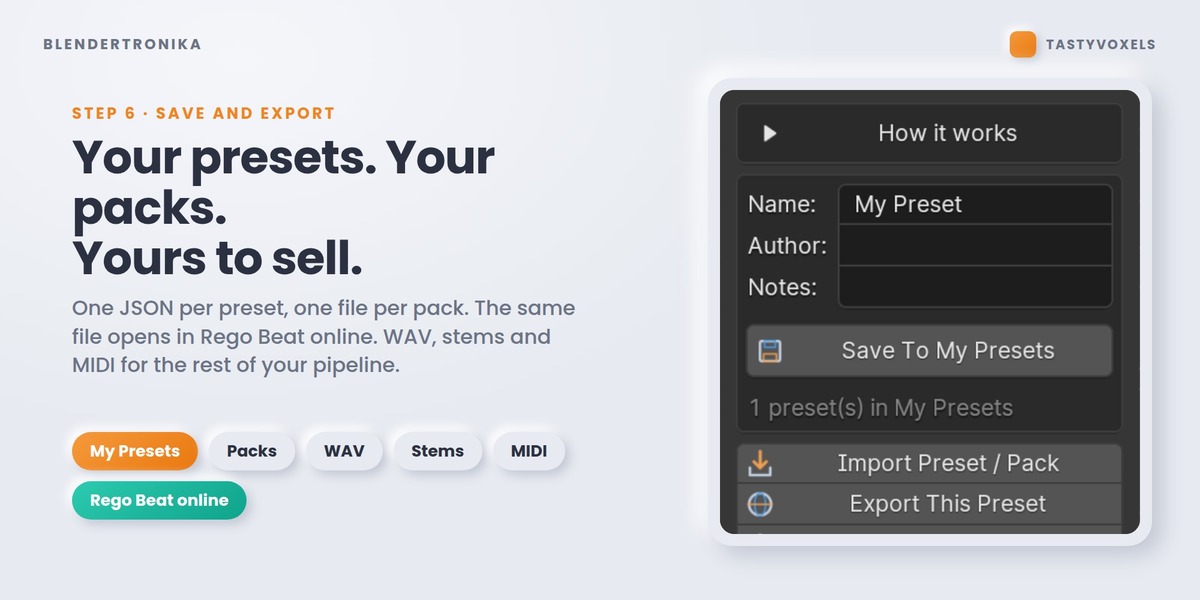
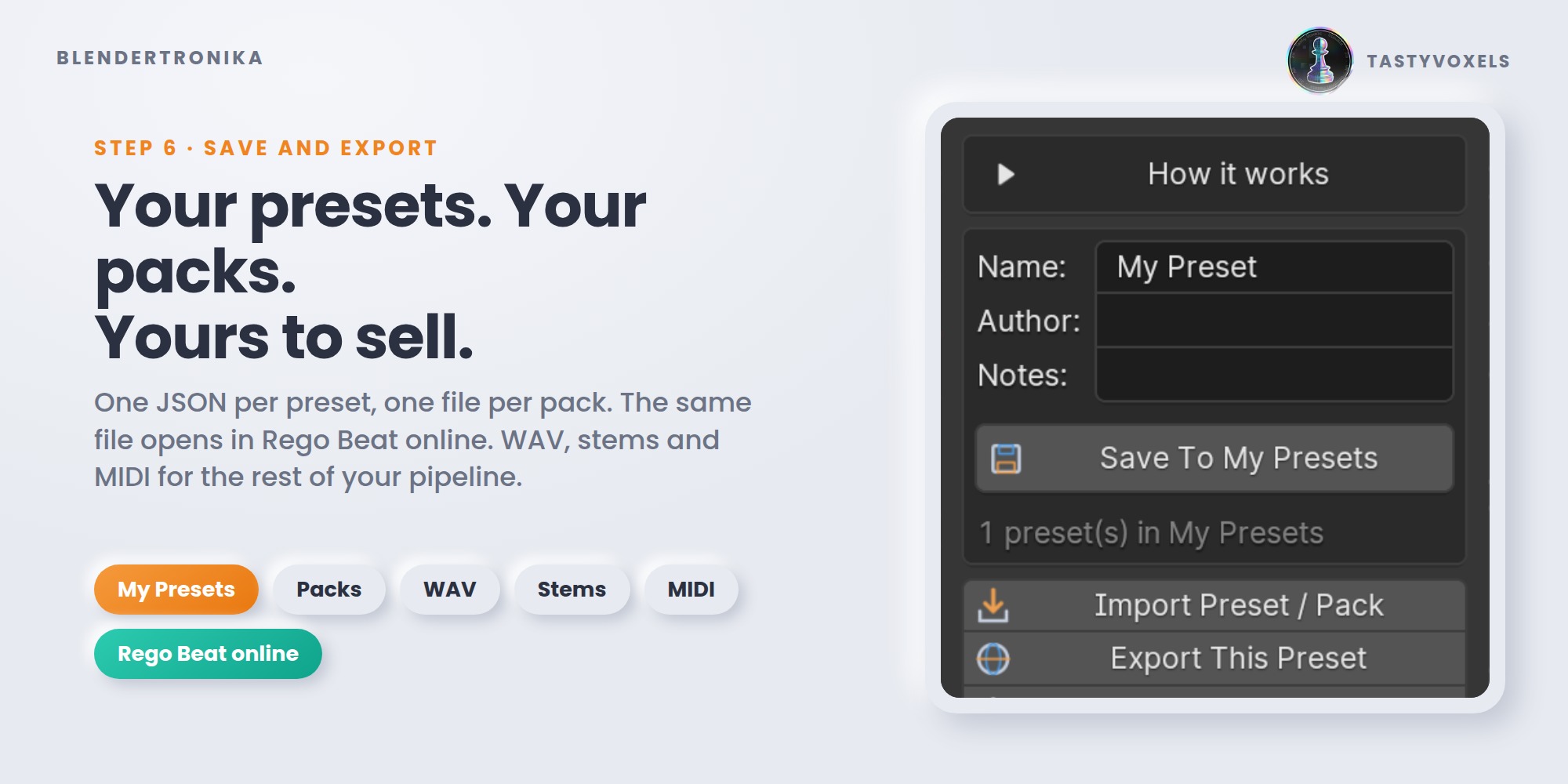
Save To My Presets keeps the whole song: four patterns, every sound, the mix. Export My Presets As Pack writes all of them into one file you can share, sell, or load in your own tools - the format is open and documented inside the add-on. Export Pack With My Voices puts them in one .zip together with the recordings and Python voices they use, so a pack made with your own instruments travels whole. And because a preset is also a valid Rego Beat online project, the same idea travels between Blender and the browser.
What it is not
Blendertronika is not a recording studio: it does not record audio and it does not host VST plugins. Its Arrange step turns Blender's Video Sequencer into a simple DAW for arranging, mixing and exporting, but it is a music maker first. Every built-in sound is made by the add-on's own synthesizers at render time, which is why there is nothing to download and nothing to license; the only recordings inside a song are the ones you choose to add. The music you make is yours.
Other ways to get music into Blender, and where Blendertronika fits
- Audio visualizers and Bake Sound to F-Curves animate objects from a sound file you already have. Blendertronika does that too (Beat Reactor, with your own audio file or with the music it makes) and also writes the music itself.
- Royalty-free music libraries give you finished tracks of a fixed length. Blendertronika writes the song to the length of your scene, so it ends on your last frame and lands on your hits.
- A separate music program (DAW) means exporting, importing and re-syncing every time the edit changes. Blendertronika keeps the music in the .blend and renders it again in seconds; stems and MIDI are there when you want to finish a track in your DAW.
Never lose your work
Export All Settings writes everything you set in a scene to one small JSON file: the song, the sounds and the mix, the video and model options, the Reactive Groups, your Timeline Keys and the music hits. Import All Settings brings it back in any .blend. Every time you save the .blend, a backup is also written to a folder in Blender's own user configuration, never online; the last 20 are kept.
Requirements
Blender 4.3 to 5.2. Windows, macOS, Linux. Uses only what ships with Blender (Python, numpy and Blender's own audio library, which also encodes the MP3, OGG and FLAC files). No internet, no external programs, no dependencies to install.
NO AI INSIDE THE PRODUCT
No model, no inference, no telemetry, no network access, no data collection. The Maestro is music theory written as code - scale degrees, chord tones, cadences - and the instruments are plain synthesis maths. It runs offline and gives the same result from the same seed, forever.
AI assists me while I work: it writes code with me, and it translates my documentation into English, which is not my first language. I have been programming since long before generative tools were mainstream; the engine here is the same one that runs Rego Beat in the browser. The numbers: 216 automated checks pass on Blender 4.3, on Blender 4.5 LTS and on Blender 5.0 before this release, a quick run inside Blender 5.2 LTS makes a song, writes all four audio formats and draws the Studio on the graphics card, and every one of the 86 genres is rendered and measured for level and clipping each time.
Covers, shirts and posters
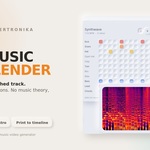
The whole song as one picture: a spectrogram, a ring like a record or a wave, in Lava, Neon, Aurora, Blenderpunk or one ink for screen printing, at album cover, T-shirt, poster or banner size, with a transparent background if you like.
Support
Updates and support are included for good - no support period, no renewal fee. Questions and feedback: Superhive inbox. There is a Feedback panel in the add-on too: tell me what to add, what to improve, what to explain better. More genres and more Maestro tools are on the way.
Tasty Voxels x Regolith Highfield - GPL-3.0-or-later