 Rafael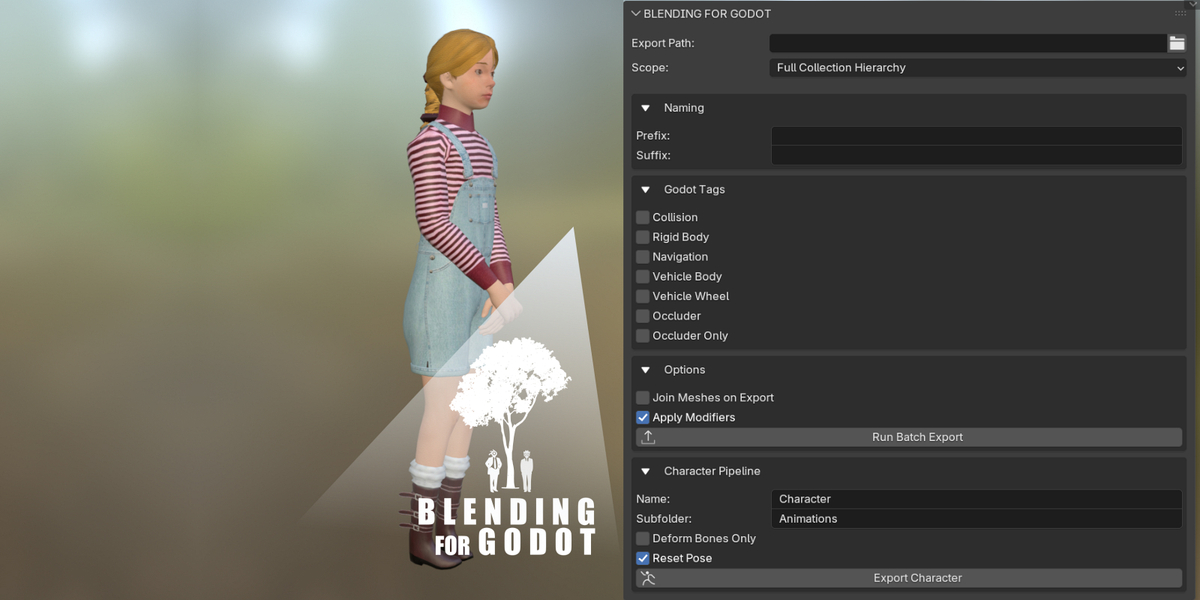


Documentation: How to Use
1. Batch Export Workflow
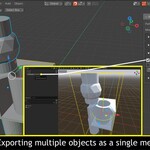
Designed for environment kits and modular assets. This module processes multiple objects simultaneously.
- Selection: Select objects or a specific collection in the Outliner.
- Path: Define the target directory in the BlendingForGodot panel.
- Optimization: Enable "Smart Mesh Joining" to merge selected objects into a single mesh, reducing Draw Calls in Godot.
- Execution: Click "Run Batch Export". The addon duplicates assets, applies tags, and exports while keeping the original scene intact.
2. Character Pipeline
Optimized for skinned meshes and skeletal animation export.
- Active Object: Select the armature (rig) as the active selection.
- Automated Organization: Set the Character Name and Animation Subfolder; the addon will automatically generate these directories to maintain project structure.
- Action Baking: Ensure your Actions are stashed or assigned; the addon will bake active actions during the automated export cycle.
- Execution: Click "Export Character" to generate the Godot-ready file with all animations.
Note: For optimal results, ensure all transforms (Scale/Rotation) are applied in Blender before running the export.
$1.99
Have questions about this product?
Login to message
| Blender Extension Compatible | Yes |
| Dev Fund Contributor | |
| Published | 6 months ago |
| Blender Version | 5.0 - 5.1 |
| Extension Type | Add-on |
| Render Engine Used | Blender-Internal, Eevee |
| License | Mit |

Discover more products like this
gltf godot batch-export optimization physics blender-to-godot collision godot 4 vehicle physics game-dev Exporter character export