SEE BLINGFORGE IN ACTION
Watch the complete BlingForge 1.1.0 walkthrough to explore the updated workflow and all the new tools.
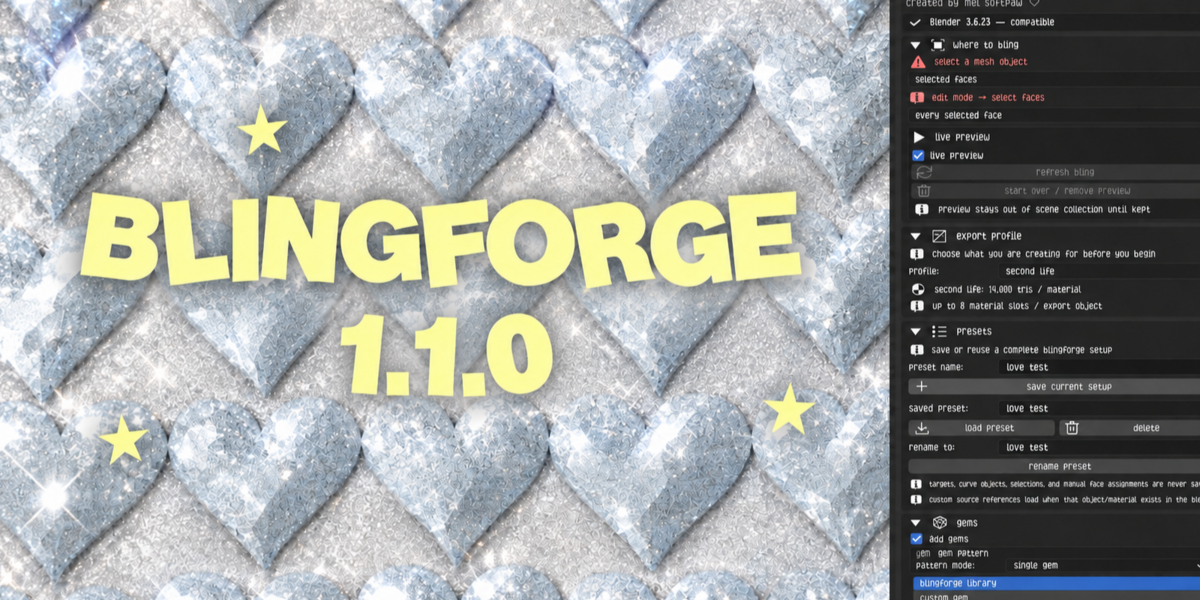
BLINGFORGE 1.1.0
Gem + Prong Generator for Blender 3.0 to 5.2
BlingForge turns repetitive gem and prong placement into a faster, cleaner Blender workflow.
Designed for jewelry, accessories, fashion pieces, Second Life creations, Roblox assets, game assets, product visualization, and general 3D work, BlingForge gives creators more control over how bling is placed, customized, previewed, finalized, textured, and prepared for export.
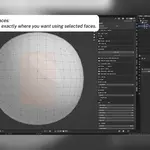
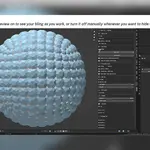
Choose where your gems are generated using selected faces, selected vertices, the whole mesh, or curve paths. Live Preview lets you see and adjust your bling before permanently adding it to the scene.
BlingForge 1.1.0 includes expanded gem and prong libraries, custom gems, custom prongs, mixed gem designs using up to four different gems, manual and random gem assignment, straight gem alignment, mirror and symmetry tools, curve path placement, complete presets, an improved Live Preview workflow, and smarter export checks.
Gems and prongs can be created together or separately. You can generate gems only, gems with prongs, or use the prong-only workflow without regenerating your gems.
Gem and prong controls include proportions, detail, coverage, thickness, height, spacing, grip, rotation, surface lift, and material options.
Choose how your gems receive their materials using BlingForge Crystal materials, existing Blender materials, or image textures.
Custom Gem UV Prep includes three options. Front-Facing Stacked creates a UV focused on the front of your custom gem. Preserve Source UV keeps the UV your custom mesh already has. Auto Clean Unwrap creates a new, clean UV using BlingForge’s topology-based workflow.
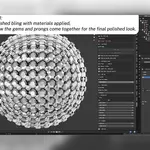
Keep This Bling finalizes your preview and converts the generated pieces into organized Blender geometry ready for additional editing, texturing, and export.
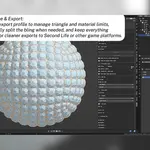
BlingForge supports multiple export workflows. The Second Life profile organizes generated geometry using practical triangle and material limits. Custom Limits allows you to set your own requirements for games, marketplaces, and other platforms. No Limits is available for high-detail renders, portfolio work, product visualization, and unrestricted 3D projects.
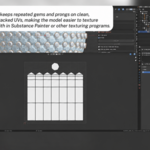
Repeated BlingForge gems and prongs use clean, organized UV layouts designed for easier texturing. The workflow is Substance Painter friendly, but Substance Painter is not required.
BlingForge can be used for jewelry, earrings, necklaces, bracelets, rhinestone designs, accessories, digital fashion, avatar accessories, Second Life creations, Roblox assets, game assets, product visualization, portfolio renders, and general Blender projects.
SUPPORT AND COMMUNITY
BlingForge buyers can join the Heaven Studios Discord for setup help, tutorials, release notes, bug reporting, feature requests, future updates, and community creations.
https://discord.gg/q5YPcM39Hq
LICENSE
BlingForge’s addon code is distributed under the applicable GPL license. Commercial use of the original creations you make with BlingForge is allowed. Please review the included license documentation for the complete terms.
BLINGFORGE 1.1.0
Created by Mel Softpaw ♡
 Heaven Studios