 Voidwright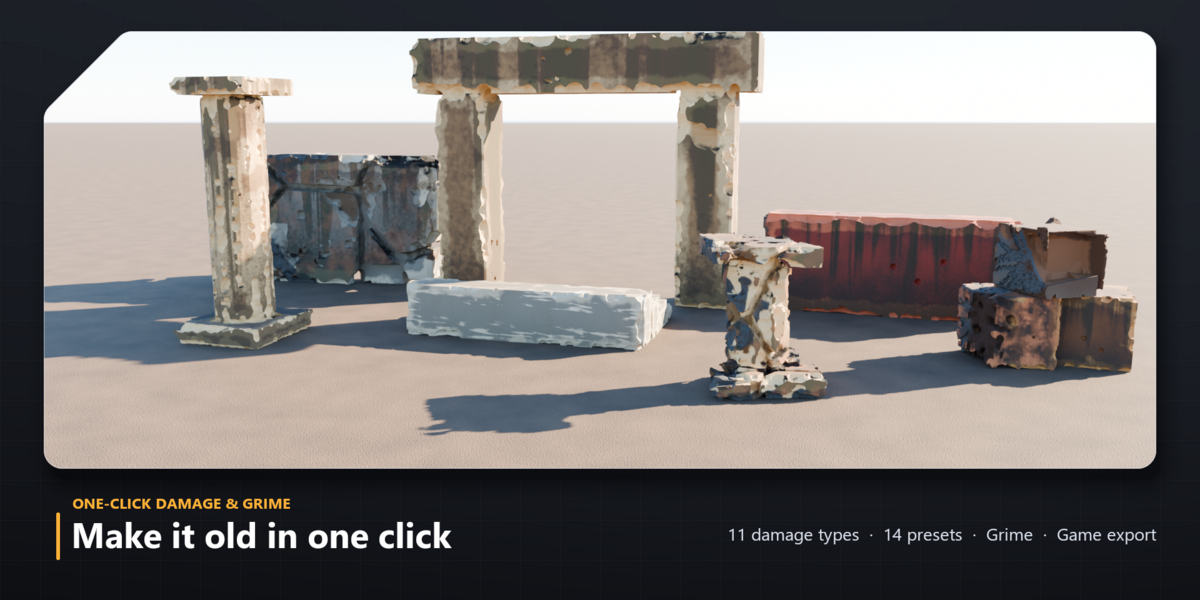
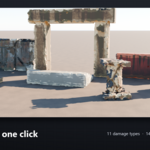
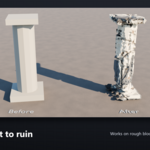
Damage and grime in one click
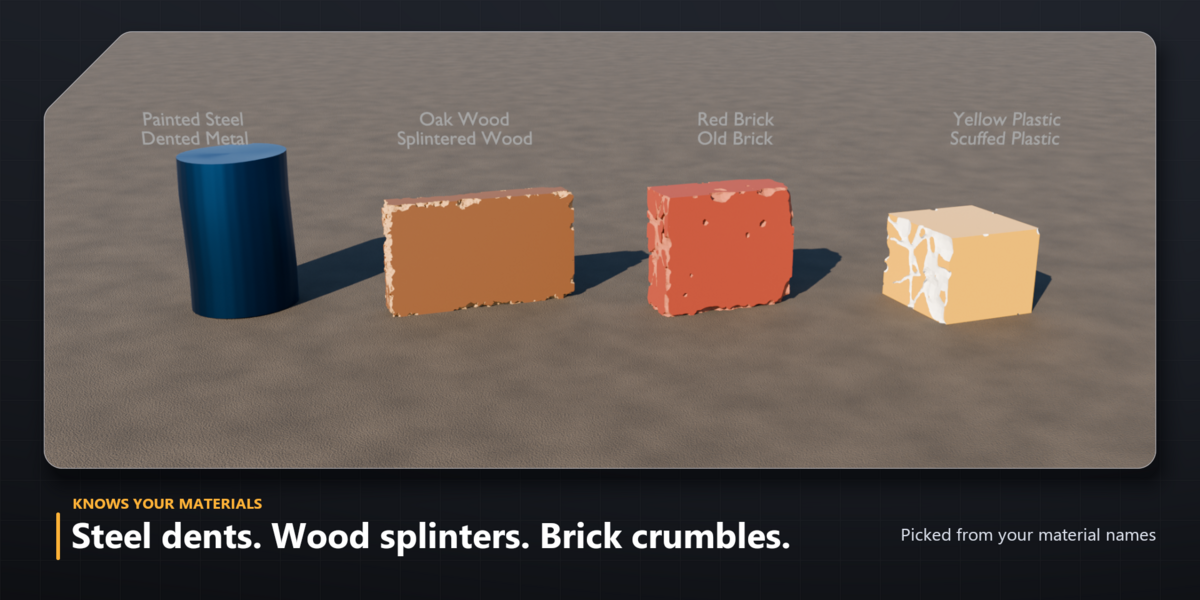
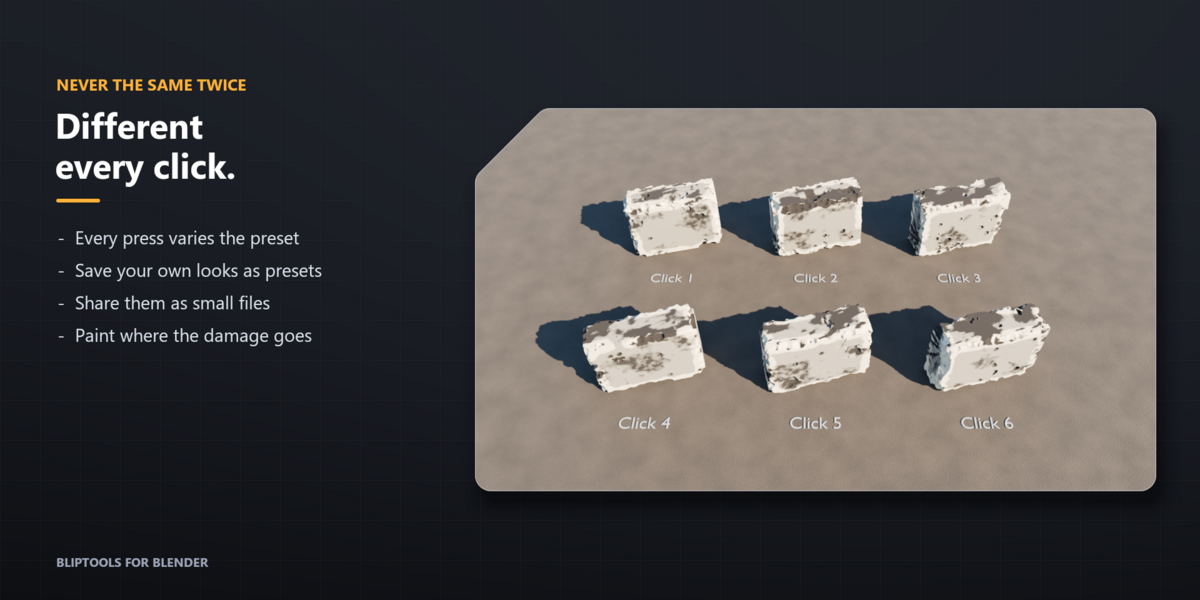
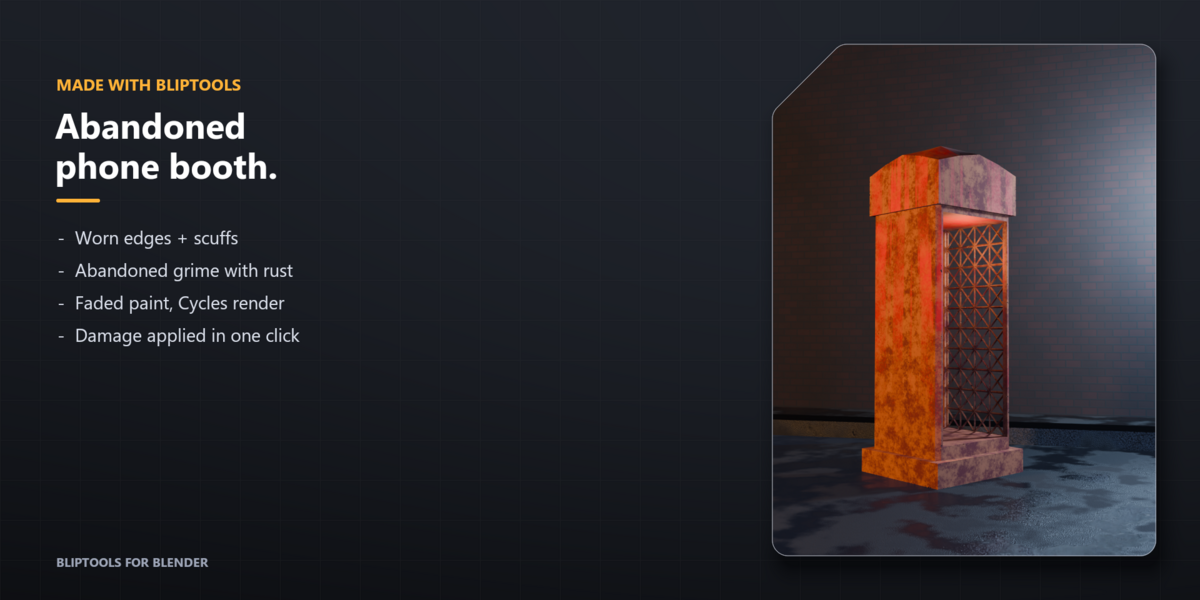
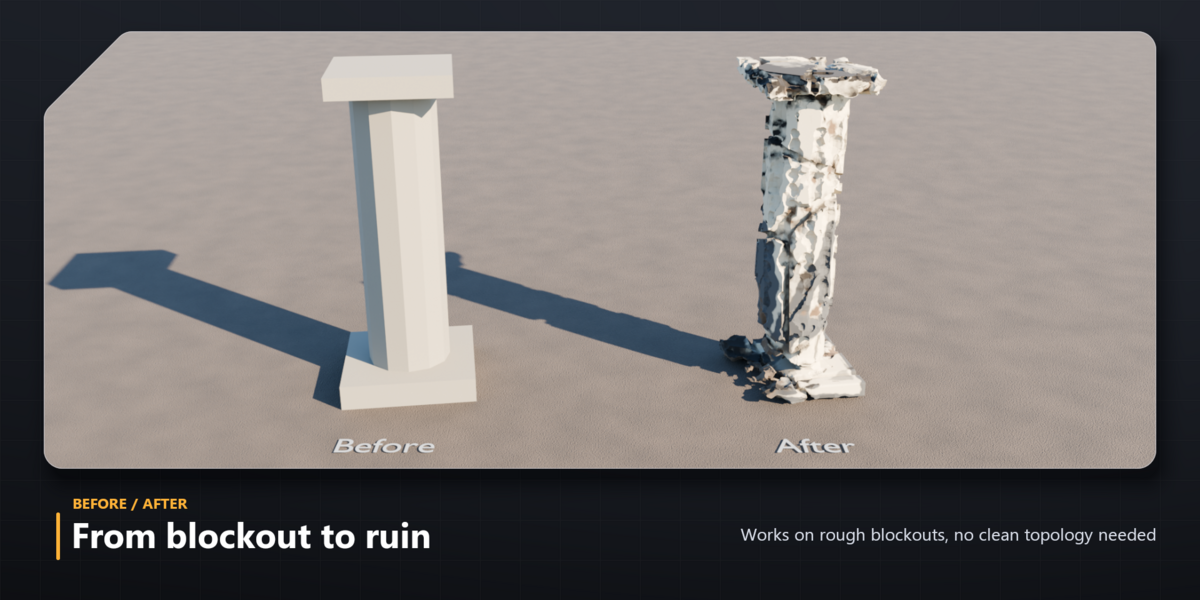
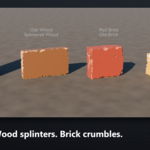
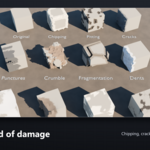
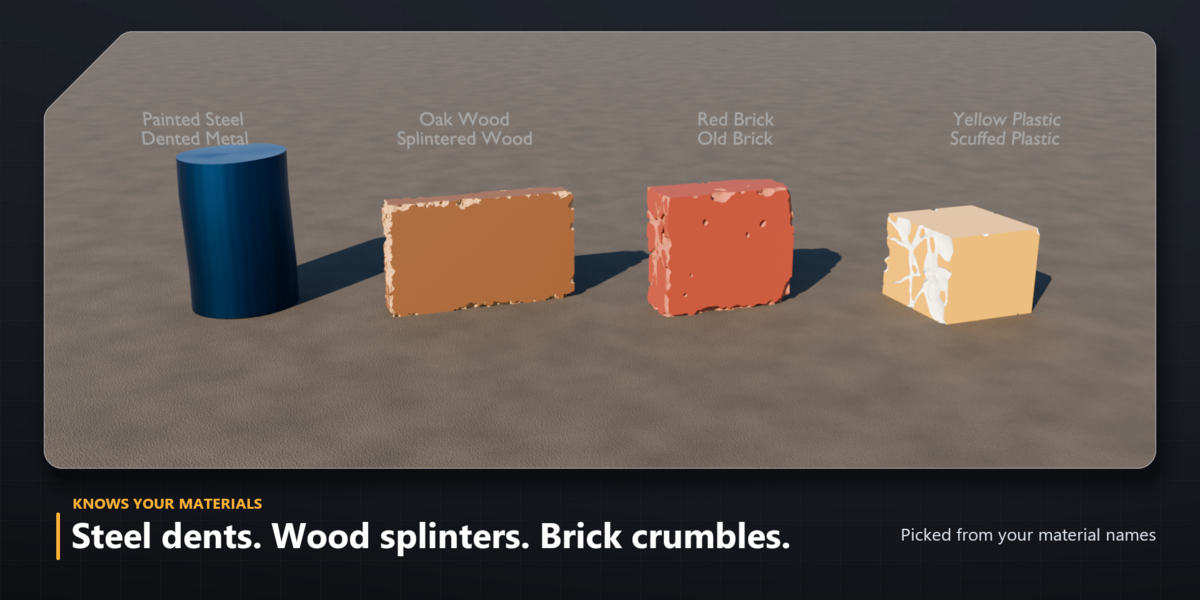
BlipTools turns a clean model into a worn, chipped, crumbling or rusty one with a single button. Pick a preset or just press Damage: BlipTools reads your material names and chooses a fitting look (steel dents, wood splinters, brick crumbles). Every click gives a new variation, and everything stays editable until you apply it.
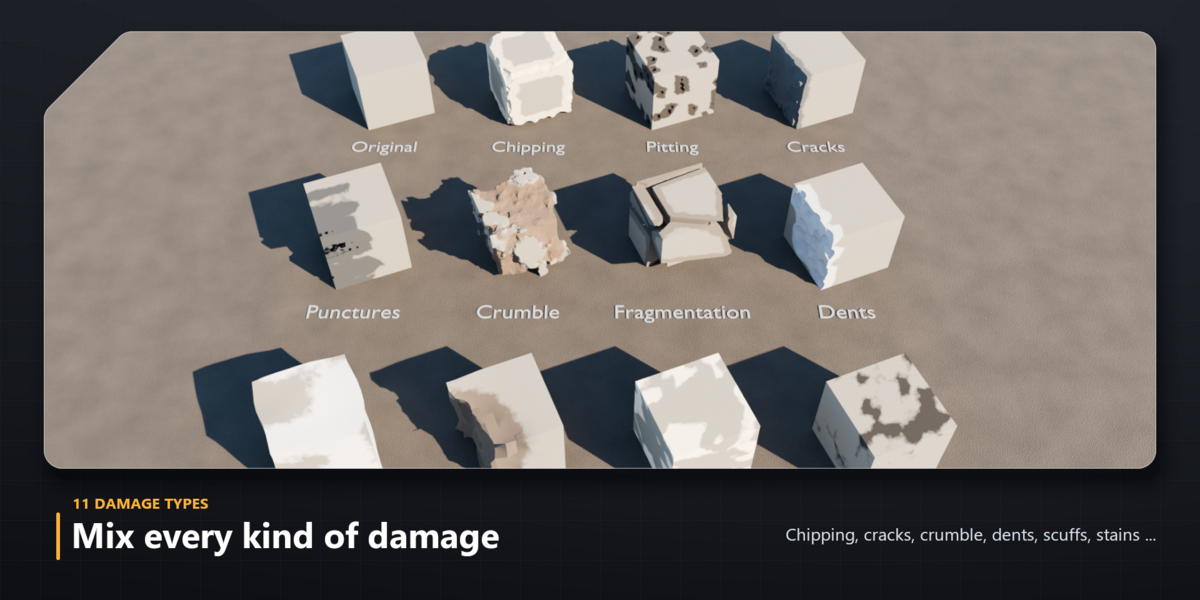
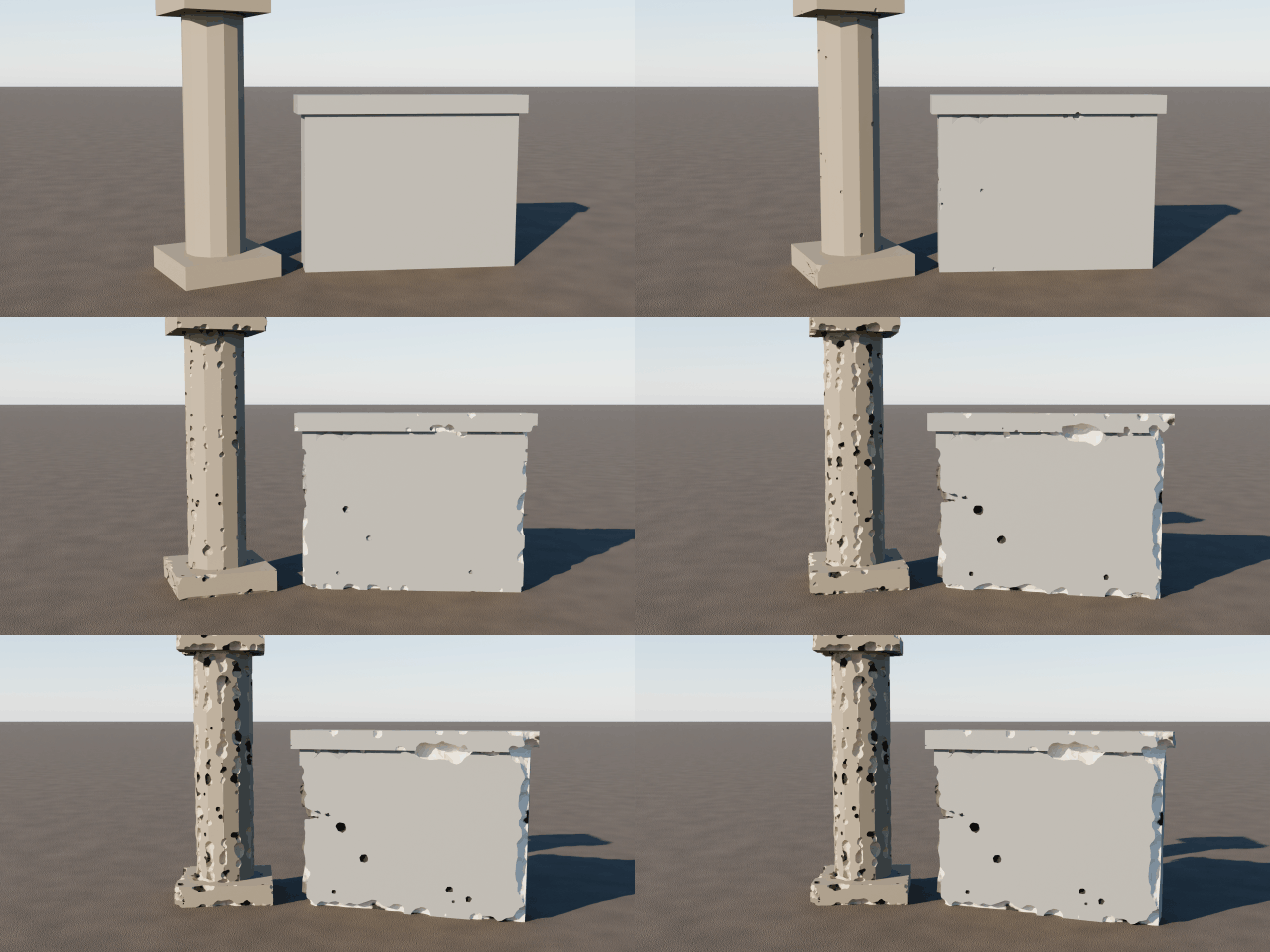
Damage
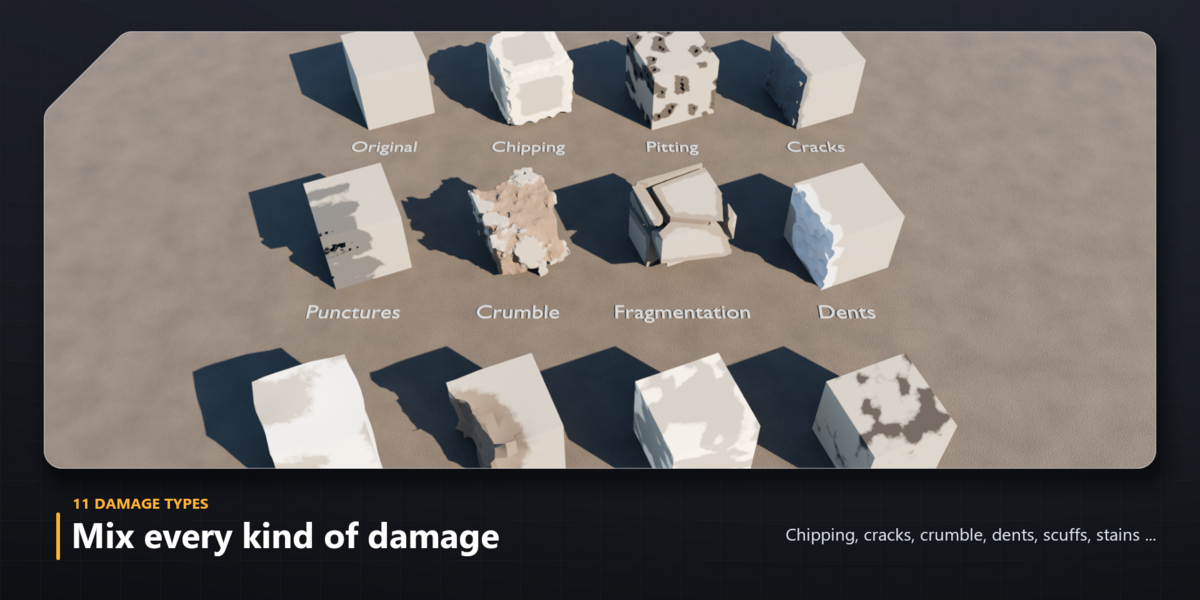
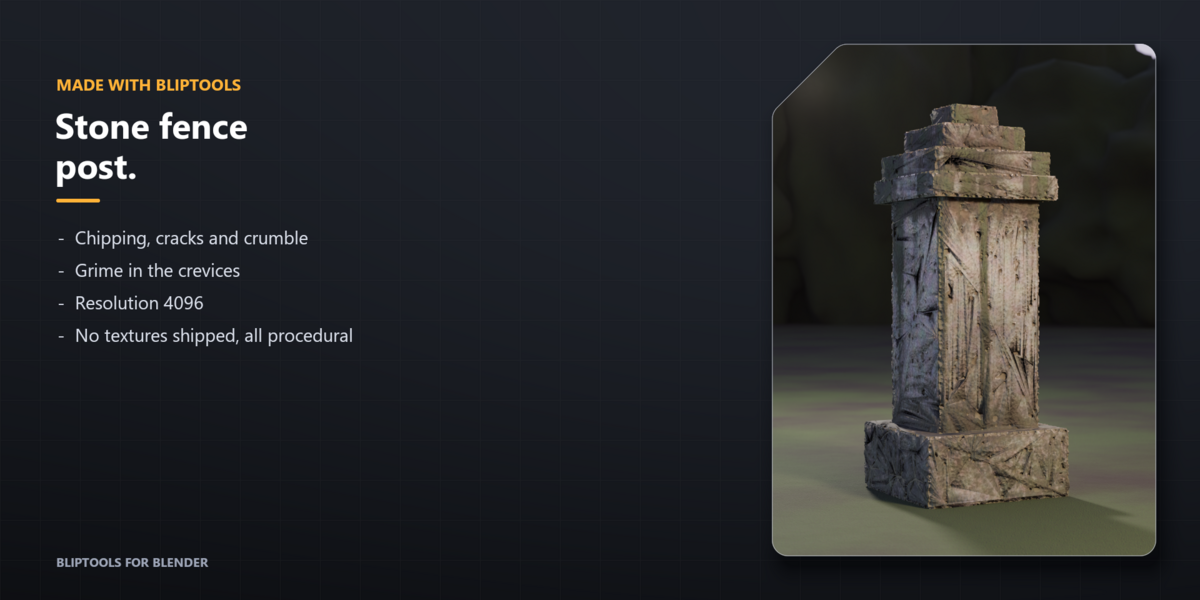
- 11 damage types: chipping, pitting, cracks, punctures, crumble, fragmentation, dents, warping, crushing, scuffs and stains. Mix them with sliders.
- 14 presets: Worn Edges, Weathered Stone, Chipped Concrete, Impact Damage, Ruined, Cartoon Chunks, Bullet Holes, Decay, Scuffed, Dented Metal, Shattered, Splintered Wood, Old Brick, Scuffed Plastic.
- Paint Damage: paint where the damage goes (and where it must not) with a live preview.
- My Presets: save your own looks and share them as small files.
- Works on rough blockouts, keeps your own materials and UVs, and the result is always one object.
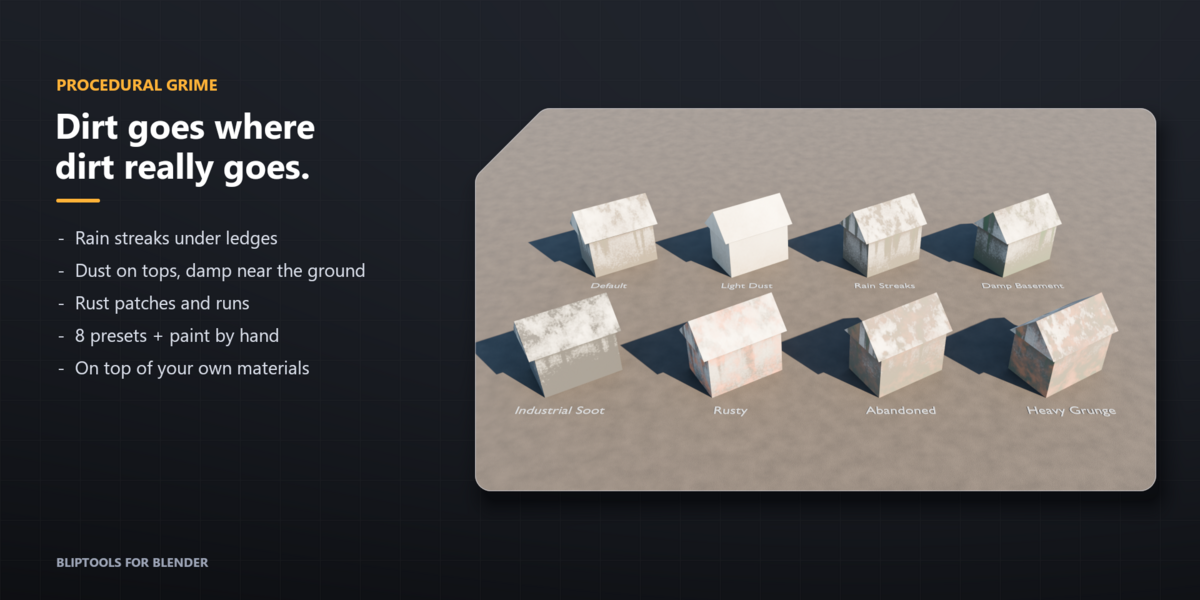
Grime
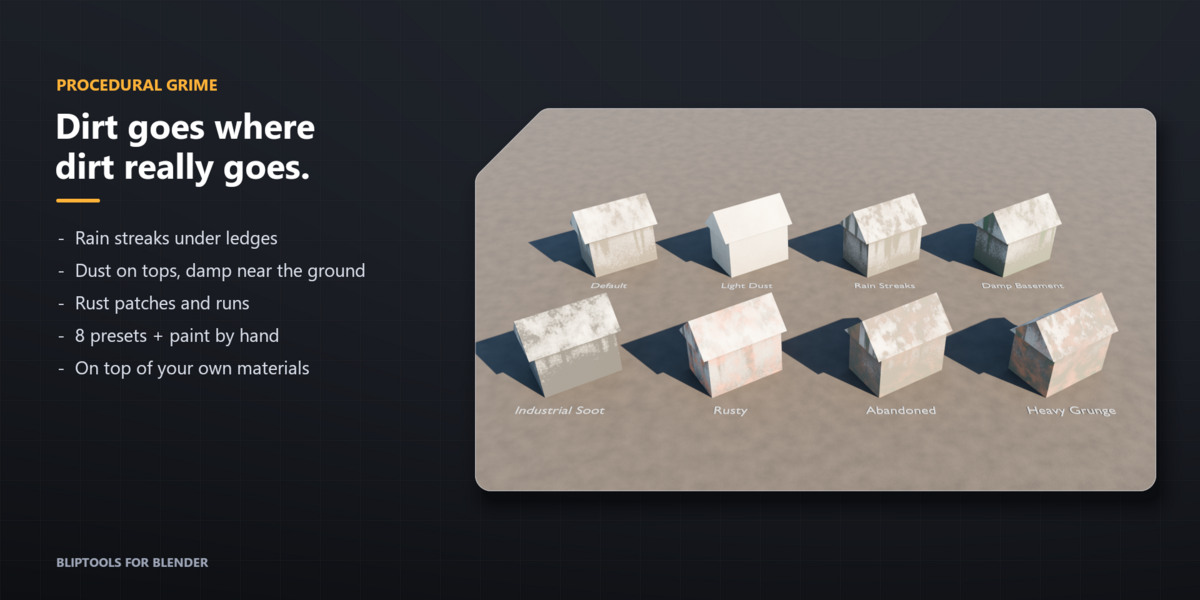
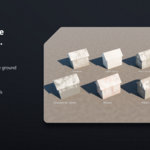
- Procedural dirt, rain streaks under ledges, dust on tops, damp near the ground and rust patches, layered on top of your own materials.
- 8 grime presets, plus a paint mode with Dirty and Clean brushes.
- No textures shipped: everything is procedural and renders in Cycles and EEVEE.
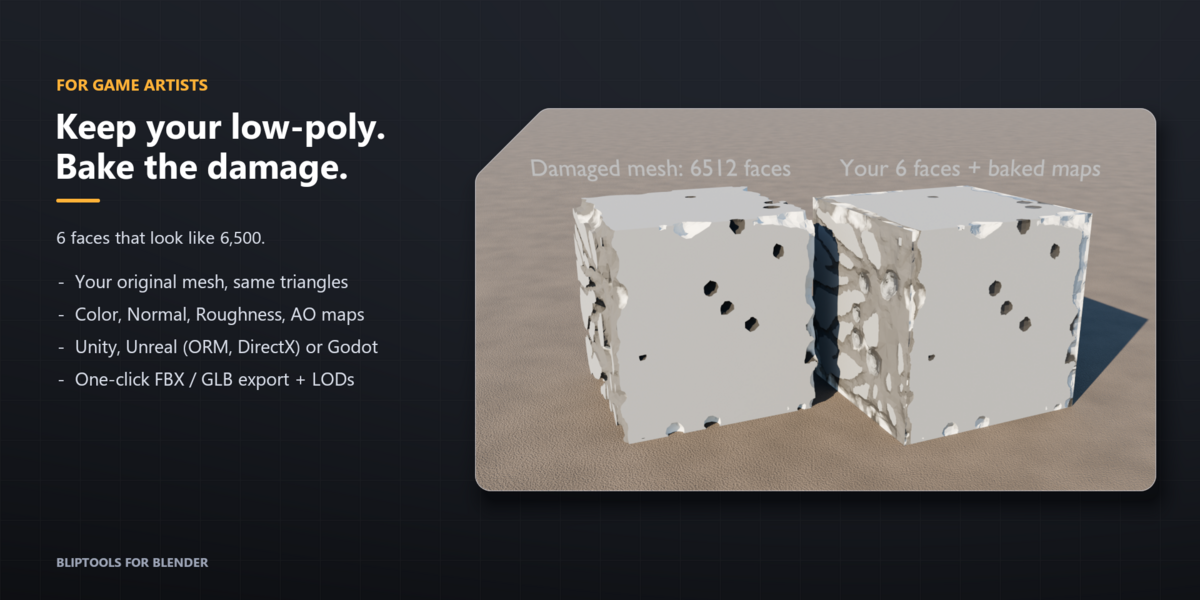
For games
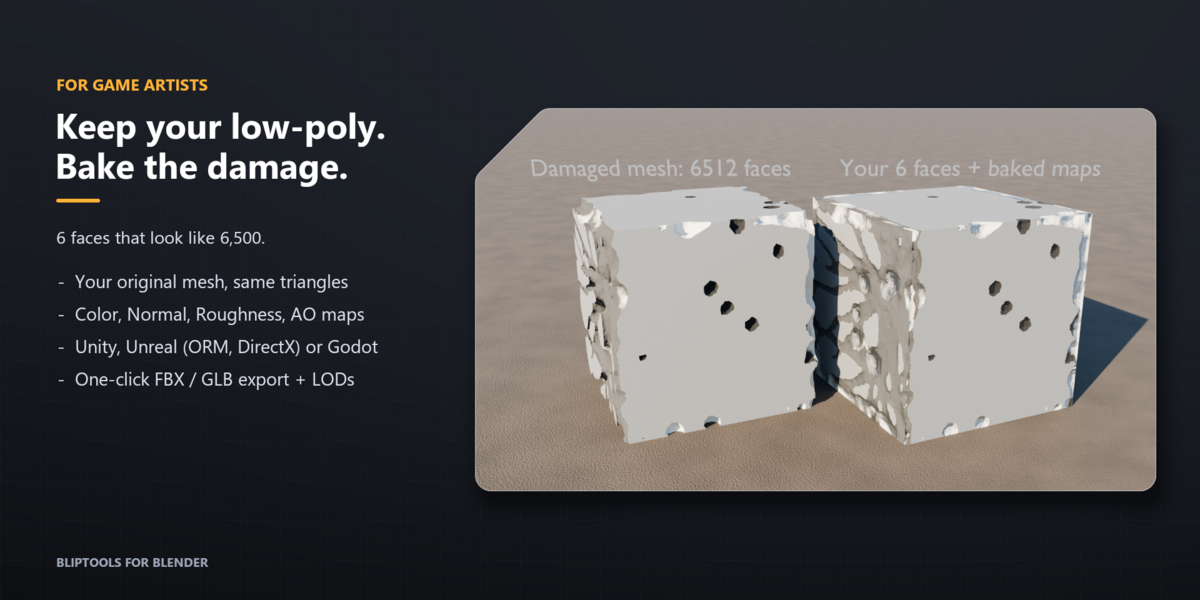
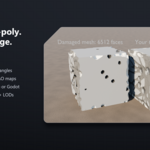
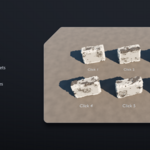
- Bake to Low-Poly: keeps your original mesh and bakes the damage into Color, Normal, Roughness and AO maps. Zero extra triangles.
- Export Game Asset: one click to PNG textures plus FBX (Unity, Unreal) or GLB (Godot). Unreal gets a DirectX normal map and a packed ORM map.
- Optional LODs, a Triangle Limit, and Remesh Simplify for lighter meshes.
Requirements
- Blender 5.2 LTS.
- Install: Edit > Preferences > Get Extensions > Install from Disk, then pick the zip. The tools are in the 3D View sidebar (N), tab BlipTools.
License: GPL-3.0-or-later.
More from Voidwright
BlipTools for Unreal Engine is a separate tool from the same studio: an AI assistant inside the Unreal Editor that can build Blueprints, Niagara effects, landscapes and gameplay systems from plain-language requests, with local or cloud models. See it on Fab.
This page is the Blender add-on (damage and grime for meshes). The two products are independent and you do not need one for the other.