BlipTools
 Voidwright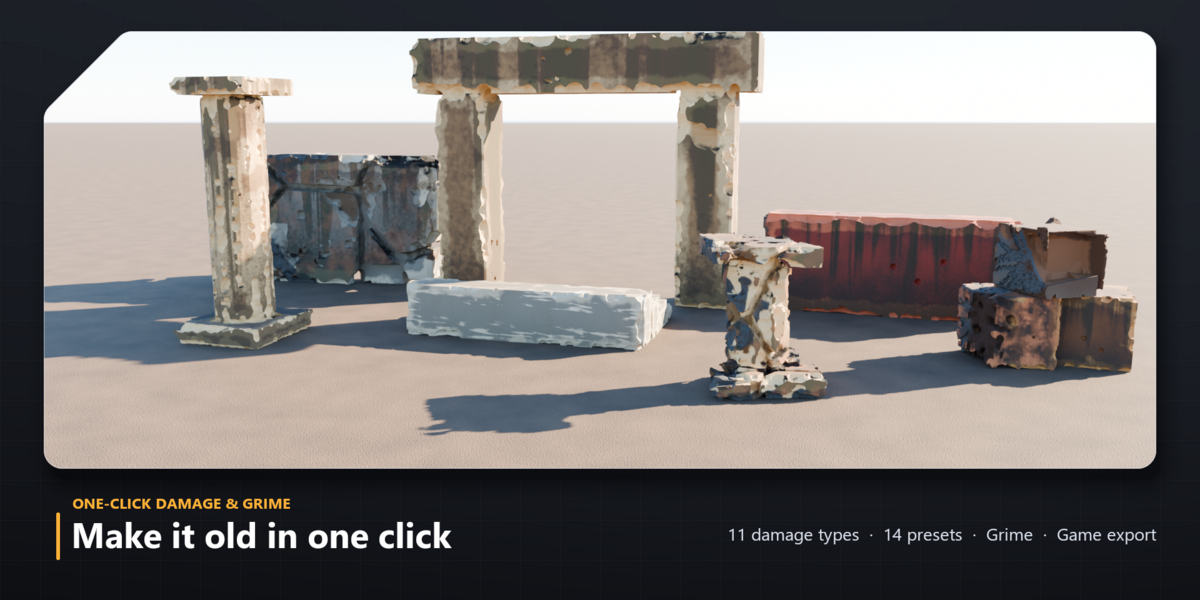
Installation
- Download bliptools_blender-0.0.1.zip (do not unzip it).
- In Blender 5.2: Edit > Preferences > Get Extensions, open the drop-down at the top right and choose Install from Disk, then pick the zip.
- In the 3D View press N and open the BlipTools tab.
Quick start
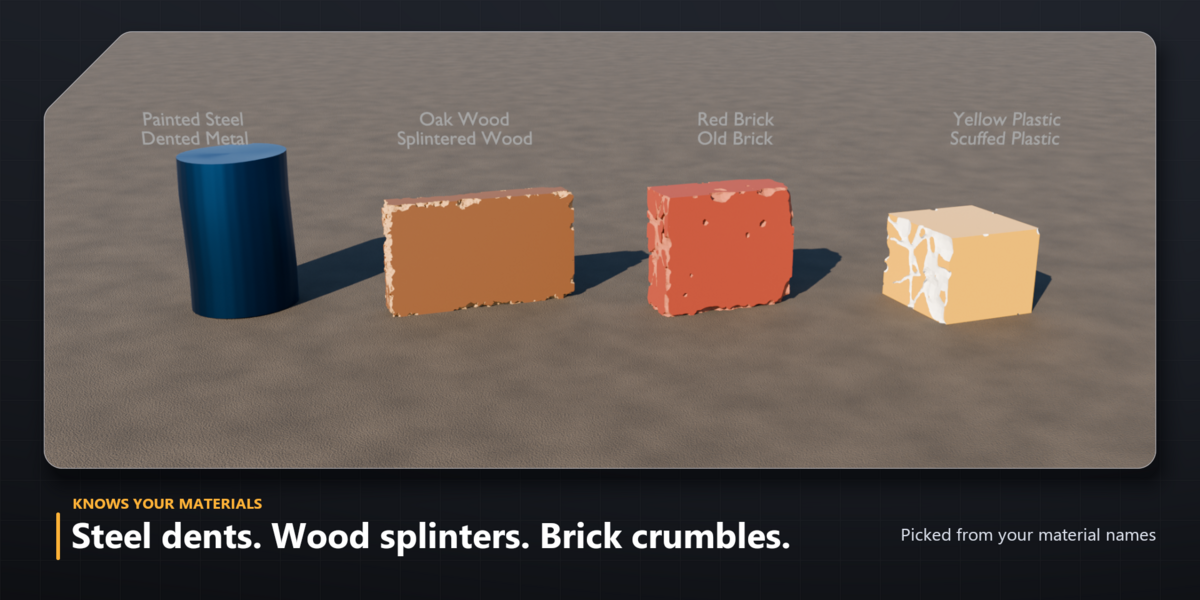
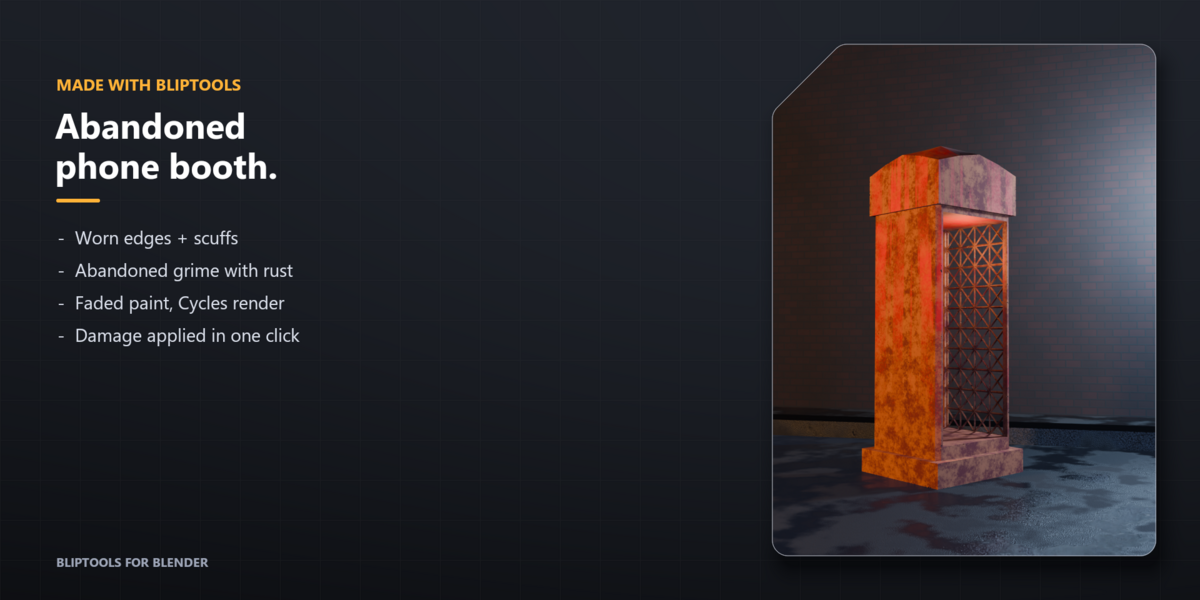
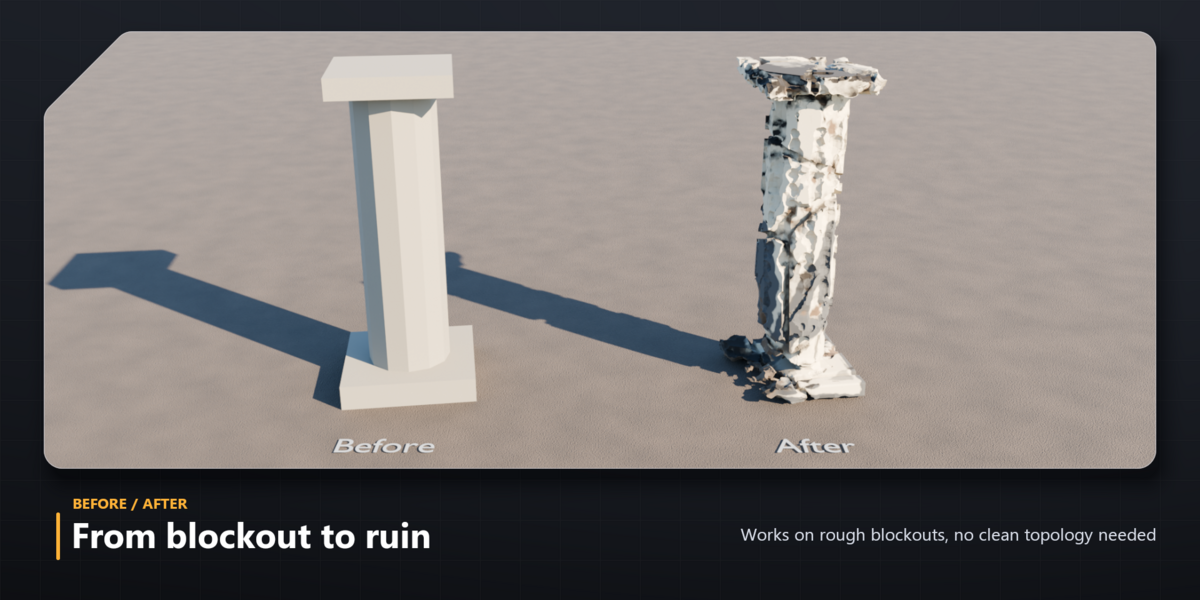
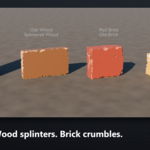
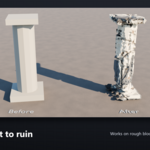
- Select a mesh and press Damage. Without a chosen preset, BlipTools reads your material names (steel, wood, brick, stone, concrete, plastic) and picks a fitting preset.
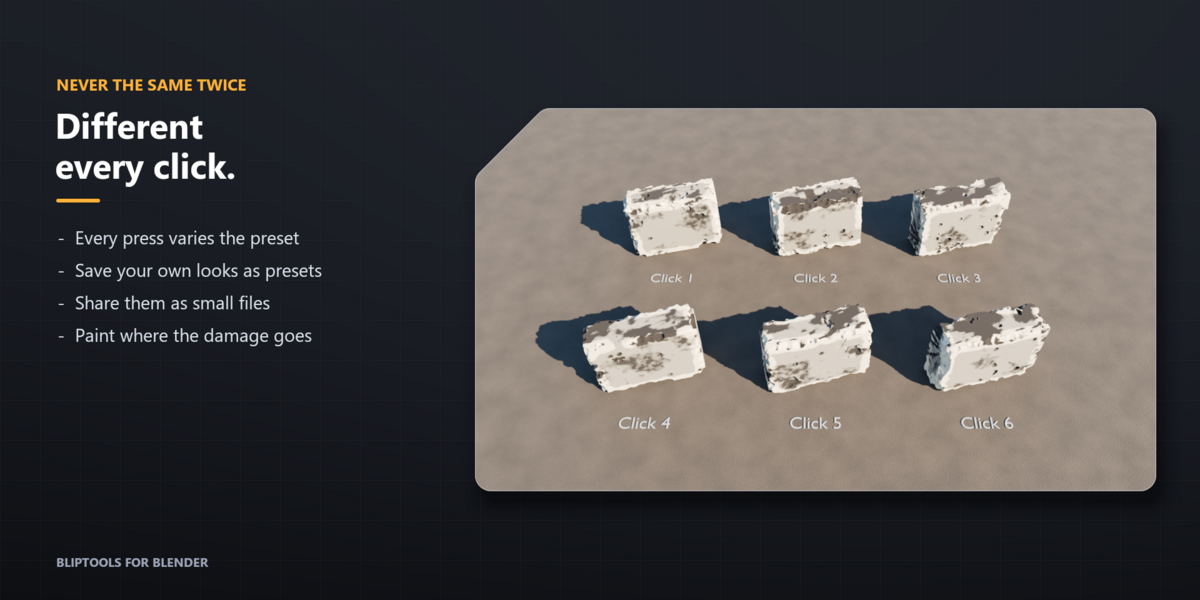
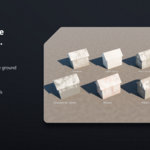
- Change the look with the Preset menu, the refresh button (new variation), Amount, Damage Scale, Roughness, Pattern and Style.
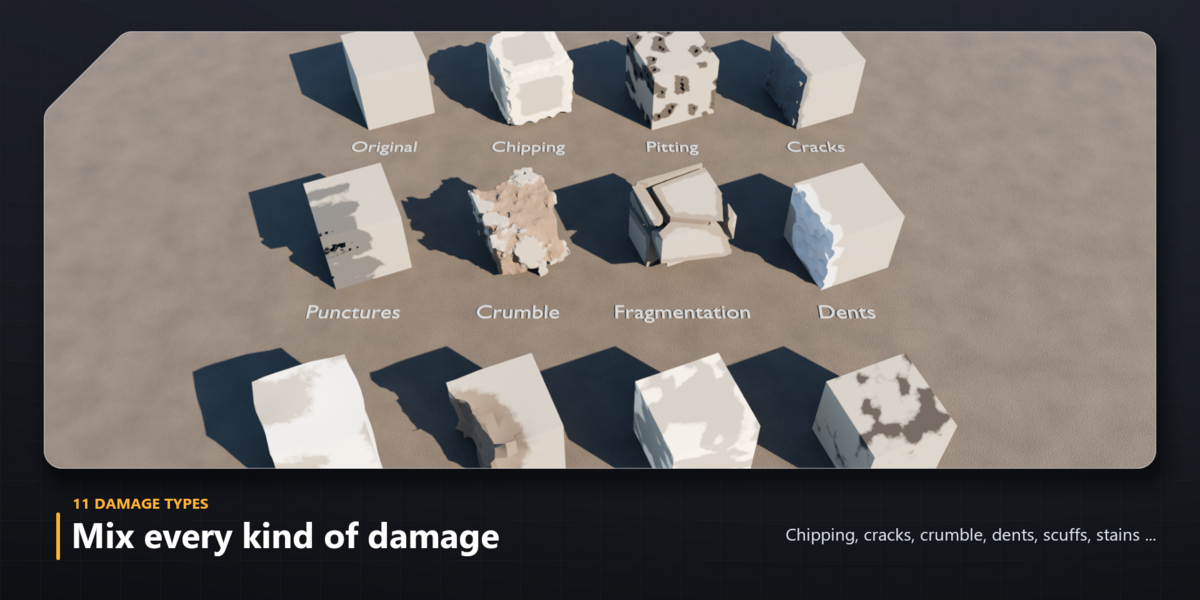
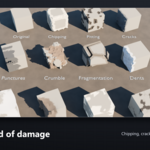
- Mix the 11 damage types in Damage Types. Nothing is final until you press Apply Damage; Remove brings the original back.
Features
- Paint Damage: the white brush paints where damage goes, black protects. Live Preview updates after each stroke; Done Painting restores full quality.
- My Presets (bookmark button): save the current damage, colours and grime as a .json file, apply it to other objects, import files others shared.
- Colors and Textures: each damage type has its own colour or image; Create Material builds the layered material. Your own materials are kept.
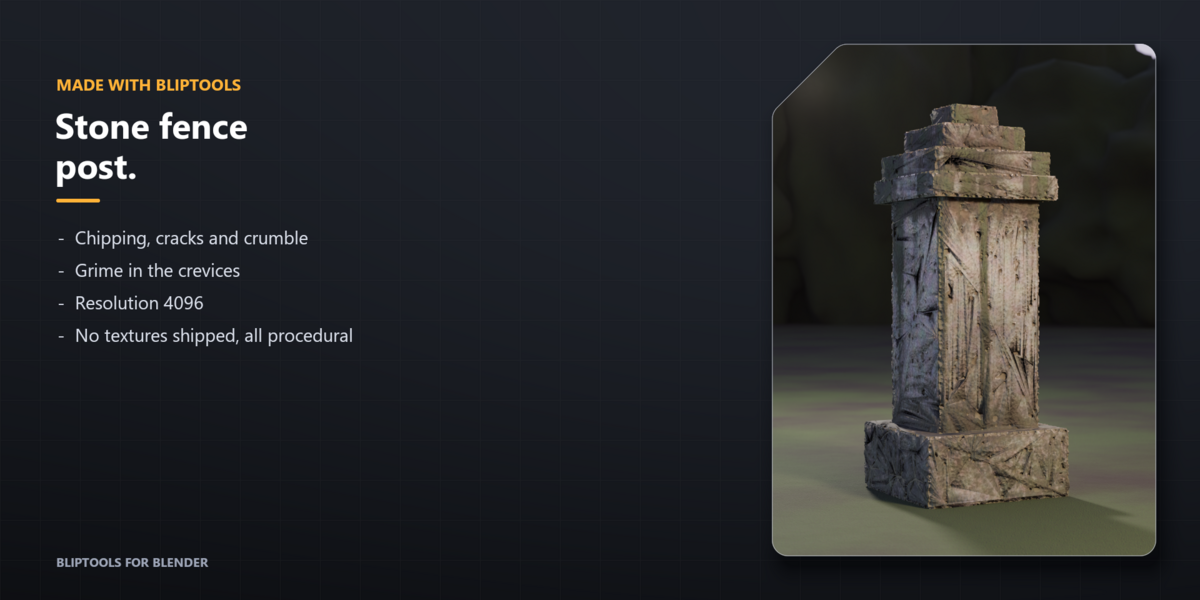
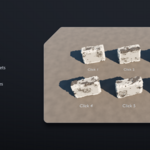
- Mesh and Resolution: Damage Resolution (64 to 4096), Remove Loose Chunks, Auto Remesh with Remesh Simplify, Auto UV and Triangle Limit.
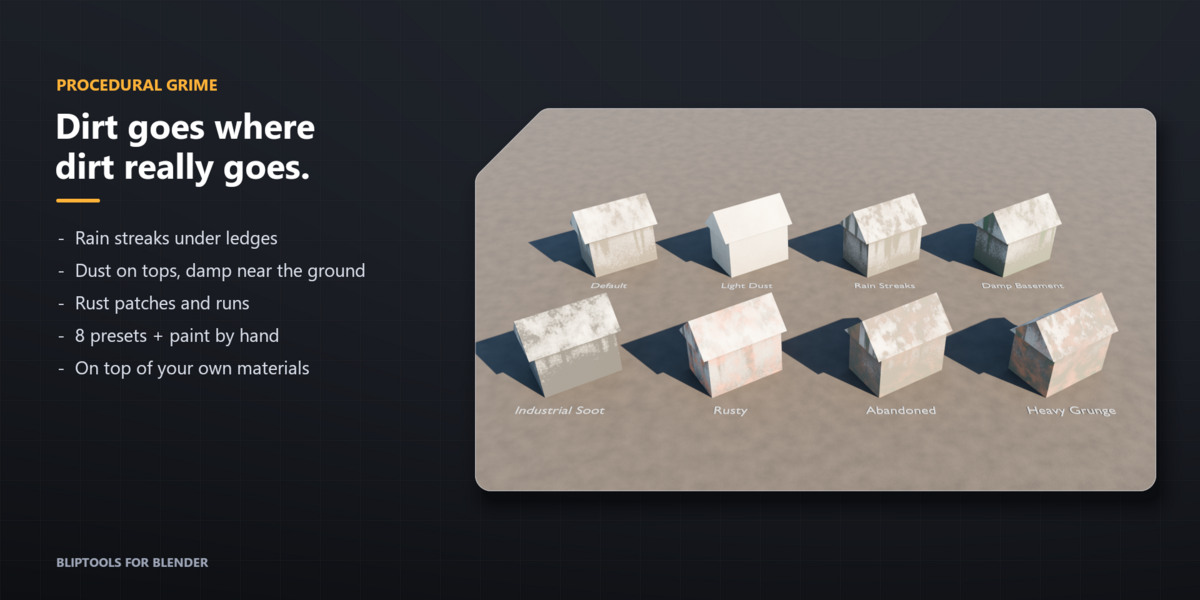
- Grime panel: Add Grime or pick one of 8 presets, then tune Amount, Streaks, Dust, Crevices, Damp, Rust, colours, scale and seed. Paint Grime has Dirty and Clean brushes.
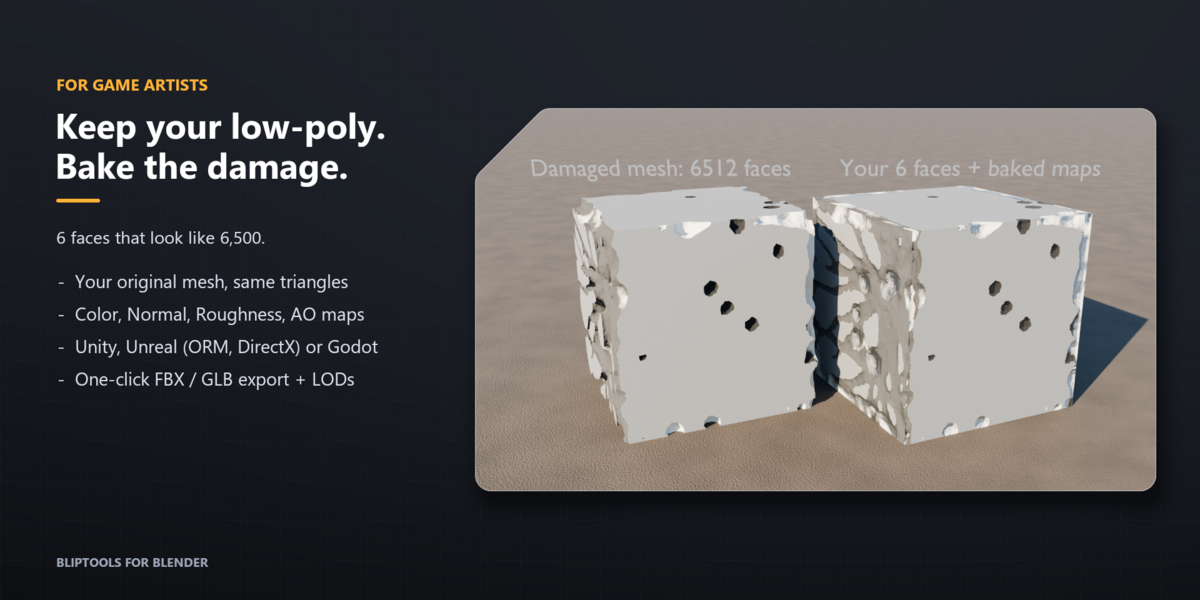
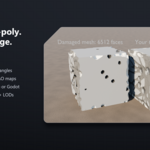
- Bake: Bake to Low-Poly keeps your original mesh and bakes Color, Normal, Roughness and AO. Choose Unity, Unreal (DirectX normal + ORM) or Godot. Export Game Asset writes PNG textures plus FBX or GLB, with optional LODs.
Tips
- Big objects start in Fast Preview; Apply and Bake always use full quality.
- Grime shows in Material Preview and Rendered view, not in Solid view.
- Heavy presets (Ruined, Shattered) on very open or thin meshes can take a minute or more. Turn on Fast Preview while you edit.
- Objects that share a mesh, or have shape keys, must be made single-user / have shape keys applied before Apply.
- Files made with an older version show an Upgrade button that keeps your settings.
Requirements
Blender 5.2 LTS. Works with Cycles and EEVEE. License: GPL-3.0-or-later.
Have questions about this product?
Login to message
| Blender Extension Compatible | Yes |
| Published | 1 day ago |
| Blender Version | 5.2 |
| Extension Type | Add-on |
| Render Engine Used | Cycles, Eevee |
| License | GPL |
Discover more products like this
wear Rust weathering Damage low poly geometry nodes destruction game assets grime baking procedural dirt