Boolean Master
 Unik Studio




Is this a boolean modifier?
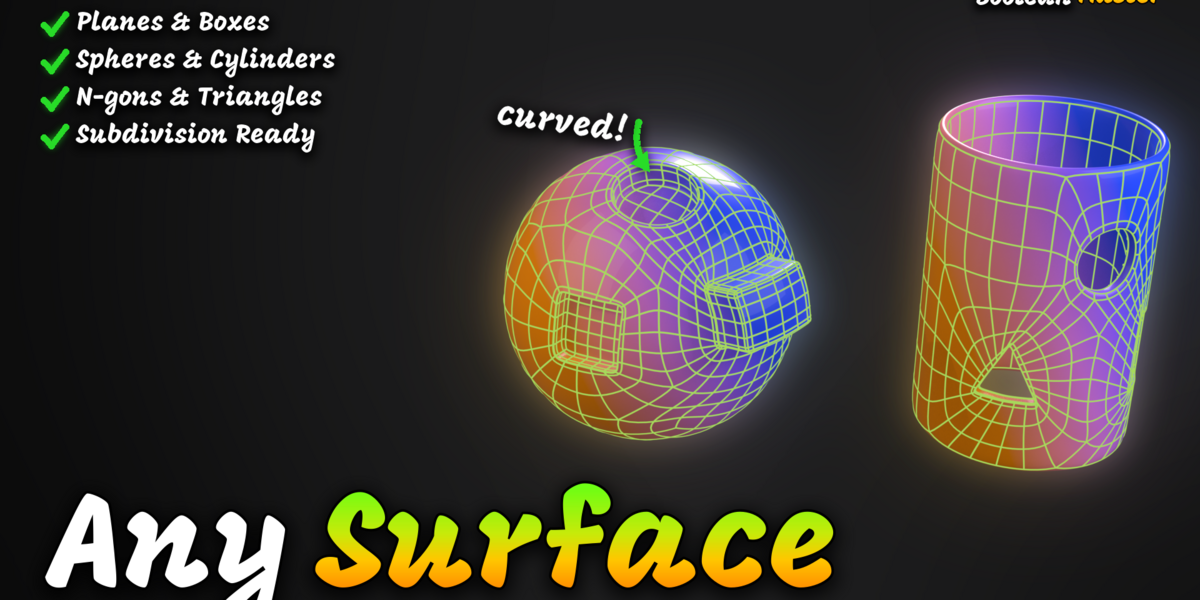
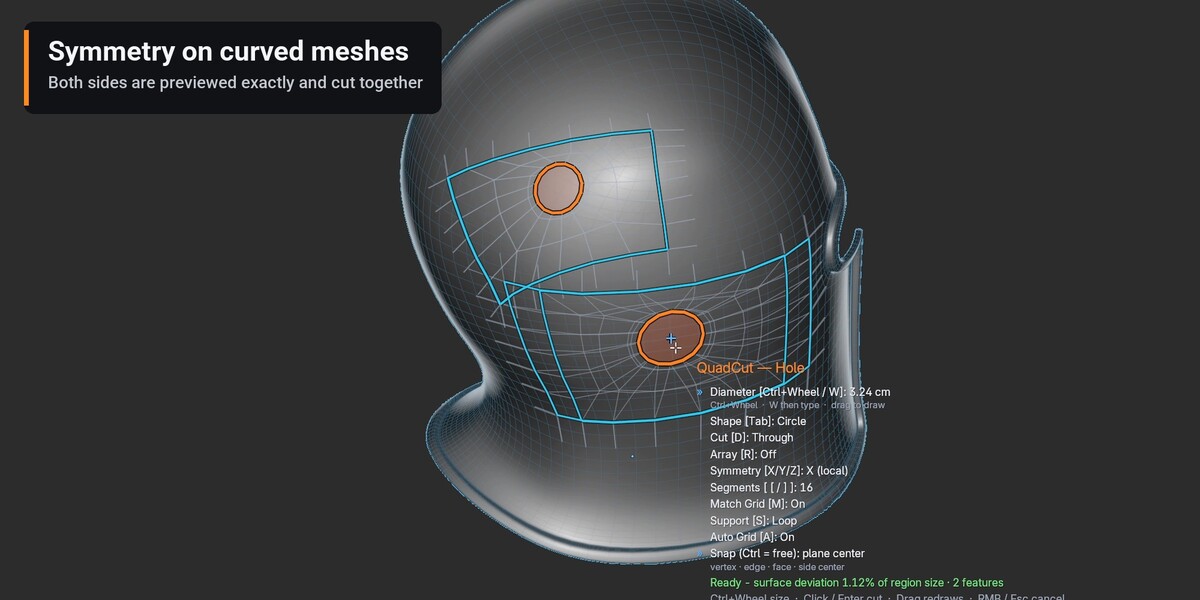
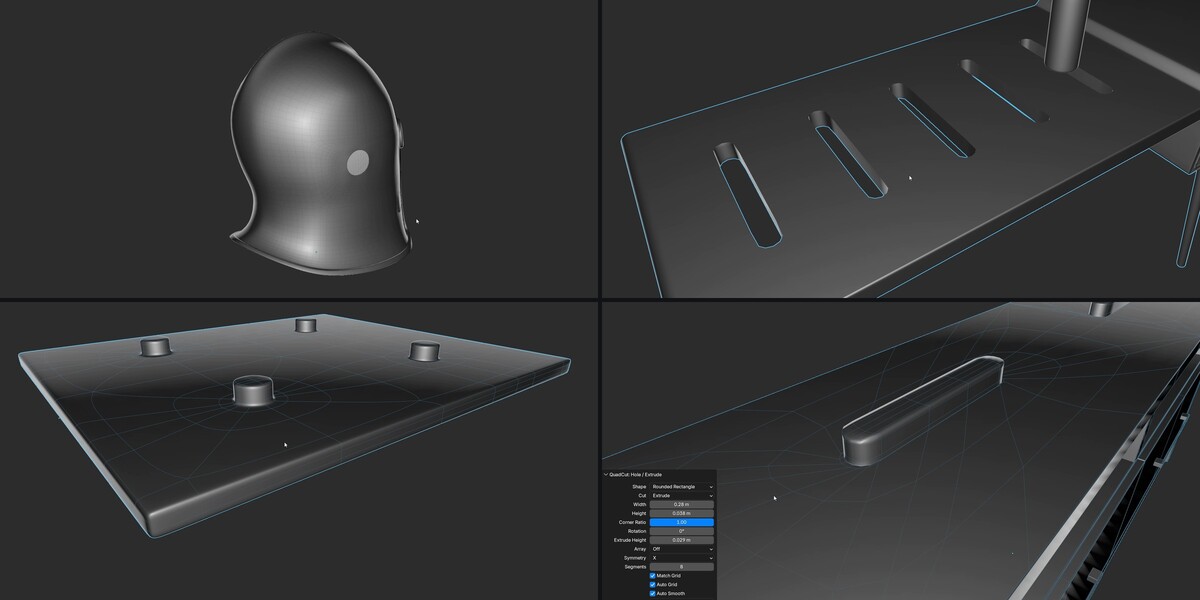
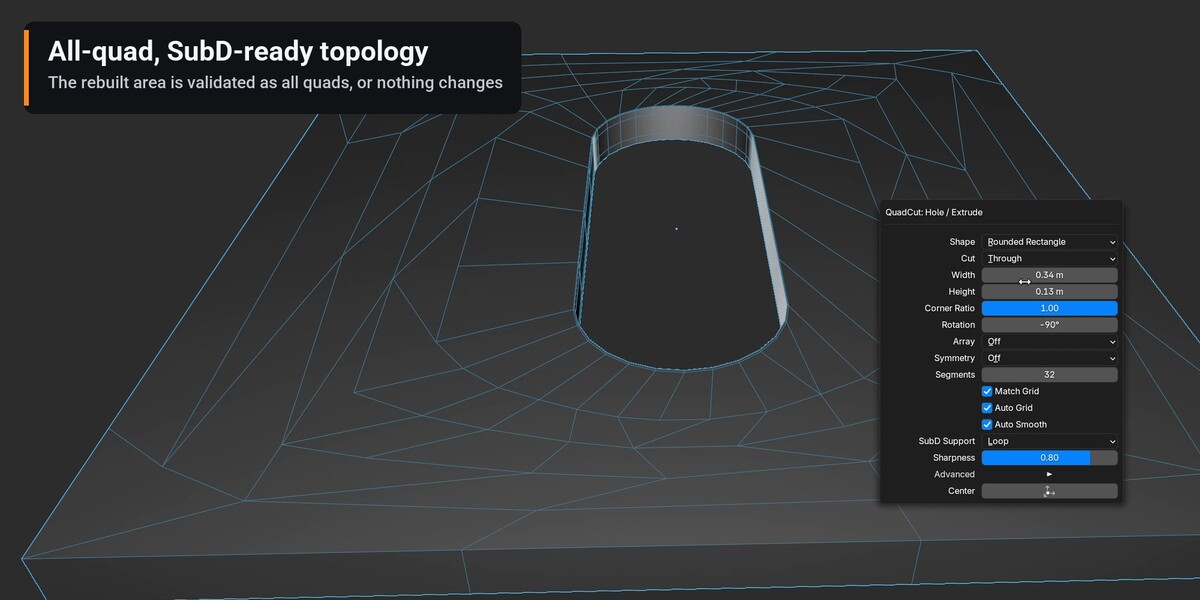
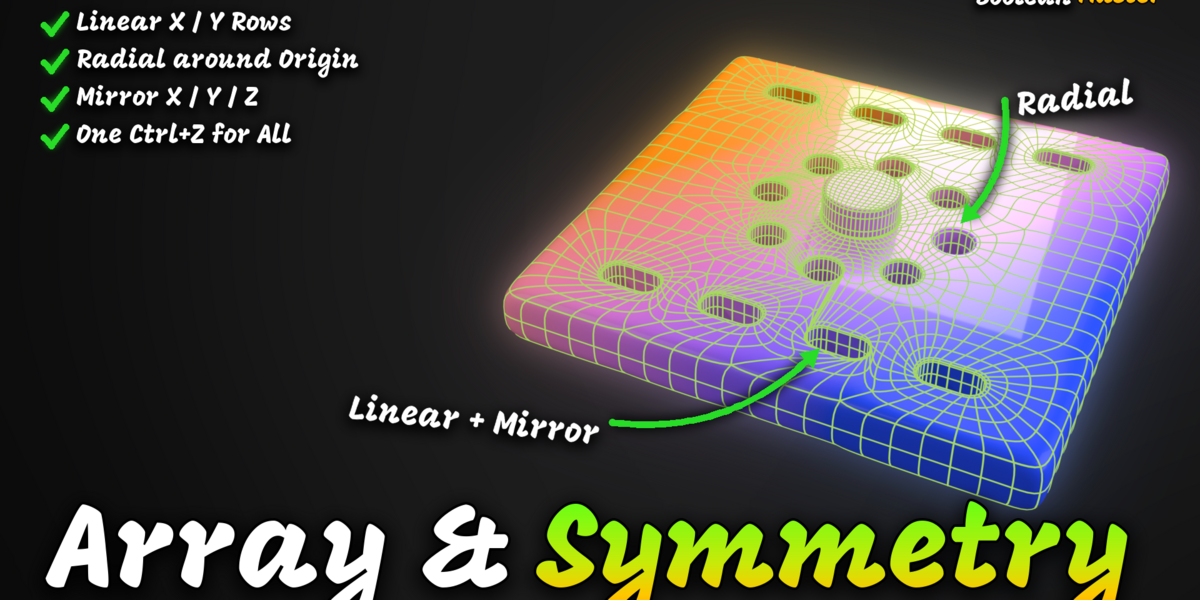
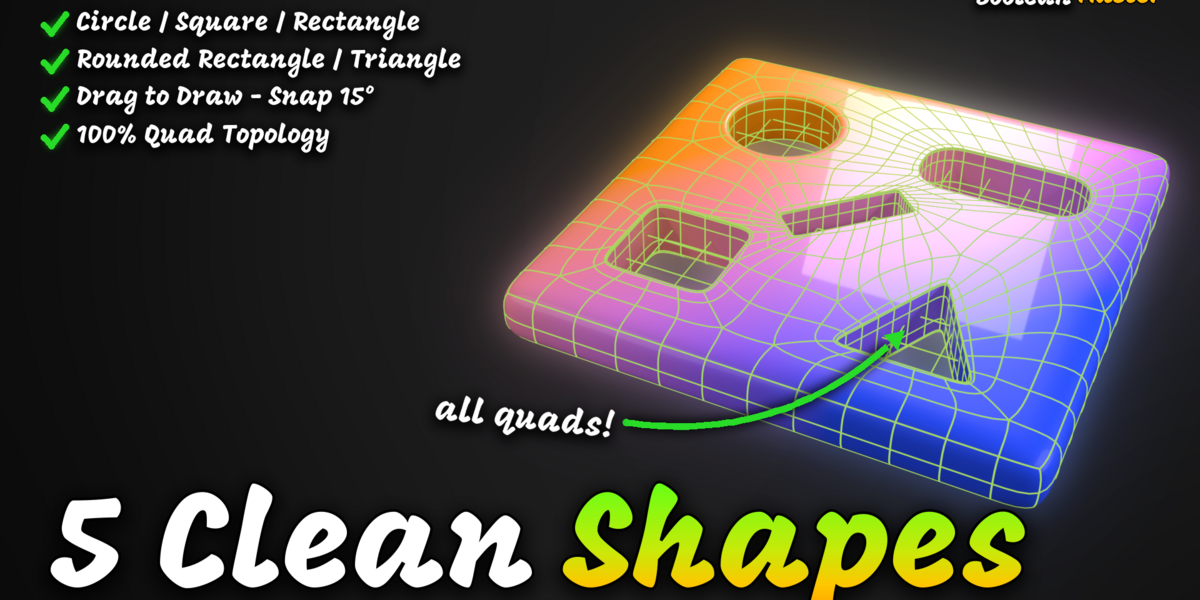
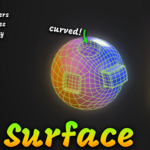
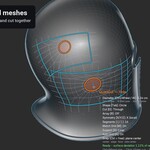
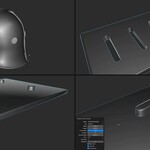
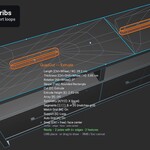
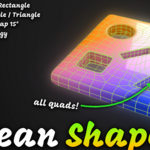
No. Boolean Master cuts its own shapes and outlines straight into the mesh and rebuilds the area around them as quads. There is nothing to apply and no n-gons to clean up. Booleans between two objects are planned for a later version.
Why was my cut refused?
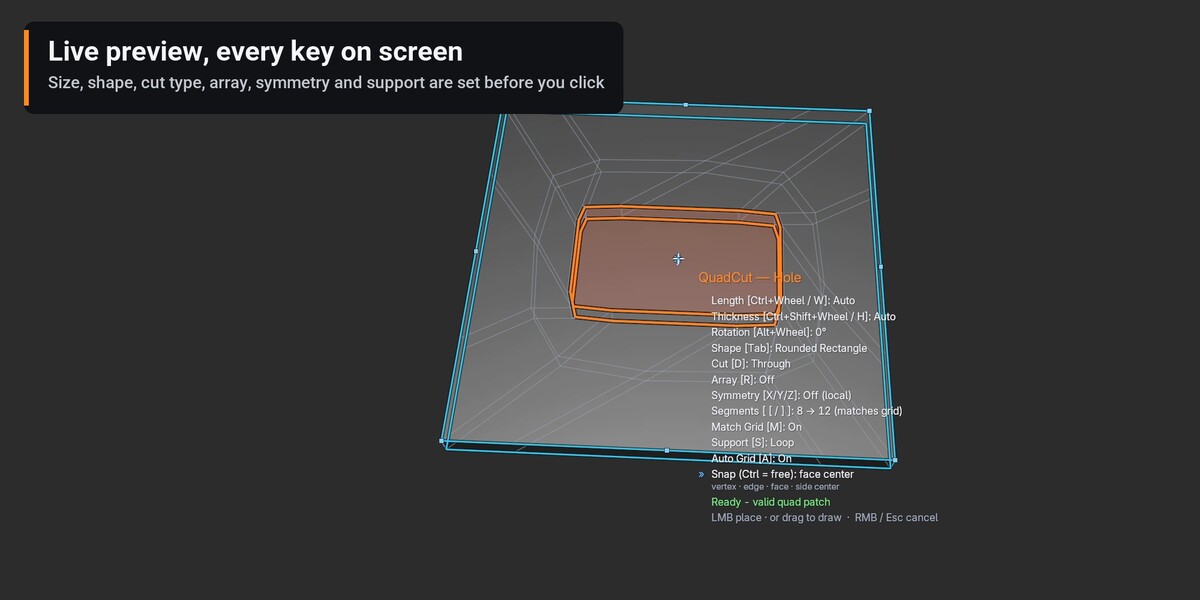
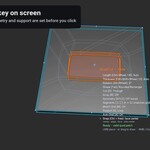
Boolean Master only cuts when the result is clean quads. The status bar says why (too close to a border, a sharp edge or another hole) and, for an explicit size, the largest size that fits. Make it smaller, move it or add a loop cut. Nothing was changed.
An array copy is red. What does it mean?
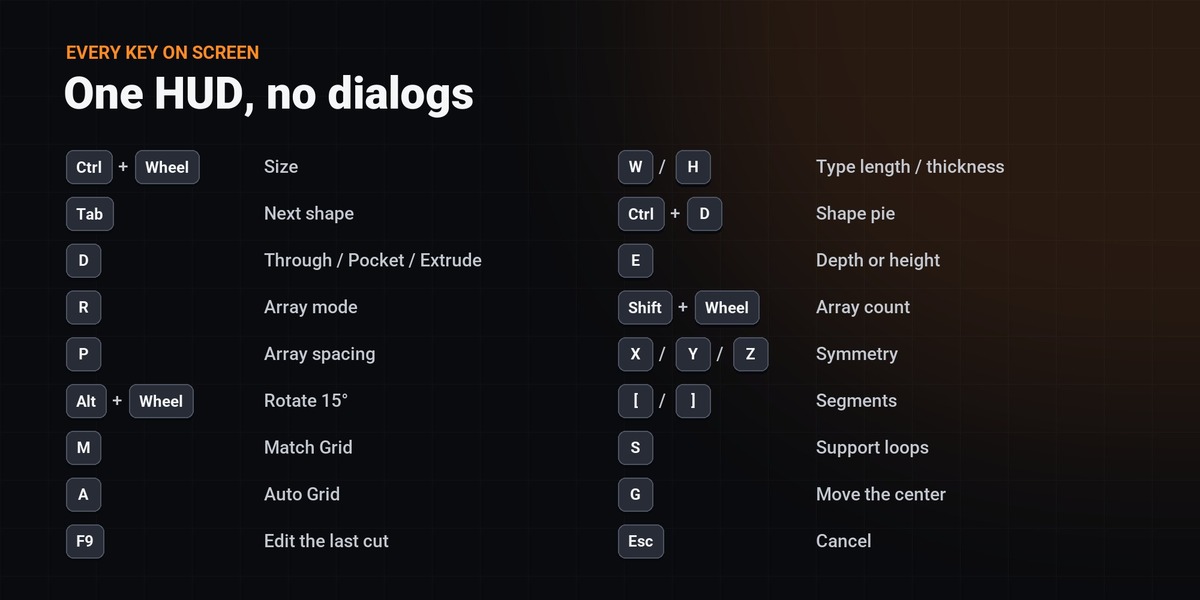
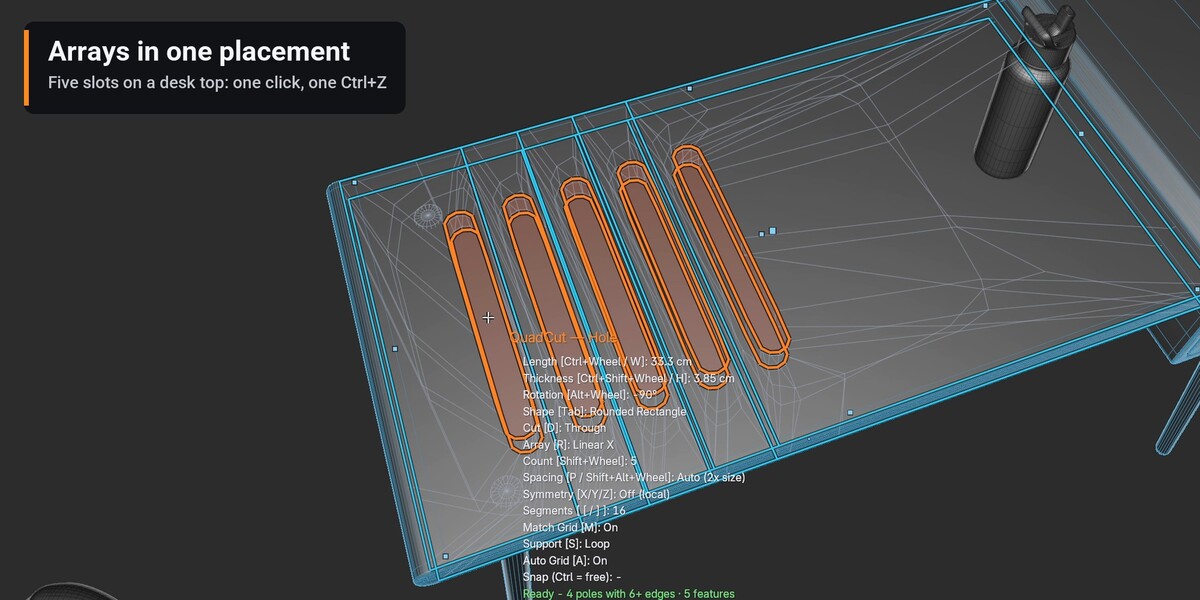
That copy would fall off the object or overlap a neighbour. Change the count, the spacing or the direction (R), or move the first hole.
Shift+Q does nothing.
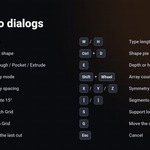
Another add-on already uses Shift+Q, so Boolean Master did not take it. Use the sidebar buttons, set your own key in Preferences > Add-ons > Boolean Master, or add Place on Surface to Quick Favorites.
Does it work with modifiers?
Yes. It edits the object's own mesh; Subdivision, Bevel and other modifiers stay on the stack. A half mesh made for a Mirror modifier is understood: the mirror seam counts as closed.
What is the difference between Lite and Full?
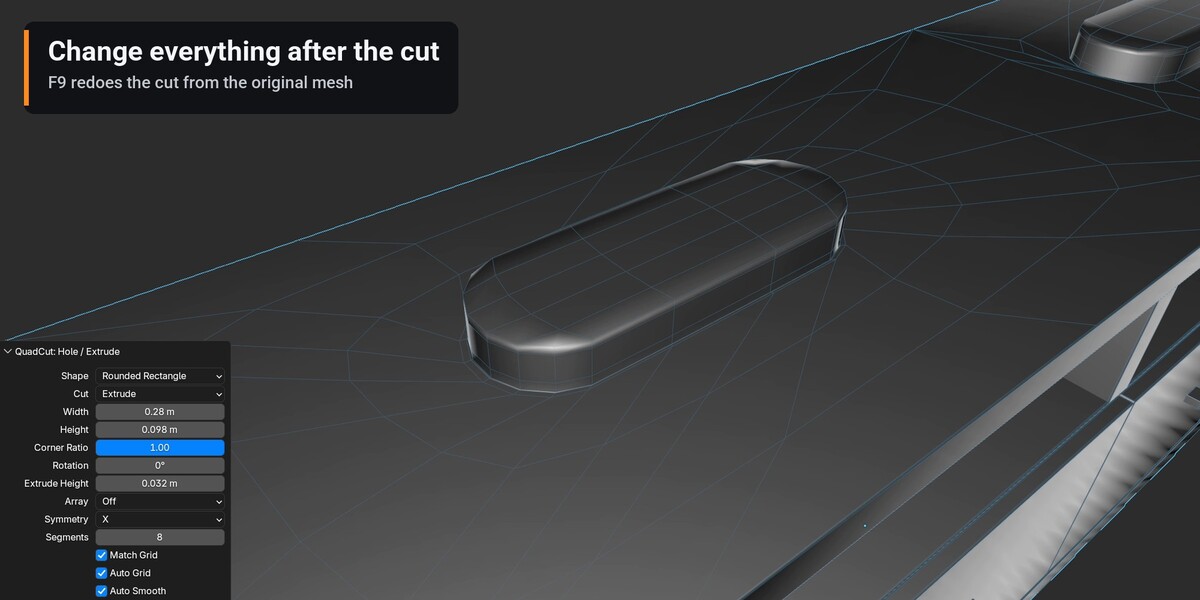
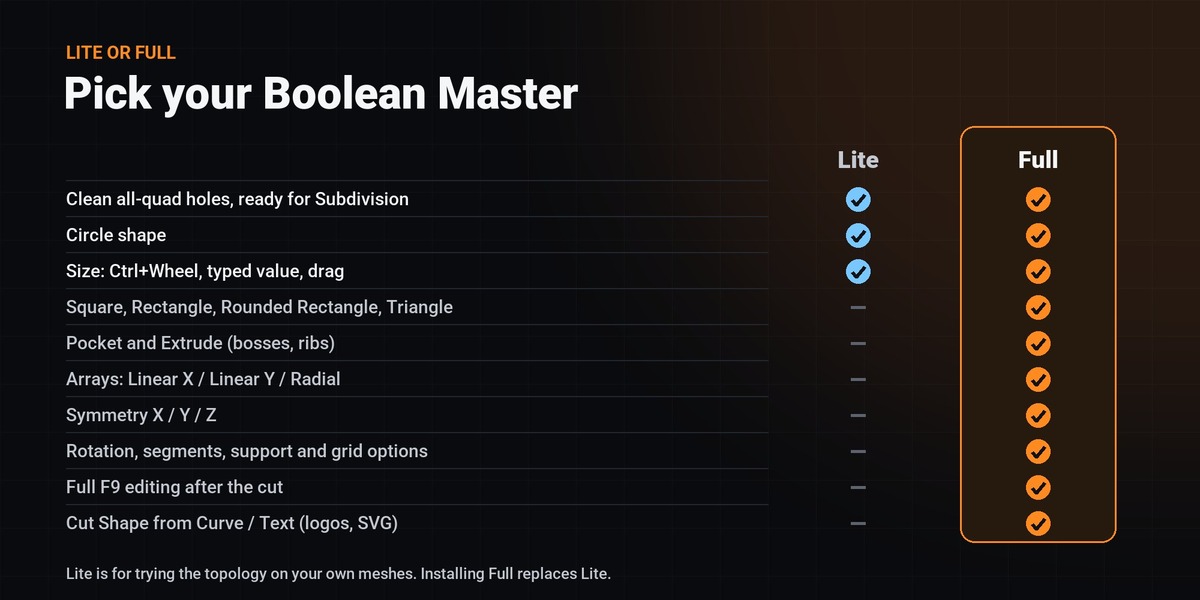
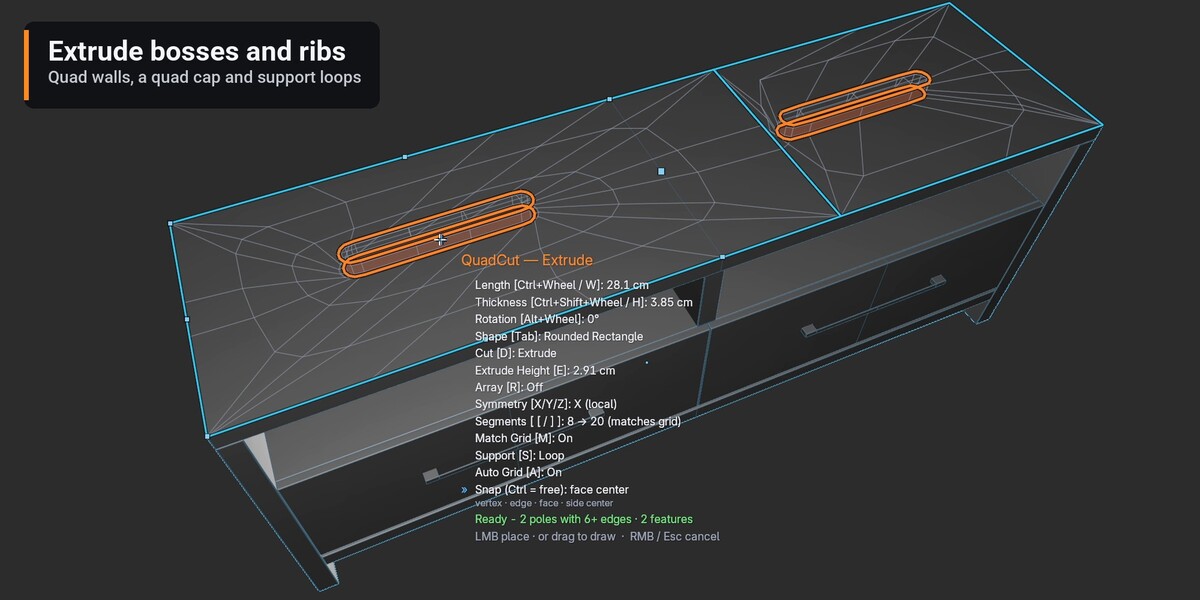
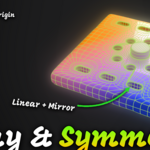
Lite cuts Circle holes Through and lets you change their size - enough to test the topology on your own meshes. Full adds every shape, Pocket and Extrude, Array, Symmetry, all settings, full F9 editing and Cut Shape from Curve/Text.
How do I upgrade from Lite?
Install the full ZIP the same way. Both editions share the extension id, so Full replaces Lite.
Are UVs kept?
UVs outside the rebuilt area are untouched; inside it they are not preserved yet.
-
$2
✔ Circle holes, Through cut ✔ Change the size only
-
$25
✔ FULL FEATURES ✔ Every shape, Pocket / Extrude, Array, Symmetry, F9, Cut Shape from Curve/Text
 Included
Includes 12 months of
- Support from Unik Studio
- Product updates
Extend this product’s Support Period +12 months: 25% of product price
Have questions before purchasing?
Login to message
Discover more products like this
All Quad hard surface boolean retopology slots subdivision quad topology cutter subd modeling holes