Boxwright
 Coconut Grenade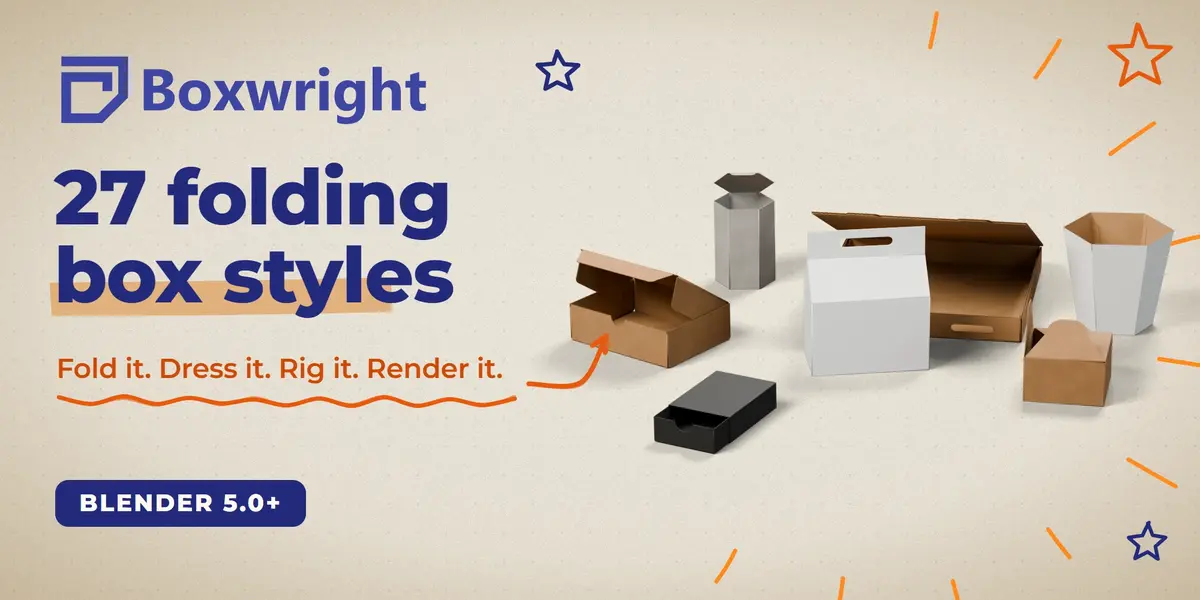
Install
- Download the
boxwright-x.y.z.zipfrom your purchases. Do not unzip it. - In Blender: Edit > Preferences > Add-ons > Install from Disk... and pick the ZIP (or drag the ZIP into the Blender window).
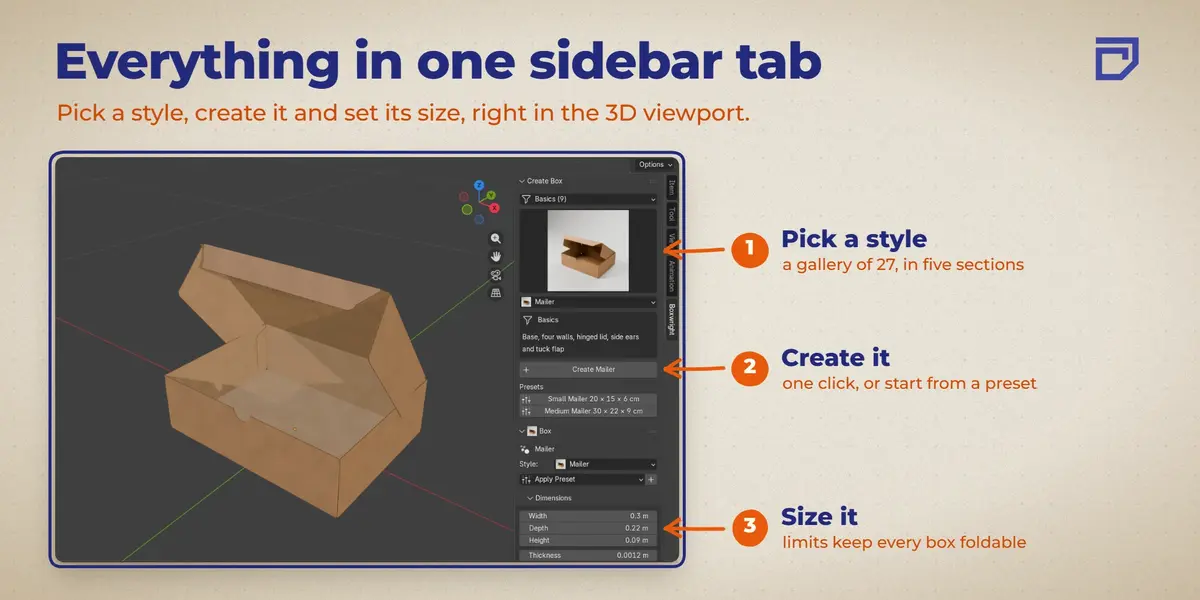
- Open the 3D viewport sidebar (N key) and click the Boxwright tab.
Requires Blender 5.0 or newer. Tested on 5.0, 5.1 and 5.2 LTS. No external dependencies, no internet access needed.
Quick start
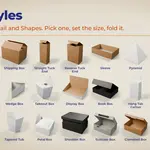
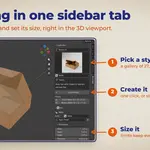
- Create Box: choose a section (Basics, Gift, Food, Retail, Shapes), pick a style in the picture gallery and press Create Box. Style presets give you a starting size.
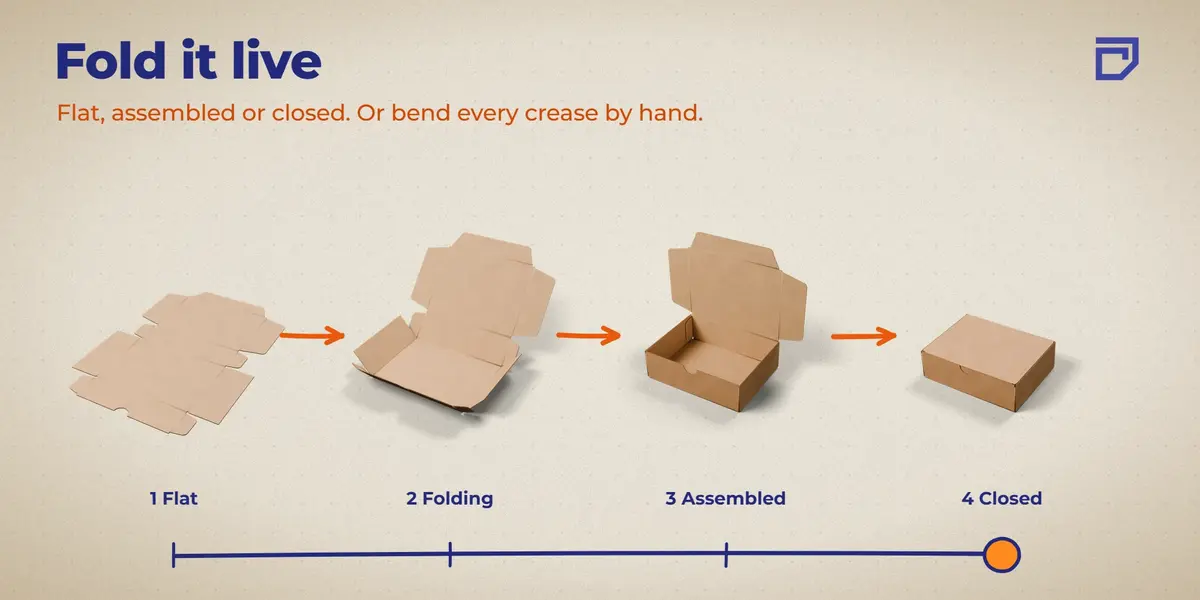
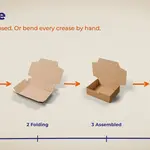
- Box: set width, depth and height (each style has its own limits), board thickness, crease width and resolution, and flap shape. Folds and Poses folds the box live: Flat, Assembled, Closed, or each crease by hand. Two-piece boxes such as the drawer box and the telescope box also have a slide.
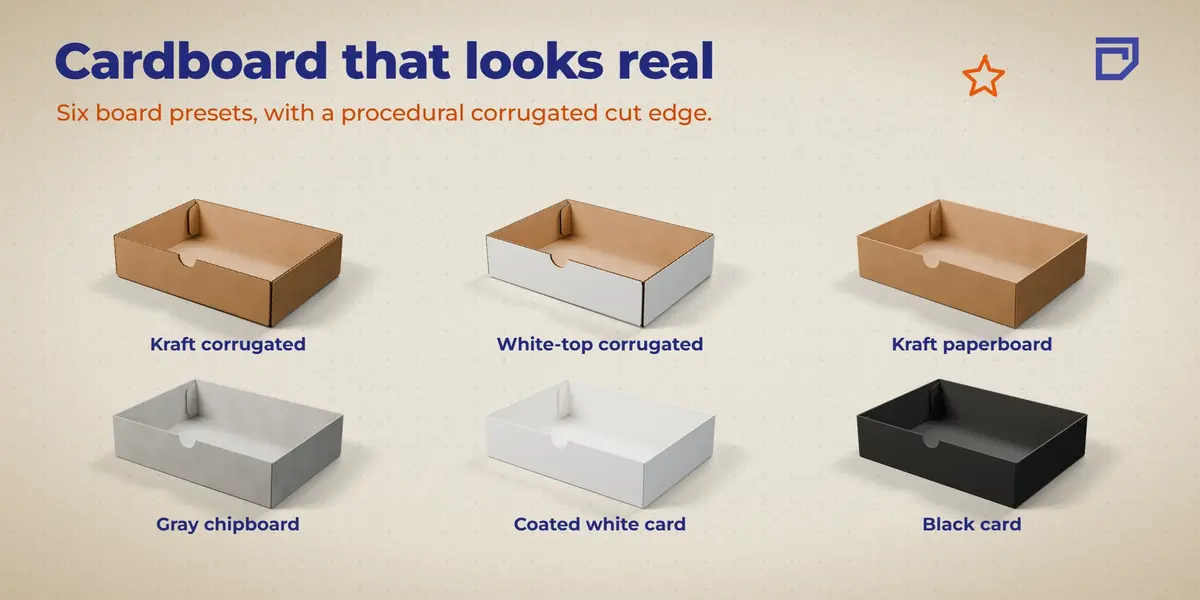
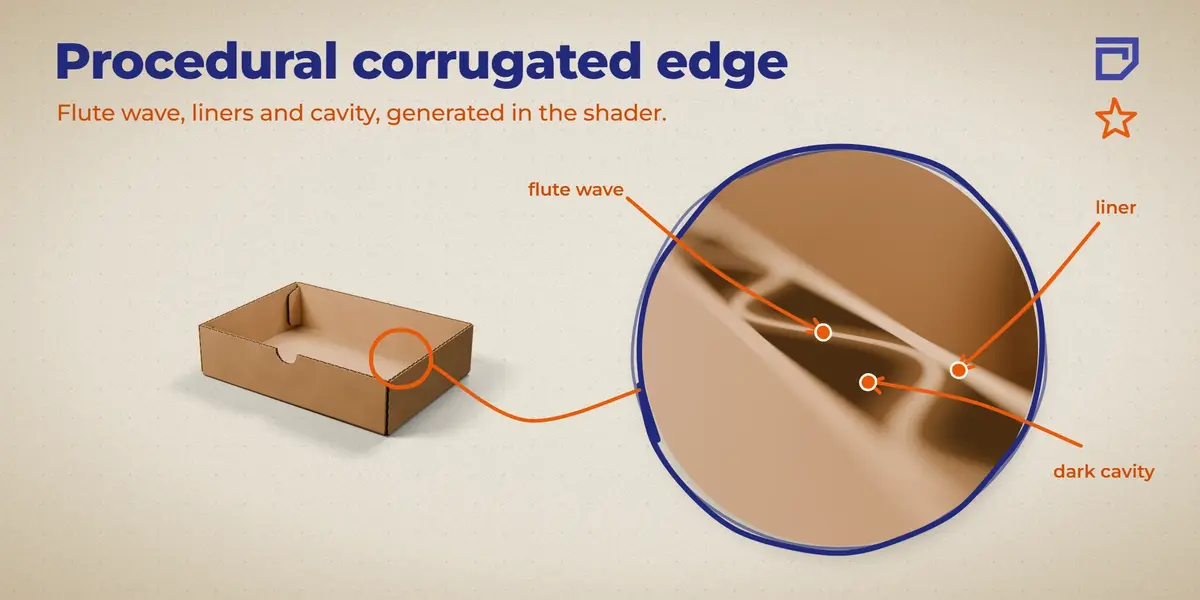
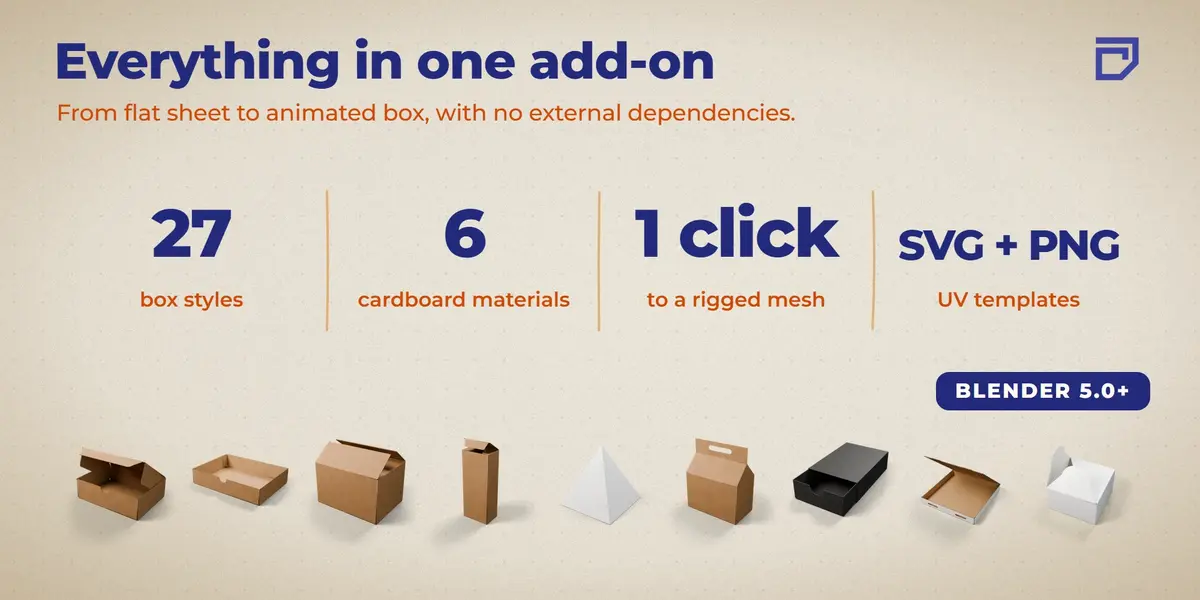
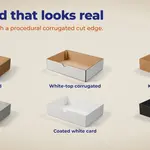
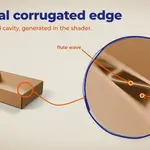
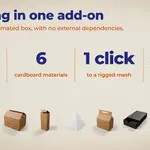
- Materials: six cardboard presets (corrugated kraft, white-top corrugated, kraft paperboard, gray chipboard, white card, black card). The cut edge of corrugated board shows the flute wave.
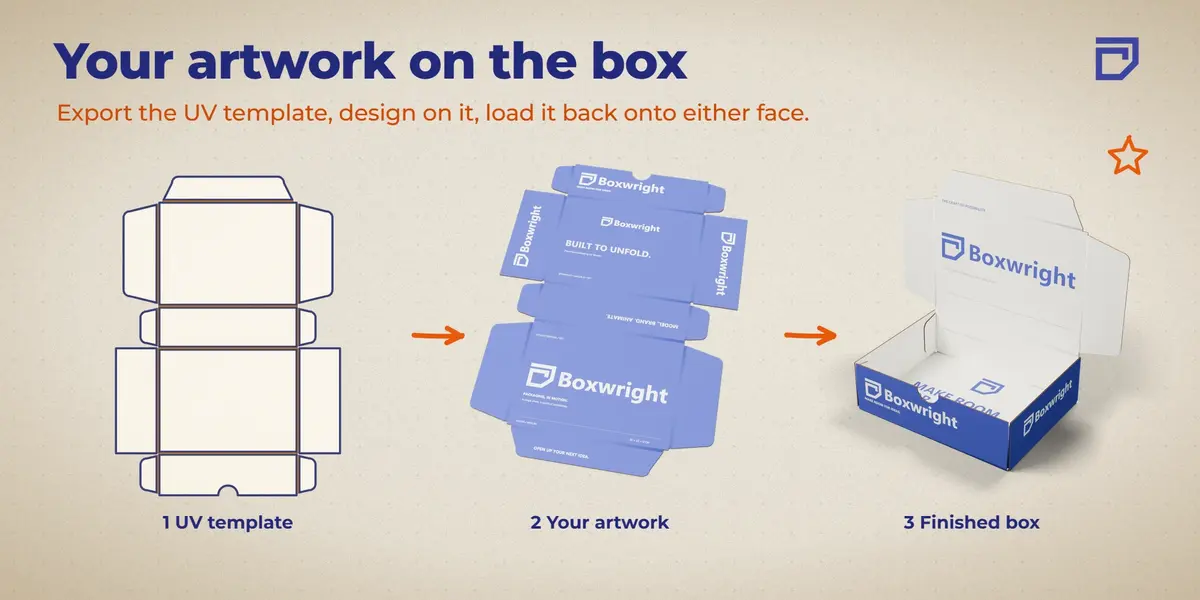
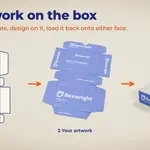
- Artwork: export the UV template as SVG and PNG (outside and inside faces), load your artwork onto either face, or turn on the UV check grid.
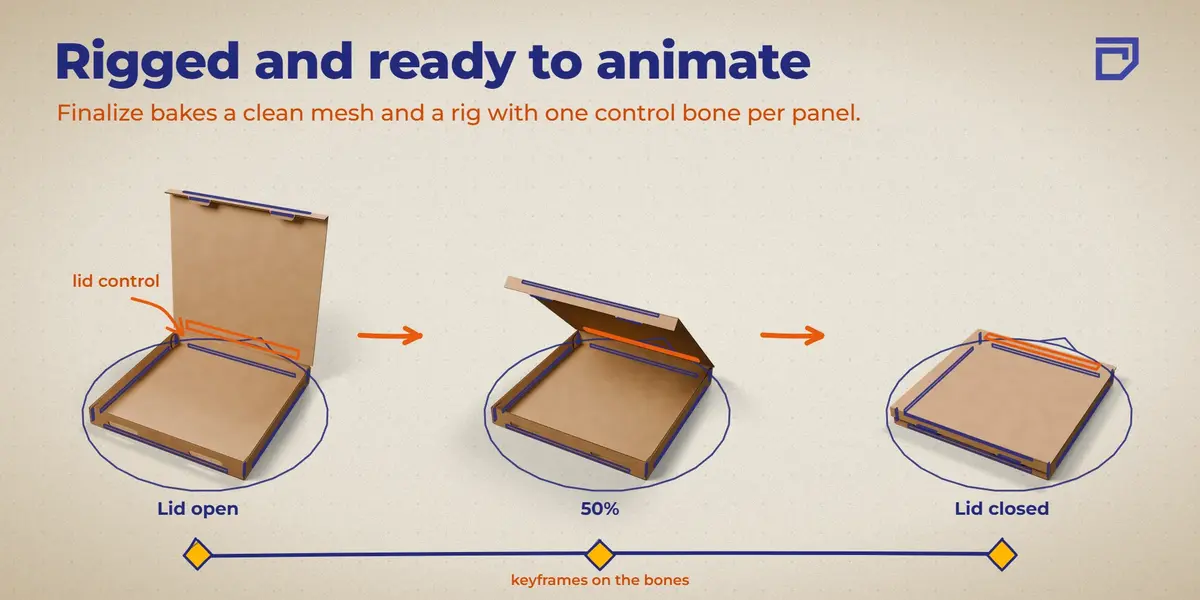
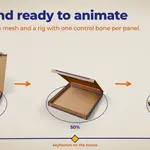
- Finalize and Build Rig: bakes the parametric preview into a normal mesh plus an armature. Every panel gets a control bone to animate in Pose Mode. You can edit the final mesh by hand and the weights follow.
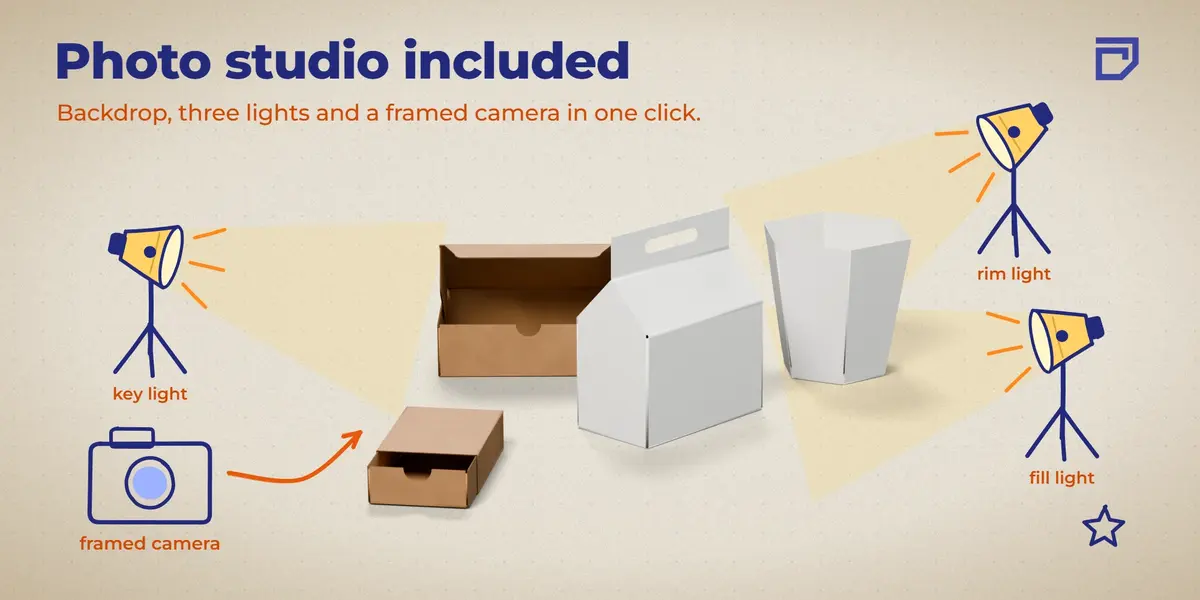
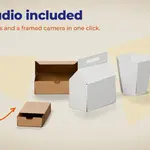
- Photo Studio: adds a backdrop, three area lights and a framed camera around the box, ready to render.
How it works
The box is one continuous sheet: rigid panels connected by bendable crease bands, so there are no gaps at the corners. The parametric source stays in the file (hidden) so you can go back and build a new version at any time.
A finalized box is a plain mesh with an armature and driver-free controls. The .blend opens and animates on any machine, with or without Boxwright installed, and with Python auto-run disabled.
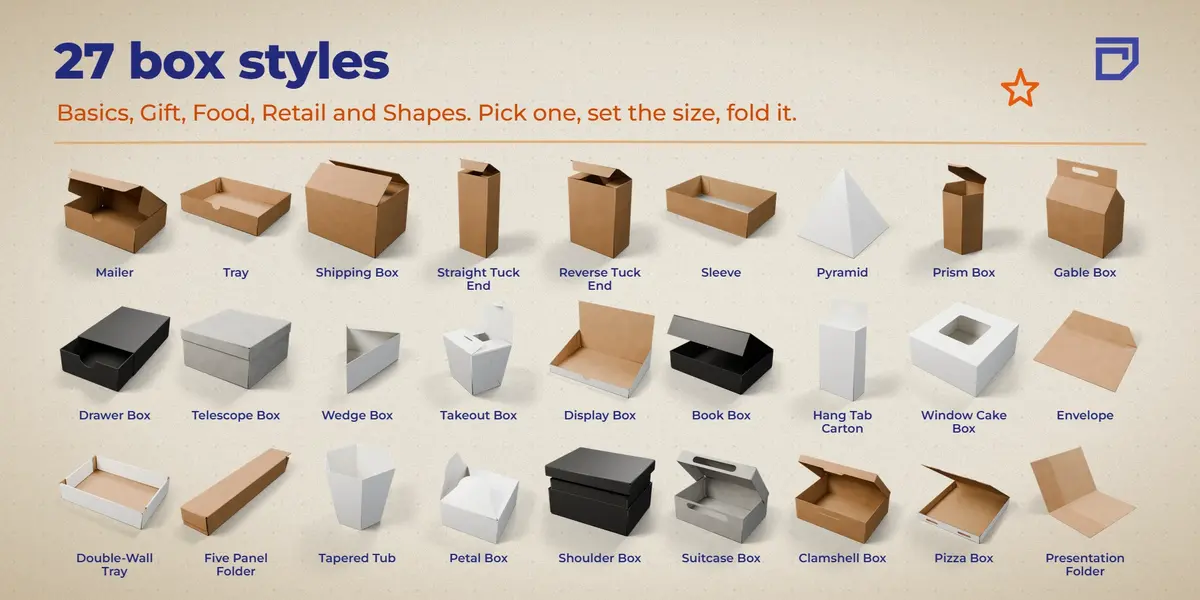
Box styles (27)
- Basics: Mailer, Tray, Shipping Box, Straight Tuck End, Reverse Tuck End, Sleeve, Envelope, Double-Wall Tray, Five Panel Folder
- Gift: Gable Box, Drawer Box, Telescope Box, Book Box, Petal Box, Shoulder Box, Suitcase Box
- Food: Wedge Box, Takeout Box, Window Cake Box, Clamshell Box, Pizza Box
- Retail: Display Box, Hang Tab Carton, Presentation Folder
- Shapes: Pyramid, Prism Box (3 to 12 sides), Tapered Tub
Scope and limits
- Boxwright is made for mockups, renders and animation. The UV template is an artwork guide (panel outlines, crease lines, labels). It is not a production dieline: there is no millimetre scale, no bleed and no cut/crease layers for a die maker.
- Width, depth and height measure the middle of the board, so a closed box is about one board thickness larger than the value you type.
- The UV layout is square, so artwork that is not square is stretched to fit.
- Each box style you use adds about 2 MB to your .blend file.
- The corrugated wave is drawn on every cut edge. Real board shows a straight line on cuts that run parallel to the flutes.
Scripting
Operators live under bpy.ops.boxwright.* (create, finalize, export_uv, pose, studio and more).
Updates
Boxwright keeps growing: new box styles and improvements arrive as updates, and boxes you made with earlier versions keep working. Each release is described here, so you can see what changed.
Have questions about this product?
Login to message
| Blender Extension Compatible | Yes |
| Dev Fund Contributor | |
| Published | about 12 hours ago |
| Blender Version | 5.0 - 5.2 |
| Extension Type | Add-on |
| Render Engine Used | Cycles, Eevee |
| License | GPL |

Discover more products like this
carton geometry nodes folding procedural packaging UV template corrugated cardboard mockup rig box